Meet with equal participation
Use a visual agenda, shared notes, and live reactions so remote and in-office people can contribute without competing for airtime.


Online Collaborative Whiteboard

Boardmix Developer Platform

AI tools for diagrams, writing, and ideas

UI/UX Tool, Figma Alternative

AI PPT Maker, Gamma Alternative
Run workshops, plan projects, and work with colleagues on a shared whiteboard.
Explore collaborative workBOARDMIX · HYBRID WORK
Keep a shared decision moving when teammates work in different places and at different times. Collect input, compare options, and leave a clear handoff on one visual board.
One board for the conversation, the context, and the next action.
DESIGNED FOR HYBRID TEAMS
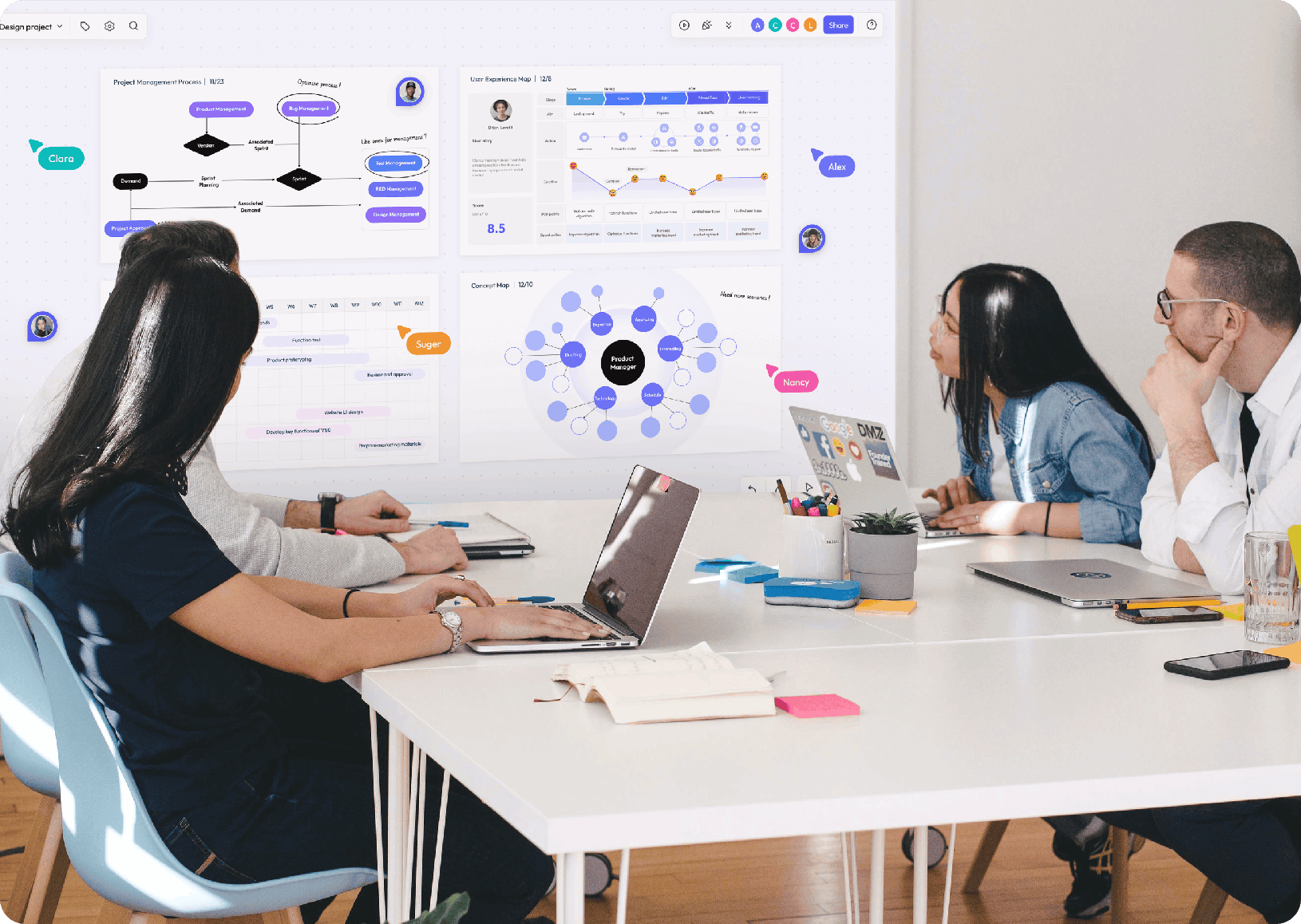
Give every teammate the same place to see the question, add a point of view, and understand what happens next.
Use a visual agenda, shared notes, and live reactions so remote and in-office people can contribute without competing for airtime.
Leave prompts, updates, and decisions on the board for colleagues who join later. Async input becomes part of the same discussion.
Group ideas, assign owners, and keep links, diagrams, and next steps beside the decision that created them.
HYBRID WORK SCENARIOS
Start from a practical structure, then shape the board around how your team actually works.
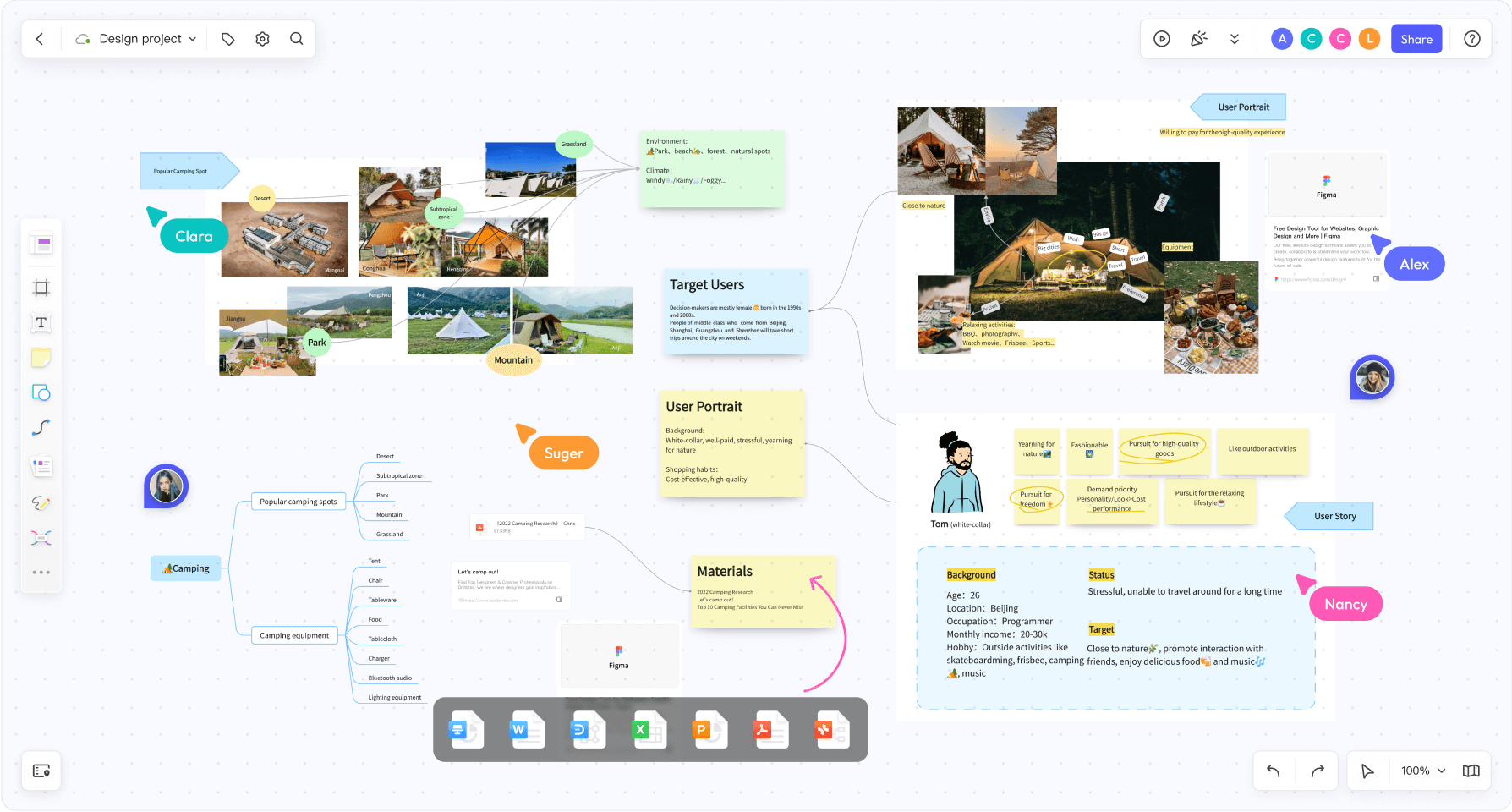
Keep observations and visual references together so teammates can review the same material before discussing a decision.
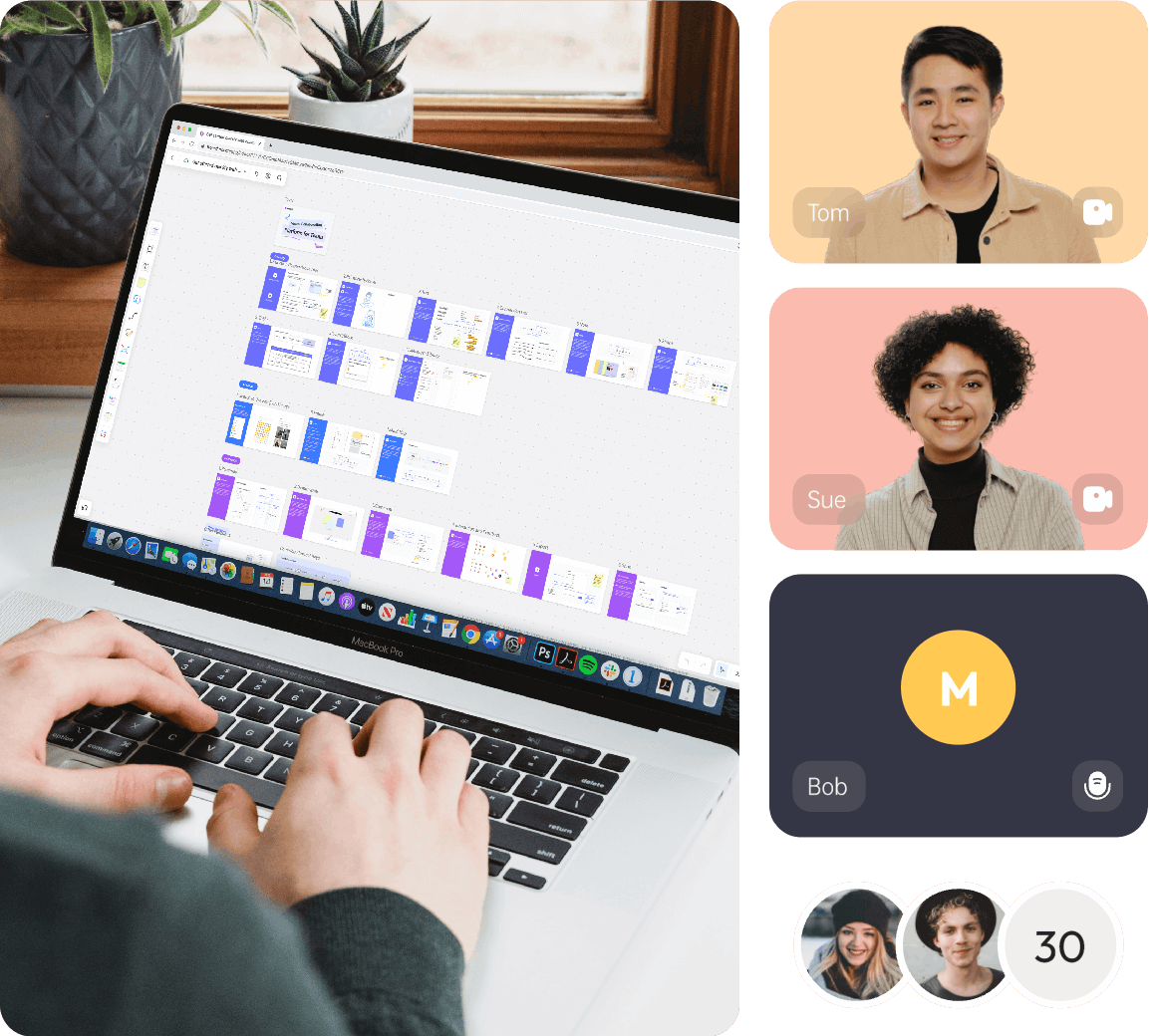
Let people contribute when they are ready while the shared context stays intact.

Keep research, plans, diagrams, and delivery conversations connected.
A HANDOFF PEOPLE CAN REOPEN
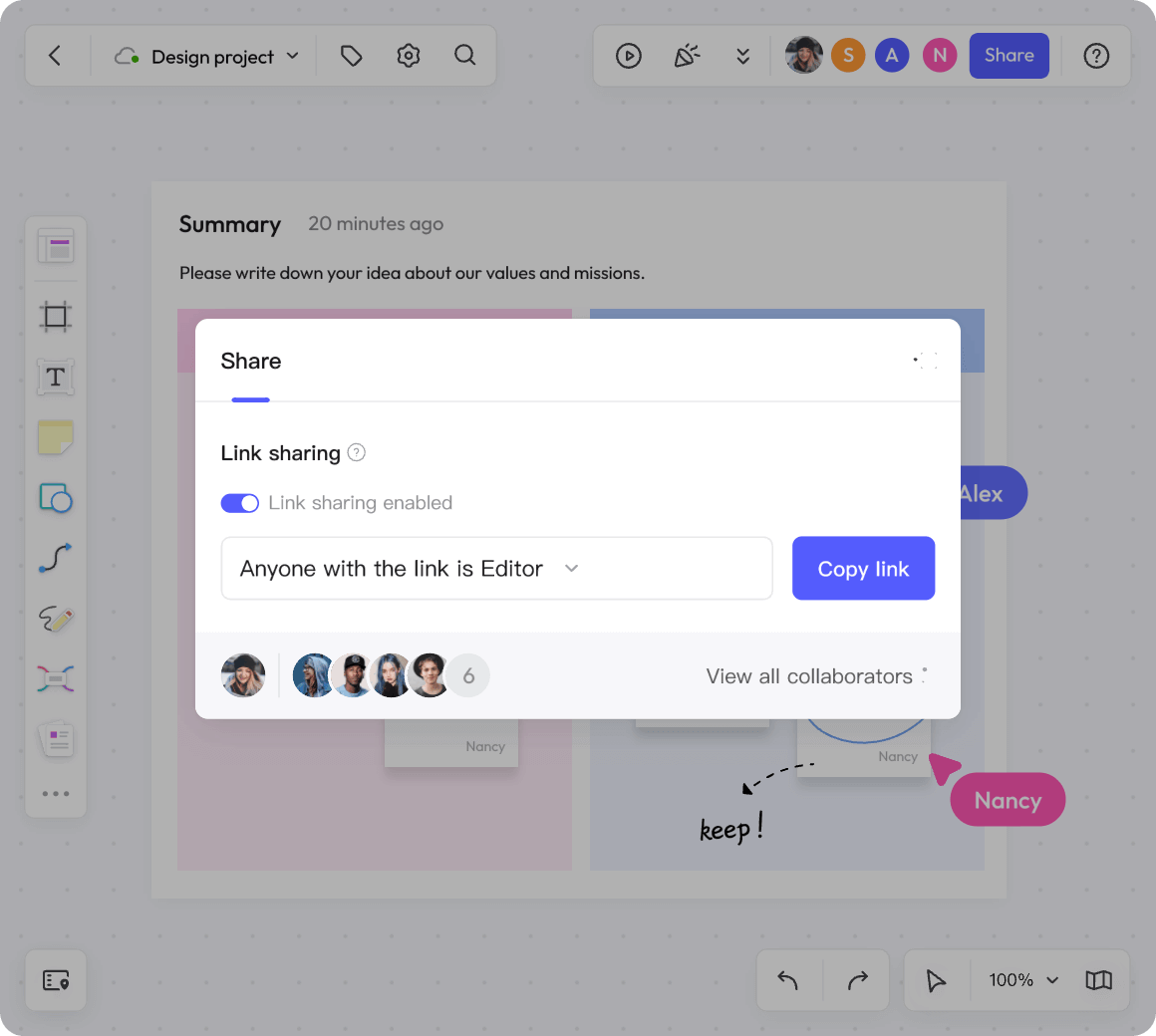
A board link is useful when the next person can tell what is settled and what still needs an answer. Put the decision, its reason, and the next action in a short handoff area, then choose who can access the board.
For a design decision, use an asynchronous design review. For live discussion, plan a shared workshop.
WORKED HYBRID WORKFLOW
In this fictional support-planning example, an office team in UTC+0 and a remote team in UTC+8 must choose one improvement to the customer handoff. The board carries the evidence, decision, and next action between their workdays.
By Tuesday 16:00 UTC+8, the remote team adds case C01: a customer repeated the issue after a transfer. They propose either a shared handoff note or an extra handover call, and leave an open question about urgent cases.
The UTC+0 team reviews the board at 09:00 that day and chooses the shared note: another call would add an overlap requirement. The note will contain the issue, steps already tried, and the next owner. Urgent cases still use the existing escalation route.
Leah owns the note format and links a filled example for Wednesday’s UTC+8 shift. Teammates add questions beside it before their next handoff. At Friday’s review, compare whether the receiving teammate can identify the next action without asking the customer to repeat the issue.
HYBRID WORK FAQ
Boardmix gives remote and in-office teammates a shared canvas for evidence, options, decisions, and follow-up. People can contribute together or return later; the board keeps the context available between workdays.
A shared whiteboard makes the agenda, contributions, notes, and decisions visible to everyone instead of leaving remote participants with a separate video call experience.
Yes. Teams can leave prompts, notes, links, and decisions on a board so colleagues in another time zone can contribute without attending the same meeting.
Start the board with the decision question, accepted option, reason, owner, and next review point. Link the supporting material nearby and leave unresolved questions visible, so a teammate can review the handoff and add a response later.
Build a shared visual workspace for your next hybrid meeting, workshop, or planning session.
Create a hybrid workspace