


AI Assistant
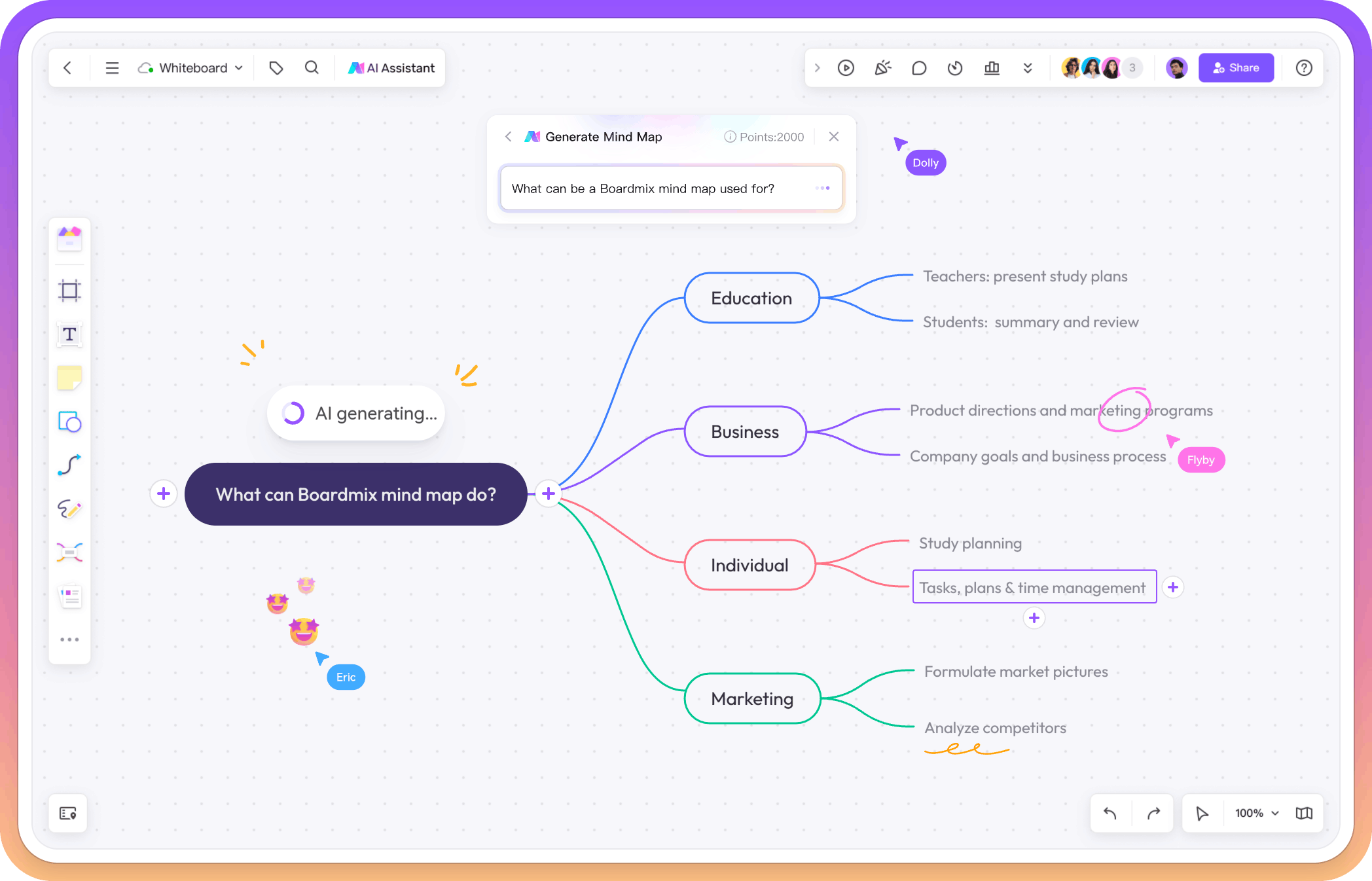
Ask the AI Assistant to explore ideas, outline options, or suggest next steps while you work.




Online Collaborative Whiteboard

Boardmix Developer Platform

100+ AI Agents Integrated

UI/UX Tool, Figma Alternative

AI PPT Maker, Gamma Alternative
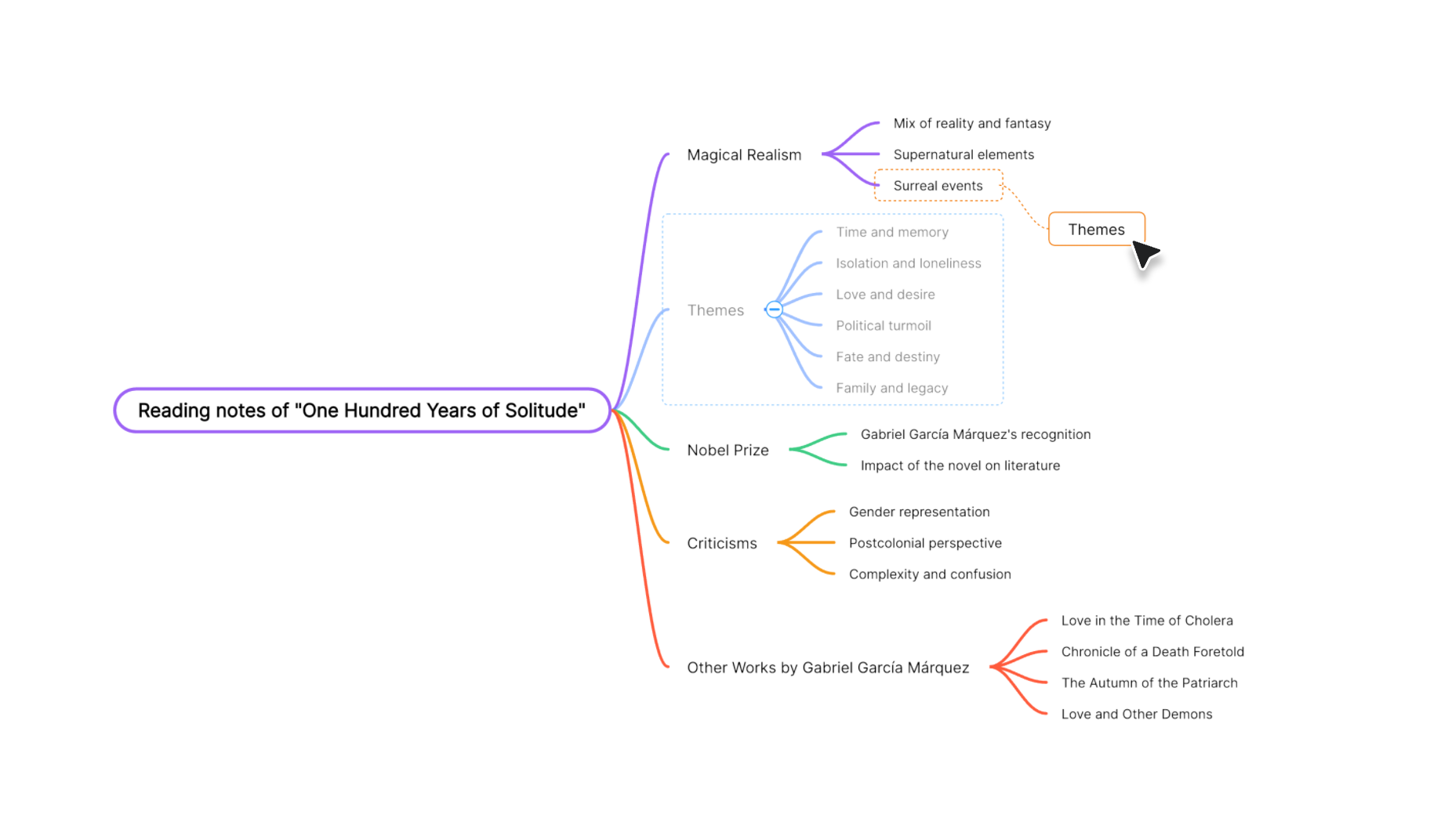
Draft a map from a prompt, choose a structure, or start from a mind map template. Then make the result your own with themes, formatting, and imports.
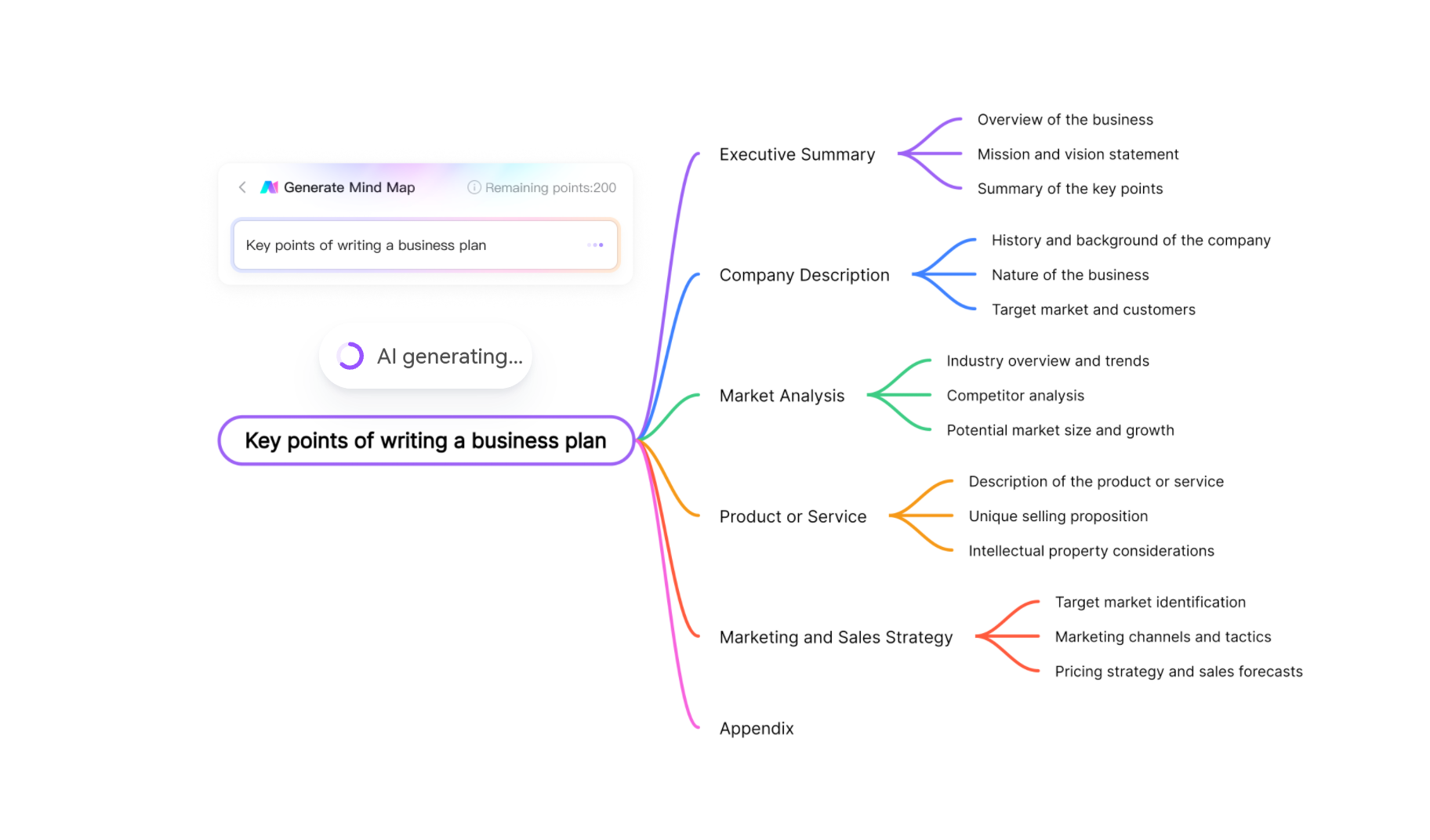
Describe a topic and get a structured starting point that you can edit on the canvas.
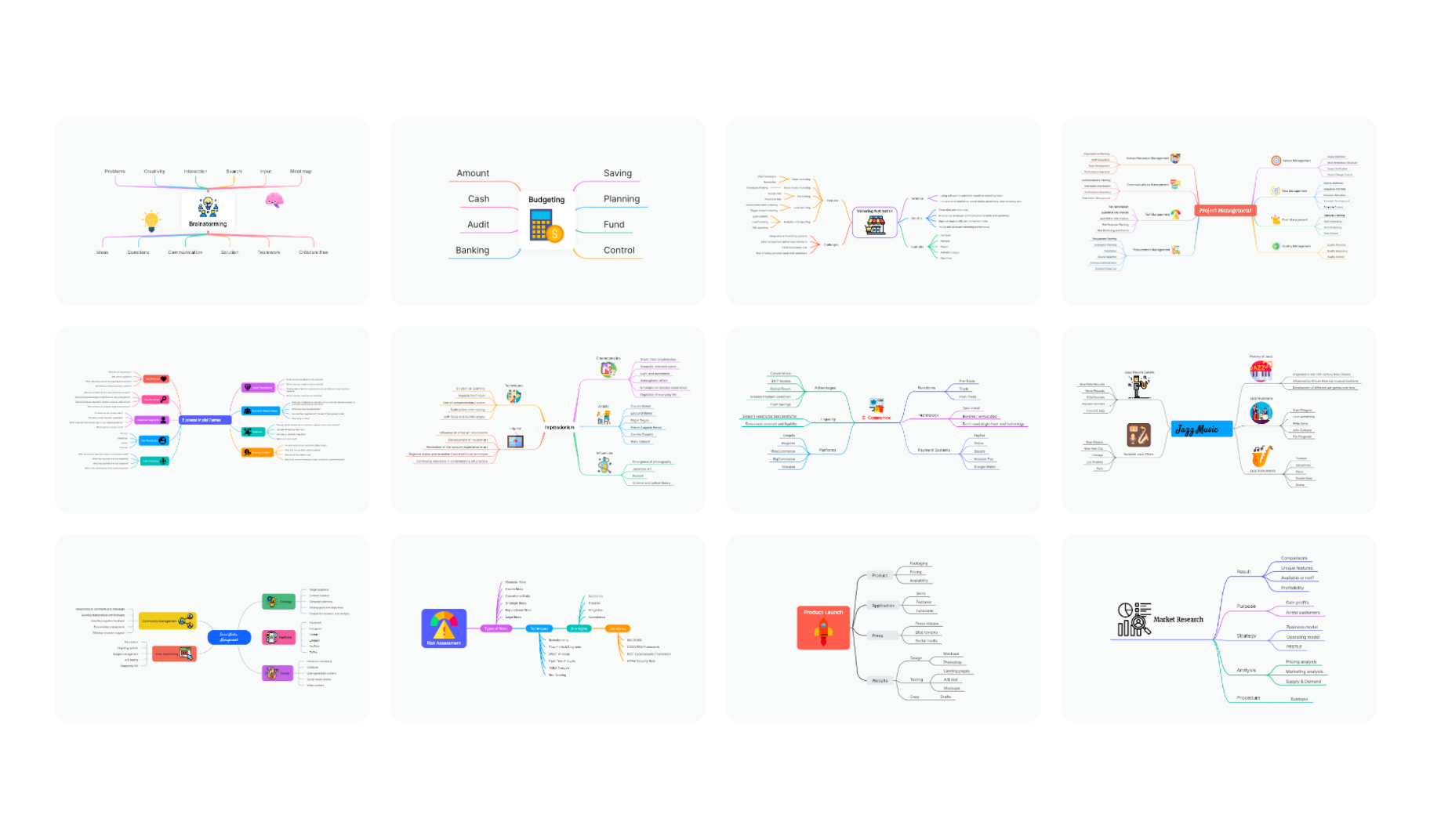
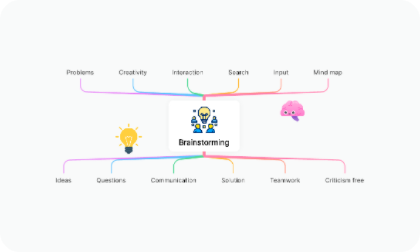
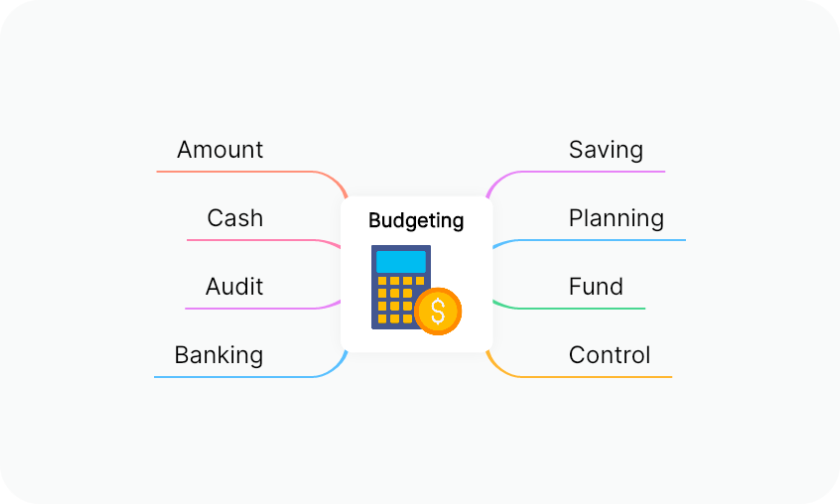
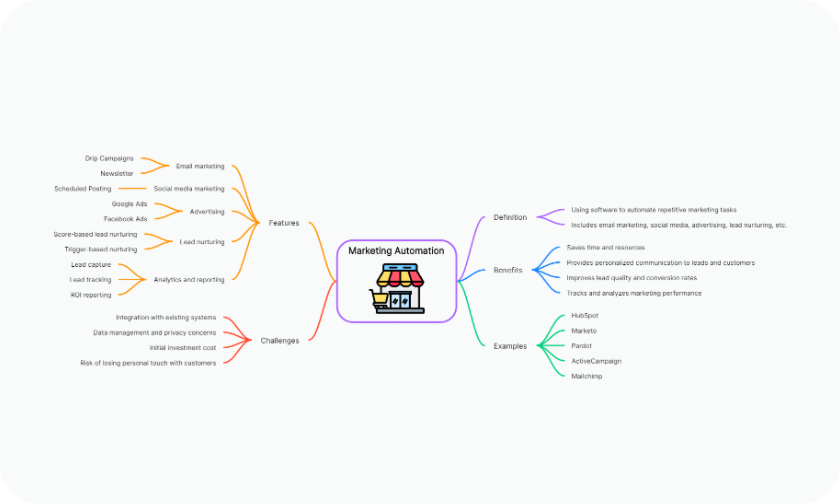
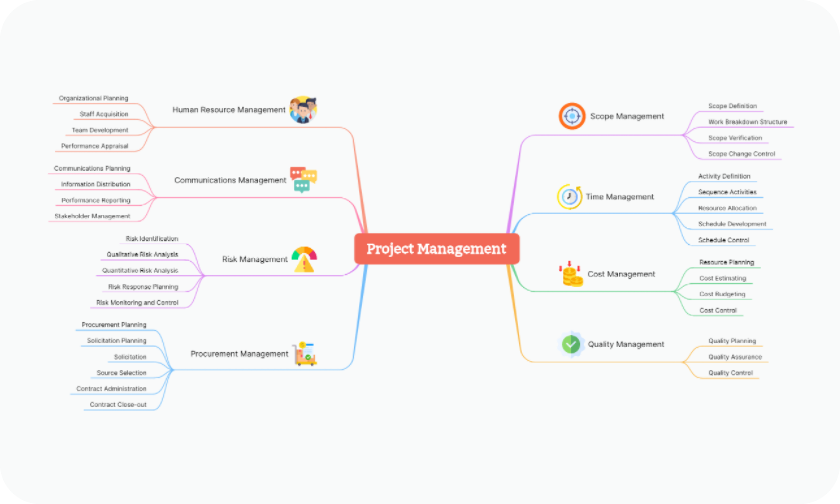
Start with a ready-made mind map for brainstorming, planning, study, or project work.
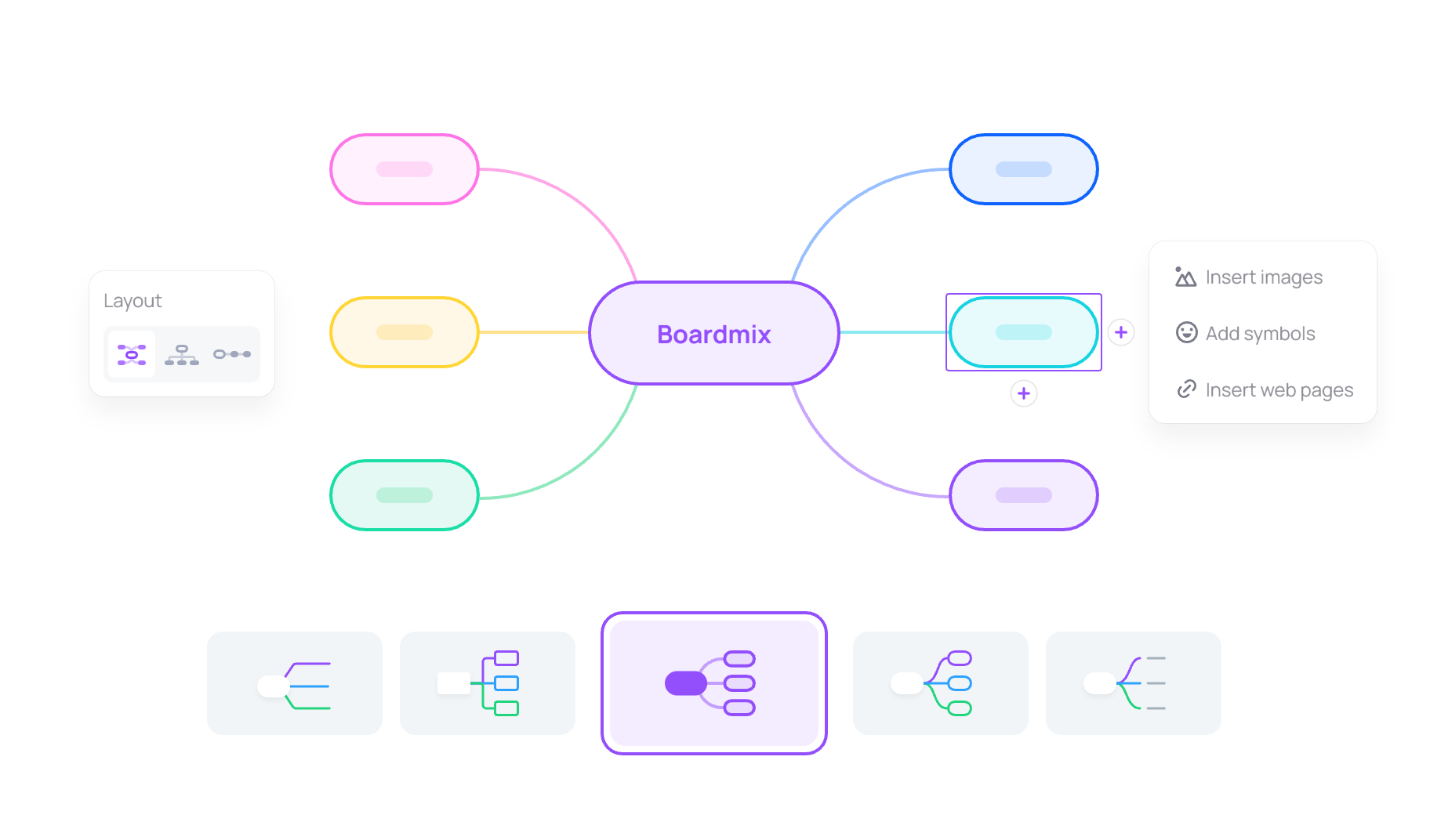
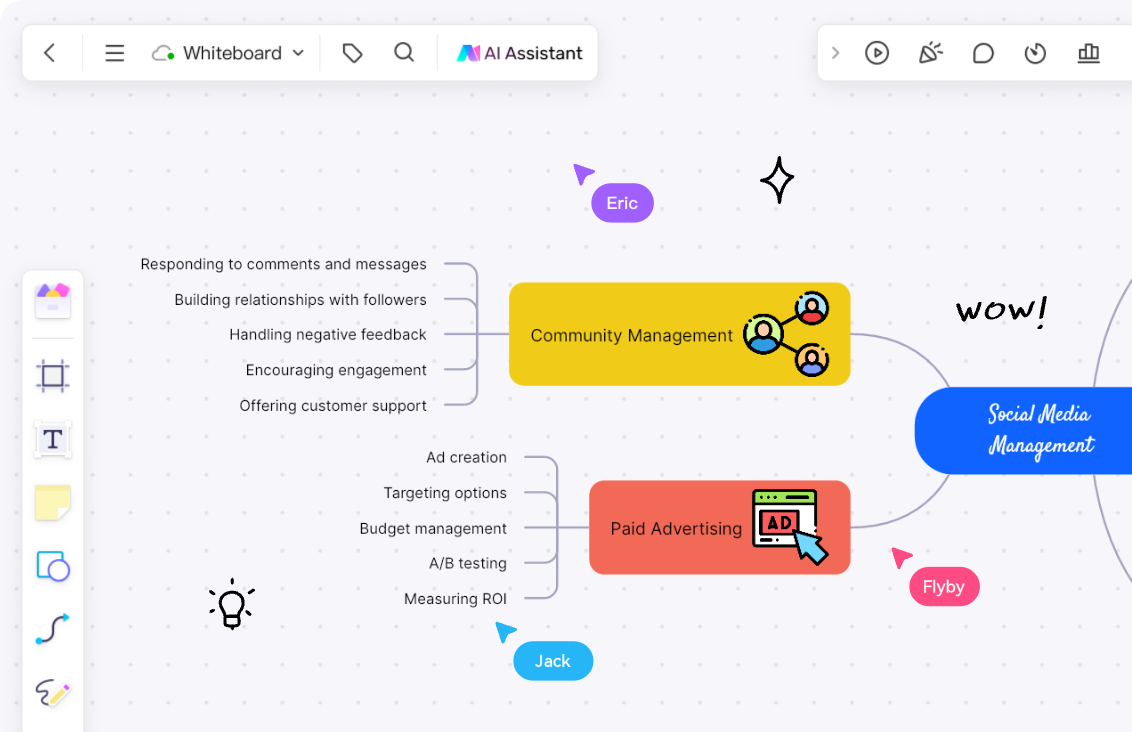
Choose from the available structures, themes, colors, and icons to match your purpose.
Align branches and keep related ideas readable as the map grows and changes.
Bring in files, webpages, icons, and images, then export or reuse the map when it is ready to share.
Describe a topic and let Boardmix AI suggest a starting structure. Move branches, rewrite labels, add notes, and keep refining the map until it fits your goal.
Try for Free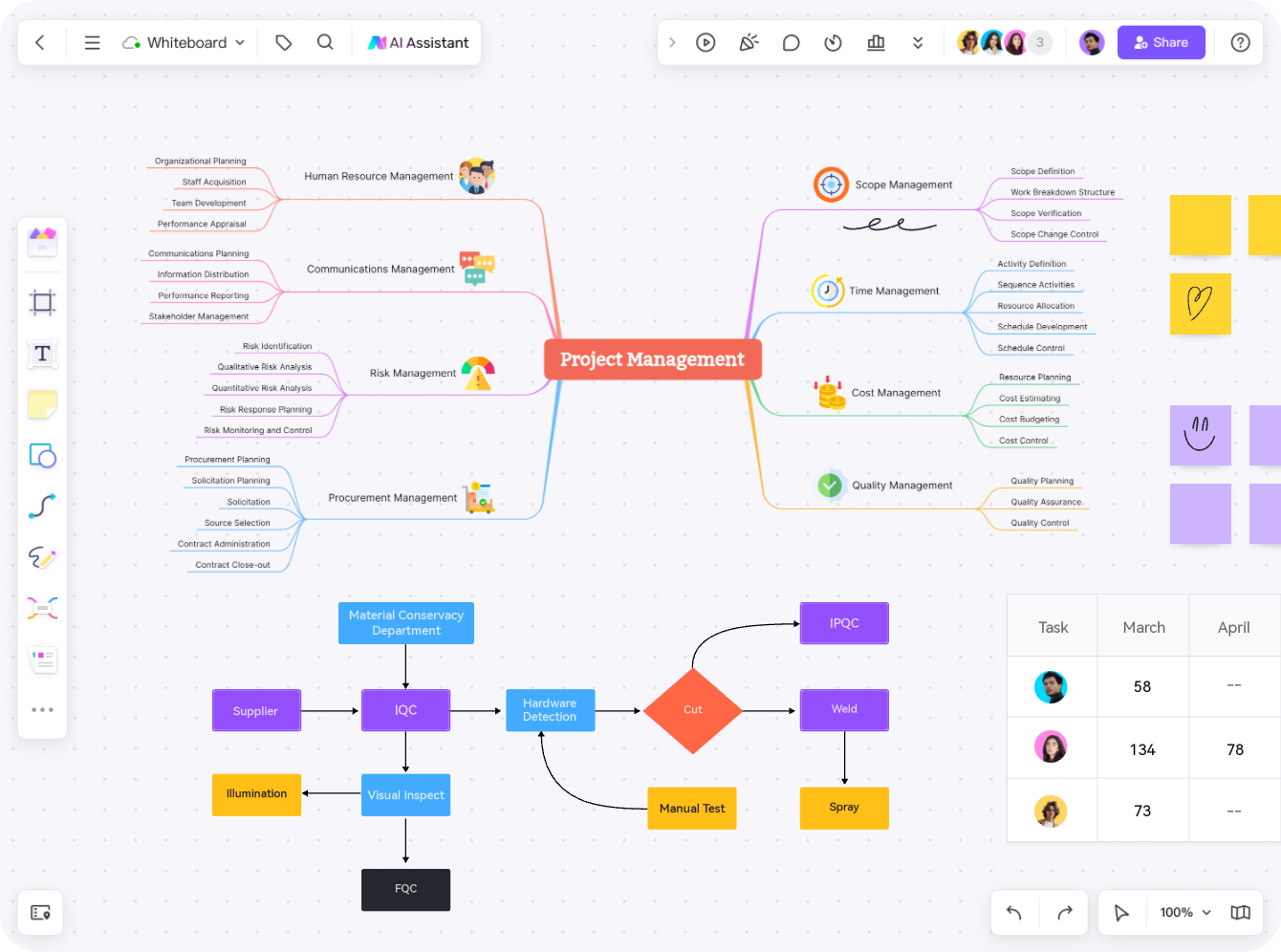
Arrange branches, supporting notes, files, formulas, and links in one visual workspace. Zoom out for the big picture, then refine the details as your thinking develops.
Try for FreeInvite teammates to add branches, comment on ideas, and review the same map from anywhere. Keep feedback and decisions close to the working context.
Try for Free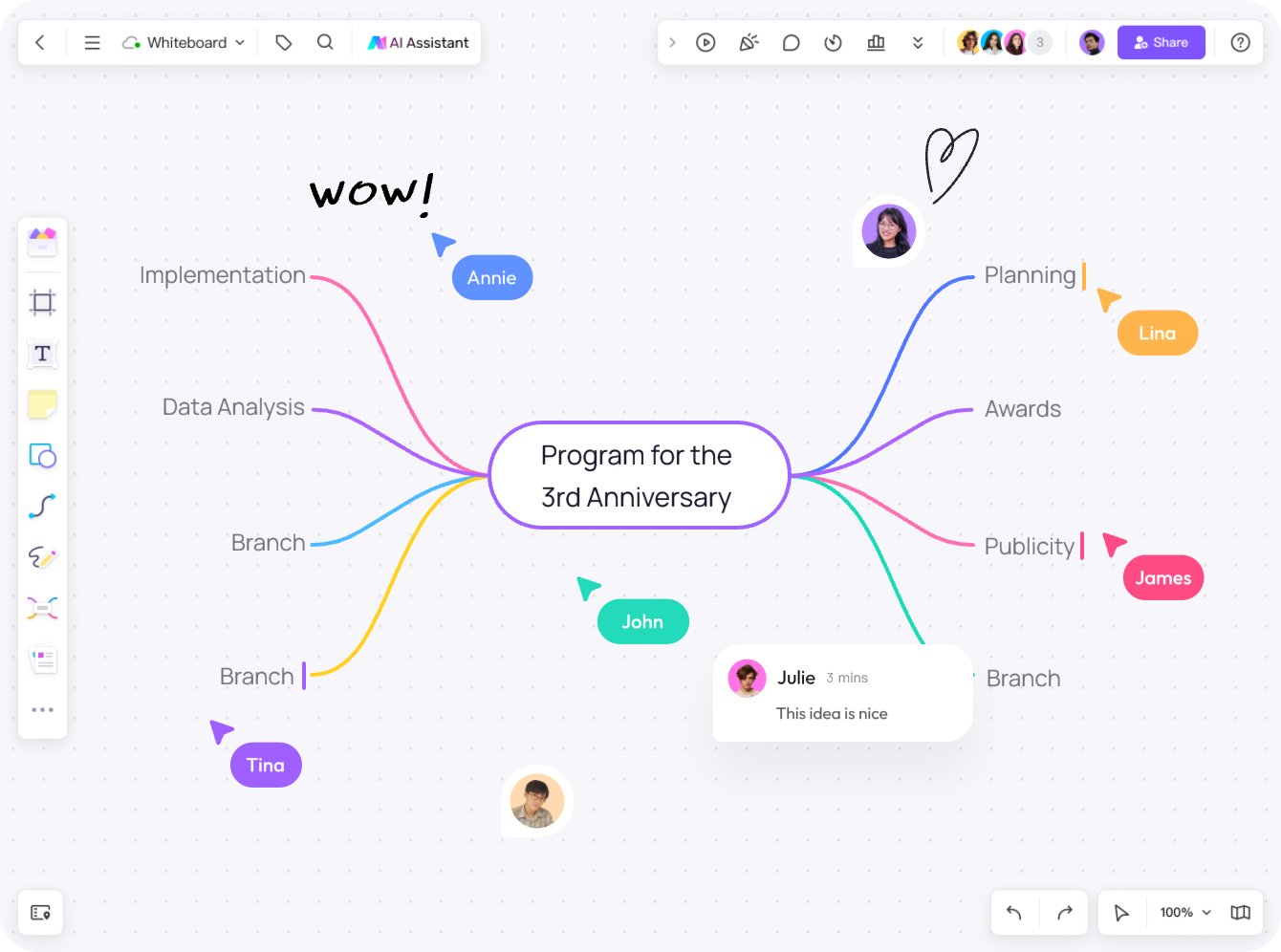
 Corporation Management
 Methodology
 Brainstorm
 Project Management
 Strategy Consulting
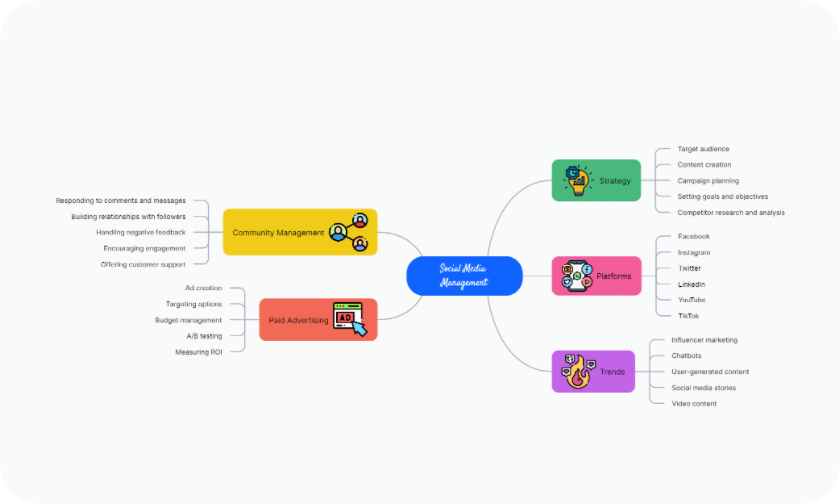
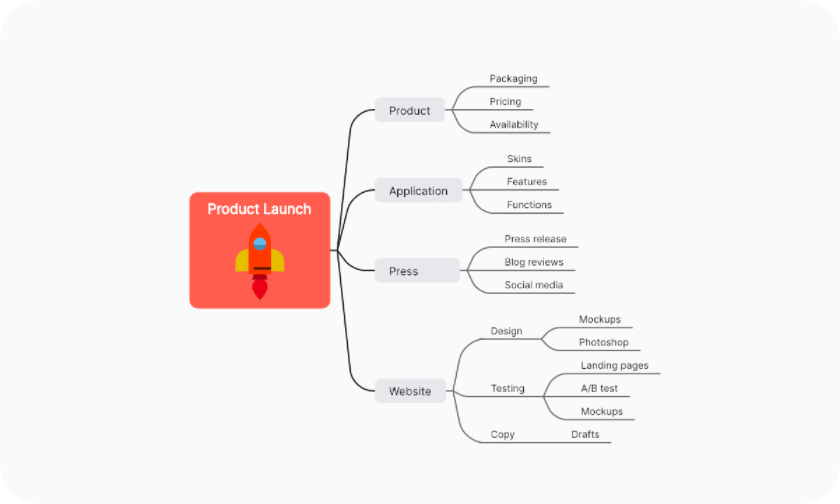
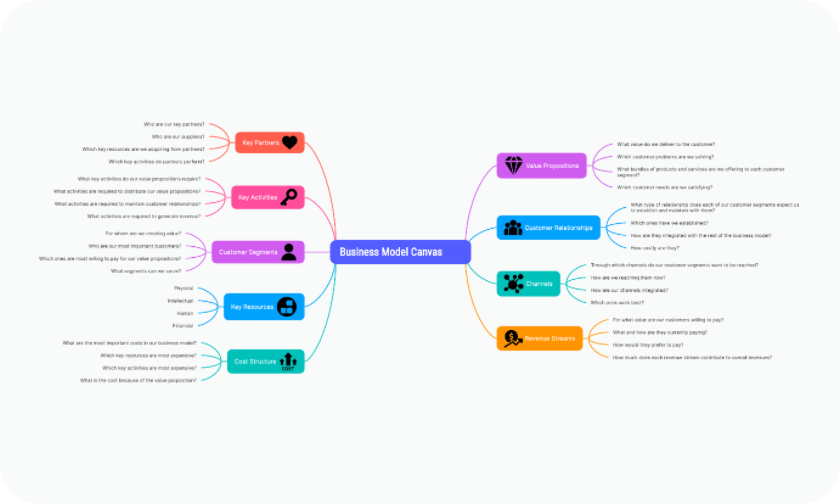
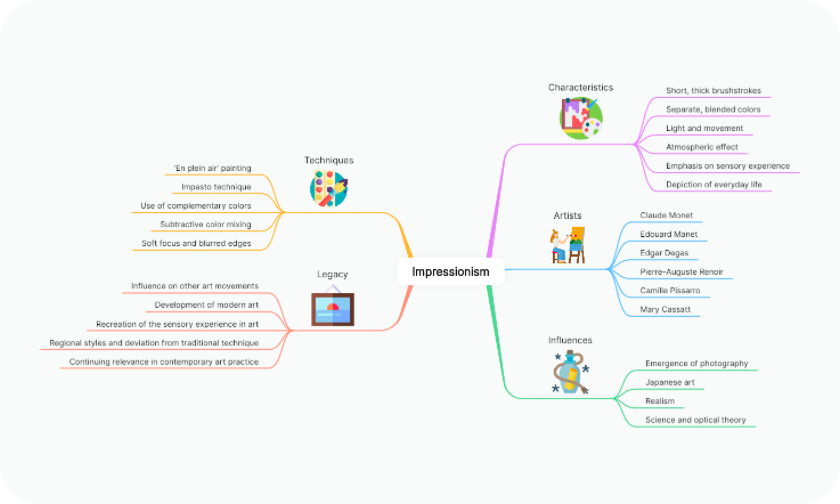
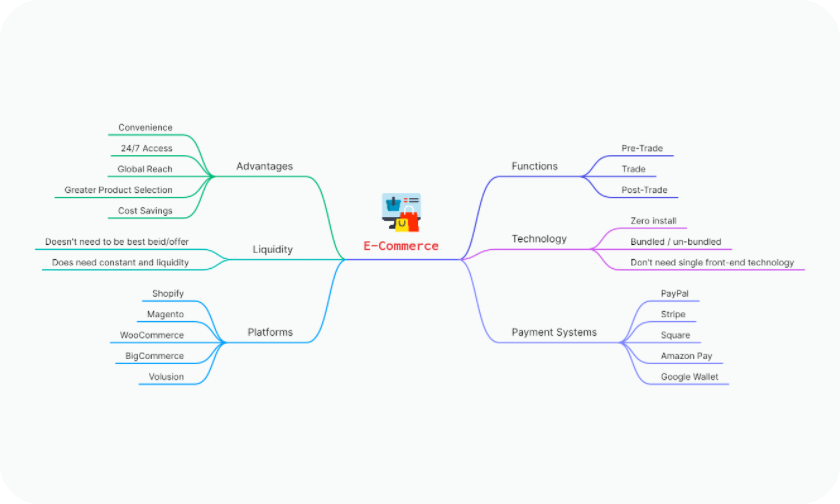
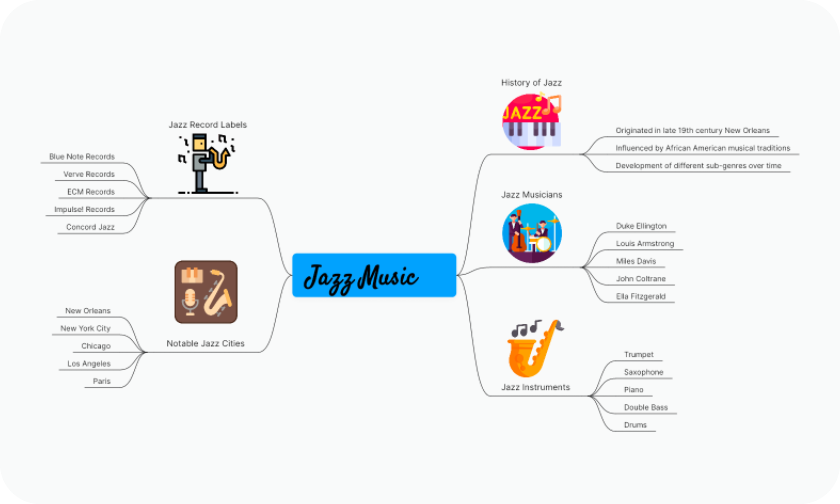
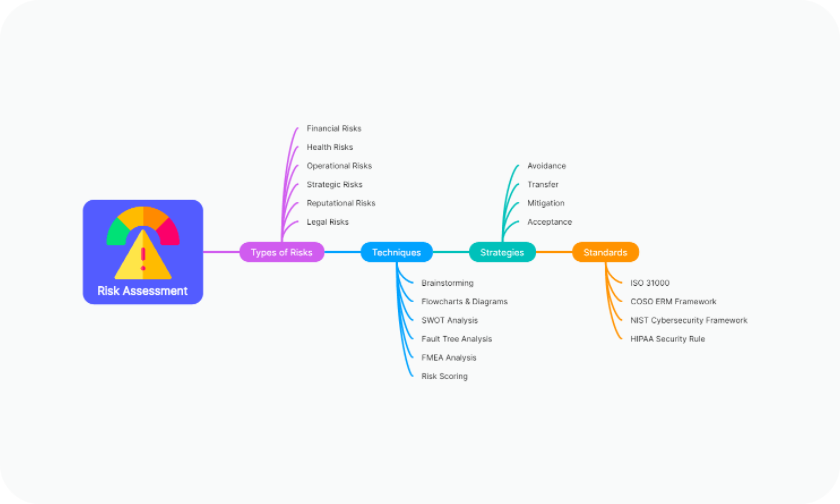
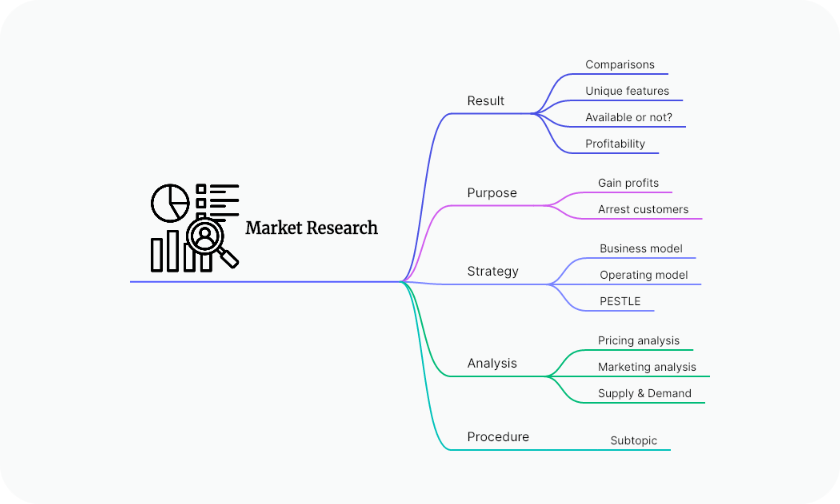
Use AI assistance, an infinite canvas, presentation tools, version history, and import/export in one collaborative workspace.
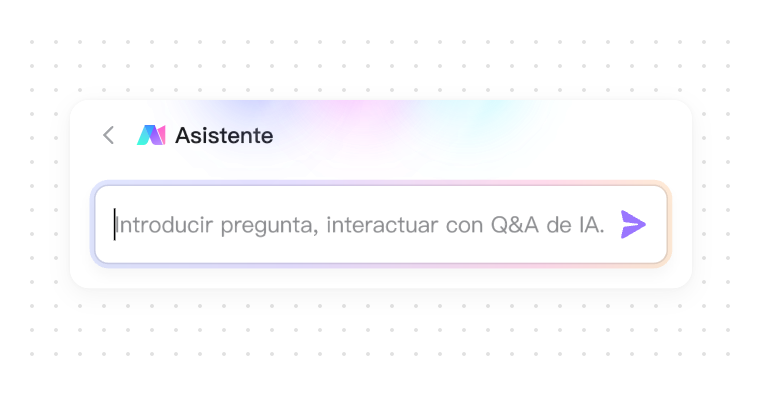
Ask the AI Assistant to explore ideas, outline options, or suggest next steps while you work.
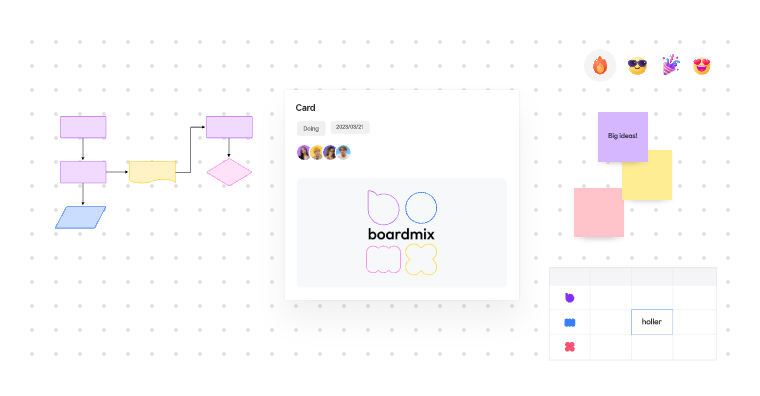
Move, zoom, and arrange branches on a flexible canvas as the map grows.

Switch layouts and visual styles when you want to compare different ways to present the same ideas.
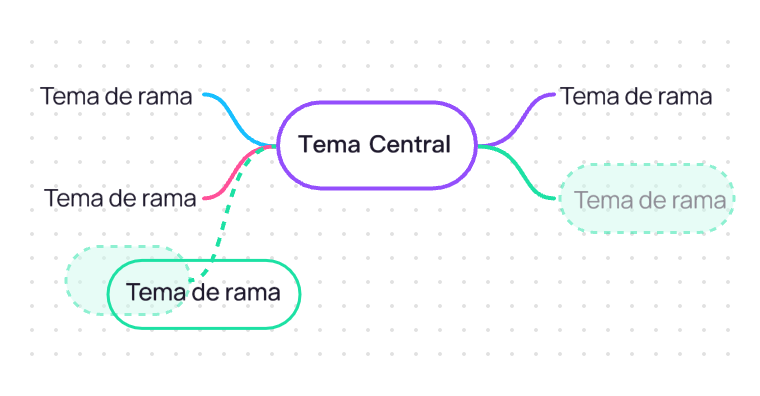
Align branches and apply layout adjustments to keep complex maps easier to scan.

Discuss changes with teammates in real time and keep feedback close to the map.

Open presentation mode to walk through your map and reorder pages by dragging.
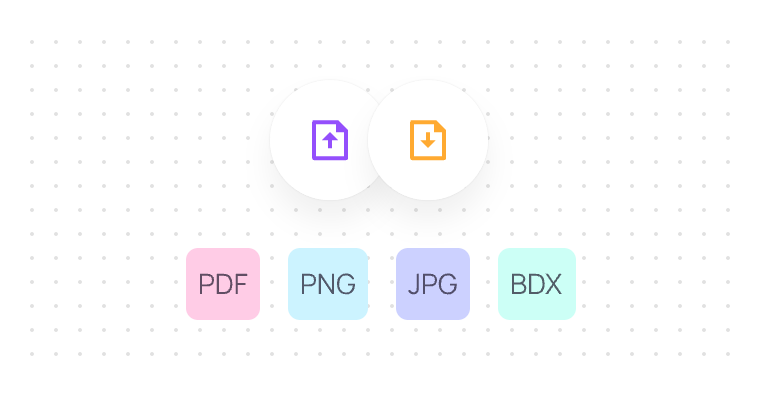
Import and export supported files, then choose the area and background settings that fit your next use.
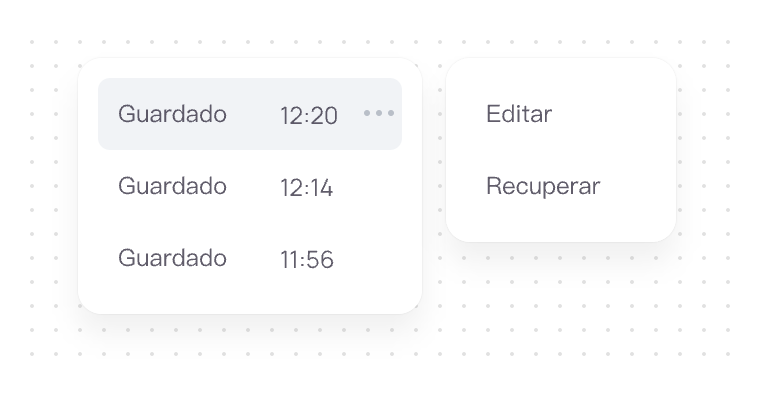
Keep version history so you can review earlier states and restore a previous version when needed.

Use icons from the library to distinguish topics and add visual cues to your branches.
Answers to common questions about creating, editing, and sharing mind maps with AI.
An AI mind map maker turns a topic or prompt into a visual starting point, then lets you edit branches, labels, and relationships in a mind mapping workspace.
Open the AI mind map workspace, describe the topic or goal you want to explore, and use the generated map as a starting point. You can then rearrange branches, add notes, and apply a theme.
Yes. Move branches, rewrite labels, add supporting files or links, change the layout, and continue refining the map on the canvas.
Yes. Invite teammates to the same board, add comments, and review the map together so ideas and decisions stay in one place.
Yes. Choose a template for brainstorming, planning, studying, or project work, then adapt the branches and content to your topic.
Boardmix offers a free way to start creating mind maps. See the current pricing page for plan limits and paid features.
Explore practical ideas for planning, brainstorming, and creating better mind maps.