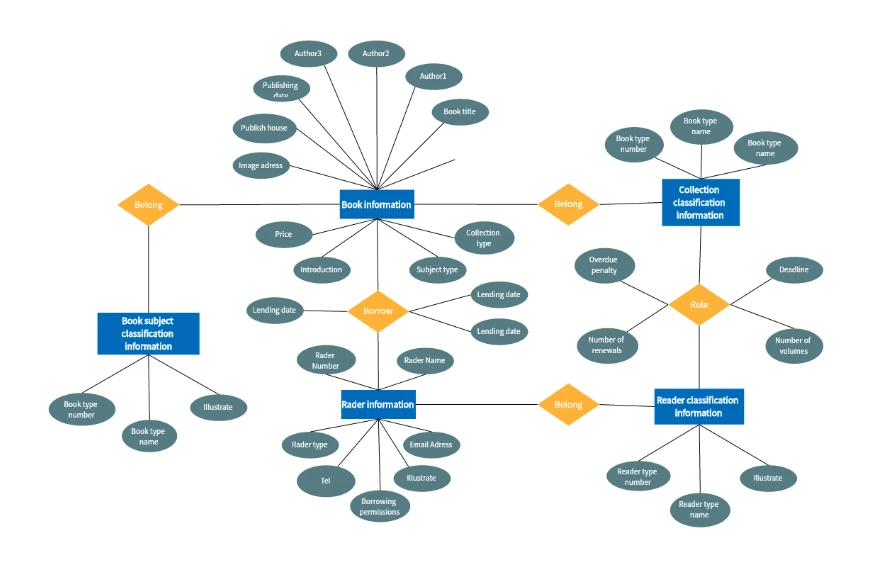
Book loan management
Explore the relationships between readers, books, and borrowing records. Adapt the fields to distinguish a book title from the individual copy being lent.
Open book loan template →



Online Collaborative Whiteboard

Boardmix Developer Platform

100+ AI Agents Integrated

UI/UX Tool, Figma Alternative

AI PPT Maker, Gamma Alternative
BOARDMIX · ER DIAGRAMS
Turn entities, attributes, and relationships into a shared visual model. Create an ER diagram online, adapt a template, and work through database decisions with your team.
Start with a free account. Build and review on one shared canvas.
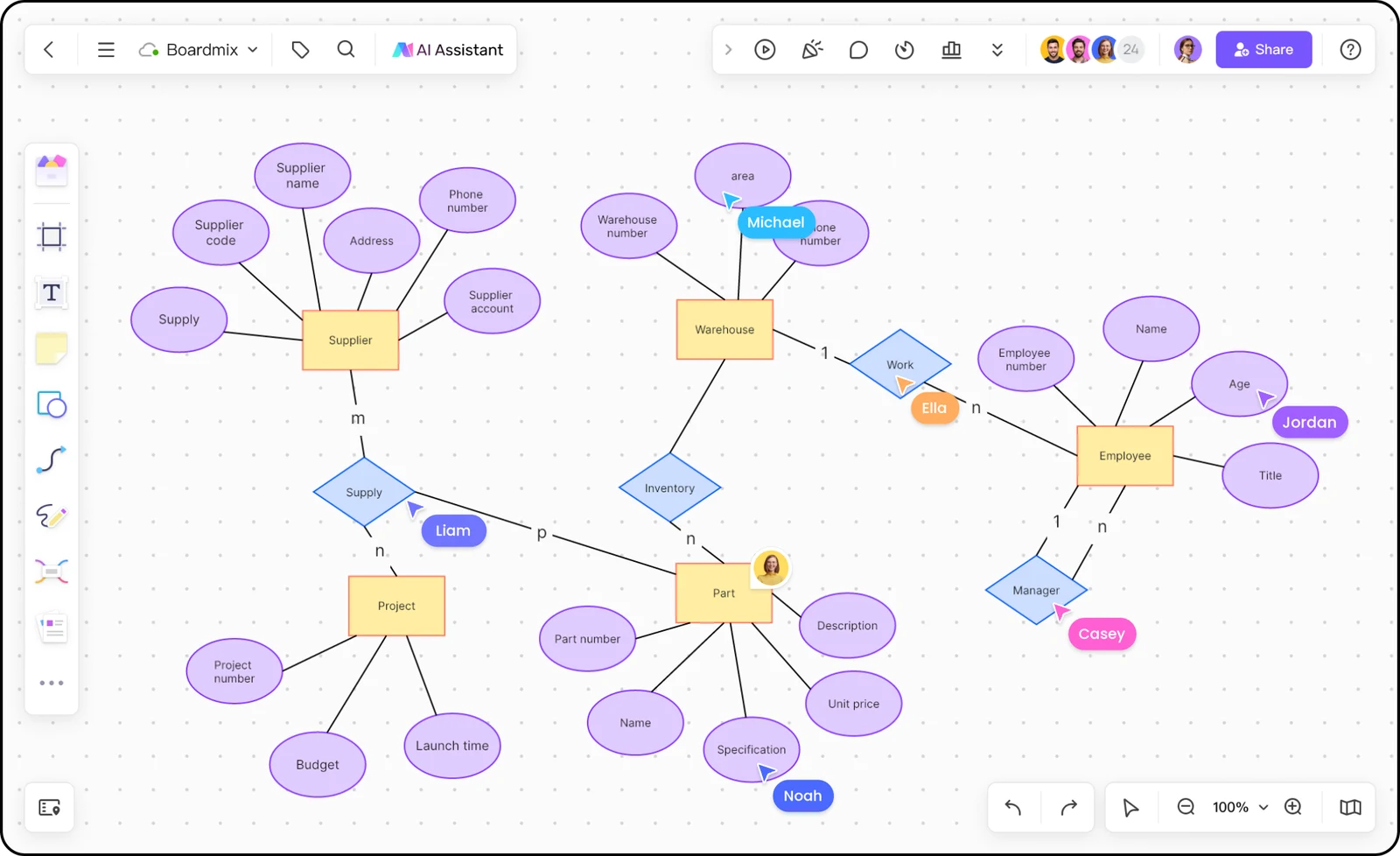
An online store needs more than a list of tables. This example shows who places an order, which products it contains, and where each relationship belongs.
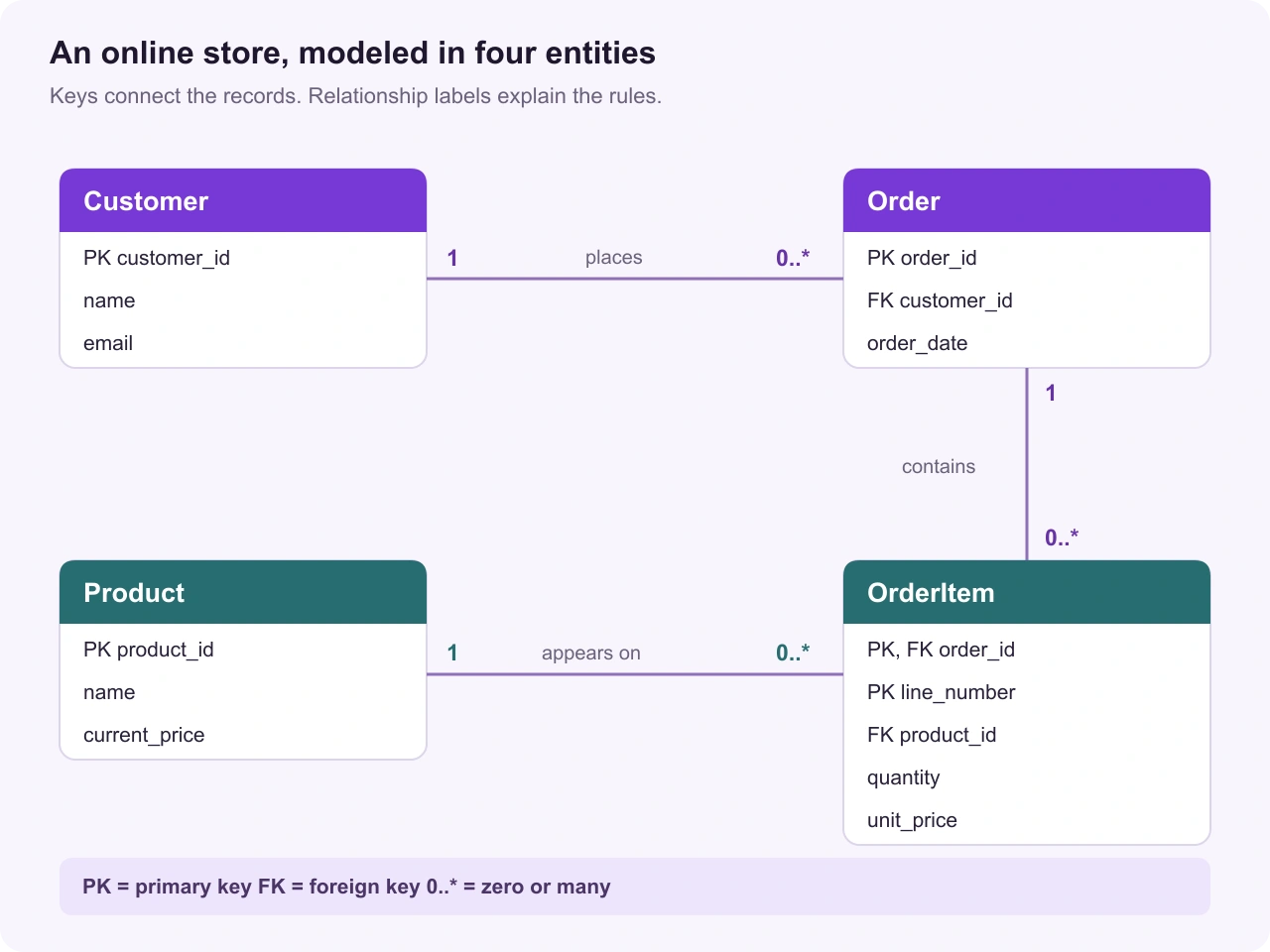
A primary key (PK) uniquely identifies a record. An OrderItem uses order_id and line_number together, so each line is distinct within its order.
A foreign key (FK) references a key in another entity. Here, each Order belongs to one Customer, while a Customer can have no orders or many.
One order can contain several products, and one product can appear in many orders. OrderItem connects the two and holds quantity and the price paid.
This model allows an empty draft order. Requiring at least one line before an order is accepted is a separate business rule. Keeping unit_price on OrderItem also preserves the purchase price when the product’s current price changes.
Explore a familiar domain, then adapt the entities, fields, and relationships to your own requirements. These community templates give you a starting structure to work with.
Explore the relationships between readers, books, and borrowing records. Adapt the fields to distinguish a book title from the individual copy being lent.
Open book loan template →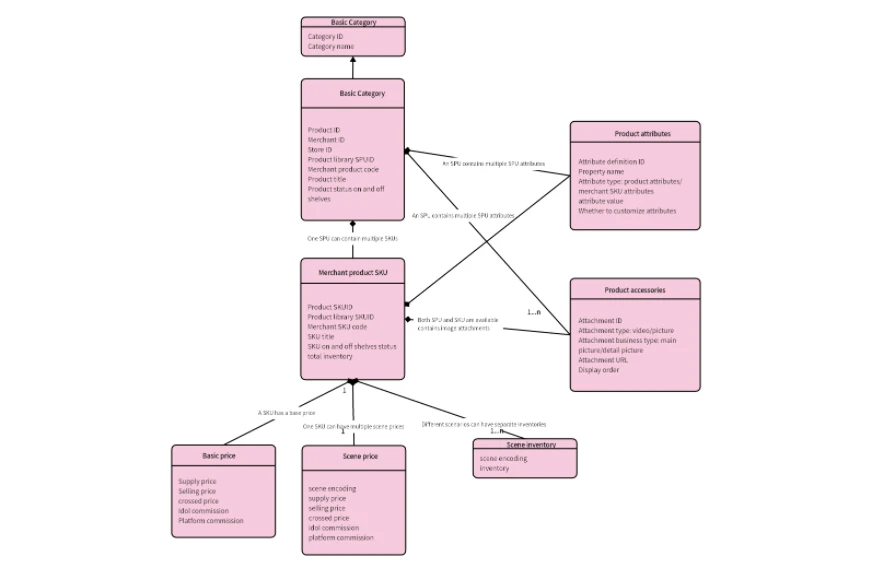
Organize products, SKUs, and categories. Use the catalog structure to discuss how product variants differ from the orders that contain them.
Open product catalog template →Start with the question your database must answer. Add detail as the model becomes clearer.
Open a board or an ER template. Add a shape for each thing you need to store data about—for example, Customer, Order, and Product. In this example, keep actions such as “place order” as relationship labels rather than entities.
List the fields each entity needs and label its identifier. Mark primary and foreign keys explicitly. Put order-specific details, such as quantity and purchase price, on the order line.
Connect related entities. State how many records can participate at each end, and whether participation is optional. Choose one notation and use it consistently across the diagram.
Share the board and test the model with concrete cases: a new customer with no orders, a product bought twice, or a changed product price. Resolve questions in comments before handing the model to developers.
Keep the diagram and the discussion on the same canvas. Boardmix gives analysts, developers, and other stakeholders a shared place to explain what the data represents.
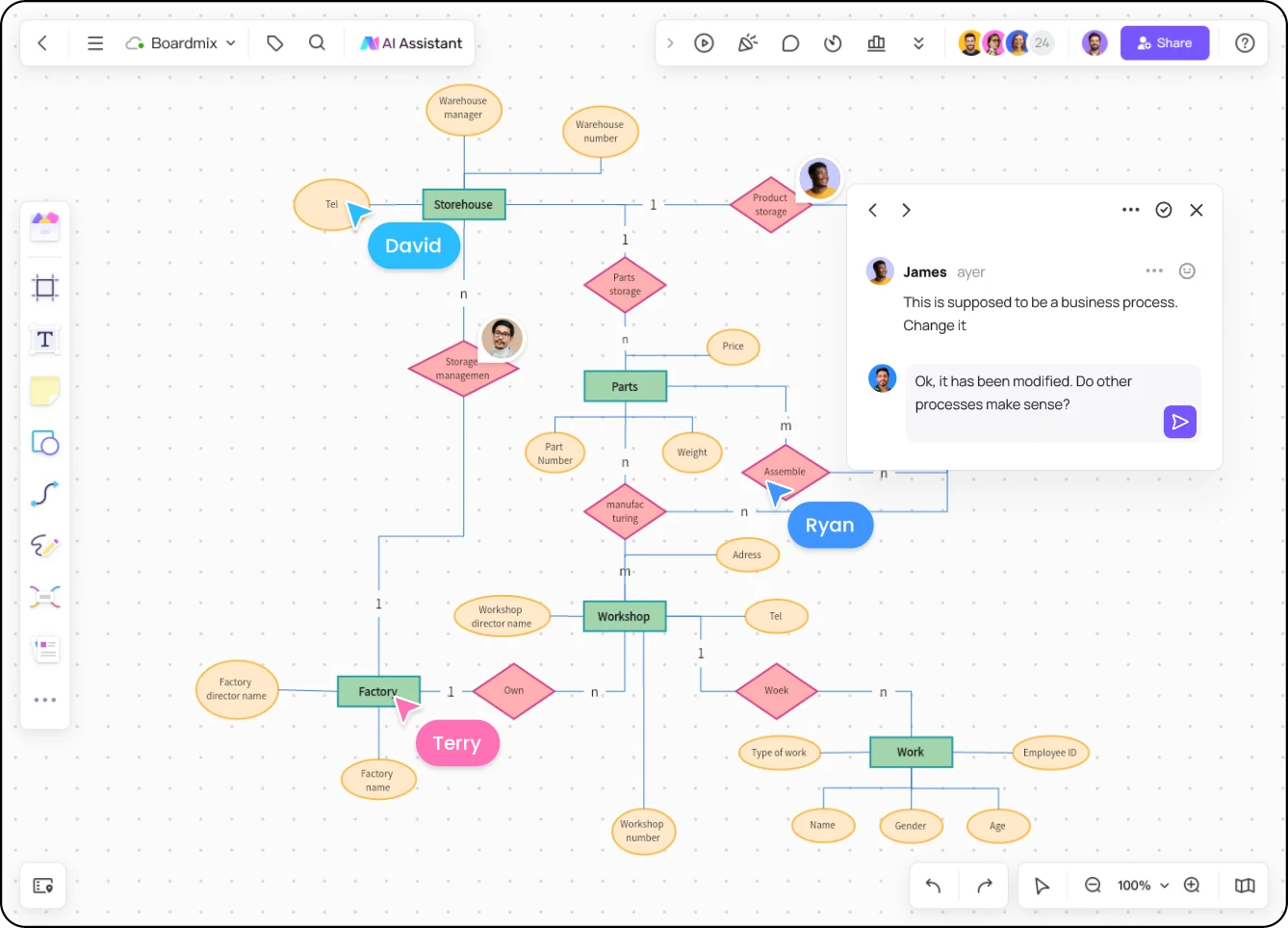
An ER model can support a business conversation or a database design review. Match the detail to the decision you need to make.
Show the main entities and their relationships. Agree on what the system represents before listing every field.
Customer places Order. Order contains Product.
Add attributes, identifiers, cardinalities, and entities that resolve many-to-many relationships.
OrderItem holds quantity and purchase price for a product on an order.
Document the chosen database’s table names, data types, constraints, and implementation details.
Specify column types and indexes during implementation planning.
Boardmix is the visual workspace for drawing and discussing the design. Database constraints and implementation belong in your database tooling.
An entity relationship diagram (ERD) shows the entities in a system, their attributes, and the relationships between them. It helps a team explain data requirements and plan a database structure before implementation.
You can start with a free Boardmix account and use the board to create a diagram. Free-plan limits and export options depend on the current plan. See the Boardmix pricing page for the included features.
Use the notation your collaborators understand and keep it consistent. Chen notation commonly uses rectangles for entities, ovals for attributes, and diamonds for relationships. Crow’s Foot notation shows relationship cardinality with endpoint symbols. Numeric labels such as 1 and 0..* can also make cardinality explicit, as in the example above.
In a relational model, add an associative entity between the two entities. For example, OrderItem connects Order and Product and stores the quantity and price for each line. Connect it to both parent entities with foreign keys.
An ER diagram describes data and relationships. A flowchart describes the steps and decisions in a process. Use the ERD to model customers and orders, and a flowchart maker to show how an order moves from checkout to fulfillment.
Use Boardmix to draw and review the model, then implement it in your database tooling. The diagram communicates the design; drawing a primary key or relationship does not create database constraints or validate a live schema.
Bring your entities, relationships, and open questions onto one board. Build a model your team can understand and improve together.
Create an ER diagram