Your business context
List the products, define their markets, and supply the period, figures or assumptions behind the comparison.




Online Collaborative Whiteboard

Boardmix Developer Platform

AI tools for diagrams, writing, and ideas

UI/UX Tool, Figma Alternative

AI PPT Maker, Gamma Alternative
Run workshops, plan projects, and work with colleagues on a shared whiteboard.
Explore collaborative workBOARDMIX · AI PORTFOLIO ANALYSIS
Turn your product portfolio into a clear growth-share matrix. Describe your business, add the data you have, and refine the AI draft with your team on one shared whiteboard.
A CLEARER VIEW OF YOUR PORTFOLIO
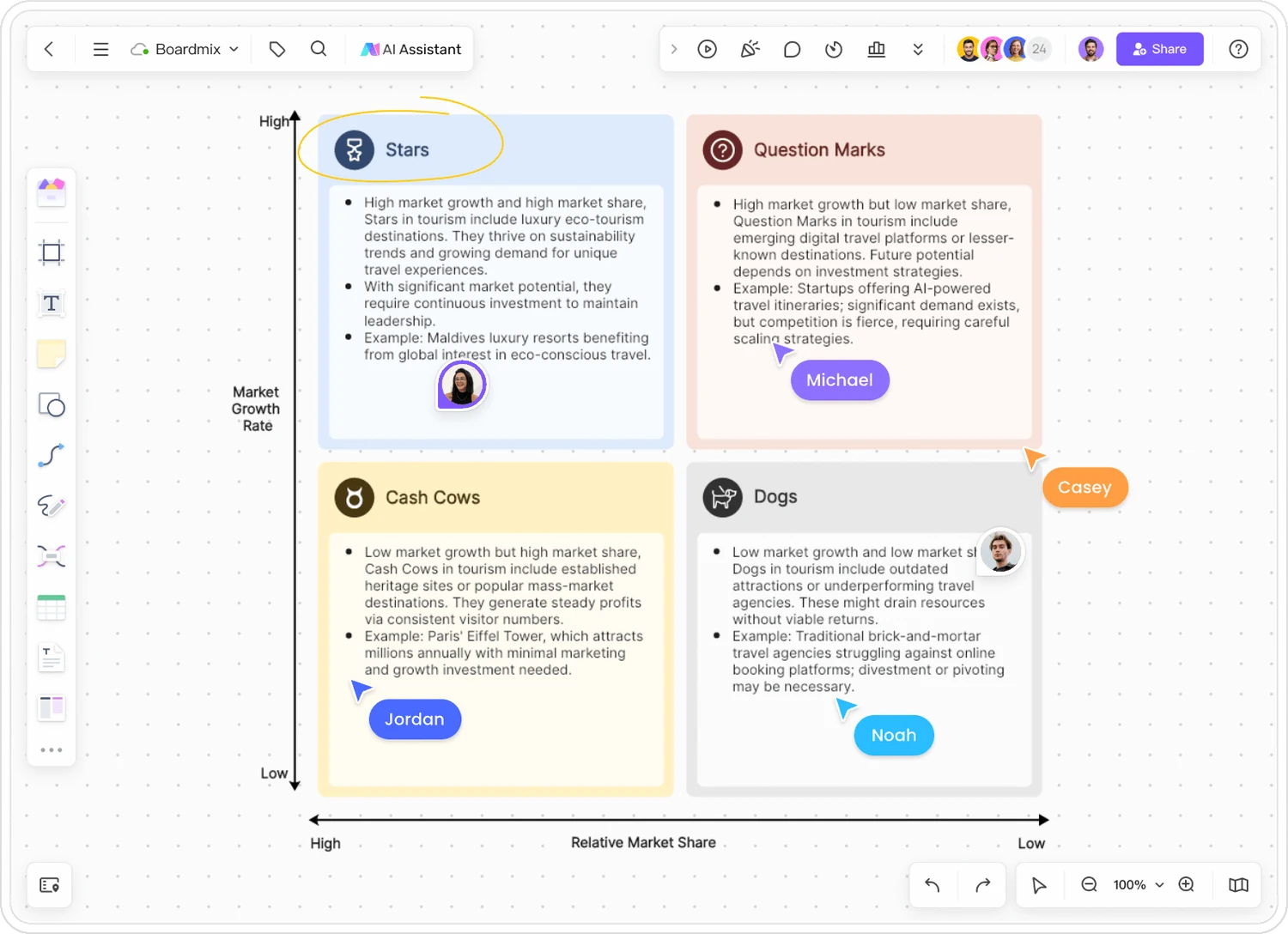
A BCG matrix compares products or business units by market growth and relative market share. Boardmix helps you turn that analysis into an editable visual draft—not a slide you have to rebuild when the discussion changes.
List the products, define their markets, and supply the period, figures or assumptions behind the comparison.
Review the proposed categories, revise labels, and place supporting notes beside each product on the canvas.
Use the Boardmix online whiteboard to connect the portfolio discussion with research, priorities and next steps.
ONE PORTFOLIO · FOUR DIFFERENT QUESTIONS
Consider a fictional software company with four products in different, explicitly defined markets. The figures below are sample inputs for a planning exercise—not estimates for real companies.
“Create a BCG matrix for our software portfolio. Use annual market growth and our share divided by the largest competitor’s share. For this exercise, treat growth of 8% or more and relative share of 1.0× or more as high. Use the figures below and flag any missing information.”
A strong position in a growing market. Examine the investment needed to keep pace.
Team question: can delivery capacity support expansion?
Growth is attractive, but the product trails a larger competitor. Test the path to a stronger position.
Team question: what evidence would justify more funding?
A leading position in a slower-growing market. Look at cash contribution and the cost of sustaining it.
Team question: what must be maintained to retain customers?
A smaller position in a slow-growing market. Review profitability, customer obligations and strategic fit.
Team question: maintain, reposition or phase out?
High market growth is shown above low growth; high relative share is on the left. Cards show categories, not a continuous-scale plot. The 8% growth cutoff is specific to this exercise.
In this example, the team might test demand for the research assistant before scaling it, protect the invoicing platform’s reliability, and check the report builder’s support commitments. Add margins, cash requirements, dependencies and an owner for each follow-up before agreeing a resource plan.
BRIEF → DRAFT → REVIEW → PLAN
Give the generator useful inputs, then use the board to make the reasoning clear.
Name each product or business unit, its market, geography and period. Use a consistent basis such as annual revenue or unit sales.
Enter your brief in the AI input. Include growth and relative-share figures where available. Ask for missing data to be listed rather than invented.
Review the labels, axes and placements. Edit the matrix, add source notes, and separate confirmed data from assumptions.
Invite teammates to the board. Compare interpretations and record the actions, owners and evidence needed for the next review.
THE TWO NUMBERS THAT MATTER
A product can grow quickly while its market grows even faster. Keep the market definition and time period visible so the two axes remain meaningful.
Your market share ÷ largest competitor’s market share
For example: 30% ÷ 20% = 1.5×. The shares must describe the same market and period.(Current market size − previous market size) ÷ previous market size × 100%
Use comparable periods and a nonzero previous value. Choose a high/low growth cutoff appropriate to the markets you are reviewing.Create a BCG matrix for [products or units] in [markets and geography] for [period]. Use [growth and relative-share data], with [high/low cutoffs]. Keep source notes beside each item. If a value is missing, leave it unclassified and list the research needed. Add one discussion question per quadrant.
AI-ASSISTED START
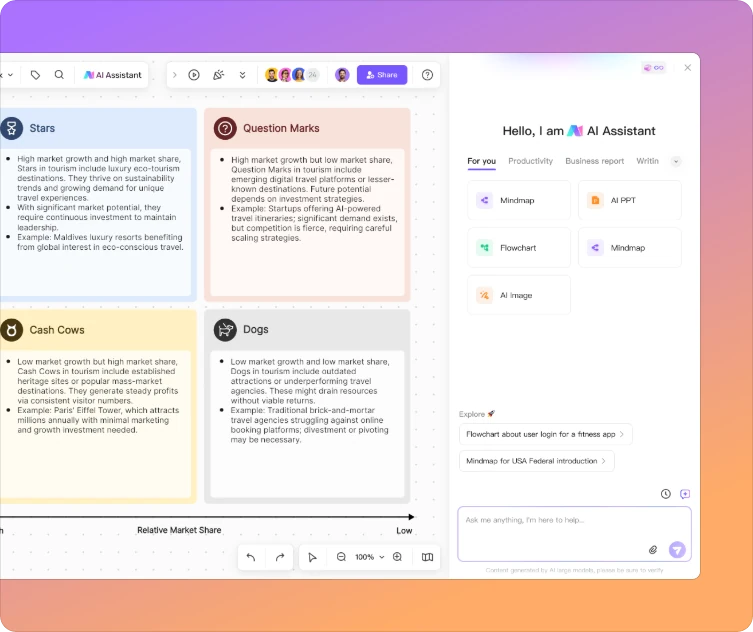
Use the AI BCG matrix maker to draft the structure from your brief. Then work directly with the matrix on the canvas: adjust the content, add context, and develop the analysis as your understanding changes.
AI helps draft the analysis; it does not make a company name alone sufficient evidence for current market share.

MORE THAN A MATRIX GENERATOR
The BCG matrix is one view of the business. Use the surrounding whiteboard for customer evidence, assumptions, dependencies and next steps—so the team can see why a product sits where it does.
A SHARED VIEW, NOT A SOLO SPREADSHEET
Product, marketing and finance can interpret the same portfolio differently. Bring their context onto a shared board, edit together, and use comments to surface questions before a review.

START FROM AN EXAMPLE
Explore these community examples for layout and discussion ideas. Their brand placements are illustrative, not current market research. Replace the assumptions with evidence for your chosen market and period.
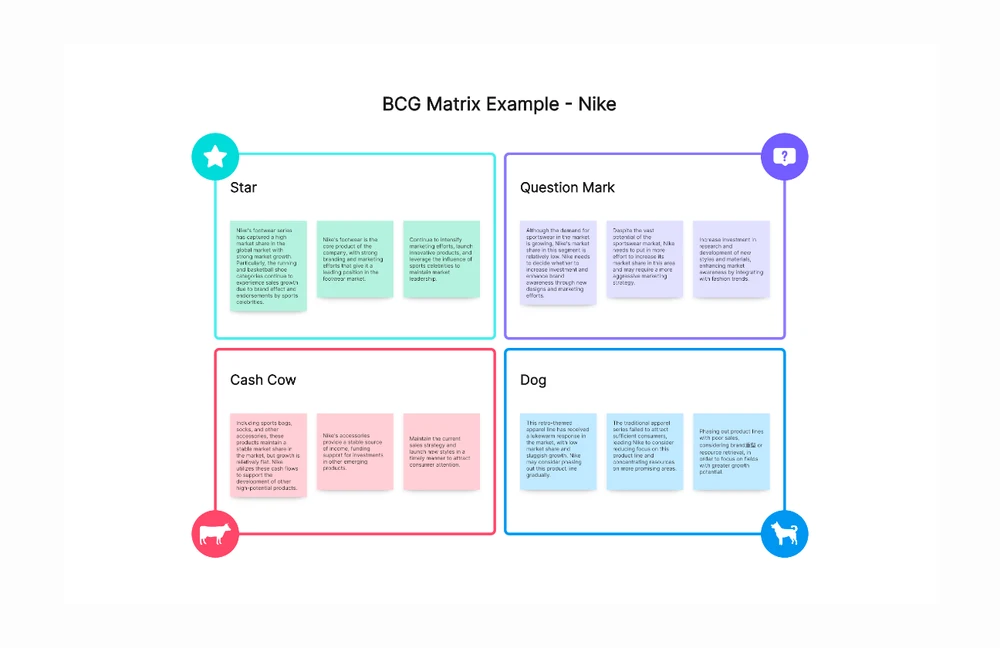
A note-based layout for discussing several product lines within each quadrant.
View example →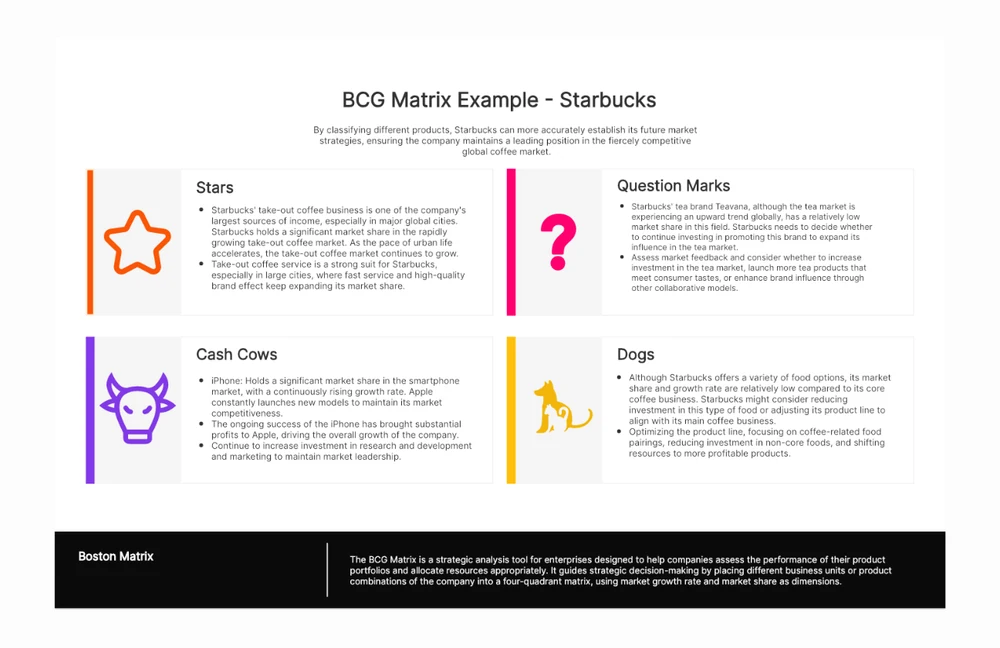
A text-led format that makes the reasoning behind a placement easy to discuss.
View example →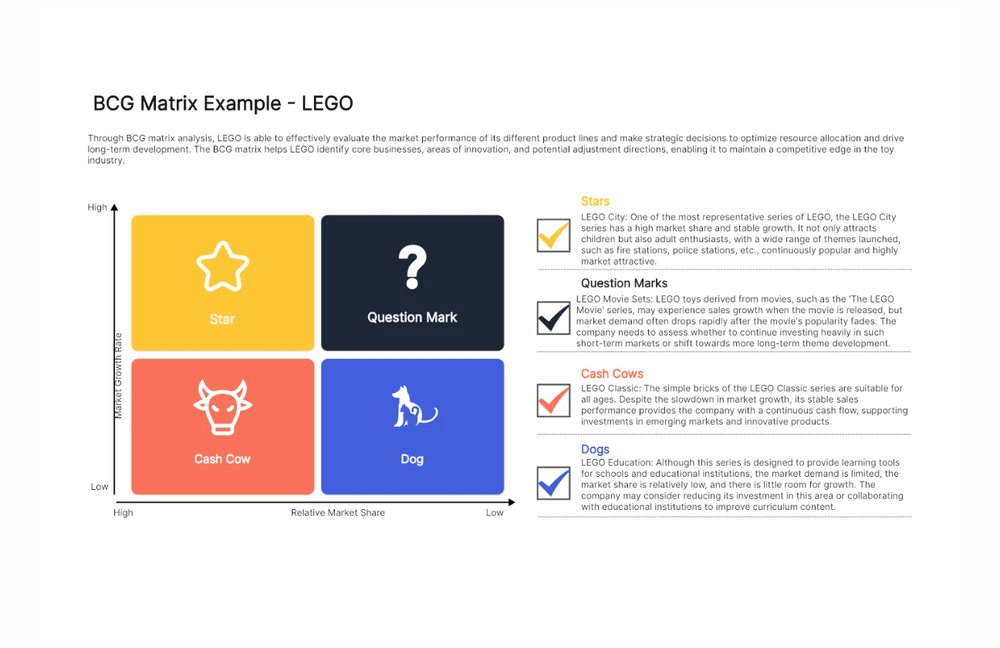
Combine a compact diagram with more detailed product-line notes beside it.
View example →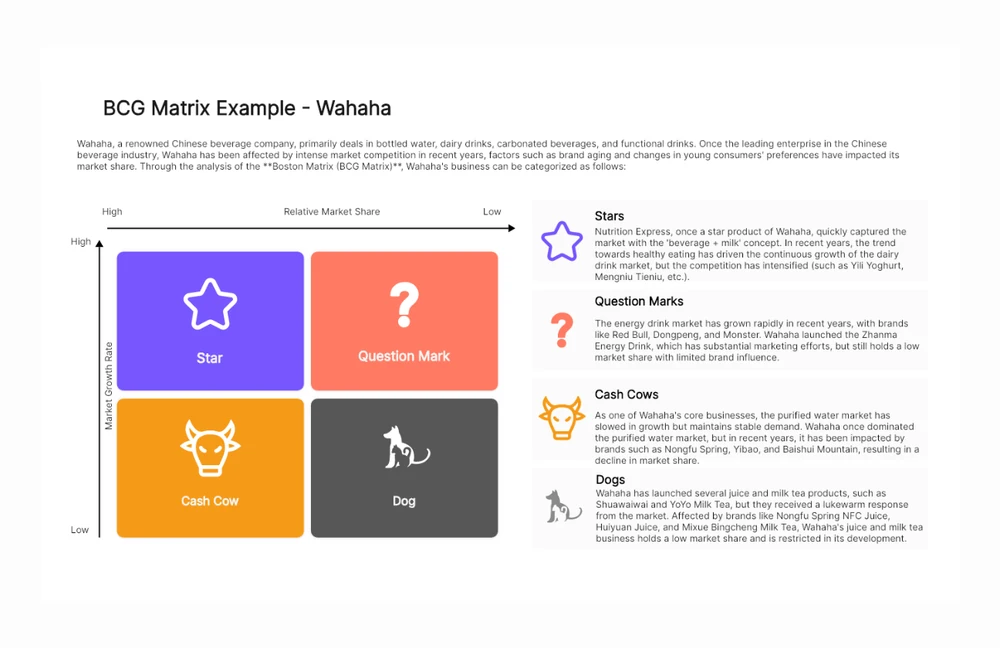
A beverage portfolio starting point for exploring category and market boundaries.
View example →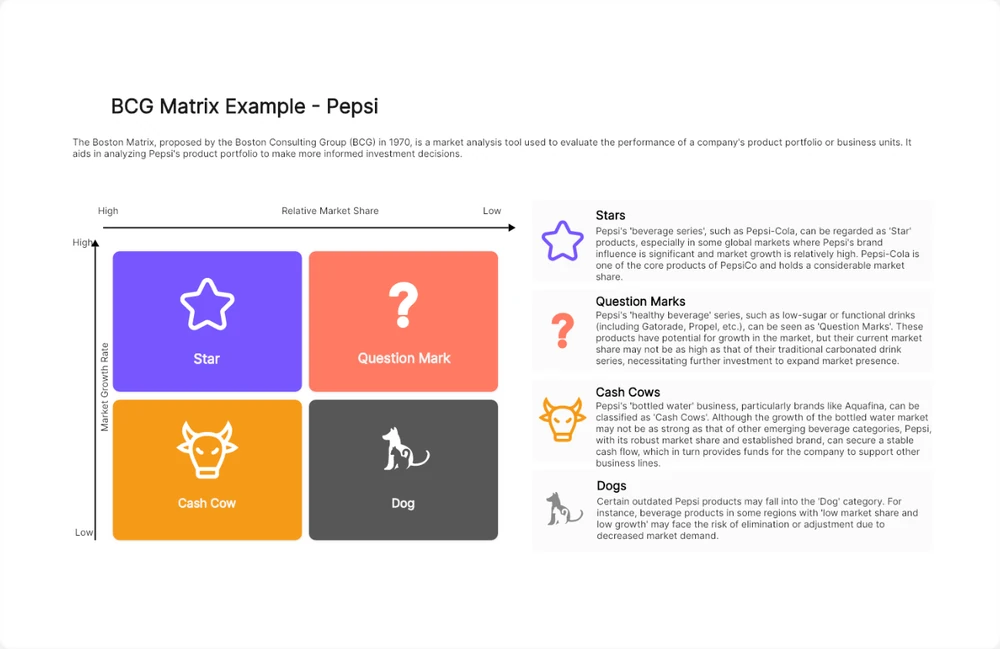
Use the diagram-and-notes format to compare an initial view with your evidence.
View example →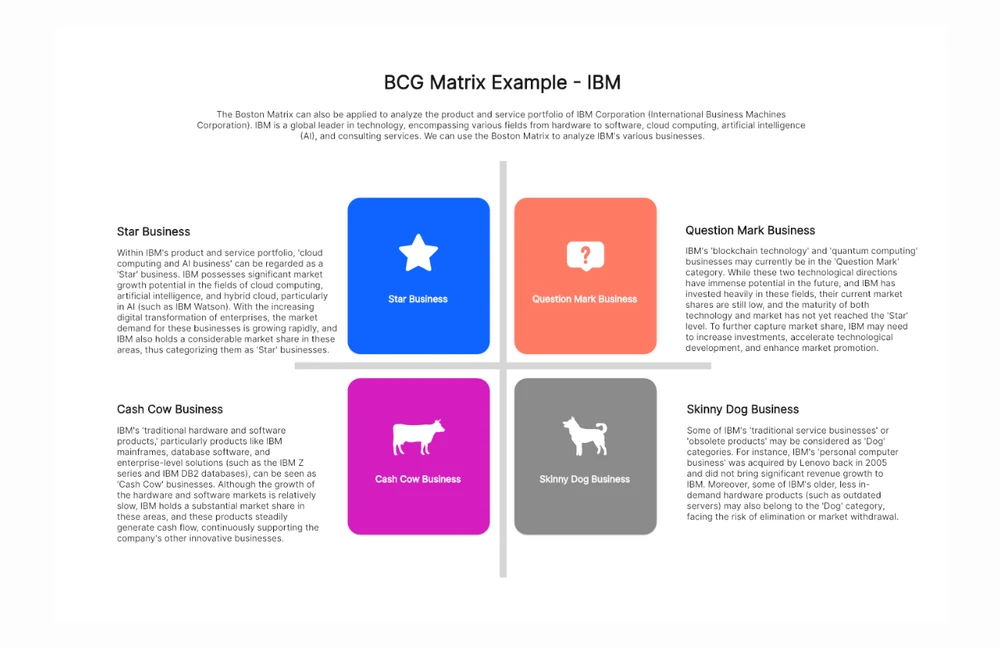
A business-unit perspective to adapt when a product-by-product view is too narrow.
View example →Prefer to build the framework yourself? Start with a BCG matrix template, or explore more BCG matrix examples.
BEFORE YOU GENERATE
Practical answers about inputs, accuracy and working with the matrix.
It helps turn a portfolio description into a draft growth-share matrix. In Boardmix, you can develop the draft on an online whiteboard and collaborate on the analysis. The quality of the classification depends on the market definitions, figures and assumptions you provide.
Stars combine high market growth with high relative share; Question Marks combine high growth with low relative share; Cash Cows combine low growth with high relative share; Dogs combine low growth with low relative share. BCG also uses “pets” for the last category. See BCG’s explanation of the growth-share matrix for the original framework.
Do not treat figures generated from a company name as verified market research. Supply reliable sources, the market definition and the period. If you do not yet have those inputs, ask for a blank framework and a research checklist rather than definitive quadrant assignments.
Divide your product’s market share by the largest competitor’s share in the same market and period. A 30% share against a competitor’s 20% gives 1.5×. Use the same revenue or unit-sales basis for both. State your cutoffs, and label the axes: some templates reverse the horizontal direction.
Yes. Boardmix provides a shared visual canvas for editing the matrix, adding notes and discussing the analysis. Invite collaborators, review the assumptions together and keep the agreed next steps beside the portfolio view.
Boardmix has a free plan, while AI access and credit allowances depend on your plan. Check the current Boardmix pricing for AI availability and allowances.
No. A quadrant describes the two chosen measures, not every factor in a decision. Consider cash flow, profitability, shared capabilities, customer commitments and the cost of changing direction. Use the matrix to structure a review, not to automate a product exit.
FROM ANALYSIS TO ALIGNMENT
Bring your brief, generate a BCG matrix draft, and build the next steps with your team.