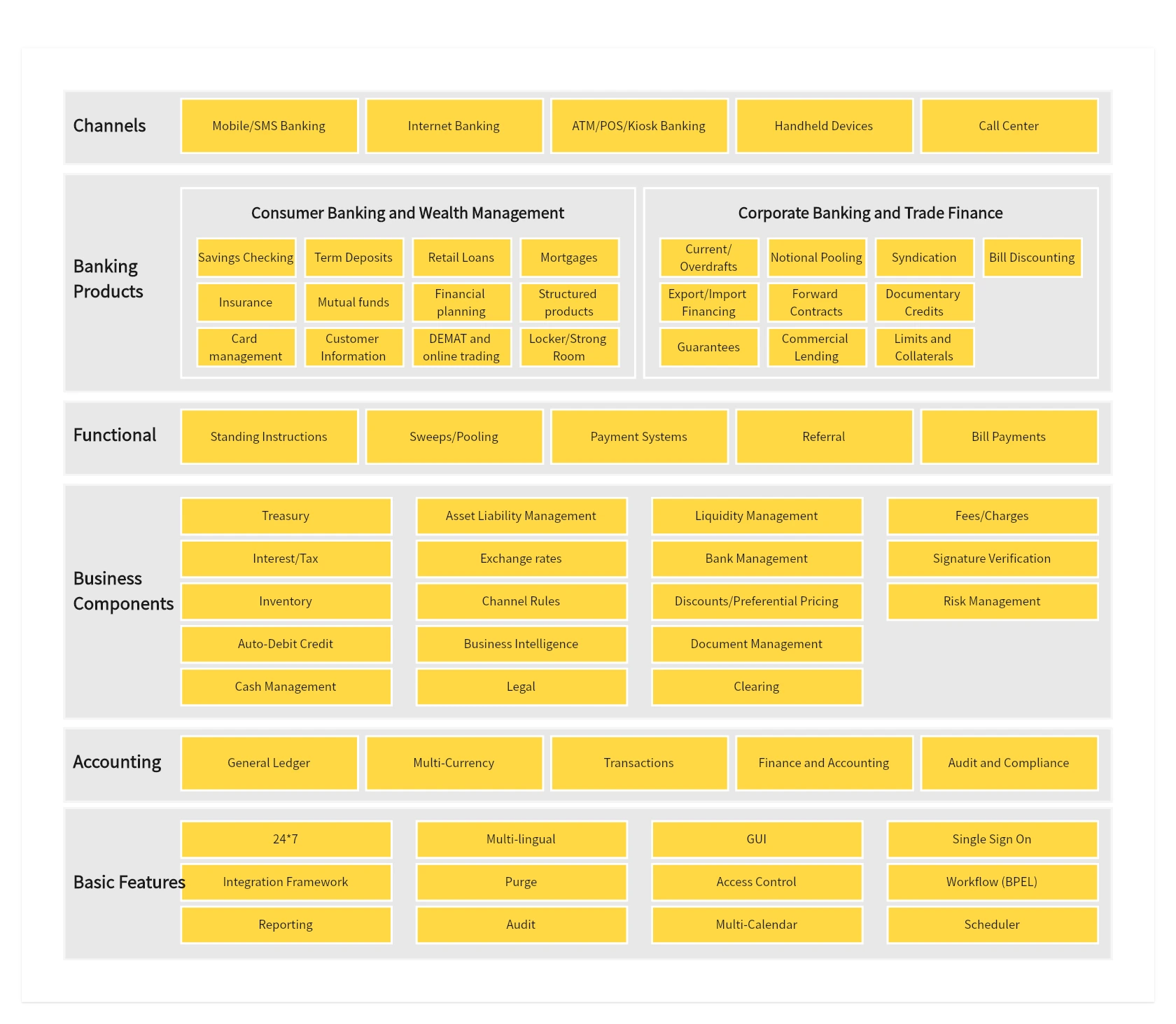
Banking system architecture
See how banking applications and shared technical services fit together.
View banking architecture template →



Online Collaborative Whiteboard

Boardmix Developer Platform

100+ AI Agents Integrated

UI/UX Tool, Figma Alternative

AI PPT Maker, Gamma Alternative
BOARDMIX · ARCHITECTURE DIAGRAMS
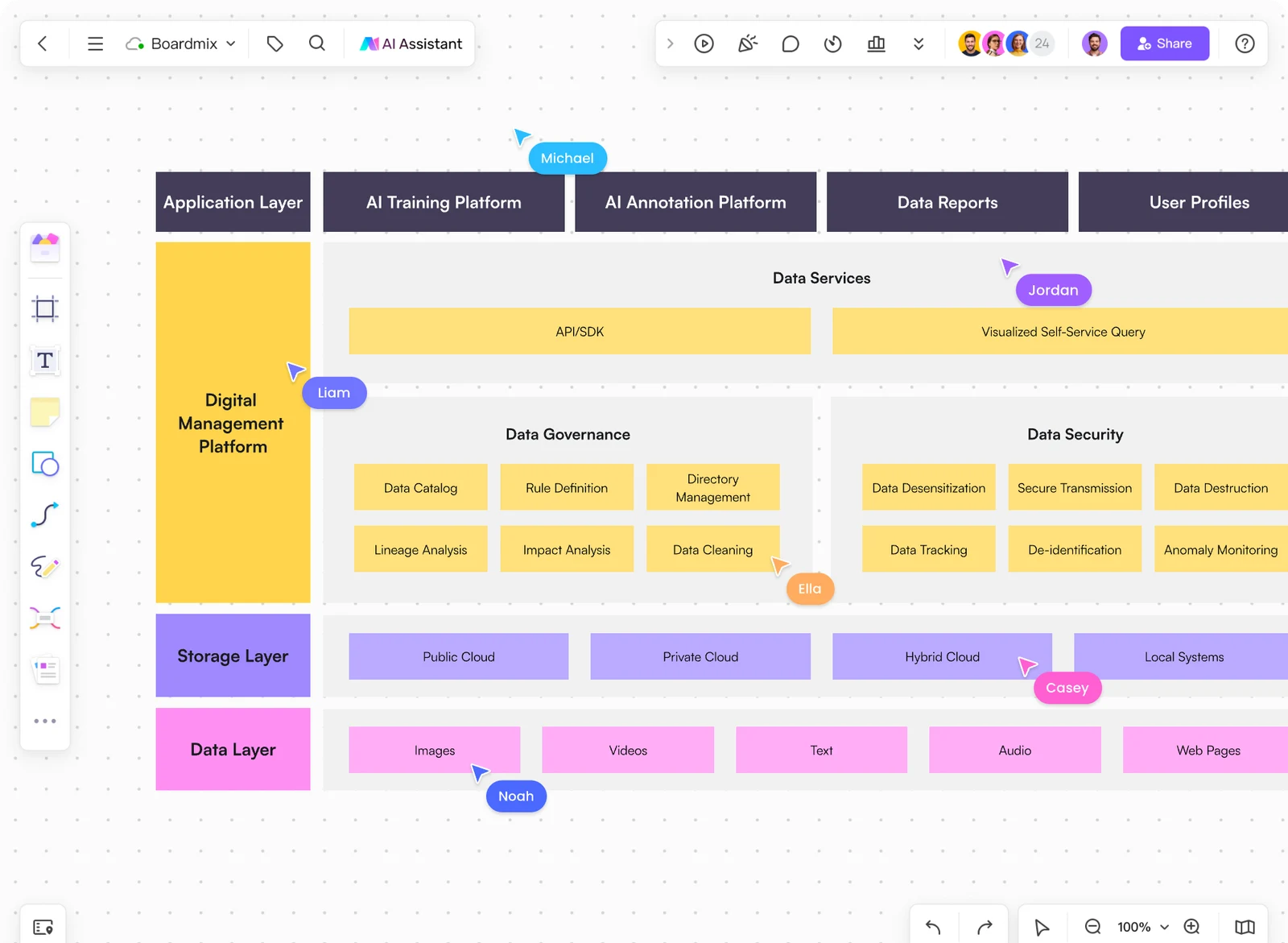
Make complex systems easier to understand. Map components, connections, and boundaries on a shared canvas, then refine your software or system architecture with your team.
Start from a blank board or an editable architecture template.
CHOOSE YOUR STARTING POINT
Choose the view that matches your audience: application capabilities, cloud layers, or a specific technical setup. Each preview opens at full size; its template link takes you to the corresponding Boardmix community page.
See how banking applications and shared technical services fit together.
View banking architecture template →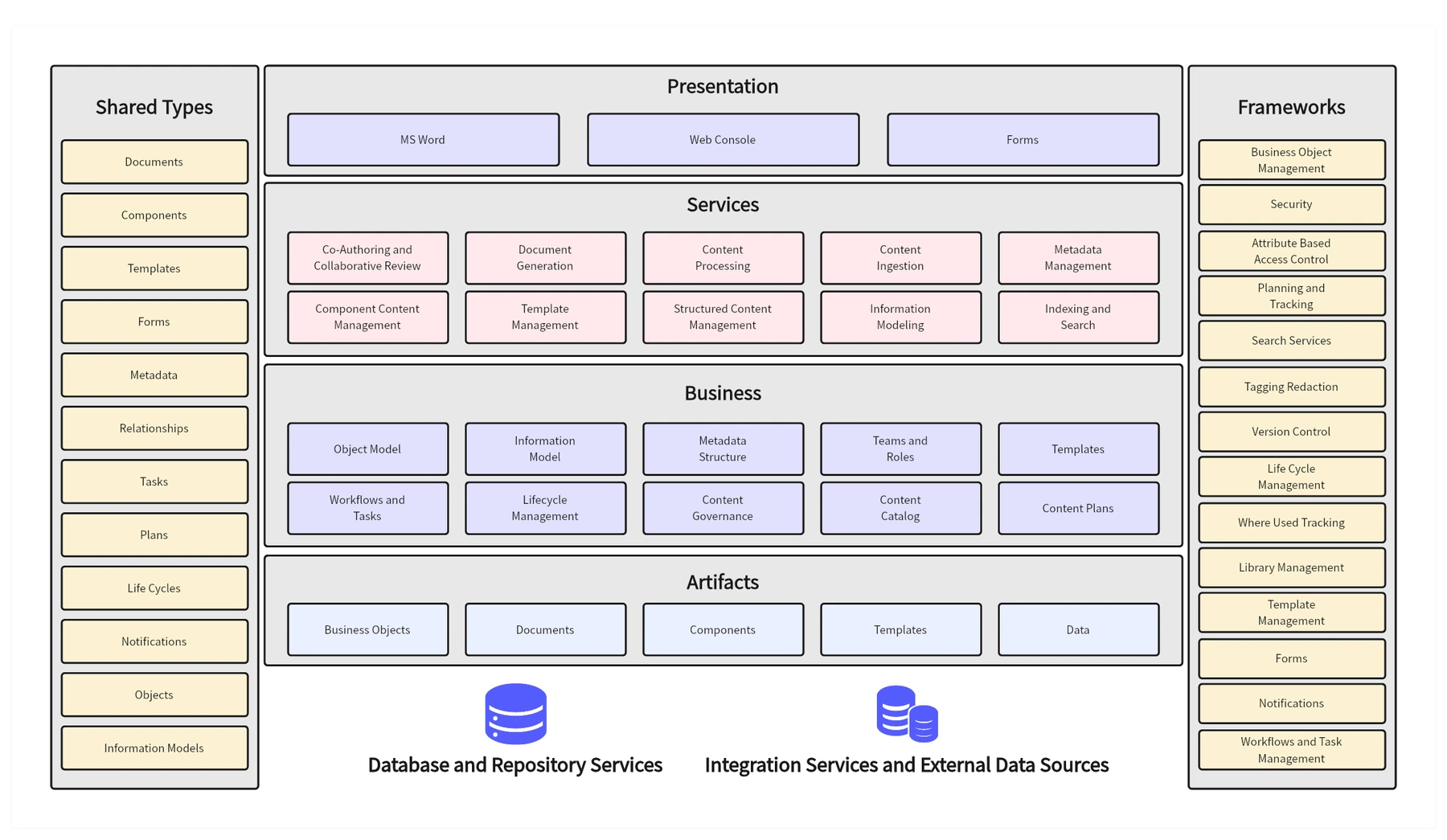
Group presentation, services, and business capabilities before detailing implementation.
View functional architecture template →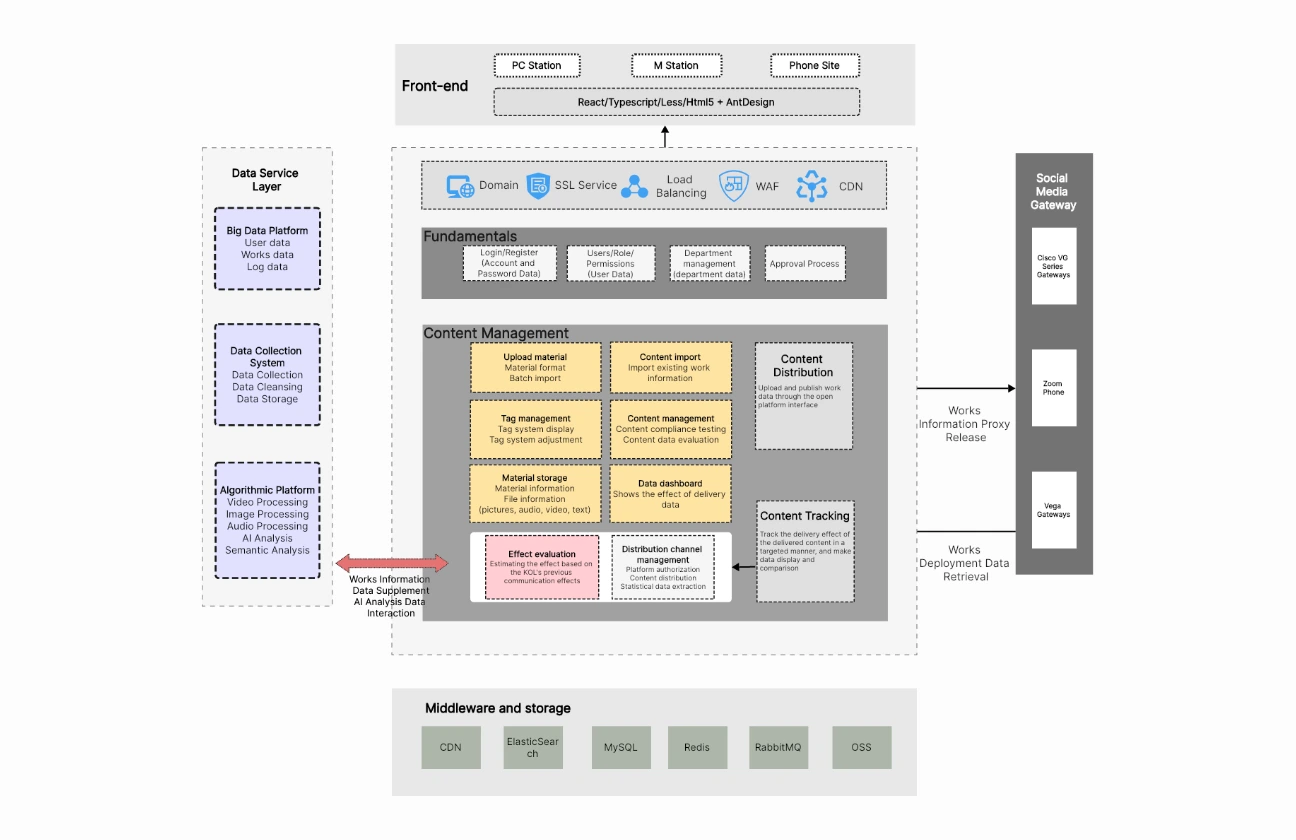
Map the application layers, shared services, and storage behind a SaaS product.
View SaaS architecture template →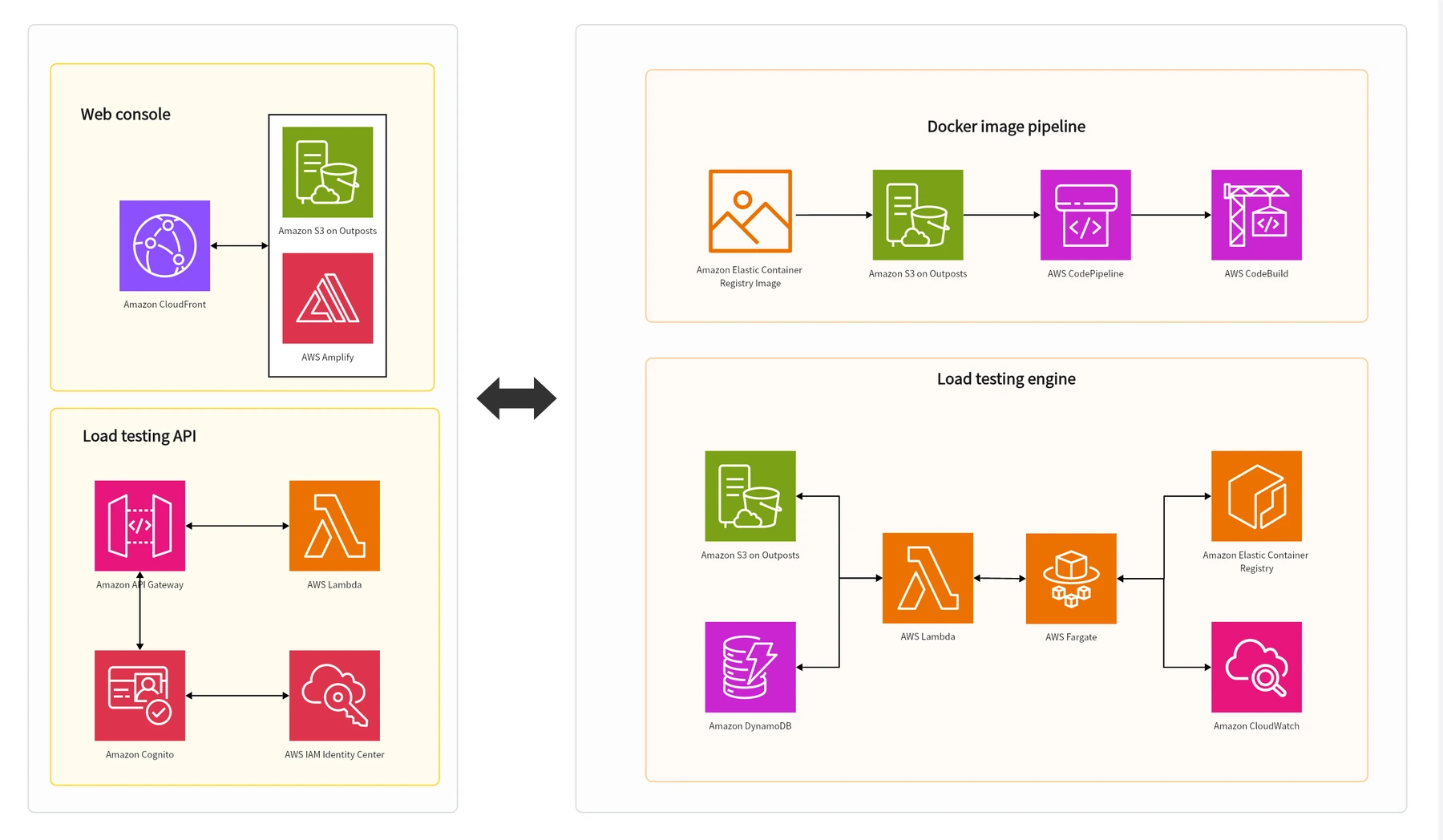
Map the AWS services in a load-testing setup, from the web console to the testing engine.
View AWS load-testing template →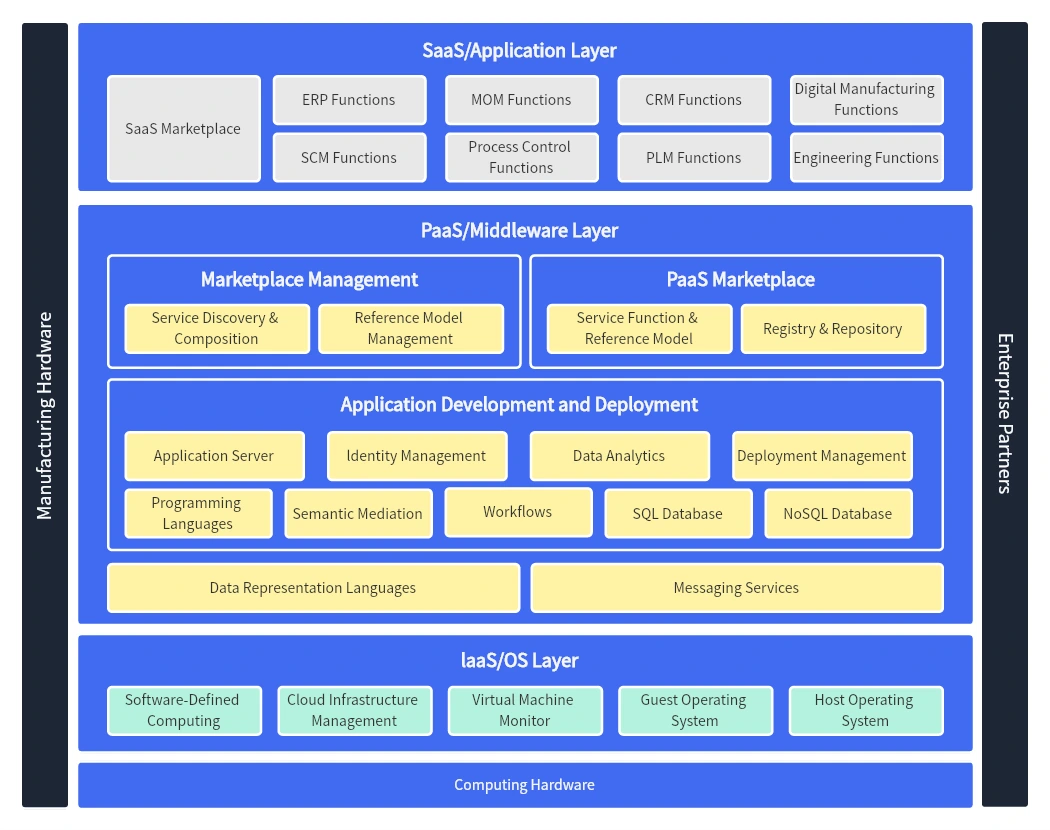
Separate application, middleware, and infrastructure responsibilities in a cloud view.
View cloud architecture template →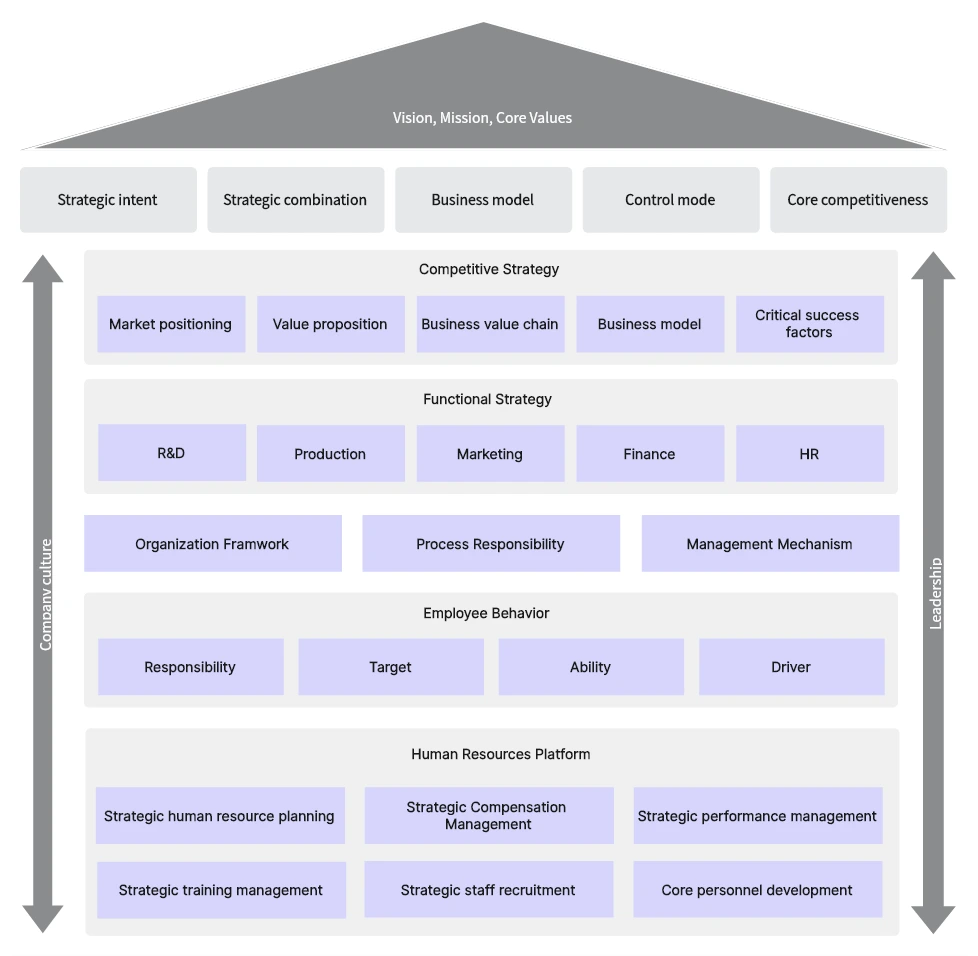
Connect strategic direction, management practices, and the resources that support them.
View management architecture template →SHAPES, CONNECTIONS, AND CONTEXT
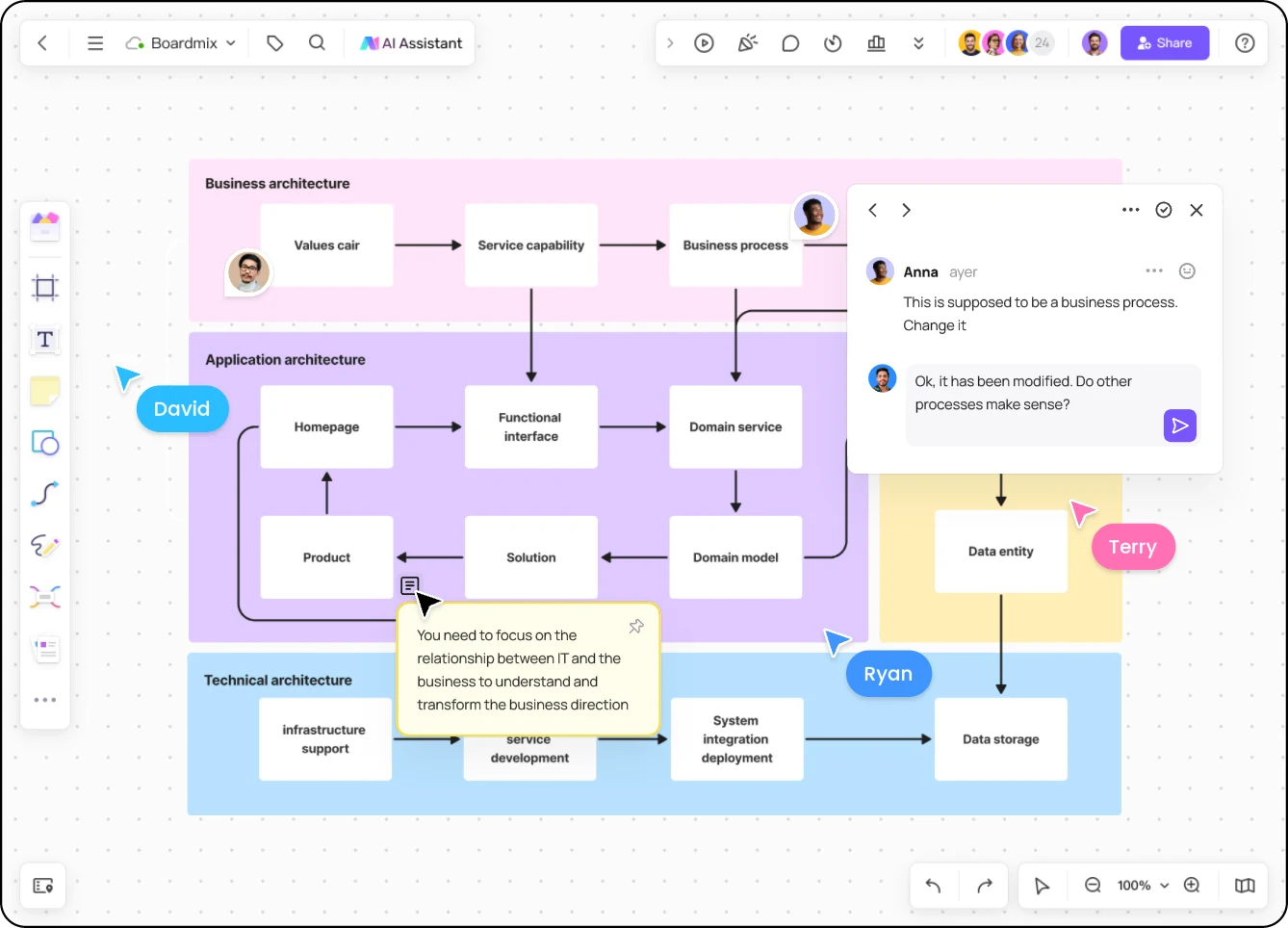
Represent applications, services, data stores, and external systems with shapes and connectors. Group related components, name the boundaries, and label important connections so the diagram explains more than a collection of boxes.
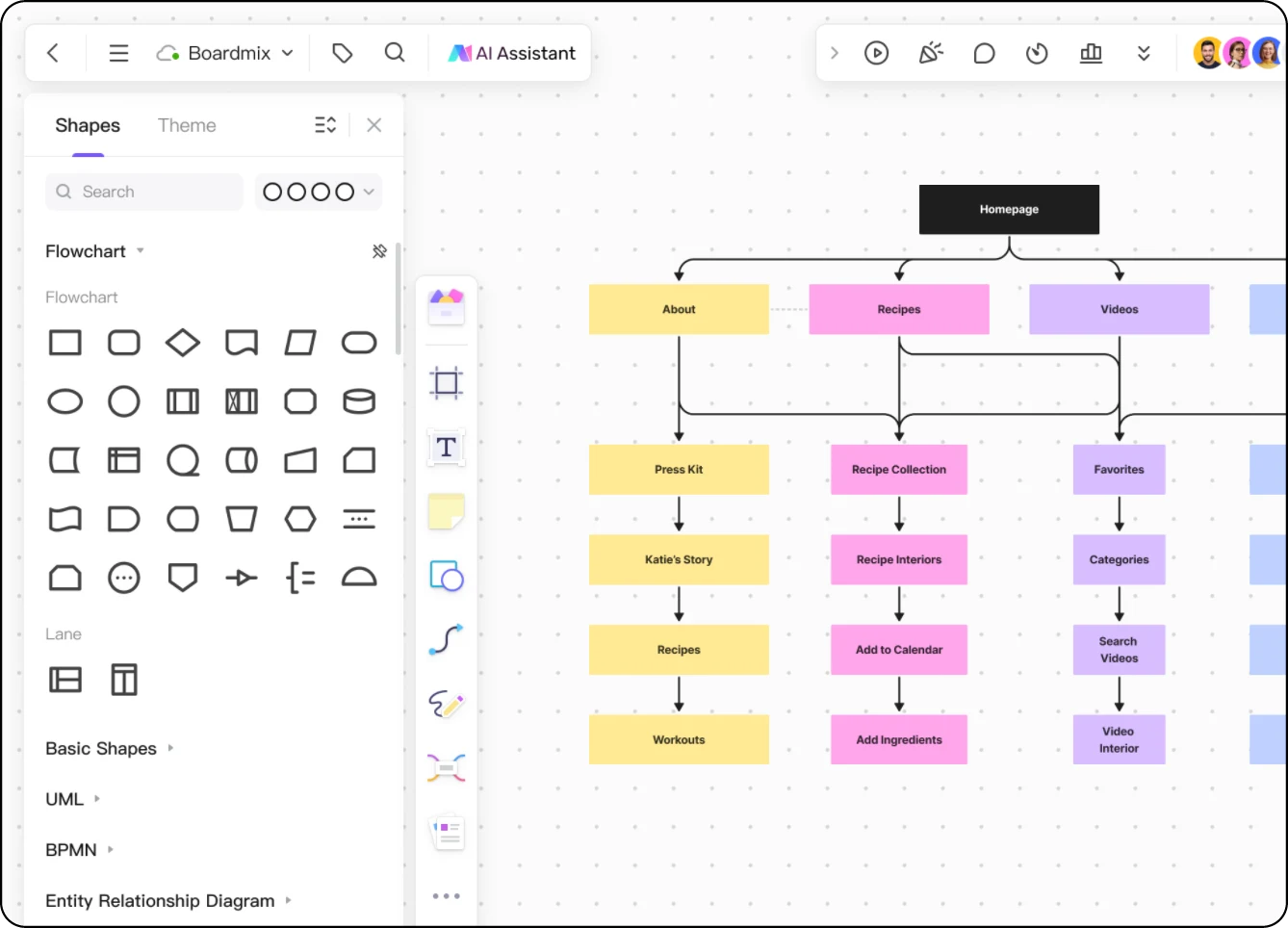
REVIEW THE DESIGN TOGETHER
Invite teammates to edit and discuss the design on one online whiteboard. Place comments beside the service or connection in question, and keep decisions and supporting links close to the diagram.
Use a high-level view to explain system boundaries, then add a separate detailed view for implementation discussions. Your audience can follow the design without reading every technical detail at once.
FROM FIRST BOX TO SHARED VIEW
Start with the question the diagram must answer. For an online store, that might be how a customer’s order moves between the storefront, order service, and payment provider.
Open Boardmix and choose an architecture template or a blank board. Decide whether you are explaining the whole system, its functions, or its technical implementation.
Add the storefront, order service, database, and external payment provider. Label the relationships and place external services outside the system boundary.
Ask teammates to check names, dependencies, and missing connections. Move implementation detail into a separate view when it obscures the overview, then share the board.
EXPLORE IDEAS WITH AI
Use Boardmix AI to organize requirements or explore a diagram draft. Bring your system context, then refine the components and relationships with your team before using the design.
ARCHITECTURE DIAGRAM FAQ
An architecture diagram shows a system’s main components, their relationships, and its boundaries. It can describe software, infrastructure, business capabilities, or the functions a system provides. The right view depends on the question and the audience.
Include the applications, services, data stores, users, and external systems relevant to the view. Show meaningful connections and label what they represent. Add boundaries and a legend where they help readers distinguish systems, environments, or connection types.
Yes. Start with a template or blank board, add shapes for your software components, and connect them with labeled lines. Arrange related elements into groups and add notes for design decisions. For formal software modeling, you can also use the UML diagram maker.
Yes. Use the canvas to represent application, service, and infrastructure layers. The cloud and AWS templates above provide visual starting points that you can adapt to your design; they do not connect to or deploy cloud infrastructure.
An architecture diagram emphasizes system structure and dependencies. A flowchart emphasizes the sequence of steps and decisions in a process. Use an architecture view to show which services make up an order system, and a flowchart to show the steps for processing an order.
Yes. Share the Boardmix board with teammates and give them the access needed for the review. Collaborate on the diagram and use comments to discuss components, relationships, and proposed changes in context.
Give your team one visual place to understand components, discuss connections, and develop the next version of the design.
Create an architecture diagram