

Affordable AI-Powered Collaboration Starts Here! Go Pro for Less🎉
Lifetime plans start at just $99/seat, upgrade today and save big for your team.
Shop Now
activity banner
logo logo

Build flowcharts with the tools your team needs

Use Boardmix as an AI flowchart maker and online flowchart workspace. Start with a template or blank canvas, then shape processes with connectors, symbols, styles, and imports in one place.

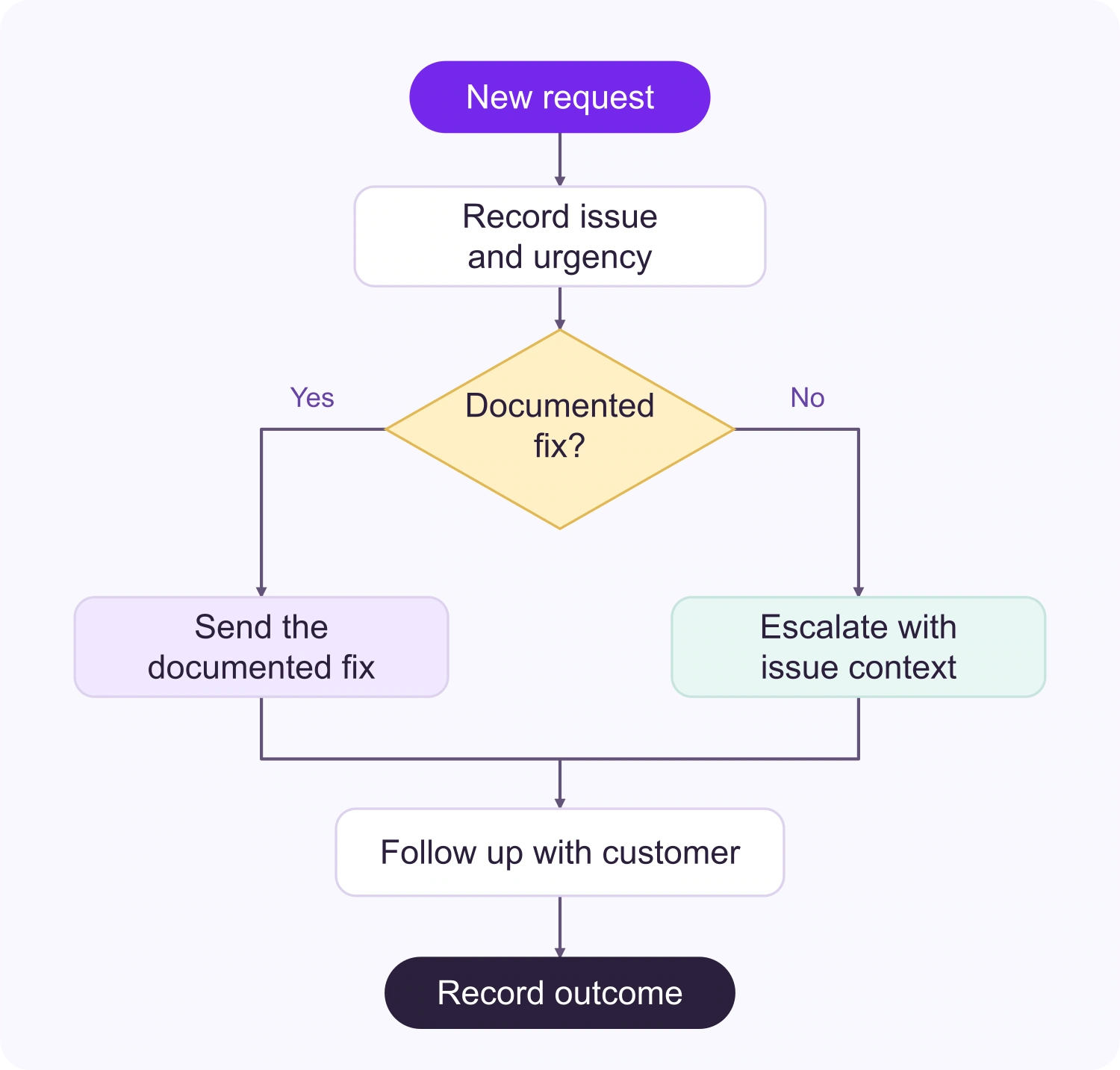
Flowchart templates for common workflows

Choose a ready-made flowchart template for a process, workflow, or planning session, then adapt it to your team.

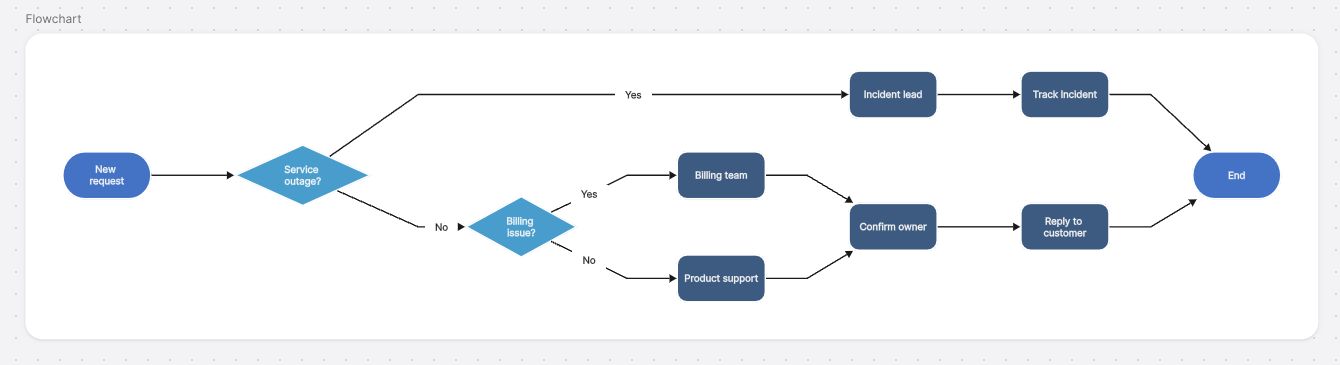
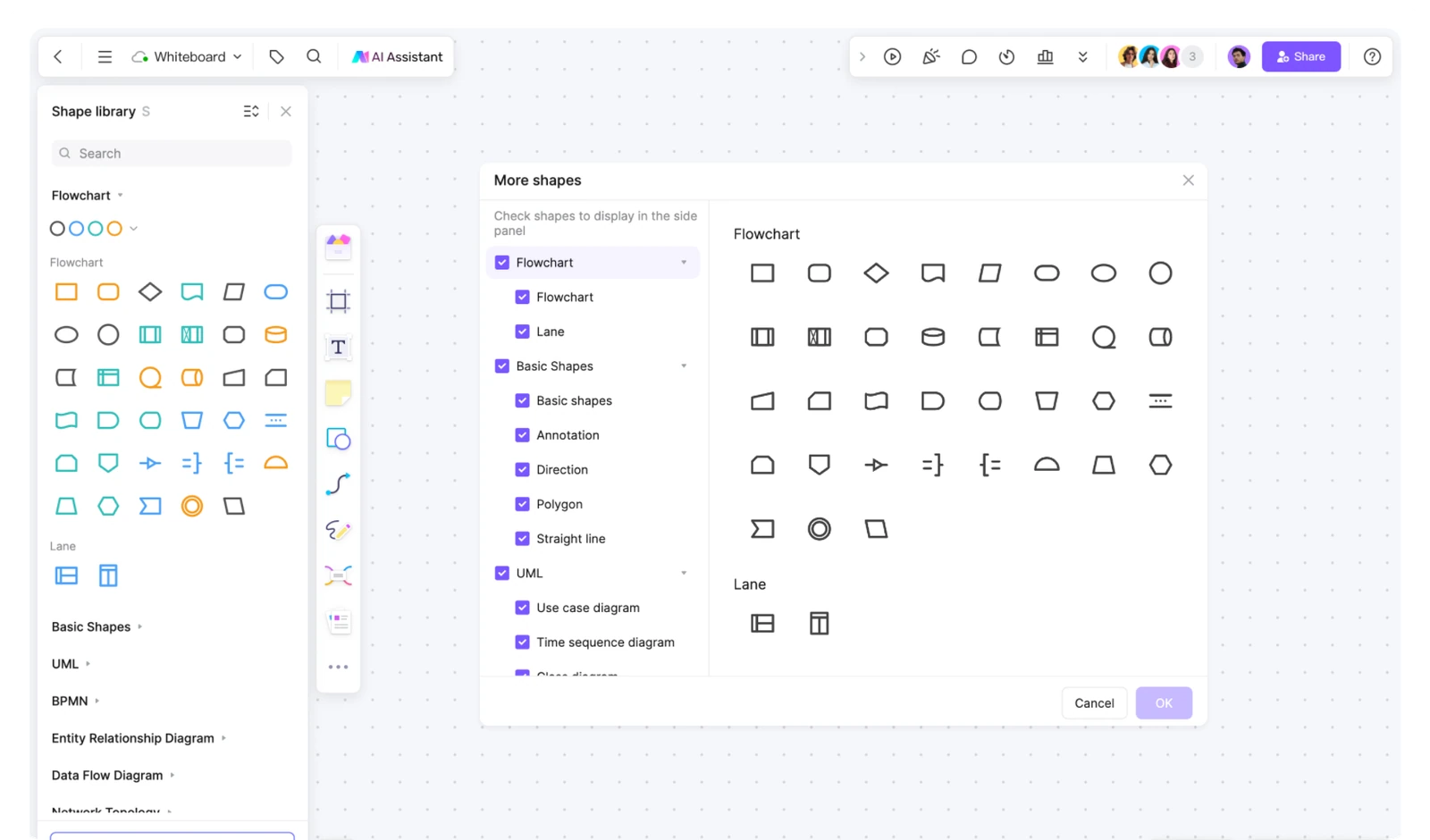
Shapes and symbols for clear diagrams

Use common flowchart symbols and diagram components to make each step, decision, and relationship easy to follow.

Smart connectors for connected flows

Connect steps with lines that keep the flow readable as you move, label, and refine your diagram.

Fast formatting for readable layouts

Align branches, adjust spacing, and keep related steps organized while the flowchart evolves.

Styles you can customize

Apply a visual style that fits your project, from simple process maps to detailed technical diagrams.

Import and export when you need it

Insert files and images, then export or reuse your flowchart when it is ready to share beyond the board.

Generate flowcharts with Boardmix AI

Describe a process or topic in a prompt and ask Boardmix AI to draft a flowchart. Then edit the steps, labels, and connections on the canvas. You can also start with a ready-made template when you already know the structure you need.

Use the AI Assistant to explore flowchart concepts, symbols, and next steps while you work.

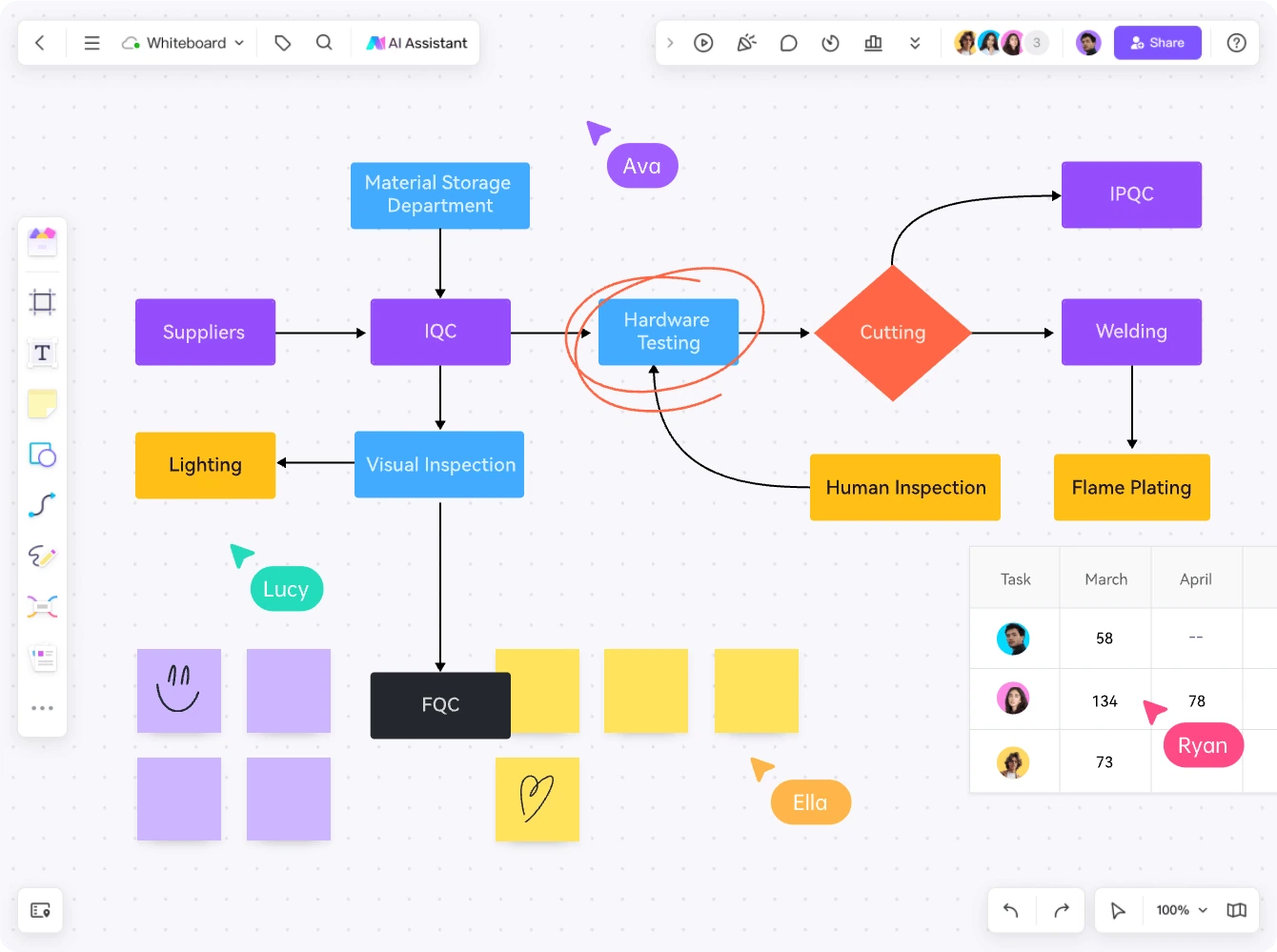
Editing an AI-assisted flowchart on an infinite canvas

Edit diagrams on an infinite canvas

Arrange steps, connectors, labels, and supporting notes in one flexible workspace. Add images, files, tables, formulas, sticky notes, and links when a process needs more context.

Work together online from anywhere

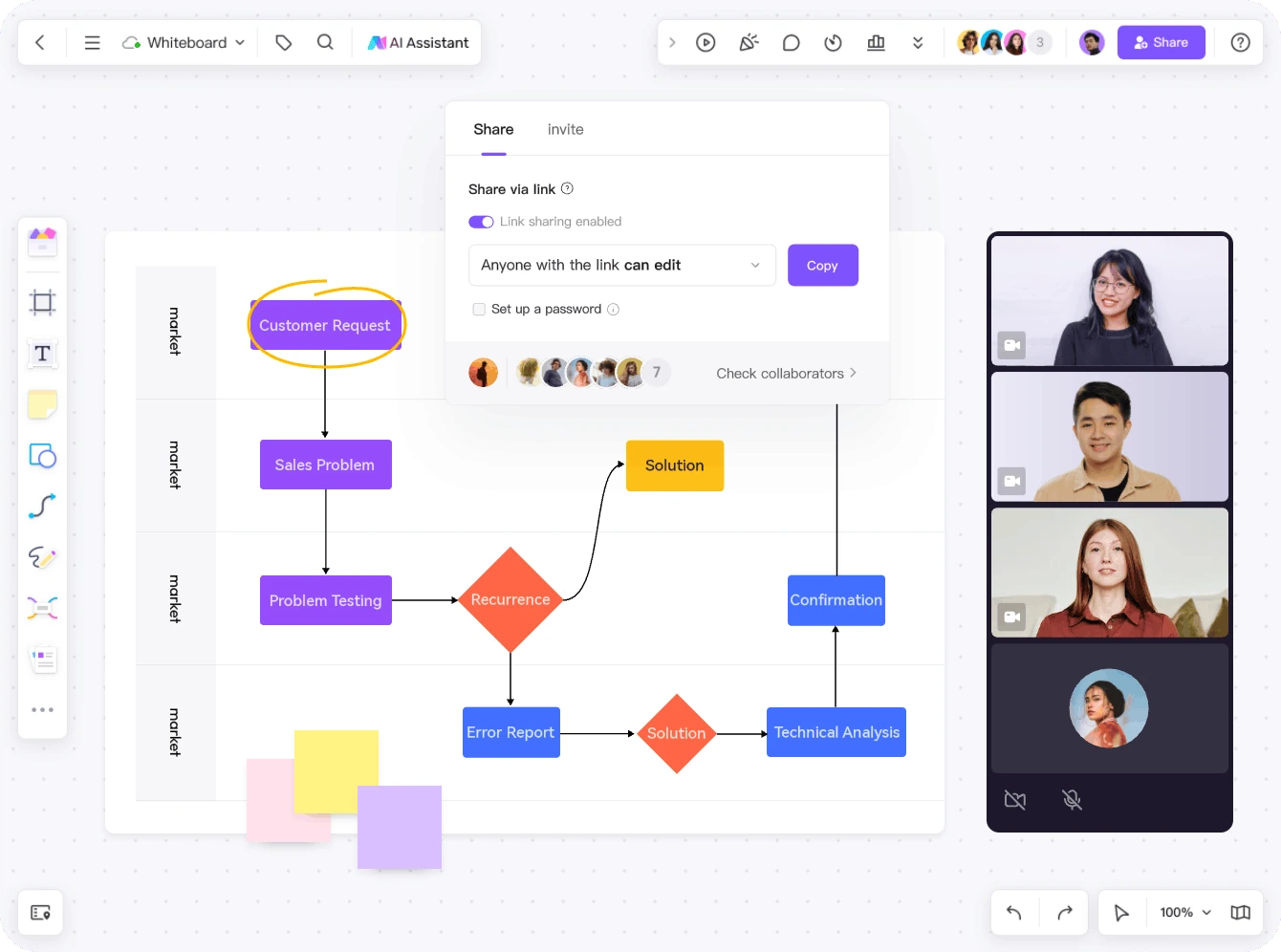
Invite teammates to review and update the same flowchart online. Use real-time collaboration to discuss changes, while cloud storage and version history help you compare, restore, or copy earlier work.

Collaborating on a flowchart online with version history

Boardmix

Move from an idea to a shared
AI-assisted flowchart

Boardmix AI flowchart maker workspace

Start faster with Boardmix
flowchart templates

One workspace for diagrams and collaboration

Bring AI assistance, an infinite canvas, presentation tools, version history, and import/export into the same visual workspace.

AI flowchart maker FAQ

Answers to common questions about creating, editing, and sharing flowcharts with AI.

What is an AI flowchart maker?

An AI flowchart maker helps you turn a topic or process description into a visual flowchart, then refine the steps, connections, and labels in an editor.

How does Boardmix AI create a flowchart?

Describe the process or topic in a prompt and ask Boardmix AI to draft a flowchart. You can then edit the result on the canvas and add the context your team needs.

Can I edit an AI-generated flowchart?

Yes. Treat the AI draft as a starting point: move shapes, update labels, add connectors, and continue editing the flowchart on the infinite canvas.

Can teams collaborate on a flowchart?

Yes. Invite teammates to the same board, use comments to discuss changes, and share the current flowchart with the people who need to review it.

Can I start from a template?

Yes. Boardmix includes flowchart templates for common workflows, and you can also start with a blank canvas when the process is unique.

Is Boardmix free to try?

Boardmix offers a free way to start creating flowcharts. See the current pricing page for plan limits and paid features.

Create your next flowchart with Boardmix AI