Put the pieces together
Add sticky notes, images, links, and supported files. Group related ideas and keep the original material beside the question it helps answer.
Useful when the context is scattered across files and conversations.


Online Collaborative Whiteboard

Boardmix Developer Platform

AI tools for diagrams, writing, and ideas

UI/UX Tool, Figma Alternative

AI PPT Maker, Gamma Alternative
Run workshops, plan projects, and work with colleagues on a shared whiteboard.
Explore collaborative workBOARDMIX · VISUAL COLLABORATION
Bring notes, diagrams, and source material onto one shared canvas. Work through the question together, keep feedback in context, and leave with a plan everyone can understand.
A visual workspace built on the Boardmix online whiteboard.
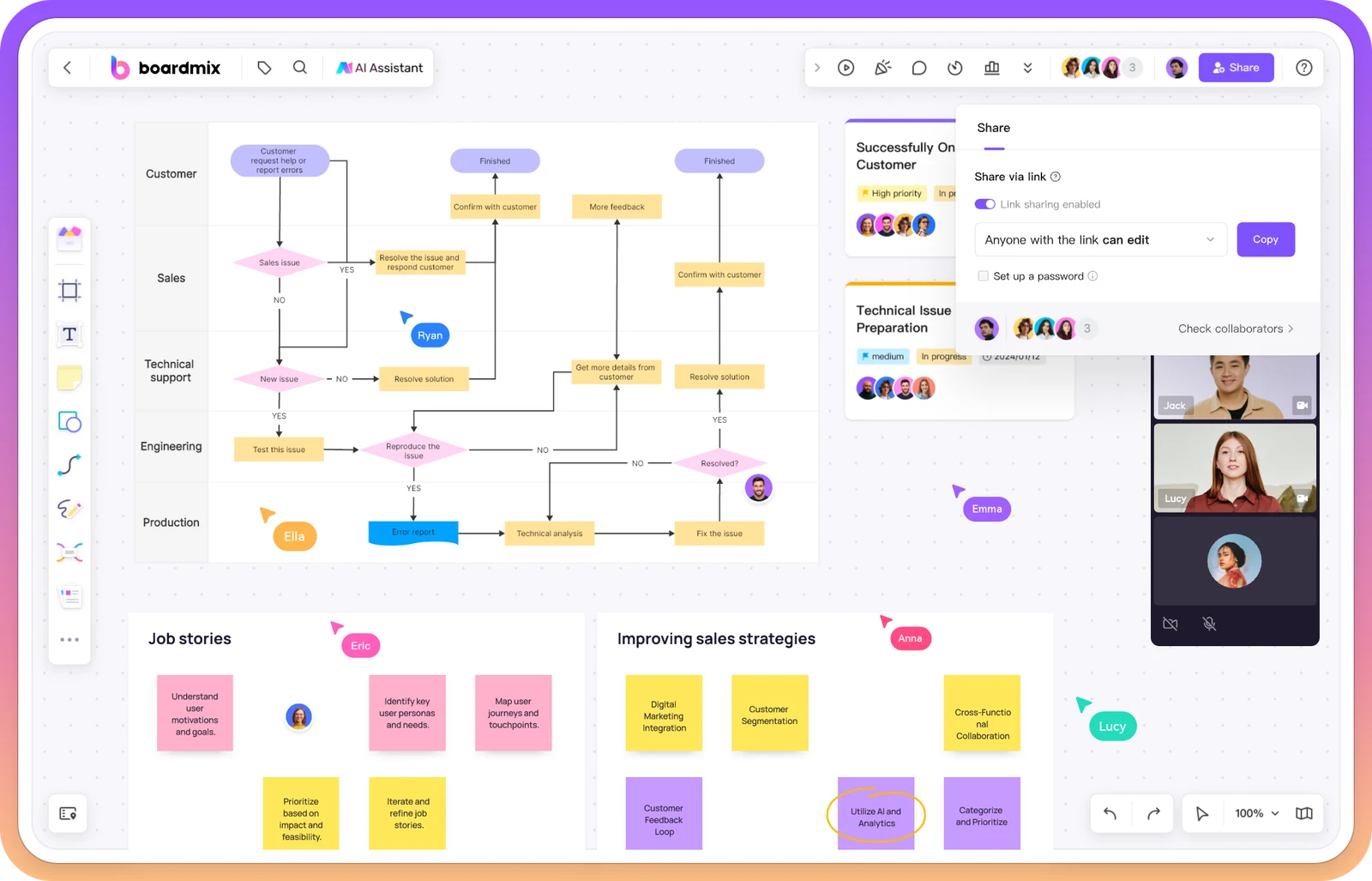
MAKE THE WORK UNDERSTANDABLE
A chat thread records what was said. A shared document explains it in sequence. A visual workspace lets your team place the pieces side by side, see how they connect, and change them together.
Add sticky notes, images, links, and supported files. Group related ideas and keep the original material beside the question it helps answer.
Useful when the context is scattered across files and conversations.
Draw relationships, edit a diagram together, and leave comments near the part that needs attention. Use team chat for the conversation around the board.
Useful when people are using the same words but imagining different things.
Arrange frames into a presentation, share the board, or export a snapshot. Keep the editable workspace for the next round of questions.
Useful when a decision needs more context than a message or screenshot.
A QUESTION YOUR TEAM CAN WORK THROUGH
Suppose new customers cannot find the right help. Use this sample board to separate the open questions, sketch a help journey, and compare changes before committing to one.
Can a new customer find Help from the page where they get stuck?
Do the help topics use the words customers use to describe the problem?
What happens when none of the suggested answers fits?
Place support excerpts, relevant screenshots, and source links beside these questions.
Discussion point: where does the current journey leave someone without a useful next step?
Helps customers recognize the right category, but does not fix a hidden Help entry.
Makes the starting point visible, but still depends on useful answers.
Try the contextual entry with a short set of clearer topic labels. Watch whether someone can find a relevant answer or reach support.
Keep the options and reasoning on the board, so the next teammate can understand the choice—not just see the final task.
Build a board around your own question, then invite the people who can add the missing context. New to the canvas? Follow the first-board guide.
DIFFERENT WORK. THE SAME SHARED SPACE.
Start with the material your team already has. A board can make a design discussion, a business assumption, or a set of priorities easier to work on together.
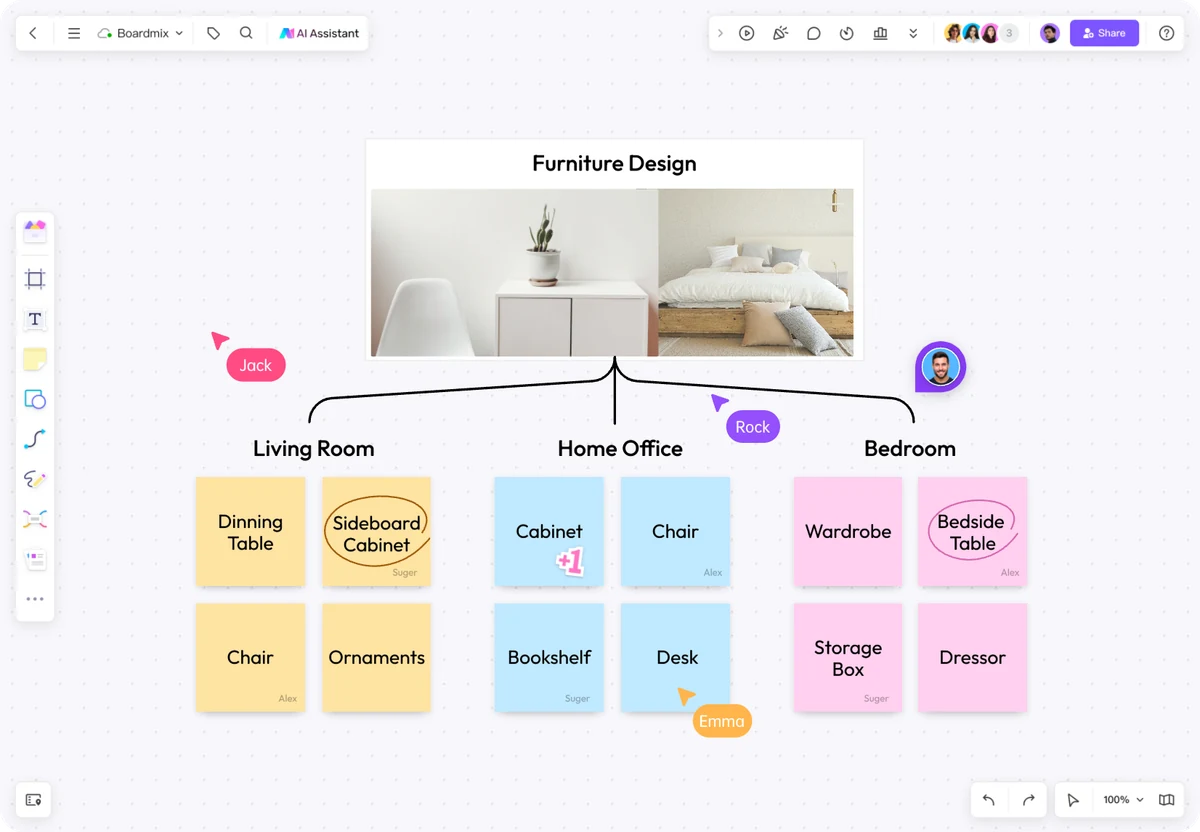
Place an inspiration image beside grouped ideas. In this furniture example, room-based groups make it easier to compare concepts without losing the starting reference.
Explore visual brainstorming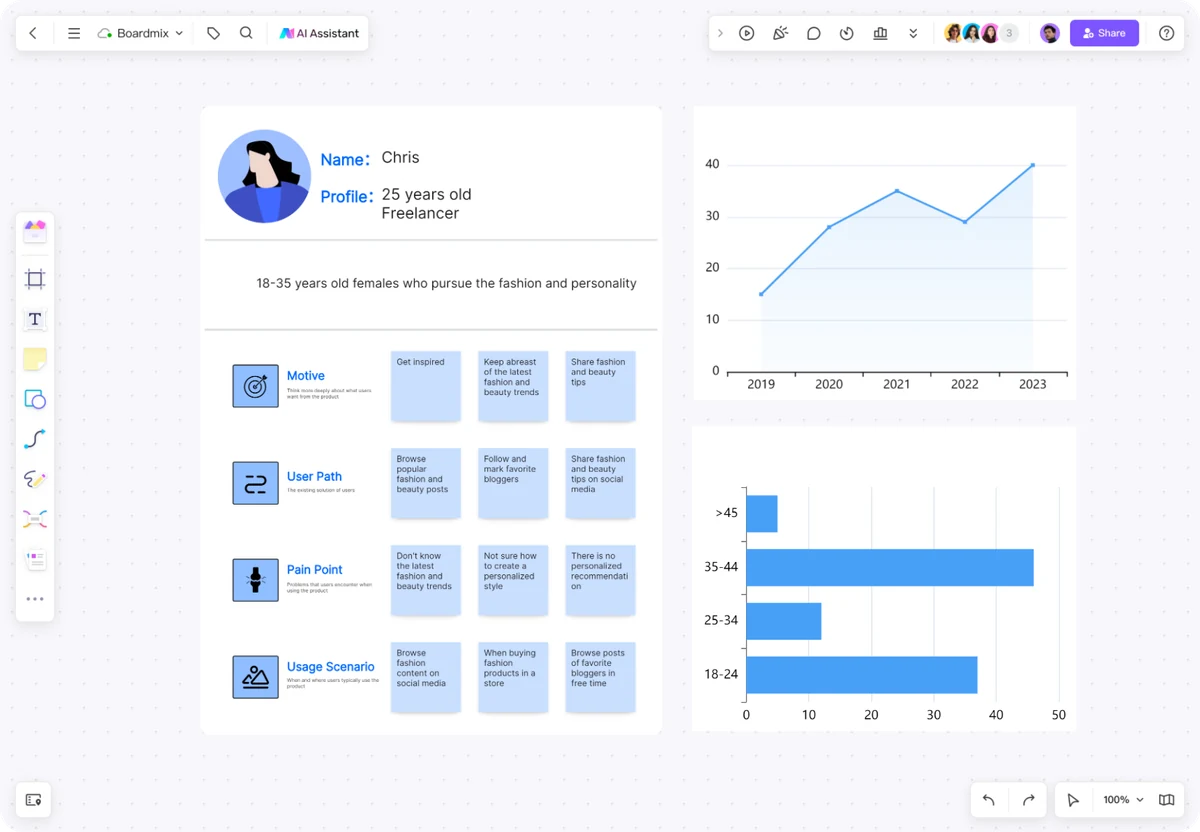
Arrange customer notes and charts together. Make it clear which observations support the plan and which assumptions still need research.
Explore research and analysis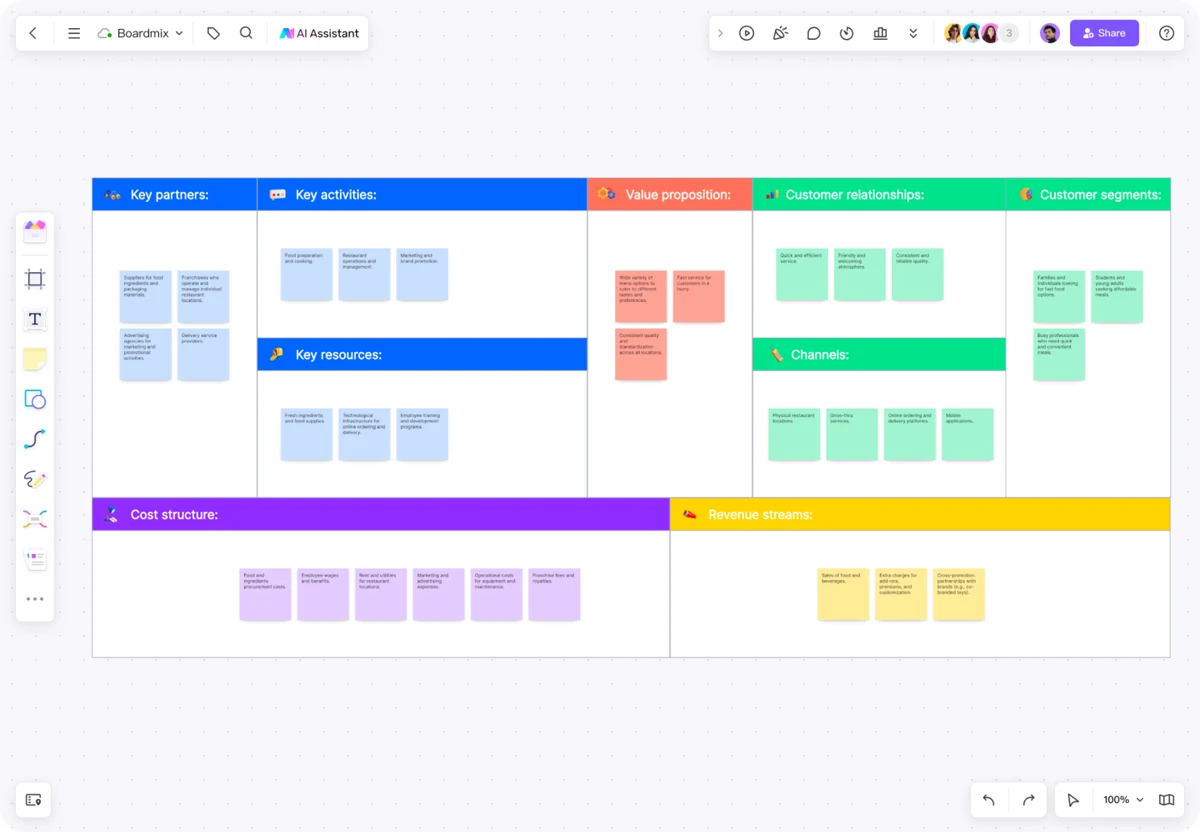
Put customers, value, partners, costs, and revenue on the same canvas. Review the relationships and mark the assumptions your team needs to test.
Explore business model canvases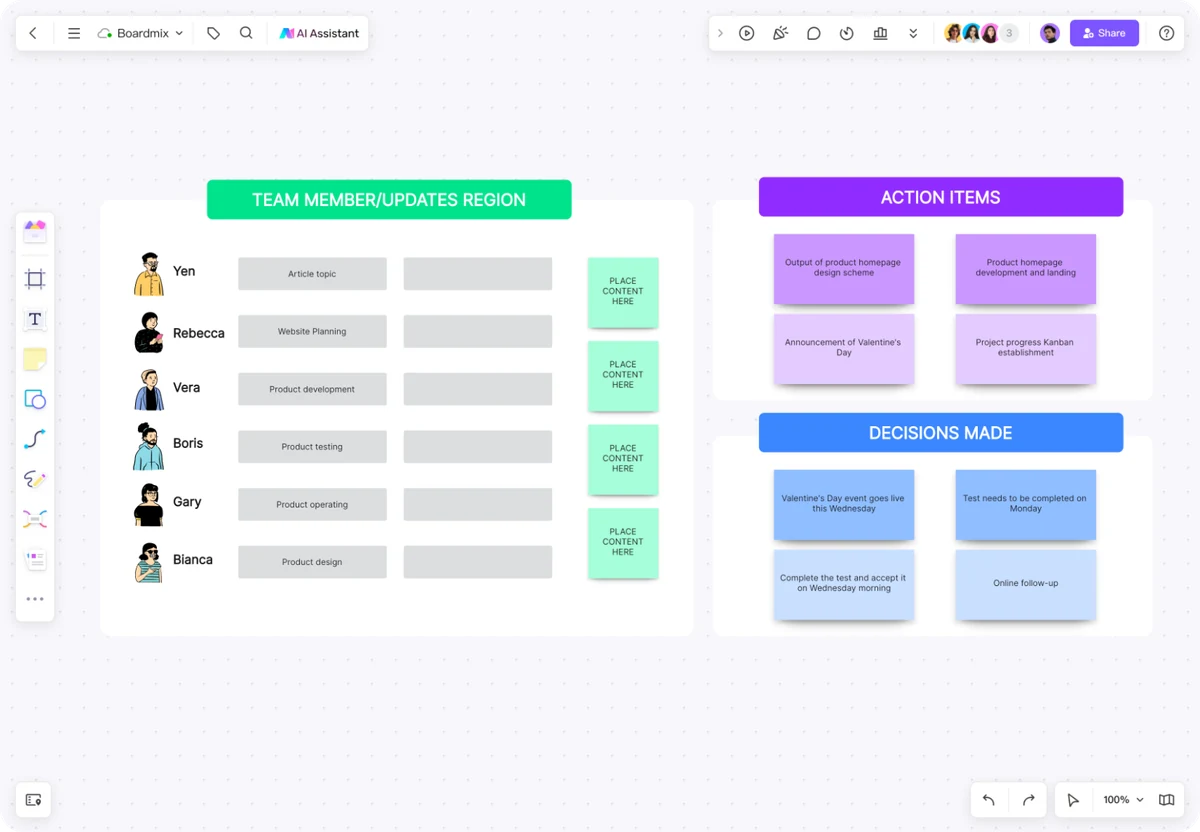
Give team updates, action items, and decisions their own space. After the conversation, teammates can return to the same context instead of reconstructing it from messages.
Explore meetings and workshops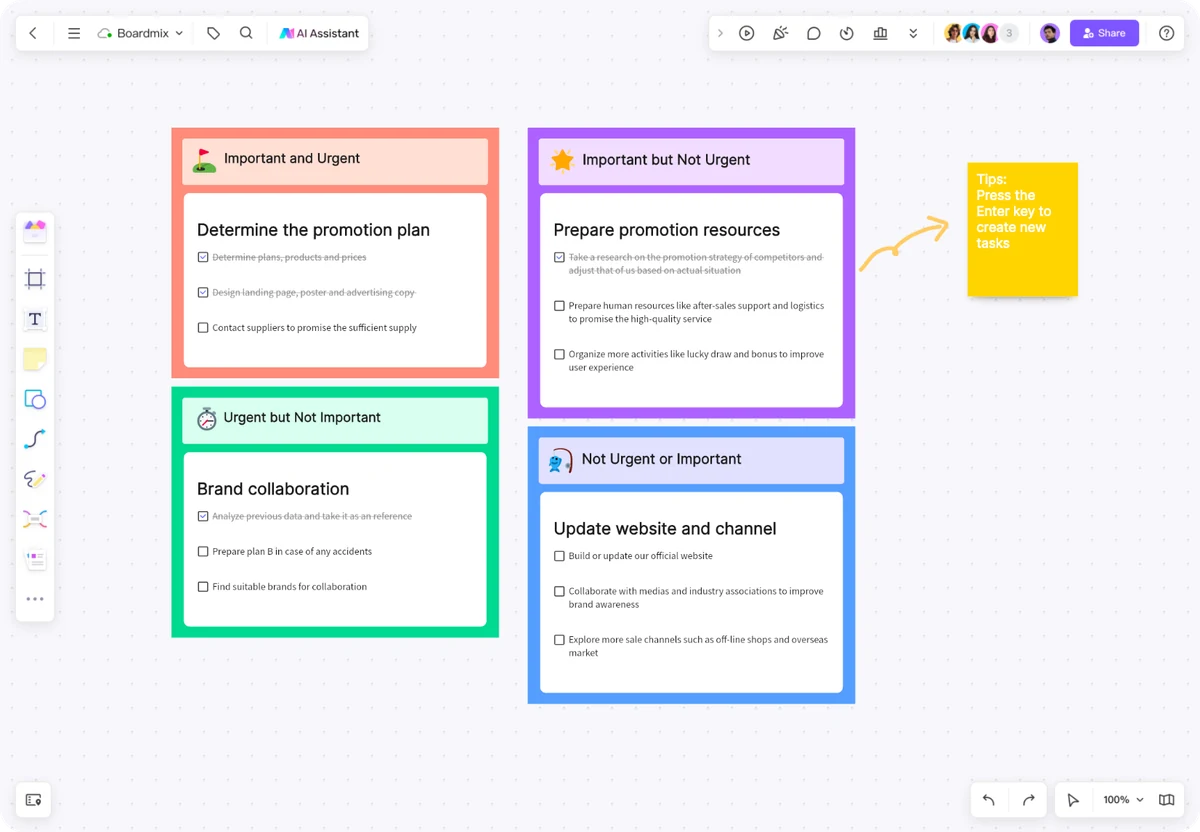
Group work by importance and urgency. Move items together as the discussion changes, then record why the team chose one task ahead of another.
Find a planning template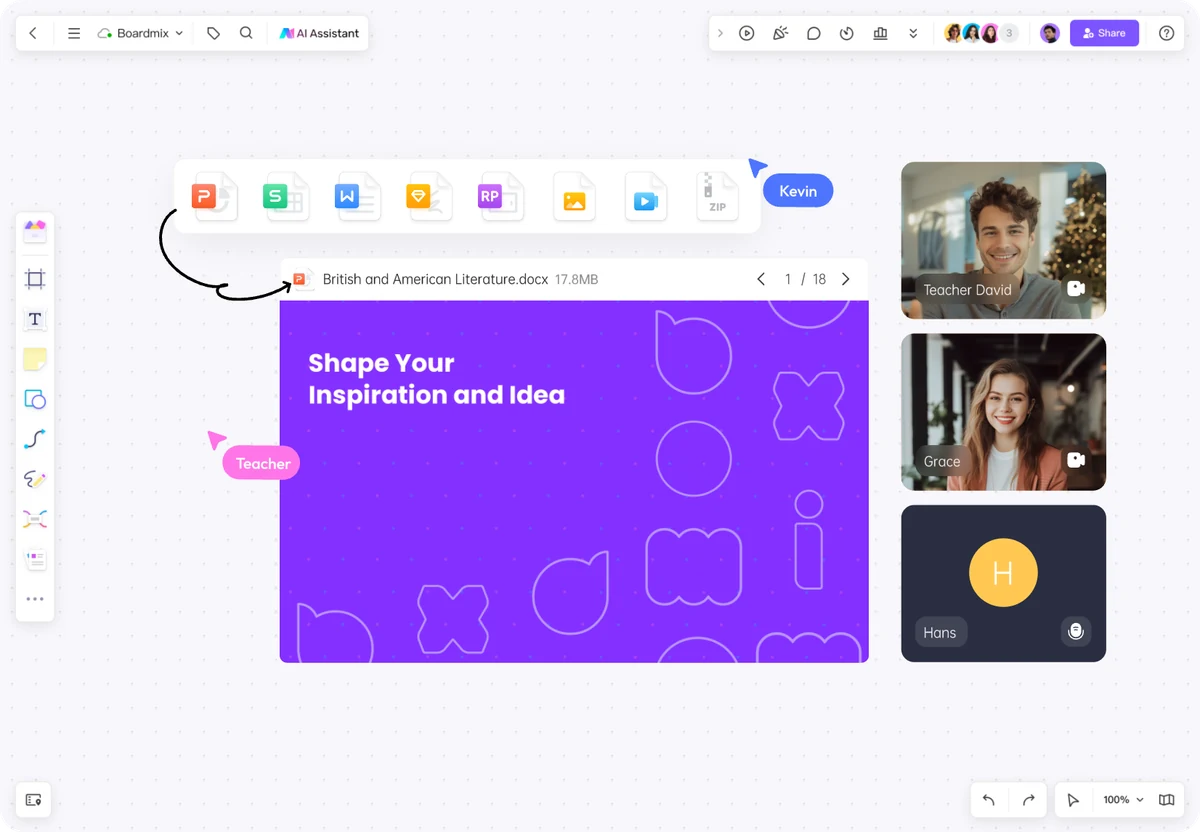
Keep a lesson, a diagram, and the questions together. Invite learners to add examples or annotate the explanation as they work through it.
Explore education templatesTHE WORK CONTINUES AFTER THE CALL
Visual collaboration is useful when people need to question, rearrange, and improve the work. Keep the canvas editable while giving each audience the right way to see it.
Working across locations or time zones?Work on the same board in real time. Put comments near the relevant content, use chat for discussion, and invite teammates with the appropriate access.
Pan and zoom as the canvas grows. Use shapes, icons, alignment, and diagram layouts to show relationships; arrange frames to walk an audience through the result.
Share the board or export an image or PDF. Revisit saved versions when you need earlier work. Export options and version-history access depend on your plan.
DON’T START WITH AN EMPTY PAGE
Use these board formats as starting points, then replace the example material with your own. Each format makes a different kind of work easier to follow.
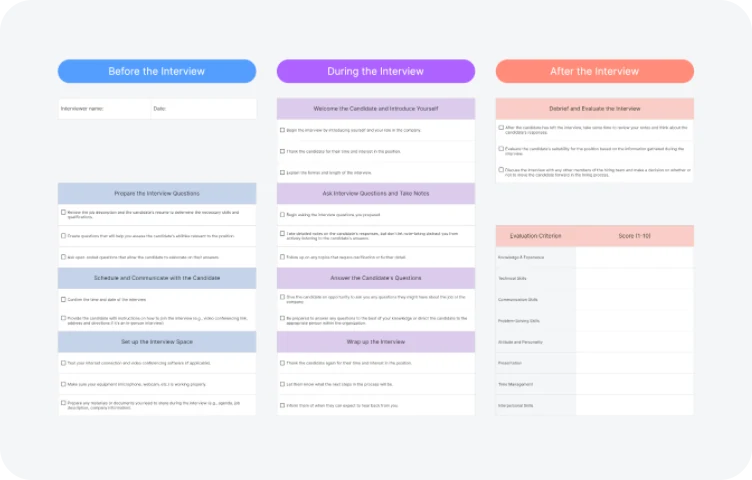
Prepare candidate questions, organize the interview, and record follow-up notes so the hiring team can review the conversation.
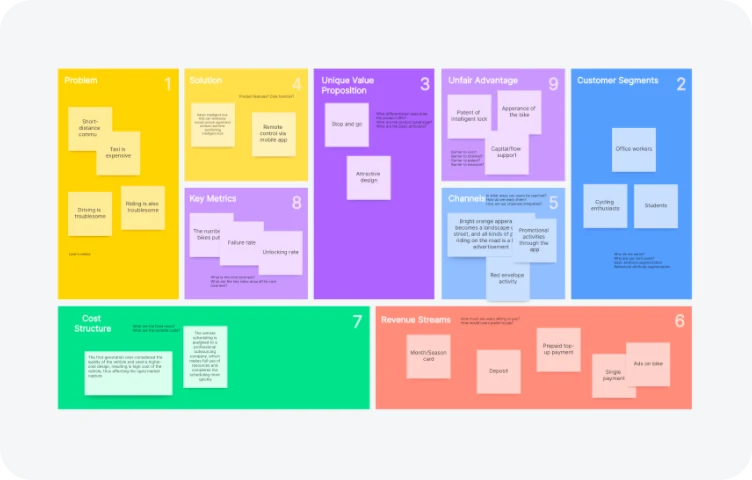
Put a proposed business model on one page and identify the assumptions that need attention.
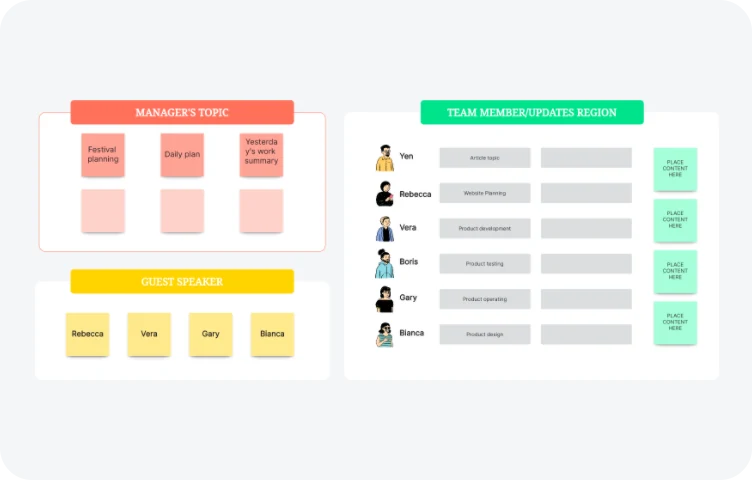
Keep the topics and team contributions in a structure people can revisit after the conversation.
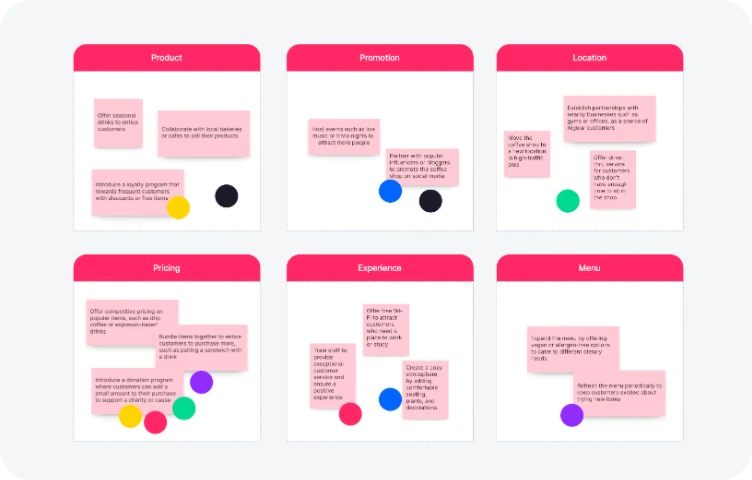
Group options, gather preferences with voting, and discuss the reasons behind the choices.
SEE THE CANVAS IN ACTION
Watch the whiteboard overview to see how material is arranged and shared. Start with a blank board or a template, then build a workspace around your team's question.
The AI assistant can help explore ideas or draft a mind map, flowchart, or presentation. Add your sources and refine the result with your team.
Explore AI whiteboardingBEFORE YOU START
Visual collaboration software gives people a shared space to arrange, connect, and discuss information. In Boardmix, that space can contain sticky notes, diagrams, images, links, and supported files. The team can work on both the ideas and the relationships between them.
Chat works well for a conversation; a document explains something in a sequence. A visual workspace is useful when people need to compare options, map a process, or see related material side by side. Use Boardmix alongside the place where you maintain final documents or track delivery, with links between the records.
Yes. Boardmix supports real-time collaboration on a shared board, with comments and chat for discussion. Invite teammates and choose appropriate access. Confirm sharing settings before including material that should not be visible to every participant.
You can share access to the board, present its frames, or export an image or PDF. Choose an editable board for ongoing work and an export when the recipient needs a snapshot. Available export formats and quality depend on the operation and your plan.
Boardmix offers a free plan. Review the current plans and limits for board access, AI credits, exports, and collaboration options before choosing what your team needs.
BRING THE QUESTION. BUILD THE SHARED PICTURE.
Put the material on the canvas and give your team a place to think together.
Start collaborating in Boardmix