Flowcharts
What happens next?
Show a process from start to finish, including decisions, alternative paths, and rework.
Explore the flowchart maker →


Online Collaborative Whiteboard

Boardmix Developer Platform

AI tools for diagrams, writing, and ideas

UI/UX Tool, Figma Alternative

AI PPT Maker, Gamma Alternative
Run workshops, plan projects, and work with colleagues on a shared whiteboard.
Explore collaborative workBOARDMIX · DIAGRAMMING
Make processes, systems, and relationships easier to understand. Create diagrams with shapes and connectors, adapt a template, and work through the details together on one Boardmix canvas.
Start from a blank canvas or a template. Keep your diagram editable as the work changes.
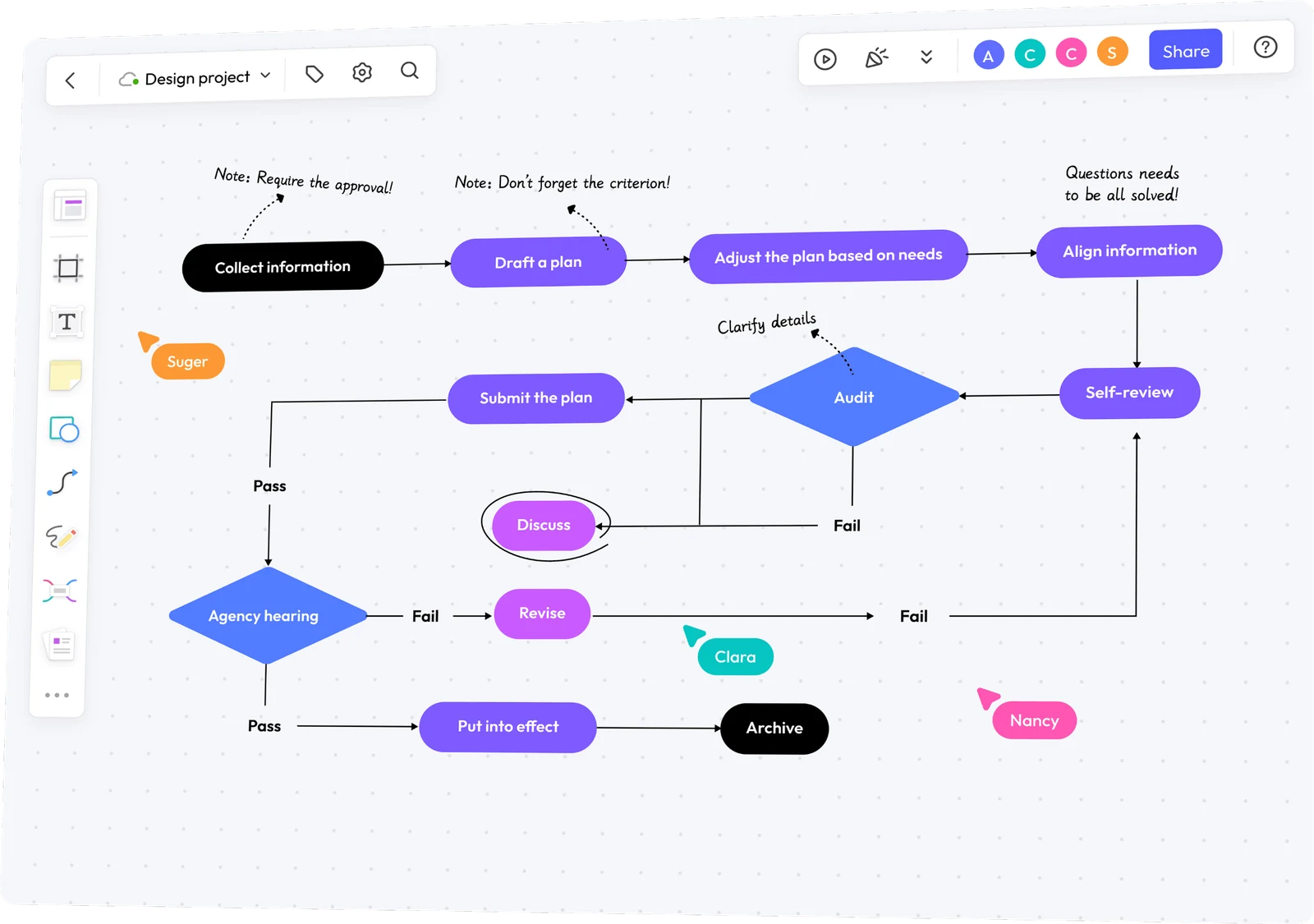
START WITH THE QUESTION
A process, a database, and a team structure need different views. Use these six starting points to find the right diagram maker, examples, and templates.
What happens next?
Show a process from start to finish, including decisions, alternative paths, and rework.
Explore the flowchart maker →How does the software behave or fit together?
Model classes, interactions, or use cases with a view that fits the design question.
Explore the UML diagram maker →How are the data entities related?
Map entities, key fields, and relationships before refining a database structure.
Explore the ER diagram maker →Which components connect?
Explain major services, interfaces, and dependencies without mixing in every implementation detail.
Explore architecture diagrams →Who reports to whom?
Make teams, roles, and reporting relationships easy to follow as the organization changes.
Explore the org chart maker →How do the ideas branch out?
Organize a topic, explore its subtopics, and turn scattered thinking into a clear structure.
Explore the mind map maker →SHAPES THAT MAKE THE MEANING CLEAR
Start with the objects you need to explain. Connect related items, name the relationships, and use a consistent direction so readers can follow the diagram.
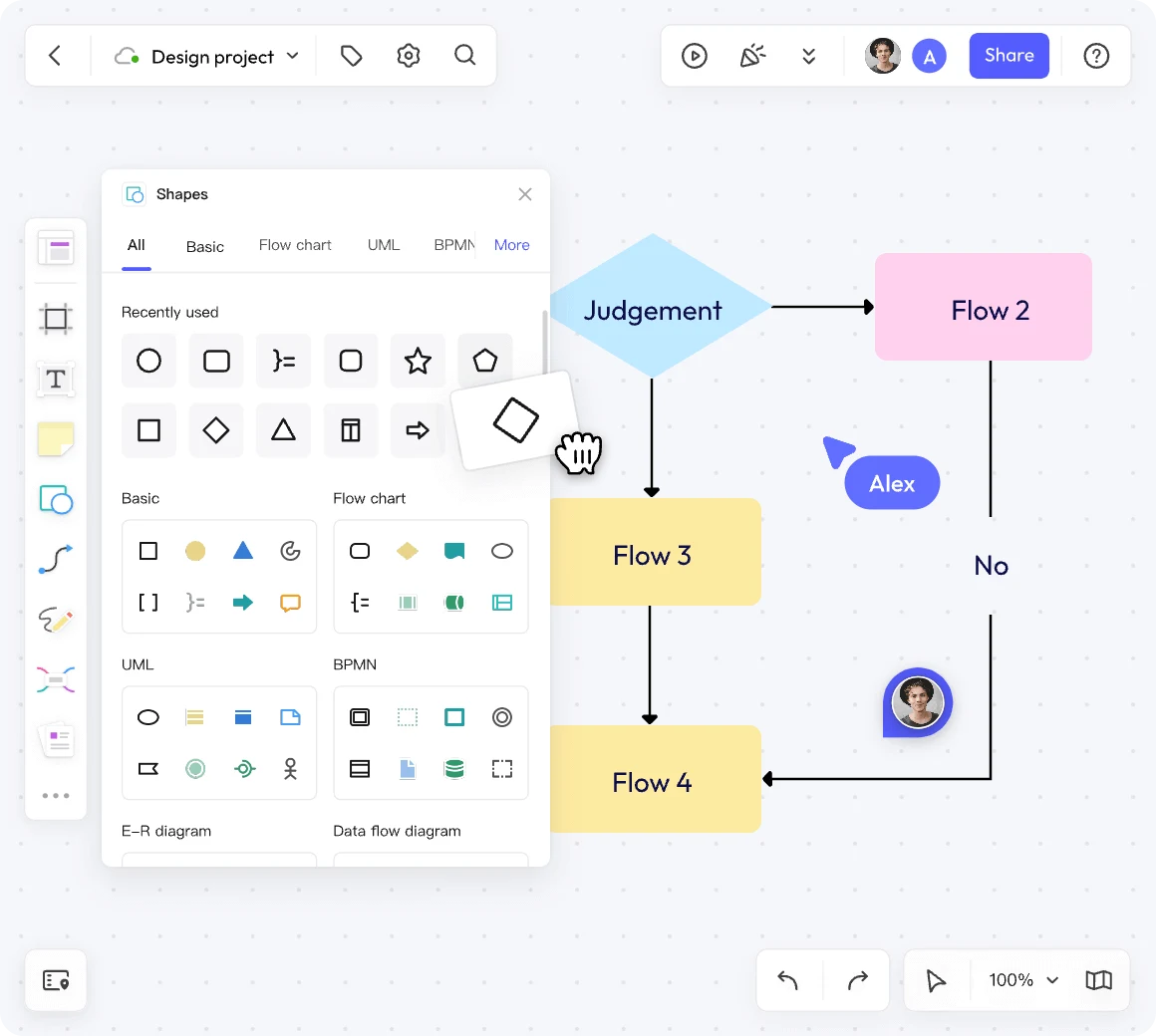
FROM A QUESTION TO A READABLE DIAGRAM
Choose one audience and one question before you start. Here is how to turn a request-approval process into a useful first diagram.
For “What happens after a request is submitted?”, choose a flowchart. Start at submission and end when the request is approved; include the revision loop when changes are needed.
Place Submit request, Review request, and a decision: Approved? Connect Yes to Confirm approval. Connect No to Revise request and back to review. Label both branches.
Ask the requester and reviewer to follow each path. Add missing steps, simplify unclear labels, and share the board with the permissions they need.
The decision has two labeled outcomes. A revised request returns to review rather than stopping at a dead end.
ONE WORKSPACE, MORE THAN ONE VIEW
A workflow explains the steps; a roadmap shows timing; a concept map organizes the ideas behind them. Put related views on the same canvas so your team can move between the overview and the detail.
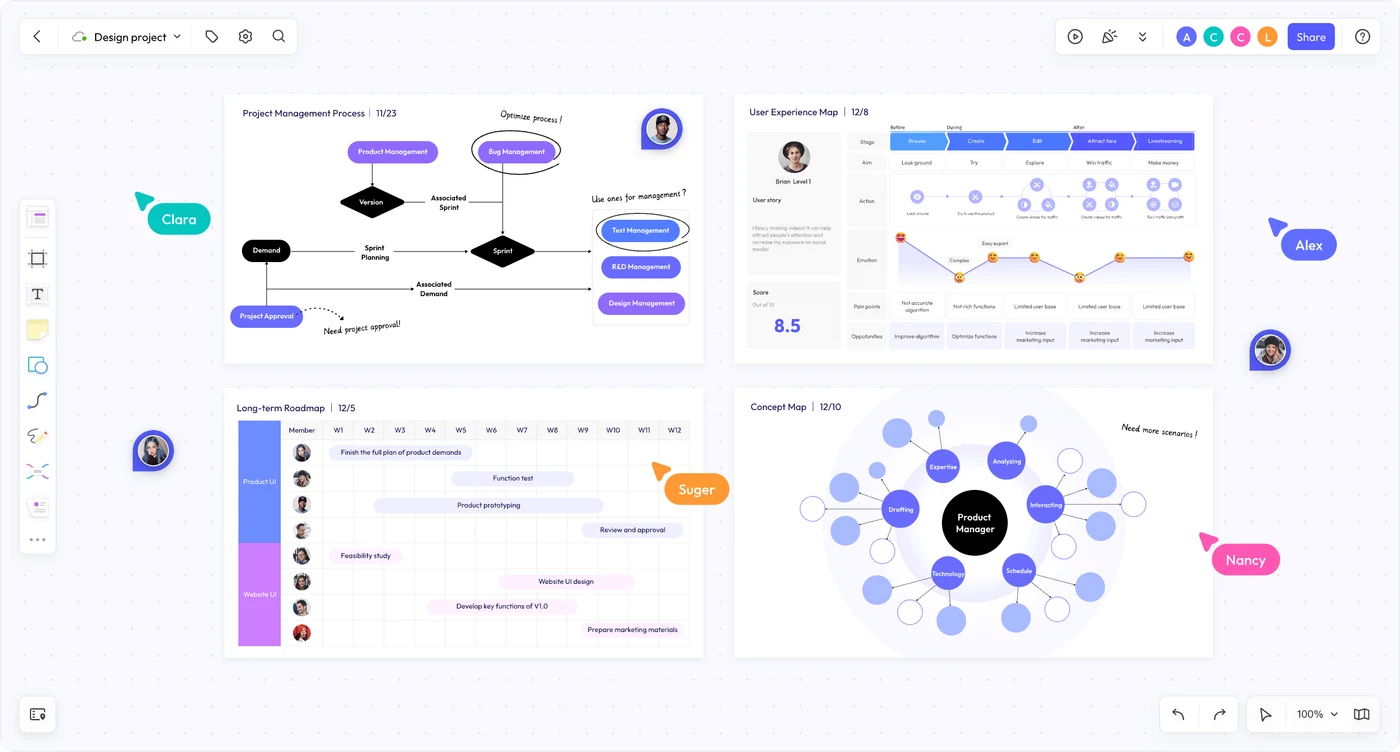
REVIEW THE WORK WHERE IT HAPPENS
Invite teammates to the same board, edit together, and discuss the part of the diagram that needs attention. Comments help keep feedback attached to its context.
Explore real-time collaboration in Boardmix.
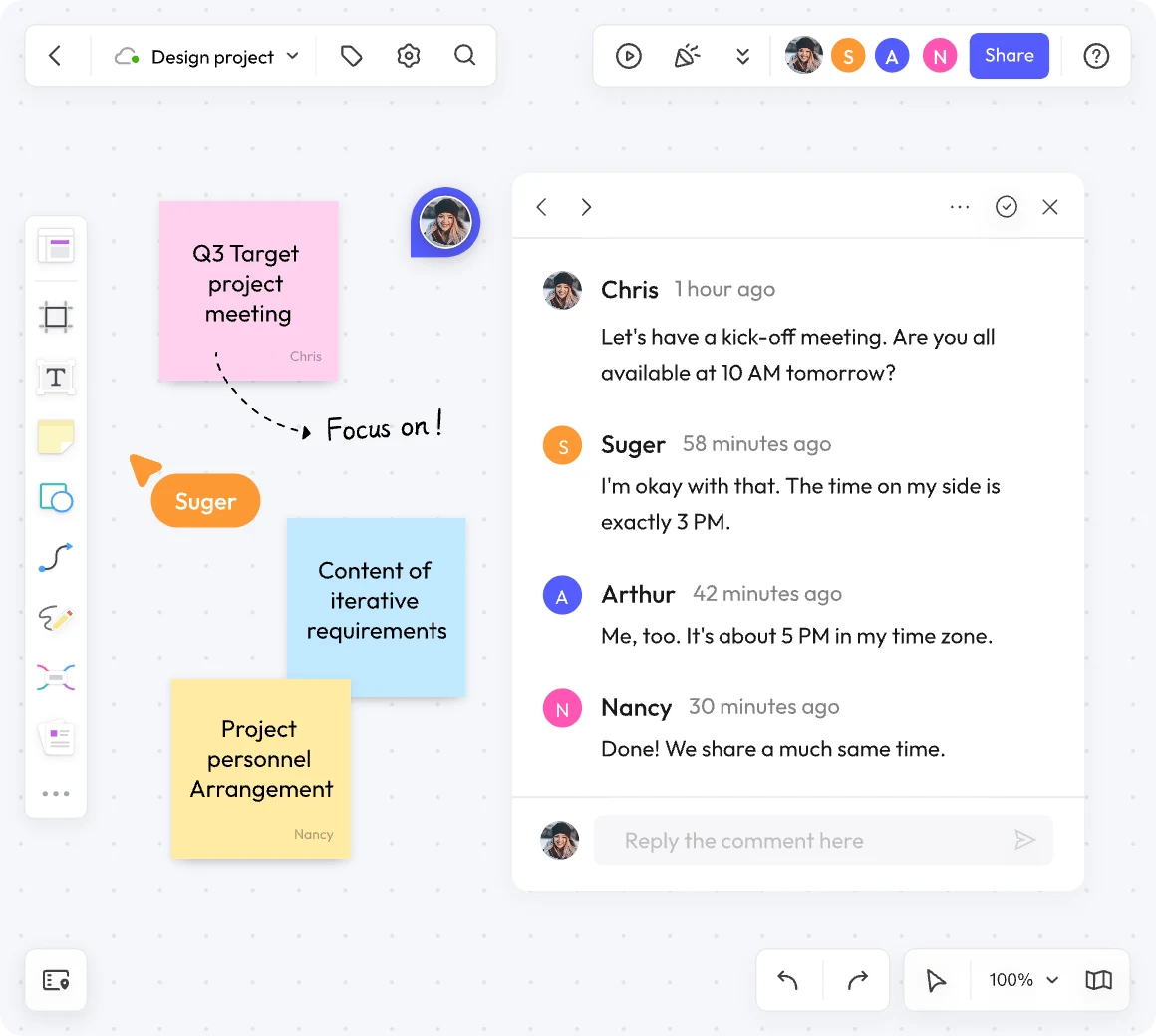
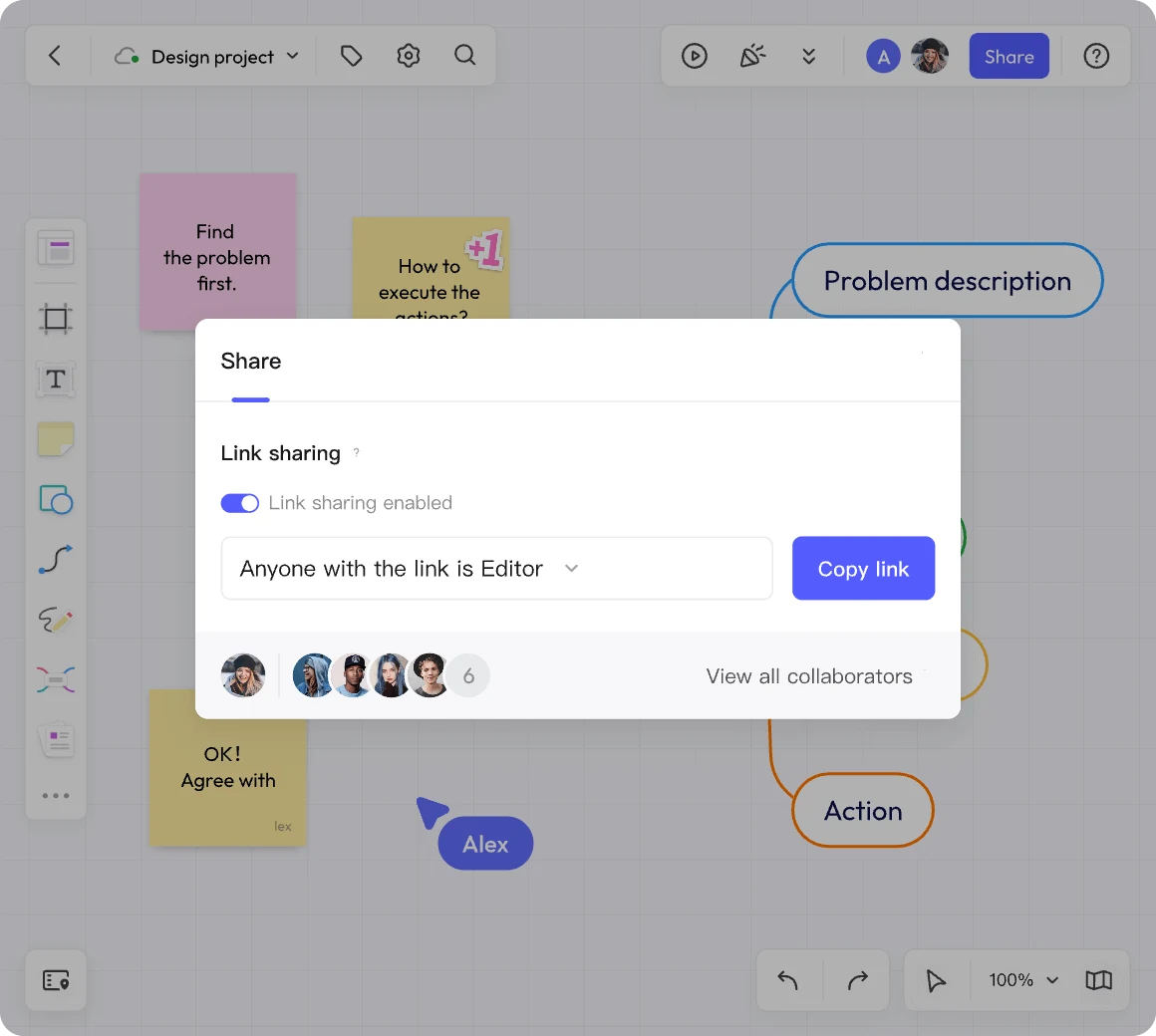
A CLEAR HANDOFF
Send a board link when the diagram needs to stay editable. Choose viewing or editing permissions to match the review, and include enough context for someone opening it for the first time.
For a snapshot in a document or presentation, use the board’s available export options. A static copy captures the diagram at that moment; the shared board remains the place for live edits and comments.
“Request approval: submission to decision” tells a reviewer more than “Process v3.” Name the system or task, show its boundaries, and explain any unfamiliar symbols.
An online diagram maker lets you arrange shapes, labels, and connectors in a browser to explain a process, system, or relationship. Boardmix combines diagramming with a shared canvas for notes, discussion, and teamwork.
You can create flowcharts, UML diagrams, entity-relationship diagrams, software architecture diagrams, organizational charts, and mind maps. Boardmix also provides shapes and templates for other technical views, including BPMN and network diagrams. Choose a structure that matches the question you need to answer.
You can begin with a free Boardmix account. The pricing page explains current board and object limits, export options, and paid features.
Boardmix AI can help draft supported formats such as flowcharts and mind maps from a prompt. Describe the process or topic, then review the output and edit the connections. Use the relevant diagram tools for specialist structures; do not assume an AI draft checks UML notation, database constraints, or system behavior for you.
Yes. Invite collaborators to the same board and assign the access they need. Use real-time editing and comments to work through a diagram together; a shared link does not automatically give every recipient editing permission.
No. Use a blank canvas when you want to define the structure yourself. A template is useful when its notation and starting layout fit your task; replace its example labels and remove elements you do not need.
Use an architecture diagram to show major components and connections, an ER diagram for data entities and relationships, or a UML view for a specific software structure or interaction. A flowchart is useful for the steps and decisions in a process. Keep these views connected, but give each one a clear purpose.
MAKE THE NEXT CONVERSATION CLEARER
Choose a starting point, connect the details, and bring your team into the picture.
Start making a diagram