




One online whiteboard, from first idea to shared plan
Map a process your team can follow
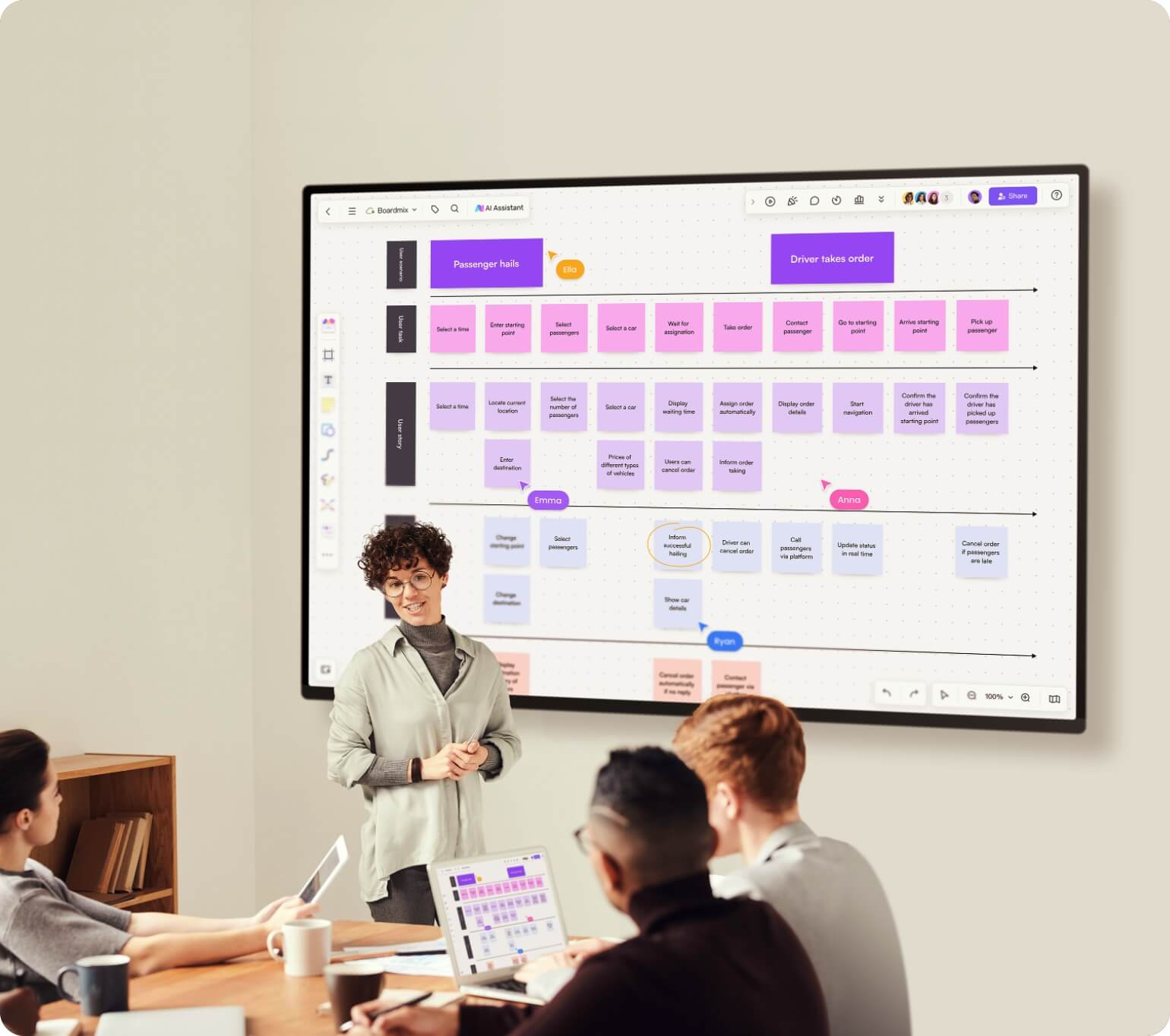
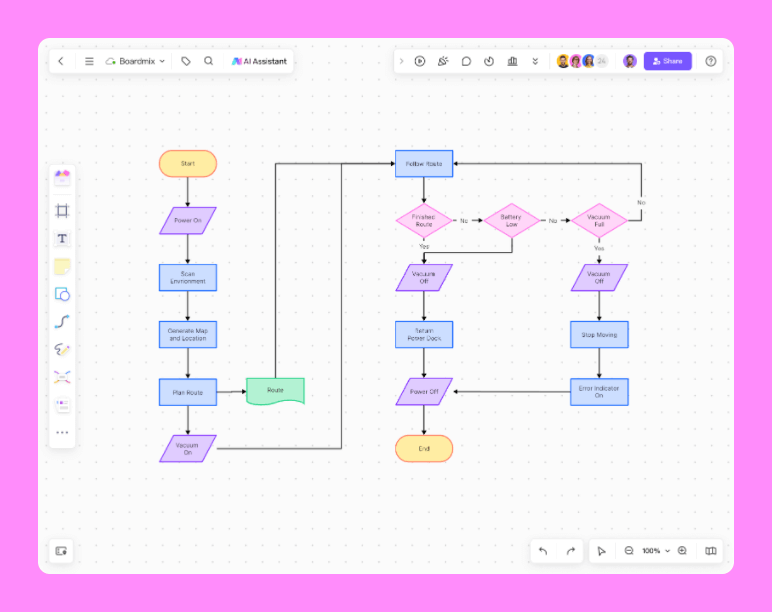
Connect steps, map handoffs and place supporting material beside the diagram. Review the process together before deciding what to change.
Try for free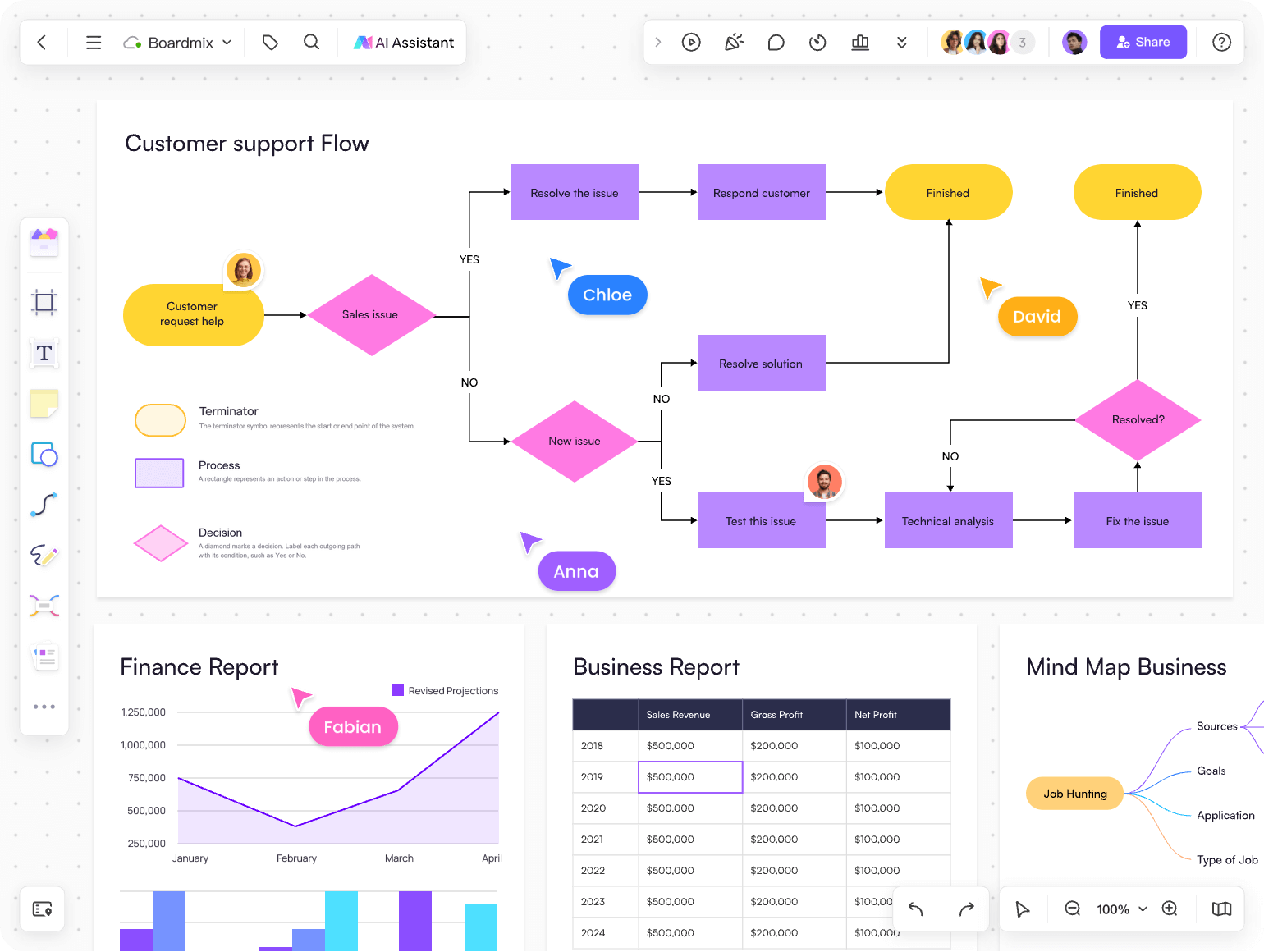
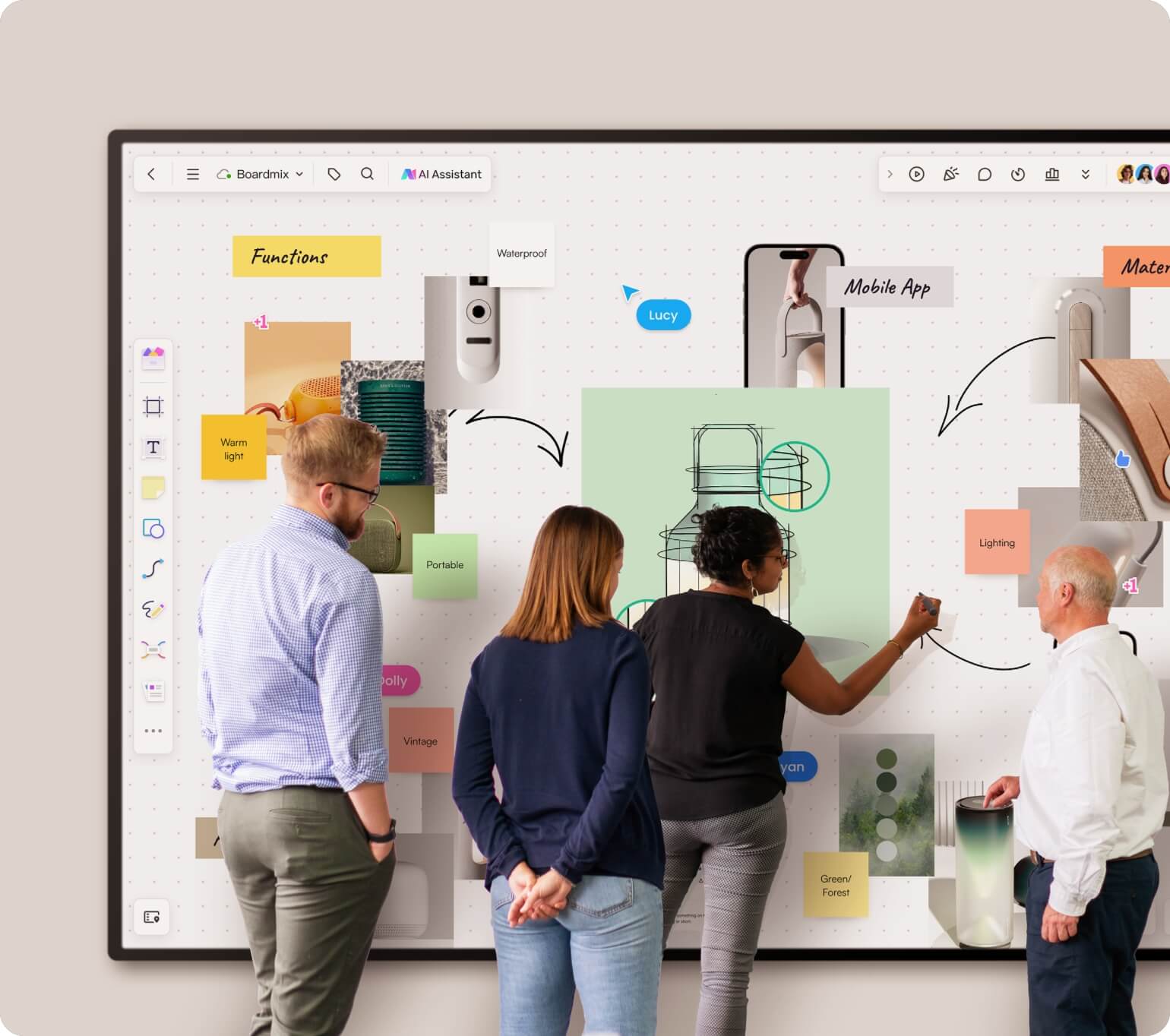
Organize ideas on a shared canvas
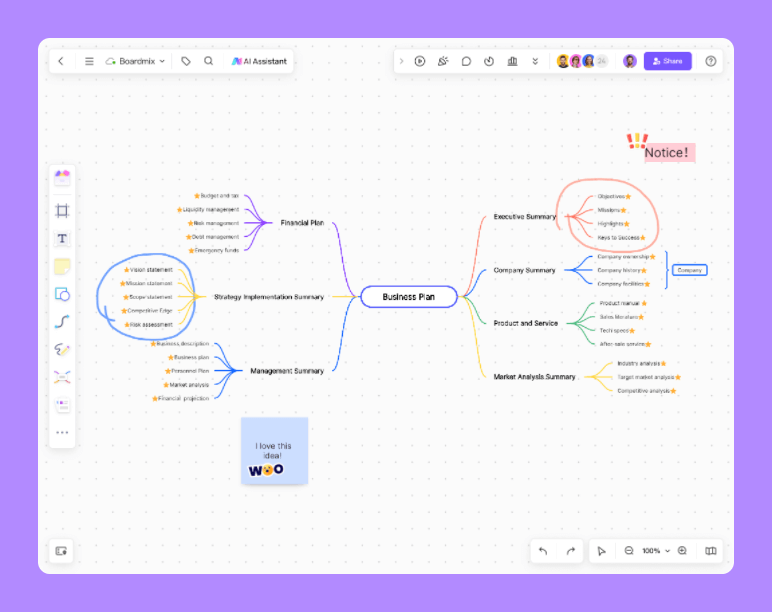
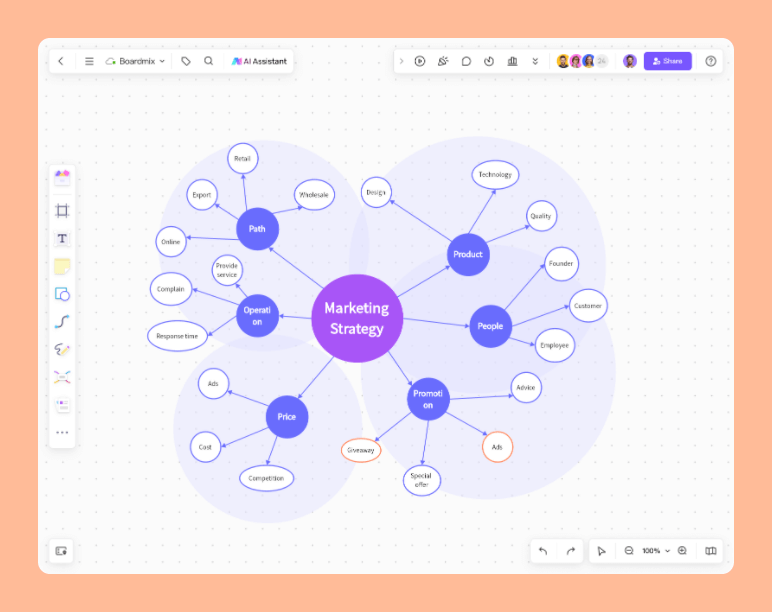
For a project kickoff, put the goal at the center of a mind map and add workstreams as branches. Arrange open questions beside the plan, then invite teammates to refine it together.
Try for free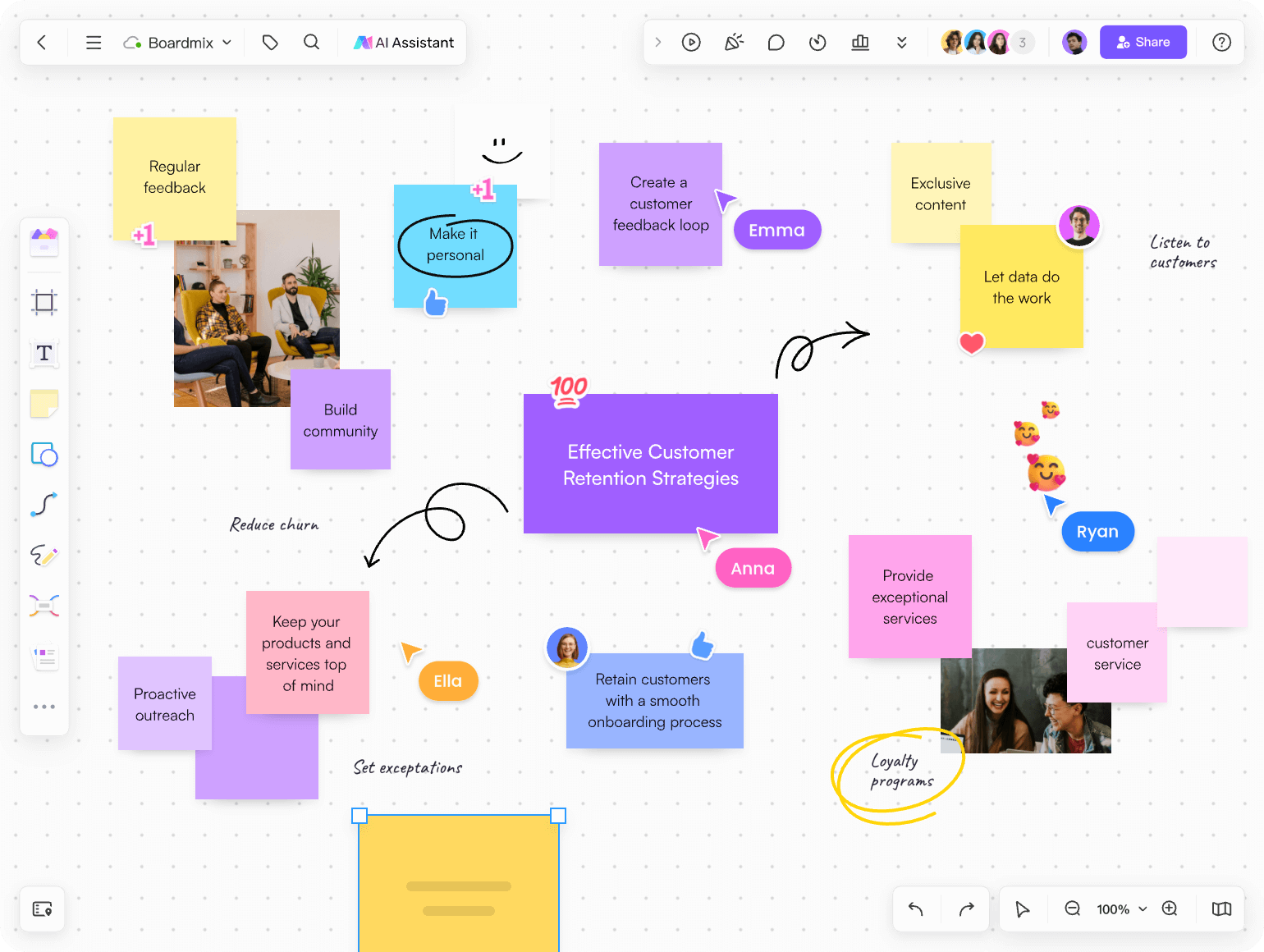
Turn a shared goal into a working plan
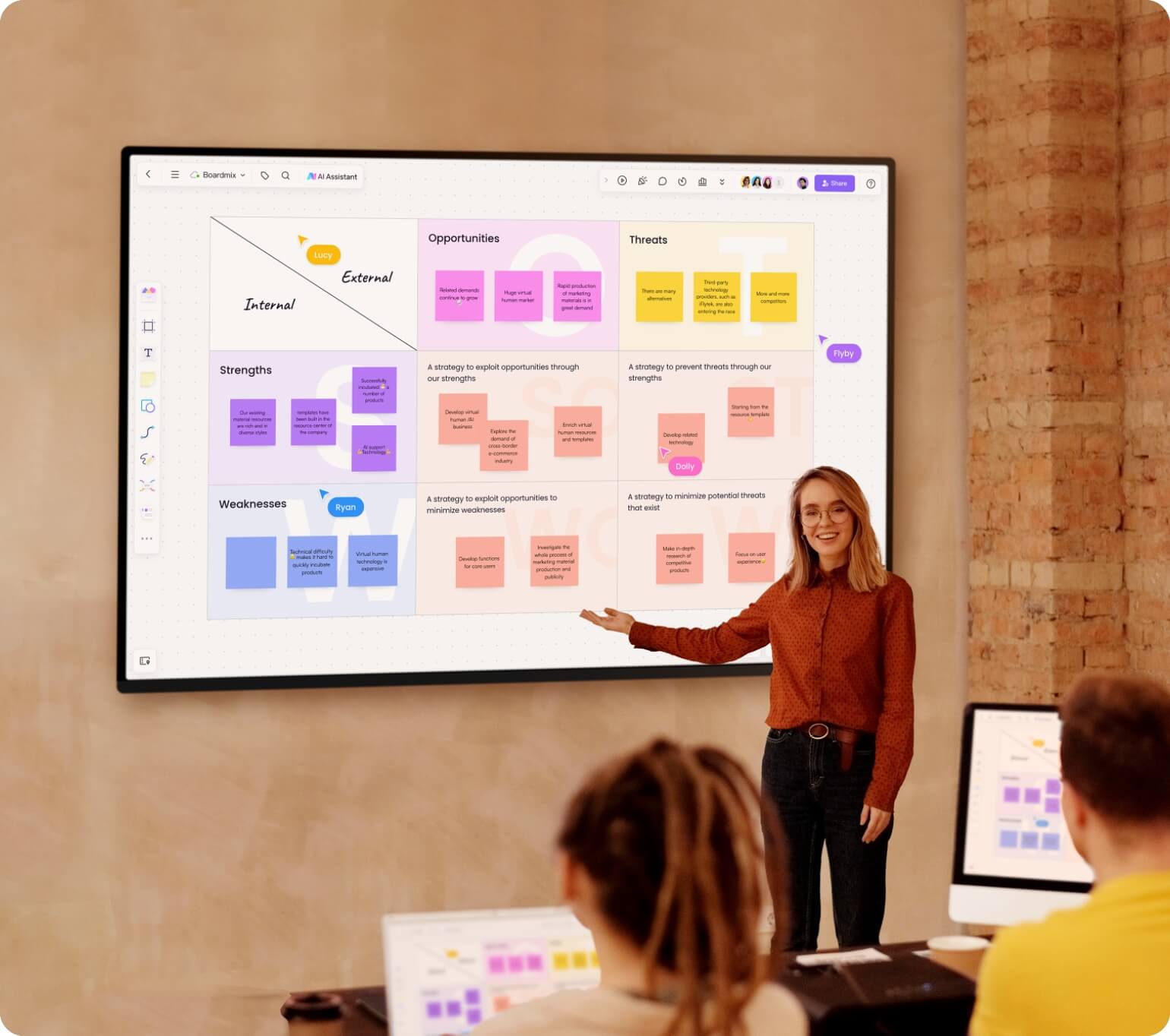
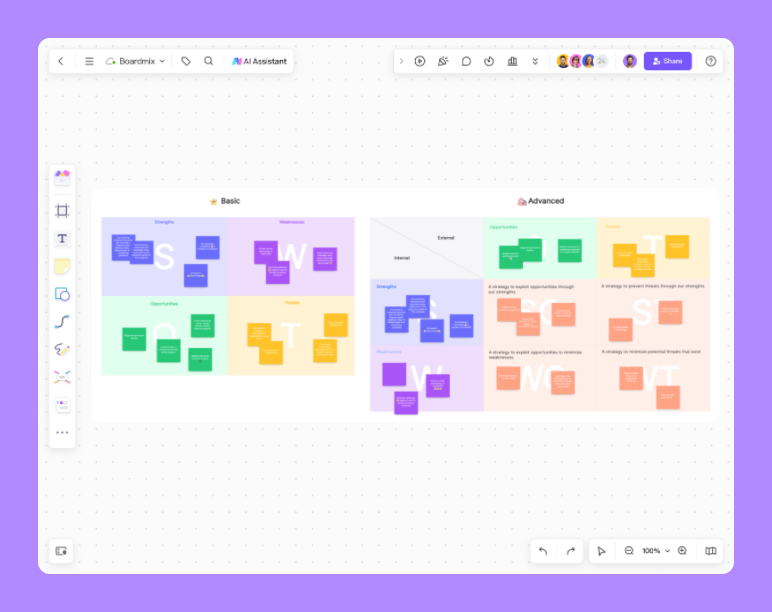
Start with a strategy template, compare options and record priorities, owners and next steps.
Try for free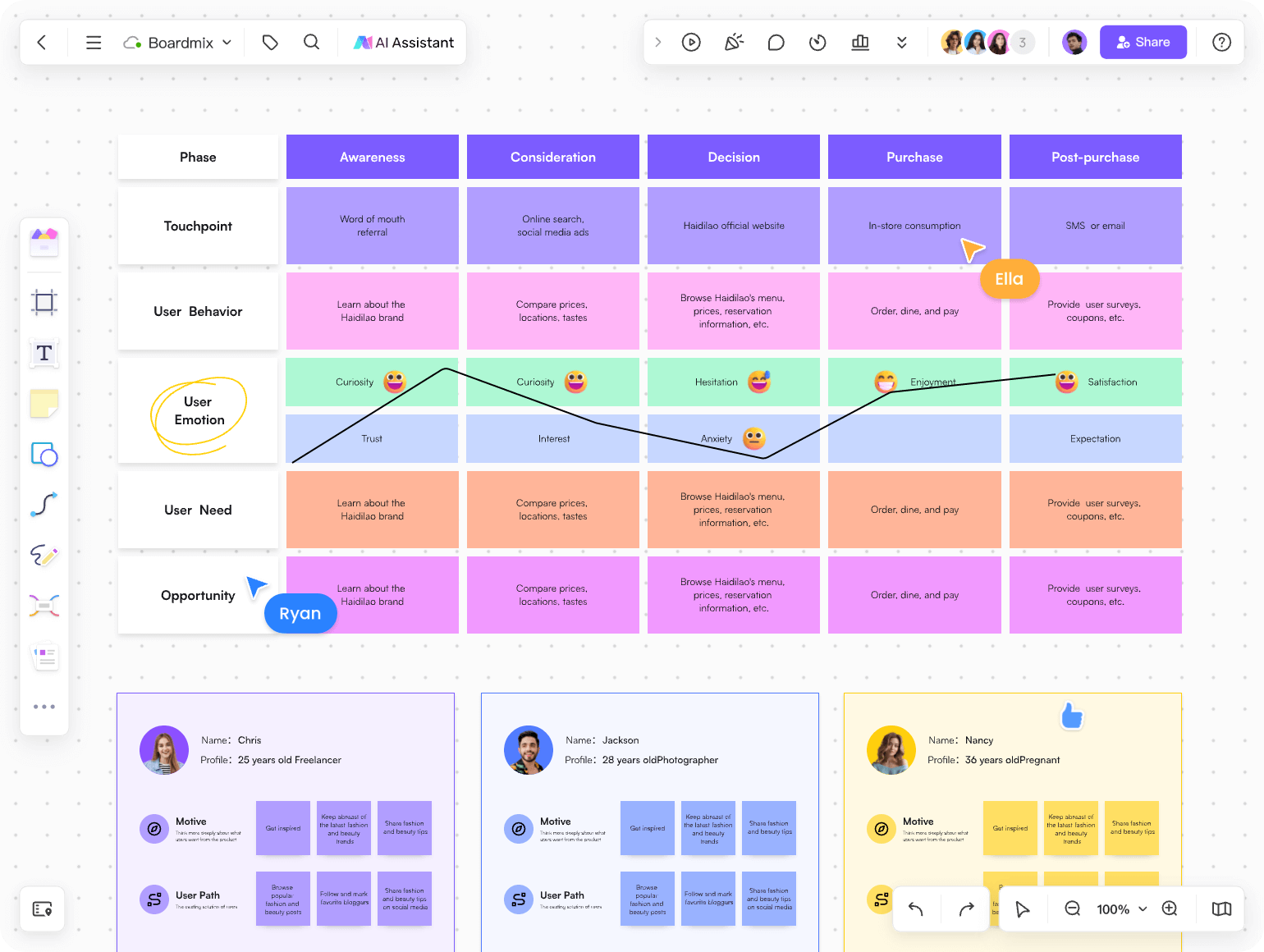
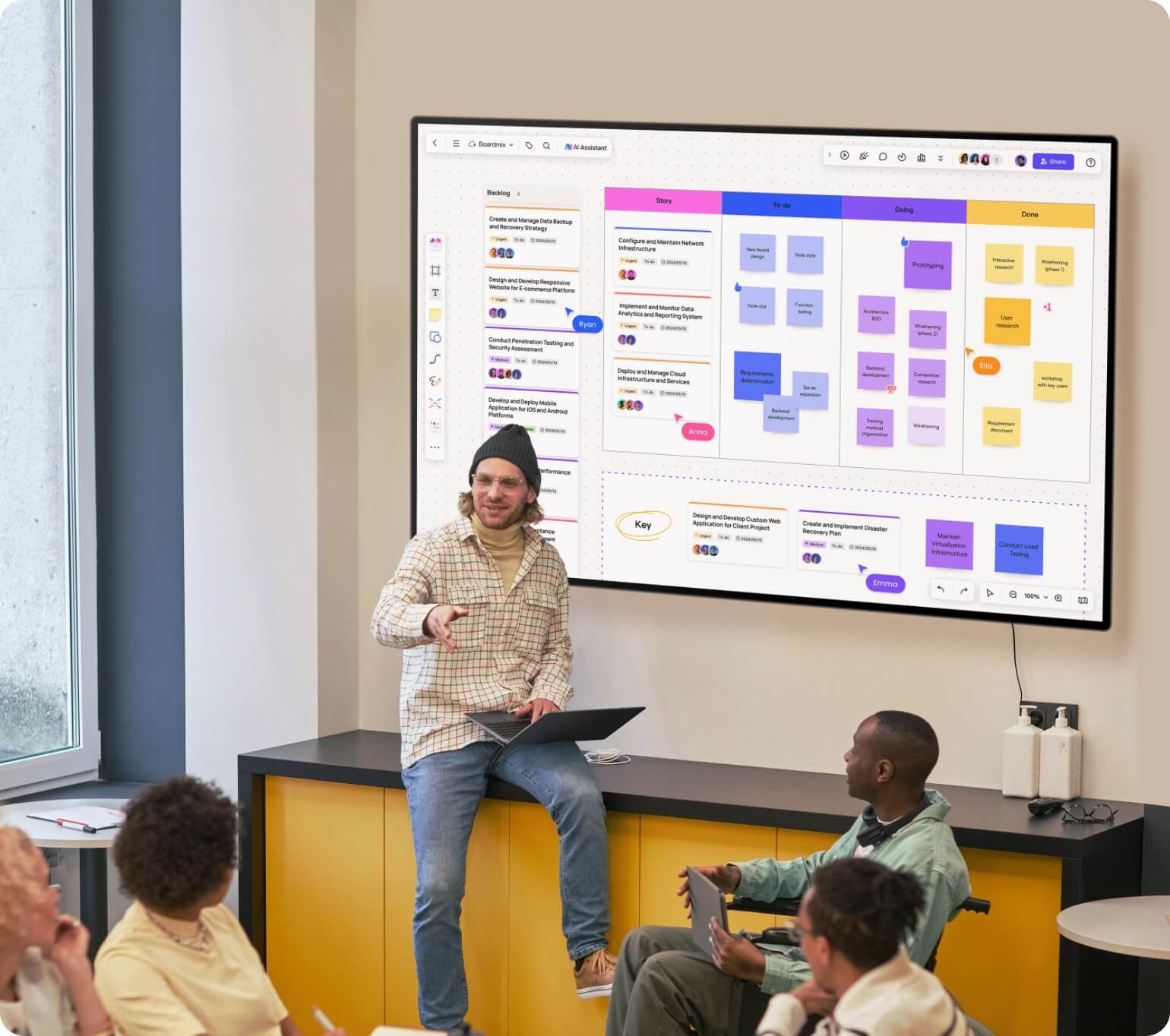
Keep the next sprint in view
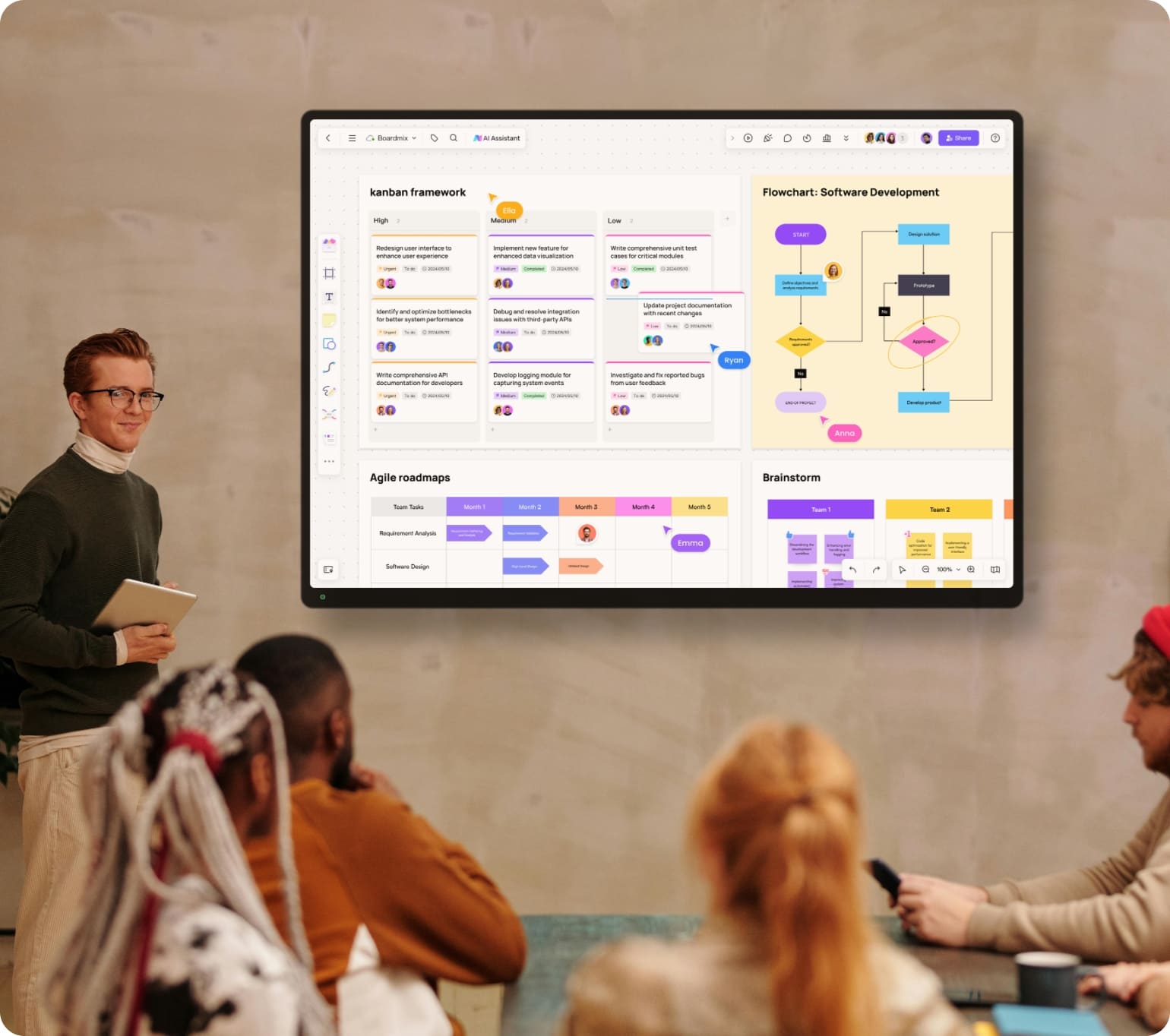
Arrange the backlog, discuss priorities and record the next tasks on a shared sprint board.
Try for free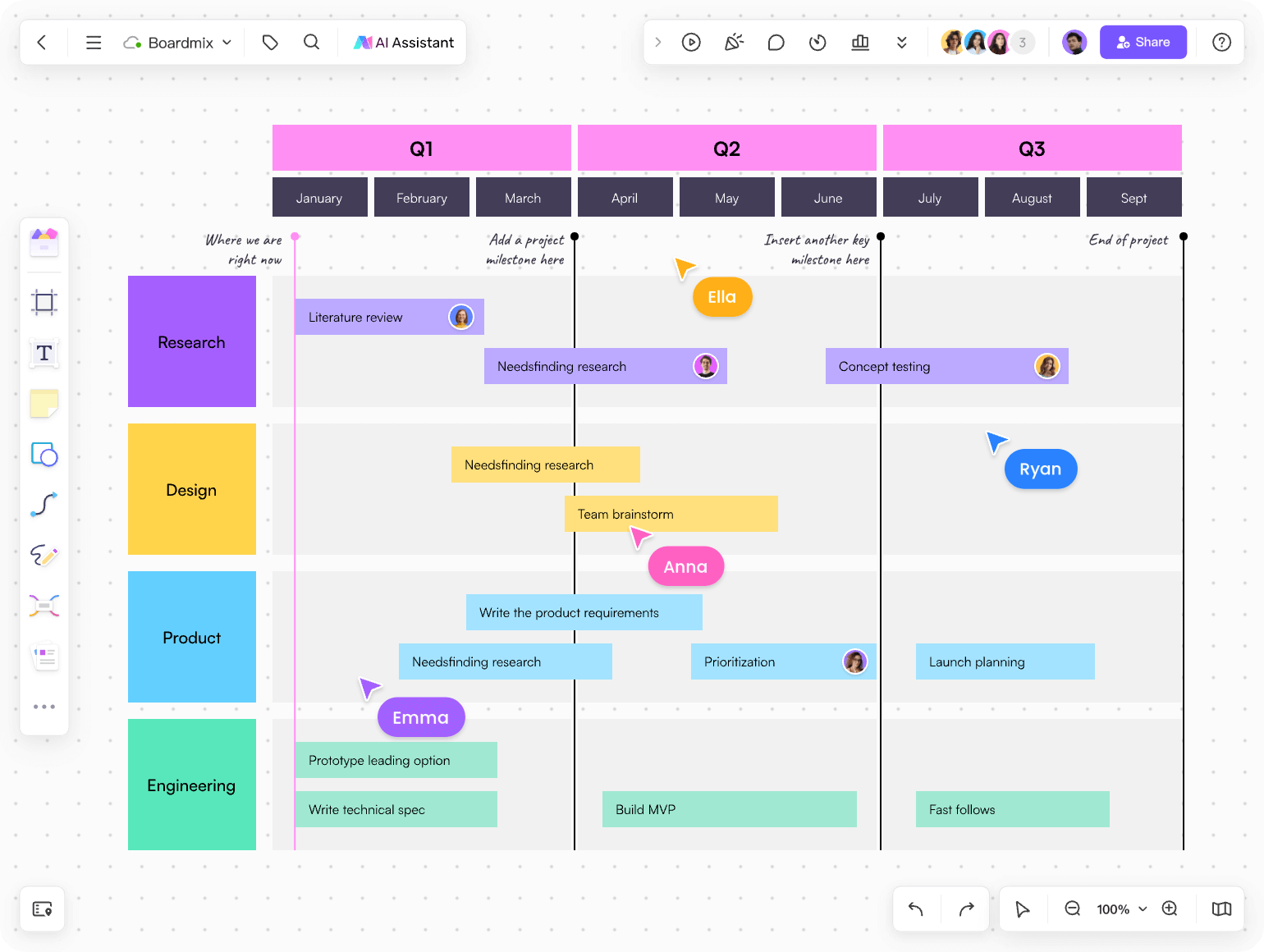
Keep discussion and decisions together
Use an agenda and sticky notes to guide the session, then keep decisions and next steps on the board.
Try for free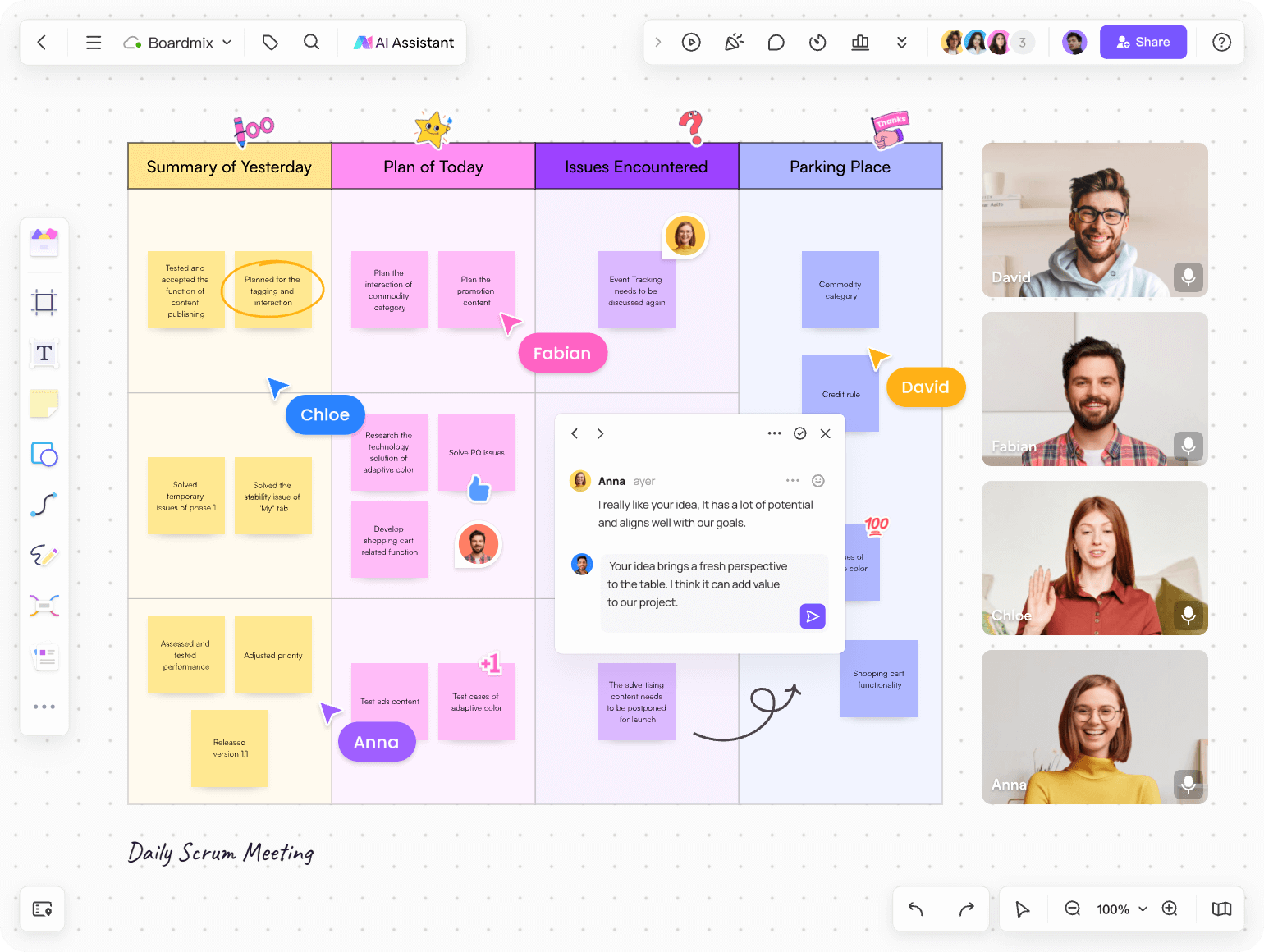
A digital whiteboard and visual collaboration tool for every team
Project Management
- Create your product roadmap
- Brainstorm ideas with your team
- Keep track of project progress
- Record decisions and next steps
Sales
- Map customer needs and questions
- Prepare account plans together
- Discuss the customer journey
- Keep account research in context
Marketing
- Plan campaigns on a shared canvas
- Map channels, milestones and launch dates
- Draft campaign ideas with AI assistance
- Keep campaign briefs beside the plan
IT teams
- Map systems, dependencies and issues
- Discuss technical trade-offs together
- Review the same diagram across locations
- Document the flow between systems
UX&Design
- Inform decisions with user research insights
- Prioritize customers with powerful journey maps
- Involve non-designers in iterations
- Lead inclusive design sprints
Your flexible AI whiteboard for visual collaboration
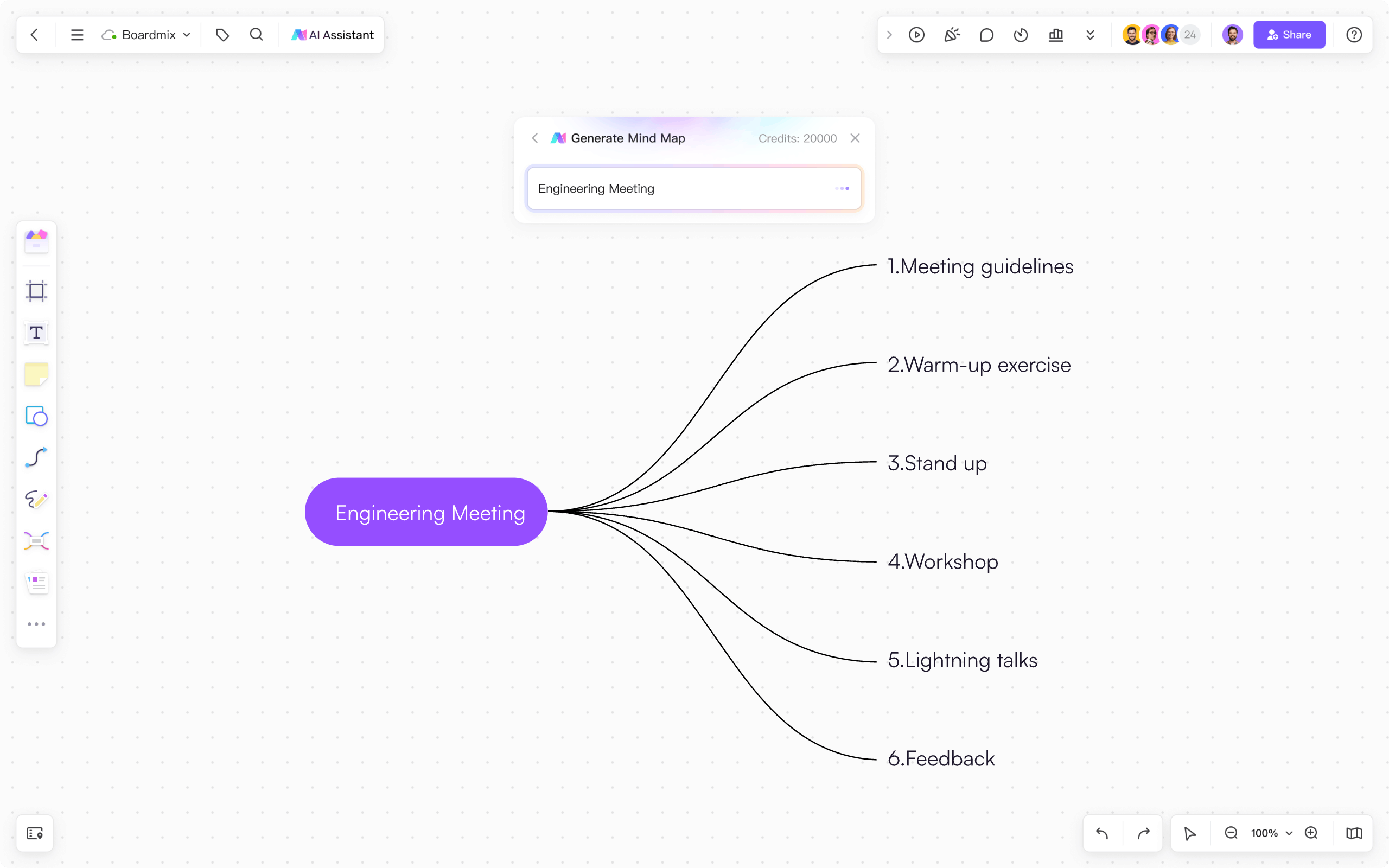
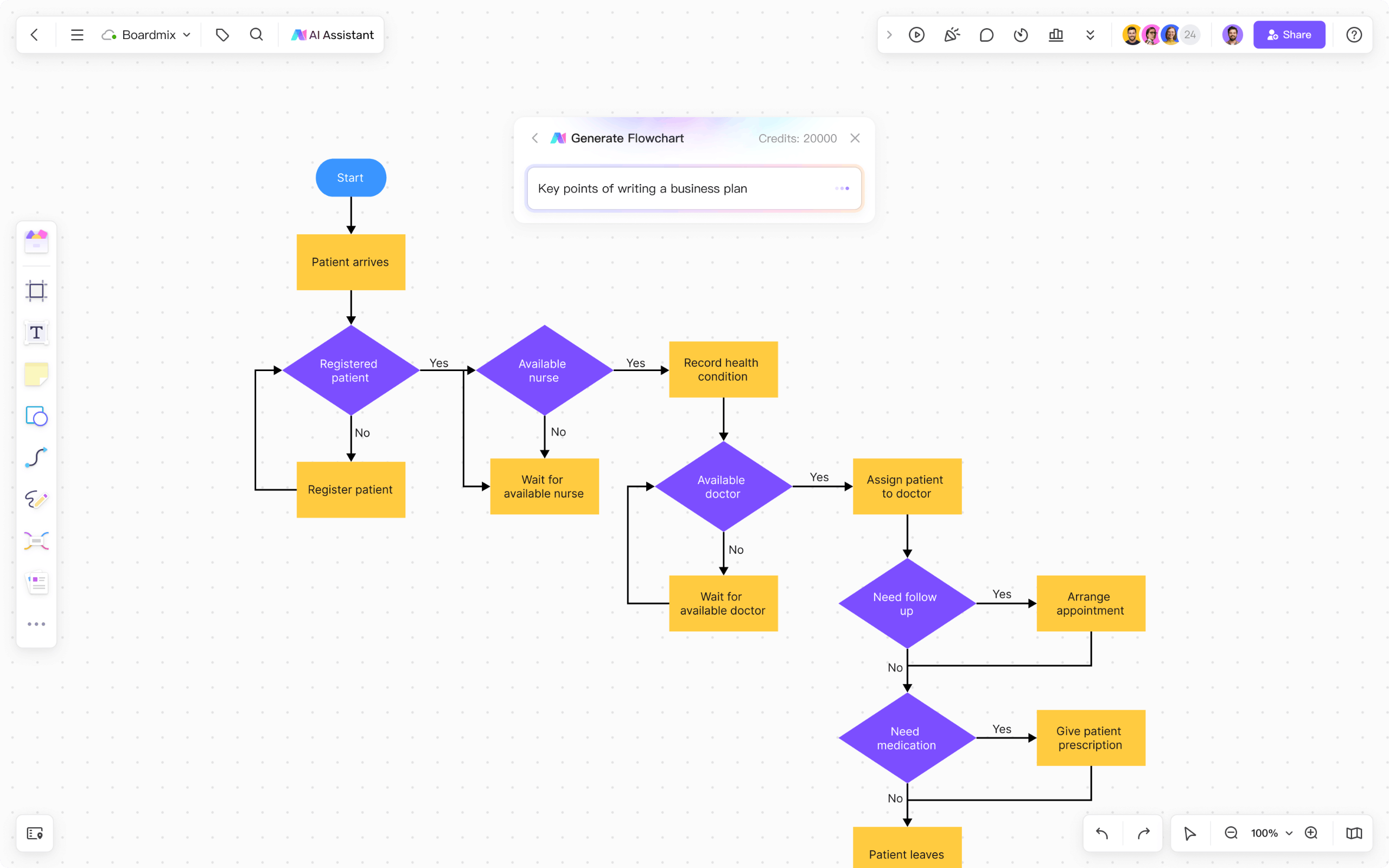
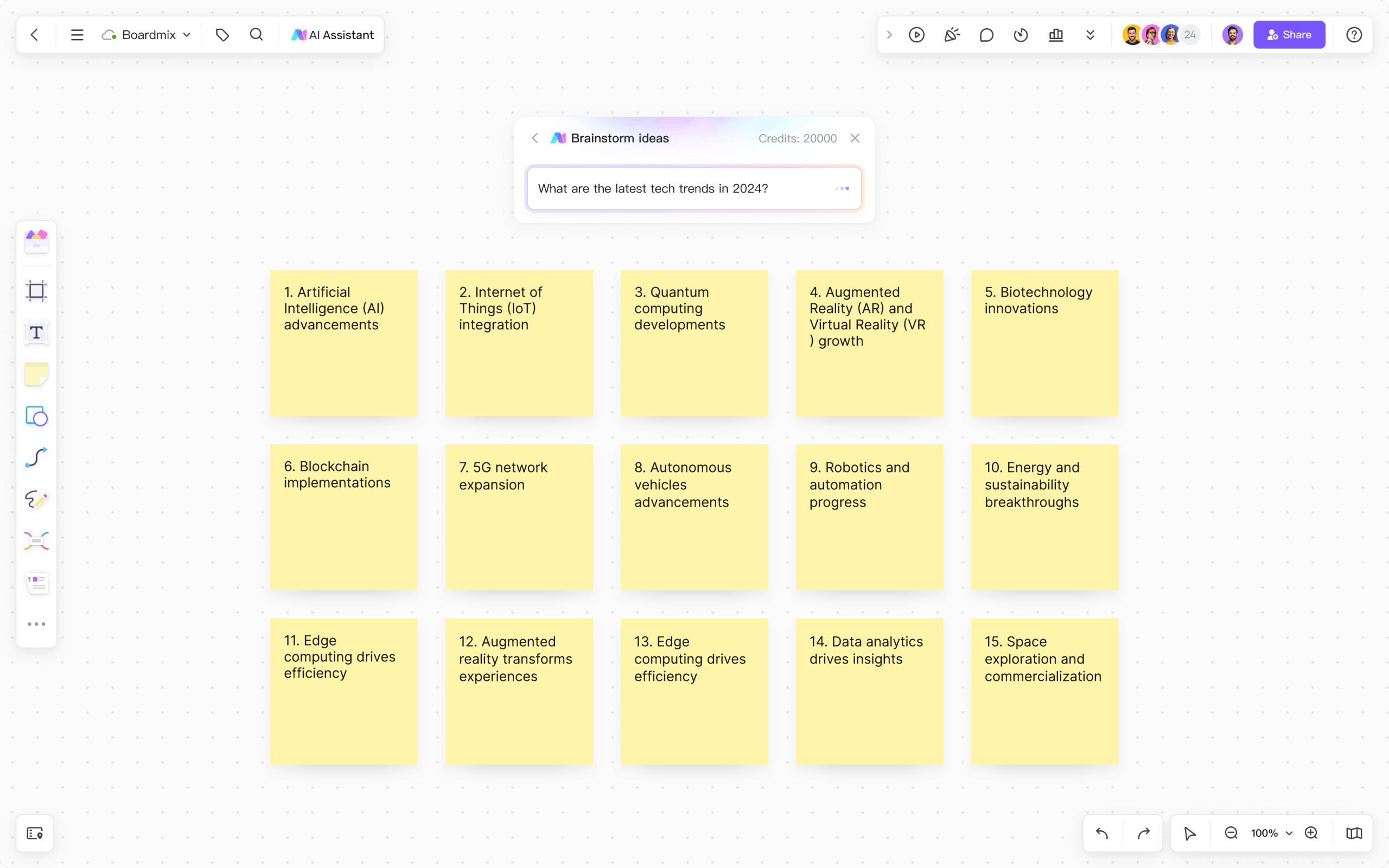
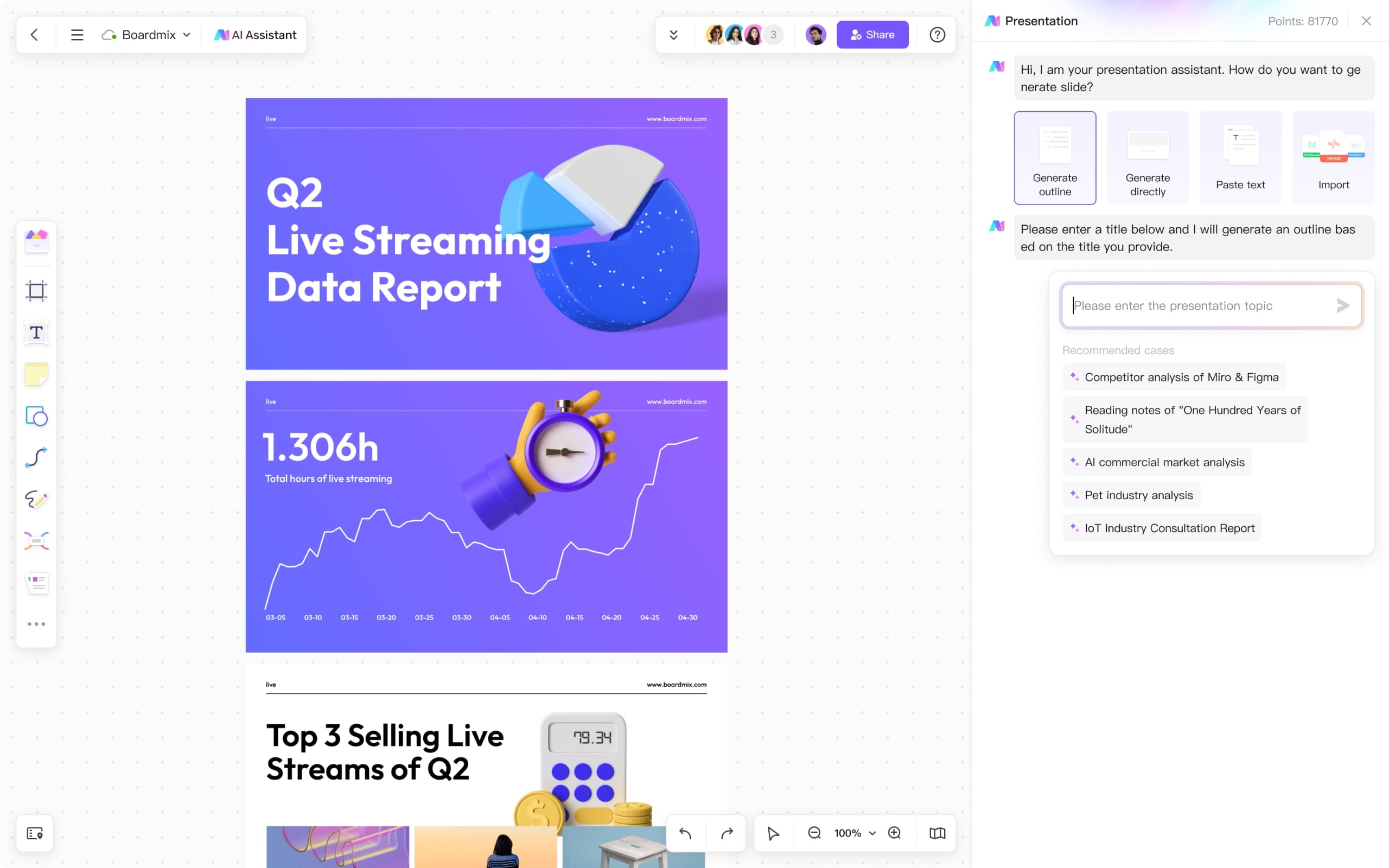
Start with a question, outline or brief. Use Boardmix AI to draft a mind map, flowchart or presentation, then add your own sources, adjust the structure and work through the result with your team.
Everything your team needs in one online whiteboard
Real-time collaboration on a shared digital whiteboard
Edit the same board, comment on a specific idea and use mentions to ask for input. Keep the discussion next to the work instead of scattering it across messages.
Try for free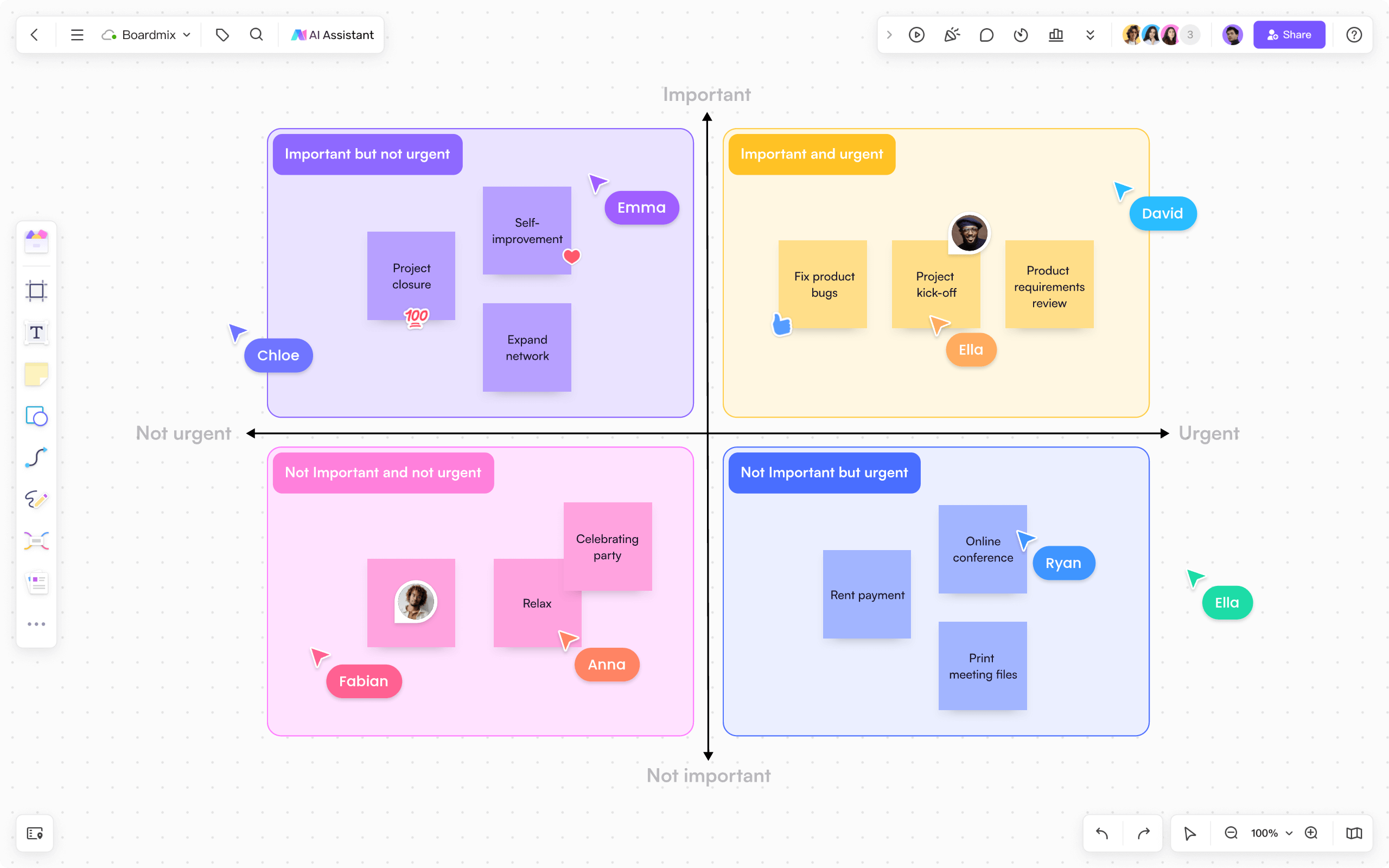
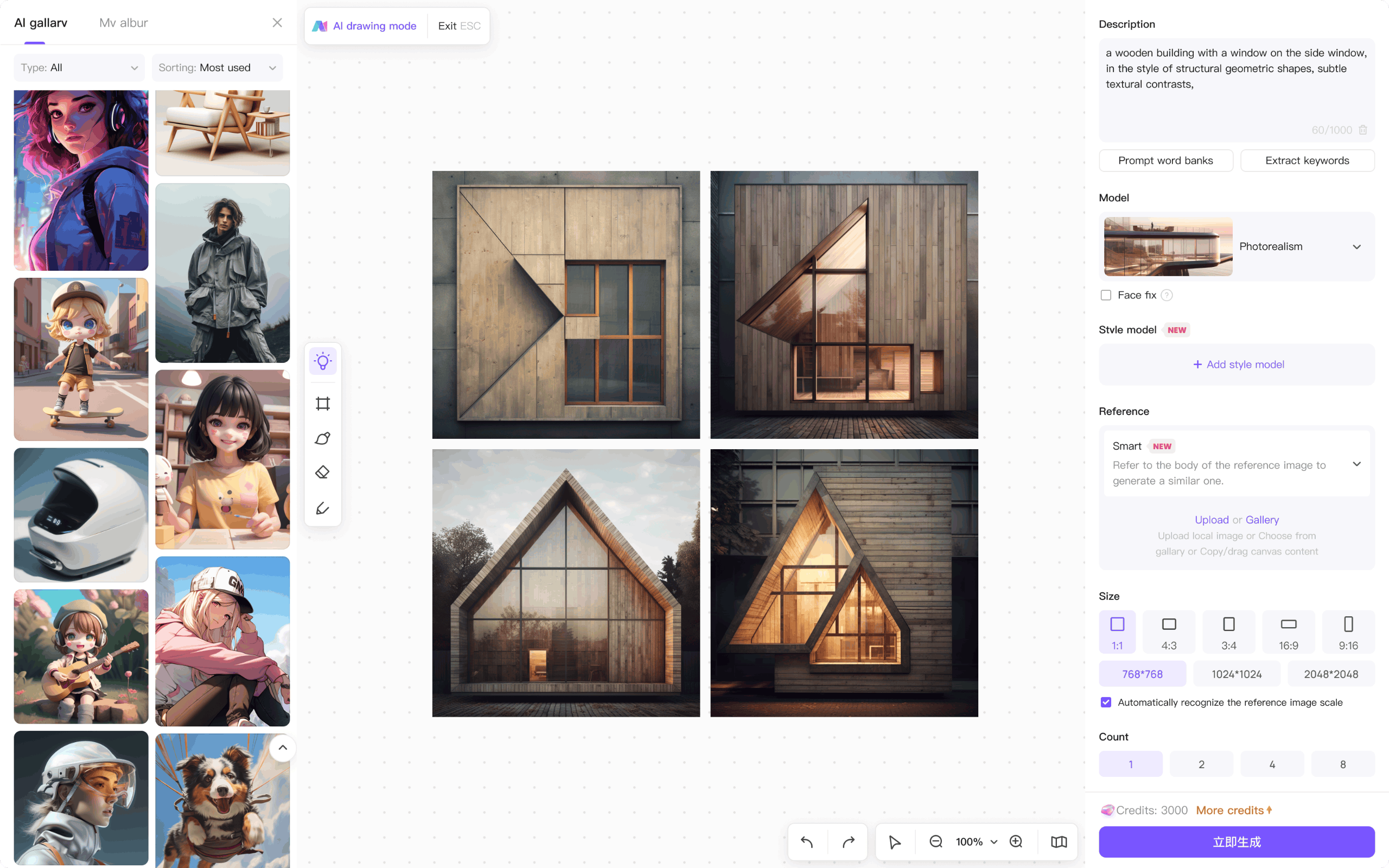
Accelerate your work with an AI-powered whiteboard
Choose a mind map to explore a topic, a flowchart to describe a process or a presentation to explain a proposal. Use AI for the first draft, then refine the details yourself.
- AI art
- Presentations
- Mind maps
- Flowcharts
- AI chat/writing

Bring your working material onto the board
Place supported files beside the diagram or plan they explain, then export the result for a handoff. The Boardmix SDK is a separate route for teams building a custom integration.
Try for free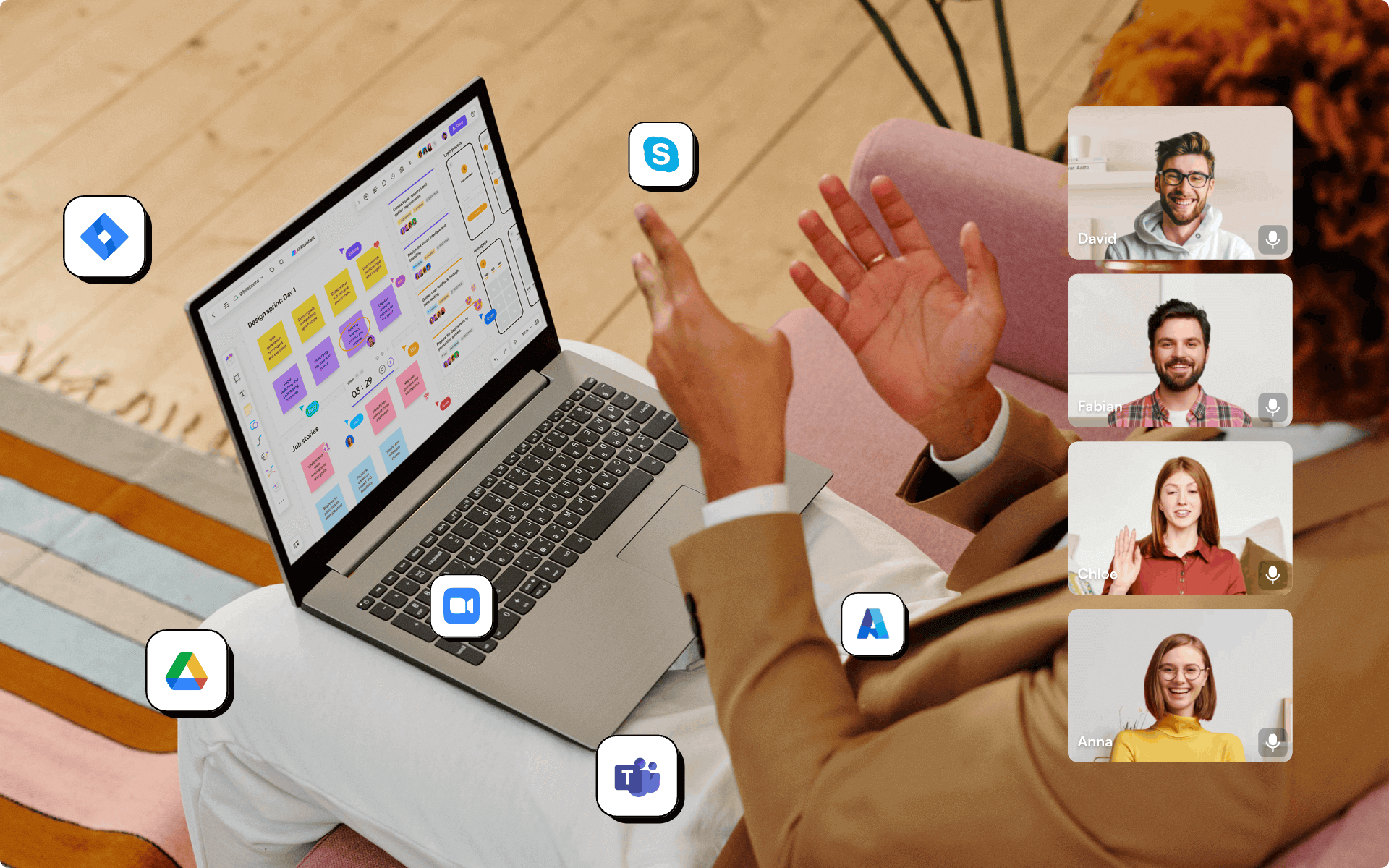
Get a head start with whiteboard templates
What users say about Boardmix
Frequently asked questions about the Boardmix online whiteboard
What is Boardmix?
Boardmix is an AI-powered online whiteboard for team collaboration. It combines an infinite canvas with mind maps, flowcharts, diagrams, presentations and templates in one collaborative workspace.
Is Boardmix free to use?
Yes. The Free plan includes 3 editable boards, up to 100 objects per board and standard-definition export. Compare the current plan limits for collaboration, storage, export quality and AI usage.
Can my team collaborate on the same whiteboard in real time?
Yes. Boardmix is a collaborative whiteboard where multiple people can edit the same board at the same time and discuss ideas with mentions, comments and emojis.
What can Boardmix AI do?
Boardmix AI helps draft mind maps, flowcharts, presentations and written text. Start with a topic, then review and edit the draft with the context your team needs. AI access and usage depend on your plan and available credits.
How is Boardmix different from a physical whiteboard?
As a digital whiteboard, Boardmix gives you an infinite canvas, ready-made templates, AI assistance and online sharing, so distributed teams can work together from anywhere.