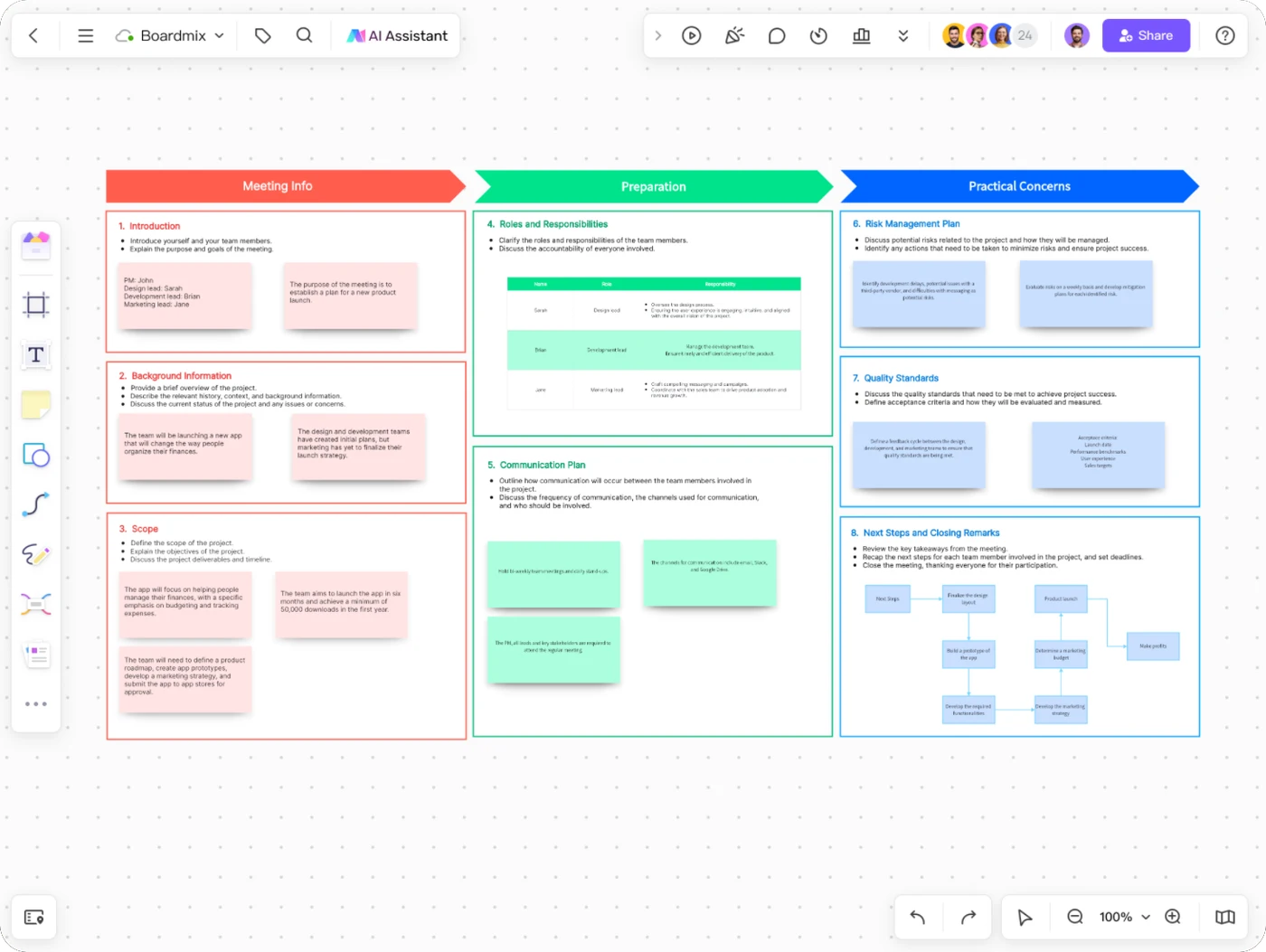
Project kickoff
Align on the goal, scope, responsibilities, and the questions to resolve before work begins.
View kickoff template →


Online Collaborative Whiteboard

Boardmix Developer Platform

AI tools for diagrams, writing, and ideas

UI/UX Tool, Figma Alternative

AI PPT Maker, Gamma Alternative
Run workshops, plan projects, and work with colleagues on a shared whiteboard.
Explore collaborative workBOARDMIX · MEETINGS & WORKSHOPS
Give your team a shared place to think, discuss, and decide. Prepare the agenda, collect ideas, and leave with clear next steps on one collaborative Boardmix canvas.
For remote, hybrid, and in-person sessions. Keep the board alongside your conversation.
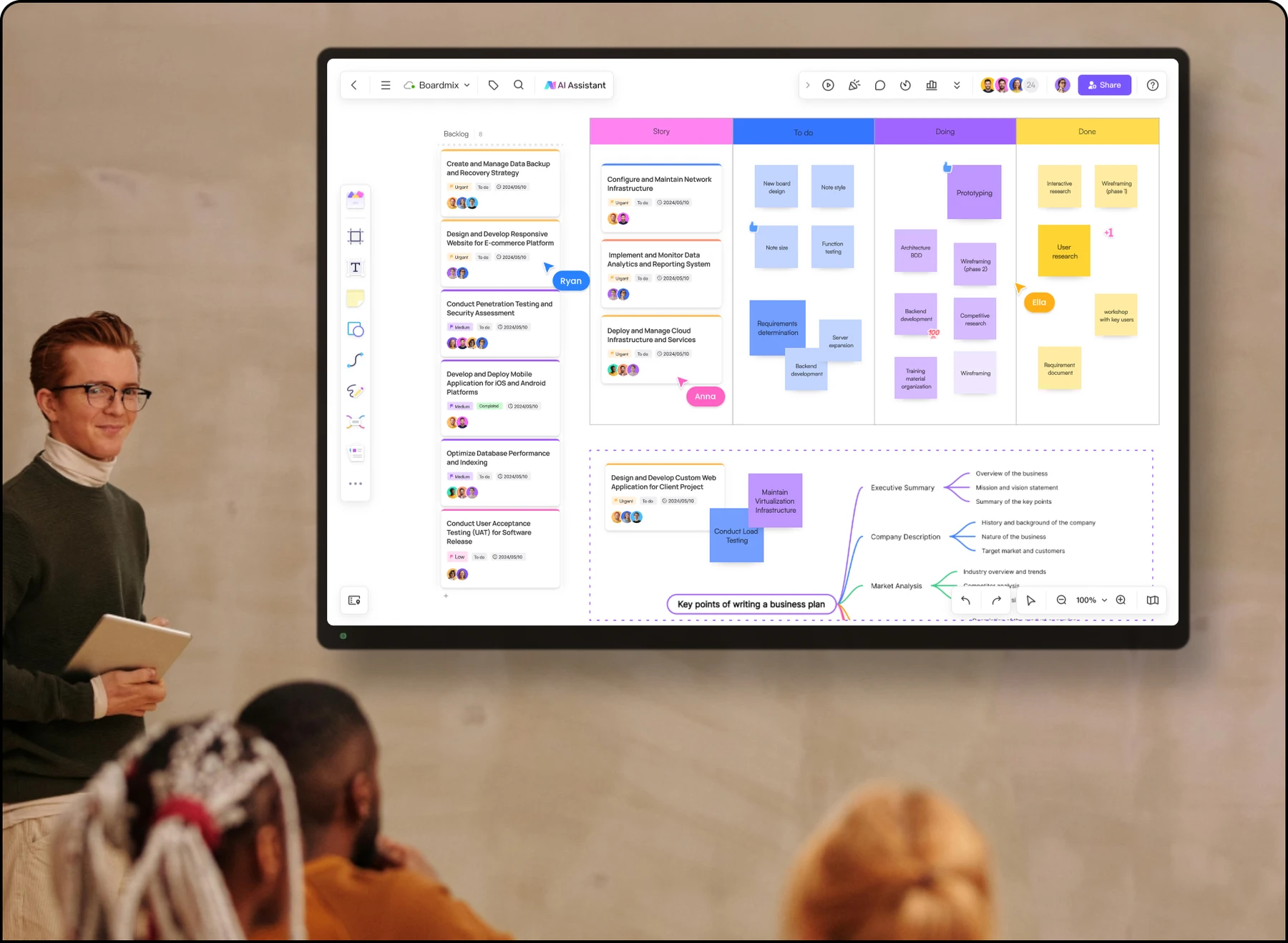
Put the question, agenda, and reading on the board.
Collect notes, compare ideas, and discuss the trade-offs.
Record decisions, owners, and the next review.
A STARTING POINT FOR EACH CONVERSATION
A kickoff needs scope and responsibilities; a retrospective needs reflection. Start with the structure your session calls for, then adapt the prompts to your team.
Align on the goal, scope, responsibilities, and the questions to resolve before work begins.
View kickoff template →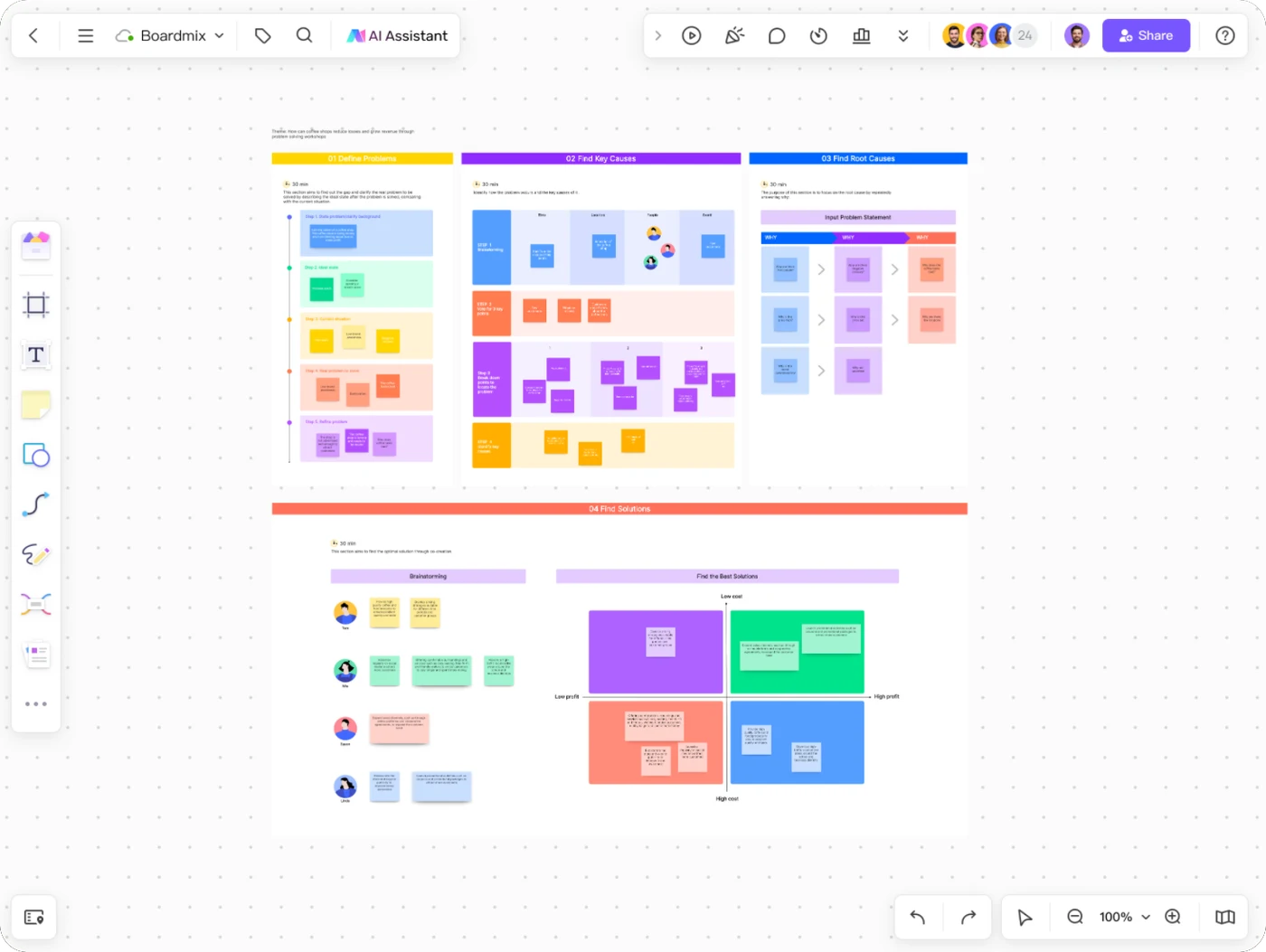
Explore the problem, compare possible causes, and agree on an approach worth testing.
View problem-solving template →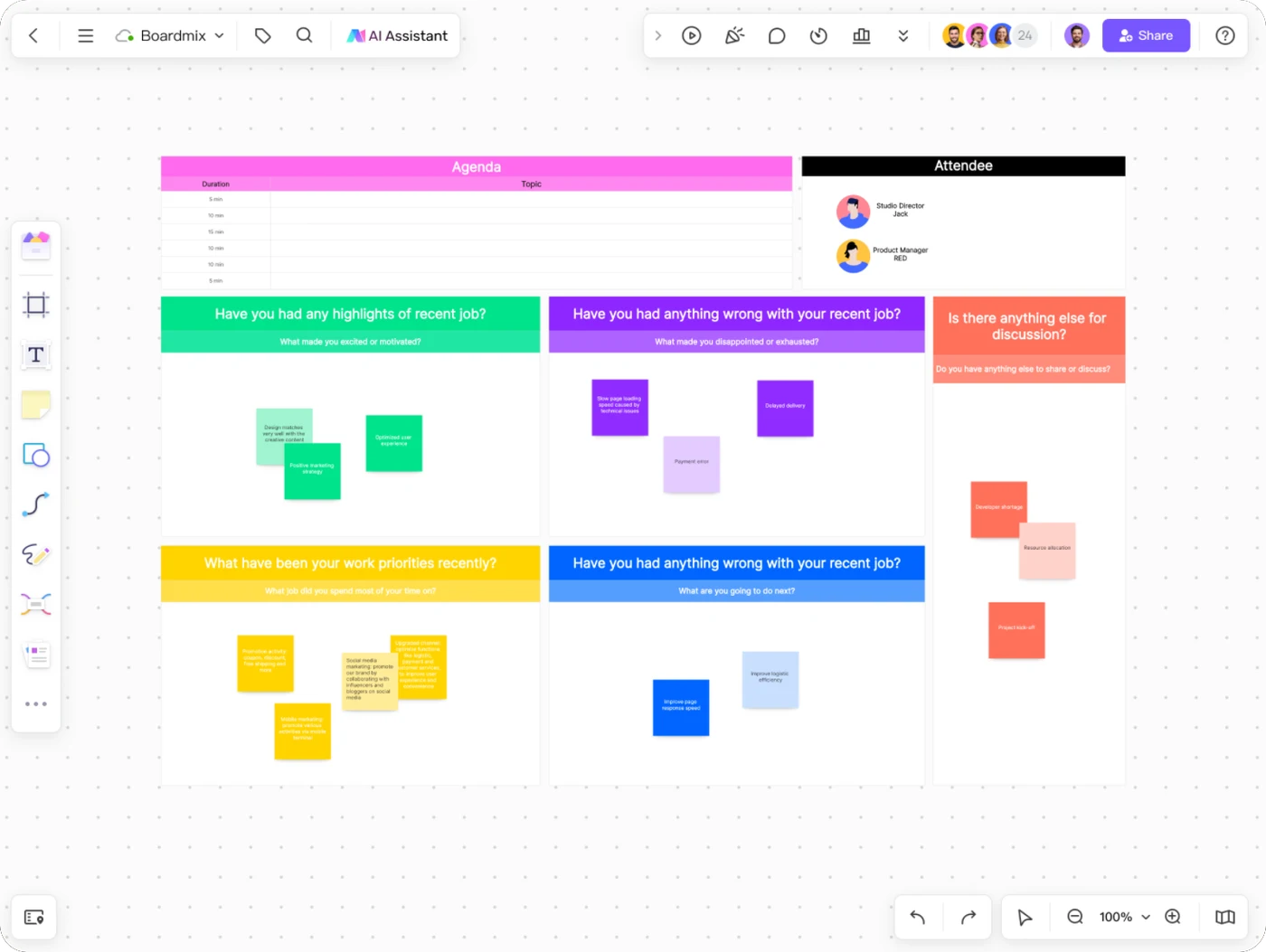
Make space for progress, challenges, feedback, and the support a teammate needs.
Explore one-on-one meetings →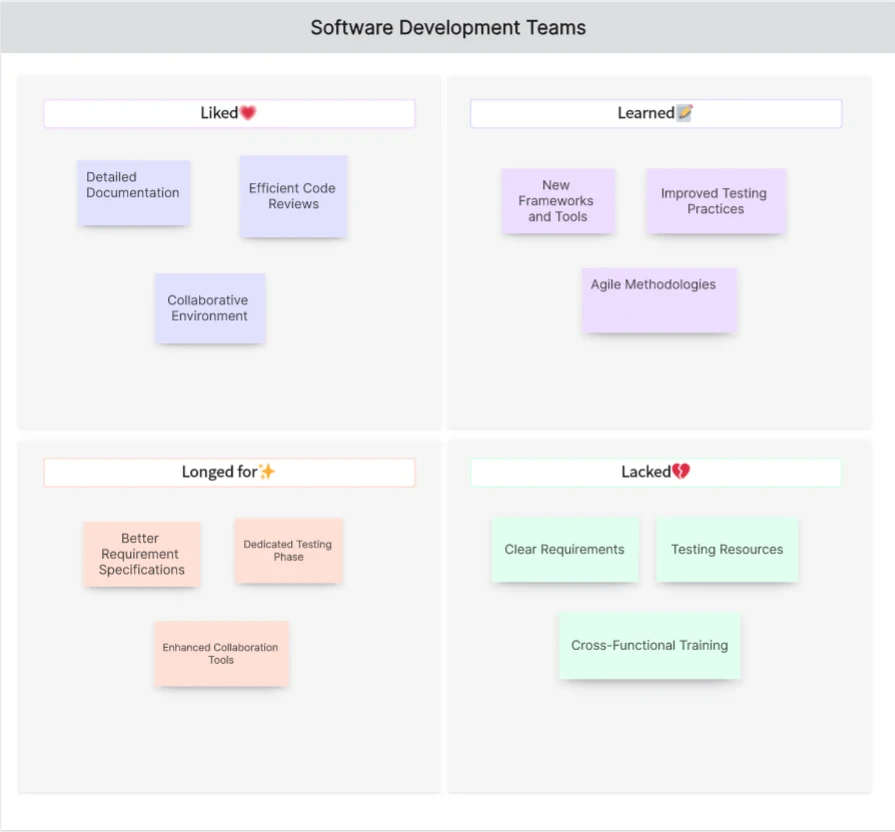
Reflect on what the team liked, learned, lacked, and longed for, then choose an improvement.
View 4Ls retrospective template →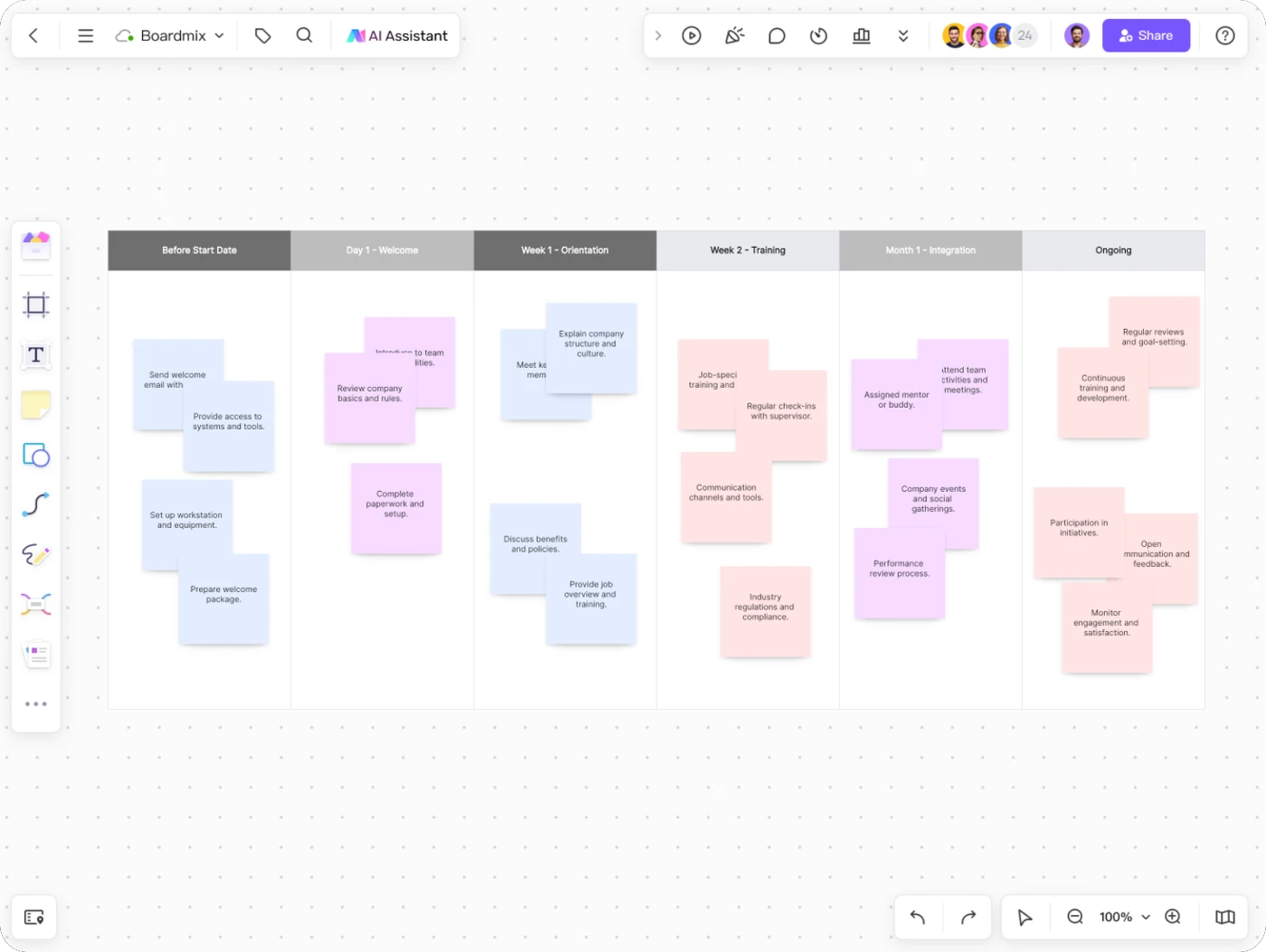
Review what is ready, what is missing, and what a new teammate needs at each stage.
View onboarding checklist →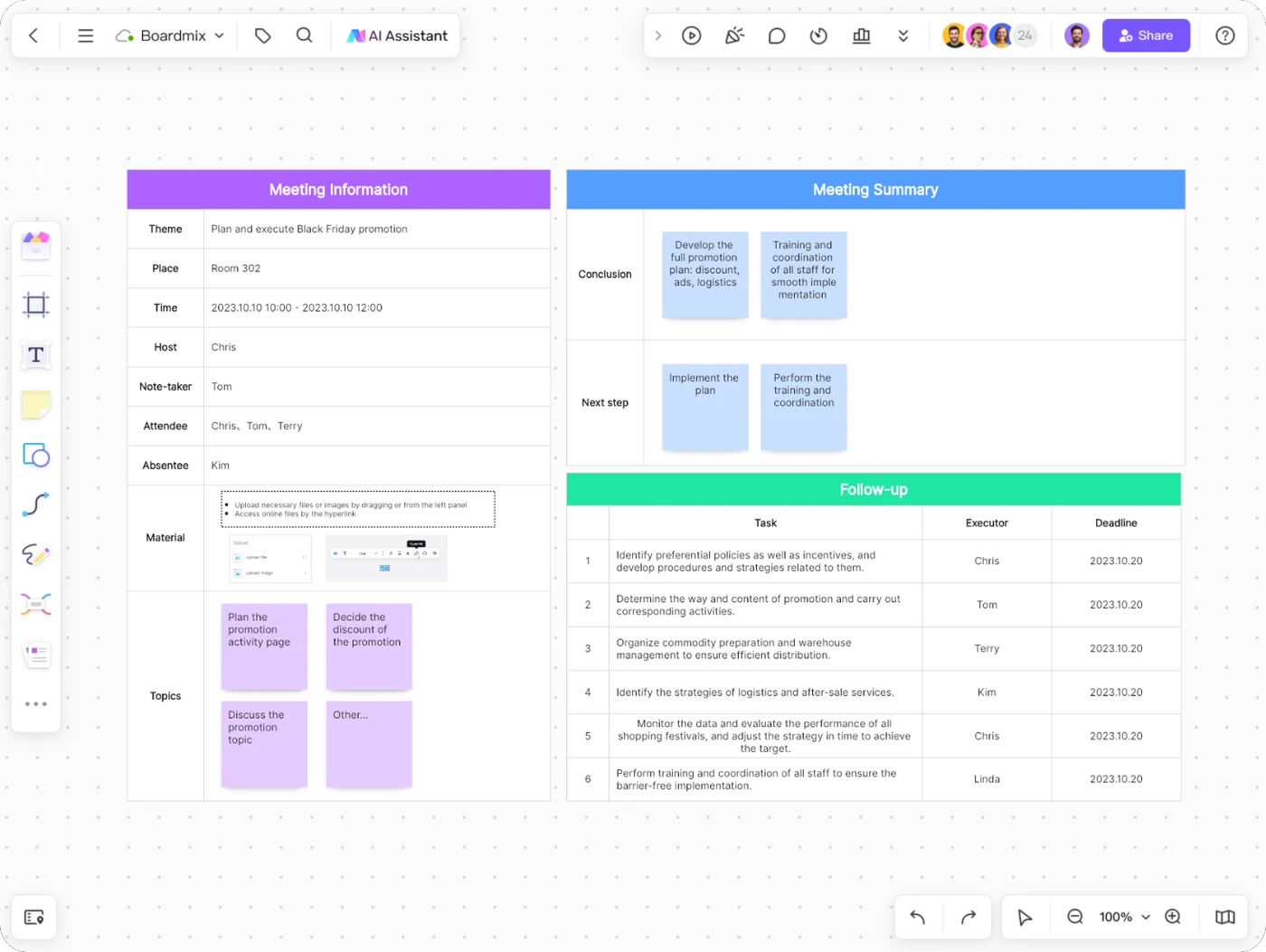
Keep the meeting context, decisions, and next actions together for the people doing the work.
View meeting minutes template →HELP THE WHOLE ROOM CONTRIBUTE
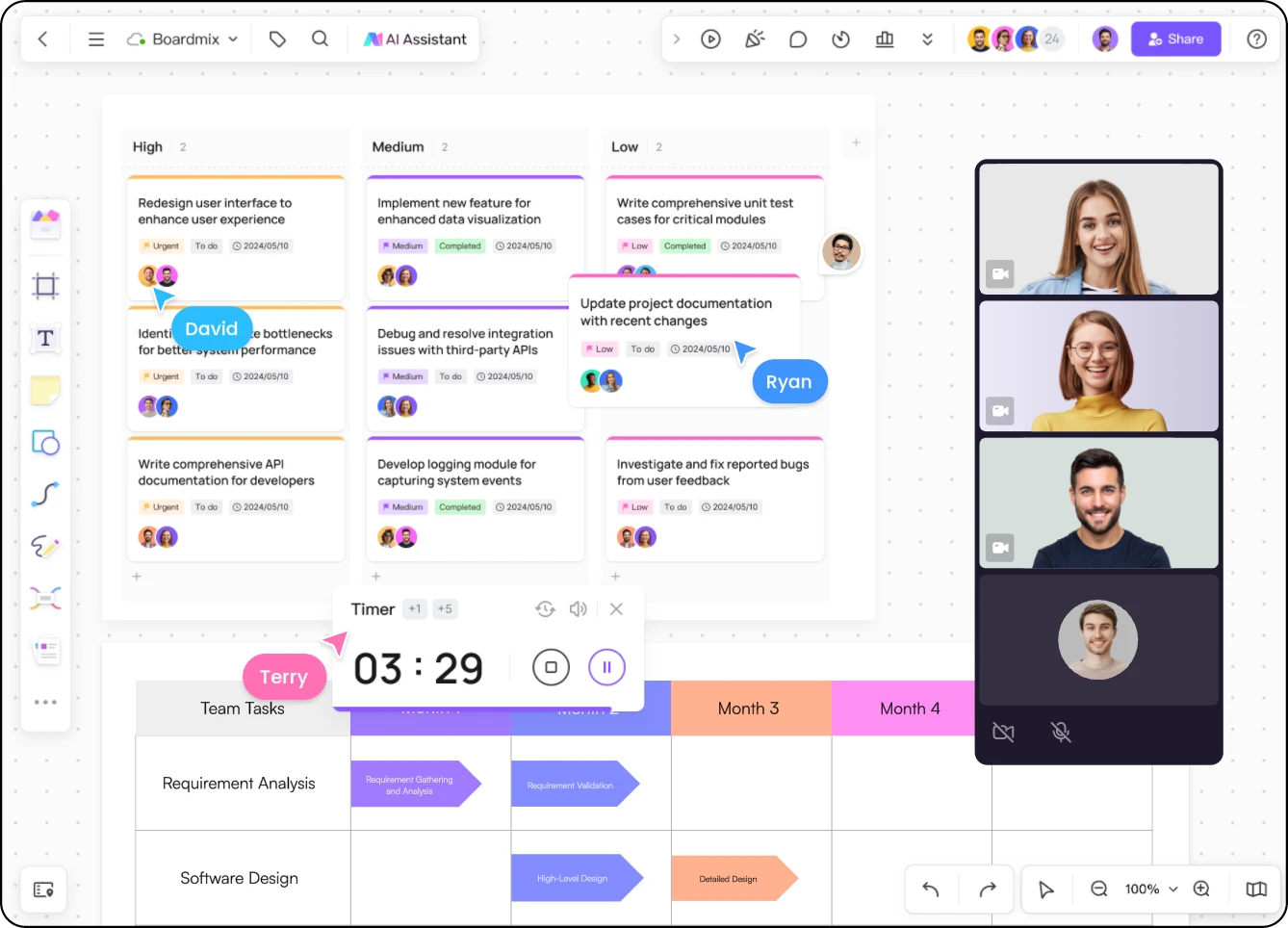
Let people add their own notes before opening the discussion. Group related ideas, give each activity a time limit, and bring the team back to the same question.
For sessions focused on generating ideas, explore brainstorming with Boardmix.
FROM AN AGENDA TO A SHARED PLAN
Example: a team is planning a new customer-onboarding flow. The meeting should settle the first release’s scope and identify the questions that still need an answer.
Agree on the user problem and what success would look like.
Add assumptions, dependencies, and questions independently.
Compare options and separate the first release from later ideas.
Give unresolved questions an owner and agree when to review them.
Help a new workspace owner invite a teammate and create a first shared board.
Invitation flow, welcome checklist, and an empty-state guide.
Billing changes and a complete redesign of the workspace.
Which invitation permissions need approval before the pilot?
KEEP THE CONTEXT, NOT JUST THE CALL
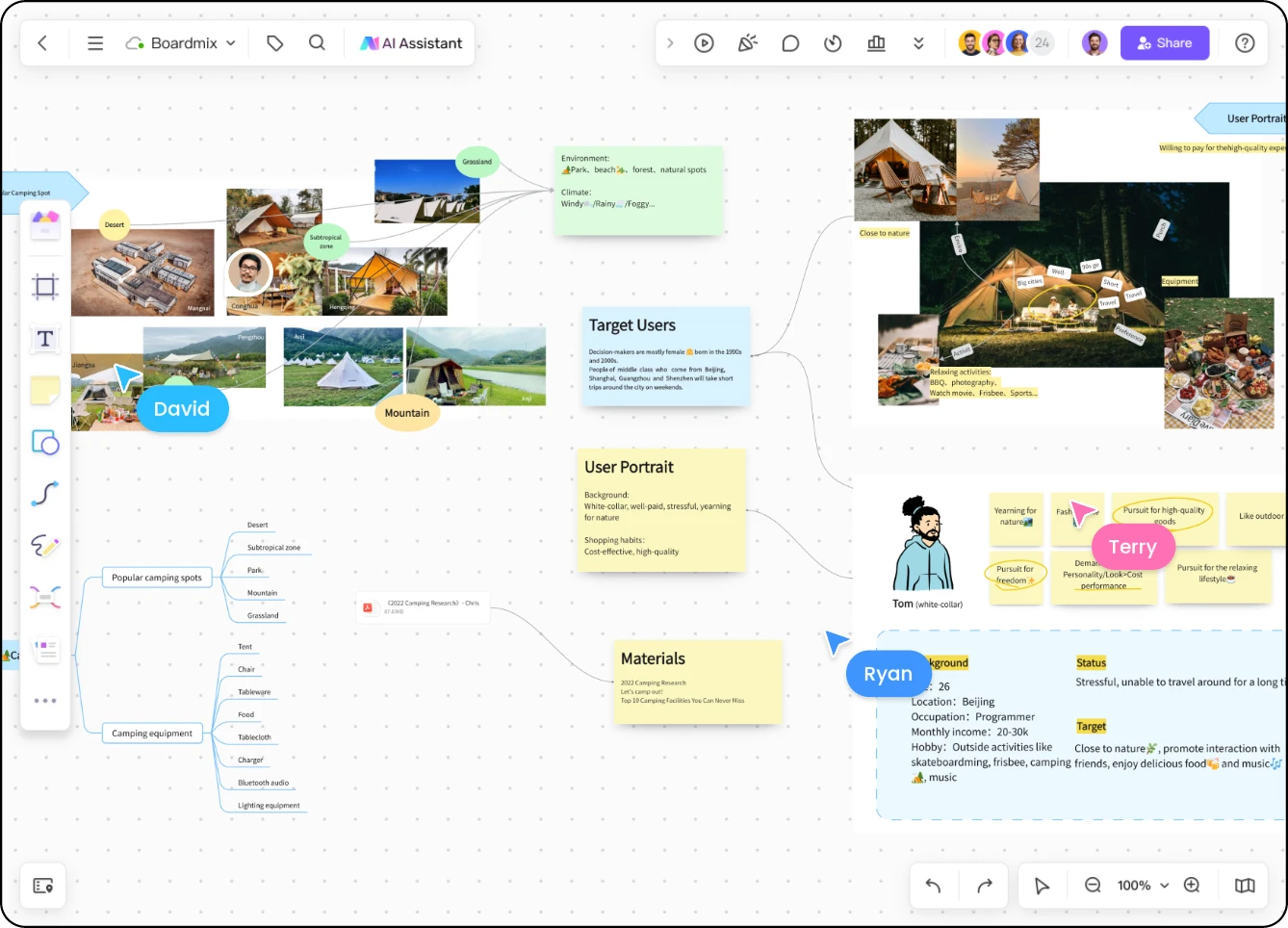
Put relevant images, documents, links, and notes beside the activity they support. Participants can review the material before the session and return to the same board afterwards.
Need collaboration between sessions? See how Boardmix supports hybrid and distributed teamwork.
It gives participants a shared place to contribute and refer back to. Instead of leaving ideas only in the conversation, teams can arrange notes, compare options, and record decisions on a board that remains available after the session.
Start with the outcome you need, choose a template or blank board, and prepare an agenda with space for each activity. Share the board with suitable permissions, use the timer to pace the session, and finish by recording decisions and follow-up actions.
Yes. Keep your video meeting open and share a Boardmix board link with participants. The call carries the conversation while the board holds the ideas and materials. Participants’ ability to view or edit depends on the board’s access settings.
Yes. Remote participants can contribute to the shared board; a room display can give an in-person group a common view. For hybrid sessions, use the same board and prompts for everyone, and leave time for participants joining remotely to contribute.
You can start with a free Boardmix account and explore meeting and workshop templates. Features, usage allowances, and collaboration options depend on the plan. See Boardmix pricing for current details.
The Boardmix user guide covers the timer, presentation mode, voting, and inviting or sharing with others. Choose the tools that support the activity you are running rather than adding every tool to every session.
MAKE THE NEXT SESSION WORTH ATTENDING
Create a meeting board and give your next conversation a clear starting point.
Create your meeting board