A summary with a point
Name the role you are moving toward and the experience that supports it. Replace broad adjectives with a clear professional focus.


Online Collaborative Whiteboard

Boardmix Developer Platform

AI tools for diagrams, writing, and ideas

UI/UX Tool, Figma Alternative

AI PPT Maker, Gamma Alternative
Run workshops, plan projects, and work with colleagues on a shared whiteboard.
Explore collaborative workBOARDMIX · AI RESUME BUILDER
Turn your work, projects, and skills into a resume draft you can shape. Write with AI, refine the layout, and get a second perspective in one shared workspace.
FROM NOTES TO A RESUME
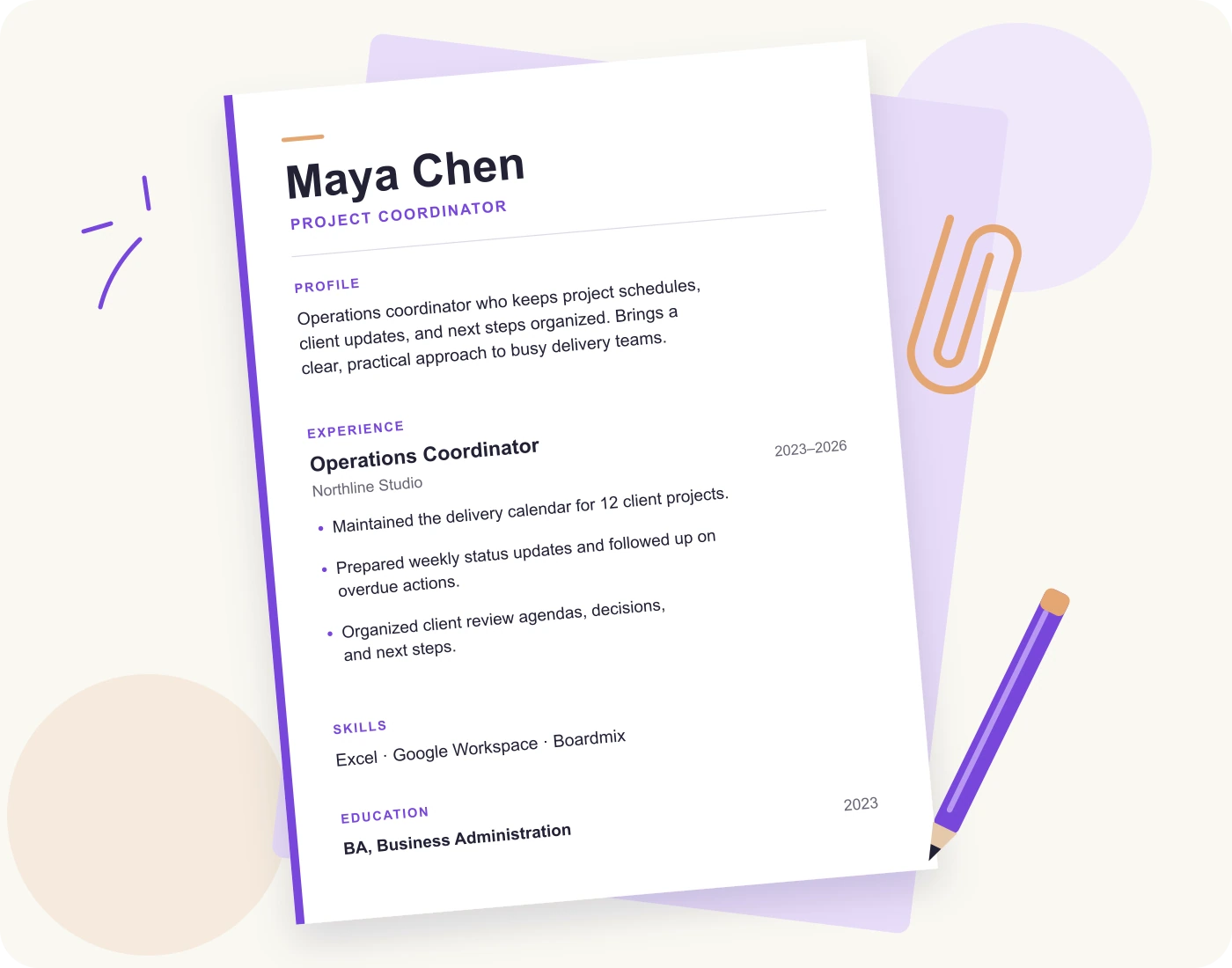
A useful AI resume starts with real material. Here is how rough notes can become a focused project coordinator resume.
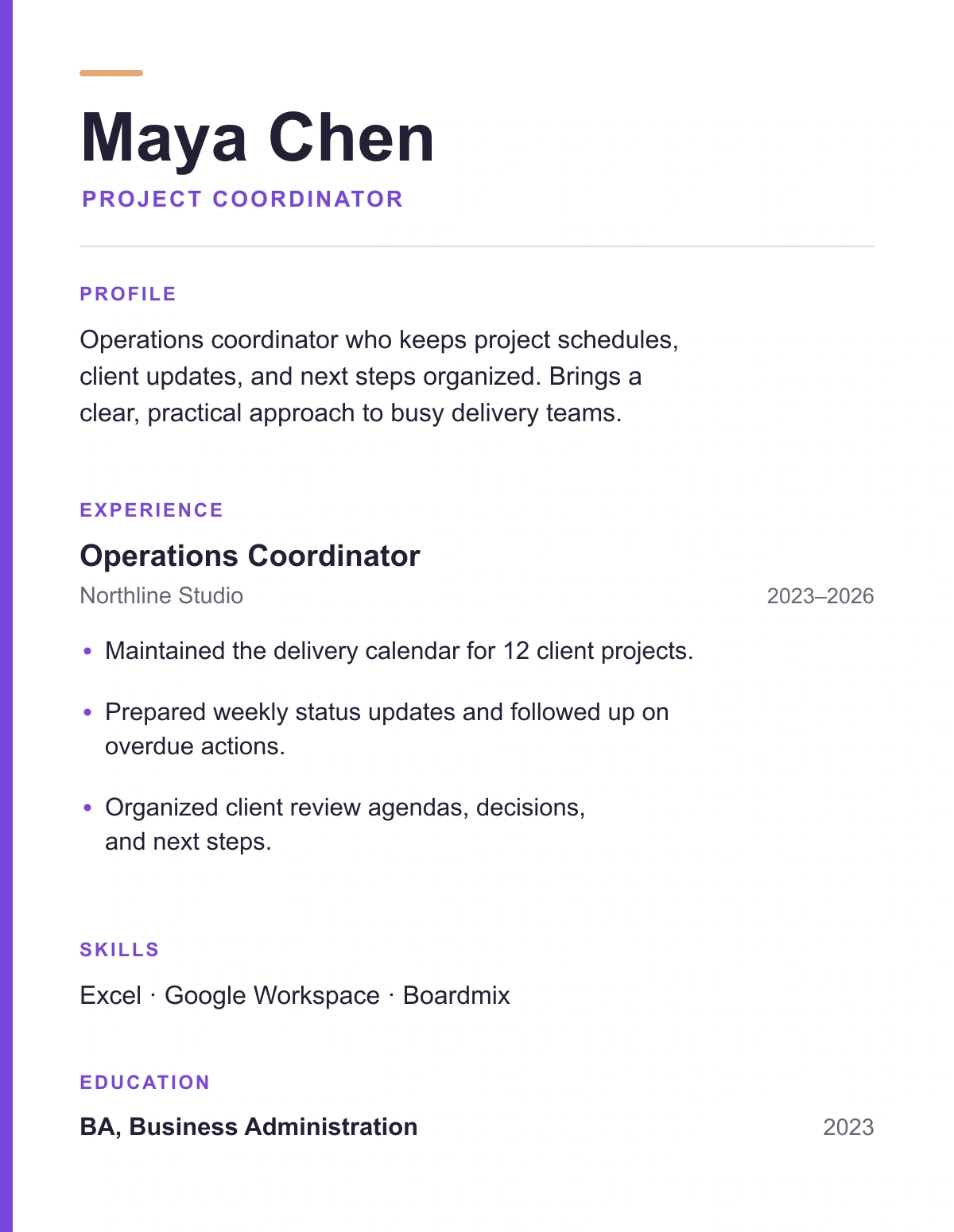
Operations coordinator at Northline Studio, 2023–2026. Maintains a delivery calendar for 12 client projects, prepares weekly updates, follows up on overdue actions, and organizes client-review agendas, decisions, and next steps.
Tools: Excel, Google Workspace, Boardmix.
Education: BA in Business Administration, 2023.
“Helped with meetings and schedules.”
“Prepared client-review agendas, documented decisions, and maintained the team’s delivery calendar.”
Specific actions help a reader understand the work. Add a result when you can back it up with your own experience.
Draft a resume for a Project Coordinator role using only these details: Maya Chen, Operations Coordinator at Northline Studio, 2023–2026. Maintained the delivery calendar for 12 client projects, prepared weekly status updates and followed up on overdue actions, organized client-review agendas, decisions, and next steps. Tools: Excel, Google Workspace, Boardmix. BA in Business Administration, 2023. Use a concise summary and clear experience bullets. Do not invent employers, qualifications, metrics, or results. Put questions about missing information after the draft.
Draft an entry-level resume using the education, projects, volunteering, and skills I provide. Organize it with a short summary, education, relevant projects, experience, and skills. Do not invent employment, grades, certifications, or results. Ask me for any missing details before completing the draft.
A SHAPE FOR YOUR STORY
Explore a layout, then make room for the experience that matters to your application. Each preview opens its Boardmix community template.
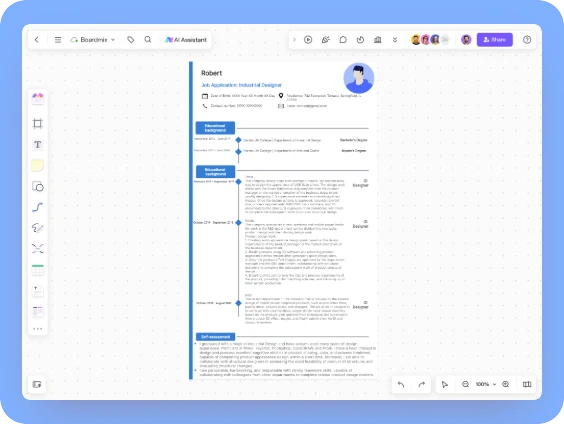
Put design work and practical skills in view.
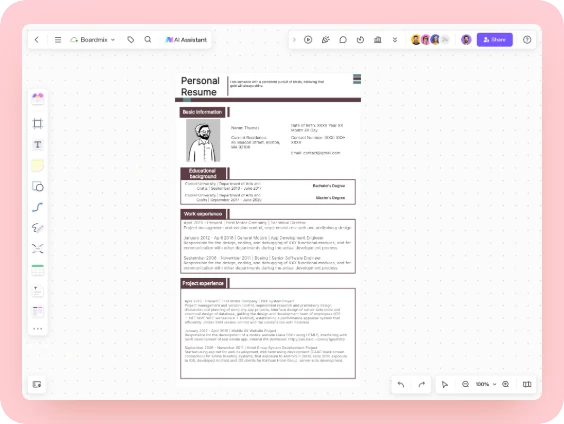
Bring responsibilities and delivery experience forward.
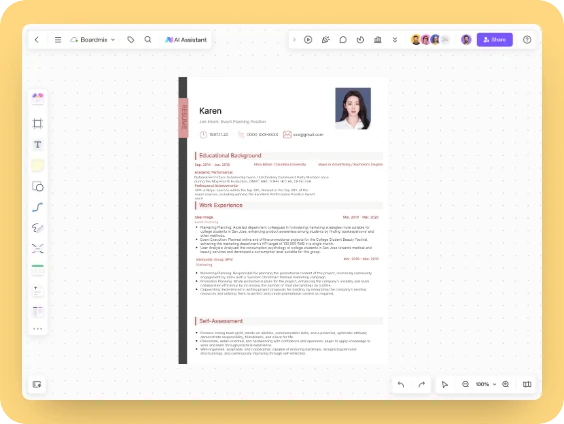
Connect your content work with relevant projects.
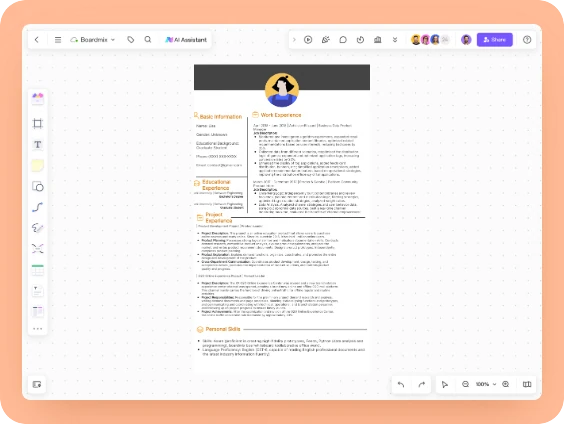
Show the products, decisions, and teams you supported.
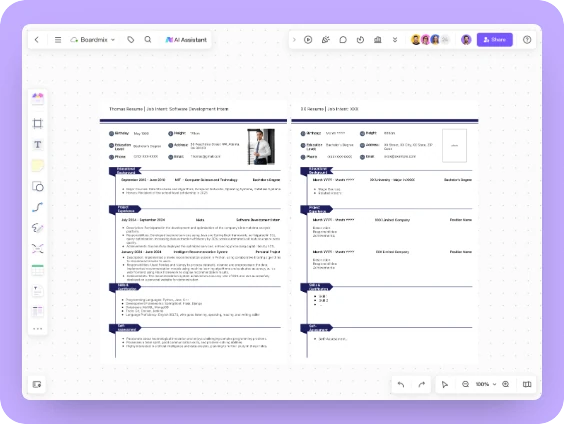
Start with education, projects, and hands-on experience.
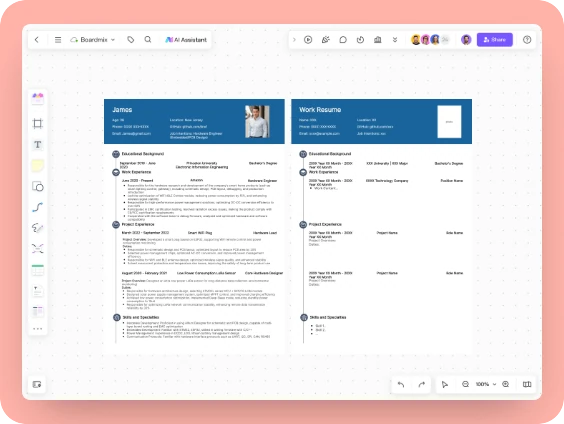
Give technical skills and engineering work a clear structure.
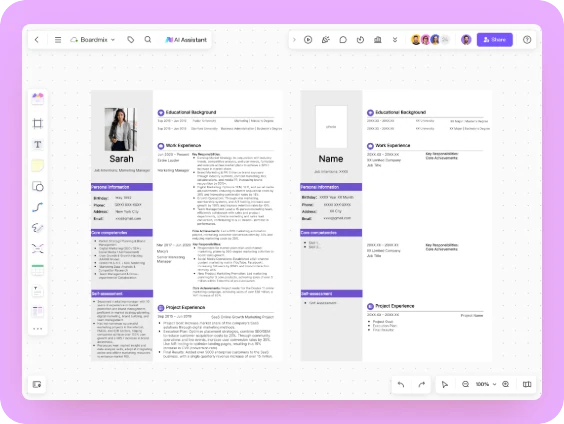
Highlight the campaigns and channels you have worked on.
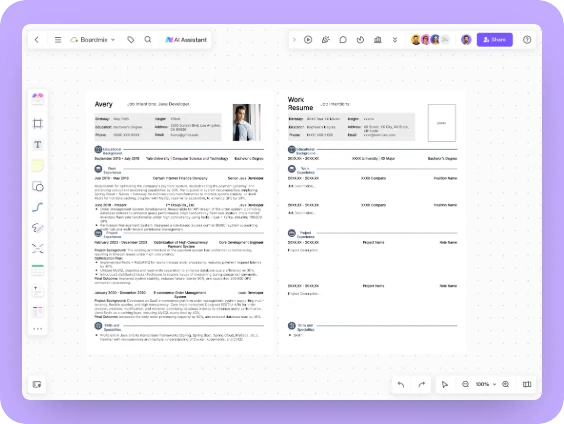
Make your stack and software projects easy to find.
LESS FILLER. MORE YOU.
Use the AI resume generator to work through the wording. Keep the decisions about your experience, strengths, and next role in your hands.
Name the role you are moving toward and the experience that supports it. Replace broad adjectives with a clear professional focus.
Describe the action, the work involved, and the outcome when you can support it. Add numbers only when they come from your own records.
Give relevant course, freelance, or volunteer projects their own space. Explain your contribution rather than listing a project name alone.
Choose skills you can discuss in an interview. Show where you used them in the experience or project section.
A SECOND PERSPECTIVE HELPS
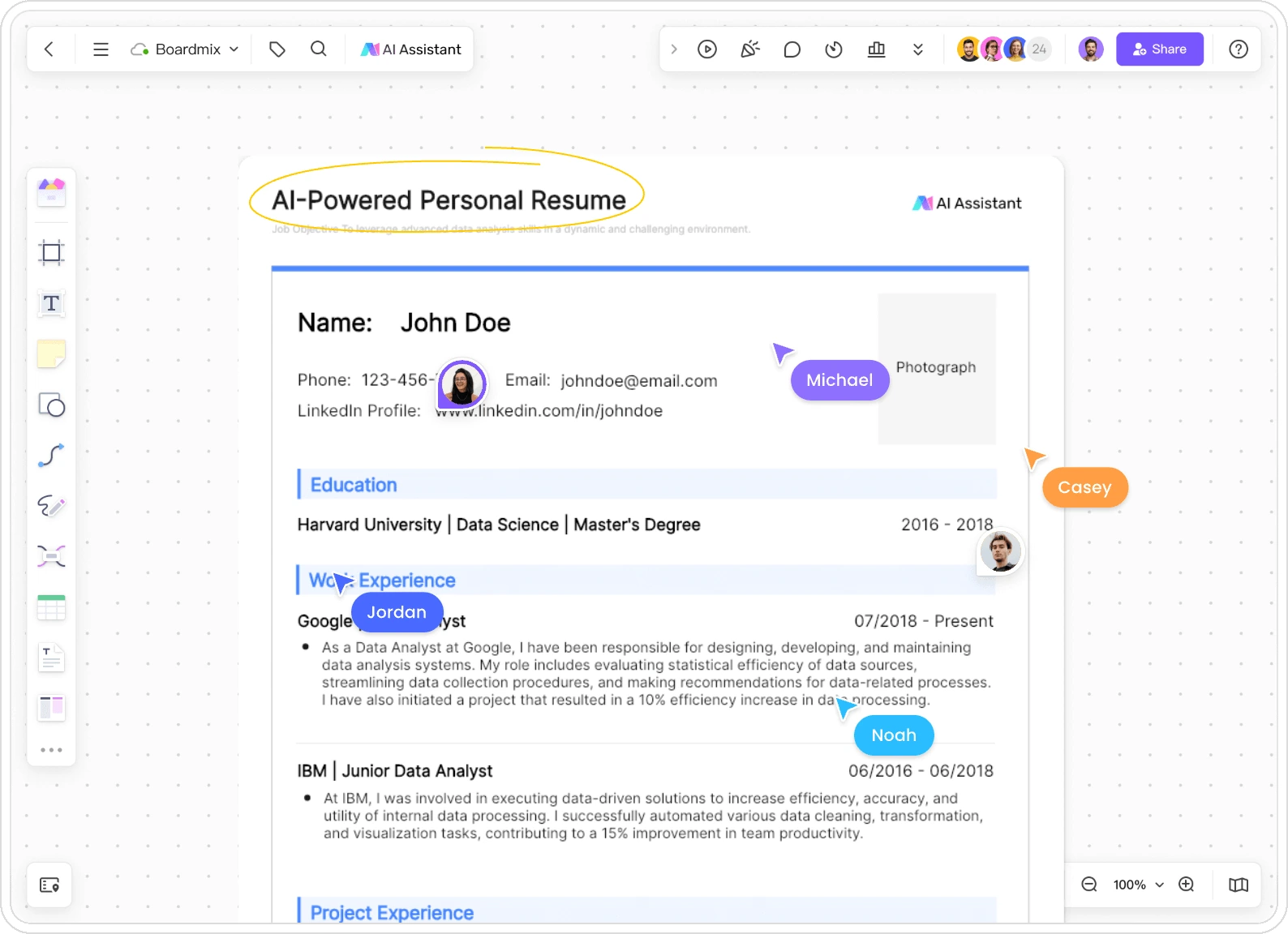
Invite a mentor, peer, or career adviser into the same Boardmix workspace. Discuss a specific section, leave comments, and edit the wording together.
Ask a focused question: “Does this bullet explain my contribution?” or “Which project best supports this role?” Review the draft before sharing it more widely, and choose permissions that fit the conversation.
BEYOND THE SINGLE PAGE
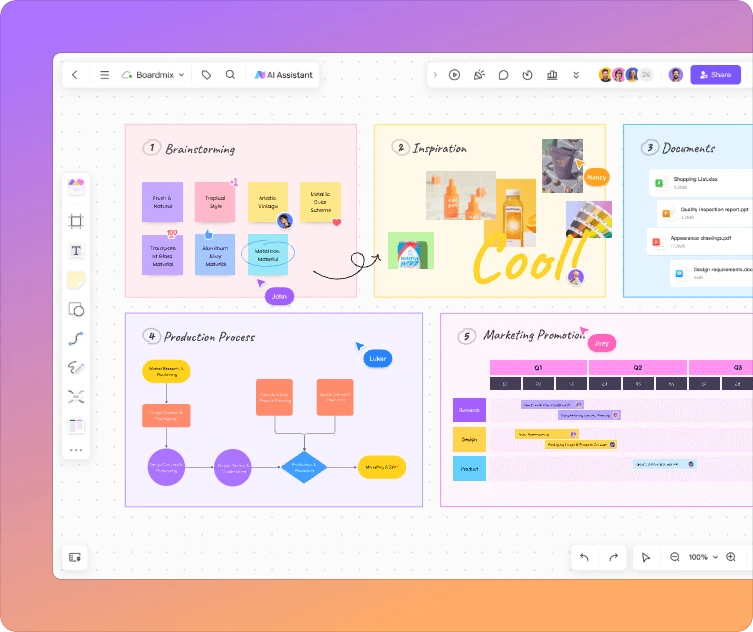
A resume is a short version of a longer career story. Use the online whiteboard to organize project notes, work samples, and questions beside your draft.
Compare the role requirements with your own experience. Build a visual portfolio for a conversation, while keeping a straightforward resume version for the employer’s application process.
YOUR FIRST DRAFT STARTS HERE
Enter your target role, experience, projects, education, and skills. Include the responsibilities you actually held and the results you can explain.
Continue to the AI resume assistant in Boardmix. Review the suggested structure and wording, then replace vague phrases with your own examples.
Edit the layout, ask for feedback, and check names, dates, and contact details. Export in a format accepted by the employer and review the finished file.
GOOD TO KNOW
Practical answers before you start your next application.
Start with your target role, recent experience, education, projects, and relevant skills. Specific responsibilities make a better starting point than a job title alone. You can add your contact details later when you edit the draft.
Yes. Start with relevant coursework, projects, volunteering, internships, or student activities. Explain what you contributed and the skills you used. There is no need to invent employment to fill the page.
You can edit the content and visual layout in Boardmix and invite others to the board. Use comments and shared editing to work through feedback with a mentor or adviser.
No builder can guarantee how every employer’s system will read or score a resume. Follow the requested file type, use clear section headings, and check the exported text’s readability and order. Keep a simple application version separate from a more visual portfolio.
Use the export options available for your Boardmix content, then open the downloaded file to check the layout and text. Format options depend on the object or frame you are exporting; follow the employer’s submission instructions. The Boardmix user guide explains exporting and sharing.
Boardmix offers a free plan. AI usage and export options depend on the plan and available credits, so free access does not mean unlimited AI generation. See current plans and AI allowances before starting a larger project.
A FRESH START, IN YOUR OWN WORDS
Bring the experience. Build a resume that tells the story.
Start my resume