
Company hierarchy
Map leadership, teams, and reporting lines from the top down.
Explore the org chart template overview →


Online Collaborative Whiteboard

Boardmix Developer Platform

AI tools for diagrams, writing, and ideas

UI/UX Tool, Figma Alternative

AI PPT Maker, Gamma Alternative
Run workshops, plan projects, and work with colleagues on a shared whiteboard.
Explore collaborative workBOARDMIX · ORGANIZATIONAL CHARTS
Create an organizational chart online to make reporting lines, teams, and responsibilities easy to understand. Start with a template, edit the structure with your team, and keep the chart beside the work it supports.
START WITH A STRUCTURE
Compare six ways to organize roles and reporting lines. Explore the template overview, inspect a full-size example, or follow a drawing guide, then build the structure your team needs in Boardmix.
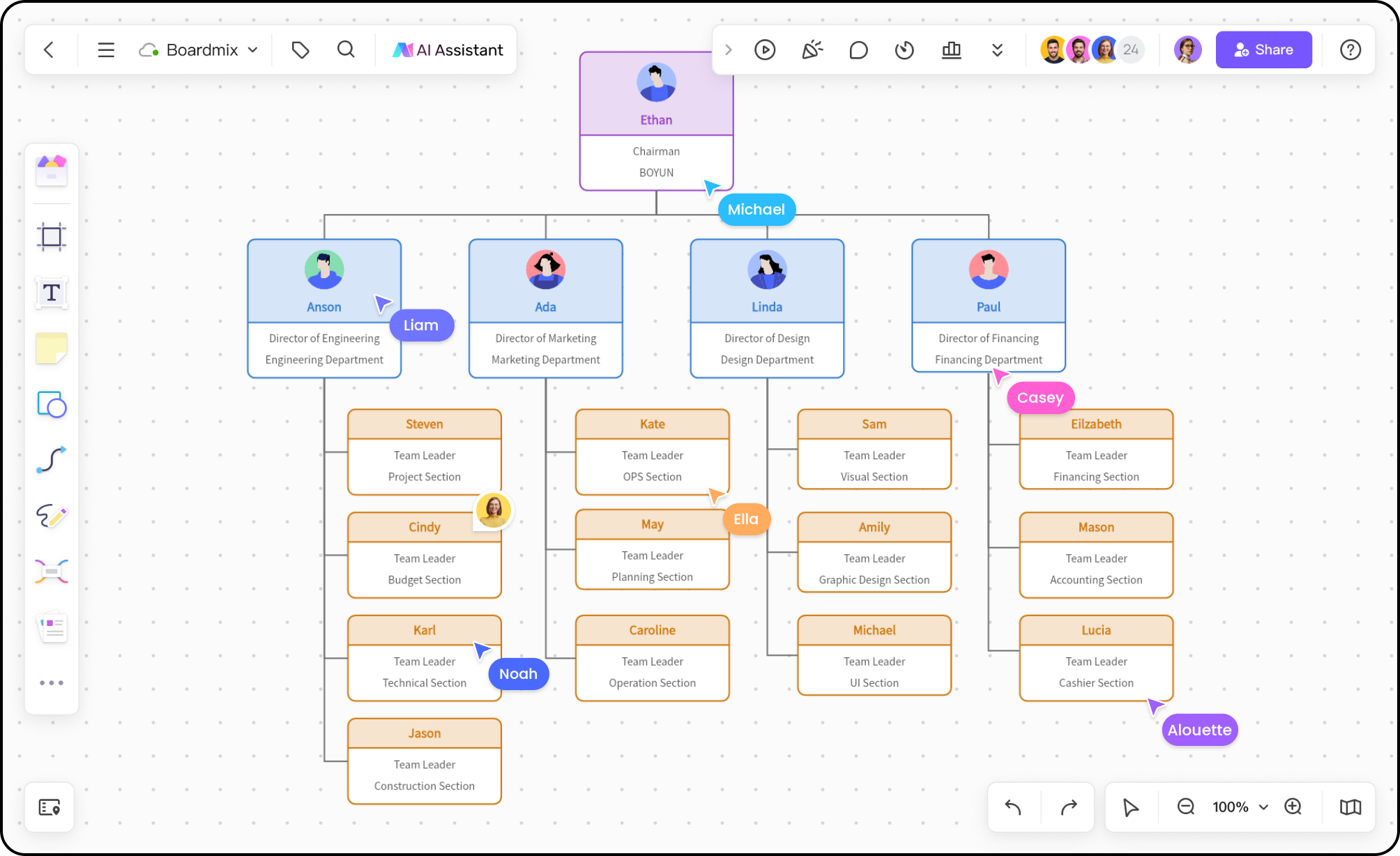
Map leadership, teams, and reporting lines from the top down.
Explore the org chart template overview →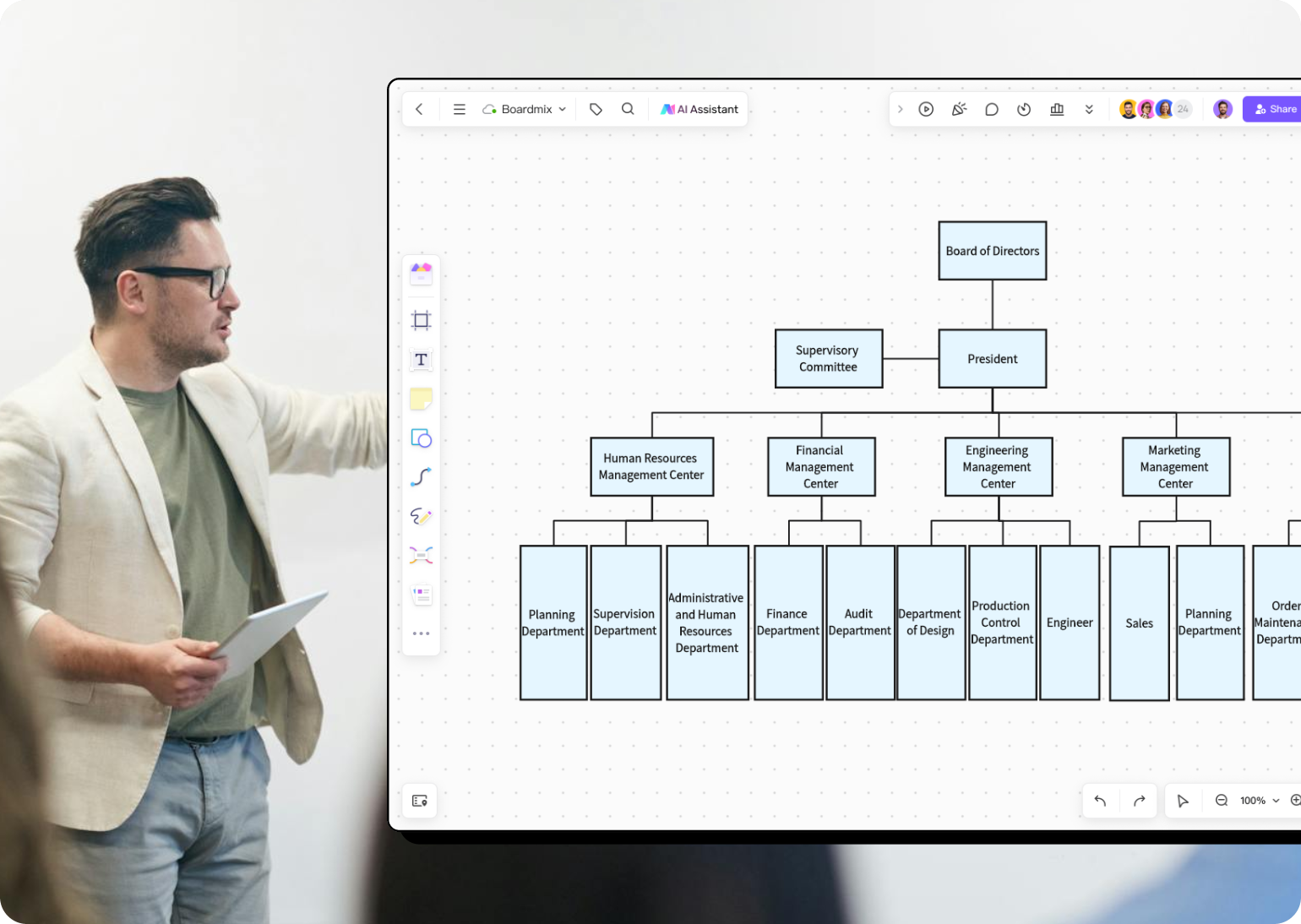
Give each function a clear place while keeping cross-team work visible.
View the department chart example →
Clarify roles, managers, and handoffs inside one department.
Read the org chart drawing guide →
Show parent companies, business units, and shared functions together.
View the corporate group example →
Make production responsibilities and operational reporting easy to scan.
View the factory chart example →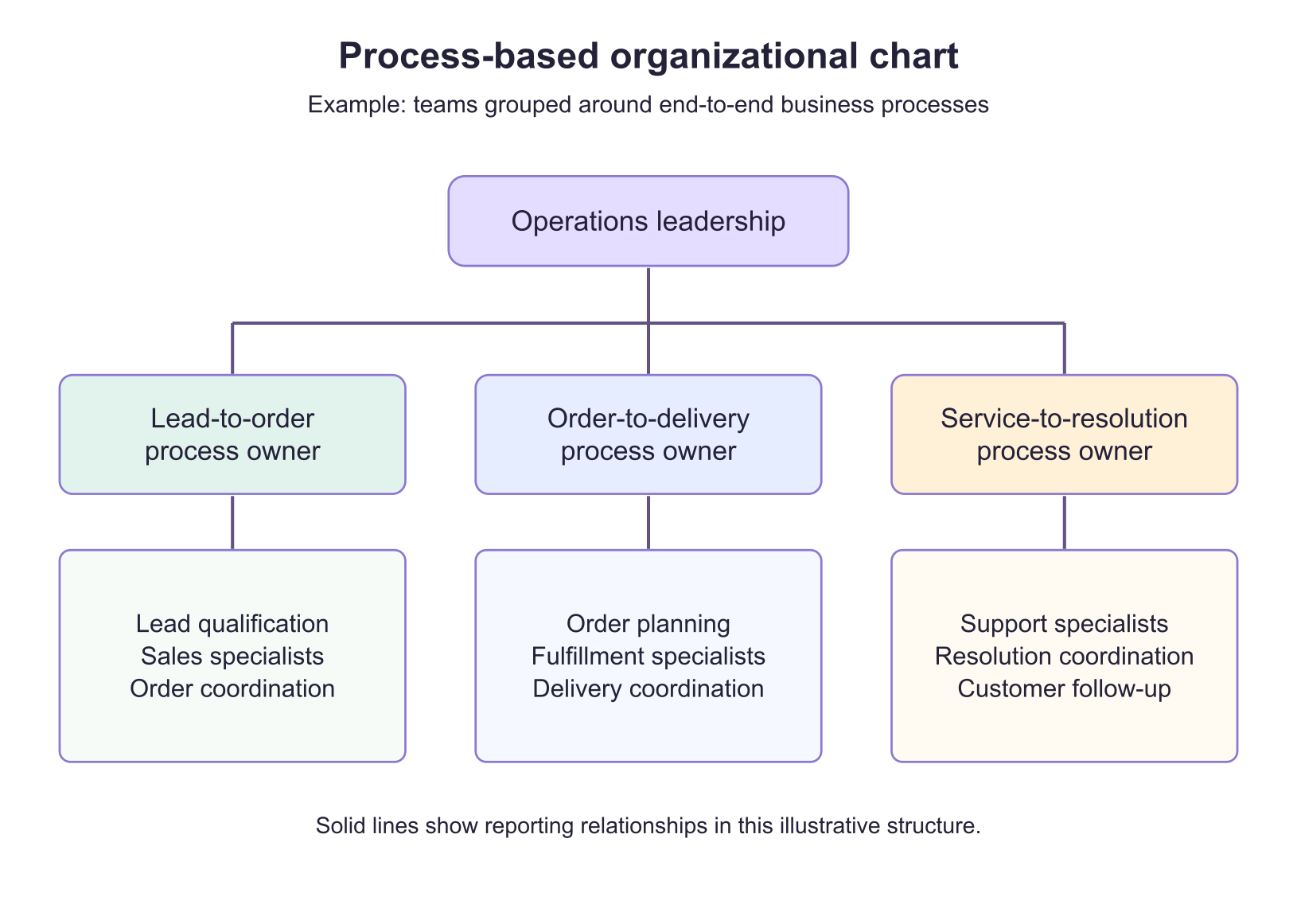
Group teams around end-to-end processes, with a clear owner for each one.
Read the process-based chart example →BUILD WITH CONTEXT
An org chart is more useful when it explains how work moves through the organization. Place role notes, project links, and decisions beside the structure so people can understand ownership without switching tools.


COLLABORATE IN ONE BOARD
Invite HR, team leads, and project owners to the same online organizational chart. Keep feedback beside the relevant role or connection, then publish one current version for the wider team.
Use the same canvas for onboarding maps, team directories, project ownership, and cross-functional planning.
FROM DRAFT TO DECISION
When you need a starting point, describe the teams and relationships you want to map. Use the draft to organize the conversation, then edit names, responsibilities, and reporting lines in the Boardmix canvas.
Draft with Boardmix AI
ORGANIZATIONAL CHART FAQ
An organizational chart is a visual map of roles, teams, and reporting relationships. It helps people understand responsibilities and find the right owner for a question or decision.
Open an organizational chart template or start with a blank board, add roles and teams, then connect them with labeled lines. Add context such as responsibilities or project links before inviting collaborators to review the structure.
Choose a starting layout in Boardmix's template library and replace its sample roles with your own. You can also use the examples and drawing guide above to plan a structure before building it on a blank board.
Yes. Share the board with the people who maintain the structure, set the access they need, and keep feedback next to the roles or relationships being discussed.
MAKE OWNERSHIP CLEAR
Turn a static hierarchy into a shared reference for roles, responsibilities, and collaboration.