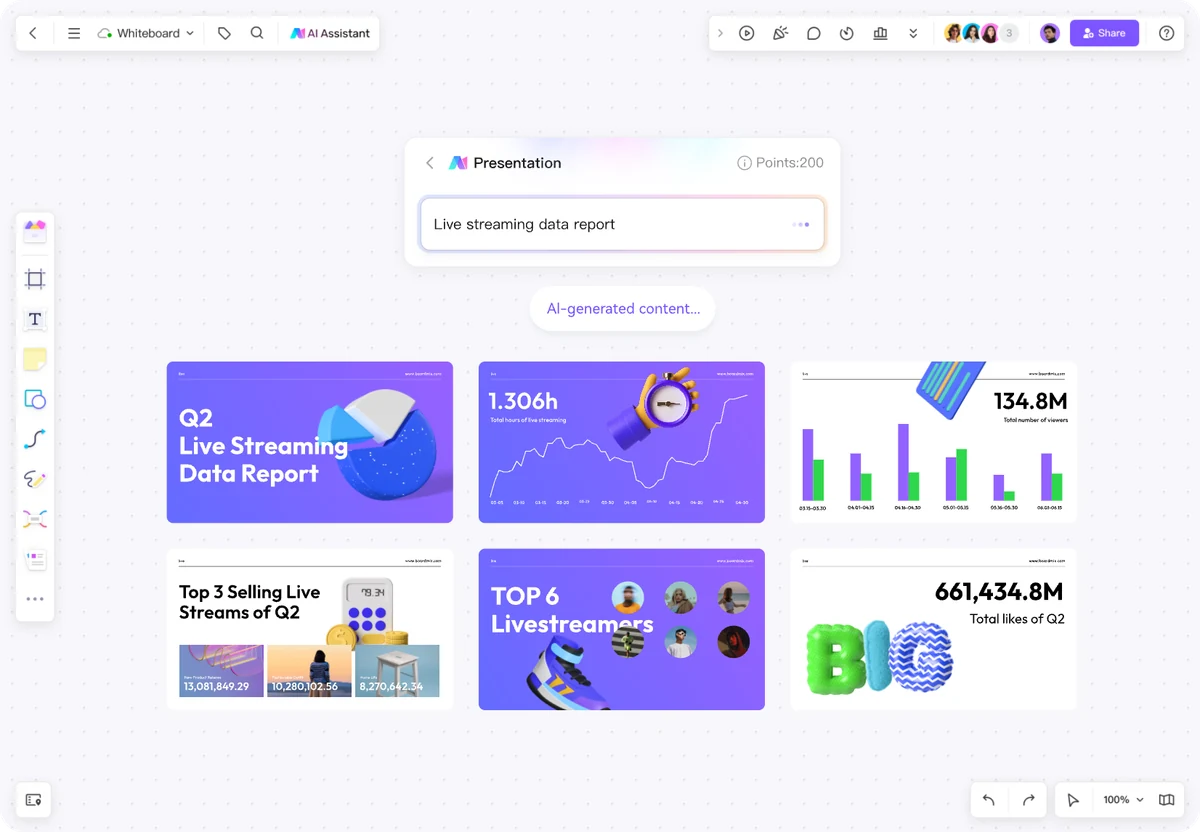
A mind map that gives the team somewhere to start
Begin with the broad branches. Add questions people can answer, then place interview notes and supporting material beside the relevant topic.
Explore the AI mind map generator →
View full size BOARDMIX · AI + VISUAL COLLABORATION
Make the next step visible.
Generate a mind map, flowchart or presentation from a brief. Edit the details, bring in your references and work through the next step with your team.
Create with AI. Keep thinking together.

FROM AN IDEA TO SOMETHING YOU CAN USE
An AI whiteboard combines AI-assisted content creation with a shared visual workspace. You can develop a draft into an editable diagram, connect it with supporting material, and work through it with other people.
Boardmix brings that workflow to an online collaborative whiteboard, with room for notes, images, diagrams and the conversation around them.
A question, a topic or a brief is enough to begin a draft.
Arrange the idea spatially, not just line by line.
Discuss and refine the work on a shared board.
A STARTING POINT FOR THE WAY YOU WORK
Move from a broad question to a visual draft your team can explore. Choose a scenario to see how the canvas supports the next step.
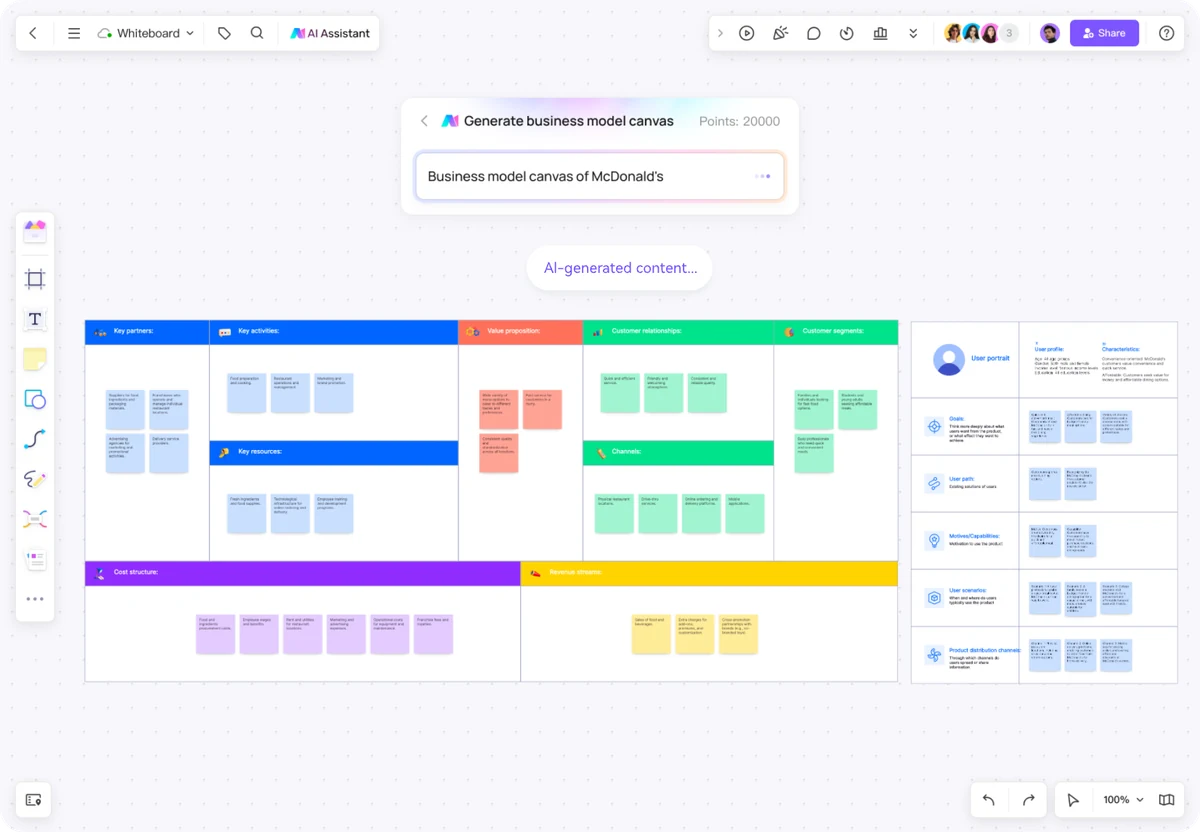
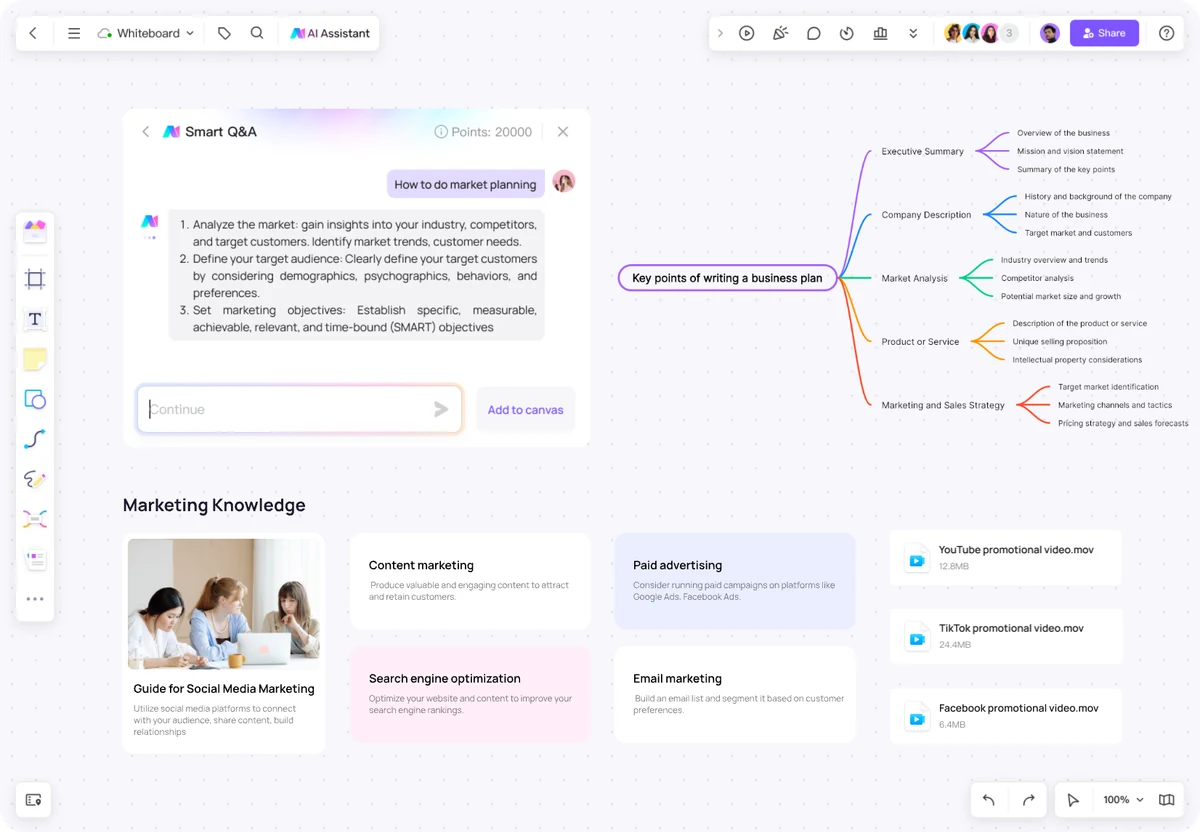
Draft a business-model view or an outline of questions to investigate. Keep customer evidence and open assumptions beside the model, so your team can see what still needs to be learned.
“Outline a business model for a neighborhood repair service. Separate customer assumptions from the evidence we need to collect.”

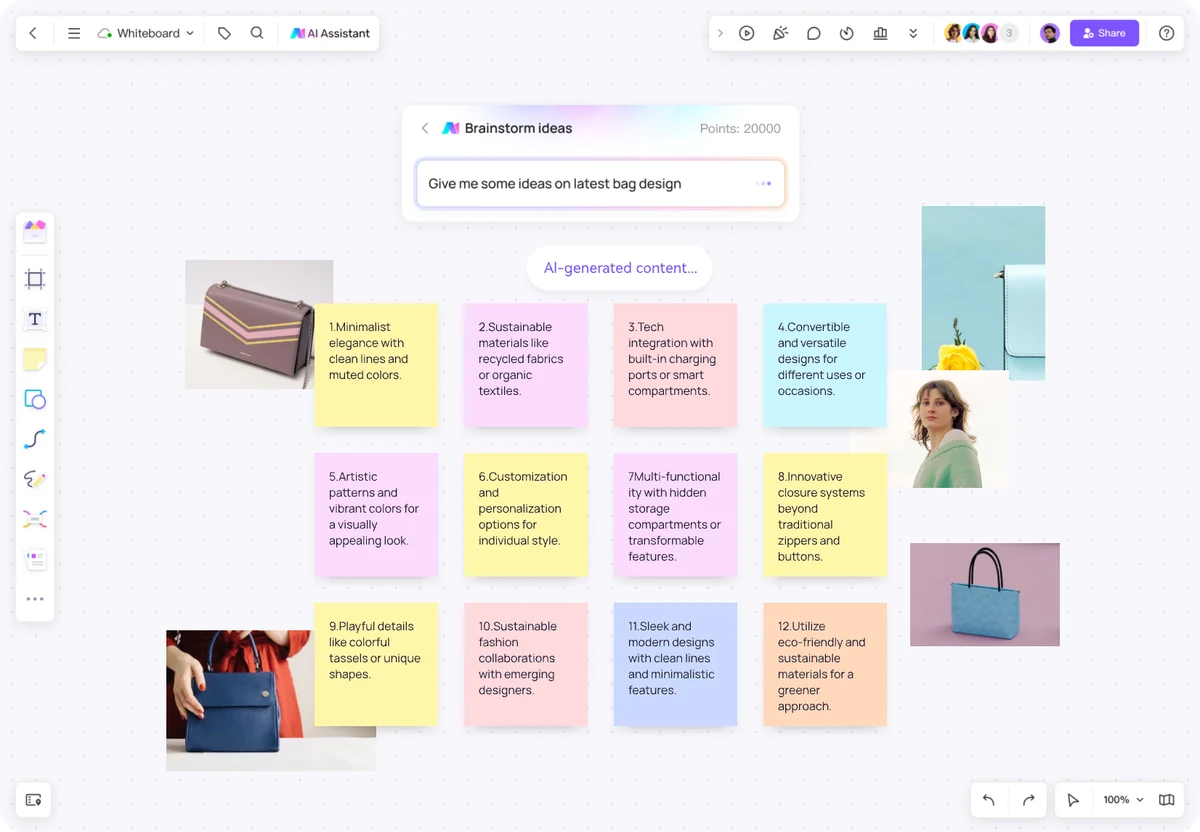
Ask AI for possible directions, then arrange the suggestions beside sketches, reference images and your own observations. Place interview notes beside the suggestions to see which directions deserve a closer look.
“Suggest design directions for a commuter bag. Consider organization, comfort and repairability; group the ideas by user need.”

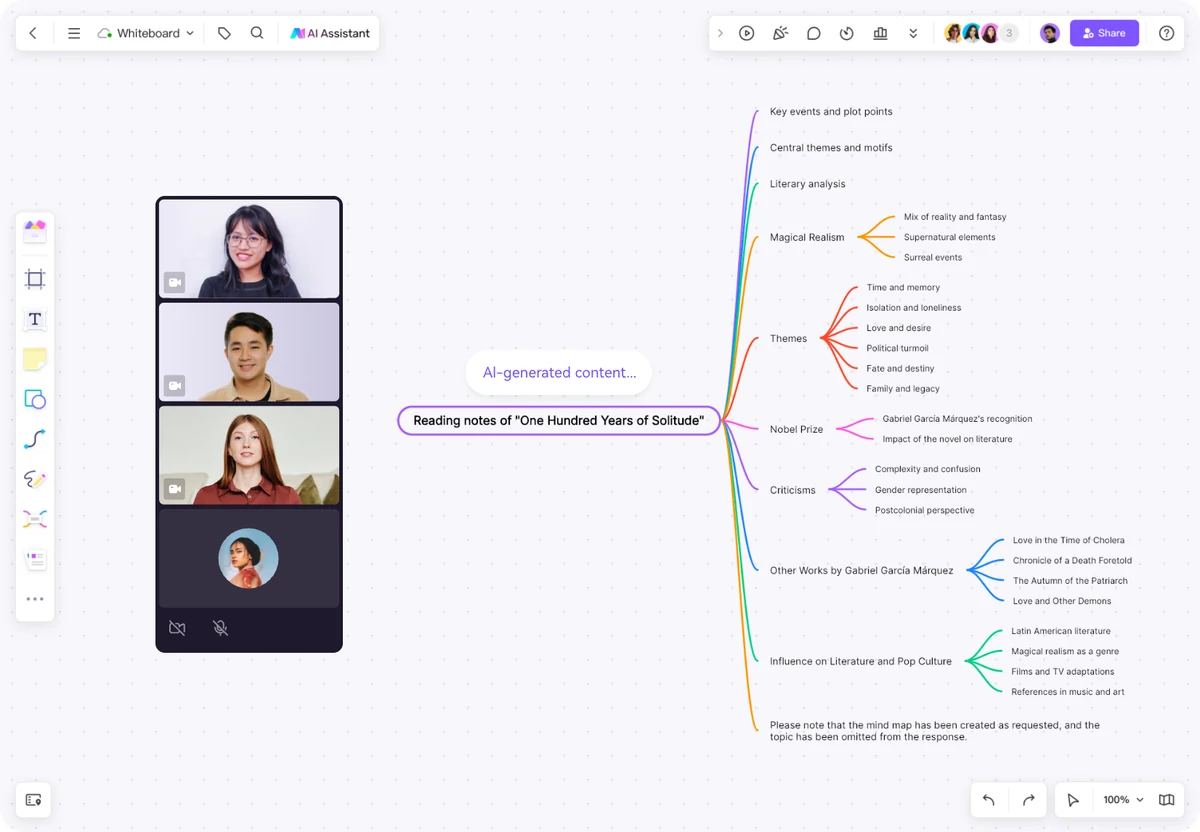
Start with a topic outline or a reading map. Add examples, correct the details and connect related concepts. Teachers and learners can develop the same board together.
“Create a beginner-friendly mind map of the water cycle, with the main stages, everyday examples and three questions for discussion.”

Bring the audience, message and constraints into the brief. Develop the proposed activities into a visual plan, then add the channels, dates and responsibilities your team agrees on.
“Outline a four-week launch campaign for a new planning app, aimed at freelance designers. Group ideas by audience, message and channel.”

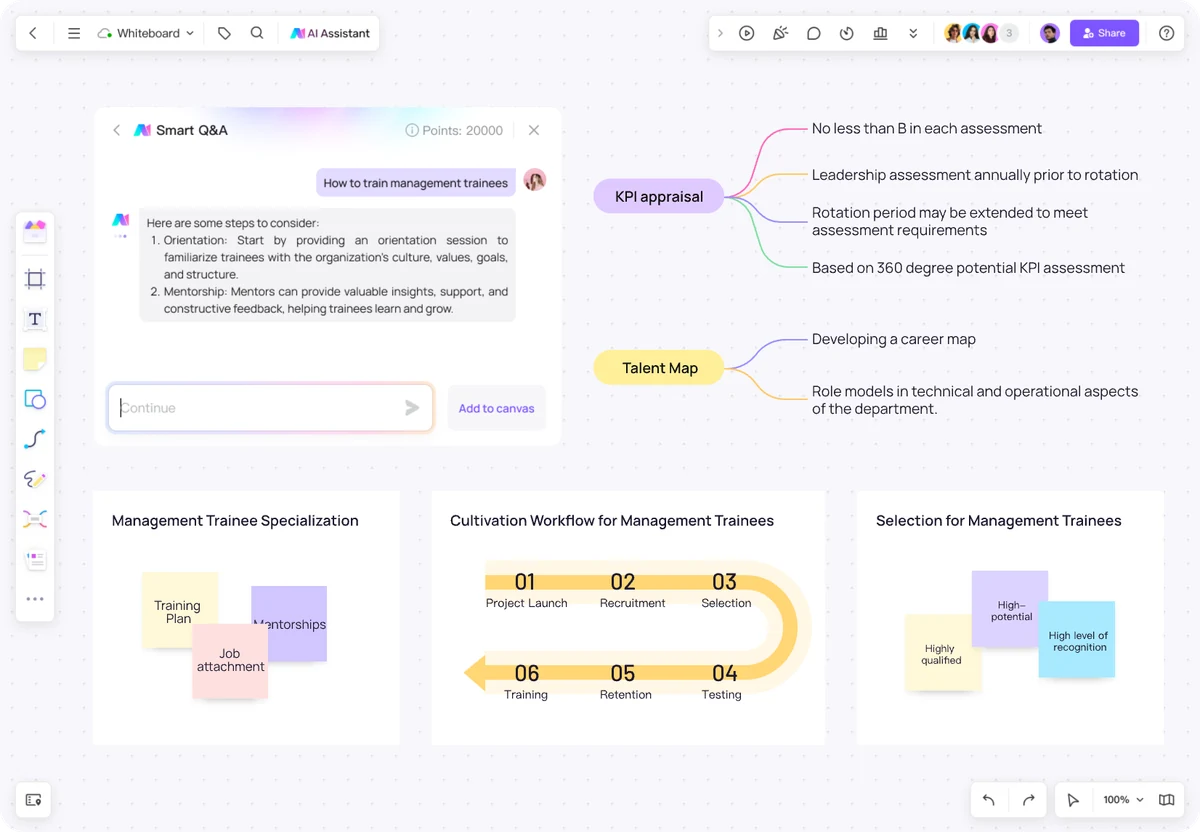
Explore training topics and arrange a program visually. Add the skills your team needs, the activities they will try and the moments when they will get feedback.
“Outline a six-week onboarding program for new team leads, covering coaching, prioritization and feedback. Suggest a practice activity for each topic.”

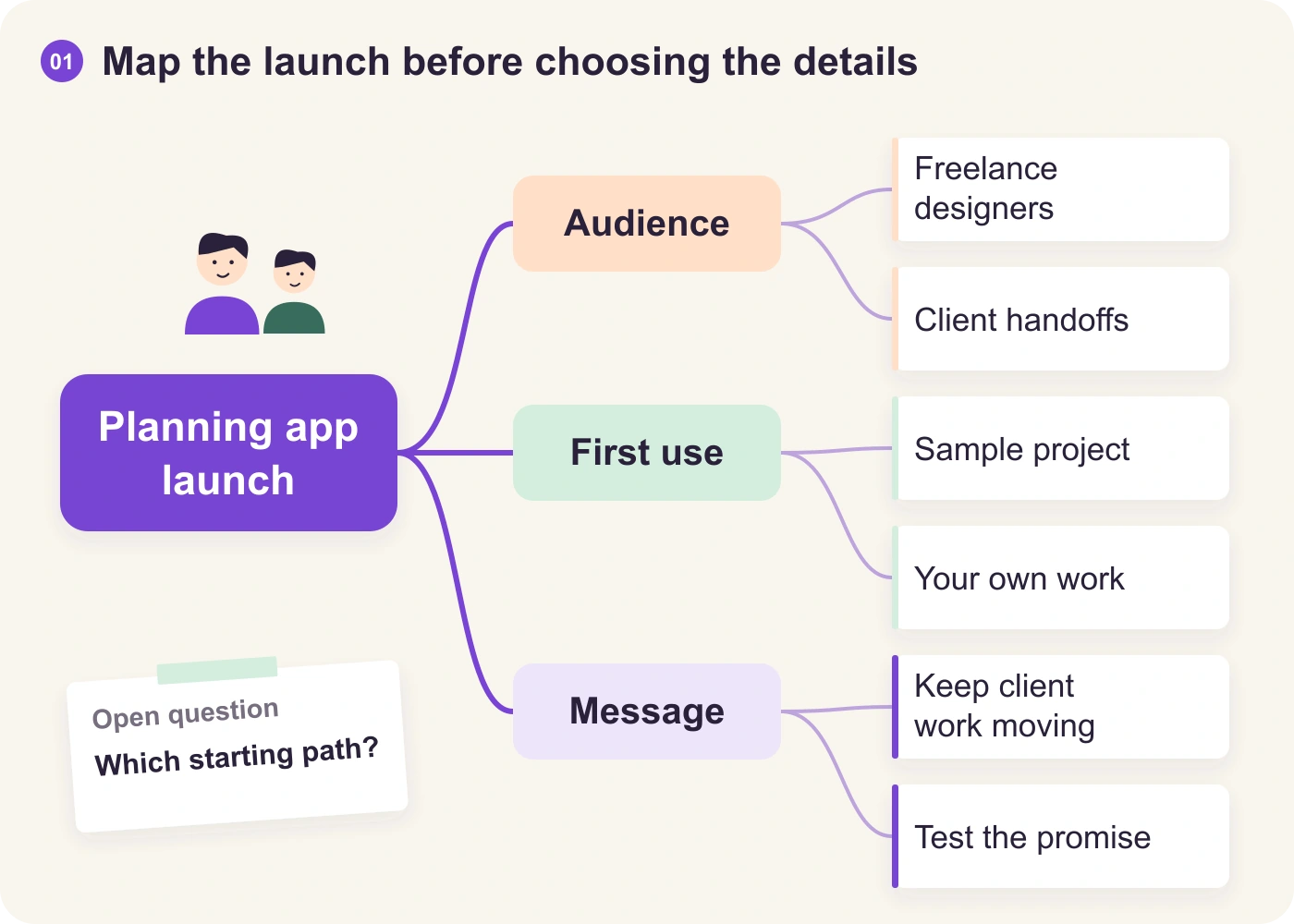
Describe the audience and purpose to draft a presentation. Refine the sequence, add your own figures and use the surrounding board to keep the supporting material within reach.
“Outline a five-slide proposal for a customer-onboarding workshop: the problem, evidence needed, session plan, responsibilities and next steps.”

ONE BRIEF. A SHARED PLAN.
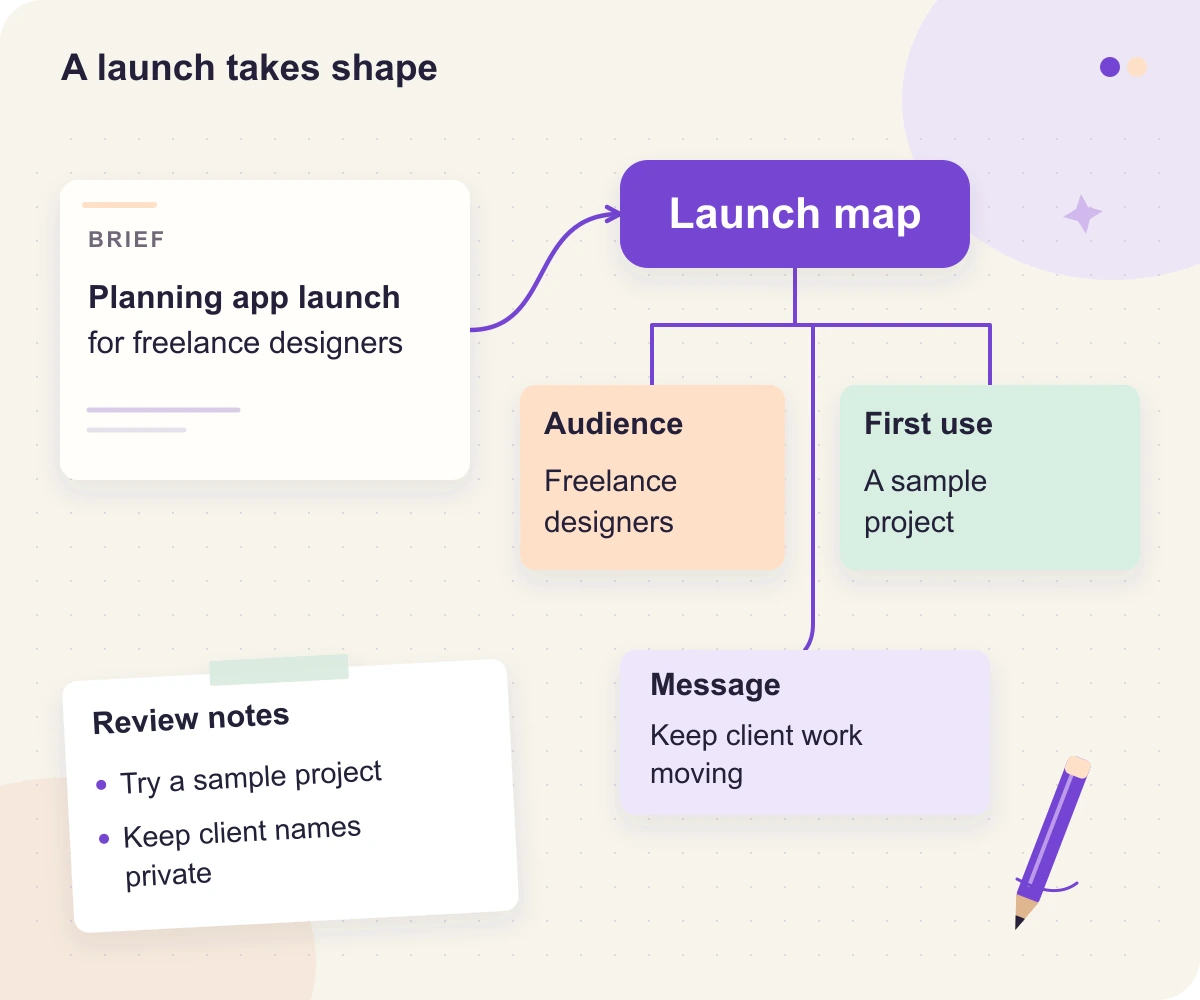
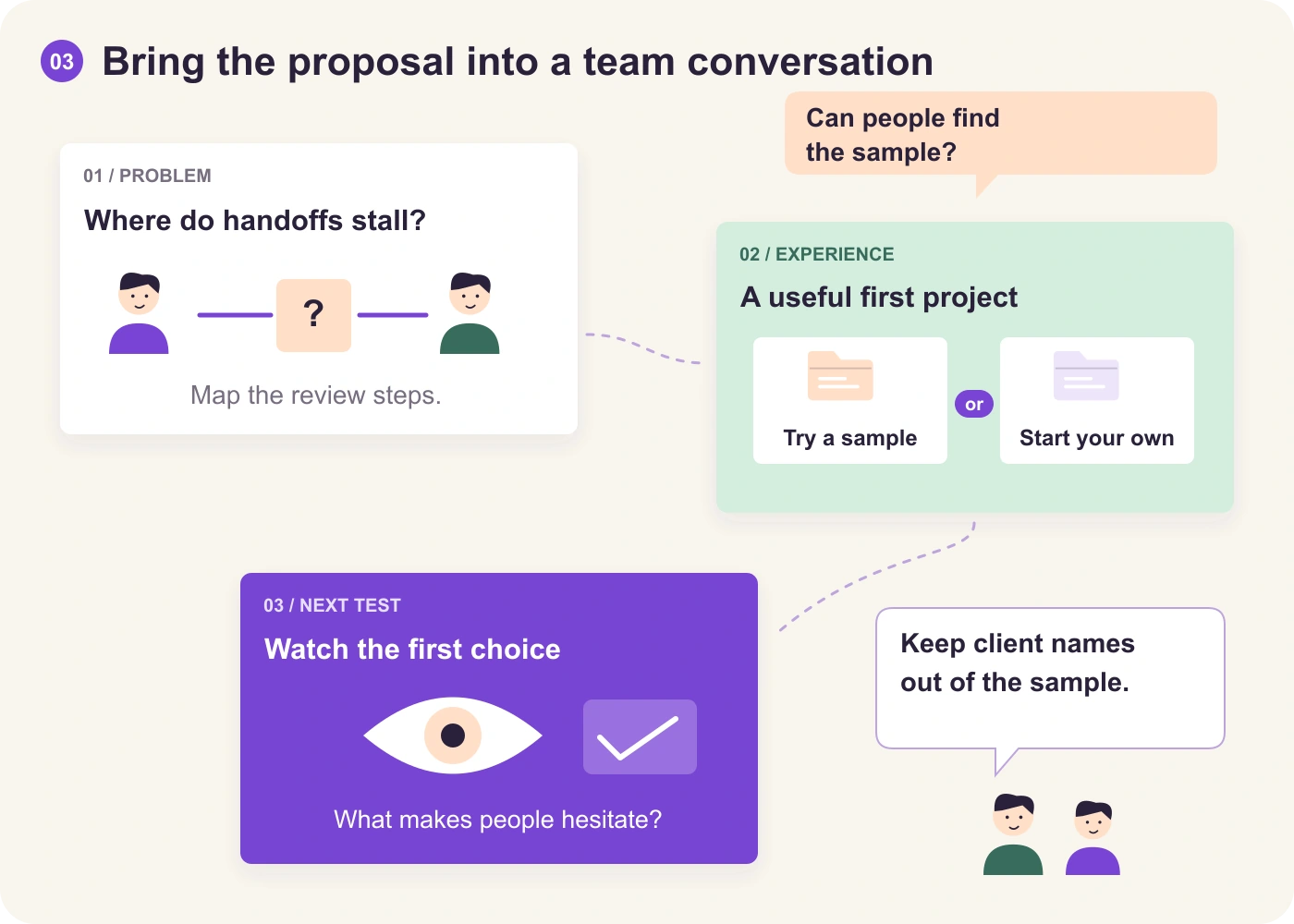
Imagine a small team launching a planning app for freelance designers. Here is how a first outline becomes research questions, a usable flow and a proposal to discuss.
“We are launching a planning app for freelance designers. Create a mind map with branches for audience needs, the first-use experience and the launch message. Separate assumptions from questions we need to investigate.”
Illustrative launch-planning example
Begin with the broad branches. Add questions people can answer, then place interview notes and supporting material beside the relevant topic.
Explore the AI mind map generator →
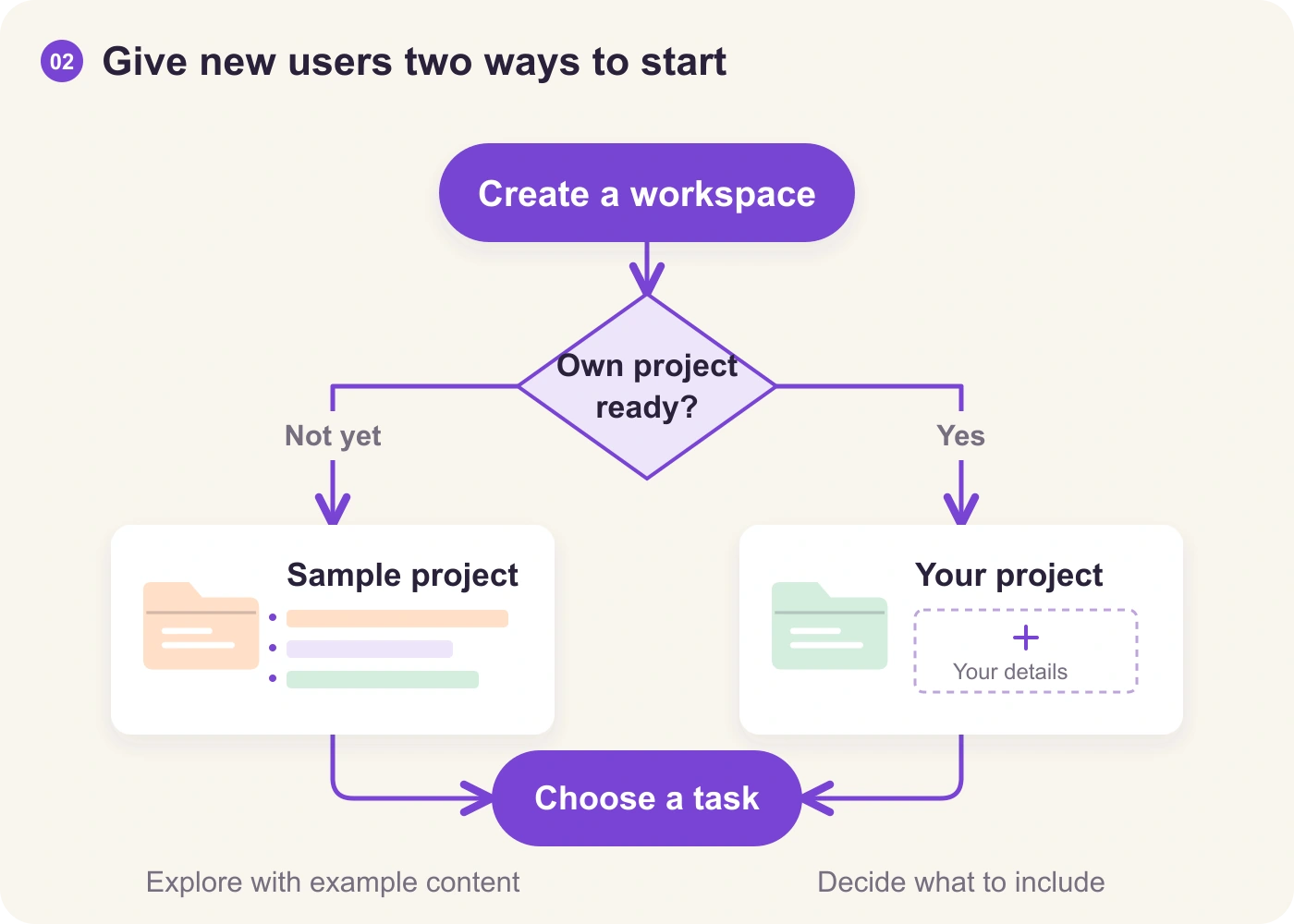
View full size A linear draft might jump straight from sign-up to adding a client project. Give new users a route to explore the app before entering real work.
Explore the AI flowchart generator →
View full size Turn the outline into a short presentation. Keep the map, flow and source notes nearby so reviewers can follow the reasoning and challenge a specific choice.
Explore the AI presentation maker →
View full size Use the relevant AI tool for each draft. Bring the outputs onto your board, add your team’s knowledge and decide what to try next.
THE WHITEBOARD MAKES THE DIFFERENCE
Generating a draft is only the beginning. These are the tools that make it a shared piece of work.
Arrange notes, diagrams and images together. Use real-time editing, comments and chat to discuss the detail without moving the conversation away from the work.
Use the infinite canvas, layouts and icon libraries to organize an idea visually. Keep references beside the part of the draft they explain.
Let participants mark their preferences, then talk through the reasons. Voting helps surface a view; the team still makes the decision.
Use presentation mode to guide people through the board. Arrange the sequence around the discussion you want to have.
Bring in supported files, export your board and revisit saved versions. Formats, quality and history allowances depend on your plan.
TAKE A CLOSER LOOK
Watch the product walkthrough, then open the workspace to try a topic of your own.
Product walkthrough · play when you are ready
OR START WITH A LITTLE STRUCTURE
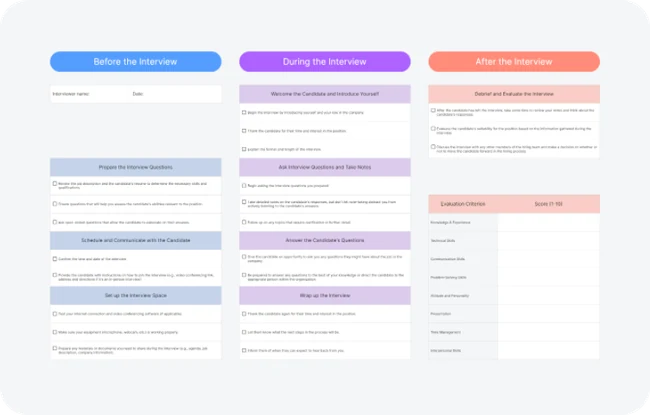
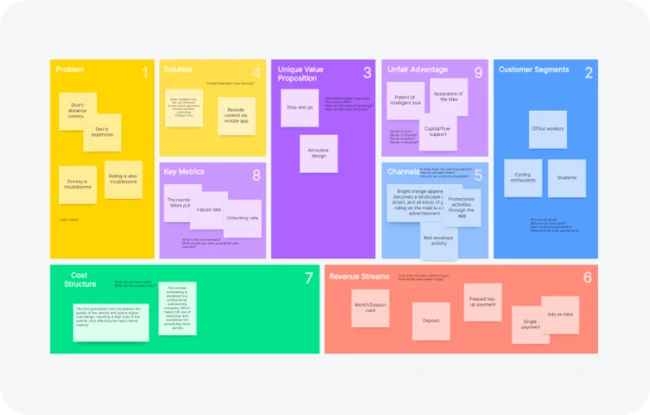
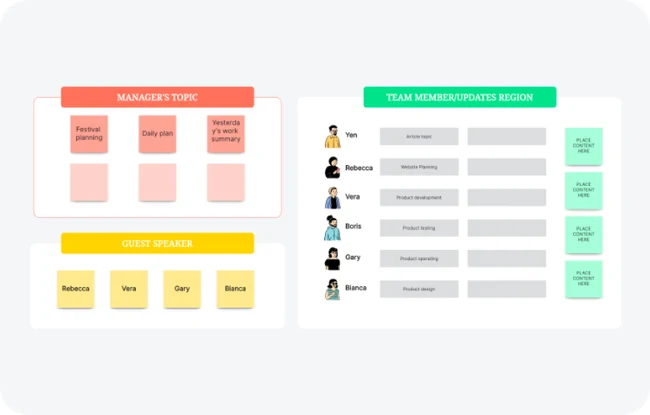
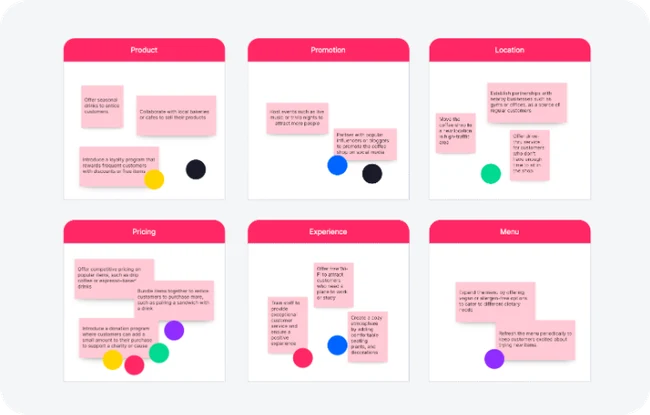
Start with a template when you know the structure you need. View a template below, or browse the library for more ways to organize your board.


A FEW THINGS TO KNOW
Choose a starting point that fits how you want to work.
An AI whiteboard adds AI-assisted creation to an online visual workspace. Boardmix can help draft mind maps, flowcharts, presentations and written content, while the canvas lets you arrange, edit and discuss the work with your team.
A chatbot is useful for a conversation or a text response. An AI whiteboard adds a spatial workspace: you can connect ideas, change the structure, place source material beside an output and work on the same visual content with other people.
You can develop supported AI-generated maps, diagrams and other drafts within Boardmix. Edit the content and structure, add your own material and check the details. Generated images are visual assets, not a substitute for individually editable diagram elements.
Yes. Boardmix supports real-time collaborative editing, comments and chat. You can use the shared canvas for a live session or leave context and questions for teammates to review later.
Boardmix offers a free whiteboard plan. AI access, credits and other allowances depend on your plan; see the current Boardmix pricing before choosing the option that fits your work.
Use AI when you want help drafting a structure or exploring directions. Choose a template when you already know the framework. Start with a blank board when the team needs room to think freely. You can develop the work with notes, diagrams and supporting material on the same canvas.
BRING THE IDEA. MAKE IT YOURS.
Start with a brief. Build on the draft. Make it yours on a Boardmix AI whiteboard.
Open Boardmix AI