Frame the opportunity
Bring research notes, customer needs, constraints, and business goals onto one canvas before choosing a direction.




Online Collaborative Whiteboard

Boardmix Developer Platform

AI tools for diagrams, writing, and ideas

UI/UX Tool, Figma Alternative

AI PPT Maker, Gamma Alternative
Run workshops, plan projects, and work with colleagues on a shared whiteboard.
Explore collaborative workBOARDMIX · PRODUCT PLANNING
Turn product strategy into a shared, actionable plan. Map opportunities, shape the roadmap, prioritize features, and keep every decision connected in one visual workspace.
A visual product planning tool for product managers, designers, researchers, and delivery teams.
FROM OPPORTUNITY TO OUTCOME
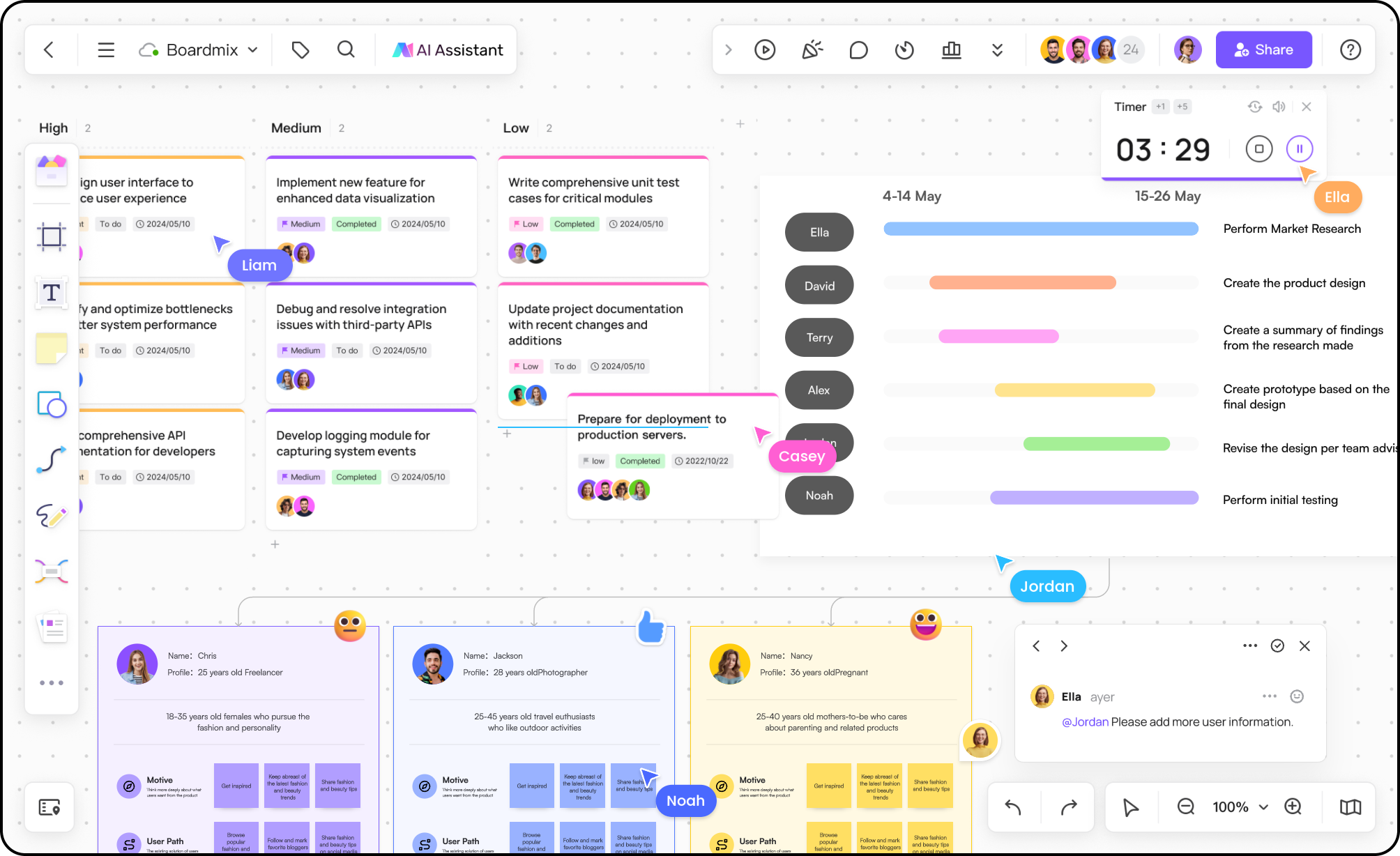
Product planning works better when the problem, options, priorities, and next steps stay visible together.
Bring research notes, customer needs, constraints, and business goals onto one canvas before choosing a direction.
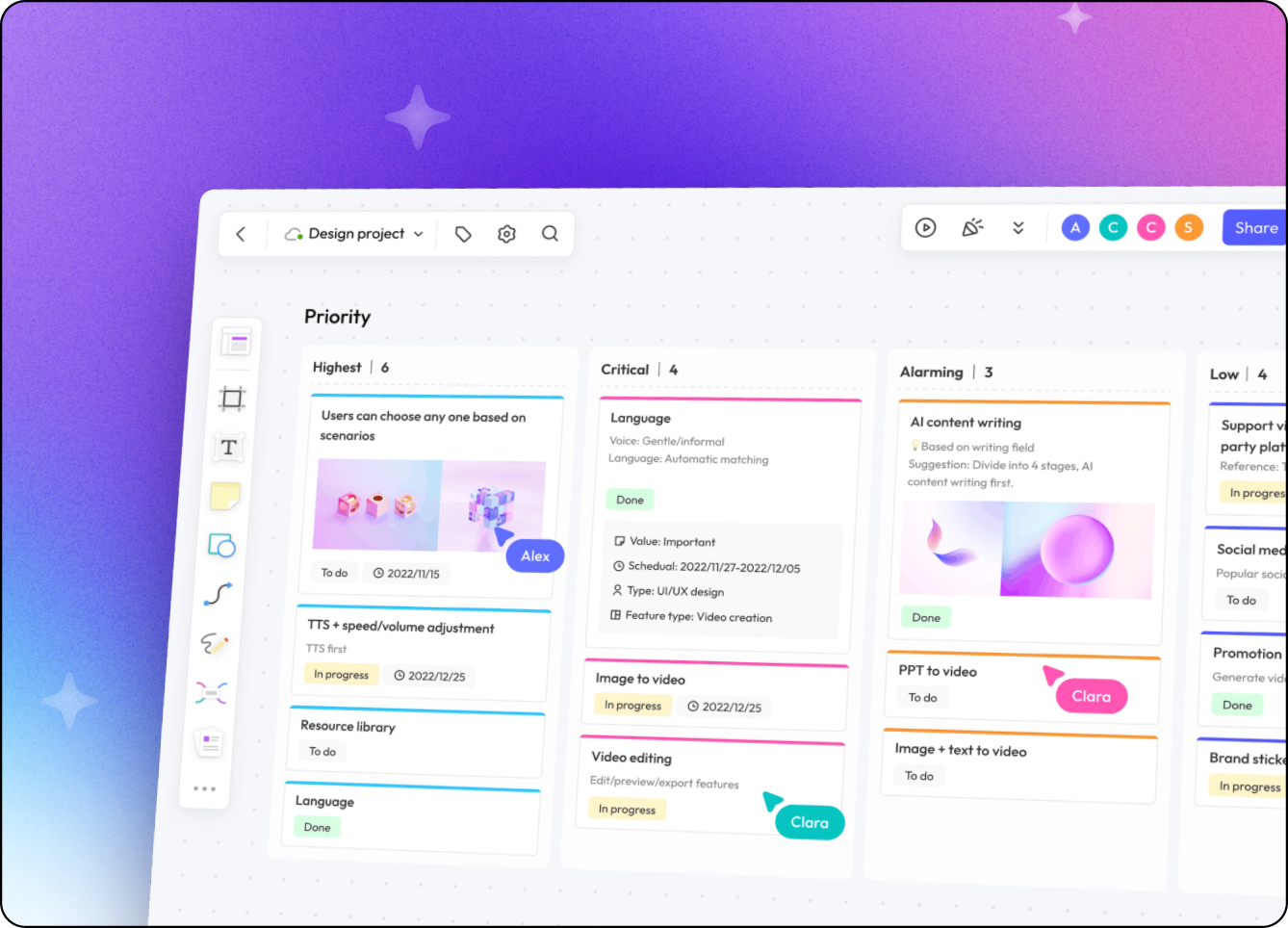
Group initiatives into a clear sequence, connect dependencies, and show what the team is solving now and later. Use a user story map to connect the work to the customer task.
Compare impact, effort, and confidence with the team, then record the decision beside the work it changes.
PRODUCT PLANNING WORKFLOWS
Start from a blank board or a practical template, then adapt the structure to your product and team.
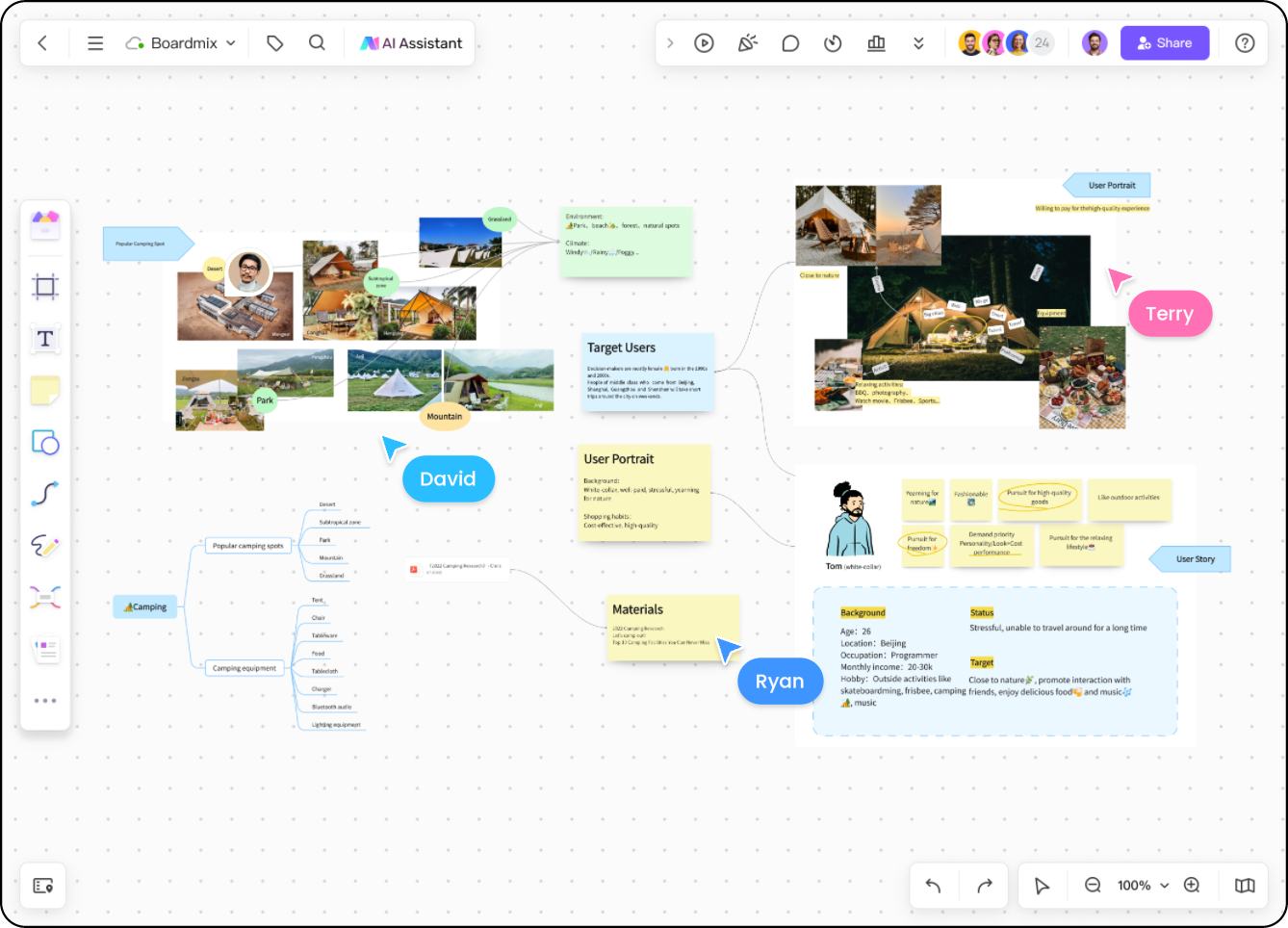
Cluster insights, assumptions, and opportunities before turning them into initiatives.
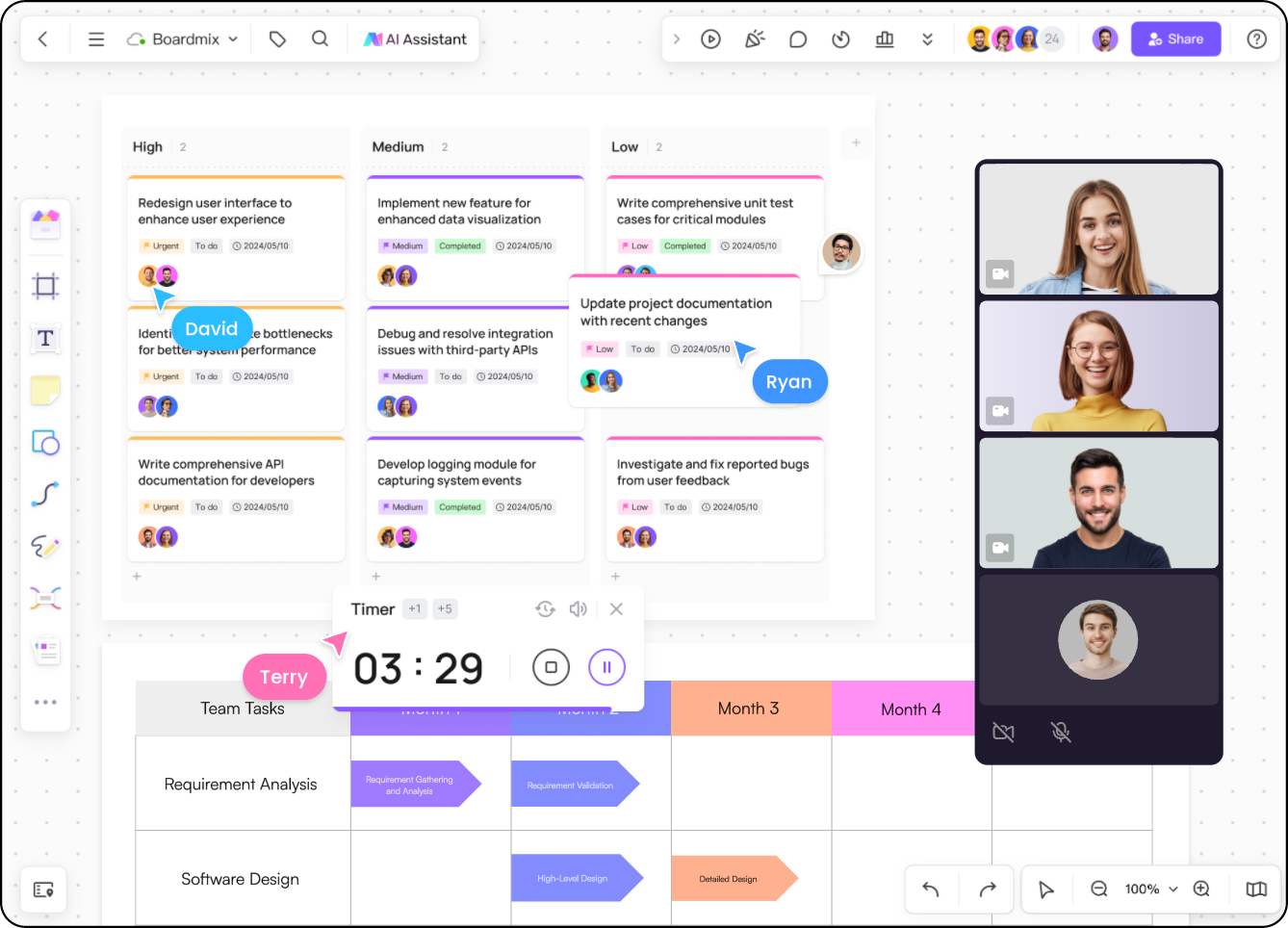
Show themes, milestones, and sequencing so stakeholders can understand the plan at a glance.
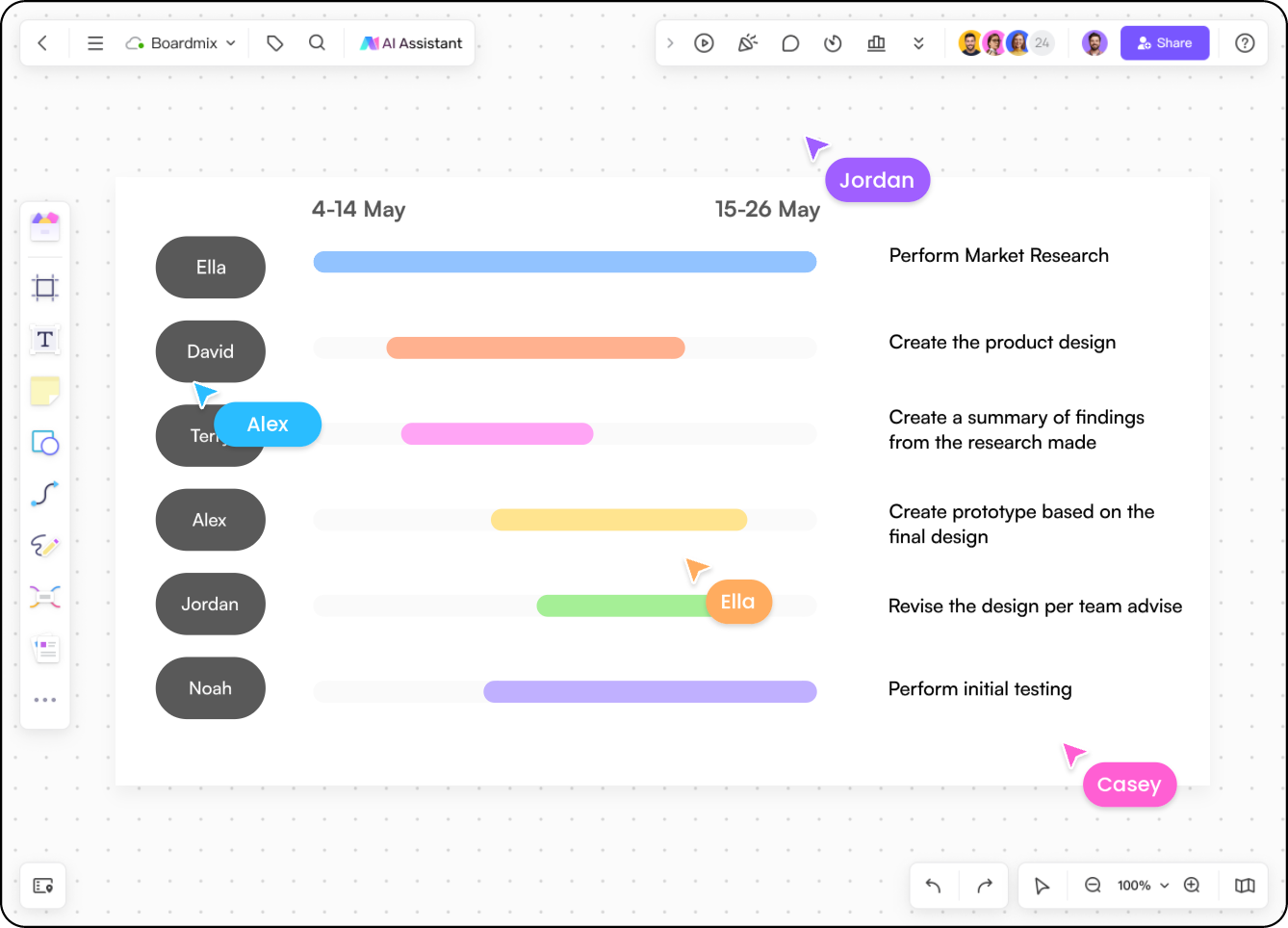
Keep dates, owners, risks, and supporting context close to each planned outcome.
AI-ASSISTED PRODUCT PLANNING
Start an AI mind map from a brief describing the customer problem, options, and constraints. Bring the useful branches onto your planning board, then compare them with the research and delivery information your team already has.
Need a structured canvas for the next workshop? Explore the Boardmix AI whiteboard.
WORKED PRODUCT PLANNING EXAMPLE
In this fictional product-planning example, a team has one two-week delivery slot. It must choose between a clearer workspace invitation flow and a new reporting view. The decision board keeps the evidence, trade-off, and release scope together.
Support note S01 says an administrator resent an invitation because its status was unclear. Interview U02 records the same uncertainty. Request R03 asks for a weekly reporting view, but gives no current workaround or urgency. Keep each source beside its option.
The invitation change addresses a repeated task failure and fits the delivery slot. The report needs definitions from the data team before it can be scoped. Choose clearer invitation status first; keep the report in discovery until its users and decision needs are understood.
Product owner Maya owns the status change. Engineering confirms which invitation states already exist; design prepares a prototype in week one, followed by implementation and review in week two. At the review, ask an administrator to identify whether an invite is pending or accepted without resending it.
PRODUCT PLANNING FAQ
Product planning software helps a team connect customer problems, product opportunities, priorities, roadmap decisions, and delivery context in one place.
Yes. Use a blank canvas or template to map initiatives, milestones, dependencies, owners, and the decisions behind the roadmap.
A visual workspace makes research, ideas, trade-offs, and stakeholder feedback easier to see and discuss before the team commits resources.
Use an AI mind map to draft a structure from a product brief. Your team still supplies the evidence, checks assumptions, and decides priorities. Keep the chosen option and its reasoning on the planning board.
Bring discovery, prioritization, and roadmap conversations into one workspace.
Create a product plan