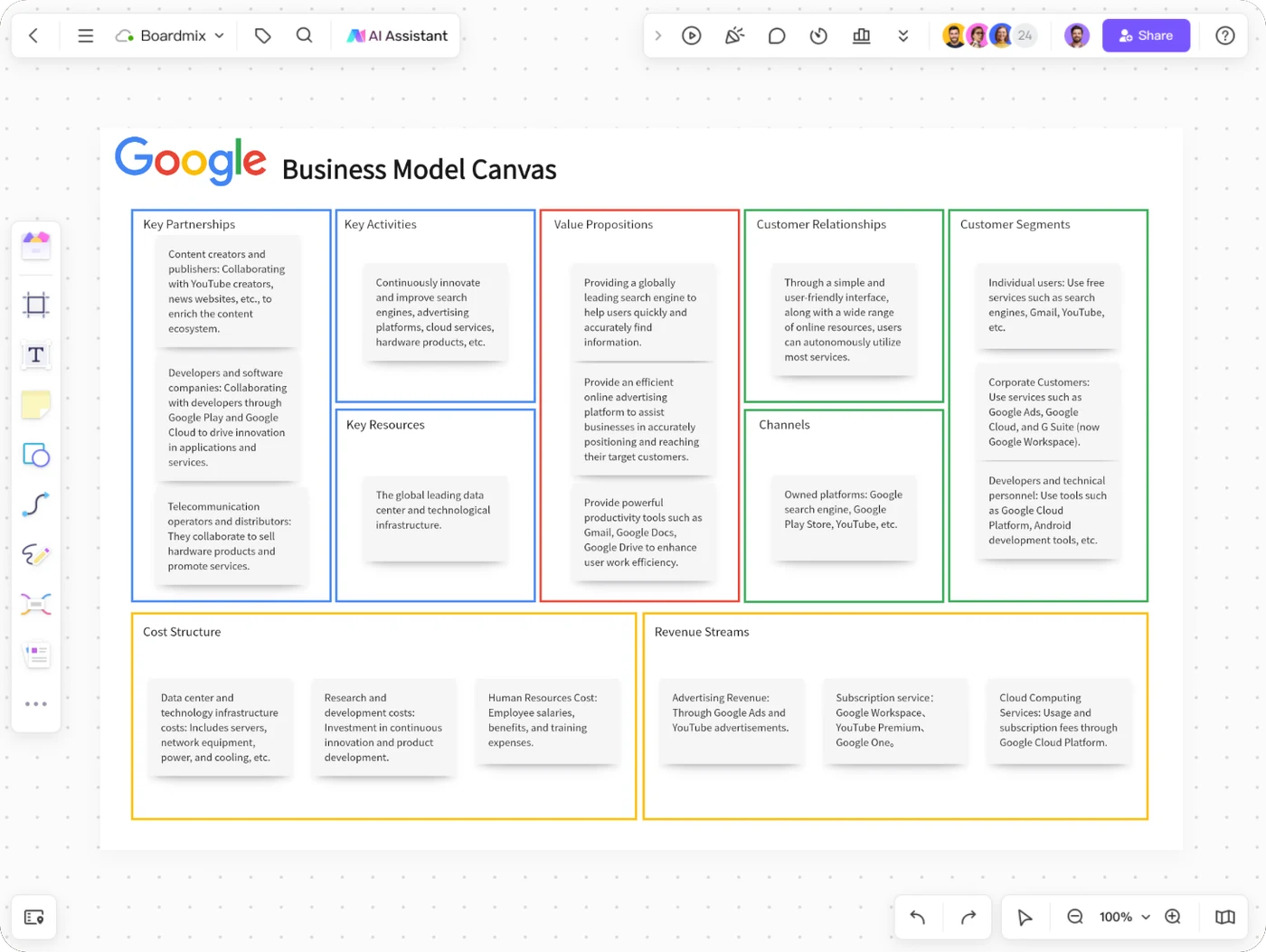
Google business model canvas
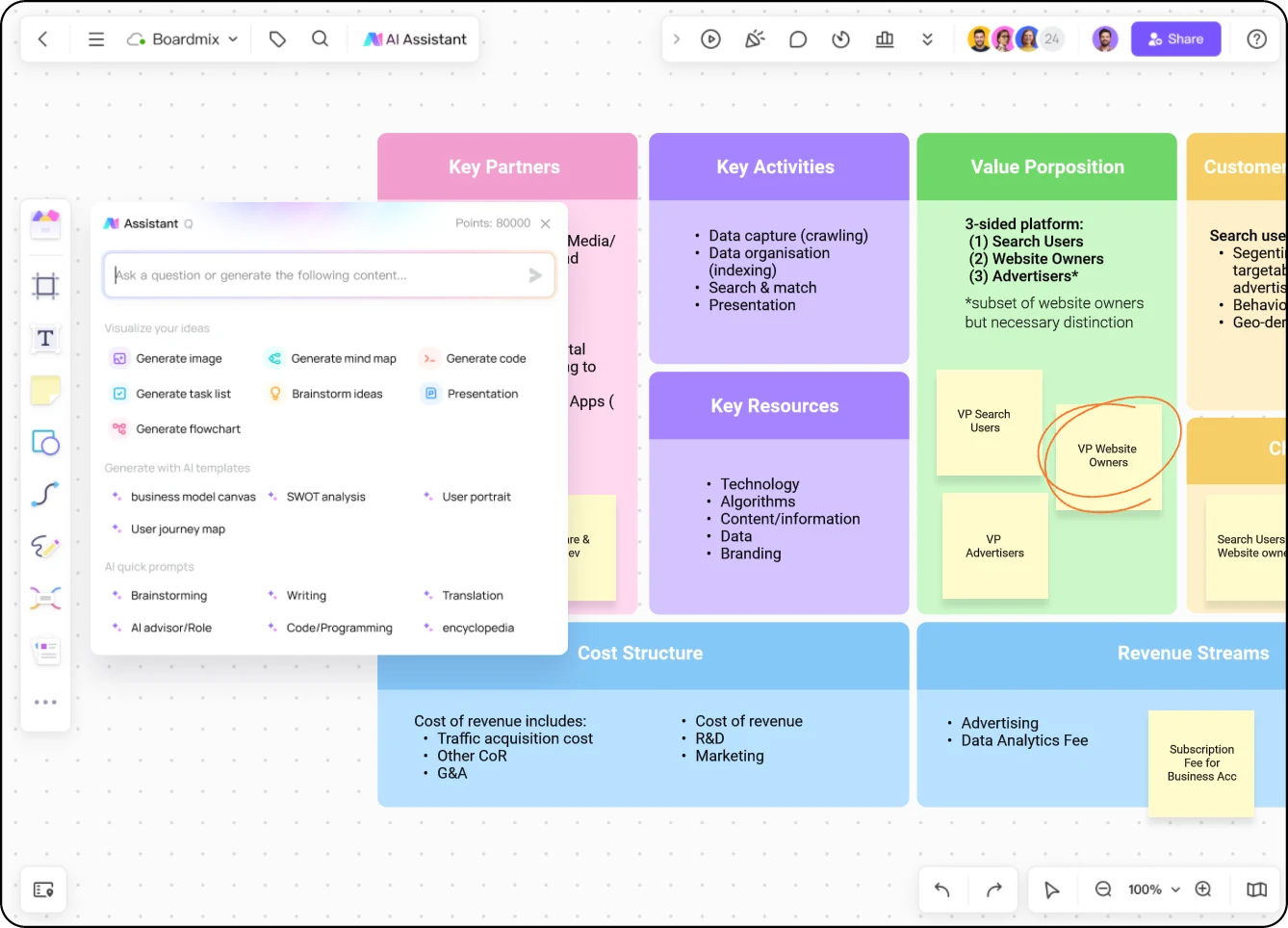
Explore how different customer groups connect with value propositions and revenue streams.
Open this template →



Online Collaborative Whiteboard

Boardmix Developer Platform

100+ AI Agents Integrated

UI/UX Tool, Figma Alternative

AI PPT Maker, Gamma Alternative
BOARDMIX · BUSINESS MODEL CANVAS
Turn your business idea into one clear, shared canvas. Map your customers, value proposition, operations, and finances—then refine the model together in Boardmix.
Start from a template. Keep the model editable as your idea develops.
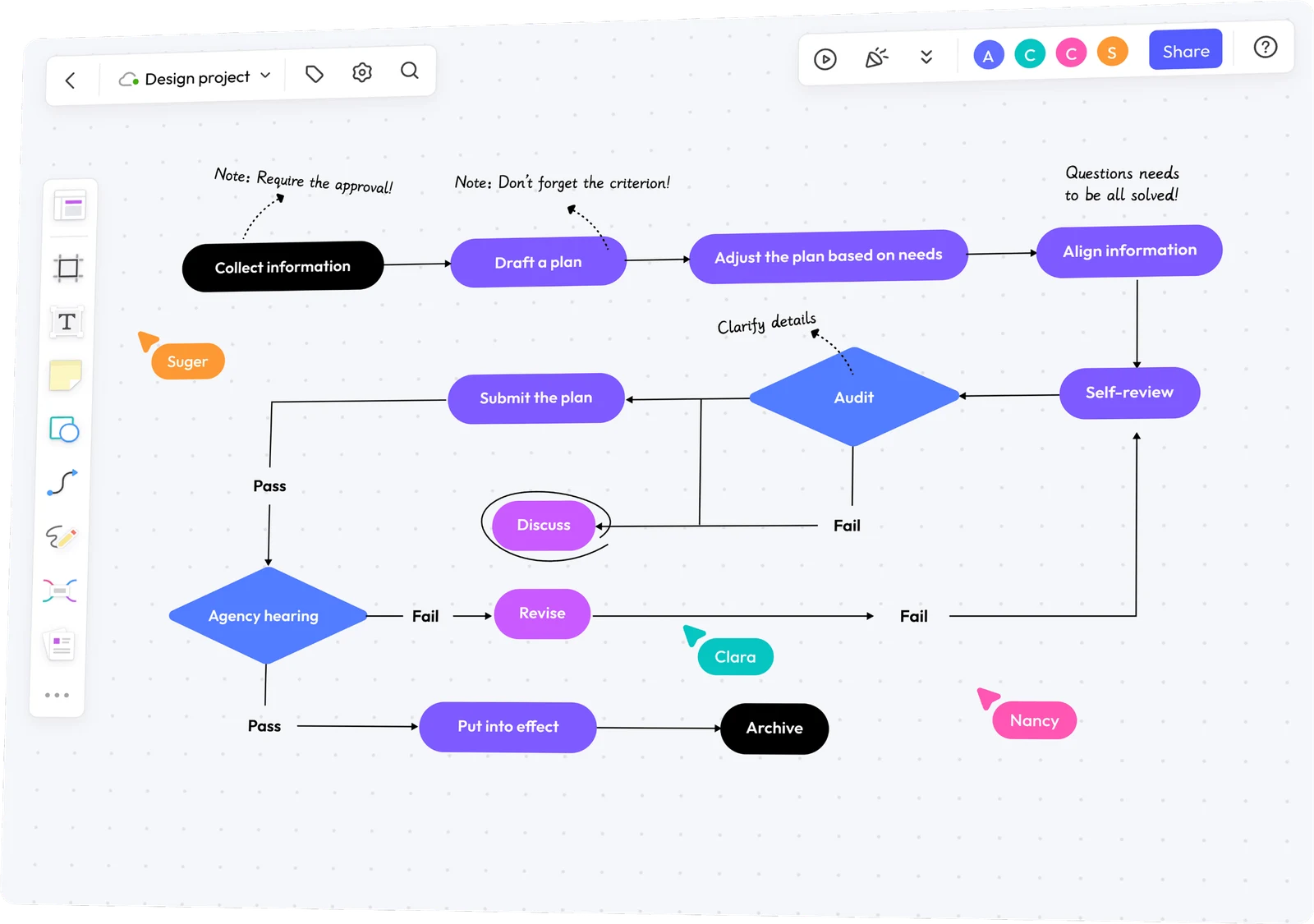
FROM AN IDEA TO A BUSINESS MODEL
A business model canvas (BMC) connects who you serve, the value you offer, how you deliver it, and how you earn revenue. Use this fictional mobile bicycle repair service to see what belongs in each block.
One service. One local customer group. A complete starting model.
Follow the connection: at-home repairs remove a customer inconvenience, but add travel time and cost. Before expanding the service area, test whether the bookings can support that extra work.
The nine-block framework comes from Strategyzer's Business Model Canvas. Use a canvas to explore a model; filling the boxes does not prove customer demand or profitability.
CHOOSE A STARTING POINT
Compare the patterns, then adapt a canvas to your own customers and offer. These community examples are illustrations, not company-issued plans or endorsements.
Explore how different customer groups connect with value propositions and revenue streams.
Open this template →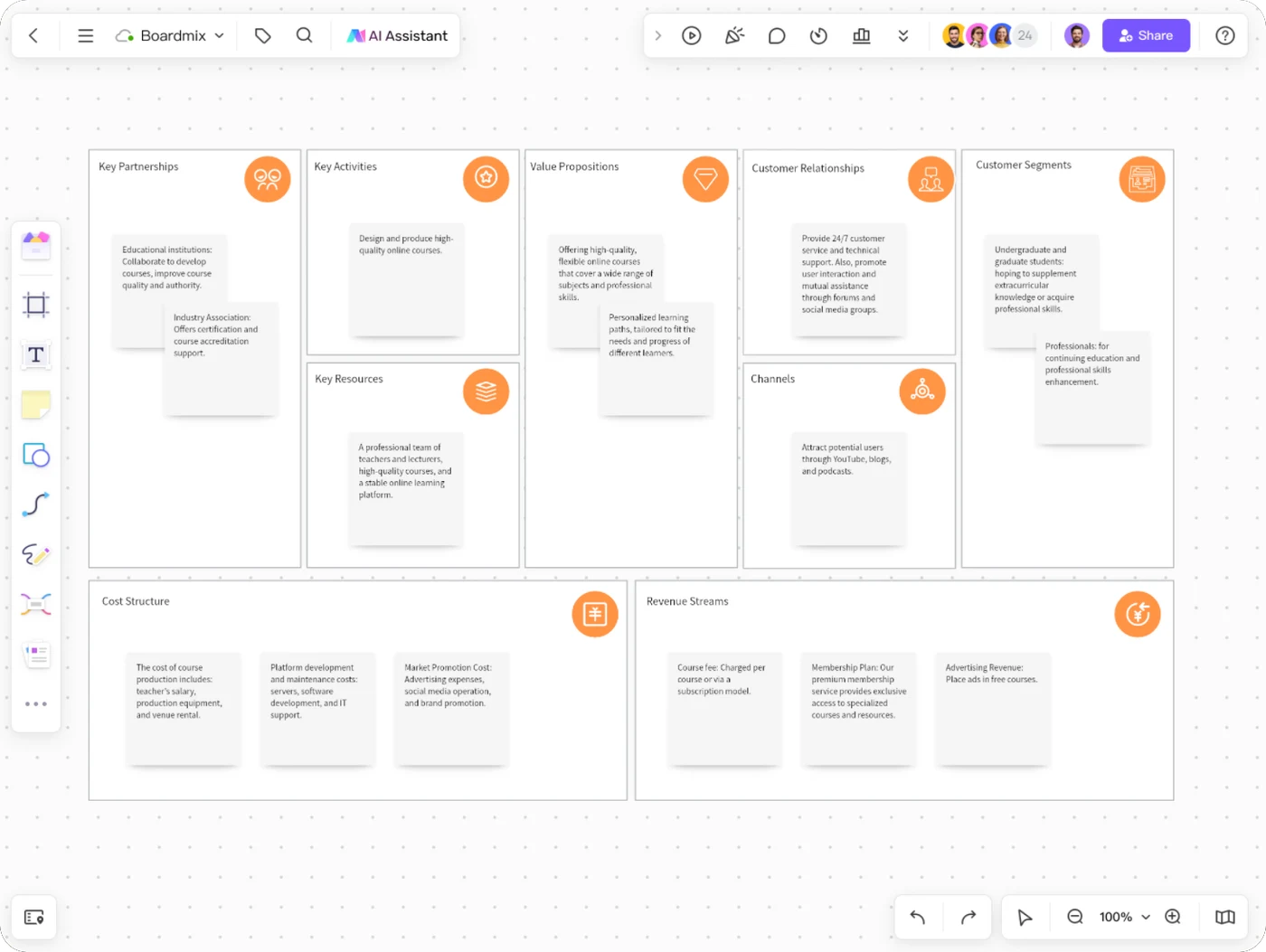
Connect learner needs with course delivery, partnerships, and revenue options.
Open this template →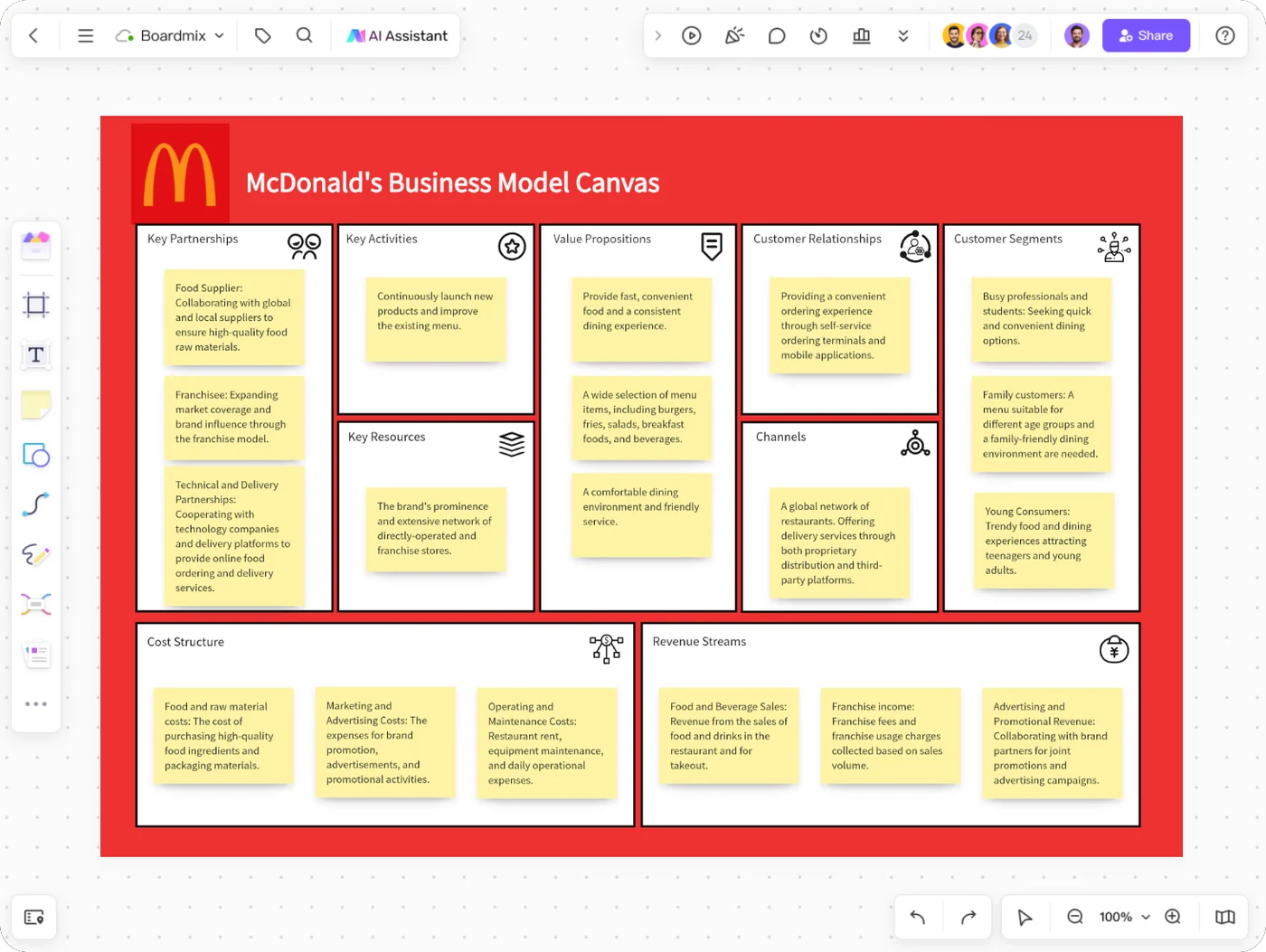
Use a food-service example to discuss operations, customer relationships, and costs.
Open this template →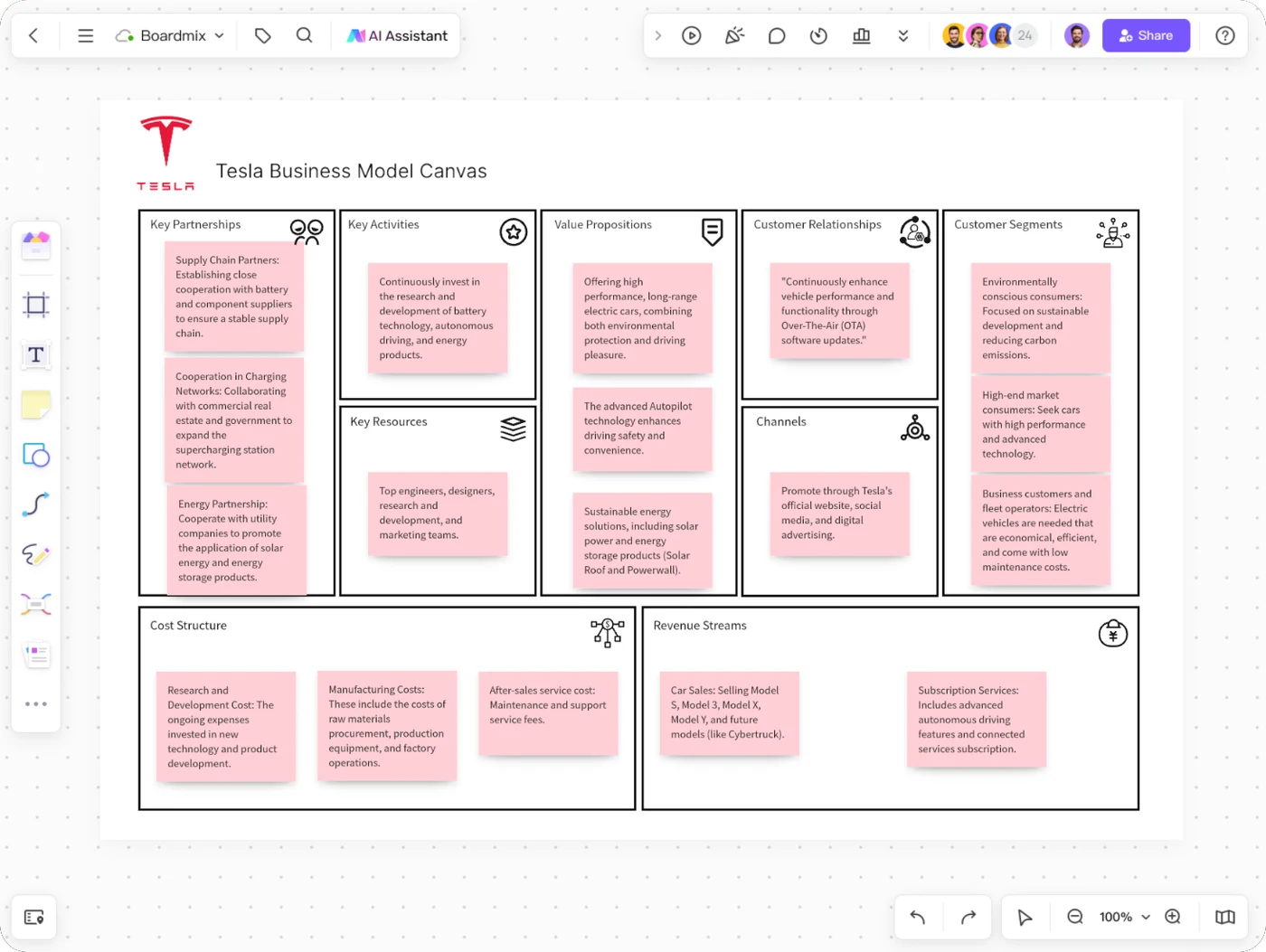
Examine the connections between products, infrastructure, and supporting activities.
Open this template →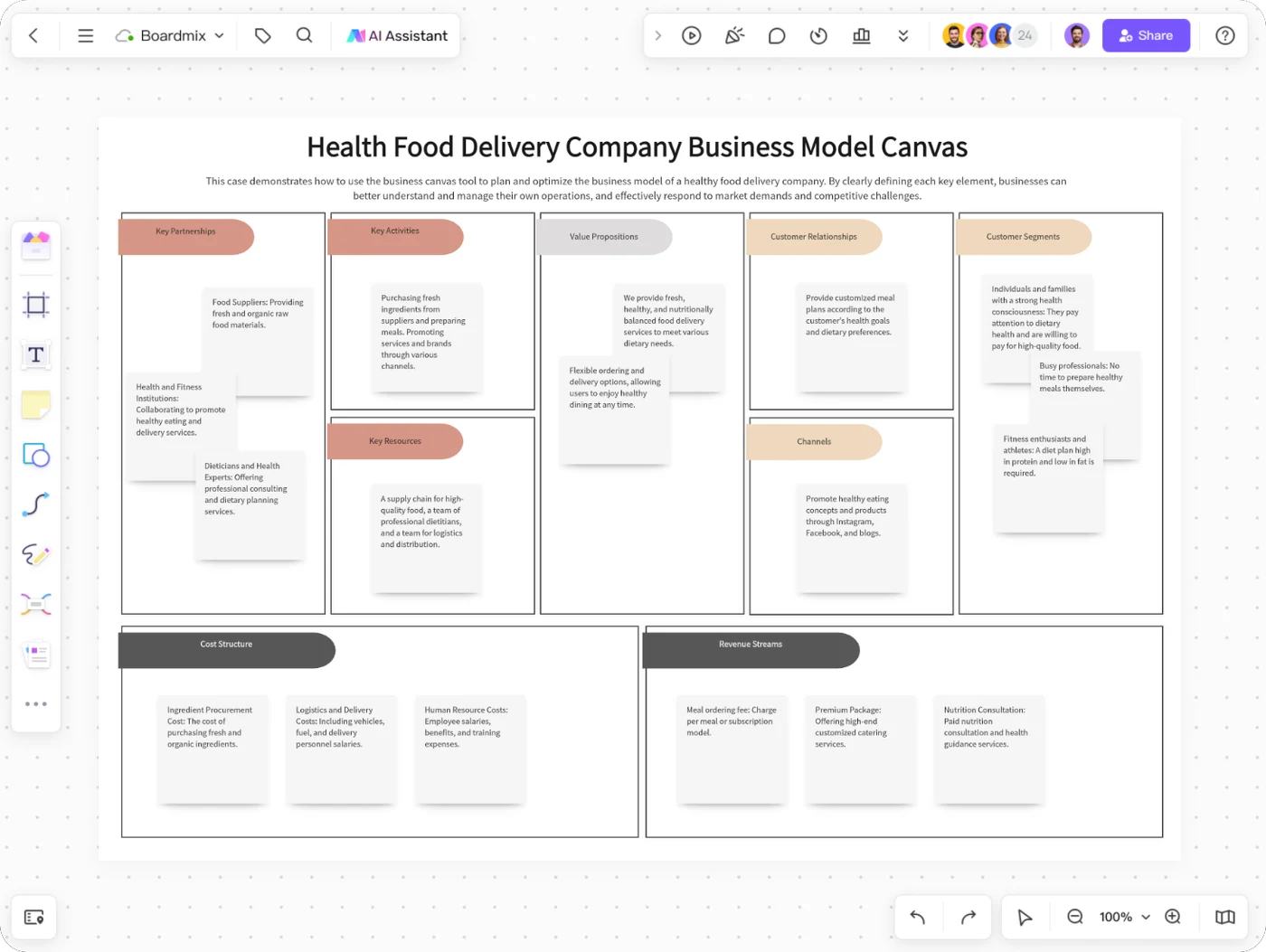
Consider food preparation, fulfillment, customer access, and repeat ordering.
Open this template →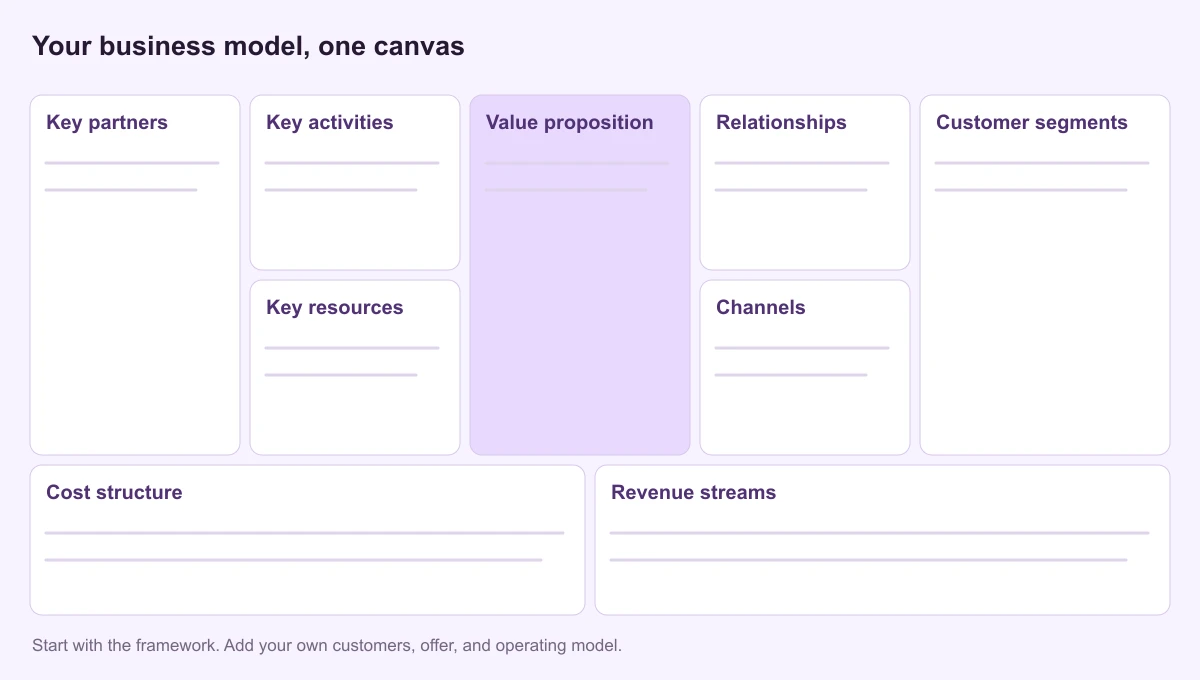
Use the nine-block framework and guide to shape your own business idea.
Read the template guide →BUILD IT IN BOARDMIX
Begin with one business idea or offering. Keep the first version concise enough for the whole team to discuss.
Open a relevant community template or find Business Model Canvas in the template library. Decide which customer and offer this version will describe.
Replace example notes with your customers, offer, channels, operations, revenue, and costs. Keep one idea per note; separate what you know from what you still need to learn.
Share the board with the appropriate access permissions. Use comments to challenge unclear connections, then update the canvas as your team learns more.
A SHARED WORKSPACE FOR YOUR MODEL
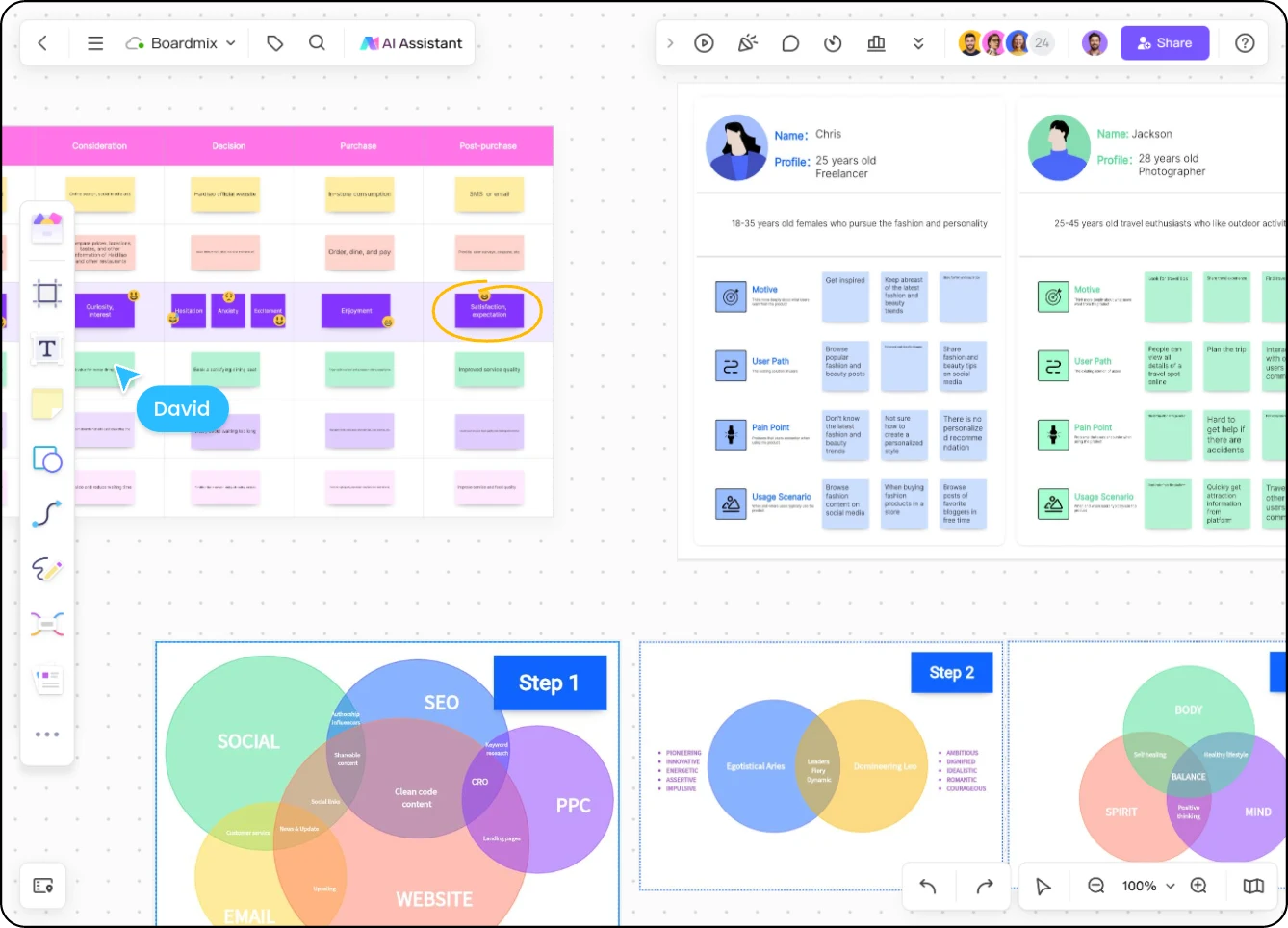
A short note in a canvas can hide a big question. Put research, customer profiles, and related diagrams nearby so your team can discuss the reasoning—not just the wording.
Need to examine the customer experience? Build a customer journey map alongside the model.
ANOTHER WAY TO START
Describe your business idea and target customer to get a starting structure. Refine the suggestions before using them in a planning session; an AI draft does not establish your costs, demand, or competitive advantage.
“Draft a business model canvas for a mobile bicycle repair service for local commuters. The service charges for repairs and replacement parts. Show what we need to learn about demand and travel costs.”
A business model canvas is a one-page representation of how a business creates, delivers, and captures value. Its nine blocks connect customers and the value proposition with channels, relationships, revenue, resources, activities, partnerships, and costs.
No. A canvas gives you a concise view of the business model and its assumptions. A business plan usually adds detail such as market analysis, financial projections, milestones, and implementation plans. Use the canvas to explore the logic before developing those details.
The Business Model Canvas includes key partnerships, key activities, key resources, and customer relationships. Lean Canvas adapts the framework for early-stage ideas, replacing those areas with problem, solution, key metrics, and unfair advantage. Choose the framework that fits the questions you need to answer.
Yes. Boardmix supports real-time collaboration and comments. Share your board with the access permissions your team needs; do not assume that everyone with a link automatically has editing access.
You can start with a free Boardmix account. Board limits, AI allowances, and other plan-specific features are listed on the current pricing page.
Share the editable board through its sharing controls and choose suitable permissions. For a static copy, use the board's export options and select the canvas area you want to include. A static image or document will not preserve live editing and comments.
GIVE YOUR NEXT IDEA A CLEARER SHAPE
Bring the nine parts together, share your thinking, and develop the model with your team.
Start your business model canvas