Affordable AI-Powered Collaboration Starts Here! Go Pro for Less🎉
Lifetime plans start at just $99/seat, upgrade today and save big for your team.
Shop Now
activity banner
logo logo
Build
presentations
with AI assistance
·
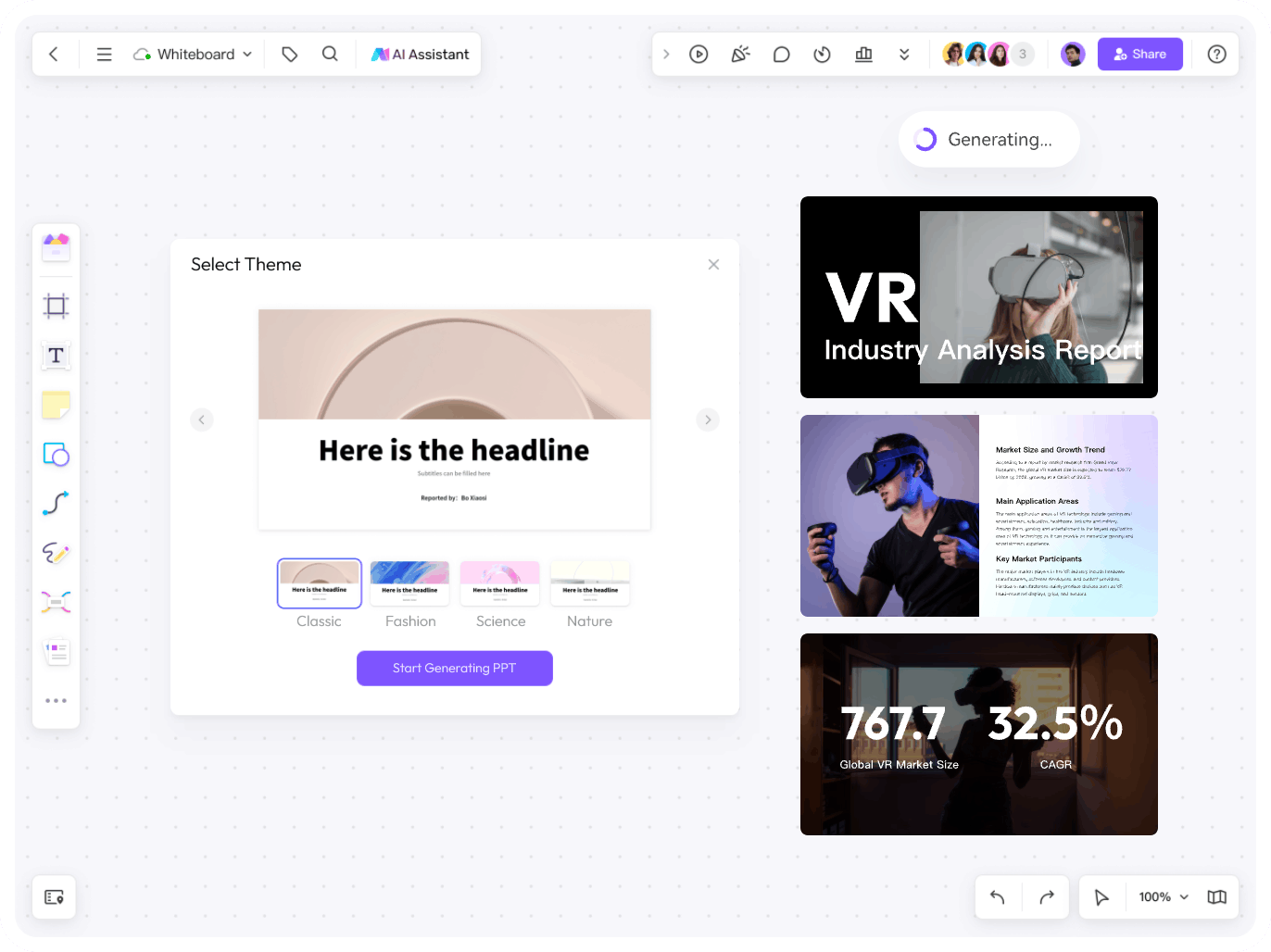
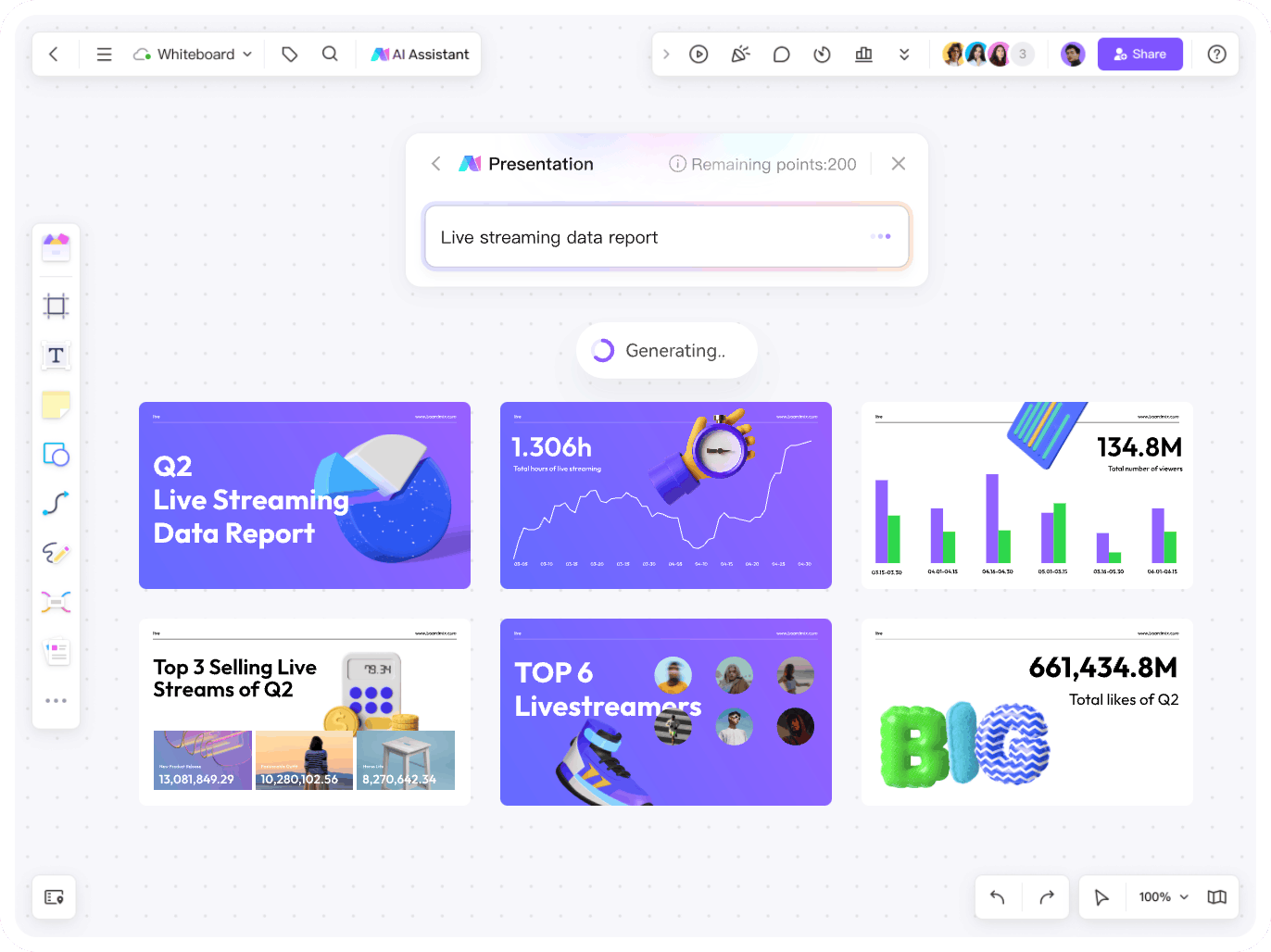
Enter a topic to generate a first draft, then review and refine the slides.
·
Select from multiple styles of templates to satisfy different needs.
·
Edit slide text and images, then adjust the layout before presenting.
Try for Free
Elevate your presentations
Elevate your presentations from ordinary to
extraordinary
·
Use color and formatting options to adjust the look of your slides.
·
Visualize all the information using built-in line charts, bar charts and more.
·
Use AI Assistant to revise the draft, then check the facts and wording.
Try for Free
Auto layout
Luna, UI designer and Boardmix user
Unlike the traditional way to make a presentation, BoardMix provides various ready-made templates, and enables us to customize text, images, colors, fonts and so on. Slides made by BoardMix clearly stand out among traditional ones!
Luna
UI designer
Create, edit, 
and
present together with AI
·
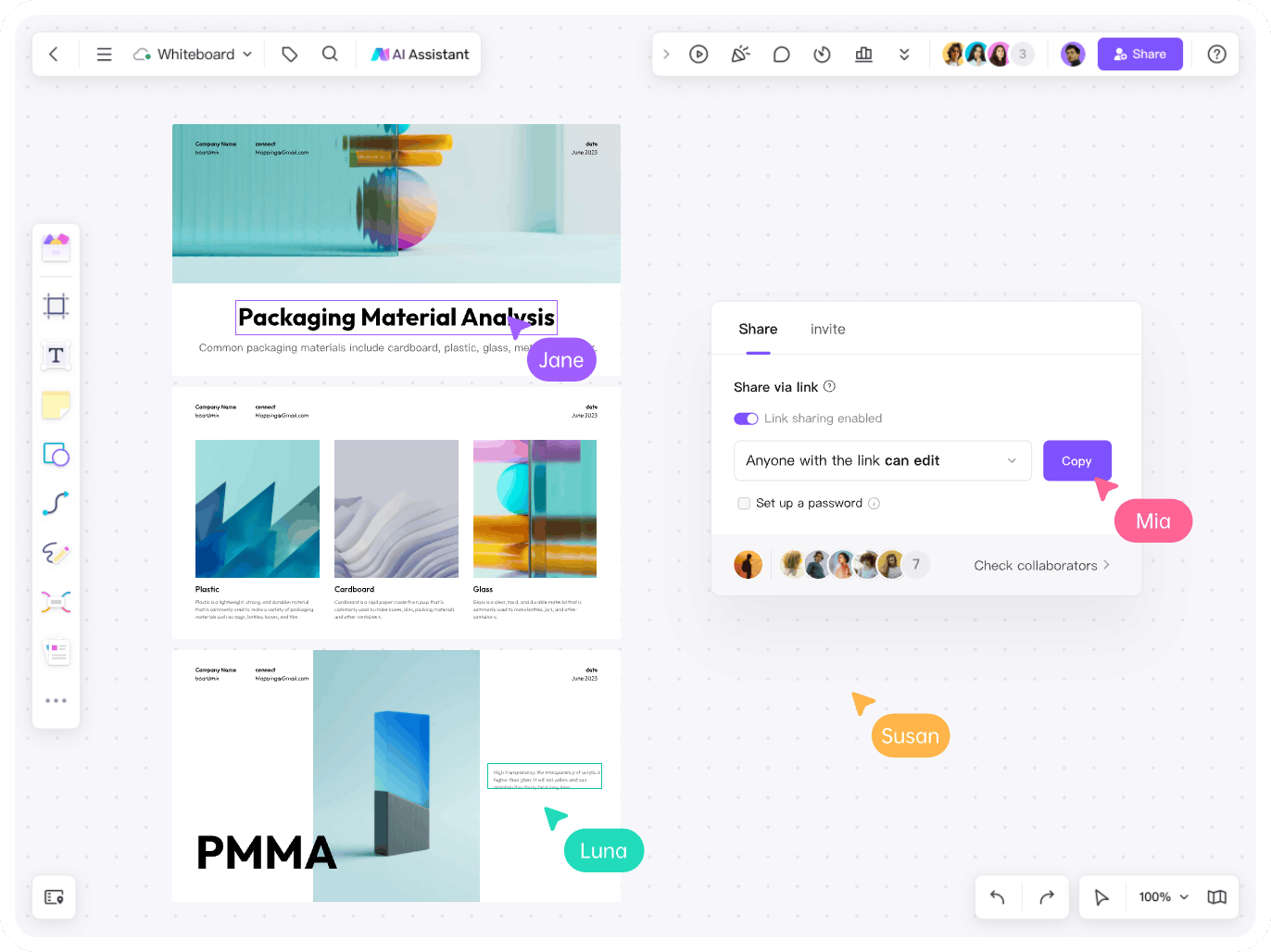
Collaborate on slides with teammates and share the file via links.
·
Create, edit and present your slides, all within BoardMix workspace.
·
Choose an export format that fits how you plan to share or present.
Try for Free
immersive presentations
Dive into immersive
presentations
·
Interact with all participants to enhance their
engagement during the presentation.
·
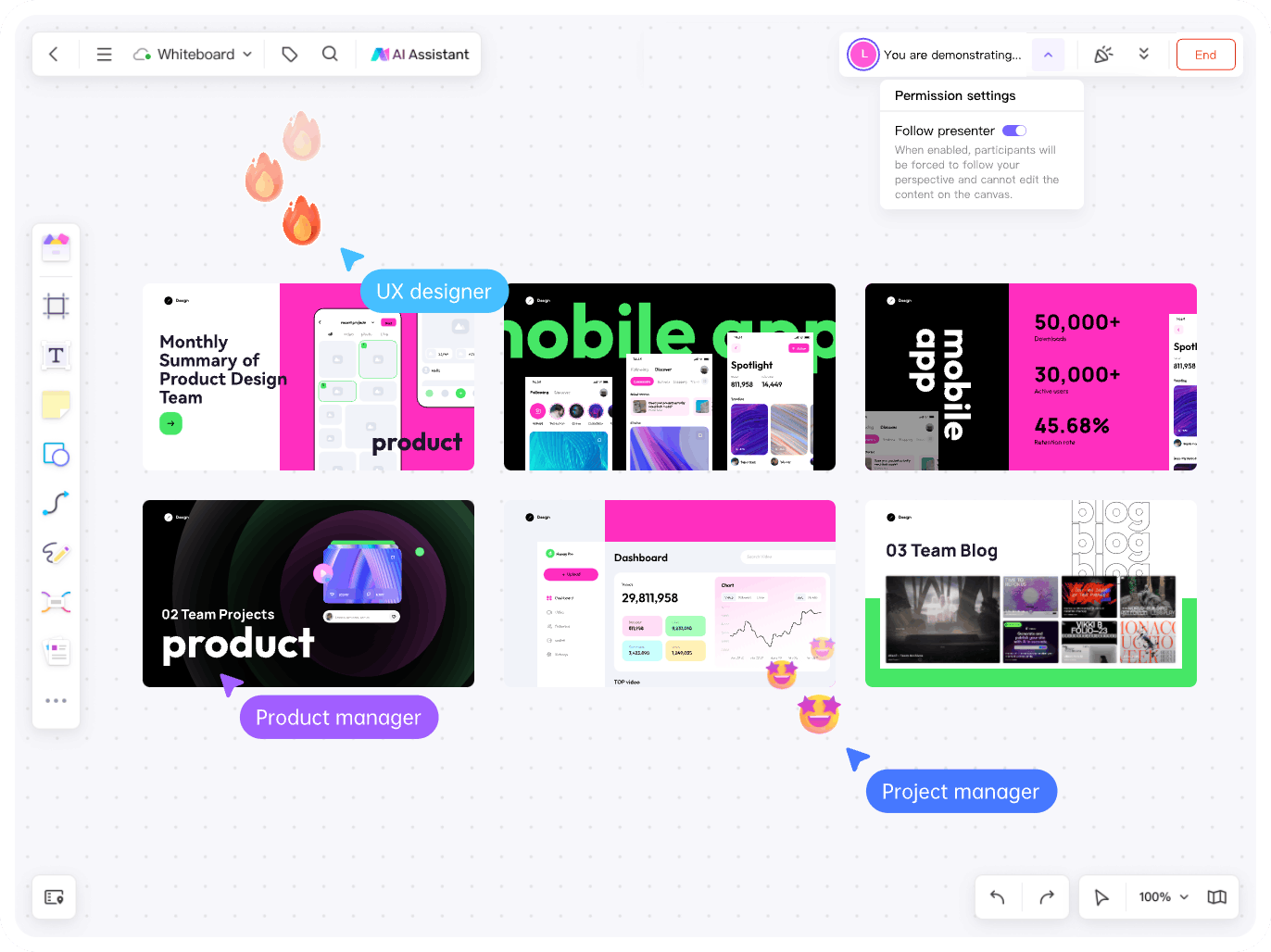
Captivate audience by following the presenter's
perspective.
·
Set different permissions for participants to avoid
accidental operations.
Try for Free
ai presentation toolkit
AI presentation toolkit at your fingertips
interaction
vote
Voting
Vote online for better decision-making.
remote meeting
Video Conference
Add Zoom, Microsoft Teams, and Google Meet links to your board for easier collaboration.
timer
Timer
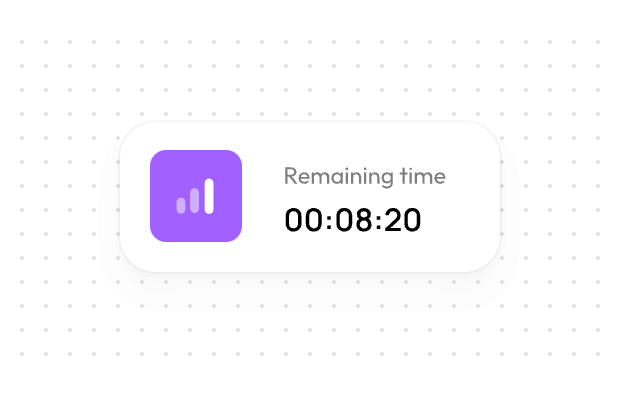
Set a timer to accurately control the presenting time.
Presenter using Boardmix presentation mode
You are presenting...
Participant in a Boardmix presentationParticipant in a Boardmix presentation
8
End
Presentation Mode
Follow the presenter's perspective for more details.
roadmap/PPT preview
Roadmap/PPT Preview
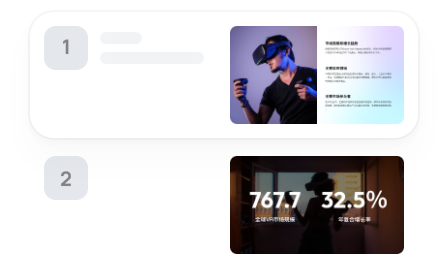
Switch between slides freely and locate any of them on the canvas.
interactive/slide show
Interactive/Slide Show
Choose a mode based on needs
upload
download
PNG
JPG
SVG
PDF
Multi-format Export
Support exporting files in PNG, JPG, SVG and PDF formats.
commentemojicomment
Immersive Interaction
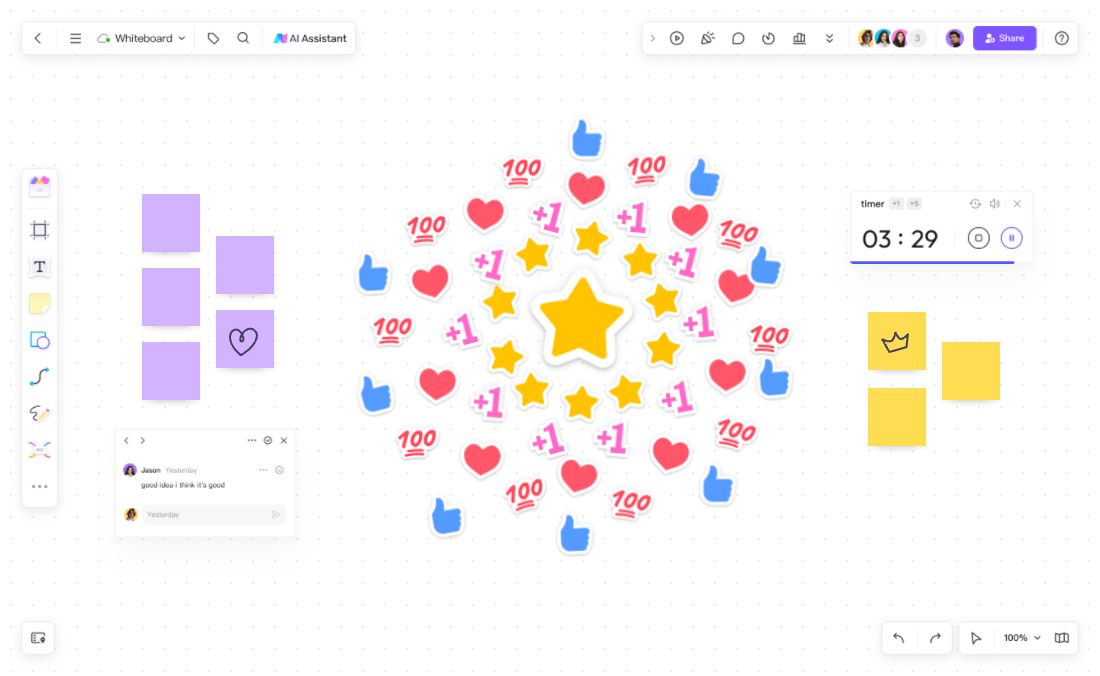
Interact with teammates via comments, emojis and stickers.
Want to explore more about Boardmix AI universe?
AI, as an epoch-making technology of 21st century, is utilized by Boardmix to aid you in every aspect.
Boardmix AI flowchart maker
AI-powered Flowchart Maker Express yourself like a Pro with Boardmix
Boardmix AI mind map maker
AI-powered Mind Map Maker Scale your thinking capability with Boardmix AI
Boardmix AI presentation maker
AI-powered Presentation Maker Elevate your presentations from ordinary to extraordinary using Boardmix
Boardmix AI online whiteboard for teaching
AI Online Whiteboard for Teaching Boardmix: born for effective hybrid learning

Before you generate or export

AI creates a draft, not a fact-checked final presentation. Generation time varies with the input, connection and service availability. Review the content and design before sharing.

PNG, JPG, SVG and PDF are not editable PowerPoint (.pptx) files. The export guide documents frame-based PPT export, and the AI slides tutorial describes PPTX export for slides. Check the options available in your workspace and plan, then test a sample in PowerPoint for layout and editability before creating a full deck.

AI usage is subject to credits; export quality and limits depend on your plan. See current plans and AI credits.

Move your idea forward with Boardmix