AI image tools can turn a written prompt or reference picture into a draft visual. This guide compares ten tools and services for generating images, applying artistic styles and developing visual ideas, with their different access and pricing models.
1.Boardmix
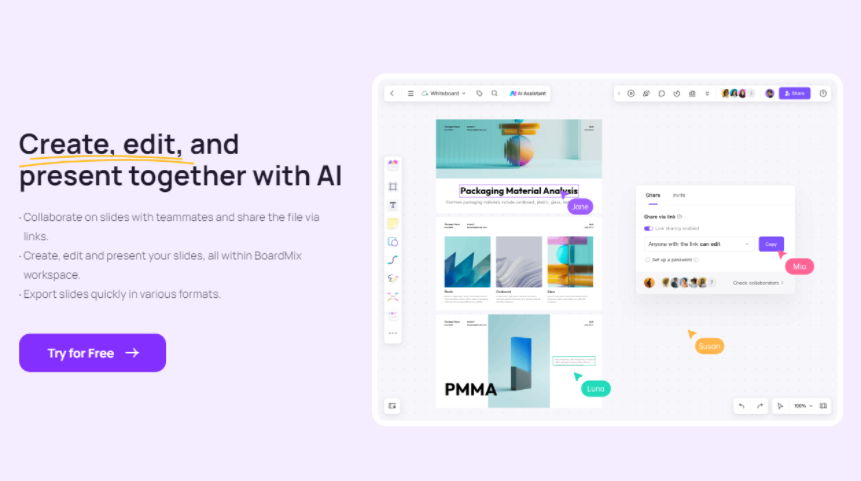
Boardmix Whiteboard is a powerful and easy-to-use AI online generator, which uses advanced AI technology to automatically generate high-definition and fancy images according to the text prompt entered by the user. It also provides AI-generated presentations, AI-generated mind maps, AI-generated flowcharts and other AIGC functions. Meanwhile, it also supports online collaboration and remote team collaboration, which support different visual tasks for beginners and teams.
Features
• AI Text-to-Picture: Users can input some keywords or descriptions, and AI generates corresponding images based on this information. Boardmix AI also provides a rich library of prompts, including characters, products, scenery, picture effects, and composition descriptions. Users can reuse and adapt these prompts.
• Image-to-image generation: Use a reference picture or line drawing to guide the generated image, then describe the changes you want in the prompt.
• Background removal: Boardmix supports intelligent identification of people and backgrounds in photos and separates them to achieve automatic keying. This can help isolate a subject for use in a layout.
• Various styles: Choose a style or model suited to the task, such as an illustration, photographic image or product concept.
• Multiple sizes: Select an aspect ratio and output setting suited to the intended layout.
• Compare variations: Generate alternatives and compare their composition, details and suitability for your project.
Instructions:
Enter a description in the image-generation prompt box and choose a style offered by the selected model, such as a photographic, illustration or 2.5D look.
Applicable Scenarios:
Boardmix AI generator is suitable for a wide range of scenarios. Whether you are a beginner learning to draw or a professional designer, you can find ideas and inspiration in the software. Here are some examples of applicable scenarios:
•Looking for inspiration: Designers can use Boardmix AI to generate images that match the description, providing new ideas for design.
• Lack of suitable pictures: Content creators can use Boardmix AI to generate images based on the content of an article
•Interpreting the new content: Educators can use Boardmix AI to visualize abstract concepts during the teaching process to help students understand and remember.
• Enhancing the effectiveness of communication :In commercial advertisements or marketing activities, Boardmix AI can be used to generate attractive images to enhance the advertising effect.
Price
Boardmix has a Free plan for basic board use and paid plans with different AI credit allowances. See the current Boardmix plans for AI access and credit limits.
2. OpenAI image generation
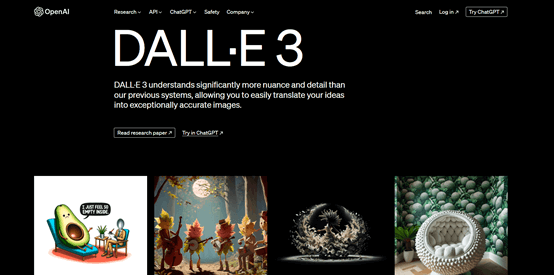
Earlier DALL·E 3 illustration. OpenAI now provides image generation through GPT Image models.
OpenAI image generation can create images from text prompts and edit images supplied as input. It is useful for developing compositions, exploring visual concepts and revising a draft through further instructions.
Features
• Generate images from text descriptions.
• Edit supplied images and refine a result with follow-up instructions.
• Choose output settings supported by the selected model.
Instructions
Describe the subject, composition and intended use, then review the result and request specific changes. Developers can follow the official image-generation guide to use the supported API models.
Availability and pricing
DALL·E 3 has been removed from the API; do not choose that retired endpoint for a new integration. Current API image-generation charges depend on the model, image inputs, size and quality. ChatGPT access and API billing are separate.
3.Midjourney
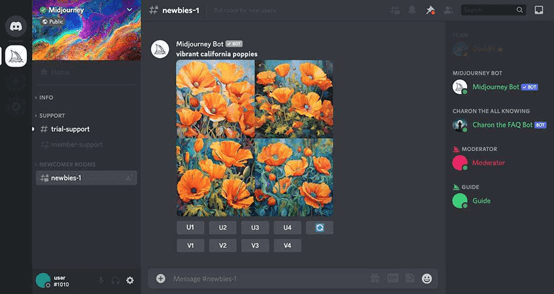
Midjourney is an AI image generator that gives anyone the opportunity to create art in different styles. This art generator takes your text prompts and converts them into impressive graphics using its Discord bot.
Features:
• Create images from descriptive prompts
• Continuously optimize the image quality of web design works created by AI
• Embedded in Discord, with a strong sense of community
Introductions:
The interface is simple and clear, and users can easily find the functions and information they need. Each menu has clear icons and text descriptions, so it’s easy to find the function you want.
Applicable Scenarios:
It not only meets the needs of professional artists and designers, but is also very friendly to AI enthusiasts.
Price:
The Basic plan is $10 per month when billed monthly and includes 200 minutes of Fast GPU time. This is a processing-time allowance, not a fixed 200-image quota.
4.Stable Diffusion
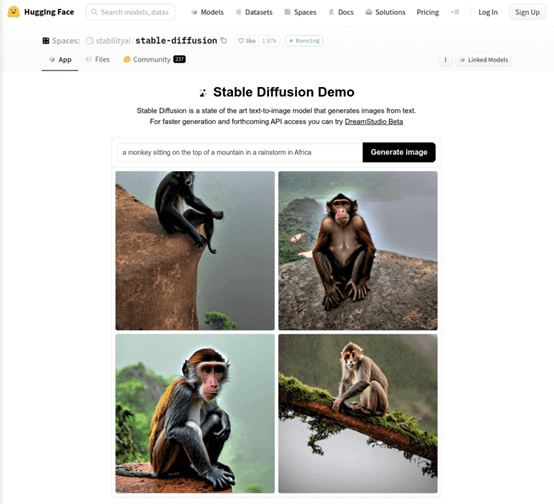
This is an AI drawing generator that uses diffusion models to generate detailed images. It uses cutting-edge deep learning technology to create relevant images based on user-supplied text descriptions or reference images. Even more exciting, it supports a variety of parameter adjustments, giving users the freedom to customize the style and details of the generated images.
Features:
• With the ability to generate real and detailed pictures, which can be used in many aspects such as image synthesis and super-resolution reconstruction.
• Users can control the parameters to adjust the clarity and diversity of the generated samples.
• Compared to other generative models, the stable diffusion model is easier to understand.
Introductions:
Users can start by providing a text description and then adjust the generation settings.
Applicable Scenarios:
Perfect for innovative illustration artists, game design specialists and advertising companies.
Price:
Stable Diffusion is a model family, so costs depend on where it is run. The Stability AI API uses credits per request, with different rates by model and operation. Hosted apps and local deployments have their own costs and license conditions.
5.Prisma
Prisma is a photo-editing app that applies artistic styles to existing photographs. Use it when you want to transform a photo, rather than generate a new scene from a text prompt alone.
Features:
It provides a variety of artistic filters, such as Impressionism, Expressionism, Modernism, etc. Users can choose a style for their creation according to their own preferences.
Introductions:
To use Prisma, select a photo and choose an artistic filter.
Applicable Scenarios:
It is suitable for individuals and businesses interested in generating images.
Price:
Prisma is a photo-effects app. Open the offer for your platform to compare the subscription options and included filters.
6.Craiyon
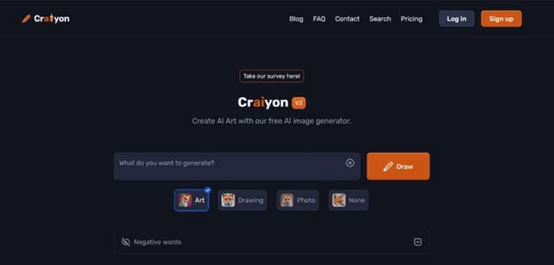
Craiyon is a web-based tool and its main function is to create artistic images. The developers have even released a free version for the users. You may be more familiar with this service by its former name, DALL·E Mini. The best thing about this platform is that you only need to provide a written description and it will generate the corresponding image. Furthermore, the user interface is designed to be very easy to use.
Features:
• The user interface design is unique and friendly, simple and easy to operate.
• Free version to allow more people to try this innovative tool.
• The ability to turn AI-created images into wearable art treasures.
Introductions:
Even if you are new to digital art, you can start with a simple prompt. Enter your ideas into the generator and in a flash, you can witness the birth of art.
Applicable Scenarios:
Everyone from AI enthusiasts to professionals in the fields of marketing, graphic design or art, and even novices who have a strong interest in art and pursue a simple way to create, can benefit from it.
Price:
Craiyon offers limited free image generation and paid Supporter, Professional and Ultra plans. Image generation and image-editing credits are distinct; compare the included editing allowance and output options.
7.Wombo Dream
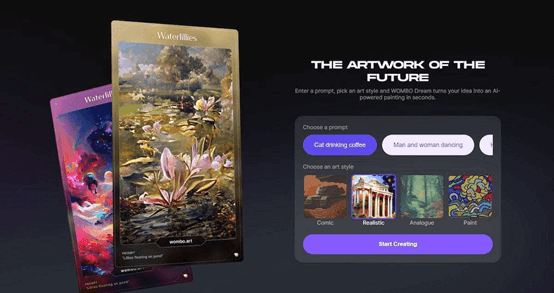
Wombo Dream can transform text or photos into high-quality AI-generated artwork. The APP is designed for art lovers and artists. Wombo Dream-generated artwork tends to be colorful and whimsical.
Features:
• Unique artistry: Easily create unparalleled artworks.
• Intuitive interface: Easy to use for novices.
• Generated artwork: Compare the result with your prompt and refine details that do not match.
Introductions:
Enter a prompt and select a style to start creating.
Applicable Scenarios:
Suitable for artists and illustrators.
Price:
• Free download available
• Some services require purchase in-app
8.NightCafe
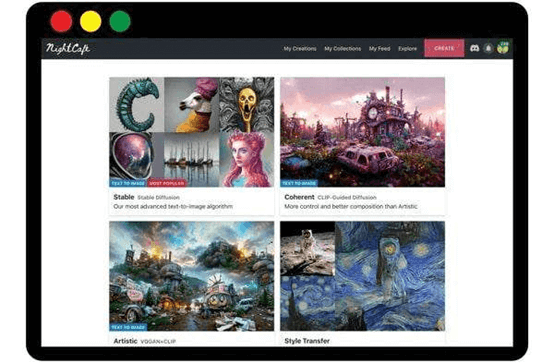
NightCafe is an AI art platform for exploring visual ideas. The software is community-centered, with many ordinary users sharing their own AI art creations or launching art challenges.
Features:
• Diverse art styles (oil painting, pixel art, illustration, etc.)
• Different AI algorithms
• Daily AI art challenges bring a good community atmosphere
Instructions:
Choose a model and style, enter a prompt, and review the displayed credit cost before generating. The number of images depends on the model, settings and credits available.
Applicable scene:
NightCafe serves users ranging from individual art fans to teams exploring visual ideas. For those looking to enhance their home décor, NightCafe provides a platform to create unique artwork based on their personal aesthetic inclinations.
Price:
NightCafe provides five free daily credits that users must claim. Generation costs vary by model and settings. Paid subscriptions and credit packs provide additional credits; compare the offer shown in your account before purchasing.
9.Bing Image Creator
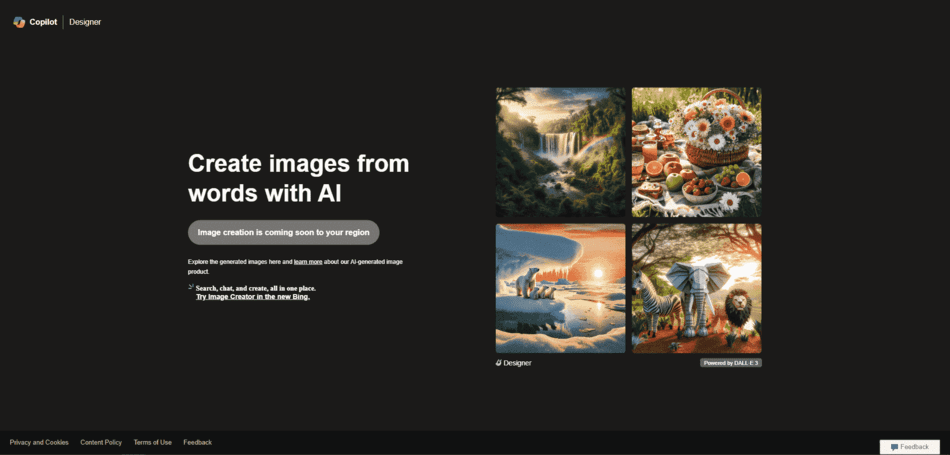
Bing Image Creator is Microsoft’s browser-based image-generation service. Enter a description and choose the settings offered in the interface. Available models, limits and regional access can change.
Features:
• You can use it through your Microsoft account.
• Generates images from text with the models currently available in the service.
• Provides custom settings to help optimize image output.
Instructions:
Bing Image Creator is a user-friendly and versatile AI image generator. It can be accessed directly from a web browser, eliminating the hassle of downloading.
Applicable scene:
• Art creators are looking for a multifunctional tool that can create personalized artworks.
• Content producers are looking for ways to give their content a unique visual impact.
• Innovators who remain inquisitive about the latest AI image generation techniques.
Price:
• Offers initial free access and “upgrades” for faster image processing
• Option to earn more rewards through Microsoft Rewards program
10. Jasper Art
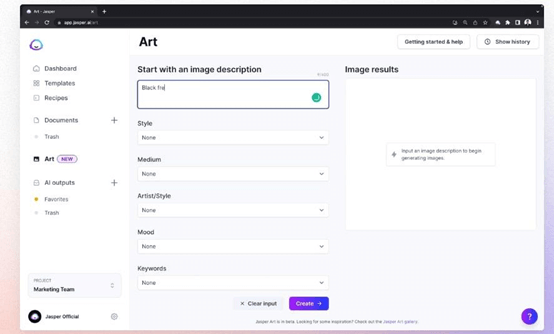
Jasper Art, the AI generator, has been helping people create unique and eye-catching content. However, the focus of Jasper Art is not text, but visuals. Simply enter a few keywords—perhaps about mood, certain style, or artistic medium like watercolor—and let it transform your inspiration into vivid images.
Features:
• Image generation: Jasper’s image tools can help produce draft visuals from a written prompt. Review the result for accuracy, suitability, and the usage terms of your plan before publishing it.
• Commercial use: Review Jasper’s terms, the rights to your input material and the generated result before using it in a commercial project.
• Creative capabilities: Jasper Art not only generates AI images, but its wide range of creative capabilities make it a tool for visual content creation.
Instructions:
Jasper Art simplifies the image generation process, and users can use it with a few clicks.
Applicable scene:
Catering to a variety of people, from marketers to content creators to business owners.
Price:
Jasper’s plans are Pro and Business. Pro is offered as a subscription, while Business pricing is customized. Check the image features included in the plan you select.
Use Boardmix AI when you want to develop image ideas alongside notes, diagrams and feedback on a shared board. Start with one visual task, compare the generated result with your brief, and keep the version that supports the message you need to communicate. AI access depends on the features and credits in your plan.