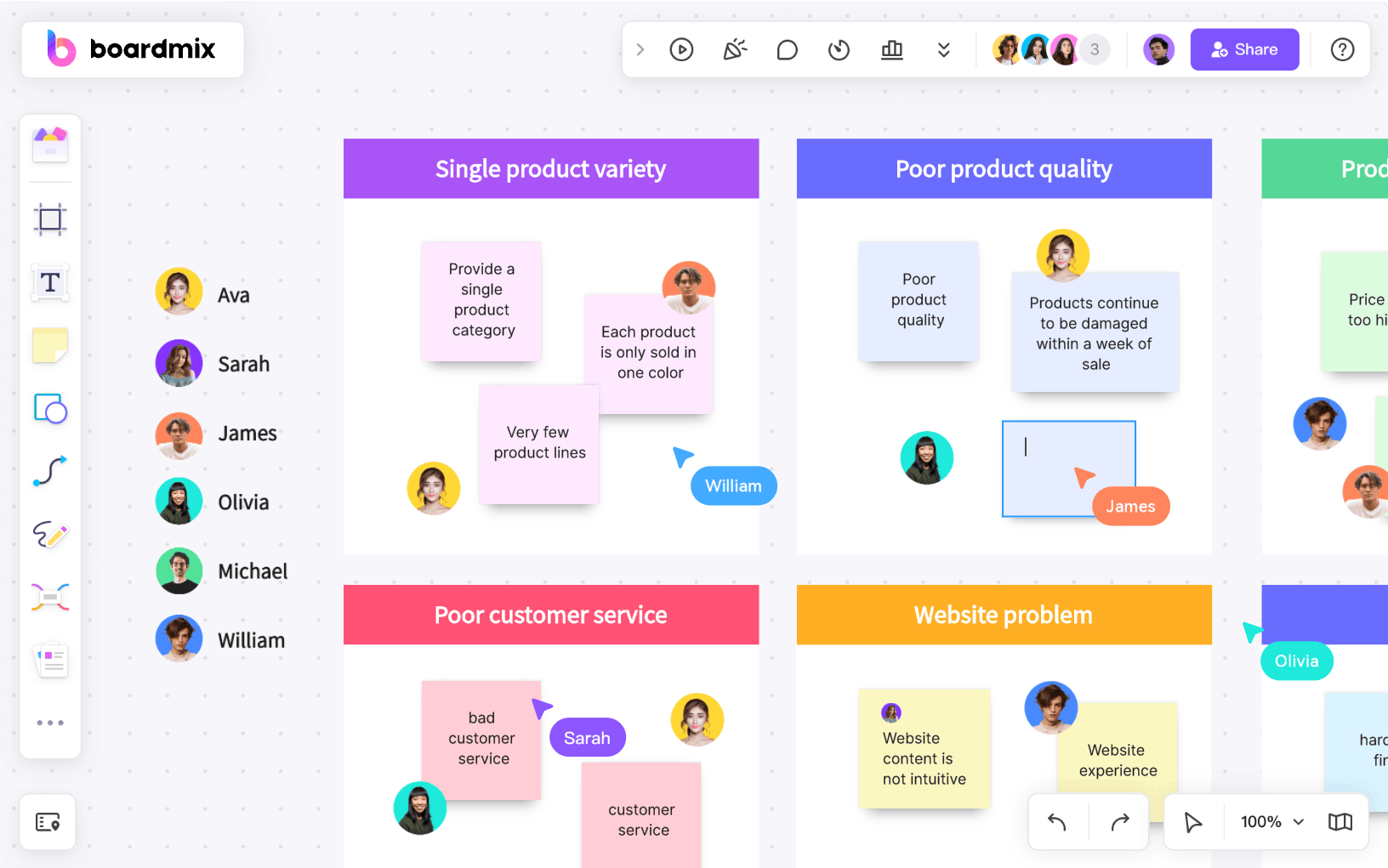
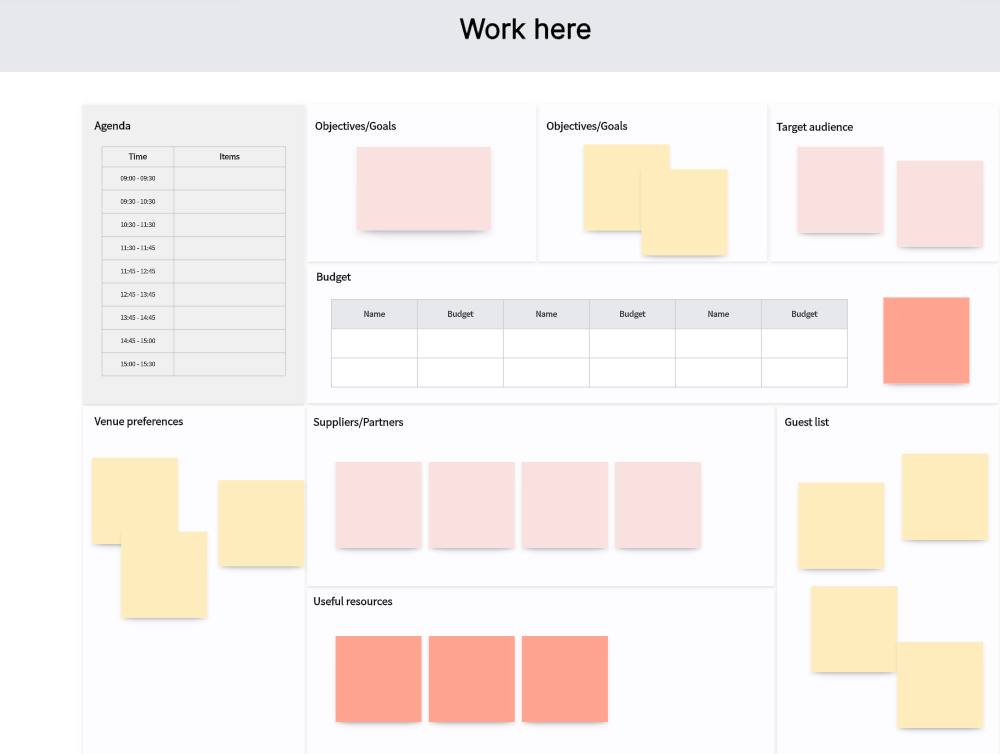
A shared travel plan should answer four questions: what has been agreed, what is booked, who owns the next step, and what changed. This tutorial shows how to organize those answers on a Boardmix whiteboard for a group trip. Keep travel research and real bookings in their appropriate services, then bring the relevant links and decisions into one readable plan.
If you are still selecting software, use the separate trip-planning tool comparison. Here the goal is a working group itinerary, with a sample structure you can copy and adapt.
1. Start with a brief the whole group can accept
Open a Boardmix workspace and create a board for the trip. Add the destination or shortlist, dates, number of travelers, budget currency, and the person coordinating the plan. Ask each traveler to add essential constraints—arrival time, mobility requirements, dietary needs they choose to share, or a must-do activity—before filling the calendar.
For the example below, four friends are planning a two-night city break. They arrive on Friday afternoon, want one museum visit and one outdoor activity on Saturday, and leave on Sunday afternoon. These are illustrative planning assumptions, not venue schedules or booking recommendations.
2. Create five areas with different purposes
| Board area | What belongs there | What keeps it reliable |
|---|---|---|
| Ideas | Suggested places, activity links, images, and notes | Every item is visibly a proposal until agreed |
| Daily itinerary | Day, local time, activity, location, transport, and buffer | Each row has an owner and a status |
| Budget | Estimated and confirmed amounts, currency, and payer | Record the source and date of each estimate |
| Bookings and sources | Provider links and a note that a reservation is confirmed | Store sensitive confirmations privately and share only what is needed |
| Open decisions and changes | Questions, alternatives, decisions, and their owners | Keep a short dated change note and notify affected travelers |
Use tables for the schedule and budget, sticky notes for proposals, and connectors where a decision depends on another item. Add supporting documents, images, videos, and website links only when they help the group make a decision. A board full of inspiration still needs a clear itinerary.
3. Build a day plan with realistic buffers
| Day and time | Plan | Owner | Status and next check |
|---|---|---|---|
| Friday afternoon | Arrive, transfer, and check in | Travel coordinator | Proposed: verify arrival and check-in times |
| Saturday morning | Museum visit, followed by lunch nearby | Activity organizer | Proposed: confirm opening hours and ticket availability |
| Saturday afternoon | Outdoor activity with an indoor backup | Route organizer | Proposed: check transport, duration, and weather before departure |
| Sunday morning | Short local visit, then collect luggage | Group coordinator | Proposed: allow transfer time before departure |
Replace these relative periods with actual local dates and times after checking the providers. Include time for transfers, meals, queues, and rest. Do not make two bookings adjacent just because both fit into empty calendar cells. If travelers arrive separately, show their different arrival windows and the first shared meeting point.
4. Separate estimates from commitments
Add budget columns for item, amount, currency, number of people, status, payer, source, and cancellation deadline. For an illustrative shared stay priced at 480 units of the chosen currency for four people, the equal accommodation share is 120 each. That is arithmetic for the example, not a current hotel price. Add taxes, transport, and other costs separately, and record any agreed unequal split.
Before someone books, have the group agree on the total, the cancellation conditions, and who is authorized to pay. After booking, mark the line confirmed and link to the provider or a private record. Moving a sticky note to “booked” does not make a reservation or change its conditions.
5. Review together and keep changes visible
Share the board with the access level each participant needs. Ask one traveler to open the link and make a harmless test comment before relying on it. During the review, resolve conflicting activities, choose a backup, and assign every unresolved check to a person. Keep the date and reason beside a changed decision so an earlier screenshot is not mistaken for the latest plan.
Before departure, check the itinerary from the devices travelers will use. Save an appropriate readable copy of the agreed schedule, subject to the available export options, and keep the original editable board. Offline access, guest editing, and exports depend on the tool and plan; verify the needed behavior in advance. Use the actual reservation provider for amendments and cancellations.
Research sources to use alongside the board
The following tools each contribute a different kind of information. The illustrations show earlier versions of these tools; check the linked official sources for current interfaces and offers. The shared board records the group’s decision, while the relevant provider remains the source for availability, payment, and booking conditions. Put each source link beside the decision it supports and check the details for your own dates.
Boardmix

Boardmix: Keep the group’s choices, supporting links, tables, and comments together.
TripIt

TripIt: Organize confirmed reservations received from different providers.
Tripadvisor

Tripadvisor: Gather candidate activities and compare recent visitor perspectives.
Google Travel (web)

Google Travel (web): Research flights and stays on the web; do not look for a separate Google Trips app in this workflow.
Expedia

Expedia: Check a concrete flight, accommodation, car-rental, or package offer and its conditions.
KAYAK

KAYAK: Compare travel options and organize journey details with the appropriate KAYAK feature.
Skyscanner

Skyscanner: Check flight alternatives before accepting a final offer.
Airbnb

Airbnb: Evaluate whether a particular listing fits the group.
Rome2Rio

Rome2Rio: Research transport alternatives between the places on the plan.
Tripomatic (formerly Sygic Travel)

Tripomatic (formerly Sygic Travel): Build a day-by-day sightseeing sequence; the former Sygic Travel address now leads to Tripomatic.
When the plan is ready to share
The plan is usable when a traveler can find the next activity, the meeting point, the responsible person, and the source of a confirmed detail without searching a long chat. Check that proposals and reservations are distinct, costs have a currency, and unresolved questions have owners. Keep one agreed plan and use its change notes when the group needs to adjust it.
For additional starting layouts, browse the Boardmix community and choose a board structure that supports the information above.