




Miro Alternative for Visual Collaboration
Whiteboards, Diagrams, and AI Workflows
Looking for a Miro alternative? Compare Boardmix and Miro for whiteboards, diagrams, AI tools, pricing, and team collaboration. Start with Boardmix's free plan and choose the workflow that fits your team.




Boardmix vs. Miro: See the Full Picture
Compare Boardmix and Miro on free plans, annual pricing, AI credits, templates, collaboration, and migration. Use the current details below to choose a workflow that fits your team.
Swipe horizontally to compare all three columns.
Feature
Boardmix
Miro
Free Plan
3 editable boards
3 editable boards
Starter, annual billing
$5/member/month
$8/member/month
AI subscription
AI Starter: $10/month
Included allowance varies by plan
AI credits
5,000/seat/month on AI Starter
25/member/month on Starter
Lifetime Plan
One member: $99
No lifetime plan listed
Mind Maps & Diagrams
Available, with AI tools
Available, with AI tools
Templates
Template library available
Official and community templates
Exports
Options vary by plan
Options vary by plan
Getting Started
Help Center and free plan
Learning resources and free plan
Checked September 24, 2026. Prices and feature availability can change. USD subscription rates use annual billing; AI credits have different consumption rules and are not directly comparable. Sources: Boardmix pricing and Miro pricing.
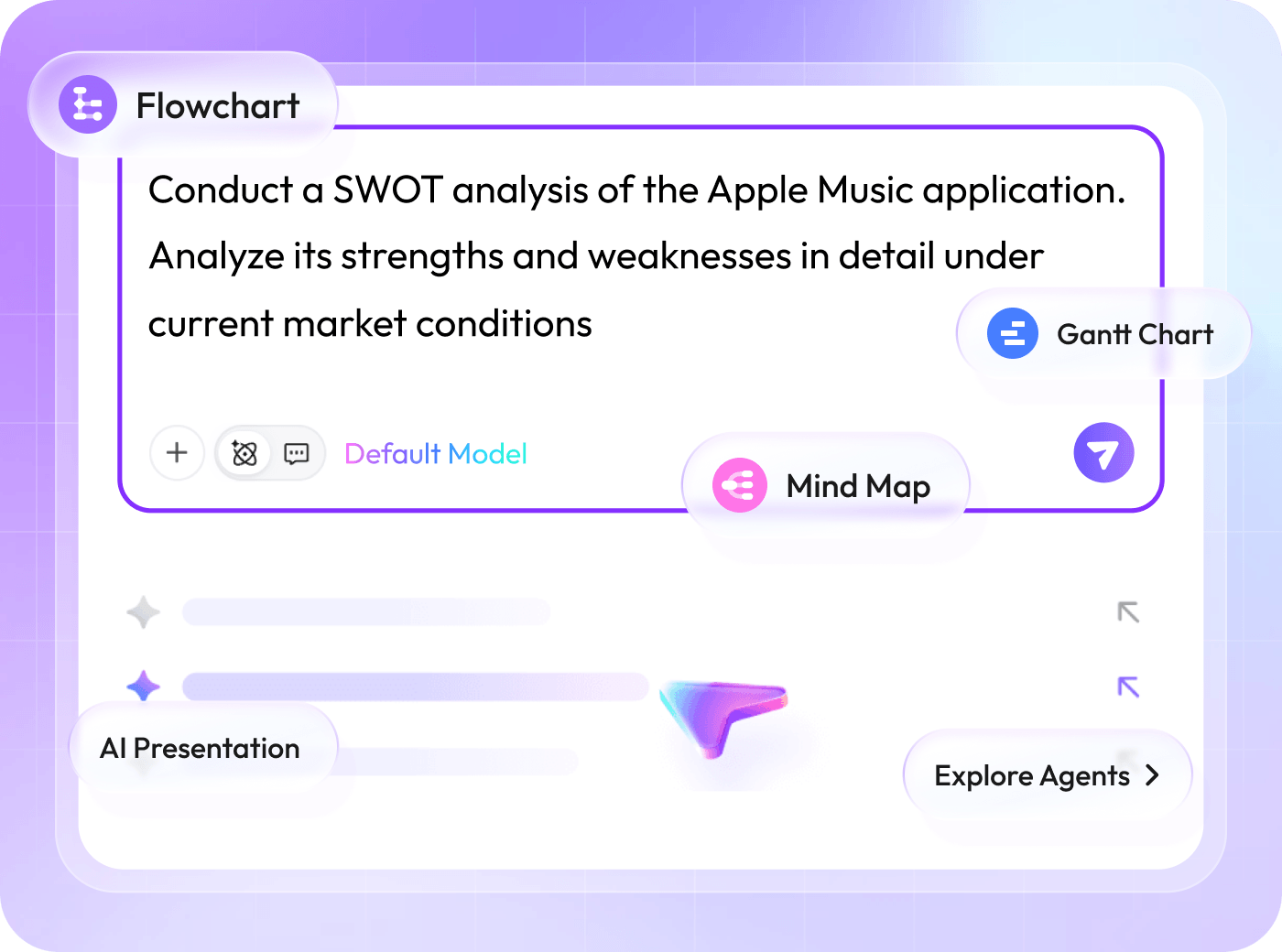

Create Editable Drafts with Boardmix AI
Use Boardmix AI to start mind maps, flowcharts, presentations, and other visual drafts. Review, edit, and refine the result with your team. AI Starter includes 5,000 credits per seat/month; AI Business includes 10,000. Check the current plan and usage limits before choosing.

Start with Templates for Workshops and Planning
Explore templates for brainstorming, planning, meetings, and diagramming. Choose a starting structure, add your own context, and adapt it to your team. Check the editable-board and object limits of your plan before inviting a larger group.
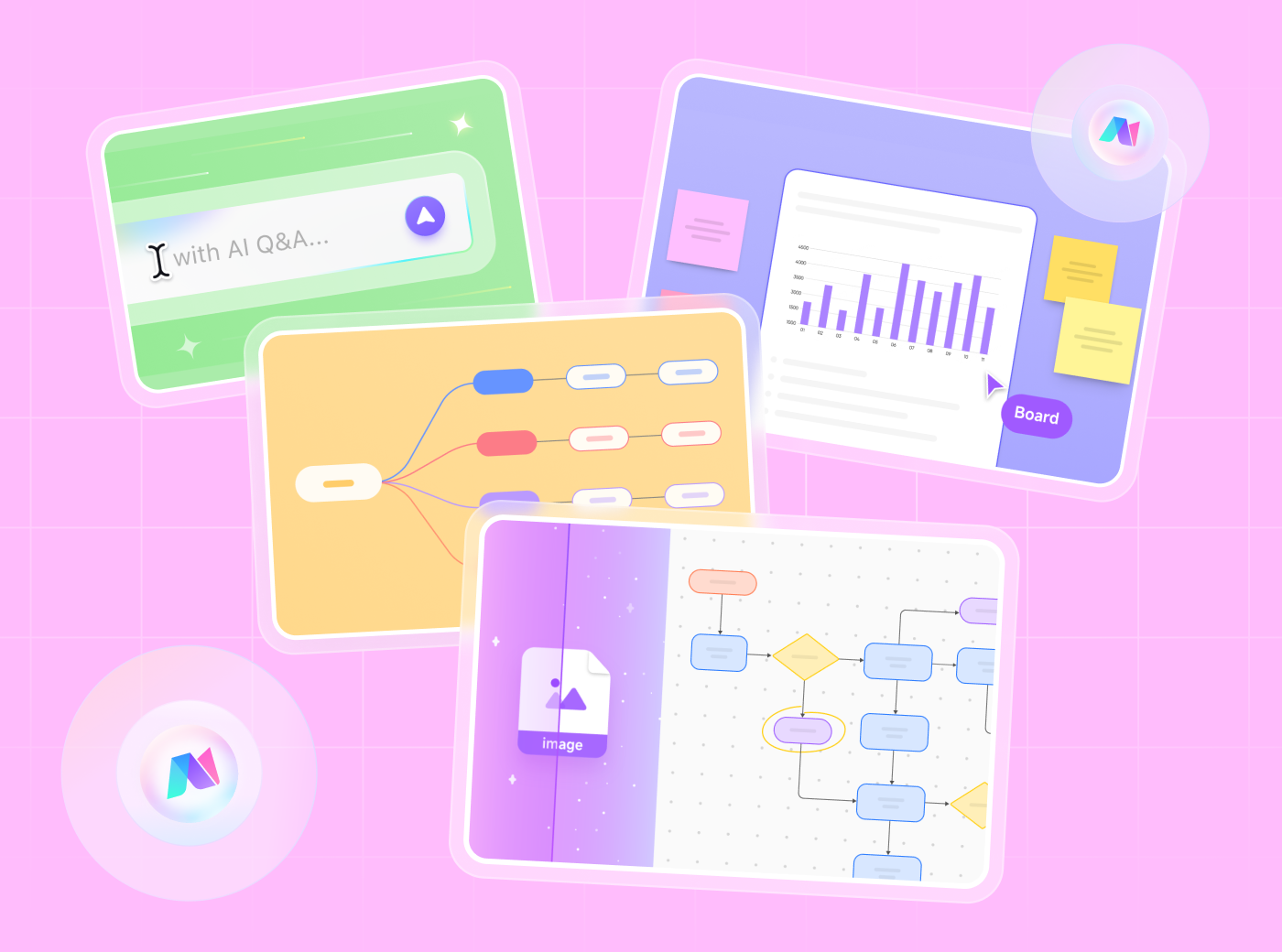
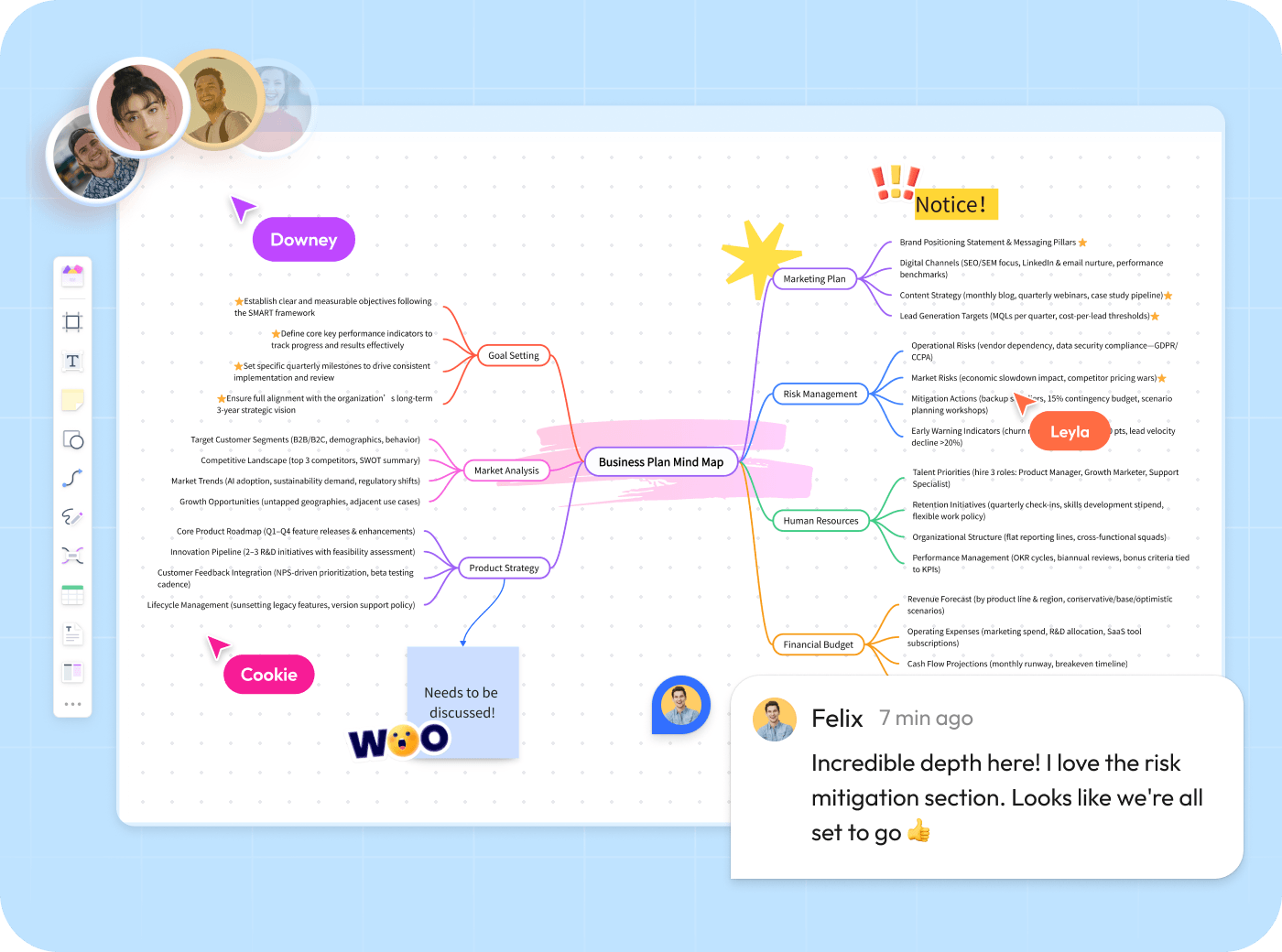

Collaborate in Real Time on One Canvas
Bring teammates into one shared online whiteboard with cursors, comments, presentation tools, and access settings. Assign the right permissions before inviting collaborators. For larger sessions, test your board and confirm capacity with our team.

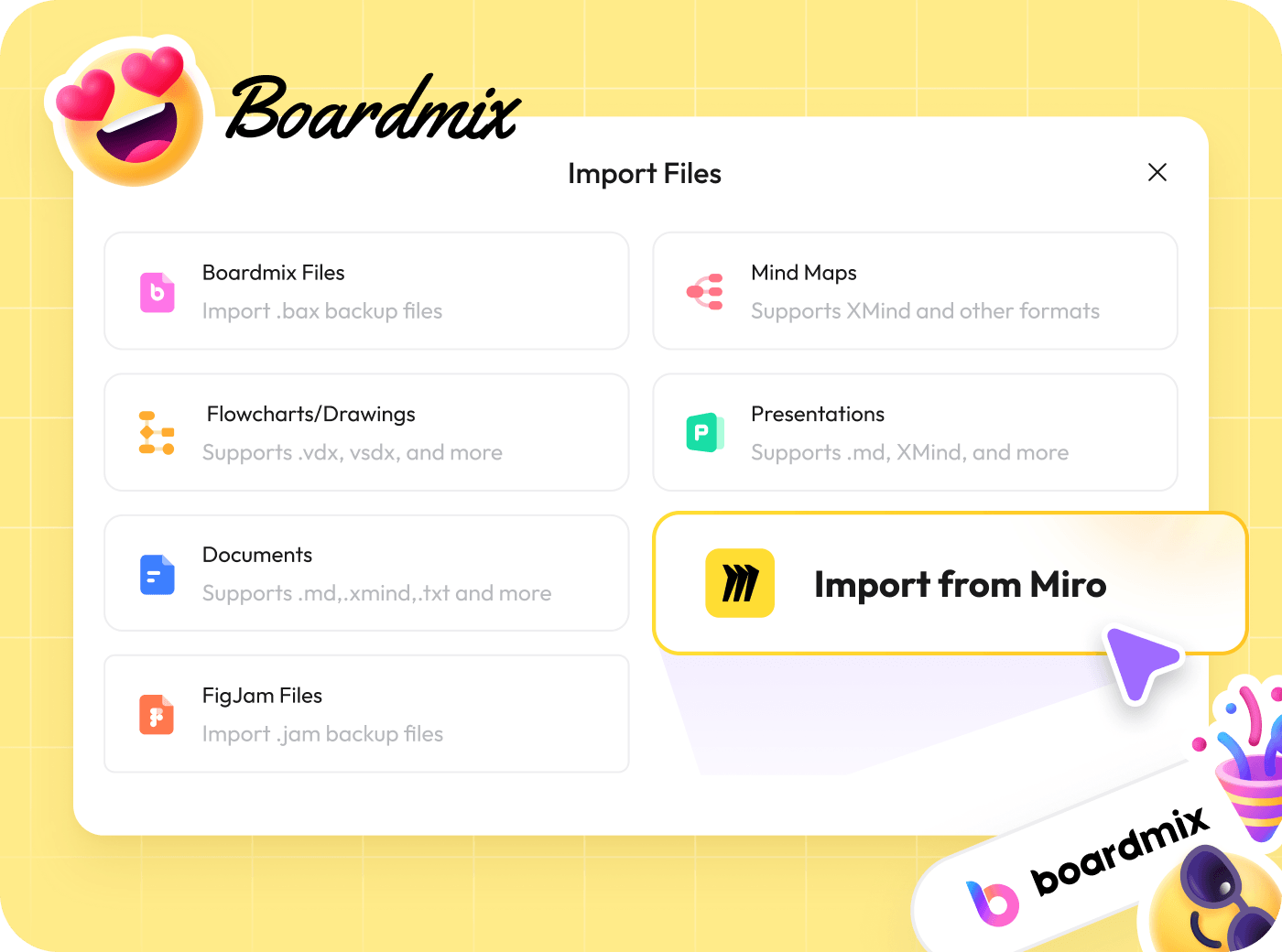
Move from Miro with a Practical Import Workflow
Boardmix provides an import workflow for Miro content. Start with a representative board, then check text, connectors, shapes, images, and layout after import. Keep the original until your team confirms the migrated board is ready to use.
FAQ
What's the main difference between Boardmix and Miro? Why choose Boardmix?
Both products support visual collaboration and AI. Boardmix combines whiteboards, diagramming, and AI plans with a one-time purchase option. Miro has an extensive integration and template ecosystem. Compare your required workflow and total plan cost rather than assuming the tools are identical.
What exactly can the mentioned "AI features" do for me?
Boardmix AI can help draft mind maps, flowcharts, presentations, and other content. AI access and credits depend on your plan. Ordinary Starter is different from AI Starter. Compare the current plans and review AI output before using it.
Is Boardmix difficult to learn? Do you offer support?
Start with a small board and invite a teammate to try editing and sharing. Our Help Center provides guidance. For questions about your workflow or plan, contact support@boardmix.com.
Can I try Boardmix for free?
Yes. The Free plan includes three editable boards with 100 objects per board, basic editing features, and 1 GB storage. No credit card is required. See pricing and current terms.
How do I choose between Boardmix and Miro?
Start with the work your team needs to do: compare the free plan, collaboration model, diagramming and AI workflows, integrations, and the cost of the plan you expect to use. Try a representative workflow in both products when a feature or migration detail matters.
Can I move my Miro boards to Boardmix?
Boardmix provides an import workflow for Miro content. Test one representative board first and verify text, connectors, shapes, images, and layout before moving the rest of your workspace.