Family trees are an essential tool when you want to learn more about your ancestry. Genealogists use family trees to study family history and make accurate connections between generations. In this article, we introduce this concept and 5 top family tree creators you can use. Keep reading.
What Is a Family Tree
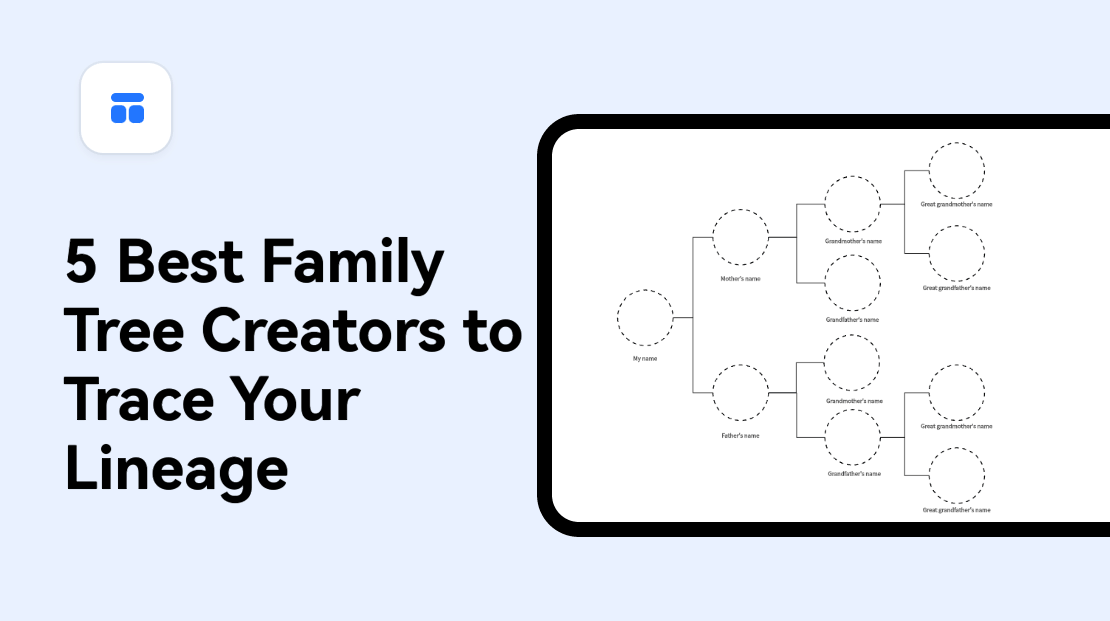
A family tree is a diagram representation used to trace a person's lineage, tracing relationships to common relatives. This means that a family tree is used to show the ancestry and connections between families over the years.
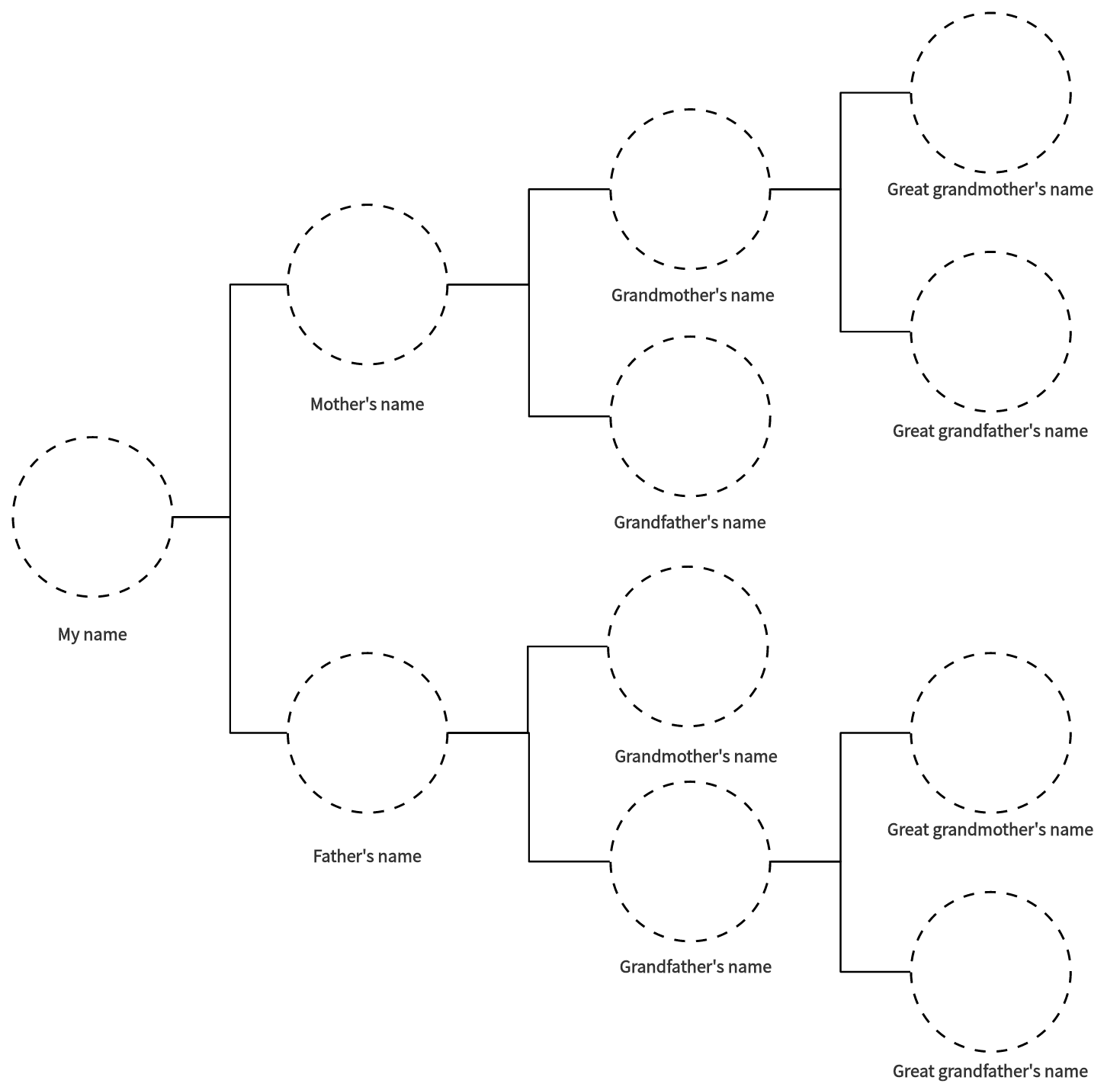
Why Do You Need a Family Tree Builder
When creating a family tree, you will need a tool that makes the whole task easier. A family tree builder provides a fast and efficient way to grow your family visually. It is convenient as it adds historical documents and photographs instantly. Some family tree builders also allow you to add letter and other family details. You can choose a family tree builder template online and modify it by importing data to visualize your family tree automatically. A family tree builder also allows you to share data and information with other members of the family.
What to Look for in a Family Tree Creator
When selecting the best family tree creator, here are some important factors to look for:
- Features: A good family tree creator should have the essential features you need to create and manage a family tree. Some of these features include tools to create charts, add related details, real-time working features and so on.
- Safety: The family tree creator should have measures to safeguard your family tree data.
- Pricing: The software you aim to use to create a family tree should have straightforward prices and clearly stipulated terms and conditions for using the product.
5 Family Tree Builders You Can Never Miss
Boardmix
Boardmix is a cloud-based collaborative platform that integrates whiteboard, flowchart, mind maps, and other tools to promote efficiency. Boardmix family tree creator helps you build your family history conveniently.

Pros
- User-friendly interface ideal for both beginners and experienced users.
- A wide variety of family tree builder tools and templates that are customizable.
- Easy to collaborate with other relatives.
- Invite family members to review the tree through a shared Boardmix link.
Cons
- Requires a subscription fee to access all the family tree features.
Pricing
The Free plan includes 3 editable boards with up to 100 objects per board. A larger family tree may need a paid plan with higher board and object allowances; compare the Boardmix plans.
SmartDraw
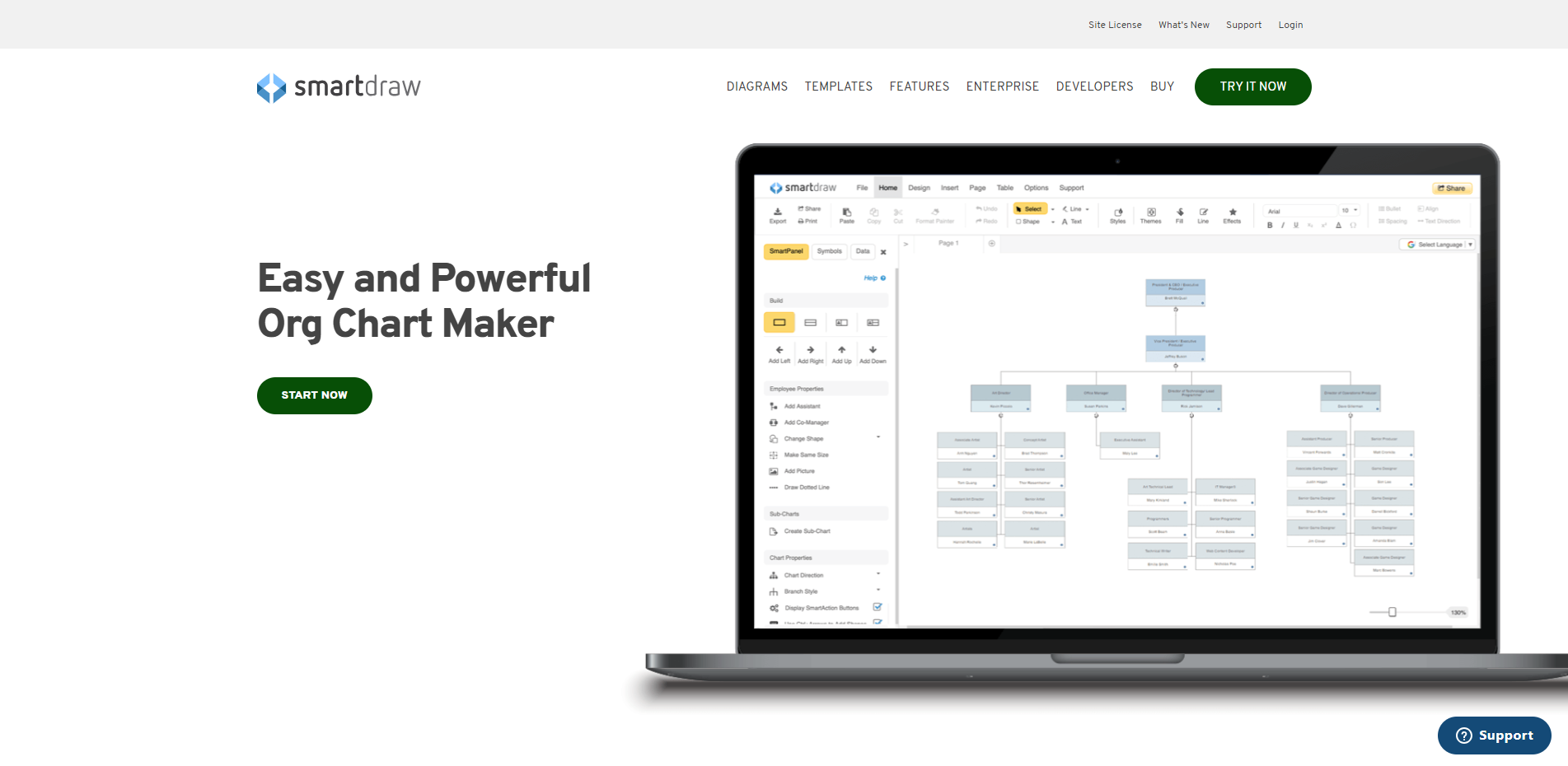
SmartDraw is an online platform that provides easy and powerful drawing programs. With built-in templates, SmartDraw allows users to build family trees easily.
Pros
- Easy to navigate and use.
- Provides a wide range of diagrams including pedigrees and family trees.
- Offers templates at varying price points, which makes it affordable for businesses and individuals.
Cons
- No Free Trial. SmartDraw requires you to purchase software before trying it.
Pricing
SmartDraw sells individual and team subscriptions, with a minimum of 3 users for a team subscription. Enterprise licensing is quoted separately. See the official purchase page for the selected billing option.
Creately
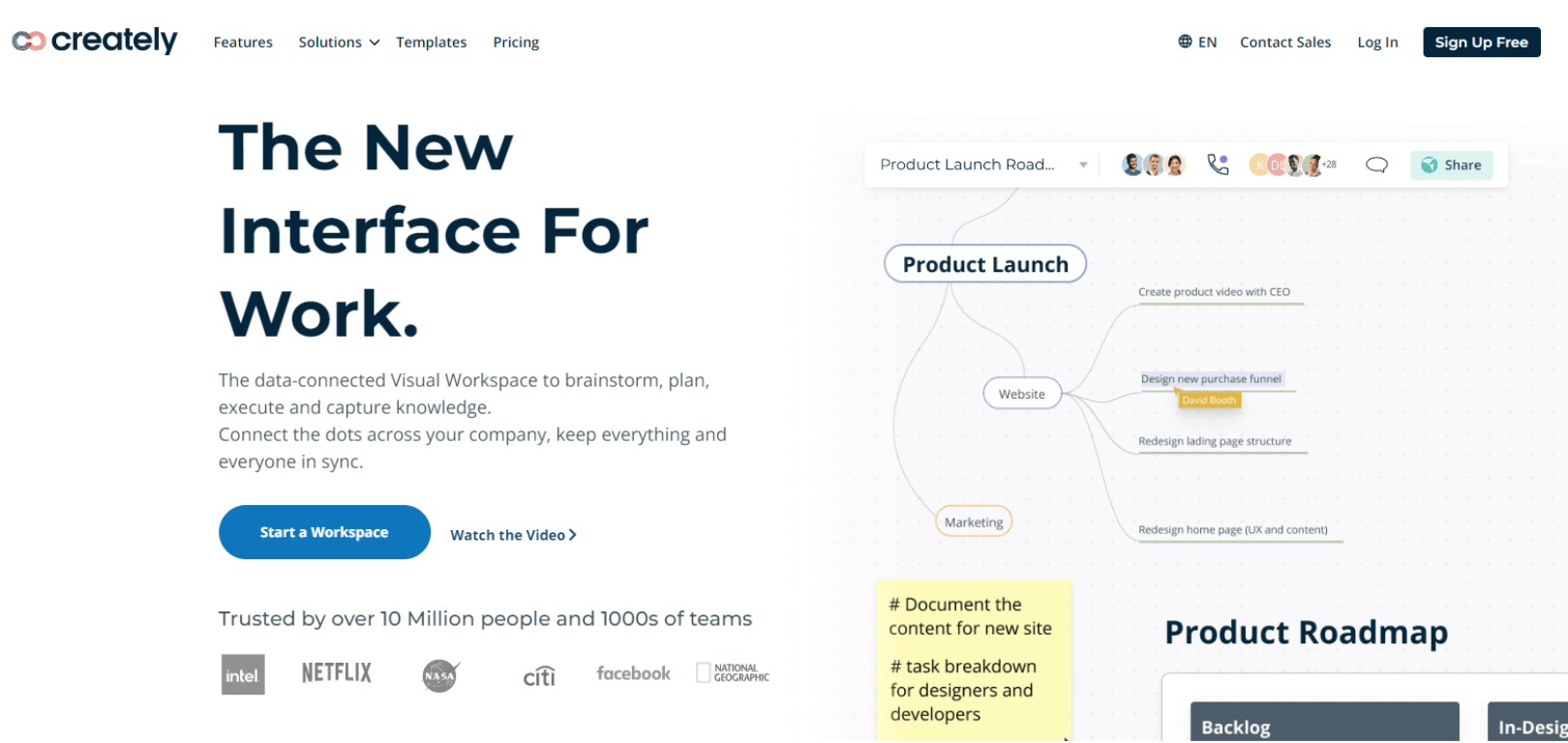
Creately is a visual workplace that helps users brainstorm and analyze projects with ease. Creately family tree builder allows you to edit templates online or download them for free.
Pros
- Fosters simultaneous work with team members, enabling a faster process when creating a family tree and decision-making.
- Enables platform collaboration with platforms like Google Sheets to easily access data or information.
- Provides 24/7 live customer support.
Cons
- Creately free version has limited access to essential features.
- New users may be overwhelmed by Creately diverse features, which requires investing more time to explore the platform.
Pricing
Creately has a Free plan and paid tiers with different workspace, collaboration, and administration features. Choose the required editor count and compare the plan allowances for the family-tree project.
Canva
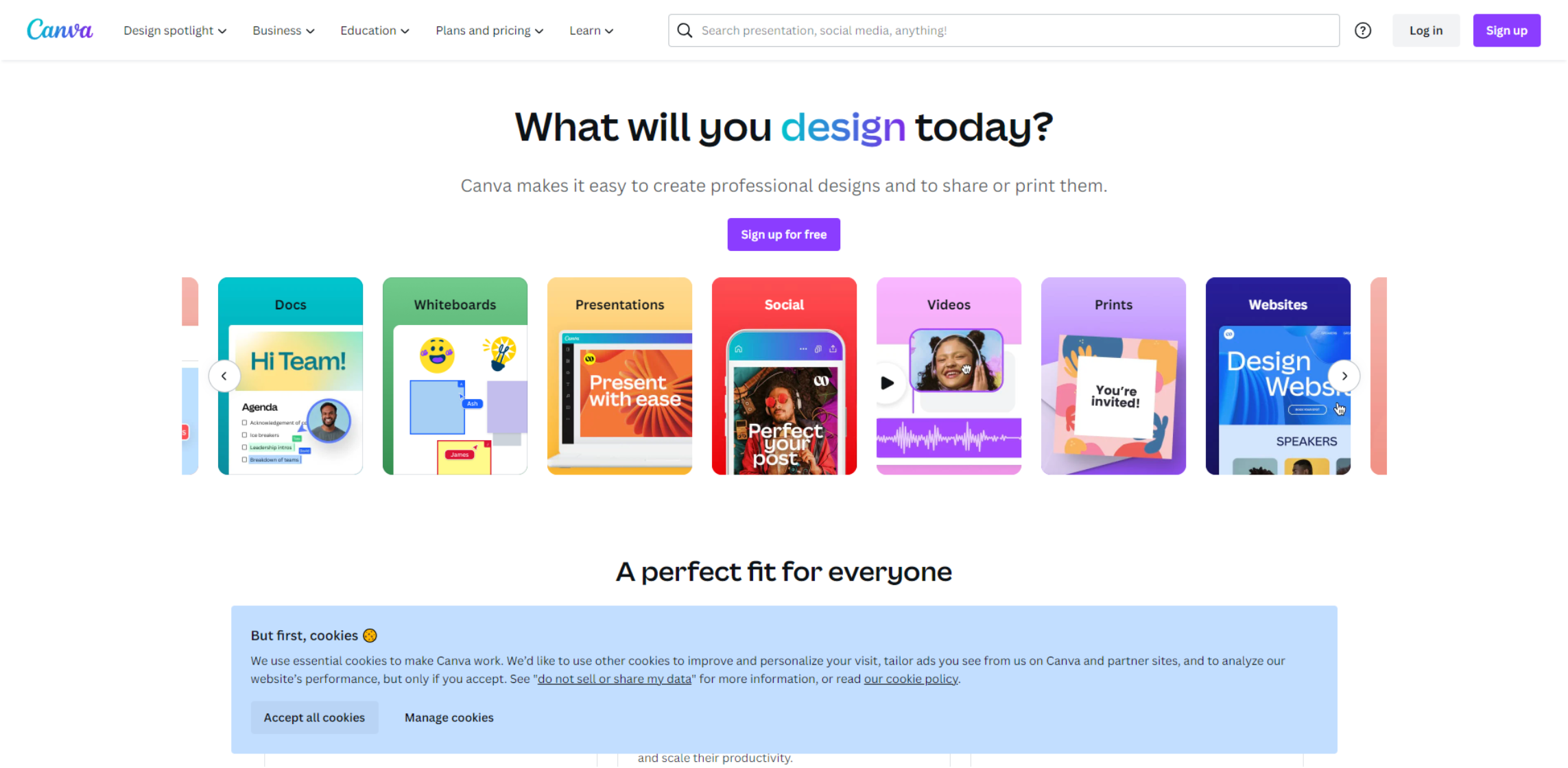
Canva is an online design platform that you can use to create a family tree. Canva has a wide variety of unique family tree templates to choose from.
Pros
- Canva is a budget-friendly design tool and is free to use for basic features.
- Offers simple to use and customizable
Cons
- Canva's free version lacks all the features that advanced family tree builders require.
Pricing
Canva Free provides basic design access. Pro adds premium features for an individual, while Business supports team workflows with per-person billing. See the Canva plan comparison.
Lucidchart
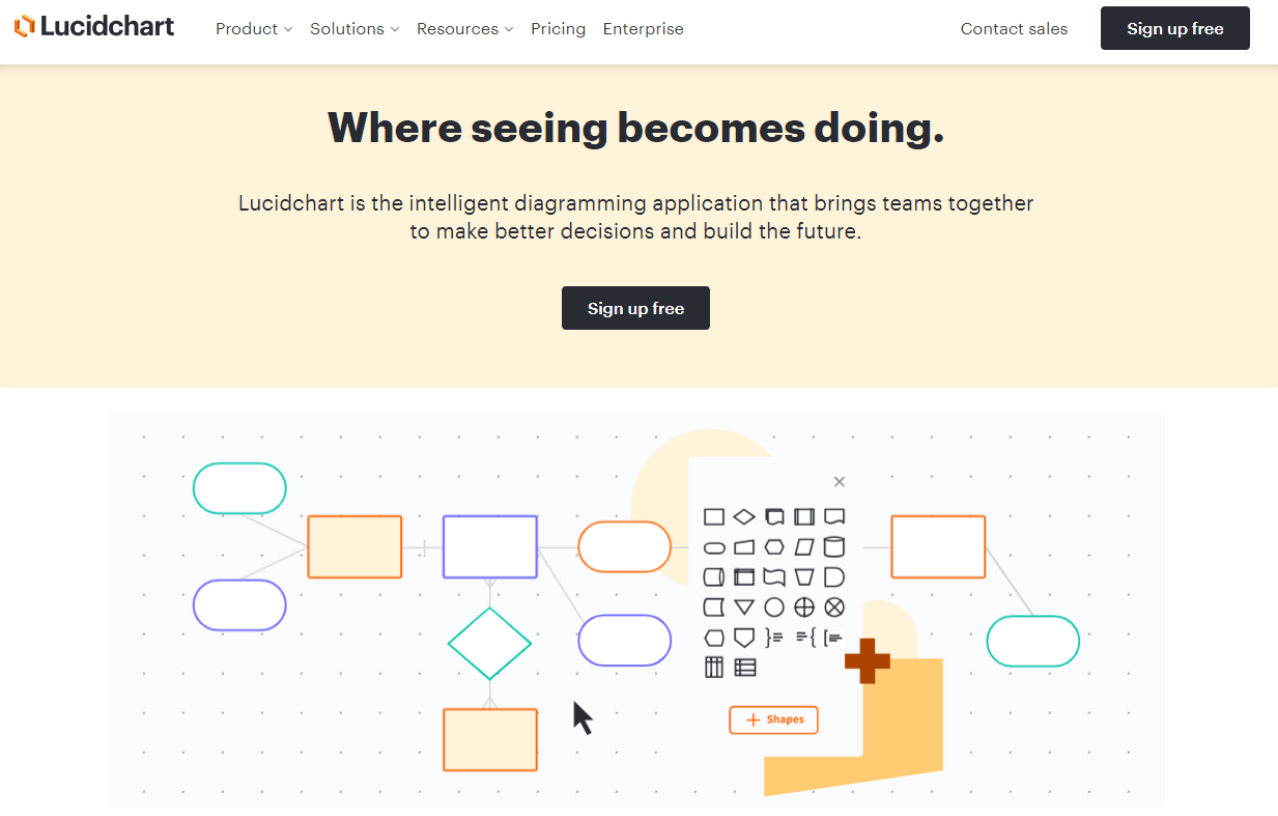
Lucidchart is an intuitive cloud-based platform used to create different types of diagrams. With this family tree creator, you can import your information and collaborate with relatives in building the diagram.
Pros
- Easy-to-use interface.
- The cloud-based feature allows you to access your family tree anywhere.
- Integration with other apps like Microsoft Office, Google Workspace, and others.
Cons
- Lacks good customer support as there is no easy way to contact customer service other than the help center.
- The free version has very limited features.
Pricing
Lucidchart offers Free, Individual, Team, and Enterprise plans. Compare editable-document limits and collaboration features in the official pricing table.
Choose the Best Family Tree Builder
Some factors like features and scope of your family tree help when selecting the right family tree builder. Boardmix family tree creator provides a wide range of templates to choose from to build personalized family tree diagrams. You will find the Boardmix family tree template easy-to-use and effective in producing results. Just try it out today!