Yes. Miro has a Free plan that you can use indefinitely. It includes team-member access and up to three active, editable boards, but boards in a Free team are visible to the team by default. Private-board controls, broader capacity, and external-access options start on paid plans. This guide explains what Miro Free includes, where the limits matter, and when a paid plan or another whiteboard may be a better fit.
Plan names, prices, features, and AI allowances can change. The checks and links in this article were reviewed on September 22, 2026; use Miro's current plan page as the final source before you buy or move confidential work.
 Click Here to Start a Free Whiteboard
Is Miro Free?
Yes. Miro Free is a free-forever plan, not a short trial that expires after a fixed number of days. It is suitable for learning the canvas, running a small personal project, or collaborating with a team that can work within shared visibility and a small number of active boards.
The important distinction is between having a board and having an active, editable board. Under the current Free-plan rules, a team can have up to three active boards. If a team has older boards beyond that allowance, those boards may be locked or view-only until the team deletes another board, duplicates the work into an active board, or upgrades. Check the dashboard before assuming every saved board can still be edited. See Miro's Free Plan help page for the current rule wording.
What the Miro Free Plan Includes
- No scheduled expiration: the Free plan can remain in use as long as it continues to meet your needs.
- team-member access: invited users can join the Free team, subject to the team's invitation settings.
- Three active, editable boards: the allowance is about active editing, not a promise that older board data disappears.
- Core canvas work: use the canvas, basic objects, templates, and collaboration features included in the current plan.
- Limited AI and plan-based features: Miro may let Free users try selected AI capabilities, but credits and available workflows can change.
- Team-wide visibility: Free-team boards are shared with the team by default rather than being private by default.
Miro's pricing page also lists formats such as Docs, Tables, Slides, and Kanban and a large integration library. Treat those as plan-page claims rather than assuming every app or format has the same permissions. Test the exact workflow you need, especially when a project depends on export quality, guests, or AI usage.
Miro Free Plan Limits to Know
1. The three-board limit
The three-board limit is the first constraint most small teams notice. Miro's current pricing describes the three most recent boards as editable; the Free-plan help page describes up to three active boards. In practice, an older board can become view-only when a newer board takes its place. Before starting a new project, export or archive anything the team may need, and check which boards are currently editable.
2. Privacy and sharing
Free-team boards are accessible to team members by default. Free does not provide the same private-board control as paid plans, and it does not provide the paid visitor or guest model. A person invited to a Free team may gain access to the team's boards, so do not use a Free team for confidential work unless the team membership and sharing settings are acceptable. A one-person team can keep its boards visible only to that person until someone else is invited, but that is not the same as a private-board feature.
Board owners can still review the available Can view, Can comment, and Can edit roles. An embed code is a way to display or share a board; it is not a replacement for a privacy setting. Check Miro's private-board guide and access-rights guide before sharing a link outside the team.
3. Exports, guests, storage, and AI
High-resolution export, visitor or guest access, advanced sharing permissions, storage, integrations, and AI usage are subject to the plan. Miro's feature matrix marks high-resolution export and private-board sharing as paid features. The exact formats, quality, credit allowance, and account limits can change, so verify the current plan comparison instead of promising a PDF, image quality, guest role, or AI workflow from a Free account.
Miro Free vs Paid Plans: What Changes?
A paid plan becomes useful when a specific Free-plan constraint blocks the work. Use the criteria below instead of choosing from a price alone.
| Decision factor | Miro Free | Paid plans |
|---|---|---|
| Editable boards | Up to three active/editable boards | Additional active boards, depending on the plan |
| Privacy | Boards shared with the Free team by default | Private-board and more granular access controls are available on qualifying plans |
| External access | No paid guest/visitor model | Visitor, guest, or link options depend on the plan |
| Export and administration | Basic/limited options | Higher export quality and administration features vary by plan |
| AI and integrations | Limited or trial access | Higher allowances and additional workflows may be included |
Miro bills paid plans by members and billing cycle. Prices shown in one country, currency, or annual view may not match another account. Check the current Miro pricing page for the plan name, seat minimum, billing basis, trial terms, and features shown to you.
How to Decide Which Miro Plan You Need
Free is a reasonable fit when...
- You need one to three active boards and can archive older work.
- Everyone who joins the team may see the team's boards.
- You do not need private boards, paid guest roles, high-resolution exports, or advanced administration.
- You are willing to check plan limits before using AI, integrations, or a large upload.
Paid access is worth comparing when...
- Several projects must stay editable at the same time.
- A board contains confidential work or must be restricted to named people.
- Clients or partners need visitor/guest access without becoming full team members.
- Your workflow depends on high-resolution exports, governance, audit controls, or larger AI allowances.
Write down the one or two constraints that actually cost your team time, then compare plans against those constraints. If the issue is privacy, a cheaper seat price does not solve it; if the issue is board capacity, a feature that you never use should not decide the purchase.
Miro vs Boardmix for Free Whiteboarding
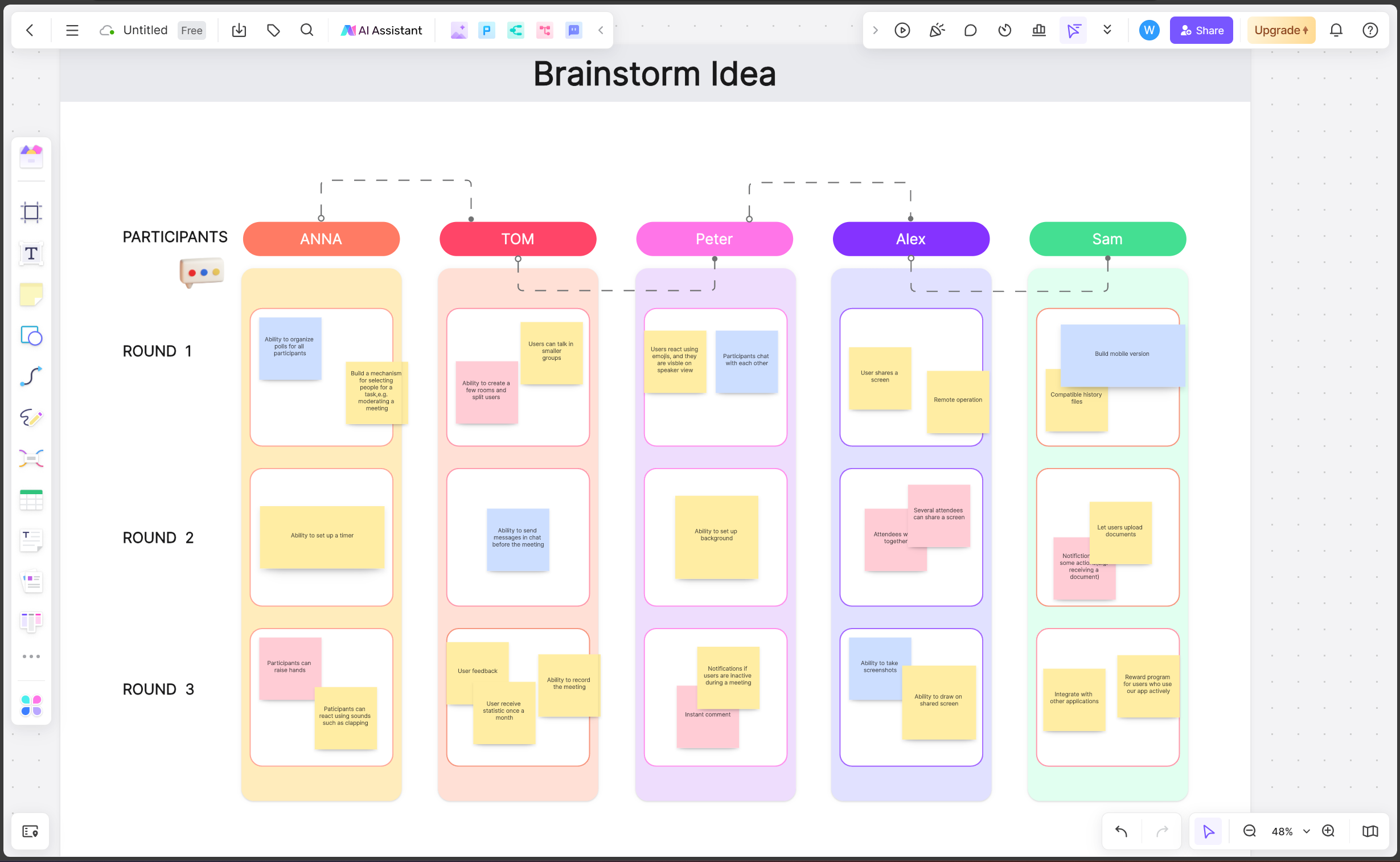
Boardmix is another online whiteboard option to evaluate when you want to compare board capacity, collaboration, export, and version history. Its current pricing page lists a Free plan with one team workspace, three editable boards, up to 100 objects per board, 1 GB of storage, standard-definition export, and 10 version-history records. Confirm the live plan page before relying on any limit, because these details can change.
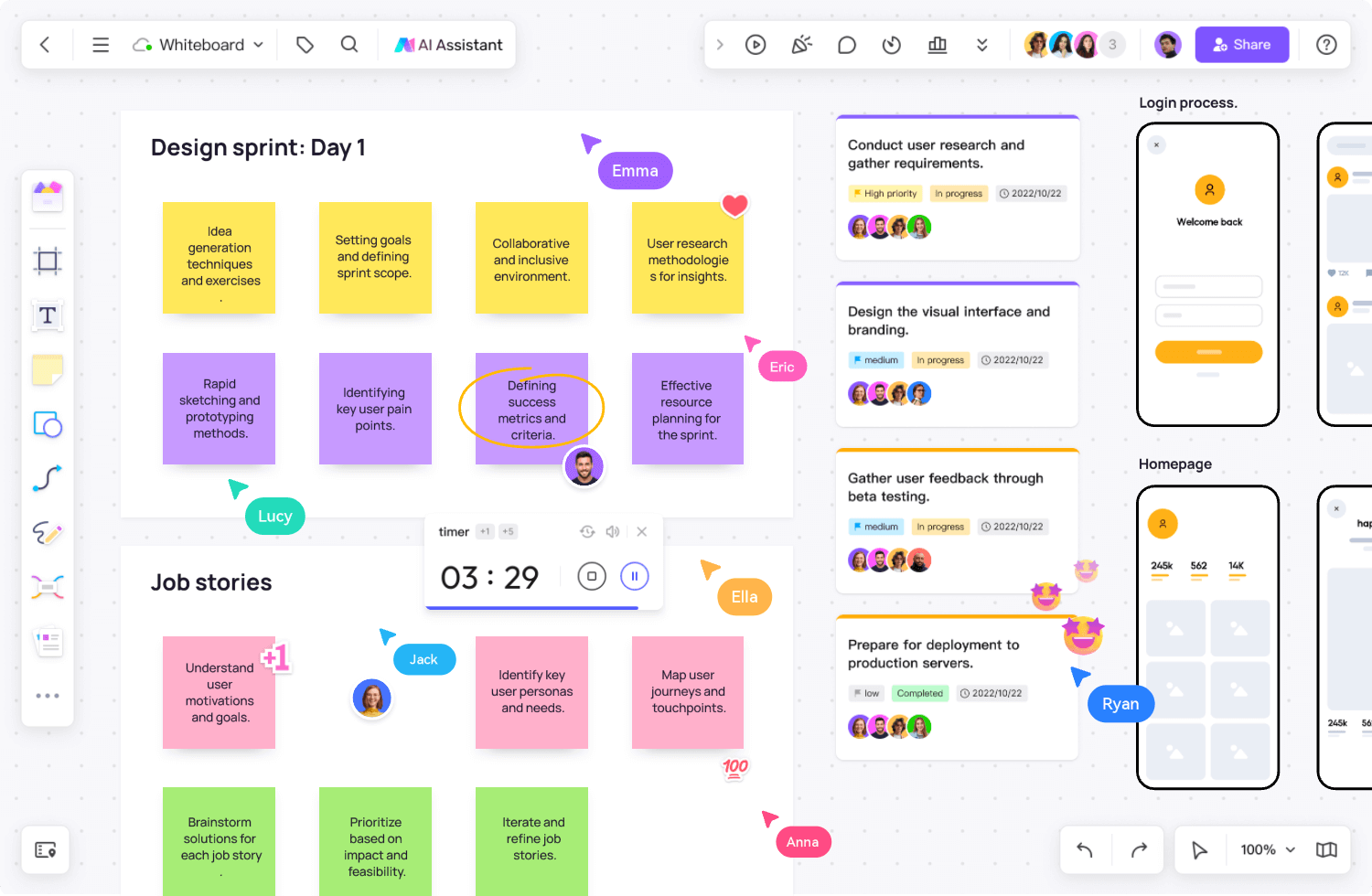
Use the same small test project in both tools: invite the people who will actually collaborate, add representative content, test the needed export, and check what happens when the board or object limit is reached. For a feature-by-feature workflow discussion, see Boardmix vs Miro. The plan reference image below is Boardmix information, not a Miro price claim.
 Click Here to Start a Free Whiteboard
Miro Pricing FAQs
Is Miro really free forever?
Yes. Miro Free can be used indefinitely, subject to its current board, visibility, collaboration, export, storage, and feature limits.
How many boards can I have on Miro Free?
A Free team can have up to three active, editable boards under the current rules. Older boards may become view-only when newer boards take the active positions.
Can I make a Free Miro board private?
Not with the Free plan's private-board controls. Boards in a Free team are visible to team members by default. A one-person team is only visible to that person until another member is invited, but confidential work should use a plan with the required privacy controls.
Does Miro Free support guests or visitors?
The current pricing page says Free does not include the paid guest or visitor roles. Inviting someone to a Free team can add them to the team and expose team boards, so review the invitation settings before sharing.
Does Miro offer a free trial?
The Free plan itself is indefinite. Miro's current pricing page also advertises a 14-day Business trial; eligibility, billing conditions, and promotional offers can vary, so check the offer shown to your account.
What happens if I downgrade?
Boards or features above the Free allowance may become inactive, view-only, or unavailable for editing. Private boards can become inactive after a downgrade. Export important work and read the current downgrade guidance before changing plans.
Plan details and linked sources were checked on September 22, 2026. Miro and Boardmix can change pricing and feature availability; use the linked first-party plan pages for the final decision.