





Online Markdown editors have become essential tools for efficient work and content creation. Cloud-based editors, in particular, enhance workplace flexibility with features like cross-device syncing and no-installation access. Whether you're a developer writing technical documentation or a content creator drafting mixed-format copy, an online Markdown editor breaks down device and environmental barriers. This guide reviews 8 top-rated online Markdown editors to help you find your perfect productivity tool.
Why You Need an Online Markdown Editor
What problems does an online Markdown editor solve? Here are four key reasons to use one:
Device Agnostic: Pick up where you left off. Edit a company document on your phone during your commute, then continue on your desktop.
Zero Installation: Work on any computer instantly. In a pinch, use a borrowed device to draft and deliver a proposal.
Real-Time Collaboration: Enable remote teams to edit technical documents simultaneously, with changes synced for everyone.
Version History: Never lose work. Recover previous versions of your code or text after accidental deletions.
An online Markdown editor efficiently addresses these core needs.
In-Depth Review: 8 Online Markdown Editors
How do you choose the right one? We tested 8 leading online Markdown editors across critical features—from code highlighting and 100-person collaboration to AI diagram generation and offline editing—to match the needs of technical teams, content creators, and individual users.
Boardmix
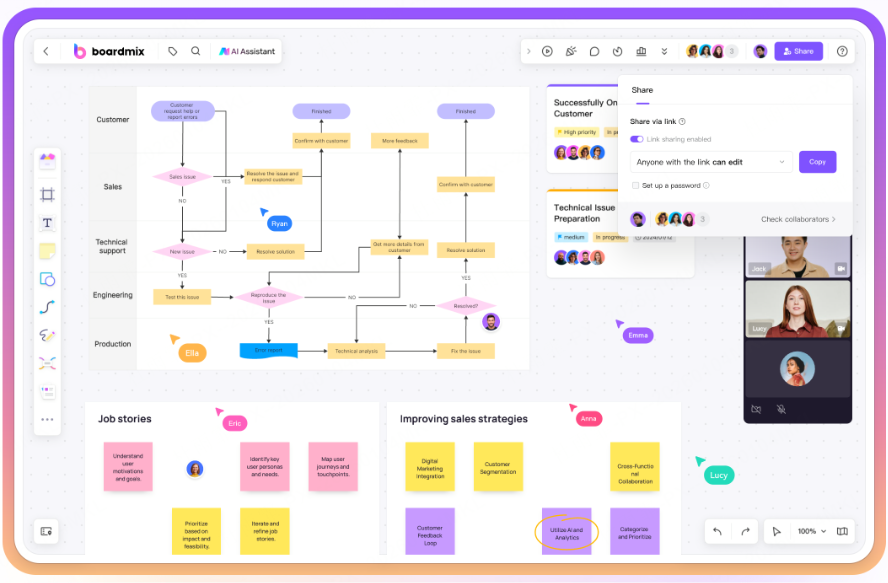
The AI-Powered Editor for Code & Diagram Collaboration
Boardmix is an AI-driven platform that combines whiteboard collaboration with Markdown editing. Its core strength is enabling simultaneous work on code and visuals. The AI assistant automatically converts text into flowcharts, mind maps, and other diagrams, eliminating manual formatting. It supports real-time multi-user editing, version management, and cross-platform syncing, integrating writing, collaboration, and visual design into one workflow. Ideal for technical teams drafting requirement documents and content teams creating visual layouts.
Key Advantages:
Advanced Code Editing: Real-time Markdown syntax highlighting with support for 50+ languages (Python, Java, etc.).
AI Visual Transformation: Convert Markdown text into mind maps, flowcharts, and more with one click.
Multi-user Real-Time Collaboration: Up to 100 users can edit the same document simultaneously, with @mentions, version history, and permission controls.
User Pain Points Solved:
AI automates the conversion of Markdown to diagrams, saving hours on manual layout.
Live collaborative editing resolves team version conflicts, with comment functionality for instant communication.
An integrated workspace for writing, collaborating, and designing removes the need to switch between disjointed tools.
Ideal Use Cases:
Teams using Markdown for PRDs, with AI generating accompanying flowcharts.
Content teams creating copy with integrated visual layouts.
Educators transforming Markdown outlines into AI-generated knowledge graphs for easier student comprehension.
StackEdit
The Full-Featured Editor That Works Offline
As an open-source tool with millions of downloads worldwide, StackEdit loads in under 1 second in Chrome and automatically switches to local mode when offline. Its two-pane interface features a left-side editing area with live LaTeX rendering and a right-side preview that syncs with your scroll—perfect for professional documentation.
Key Advantages:
Offline Functionality: Automatically switches to local editing without internet, syncing to Google Drive or Dropbox once reconnected.
Professional Syntax Support: Native compatibility with LaTeX equations, Mermaid flowcharts, and UML diagrams makes technical typesetting effortless.
User Pain Points Solved:
Continue writing academic notes with complex formulas on a train with poor connectivity.
Ideal Use Cases:
Technical teams writing API documentation.
University research groups collaborating on papers.
Individual developers building personal knowledge bases.
Dillinger
The Minimalist Tool for Ultra-Fast Format Conversion
Dillinger is a lean online Markdown editor whose interface loads for editing in about 3 seconds. Drag and drop a Word document into the editor, and it converts to Markdown within 3 seconds, with code blocks automatically highlighted for Python and other languages. Built for scenarios requiring rapid, multi-format output.
Key Advantages:
Drag-and-Drop Import: No login required. Drag Word or HTML files directly in for instant Markdown conversion.
Comprehensive Export: One-click export to HTML, PDF, Word, EPUB, and native Markdown for publishing anywhere.
Code-Friendly: Auto-detects code blocks with syntax highlighting for 20+ languages.
User Pain Points Solved:
A 3-second startup editor that exports to 10+ formats and highlights 20+ programming languages solves tedious conversion and bloated feature issues.
Ideal Use Cases:
Content creators formatting posts.
Developers writing API docs.
Students preparing assignment reports.
Prose.io
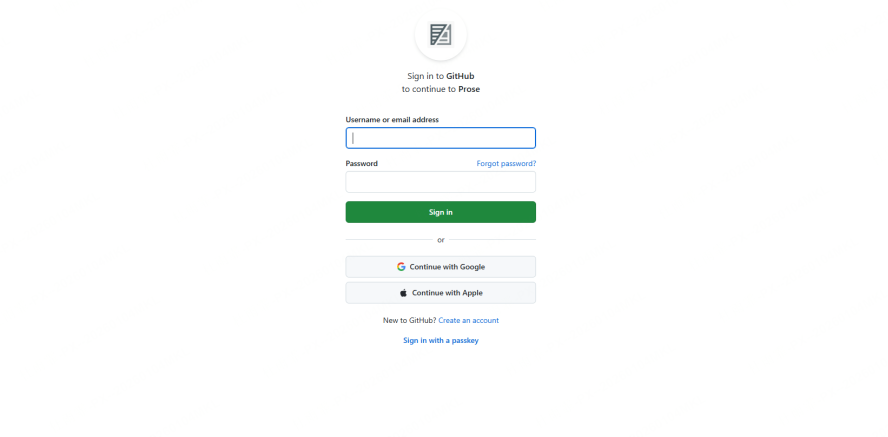
The GitHub-Native Collaborative Editor
Log in with GitHub to edit Markdown files within your repositories directly. In testing, submitting a PR after modifying a README.md file took just 3 steps—far fewer than local Git workflows. A visual metadata panel lets you configure Jekyll blog categories via drag-and-drop, allowing non-technical members to maintain documentation easily.
Key Advantages:
Direct Repository Editing: Modify Markdown files in GitHub online and submit Pull Requests in real time.
Visual Metadata Management: Use a GUI to set article titles/tags, auto-generating Front Matter for Jekyll.
Full Version History: All edits sync to Git history, with built-in diff comparison.
User Pain Points Solved:
Front-end developers can edit component documentation in the repository via Prose.io, keeping docs in sync with code updates and solving documentation lag.
Non-technical colleagues can update product documentation through a visual interface without learning Git commands, boosting efficiency.
Ideal Use Cases:
Updating open-source project Readmes.
Maintaining Jekyll blogs.
Team API documentation collaboration.
CodiMD
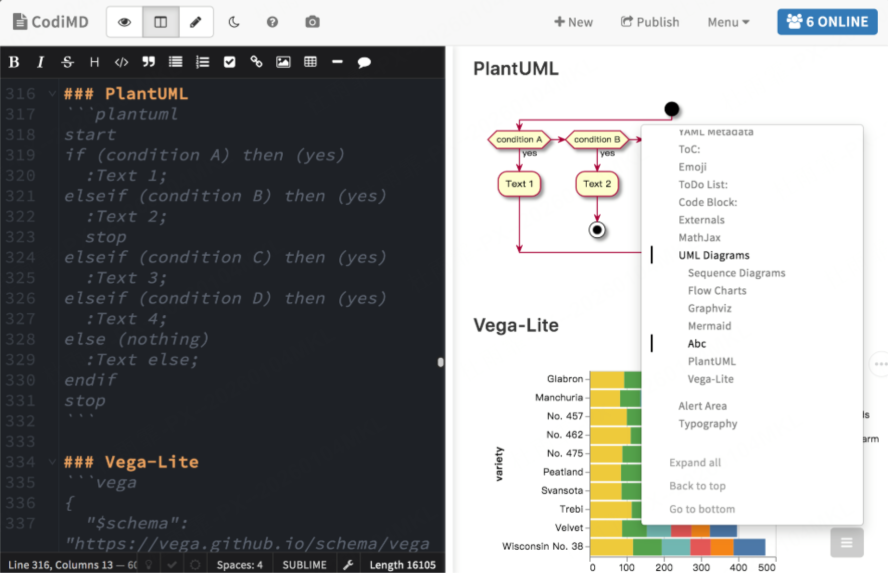
The Team-Focused Collaborative Editor
Built for team collaboration, CodiMD handled 50 users editing a requirements document simultaneously in our test with no noticeable lag, displaying multiple live cursors. Its permission management allows setting edit rights by department group, and it supports on-premise deployment for GDPR compliance.
Key Advantages:
Massive Real-Time Collaboration: Multi-cursor display and voice comments, powered by WebSocket for lag-free operation.
Enterprise-Grade Permissions: Granular view/comment/edit permissions with LDAP/SSO integration.
User Pain Points Solved:
An enterprise-ready tool supporting 100+ real-time collaborators, with tiered permissions and private deployment, solves remote team lag and data security concerns.
Ideal Use Cases:
Documentation for multinational projects.
Creating lecture notes for online courses.
Writing stand-up meeting notes for agile teams.
Toast UI Editor
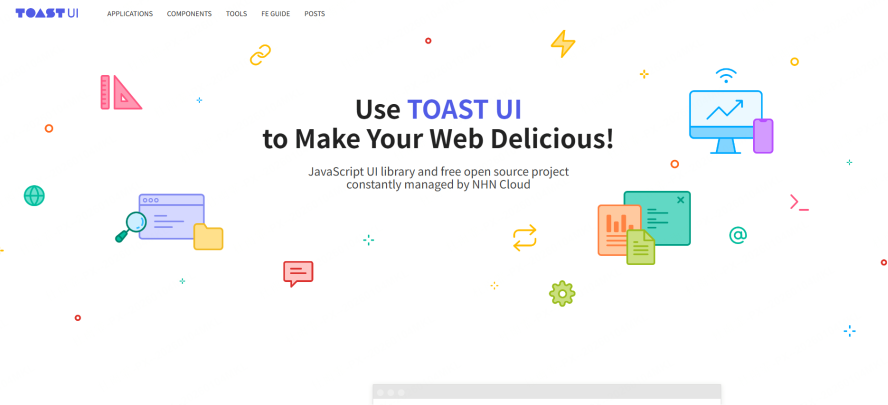
The Dual-Mode Editor for Professional Publishing
This South Korean-made editor supports live toggling between Markdown and WYSIWYG modes, making it a top choice for complex document layout. It handled RTL (right-to-left) typesetting for Korean/Japanese projects flawlessly. When switching modes, Markdown syntax auto-converts to visual components.
Key Advantages:
Dual-Mode Toggle: Instantly switch between code and visual modes, lowering the learning curve for beginners.
Rich Plugin Ecosystem: Built-in chart generators, math equation editors, and syntax highlighting for 100+ languages.
User Pain Points Solved:
A dual-mode editor with chart/equation plugins and support for 12+ languages solves beginner hurdles and complex formatting challenges.
Ideal Use Cases:
Multilingual corporate websites.
Academic journal publishing.
Marketing content with mixed text and imagery.
Write.as
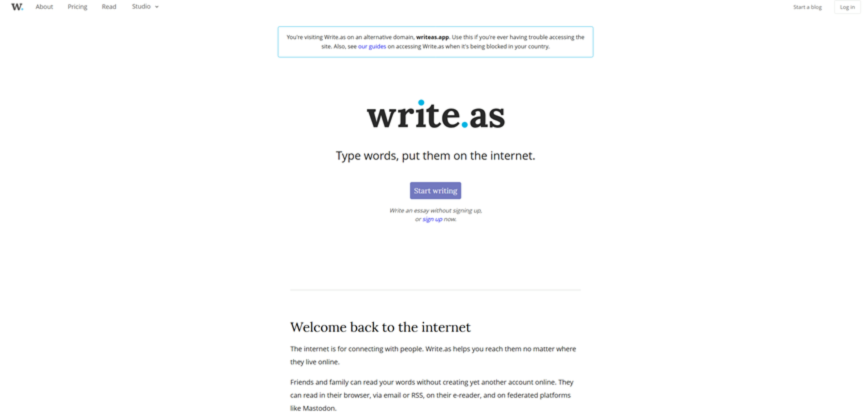
The Privacy-First, Minimalist Editor
Built for minimalists, Write.as focuses on distraction-free writing and one-click publishing, supporting anonymous writing and E2E (end-to-end) encrypted storage. In testing, publishing a blog to a custom domain was simpler than WordPress via its DNS guide. E2E encrypted notes become irrecoverable after account logout—ideal for privacy-sensitive work.
Key Advantages:
One-Click Multi-Platform Publishing: Bind a custom domain and syndicate to Twitter/Medium with no server setup.
Maximum Privacy: Anonymous mode + E2E encryption with no tracking cookies.
User Pain Points Solved:
One-click publishing and E2E encryption solve slow blog deployment and content privacy concerns.
Ideal Use Cases:
Freelance writers publishing articles.
Developer tech blogs.
Personal private journals.
Arya
The Lightweight Editor with Comprehensive Export
A lightweight online editor built for comprehensive export, supporting 12 output formats with streamlined multimedia management. Its 1.2MB package ran smoothly on a low-spec computer in tests. Dragging 10 high-res images into the editor auto-generated image hosting links and compressed them to 30% of their original size. Its EPUB export logic for chapter pagination proved smarter than Calibre's.
Key Advantages:
12-Format Export: Covering PDF, HTML, EPUB, MOBI, etc., for ebooks, print, and web.
Easy Media Management: Drag-and-drop upload for auto image hosting links and batch insertion.
Smart Syntax Check: Live spell check and Markdown syntax error highlighting.
User Pain Points Solved:
Content creators distributing work across platforms can generate 12 format variants from one edit, eliminating repetitive reformatting tasks.
Ideal Use Cases:
Multi-platform content distribution for creators.
Ebook editing and formatting.
Student homework submission in required formats.
Feature Comparison & Selection Guide
How do you match an online Markdown editor to your needs? Use this comparison and guide to quickly find your ideal productivity partner.
Ready to elevate your team's documentation? Experience how Boardmix's AI-driven visual collaboration can streamline your workflow. Sign up for your free Boardmix account and transform your Markdown editing today.





