AI content generation tools help create or transform a specific output, such as text, images, video, audio, or design assets. The right choice depends less on which product has the longest feature list and more on what you need to produce, who must review it, and where the result goes next. A writing assistant may be useful inside a document workflow, while an image or video generator may be better for early visual exploration. No single tool removes the need for a clear brief, source checking, rights review, and human editing.
This guide compares 15 tools by output type and workflow role without ranking them by unverified popularity or price. Product access, limits, and terms can change, so confirm current official documentation before production use.
How to Choose an AI Content Generation Tool
Start with the deliverable. Define its format, quality threshold, sources, approver, and publishing channel. Then assess whether a tool fits that process without creating more review work than it saves.
| Output | Best suited to | Evaluate before use | Human review |
|---|---|---|---|
| Text | Drafts, summaries, outlines, and rewrites | Source handling, tone control, citations, and export | Facts, logic, originality, and brand voice |
| Image | Concept art, mood exploration, and supporting visuals | Prompt control, editing, resolution, and usage rights | Accuracy, artifacts, representation, and licensing |
| Video | Explainers, prototypes, presenter videos, and production assistance | Scene control, timing, captions, voice, and editing workflow | Claims, continuity, consent, and accessibility |
| Audio | Music sketches, background tracks, and composition ideas | Export format, editability, attribution, and commercial terms | Rights, suitability, and final mix |
| Design | Layouts, brand directions, fonts, and visual systems | Editable output, consistency, collaboration, and handoff | Brand fit, readability, and production quality |
A Practical Output Workflow
- Brief: Write the audience, purpose, required format, source material, and constraints before prompting.
- Generate: Ask for one defined output or transformation at a time. Separate research, drafting, and polishing.
- Verify: Check factual statements against reliable sources and review whether the output actually answers the brief.
- Edit: Add judgment, examples, brand language, and transitions that a generic generation step cannot supply.
- Approve: Confirm rights, privacy, accessibility, and stakeholder sign-off before distribution.
- Reuse: Store the approved source, prompt context, final asset, and review notes so the next version starts from trusted material.
For a deeper comparison limited to written output, see these AI writing tools. The narrower guide keeps this page focused on multimodal content production rather than competing for the same writing-tool intent.
AI Text Generators

1. Boardmix AI
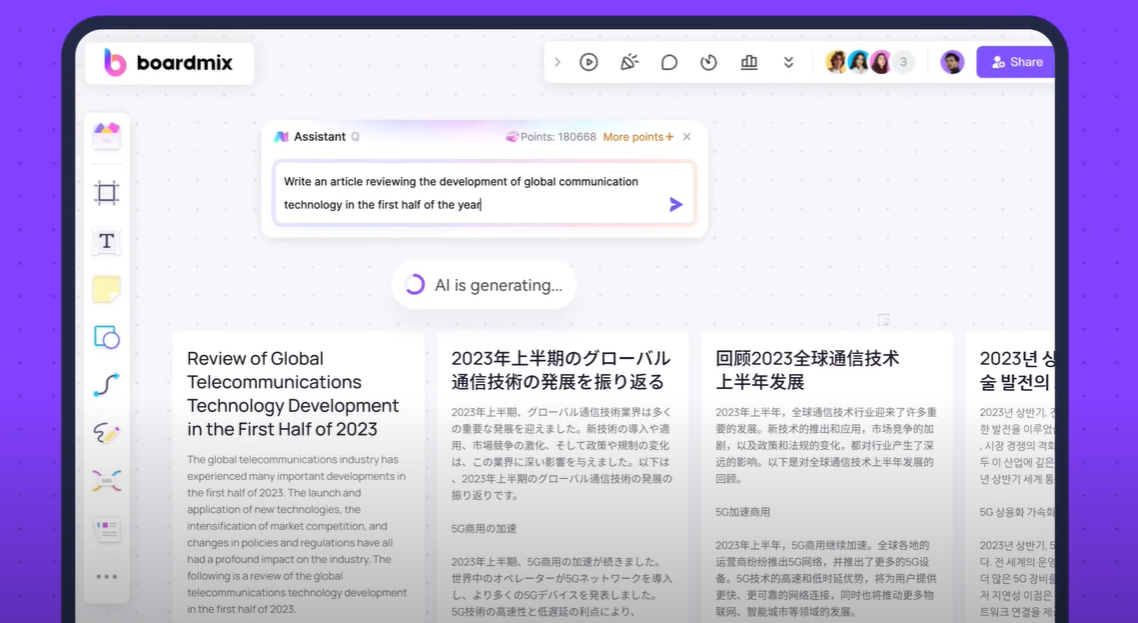
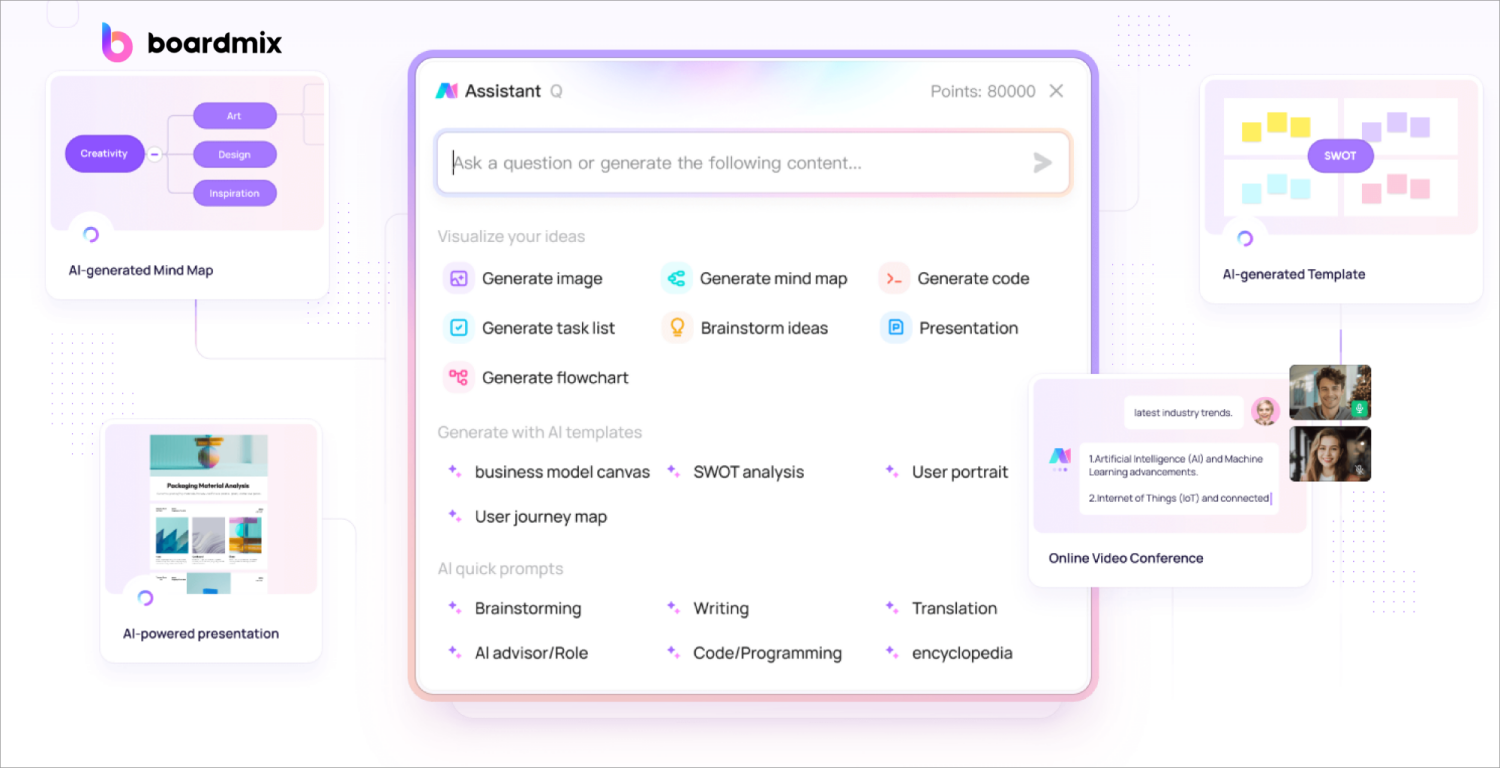
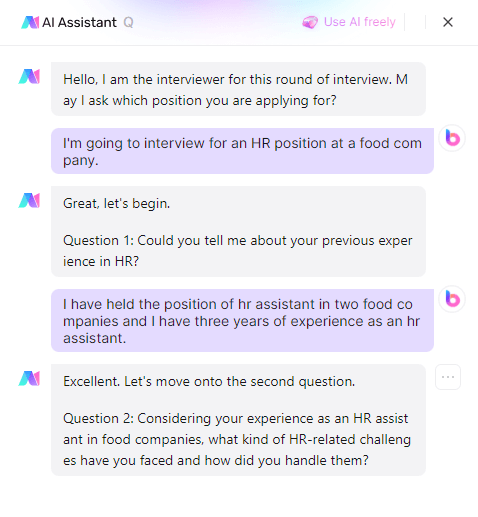
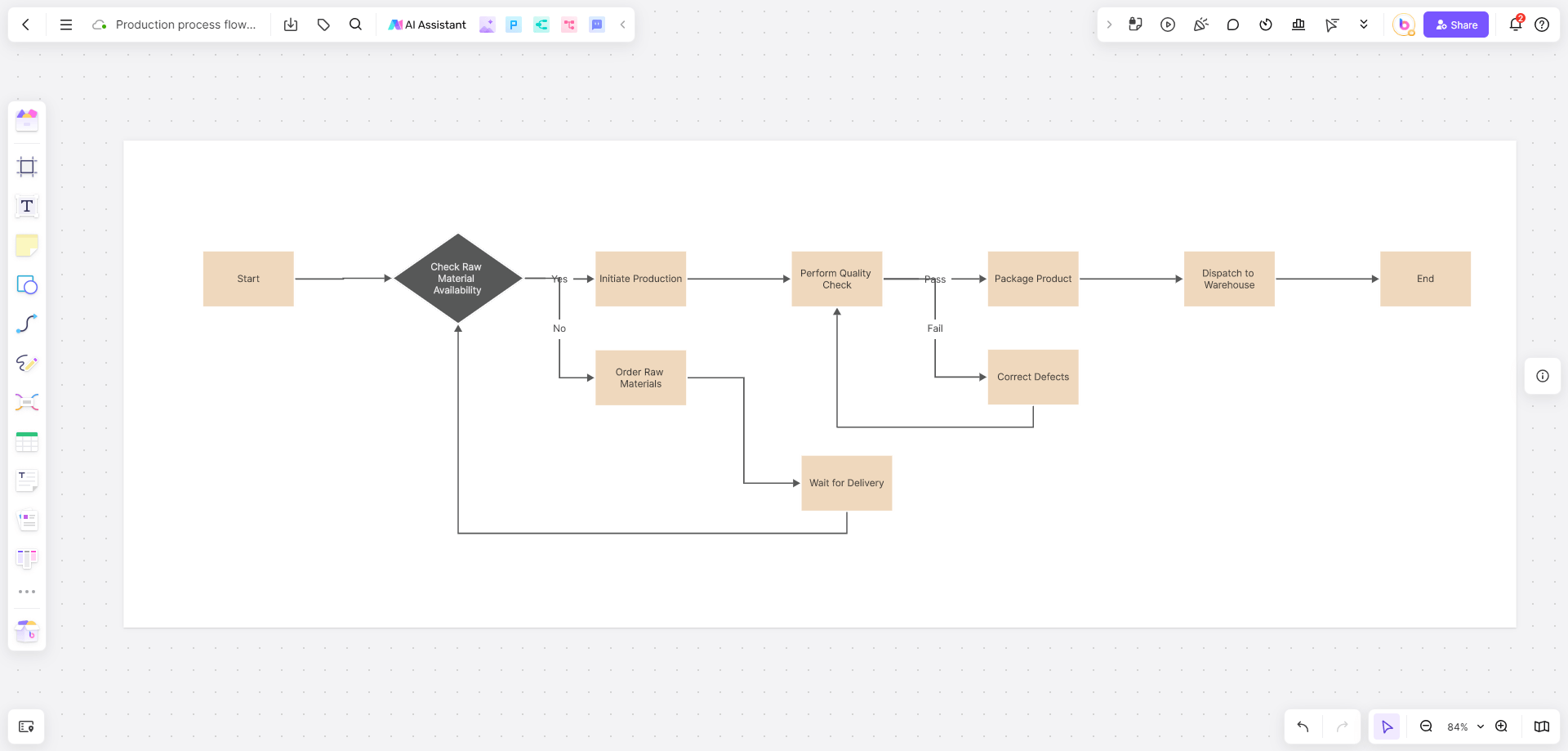
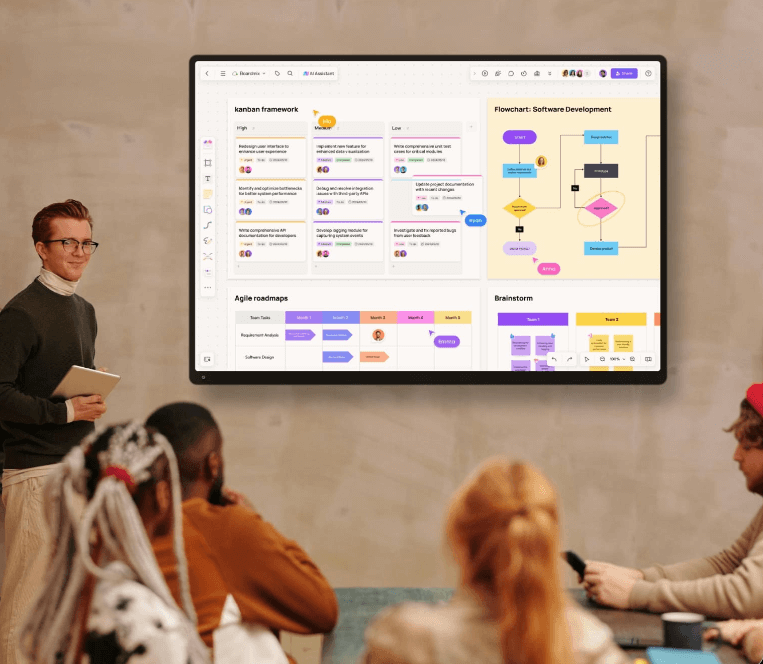
Boardmix AI is relevant when text needs to remain connected to a visual workspace. Teams can organize a generated outline, summary, or planning input beside diagrams, notes, and feedback. Keep source notes visible, assign a reviewer, and treat generated text as editable working material rather than factual authority.

2. Writer
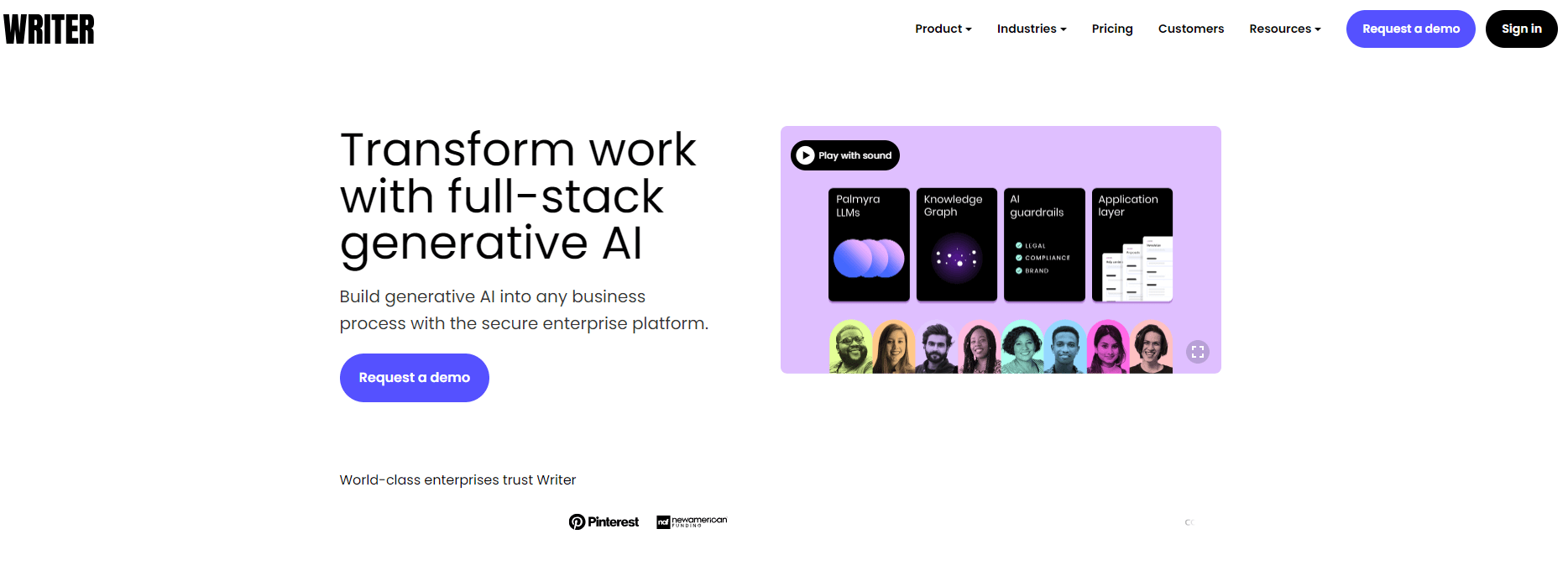
Writer is oriented toward governed organizational writing workflows. It may suit teams that need consistent language and reusable guidance across writers. Test it against a real brand brief, source-tracing needs, and the team's review process. A governed interface still does not make every generated statement accurate.

3. Notion AI
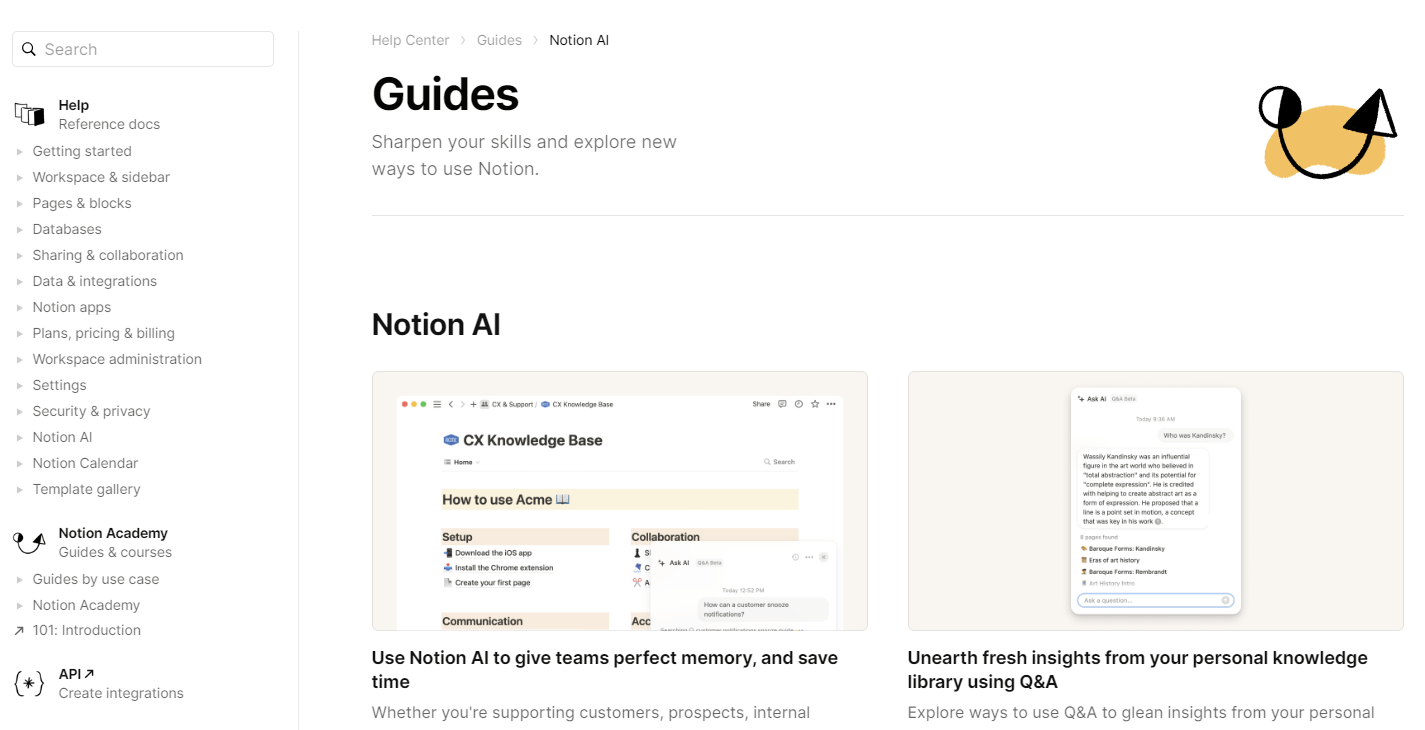
Notion AI is useful when drafting, summarizing, and revising happen inside a notes or documentation workspace. It can reduce transfers between source pages and a separate writing tool. Check that the workspace contains the right context, and exclude sensitive material from prompts.

AI Video Generators and Production Helpers
Video tools solve different jobs. Some generate scenes, some create presenter-style material, and others automate a narrow editing task. Compare them by the stage they replace or accelerate instead of treating them as interchangeable.
4. Synthesia
Synthesia is commonly evaluated for scripted presenter videos such as explainers or training content. Test the path from script to captions, pronunciation, visual approval, and export. Subject-matter review remains essential, as do consent rules for voices, likenesses, and localized versions.

5. Sora
Sora represents prompt-led video generation for concepts and scenes. It may suit prototyping before full production. Confirm current access and supported outputs, then review footage frame by frame for continuity, misleading details, unsafe representation, and anything that could be mistaken for documentary evidence.

6. Unscreen
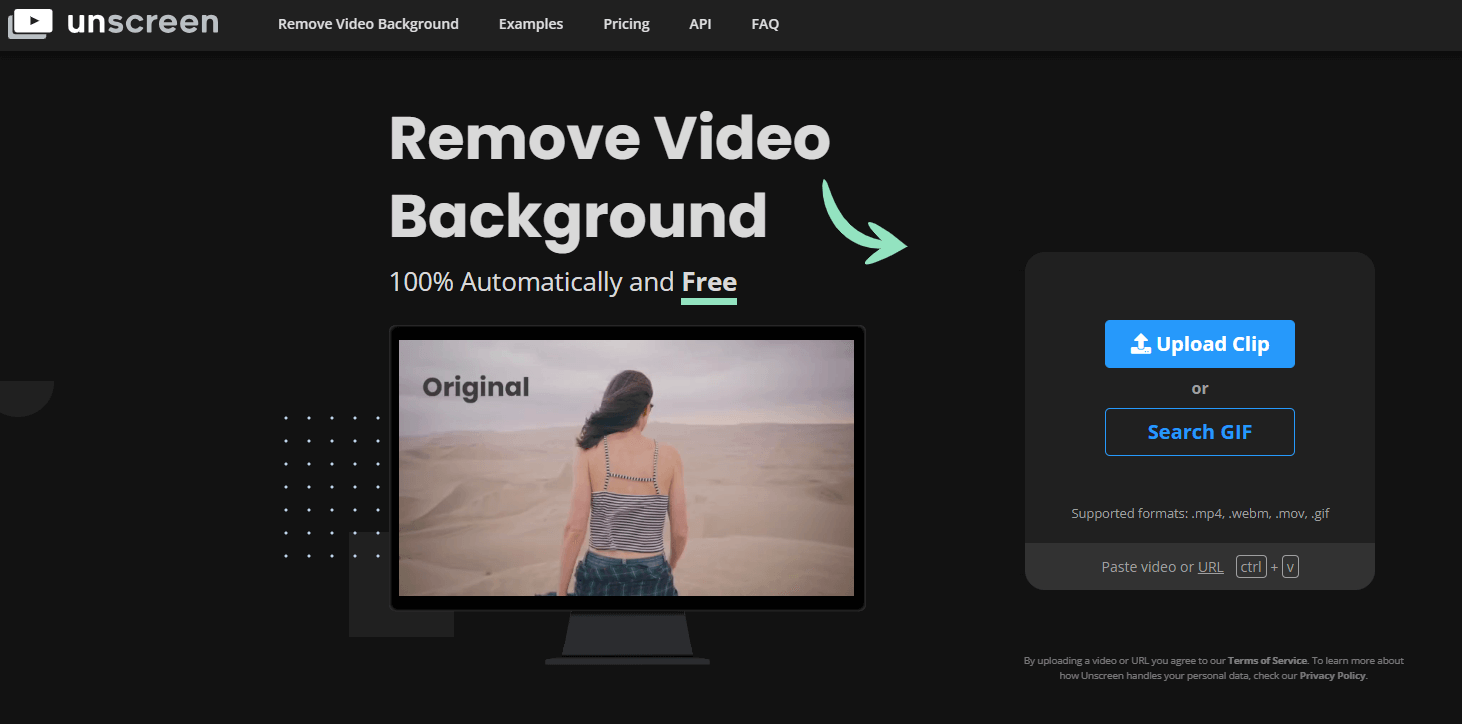
Unscreen is a production helper rather than a full video generator. It automates background removal. Check current availability, formats, edge quality, and export behavior. Test hair, motion blur, transparent objects, and fast movement because they expose masking problems quickly.

For a list focused specifically on animated whiteboard output, review these AI whiteboard animation video generators.
AI Design Tools
7. Pixso AI
Pixso AI fits design work where generated ideas need to move into an editable, collaborative interface. Evaluate it with a real component, layout, or visual exploration task instead of a generic prompt. The practical questions are whether designers can refine the result, keep visual decisions consistent, and hand work to the next person without rebuilding it. Generated suggestions should support a design system, not quietly replace one.

8. Fontjoy
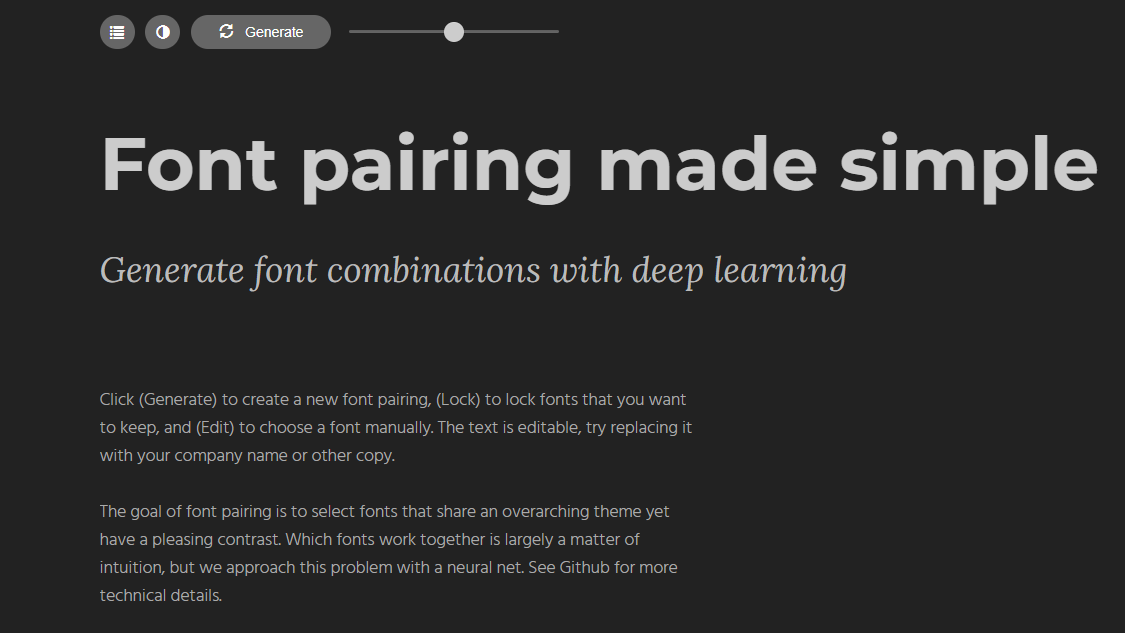
Fontjoy addresses a narrow design decision: exploring font combinations. That makes it useful during early visual direction, but it is not a complete identity or content system. Test suggested pairings with the actual heading hierarchy, body copy, numerals, and target languages. The final choice still depends on readability, licensing, character coverage, and performance in the product or page where the fonts will appear.

9. Looka
Looka can provide starting points for logos and brand materials. Use those outputs as directions to evaluate, not proof that a brand identity is distinctive or legally clear. A reviewer should check similarity, legibility at small sizes, color contrast, and suitability across real applications. Trademark clearance and final production files require separate work beyond an automated concept generator.

AI Music Generators
10. Jukebox
Jukebox is better understood as an example of generative music research than as a universal everyday editor. It can help explain how models produce audio in different musical directions, but access, setup, output quality, and practical controls must be checked before recommending it for a deadline. Do not imply that an experimental output is automatically cleared for commercial use.

11. AIVA
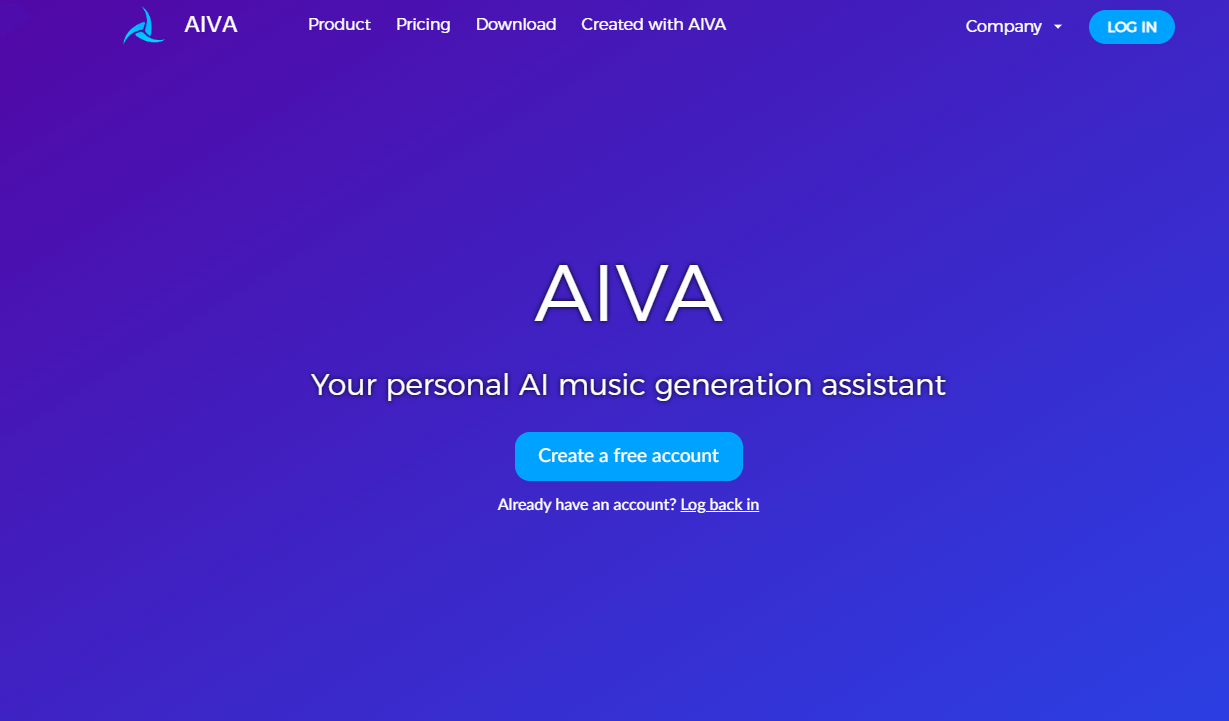
AIVA is aimed at assisted music composition. It may suit creators who want a musical starting point that can be evaluated against mood, duration, instrumentation, and editability. Use a sample project to test how much control the workflow provides after generation. Confirm current license terms for the intended channel and have a person listen for repetition, abrupt transitions, and emotional mismatch.

12. Boomy
Boomy focuses on quickly producing song ideas. Speed can be useful for sketches, but it should not be confused with a finished production process. Review arrangement, mix quality, originality, export options, and the current rules for distribution before use. If music supports a video or campaign, test it under the narration and edit rather than judging the track in isolation.

AI Image Generators
13. Boardmix AI
Boardmix AI can support image ideation where the visual needs to sit beside a brief, reference material, and team feedback on the same canvas. Keep the prompt and approved direction close to the result so collaborators can see why an image was selected. Before publication, inspect text inside images, small objects, anatomy, brand elements, and whether the visual accurately represents the subject.

14. Stable Diffusion
Stable Diffusion refers to a model ecosystem that can be accessed through different interfaces and deployments. That flexibility matters to technical teams, but it also means capabilities, safeguards, privacy, and output terms may differ by implementation. Record which model and interface produced an asset, test reproducibility, and verify the relevant license instead of making one claim about every Stable Diffusion service.

15. Midjourney
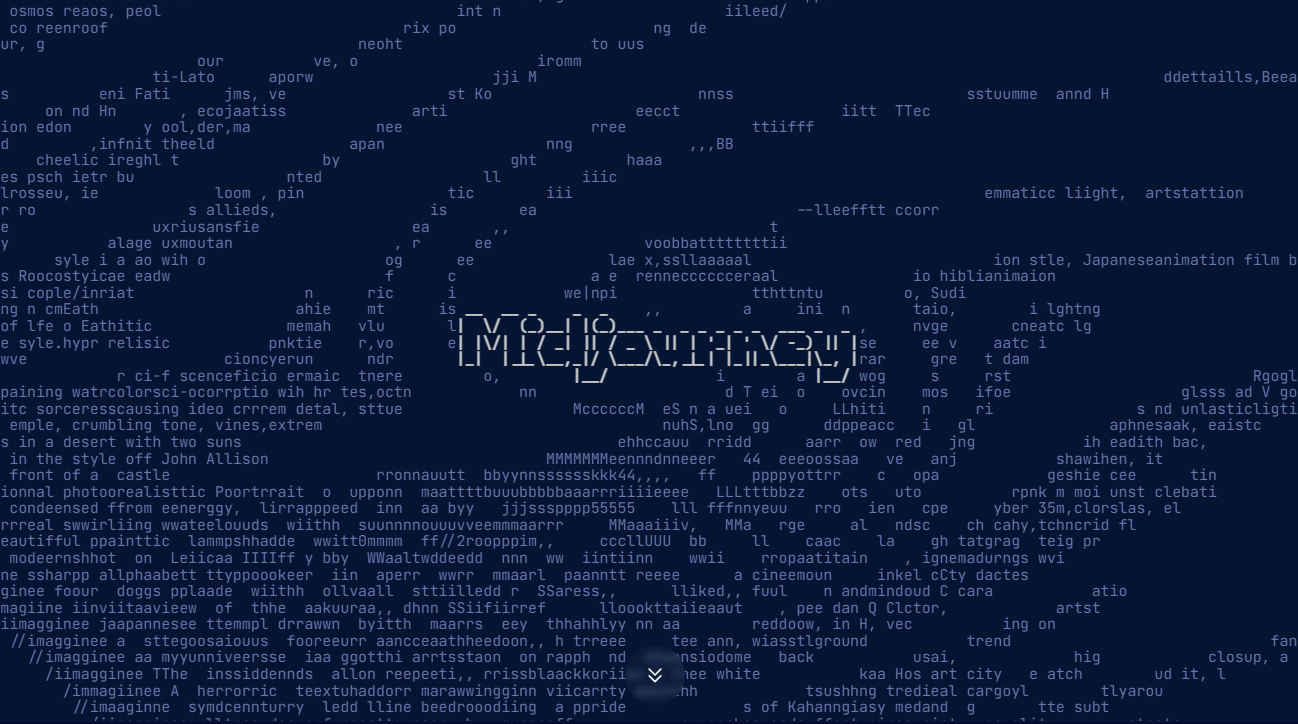
Midjourney is often considered for visual concept exploration and stylized imagery. Evaluate it on prompt control, consistency across a series, revision workflow, and suitability for the final channel. A compelling first image can still fail a production brief if characters, products, or environments change between versions. Confirm current access and usage terms before using generated work commercially.

For a more focused evaluation of image systems, use this AI image generator comparison.
Risks and Human Review
- Accuracy: Generated statements, captions, diagrams, and visual details can be wrong even when they look polished.
- Rights: Confirm the current license, attribution rules, and permissions for source and output files.
- Privacy: Do not submit confidential, personal, or client material without an approved data process.
- Bias and representation: Review who is shown, how people are described, and which assumptions the output reinforces.
- Consistency: Compare every asset with the brief, brand system, approved facts, and the other pieces in the campaign.
Frequently Asked Questions
What is an AI content generation tool?
It is software that creates or transforms content such as text, images, video, audio, or design material from instructions and source inputs. The output is a draft or production component that still needs review.
Which AI content generation tool is best?
There is no universal best option. Choose according to the required output, editability, source handling, team review process, rights, and how the result must move into the next production step.
Can one tool handle an entire content workflow?
A single workspace may cover several stages, but specialist tools usually solve different jobs. Map the handoffs first and avoid adding a tool unless it removes a real bottleneck.
How should teams evaluate generated content?
Assign an accountable reviewer, compare the output with the original brief, verify factual claims against reliable sources, check rights and privacy, and test the final asset in its publishing context.
Should AI-generated content be published without editing?
No. Human editing is necessary to confirm accuracy, relevance, originality, tone, accessibility, and compliance with the organization's standards.
Conclusion
AI content generation tools are most useful when each one has a defined role in an accountable workflow. Select by output and handoff, keep trusted sources visible, and make human approval part of production. That approach produces more reliable work than collecting tools without a clear editorial process.