





The rapid evolution of ai drawing software has fundamentally disrupted the digital art landscape. It is no longer just about generating a random image; it is about integrating intelligence into a sophisticated production pipeline. Professionals are looking for more than just "magic"—they are looking for utility, reliability, and precision.
This guide aims to help professionals navigate the increasingly crowded market of ai drawing software online. We will identify the best ai drawing software options that meet the rigorous demands of modern industry standards. The market is shifting, and our tools must shift with it to remain relevant in a competitive space.
Defining the Professional Standard in AI Tools
A professional ai drawing software online must also handle specific technical requirements. These include:
- Advanced upscaling capabilities that maintain texture.
- The ability to export in various formats like SVG or layered PSD.
- Consistent color management systems for brand accuracy.
Furthermore, the interface of the best ai drawing software should facilitate a smooth workflow. It should feel less like a chat box and more like a traditional studio. This allows artists to focus on composition and lighting rather than struggling with unpredictable algorithms.
Comparative Analysis of the Best AI Drawing Software Online
Boardmix
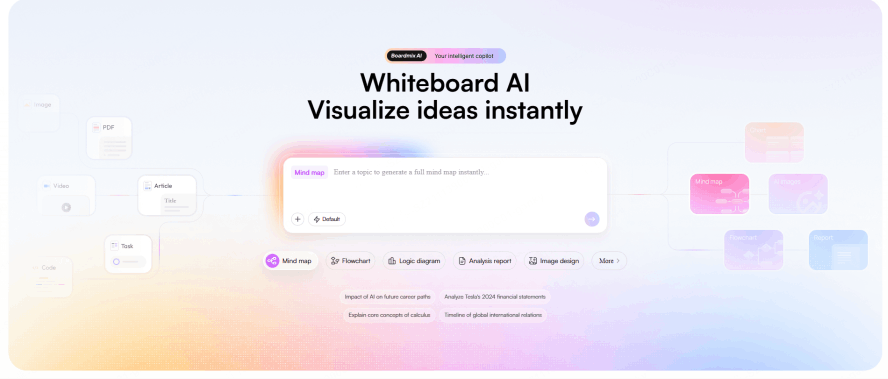
Boardmix is an online whiteboard that integrates AI-powered diagramming, mind mapping, process design, and presentation capabilities. It enables users to quickly generate various types of visual content and multimedia information from simple text descriptions.
Key Features
- Generate structured diagrams like flowcharts, organizational charts, and business model canvases from a single sentence.
- Visualize multi-format information on a unified canvas, supporting text, images, video, PDFs, and PPTs.
- AI-assisted auto-layout and beautification, with options for further semantic-based editing and content expansion.
- Supports real-time multi-user collaboration, meeting discussions, sticky notes, and one-click AI presentation generation.
Pixso
Pixso is a professional online UI/UX design tool that also functions as a powerful AI image generator. It supports the creation of design mockups, images, icons, and design systems through AI, serving as an all-in-one online design and collaboration platform.
Key Features
- Supports Chinese prompts, with AI capable of understanding contextual instructions to generate design content.
- Outputs editable design files with dissectable layers, not just flat images, ideal for further iteration and client delivery.
- A one-stop solution for generating various visual assets, including images, UI components, and brand identity elements.
- Facilitates real-time multi-user collaboration, online commenting, and version history management for team co-creation.
Adobe Firefly
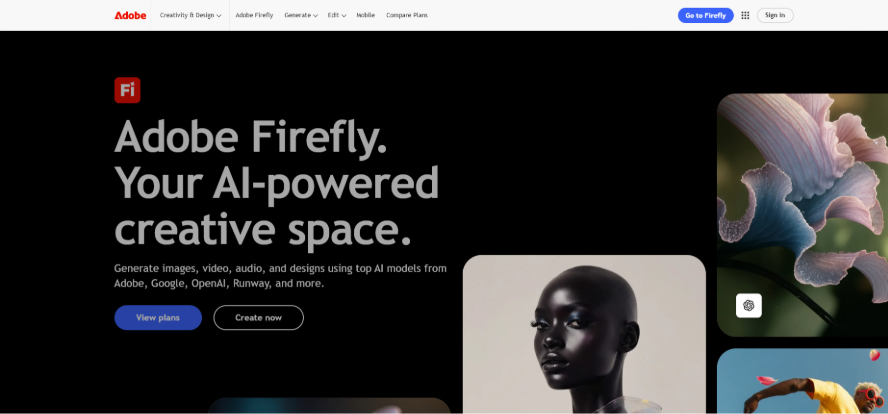
When discussing professional-grade AI image software, Adobe Firefly is unavoidable. As the "sibling" to Photoshop and Illustrator, its AI generator is a powerful tool designed specifically for designers. If you pursue high-quality, commercial-grade work, Firefly is the most trustworthy AI image software available.
Key Features
- High-Quality Output: Excels in photorealistic styles, artistic illustrations, and special effects typography, delivering impressive results with excellent detail.
- Seamless Integration: Works smoothly with the Adobe ecosystem (Photoshop, Illustrator), fitting directly into existing design workflows.
- Commercial Safety: Trained on a more regulated dataset, providing greater peace of mind for using generated assets in commercial projects.
MidJourney
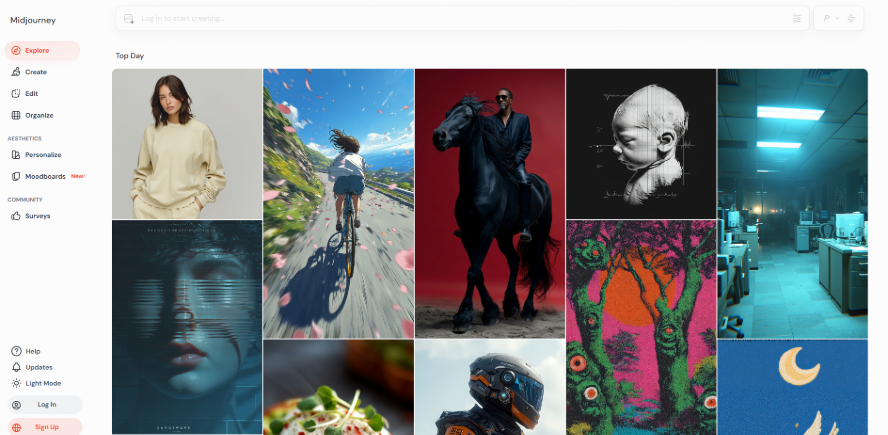
Among the myriad of AI image tools, MidJourney stands out as the most artistically distinctive. Its AI generator is renowned for a unique aesthetic that frequently produces stunning, awe-inspiring work. If you seek highly stylized illustrations, it's an AI image software well worth trying.
Key Features
- Distinct Style: Exceptional at creating atmospheric, artistic pieces with strong visual impact, ideal for illustrations and concept art.
- Vibrant Community: Operates through Discord, allowing users to generate images while interacting with and learning from a large community.
- Simple Core Loop: Primarily focused on prompt-based generation, making it relatively easy to start producing high-quality images.
Stable Diffusion
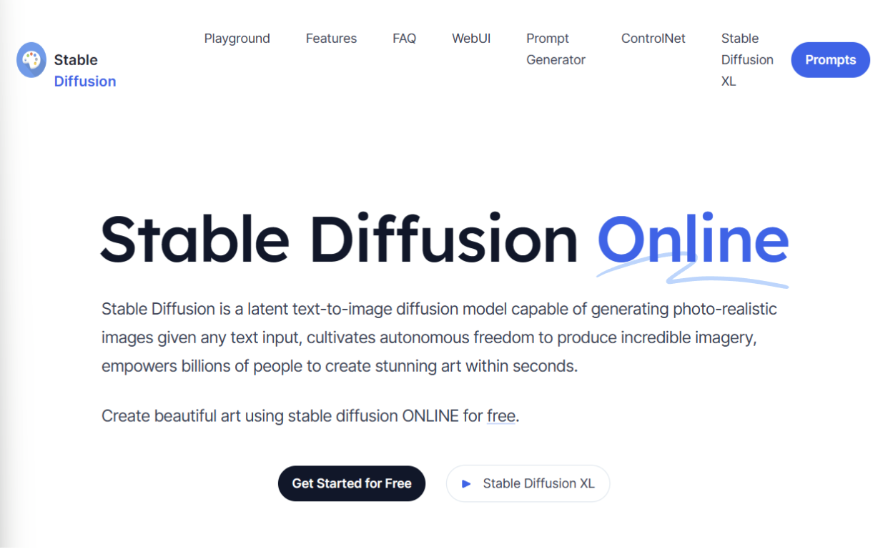
If you're looking for an AI image software with unparalleled freedom, Stable Diffusion is a must-try. As an open-source AI generator, it can fulfill almost any imaginative concept.
Key Features
- High Flexibility: Supports text-to-image, image-to-image, inpainting/outpainting, and boasts extensive expandability.
- Vast Model Ecosystem: A huge community provides numerous pre-trained models for generating anime, photorealistic, oil painting, cyberpunk, and various other styles.
- Full Control: Can be run locally or accessed via various web interfaces and plugins, offering maximum customization.
NightCafe
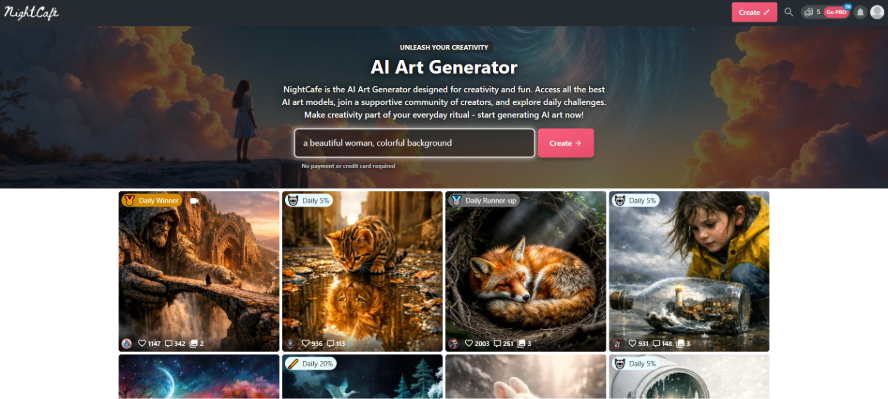
NightCafe is the most beginner-friendly AI image software for getting started. As a well-established platform, it emphasizes accessibility and community, requiring no setup – perfect for newcomers wanting to quickly experience an AI image generator.
Key Features
- Ease of Use: Generate images simply by entering a prompt, with support for multiple art styles like oil painting, watercolor, and anime.
- Community Focus: Features an active creator community for sharing work and finding inspiration.
- Credit System: Provides free daily credits upon login for image generation, with paid upgrades available for more capacity.
Fotor
Fotor is primarily a veteran photo editing tool, but its integrated AI image generator is practical, especially for lightweight users.
Key Features
- One-Click Generation: Input text to create illustrations, avatars, wallpapers, etc., with a very low learning curve.
- Style Presets: Offers a variety of common style choices like cartoon, realistic, and anime.
- Free Tier: Provides basic AI generation, but exporting high-resolution, watermark-free images requires a subscription.
Solving the Three Core Pain Points of Professional Creators
As the market matures, the needs of English-speaking professionals have become much more specific. They are no longer looking for toys; they are looking for production-ready solutions. There are three major shifts occurring in how people choose their ai drawing software online.
From Black Box Generation to Precision Control
The biggest frustration with earlyAI was the lack of "determinism." You would get a great result, but you couldn't change a single detail without ruining the whole image. Professional users now demand the ability to guide the AI with surgical precision.
This is where features like ControlNet and Inpainting become vital. Users need to be able to upload a pose or a rough sketch and have the AI fill in the details. They want to act like a painter who can touch up a specific corner of the canvas without starting over.
From Standalone Tools to Ecosystem Integration
A tool that lives in a vacuum is a bottleneck. Professionals value efficiency above all else. They want an ai drawing software that fits into their existing stacks, whether that is Figma for web design or Blender for 3D work.
The demand is for "productivity-ready" output. This means getting layers that can be toggled, vectors that can be scaled, and textures that can be wrapped around 3D objects. If a tool doesn't help you finish the job, it’s just a distraction.
From Creative Experiments to Commercial Closed-Loops
Finally, there is the issue of compliance. Large corporations cannot risk using tools that were trained on stolen data. They need to know that the best ai drawing software they use is ethically sourced and legally sound for commercial use.
They also need "style persistence." A brand needs its characters to look the same in every ad. Professional platforms must allow for the training of private models that keep a company’s visual identity safe and consistent across all platforms.
How Boardmix Meets These Professional Demands
Boardmix stands out as a powerful solution that addresses these three critical needs. It isn't just another ai drawing software; it is a collaborative workspace that treats AI as a functional part of the design canvas. It bridges the gap between brainstorming and final execution.
On the Boardmix platform, users can move from a sticky-note session to an AI-generated mockup in seconds. It provides the precision control that professionals crave by allowing AI generation to happen within a flexible, multi-user environment. This makes it an excellent choice for teams looking for the best ai drawing software.
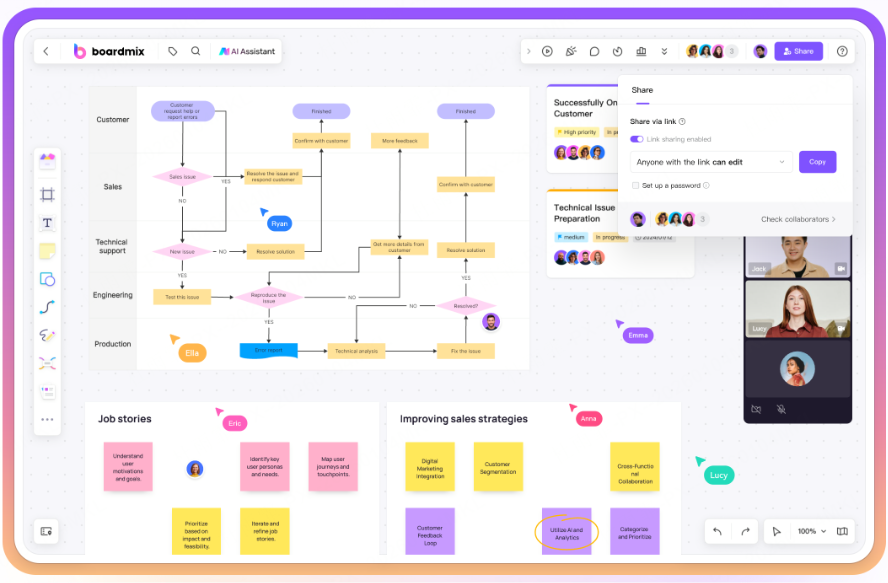
Furthermore, Boardmix integrates AI into a workflow that values structure. Because it is a collaborative whiteboard, the AI assets are immediately part of a larger project context. This solves the integration problem and ensures that the transition from "idea" to "asset" is seamless and compliant.
Conclusion
Selecting the right professional ai drawing software is a strategic decision that affects your entire creative output. You must look beyond the initial "wow" factor and focus on how a tool handles control, integration, and legal safety. The landscape is moving fast, but the fundamentals of good design remain the same.
By choosing a versatile ai drawing software online like Boardmix, you ensure that your workflow is ready for the demands and beyond. Whether you are an independent creator or part of a global agency, the best ai drawing software is the one that empowers your vision rather than replacing it. Focus on tools that offer you the precision and reliability needed to turn digital experiments into commercial success.





