AI tool websites are browser-accessible services built for a defined task, such as drawing, avatar or character creation, business support, and research. They are useful when a person wants to test a workflow without starting with a complex local setup. The important question is not whether a website uses AI, but whether its output is suitable, editable, reviewable, and safe for the intended work.
This guide organizes 12 existing tools by job. It keeps the original drawing, avatar, business, and research categories so each explanation remains aligned with the current article images. It does not promise that every website is free, available in every region, or appropriate for commercial work. Confirm current access, terms, and product documentation before adopting any service.

How the Four Categories Differ
| Category | Primary job | Useful output | Main review question |
|---|---|---|---|
| Drawing | Explore or interpret visual ideas | Sketches, animations, or drawing feedback | Does the result match the intended subject and style? |
| Avatar and character | Create a digital identity or interactive character | 3D avatar, character behavior, or exportable asset | Can the asset be used and integrated as intended? |
| Business | Complete a narrow commercial or operational task | Name ideas, improved copy, or application scaffolding | Does it support a real decision without hiding risk? |
| Research | Find, filter, or understand documents | Search results, summaries, extracted concepts, or related papers | Can the user trace every conclusion to the source? |
Use the comparison as a routing tool. If the task is to generate campaign assets across several formats, a multimodal content-tool guide is more relevant. If the task is specifically visual, this overview of AI drawing software provides a narrower next step.
AI Drawing Tools

1. Boardmix AI
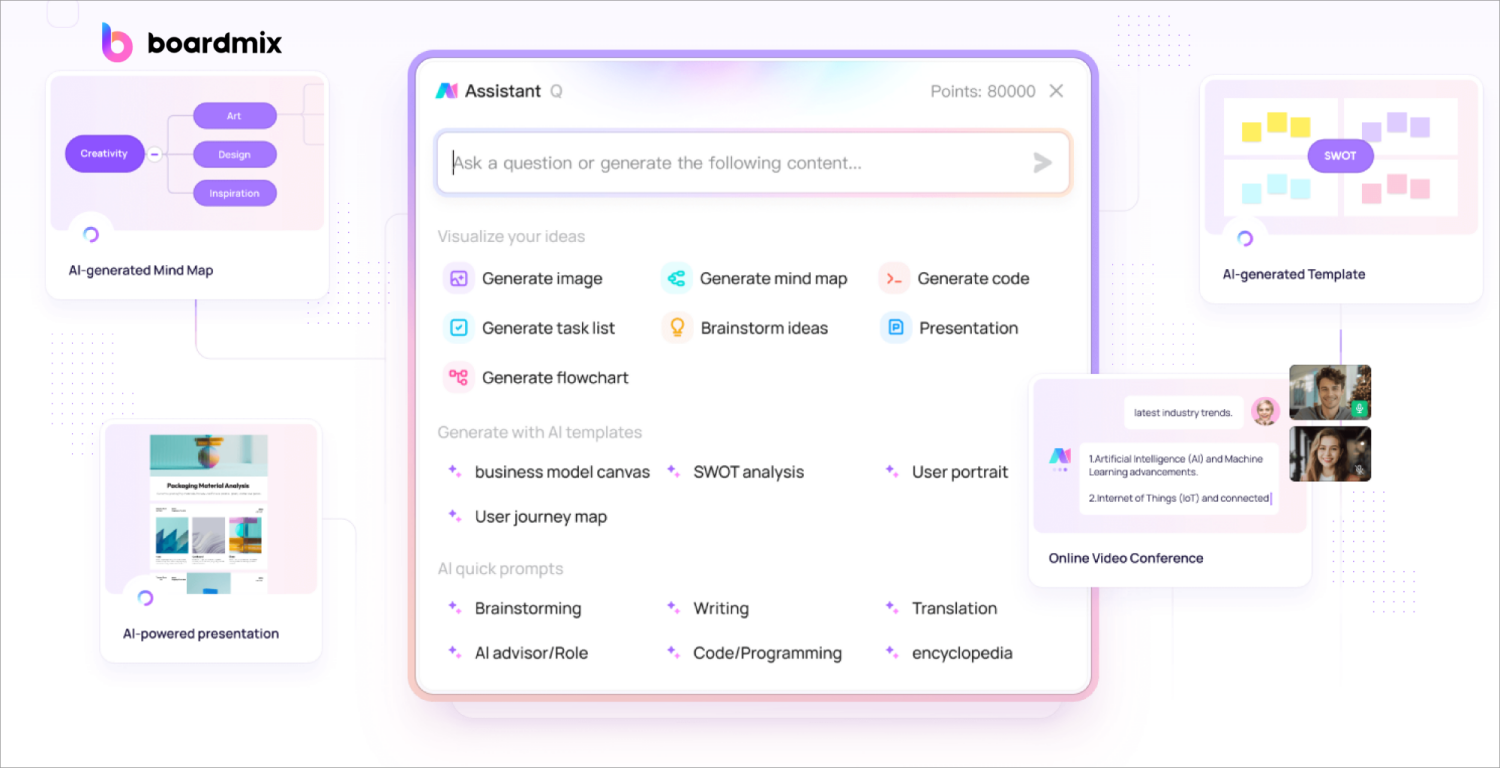
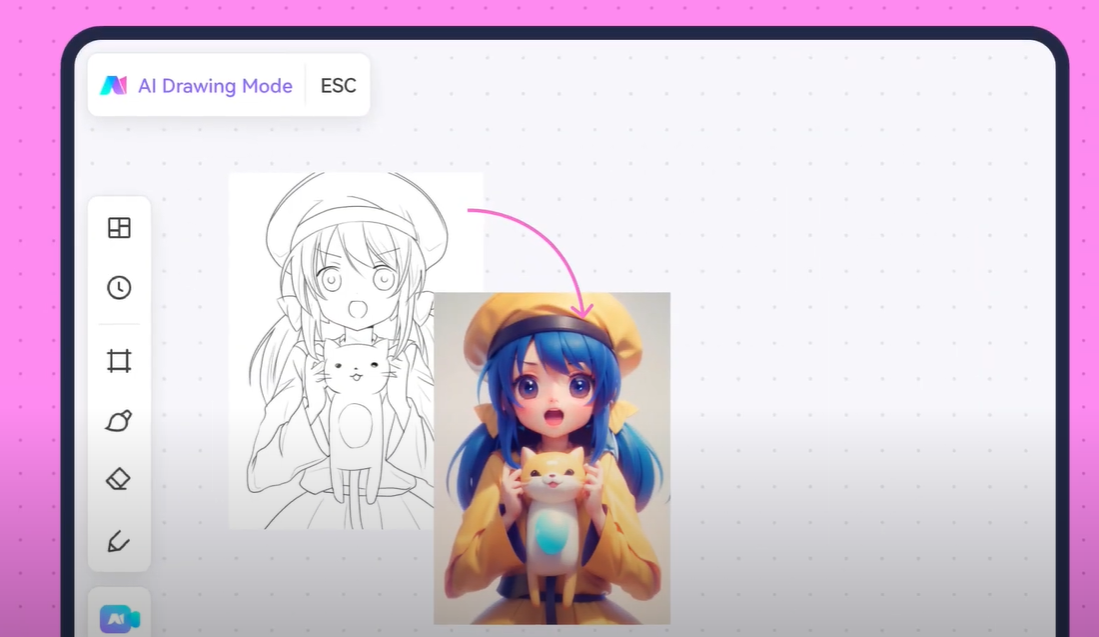
Best fit: visual ideation that benefits from a shared canvas. Boardmix AI can be considered when prompts, references, generated visuals, diagrams, and feedback need to remain in one collaborative space. Evaluate the current interface using a real brief and confirm which generation or editing options are available. Human review should focus on visual accuracy, text inside images, artifacts, accessibility, and whether the result can be refined rather than merely displayed.

2. Sketch MetaDemoLab
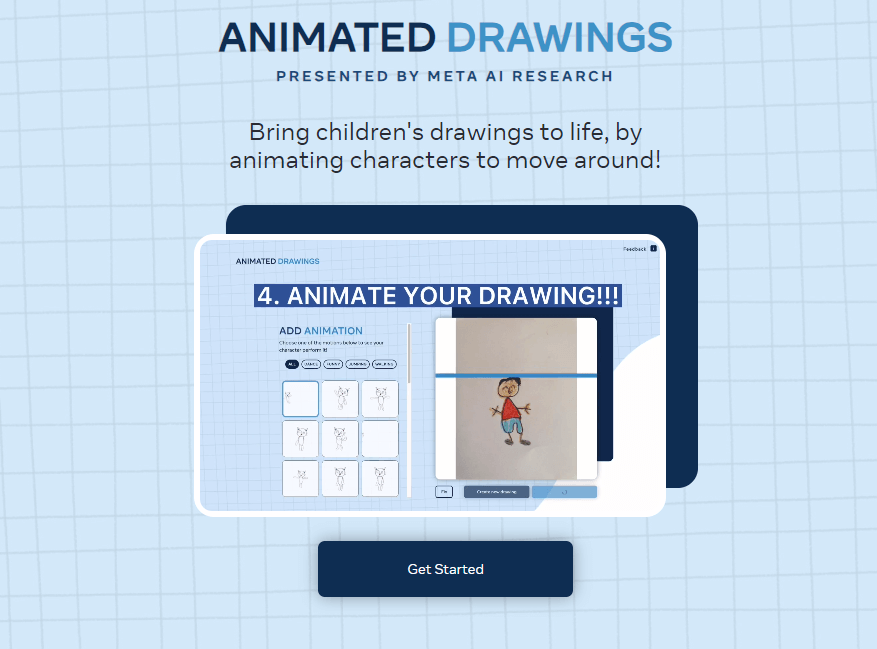
Best fit: experimenting with animation from a simple character drawing. The website is a focused demonstration rather than a complete illustration suite, so judge it on the narrow task it performs. Use a non-sensitive sample drawing, inspect how limbs and motion are interpreted, and keep the original artwork. Before sharing an animation, check whether the movement changes the meaning of the source or introduces unwanted distortions.
3. Quick, Draw!
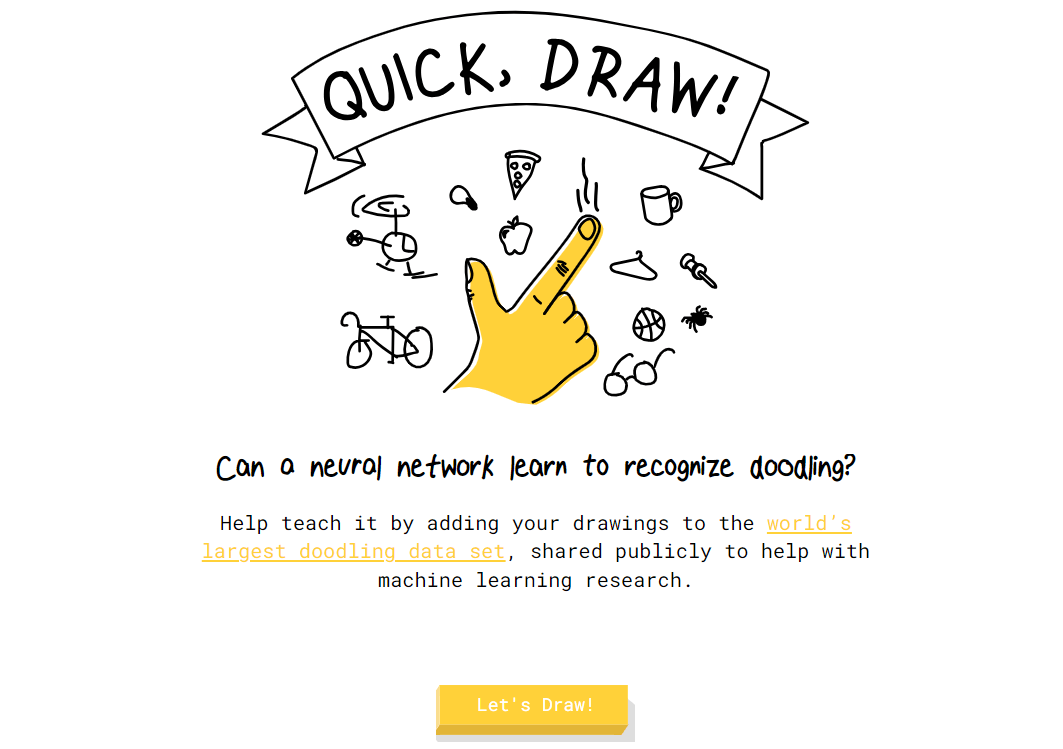
Best fit: an interactive drawing-and-recognition experiment. Quick, Draw! asks a user to sketch under time pressure while the system guesses the object. It is useful for understanding the interaction between human marks and machine classification, not for producing finished artwork. Treat it as a learning activity or ideation warm-up. Do not present its guesses as an assessment of drawing skill or as reliable object recognition for a business process.
AI Avatar and Character Tools
These websites do not all solve the same problem. Ready Player Me and Avaturn focus on avatar assets, while Inworld is oriented toward character behavior and interaction. Define whether the project needs appearance, animation compatibility, conversational behavior, or all three before selecting a tool.
4. Ready Player Me
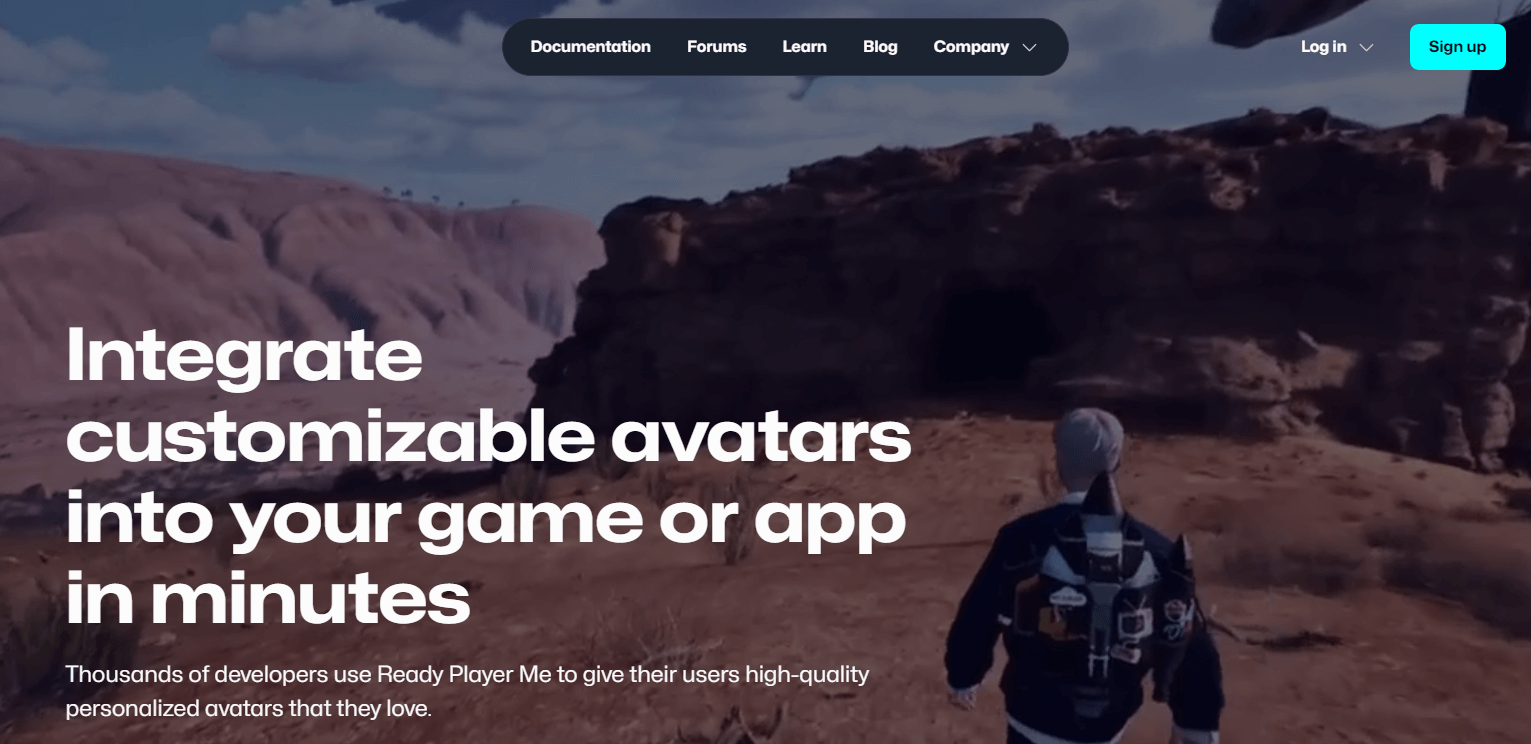
Best fit: creating a customizable 3D avatar for a supported digital experience. Test the actual export and integration route required by the project rather than relying on a general compatibility claim. Check customization range, file requirements, animation workflow, and current developer documentation. Teams should also review consent when a face image is used and avoid uploading a person's photograph without permission.
5. Inworld
Best fit: developing interactive character behavior or dialogue. Inworld is not a conventional avatar maker, so it should be assessed as a character system rather than a quick profile-picture generator. Prototype one bounded interaction, document the character's allowed knowledge and tone, and test unsafe or off-topic prompts. A human owner should review dialogue quality, factual behavior, moderation, and the effect on the intended user experience.

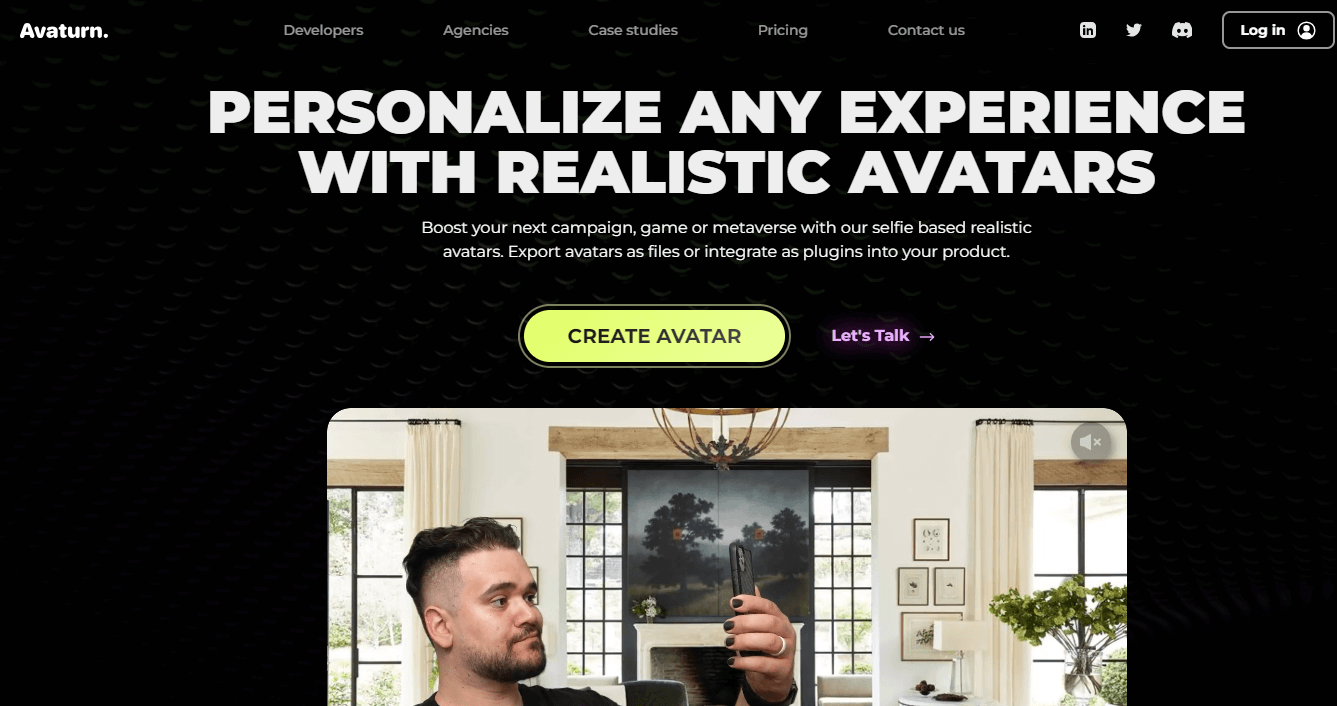
6. Avaturn
Best fit: generating a 3D avatar that may need further work in a game or application pipeline. Evaluate customization, file export, rigging or animation compatibility, and the current integration method with the target environment. A visually convincing preview is not enough; confirm that the delivered asset meets technical requirements. Review rights and consent for any uploaded portrait and test the avatar across representative body types and devices.
AI Business Tools
Business AI websites are most useful when they solve one defined task and leave the decision visible to a person. A generated name, rewritten job description, or application scaffold is an input to review, not an approved business outcome.
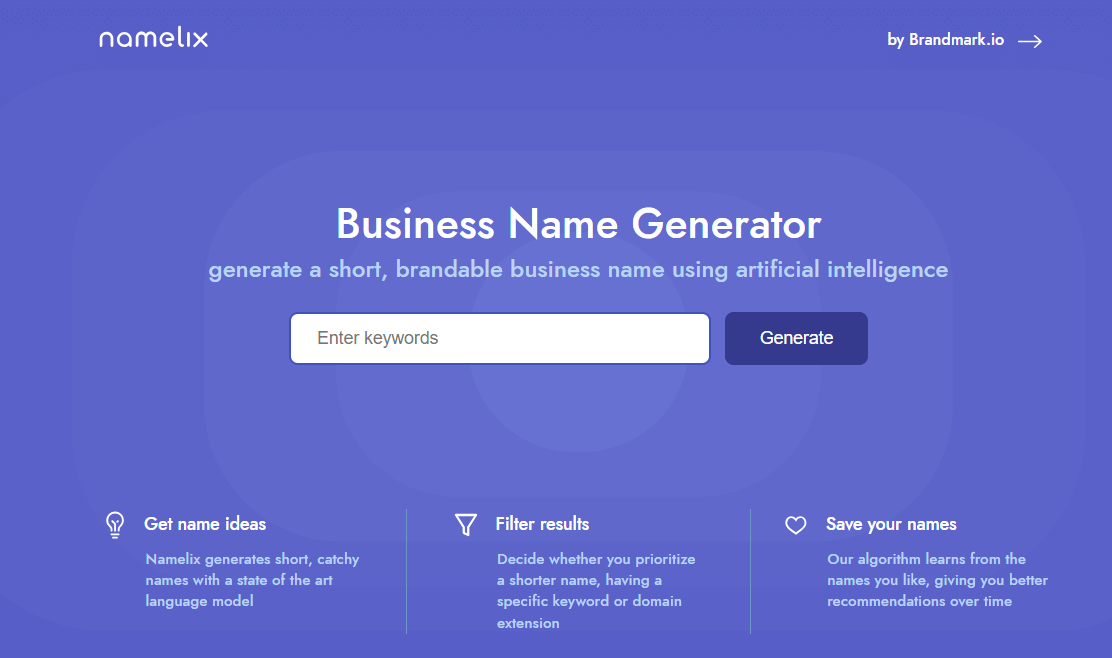
7. Namelix
Best fit: generating directions for a business or product name from keywords and preferences. Use it to widen the option set, then evaluate pronunciation, meaning, distinctiveness, and fit with the brand strategy. Domain suggestions can change quickly and do not establish trademark availability. Shortlist names only after human review and complete separate legal and market checks before adoption.
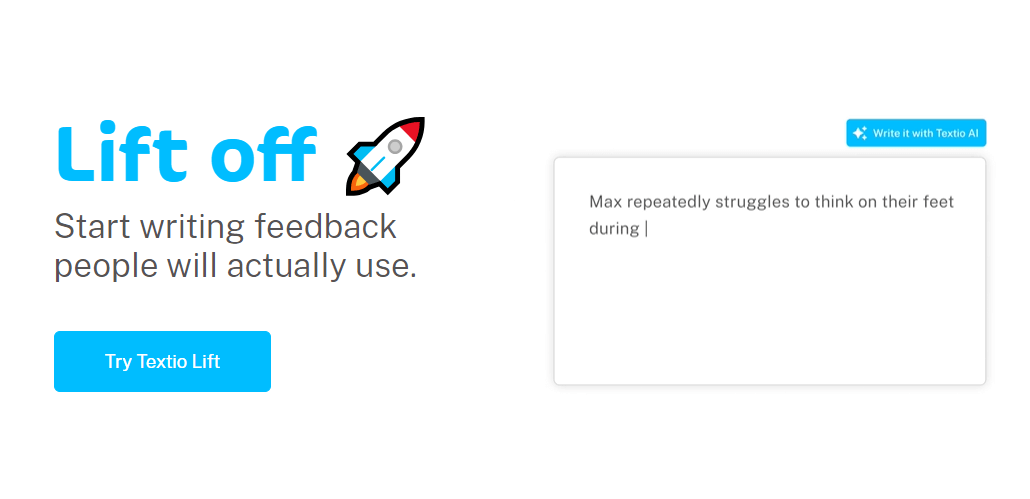
8. Textio
Best fit: reviewing workplace and recruiting language. Test the service with representative material and compare the recommendations with the organization's actual role requirements and editorial standards. A score or suggestion should not replace legal, human-resources, accessibility, or inclusion review. Keep an approved source version and document which changes a responsible reviewer accepted or rejected.
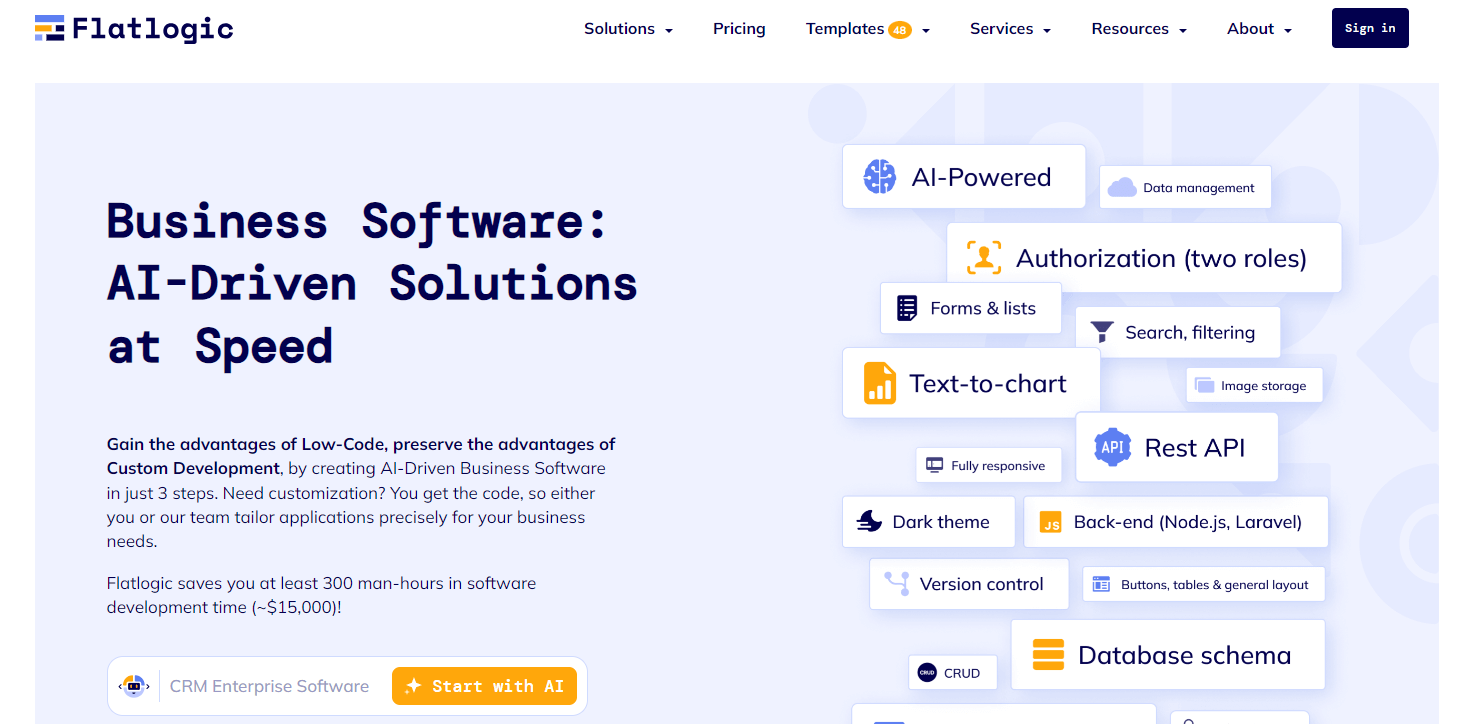
9. Flatlogic
Best fit: turning a structured description into an application starting point. Evaluate it with a small internal prototype and inspect the resulting data model, code, authentication assumptions, and deployment path. Generated scaffolding can accelerate setup, but it does not remove architecture, security, testing, accessibility, or maintenance work. Technical review is required before any generated application handles real users or data.
AI Research Tools
Research tools can reduce the time spent searching and triaging material, but they can also hide why a source was selected or how a summary was produced. For a broader category comparison, see these AI tools for research. Whatever service is used, open the original documents and verify quotations, methods, dates, and conclusions yourself.
10. Genei
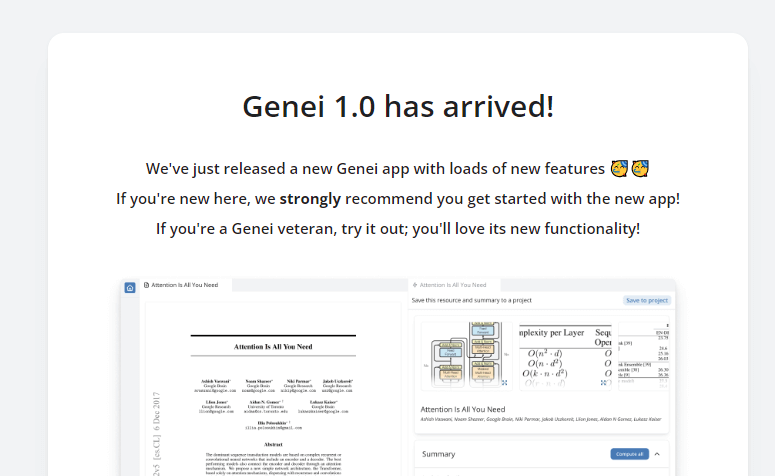
Best fit: testing assisted reading, summarization, and information extraction from documents. Because tool availability and product status can change, confirm that the current service is accessible before recommending it as an active option. If it is unavailable, label it as a historical example or remove it rather than implying current access. Never cite a generated summary in place of the underlying source.
11. Iris.ai
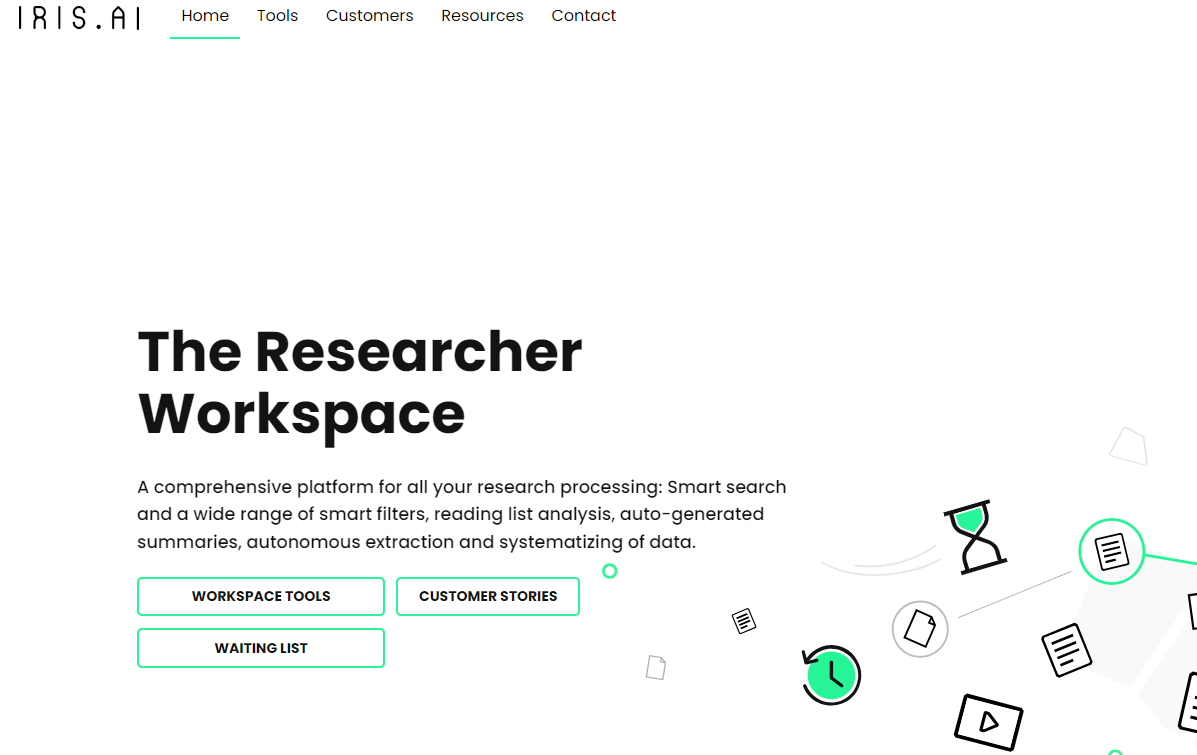
Best fit: exploring literature, filtering documents, or extracting information for a defined research question. Test relevance with a known set of papers before trusting a broader search. Record the query, filters, included sources, and exclusion decisions so another person can reproduce the review. Extracted statements must be checked against the source text, especially when terminology or study context affects meaning.
12. Semantic Scholar
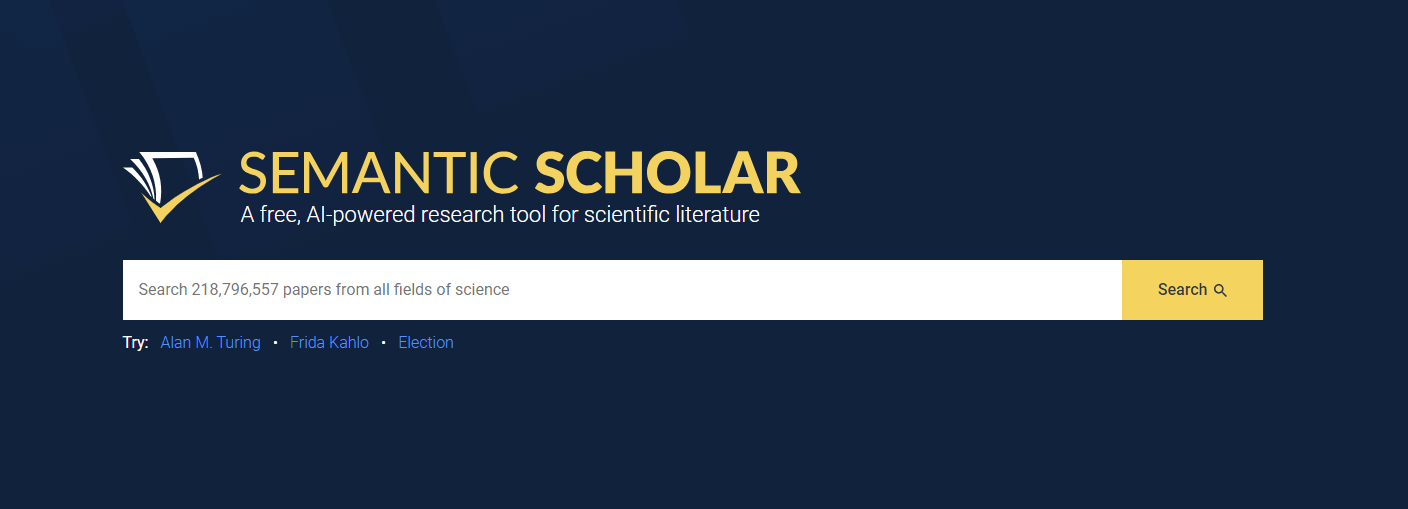
Best fit: discovering academic papers and following related research. Use its search and recommendation features to build a candidate reading list, then inspect the publication, authors, abstract, methods, citations, and available full text. Search relevance is not the same as evidence quality. Researchers should also search appropriate specialist databases when a systematic or high-stakes review requires broader coverage.
A Five-Point Selection Framework
- Task fit: State the exact input and required output. Reject a tool that solves a neighboring problem rather than the real one.
- Evidence: Run a representative sample and compare the result with a trusted baseline, not a promotional demo.
- Control: Check whether people can edit, export, reproduce, and review the output in the next system.
- Risk: Review privacy, consent, rights, security, bias, and the cost of an incorrect result.
- Ownership: Name the person responsible for approval and record the source, version, and review date.
Risks to Check Before Using an AI Website
- Changing availability: A familiar name, free tier, integration, or export option may have changed since an article was last reviewed.
- Sensitive inputs: Do not upload personal, confidential, client, or unpublished research material without an approved policy.
- Opaque output: Require source traceability for research and business claims. A fluent answer is not evidence.
- Rights and consent: Check the terms for generated media and obtain permission for faces, voices, or other identifying material.
- Workflow lock-in: Test export and handoff before a team commits significant work to a browser-only process.
Frequently Asked Questions
What is an AI tool website?
It is a browser-accessible service that uses an AI model or AI-assisted process for a defined task. Examples include drawing experiments, avatar creation, writing review, application scaffolding, document analysis, and academic search.
Are browser-based AI tools automatically easier to use?
They may reduce setup, but ease of access does not guarantee task fit. Users still need to assess inputs, output quality, editability, privacy, and integration with the rest of the workflow.
Can research summaries replace reading the original paper?
No. Summaries help with triage, but researchers should open the source and verify its methods, population, limitations, dates, quotations, and conclusions.
What should a team test before choosing a tool?
Use a representative input, define an expected result, inspect the output and export, test a difficult case, and have the accountable reviewer decide whether the workflow is reliable enough.
How often should this tool list be reviewed?
Review it whenever a product changes materially and before making a new recommendation. Record the review date and remove or relabel services that are no longer accessible or no longer fit the described category.
Conclusion
The useful way to compare AI tool websites is by the work they actually perform. Drawing, avatar, business, and research services have different inputs, outputs, and risks. Start with a defined task, test the complete handoff, and keep a human responsible for the final decision.