Boardmix is a practical free Miro alternative for online collaboration when a small team can work within three editable boards and 100 objects per board. It provides an infinite canvas, real-time collaboration, templates, diagrams, mind maps, sharing, and a direct Miro import path for supported objects. The free plan is not unlimited, so test one representative workflow before making it the team's standard workspace.
Quick Answer: Is Boardmix a Free Miro Alternative for Online Collaboration?
Yes, for evaluation, lightweight projects, and small recurring workflows. Boardmix Free currently includes three editable boards and up to 100 objects per board. Miro Free also keeps three boards editable, with its own plan rules and collaboration model. Neither free plan should be described as unlimited.
| Question | Boardmix Free | Miro Free | What to test |
|---|---|---|---|
| Editable boards | 3 | 3 most recently created boards | How the rule affects ongoing projects |
| Board complexity | 100 objects per board | Check current plan limits and feature access | Use your largest realistic board |
| Migration | Direct Miro import for listed editable object types | Source platform | Validate unsupported or complex content |
| Upgrade path | Starter and AI plans are listed separately | Starter, Business, and Enterprise | Price the members and features actually required |
See the current Boardmix pricing page and Miro pricing page before choosing a plan.

What to Test in a Collaboration Pilot
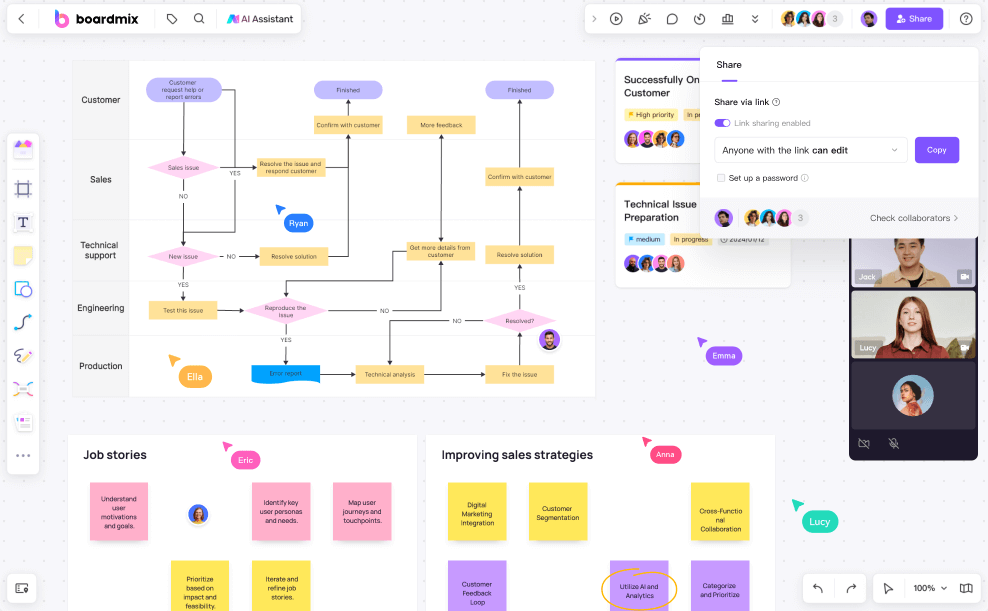
Create one board that reflects real work instead of an empty product demo. Invite a facilitator, two frequent contributors, and one occasional guest. Ask them to add ideas at the same time, group the ideas, connect related objects, leave comments, and find the final decision a day later.
- Access: Can internal and external participants join with the required permissions?
- Facilitation: Can the host prepare sections, guide attention, and keep the session understandable?
- Editing: Are text, sticky notes, connectors, images, and shapes easy to create and revise?
- Follow-through: Can the team turn workshop output into a diagram, mind map, plan, or shared reference?
- Governance: Are ownership, sharing, export, and deletion appropriate for the content?
Collaboration, Visual Tools, and Templates
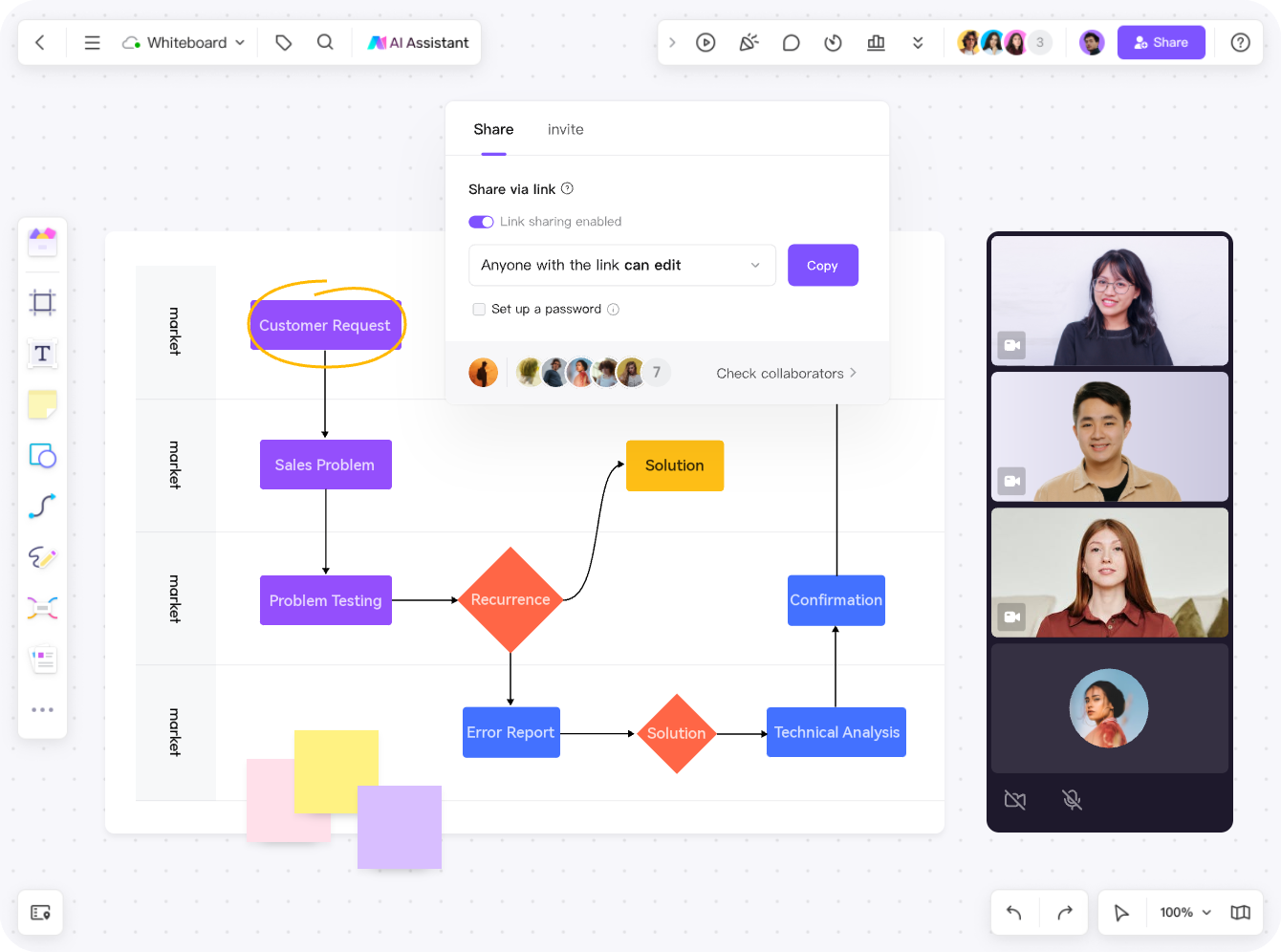
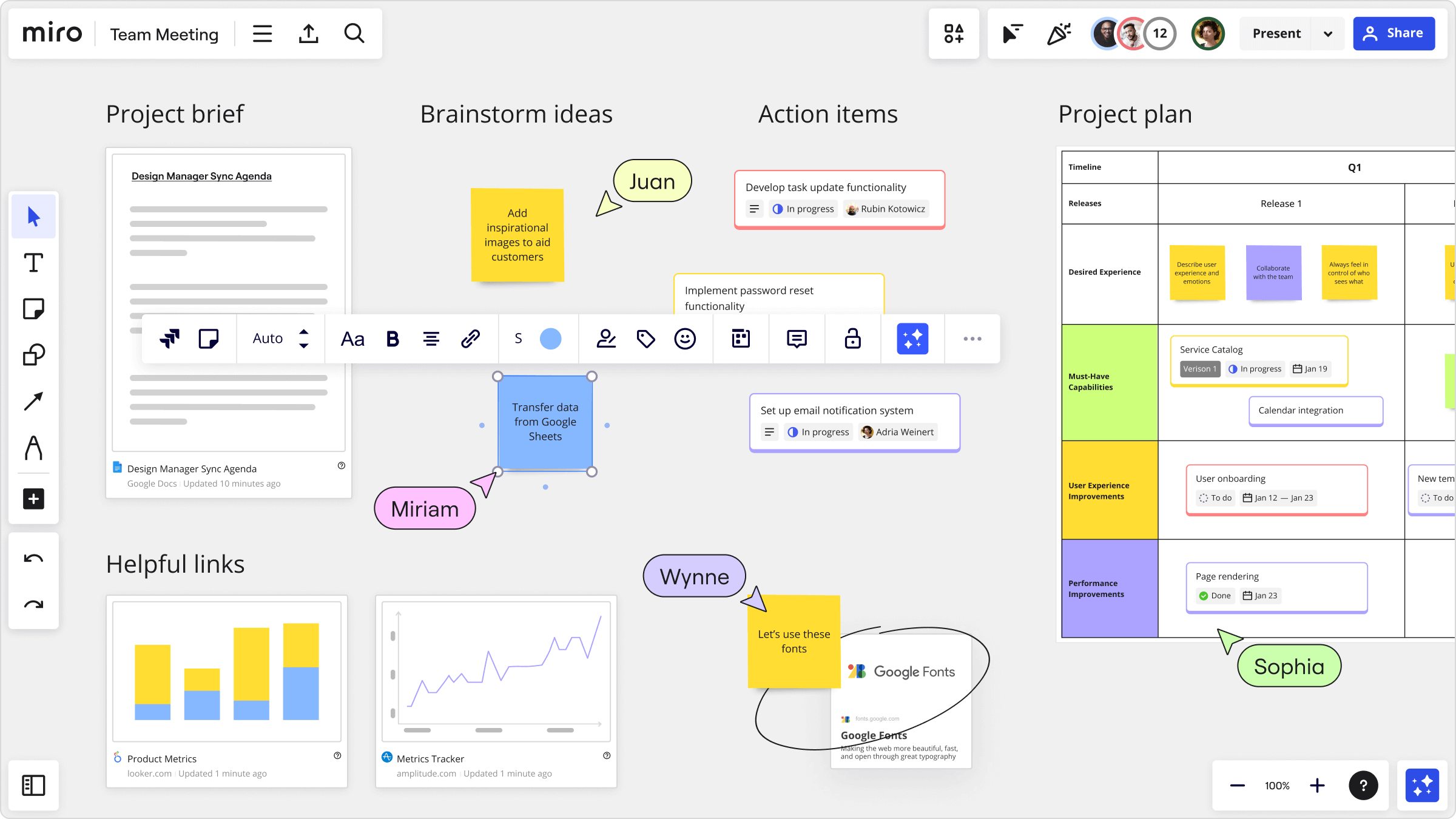
Boardmix combines open-canvas collaboration with visual formats such as diagrams and mind maps. That makes it useful when a meeting should produce a reusable artifact rather than a wall of notes. Test the exact shapes, connector behavior, formatting, shortcuts, and export formats that the team uses most often.
Real-Time Collaboration
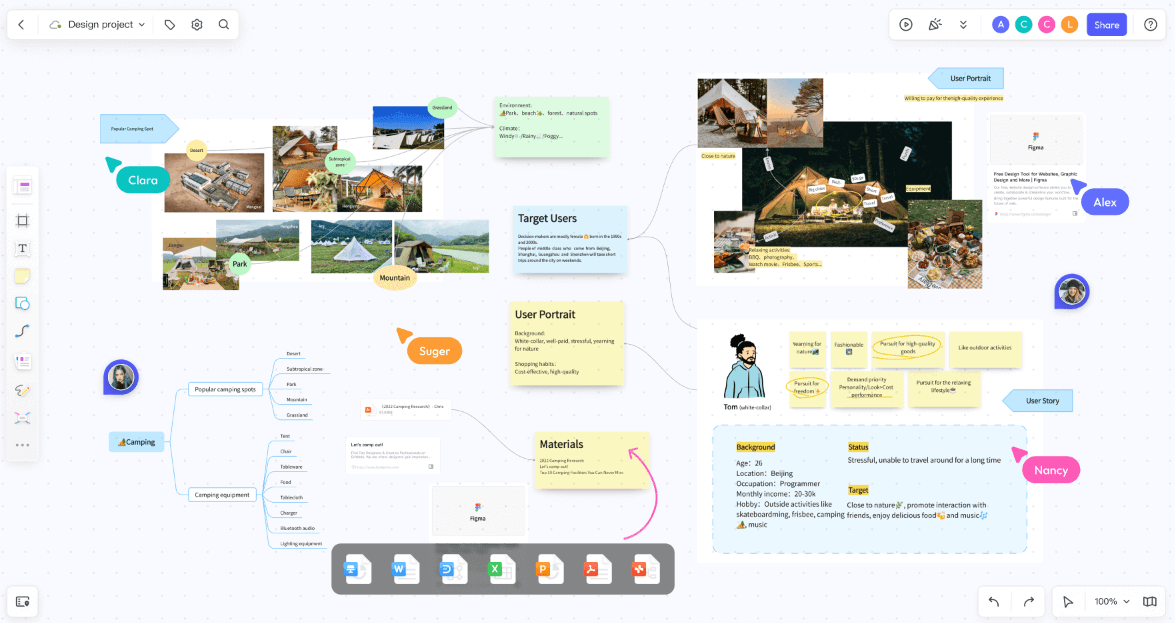
A useful trial should include simultaneous editing rather than a single person presenting a finished board. Ask participants to create and move objects, follow the facilitator, leave comments, and return after the meeting. Check whether cursors, selections, permissions, and guest access remain understandable when the canvas becomes busy. Also test what happens when a participant opens an old link or joins with the wrong account.
Visual Creation and Diagramming
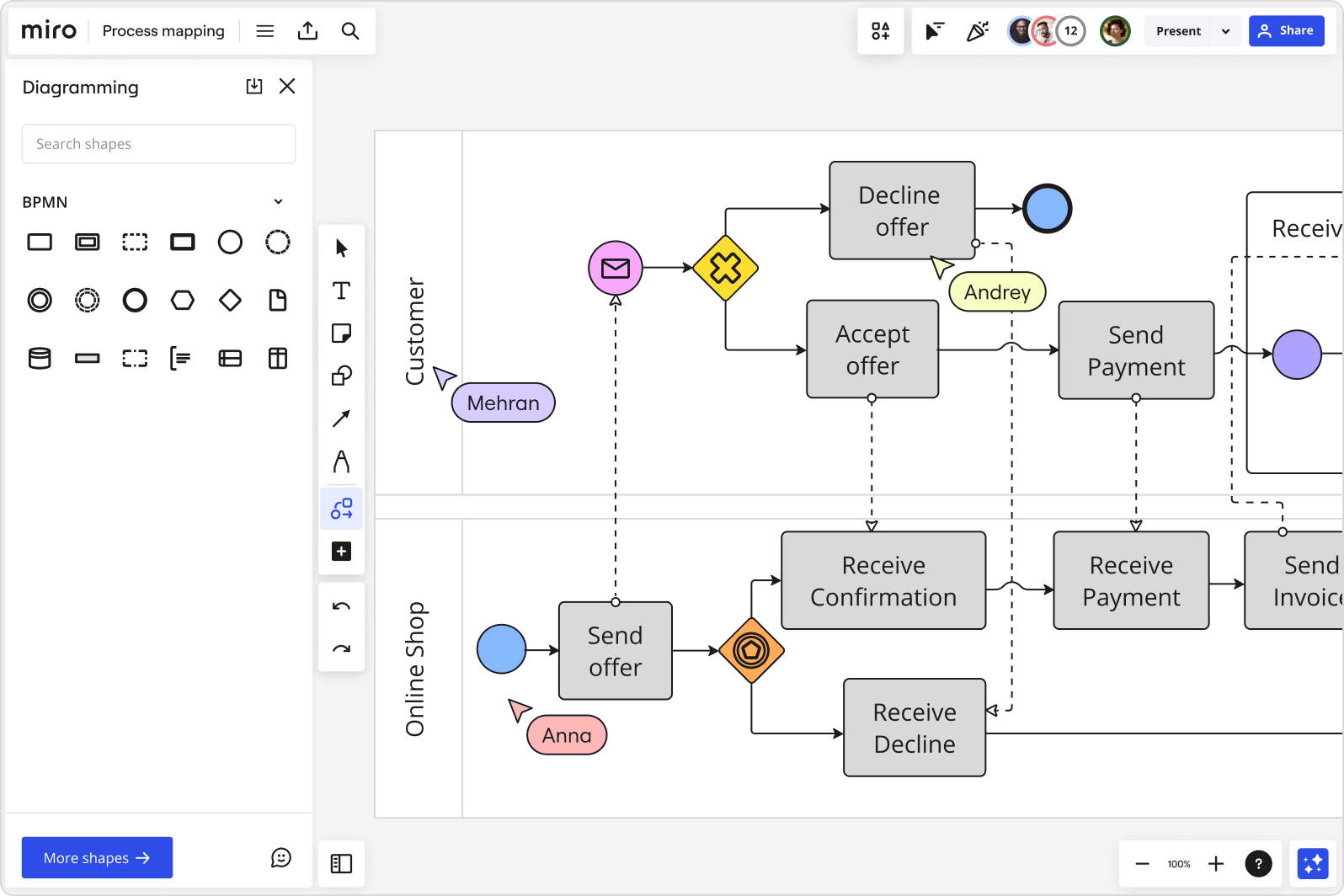
Rebuild one artifact the team already maintains: a process map, customer journey, architecture sketch, mind map, or planning board. Compare object creation, alignment, connectors, labels, grouping, layers, duplication, and export. If AI-assisted creation matters, test it with representative prompts on the plan under consideration and review the output for accuracy and editability.
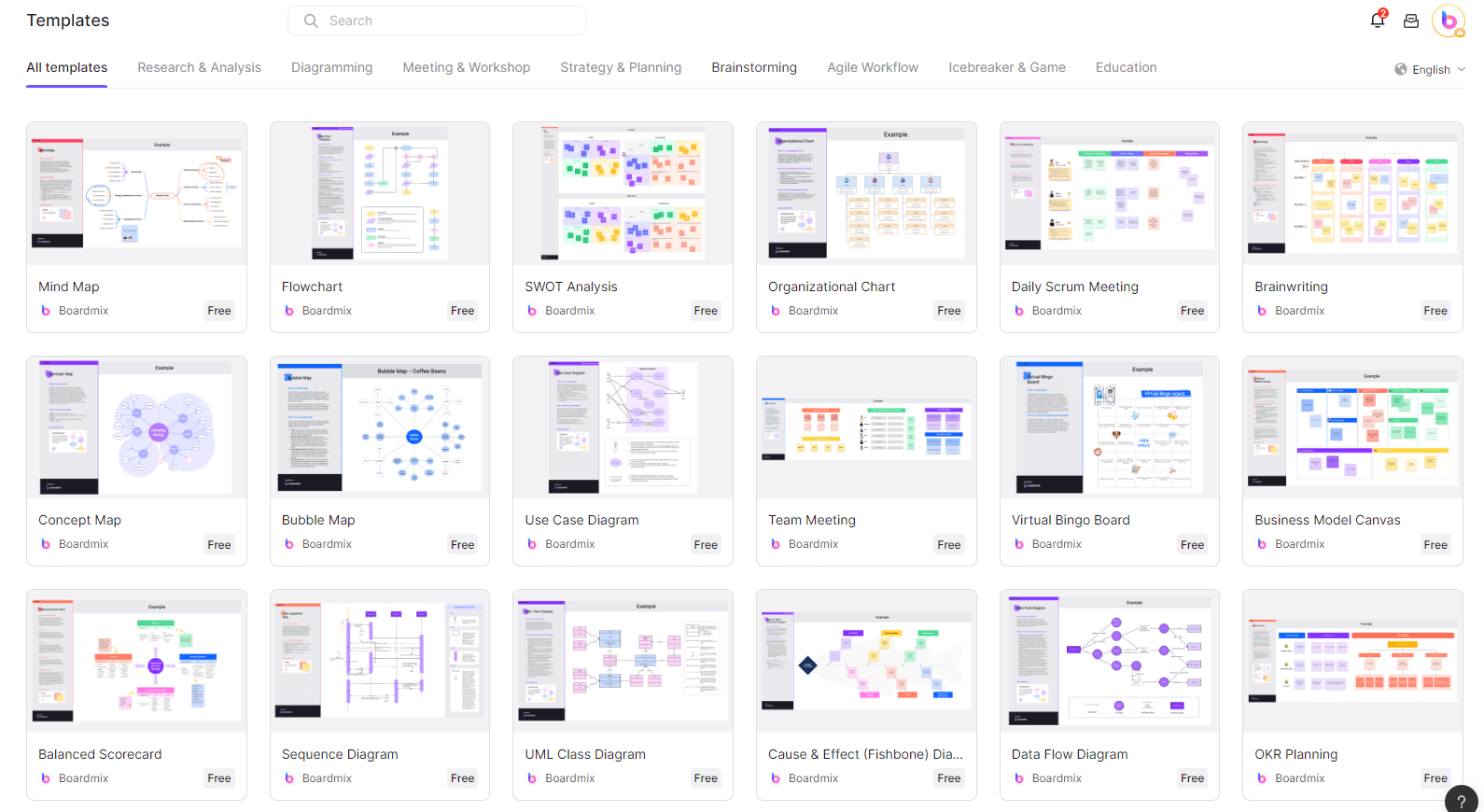
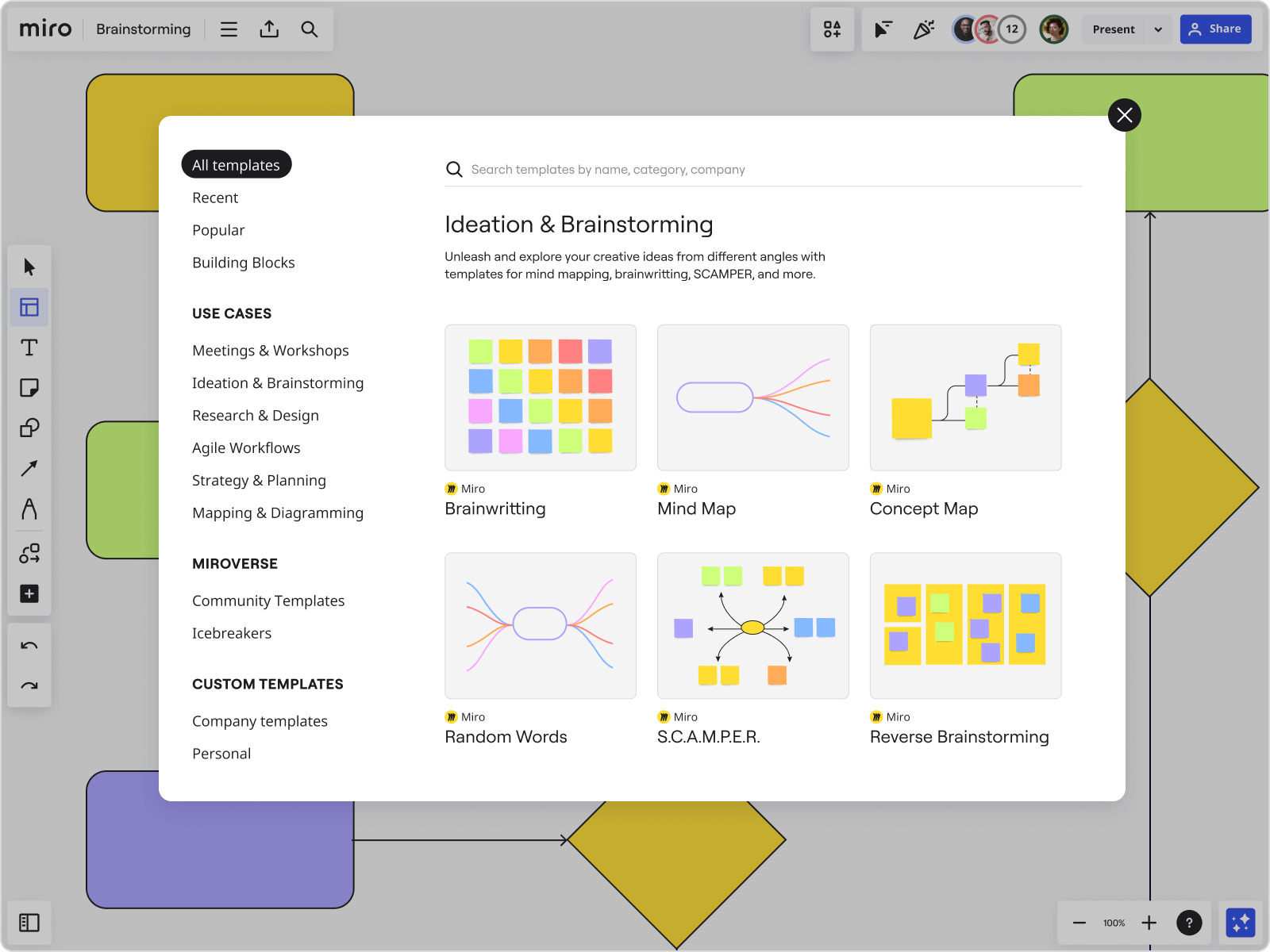
Templates can shorten setup time, but template count alone is a weak buying criterion. Look for a usable starting point for the team's actual ceremony, then check whether the template can be simplified, branded, duplicated, and understood by a first-time participant.
Template Quality
Choose two templates from each product: one for a live workshop and one for ongoing documentation. Measure how much material must be deleted, how quickly the facilitator can adapt the layout, and whether instructions remain clear to a guest. A smaller library of editable, relevant templates may be more useful than a larger catalog that requires extensive cleanup.
History, Saving, and Meeting Integrations
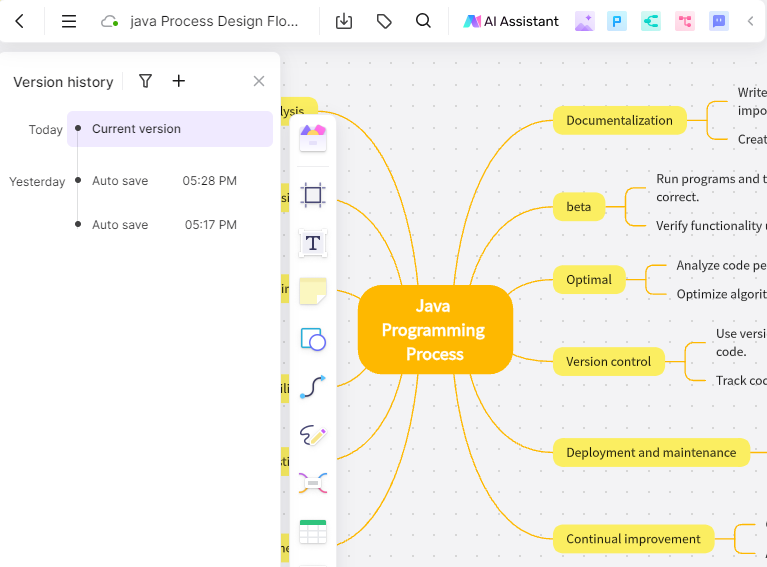
Teams often discover operational requirements only after a workshop is over. During the pilot, verify the history available on the selected plan and how automatically saved changes are recovered. Also check how ownership changes are handled and whether meeting or work-management connections are essential to the workflow.
Ownership, History, and Recovery
Confirm where a board lives when its creator changes teams or leaves the company. Test ownership transfer, workspace moves, accidental deletion, version recovery, and export with the roles the organization will actually assign. These controls matter more than storage volume when a board becomes a long-lived decision record.
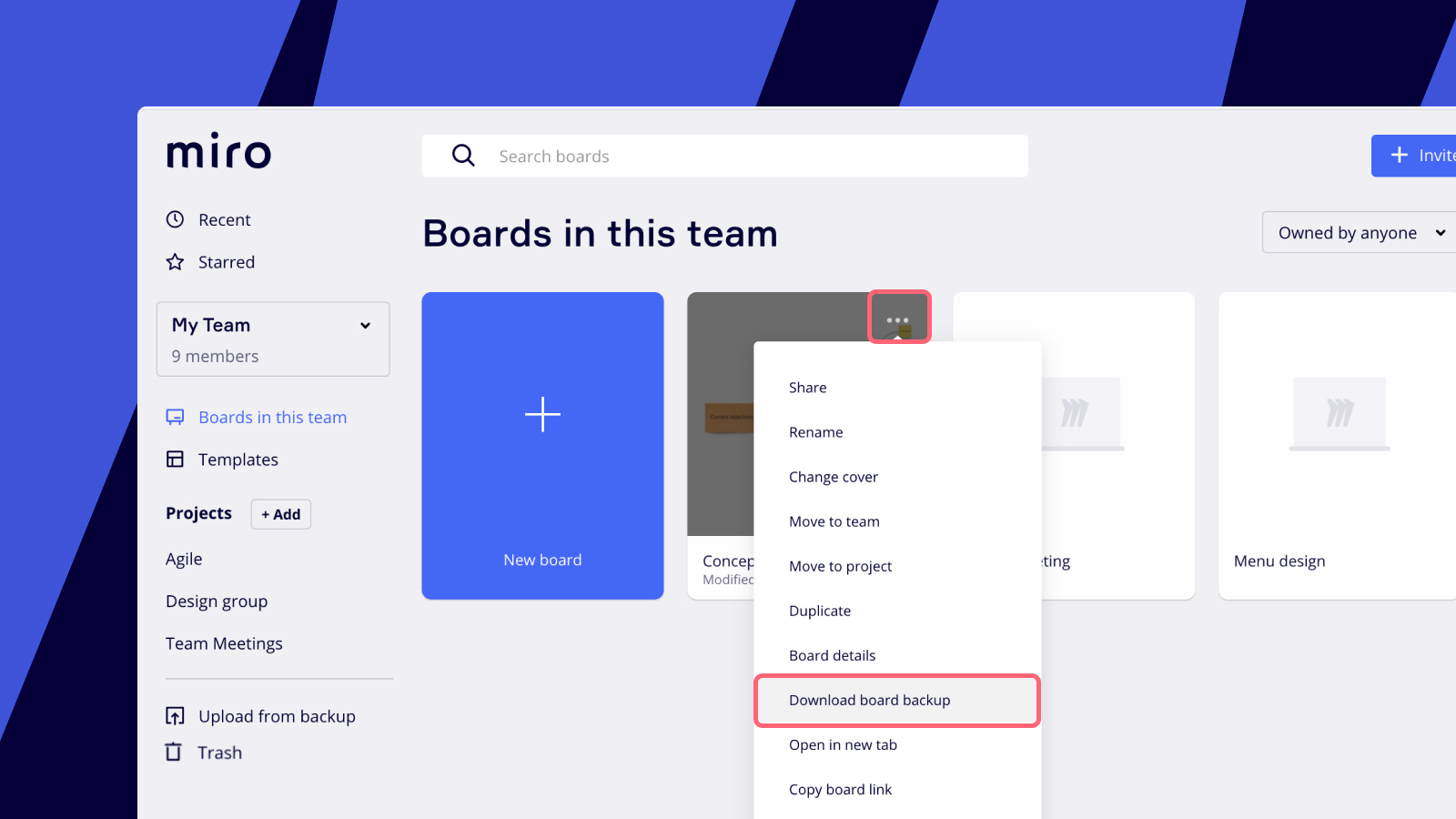
Open the same board in the supported browsers and devices used by the team, then check load time and navigation with a realistic number of objects. A free plan may be sufficient for a compact board but reach its practical or published limits during a larger workshop. Record the normal object count and media size before selecting a plan.

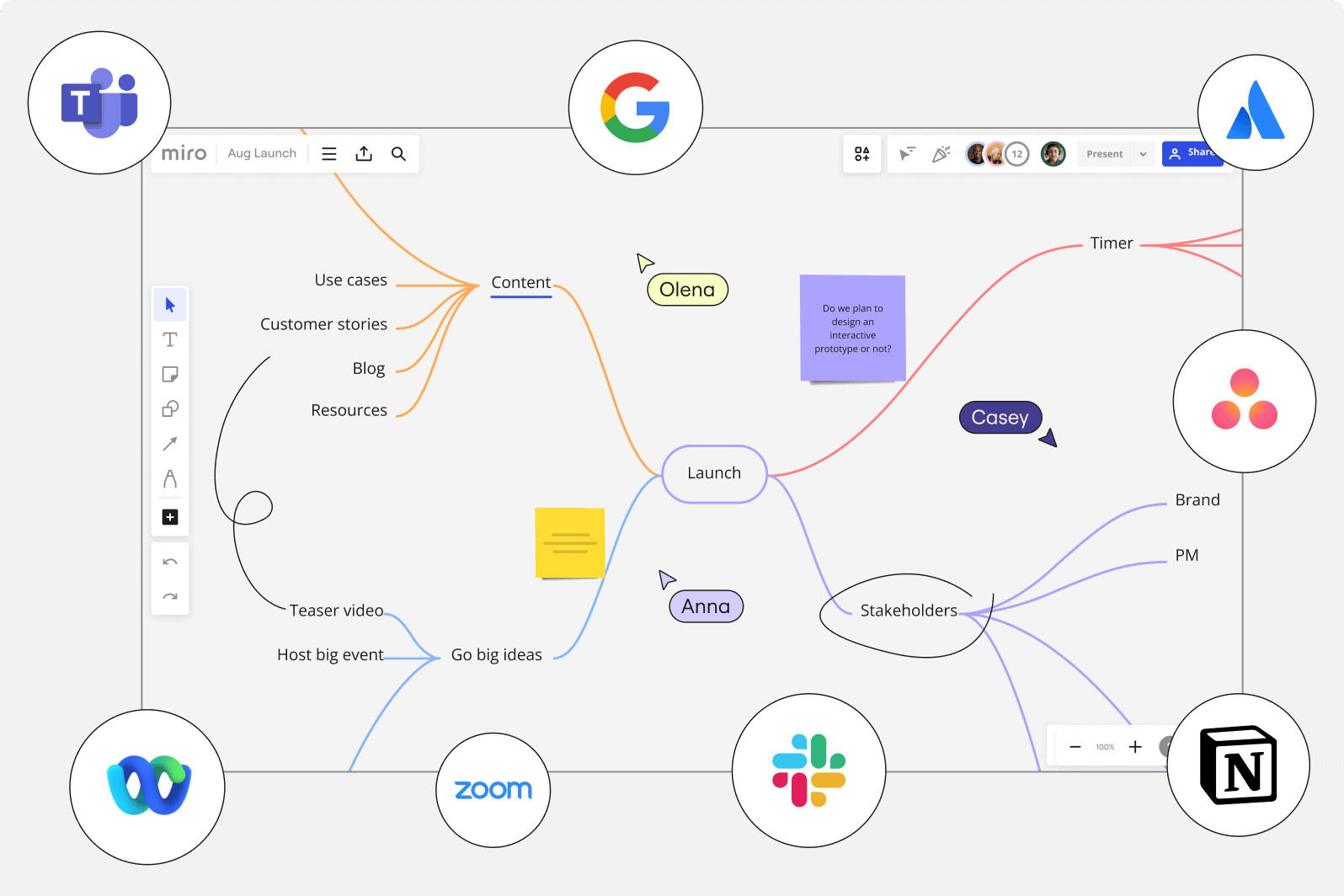
Miro publicly lists a broad integration ecosystem. Boardmix buyers should verify each required integration or use an SDK discussion where appropriate. Do not replace a connected workflow until its data flow, permissions, and failure behavior have been tested end to end.
Price the Complete Workflow
Calculate cost with the actual mix of editors, occasional contributors, guests, AI use, history, storage, administration, integrations, and support. Include migration and training time as one-time costs. A lower subscription price is valuable only when the destination completes the same essential workflow without creating manual work elsewhere.
Move a Test Board from Miro to Boardmix
Boardmix lists cards, connectors, frames, images, shapes, sticky notes, and text as supported editable import objects. Use the Miro-to-Boardmix migration guide for the direct path. Treat comments, permissions, history, integrations, app data, and unusual object types as separate validation items.
- Choose a representative board and preserve a PDF or image reference.
- Run the direct import into a test workspace.
- Compare text, layout, connectors, frames, images, and links.
- Recreate only the permissions and integrations the destination still needs.
- Keep the source accessible until the owner approves the result.
When the Free Plan Is Not Enough
Upgrade or choose another product when the 100-object limit interrupts normal work or the team needs more editable boards. The same applies when required AI, administration, history, storage, support, integration, or governance capabilities sit on another plan. Price the complete team workflow instead of assuming that free software has no switching or administration cost.
Verdict: Boardmix Free is suitable for a bounded pilot and lightweight collaboration. A larger team should test the paid plan that matches its real requirements before migrating production work.
Last verified: September 16, 2026.
Boardmix publishes this comparison and is not affiliated with or endorsed by Miro.