





As remote work and online collaboration become the norm, digital whiteboard software has evolved into an essential tool for businesses, universities, and creative teams. Moving beyond the traditional physical board, these digital tools combine visual expression, real-time interaction, and content synchronization, becoming a staple in modern work and educational environments. But with so many options available, which online whiteboard is the best fit for you? This guide evaluates five top-rated collaborative whiteboard platforms to help you decide.
Boardmix
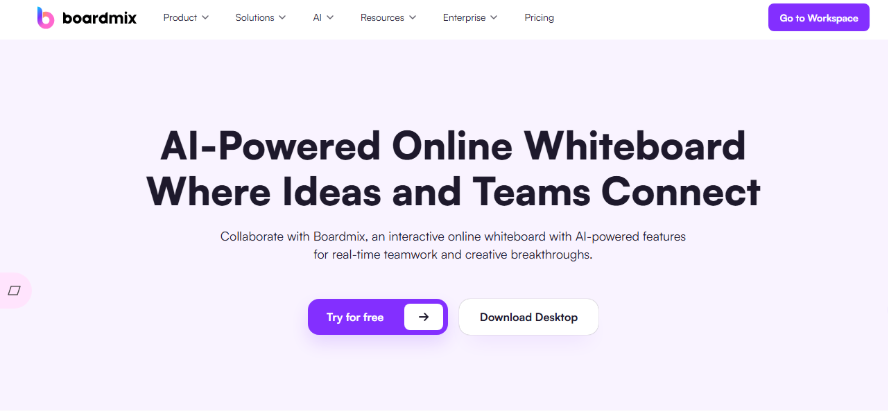
A rapidly growing digital whiteboard tool, Boardmix has become a top choice for many companies and educational institutions worldwide due to its powerful integrated features and intuitive user experience. Unlike many competitors that split core functions into paid tiers, Boardmix packs essential collaboration and creation tools into its free plan, making it accessible to small teams, educators, and freelancers without compromising on quality. Try Boardmix Free Now to experience its full suite of basic features with no time limits or hidden costs.
Key Features
- True Real-time Collaboration: Supports multiple users editing simultaneously with live updates, enabling highly efficient teamwork.
- Built-in Diagramming Tools: Comes with mind mapping, flowchart, and Kanban board views to cover brainstorming, process mapping, and task management.
- Vast Template Library: Offers hundreds of ready-to-use templates for product planning, operational workflows, lesson design, SWOT analysis, and more.
- AI-Powered Assistant: Generates mind maps, summarizes key points, and auto-formats content to boost creation speed.
Pricing
A generous free plan is available for basic use, ideal for individual users and light office needs.
Its paid plans offer advanced features at a more cost-effective price point compared to international competitors like Miro.
Ease of Use
Clean, intuitive interface with clear function categorization makes it easy to learn.
Features onboarding guides and template prompts, eliminating the learning curve for beginners.
Drag-and-drop editing and keyboard shortcuts significantly enhance workflow efficiency.
Fully web-based—no download required. Start creating from any device, anywhere.
Ideal For
Business Teams: Remote meetings, project discussions, and strategy sessions.
Educators: Digital lecturing, assignment reviews, and interactive teaching to improve engagement.
Content Creators & Freelancers: Quickly brainstorming ideas, structuring content, and producing visual materials.
Miro
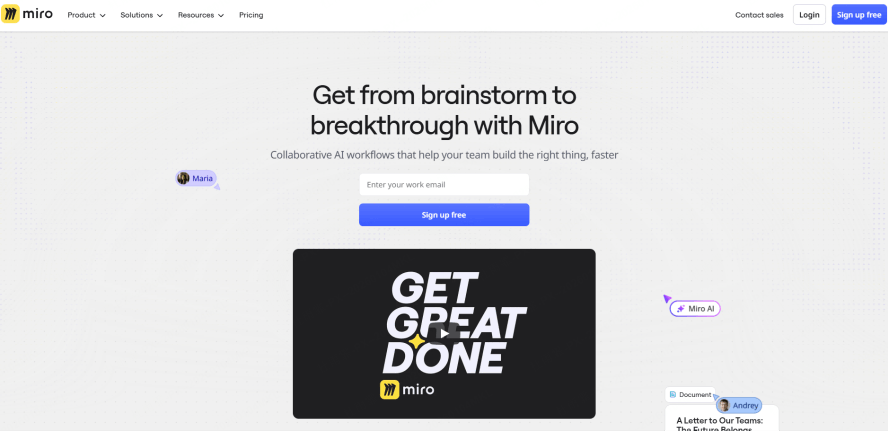
A globally recognized visual collaboration platform, Miro has established itself as a leader in the enterprise space, trusted by companies like Spotify and Salesforce for remote team collaboration, product planning, and agile management. Its strength lies in its robust feature set and scalability, making it suitable for teams of all sizes—from small startups to large multinational corporations.
Key Features
- Robust Real-time Collaboration: Enables synchronous editing, commenting, and integrated video conferencing.
- Extensive Library: Vast collection of shapes and templates for agile workflows, product roadmaps, business model canvases, customer journey maps, etc.
- Mature Integration Ecosystem: Seamlessly connects with mainstream tools like Jira, Notion, Slack, and Figma.
- Infinite Canvas & Flexible Layout: Perfect for organizing complex structures and creating detailed visual presentations.
Pricing
Offers a free plan with a limit of three editable boards.
Paid plans are feature-rich but start at a relatively higher price point, suitable for enterprises with ample budgets.
Ease of Use
Interface is primarily in English, which may pose a barrier for non-proficient users.
Feature-rich but can feel complex; new users typically require some acclimation time.
Drag-and-drop is smooth and the design is polished, catering well to professional users.
Ideal For
Product Managers, UX/UI Designers, and Agile/Scrum Teams.
Multinational corporations and distributed remote teams.
Professional teams with high demands for tool integrations and process-oriented collaboration.
Microsoft Whiteboard
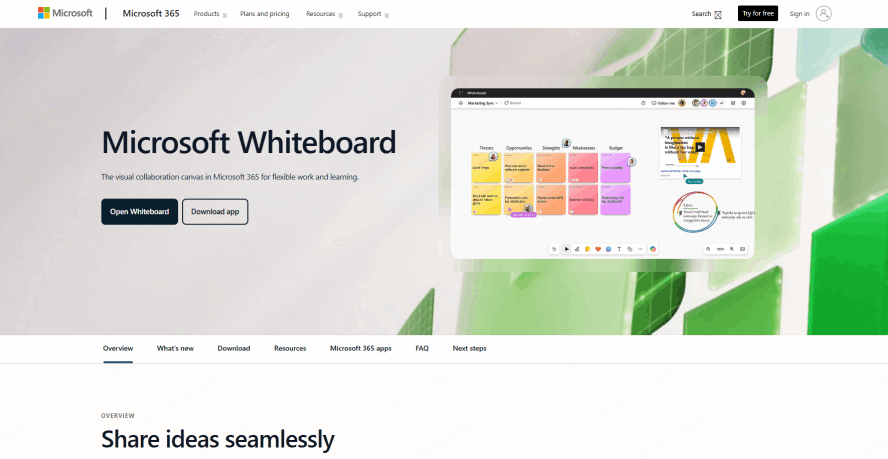
Microsoft's native digital whiteboard is a seamless addition to the Microsoft ecosystem, designed for users who rely on Office 365, Teams, and Windows devices. It prioritizes simplicity and core collaboration over advanced features, making it a low-friction choice for teams that want to add visual collaboration without learning a new complex tool.
Key Features
- Deep Office 365 Integration: Easily embed and work with content from Word, PowerPoint, and Outlook.
- Optimized for Touch: Features like ink recognition and shape smoothing deliver a natural whiteboarding experience on touch devices.
- Lightweight Collaboration Tool: Best for basic communication, quick sketches, and simple ideation.
Pricing
Free to use with a Microsoft account.
For business use, a Microsoft 365 for Business subscription is required.
Ease of Use
Minimalist interface with clear logic makes it exceptionally easy to start using.
Functionality is relatively basic, not suited for complex diagramming or advanced whiteboard applications.
Good local language support, well-adapted for educational and general office scenarios.
Ideal For
Educators and presenters in academic settings.
Dedicated Microsoft Office/365 users.
General office users needing a simple, lightweight collaboration board.
Google Jamboard
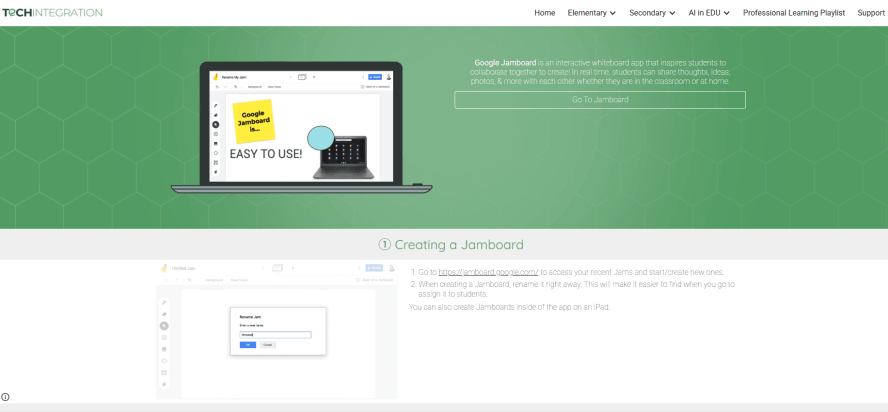
Google's online whiteboard tool is a core part of the Google Workspace ecosystem, built for simplicity and quick collaboration. It’s designed to meet the needs of educational institutions and small teams that rely on Google Meet, Docs, and Slides, with a focus on lightweight, browser-based interaction that requires no technical setup.
Key Features
- Deep Google Workspace Integration: Works seamlessly with Google Meet, Docs, Slides, and Drive.
- Simple and Intuitive: Allows real-time drawing, and adding images, sticky notes, and shapes for basic interaction.
- Made for Distance: Fits lightweight collaboration needs like online classes, remote meetings, and quick brainstorming.
Pricing
The software app is free with a Google account.
Physical Jamboard hardware displays are sold separately at a premium, targeting schools and institutions.
Ease of Use
Extremely simple interface and fluid operation make it effortless to learn.
Functionality is basic, not intended for creating complex diagrams or processes.
Access requires a stable internet connection, and support for non-English environments can be inconsistent.
Ideal For
Google Workspace (G Suite) users.
Educators and teachers for classroom activities.
Remote meeting participants with simple, straightforward collaboration needs.
Explain Everything
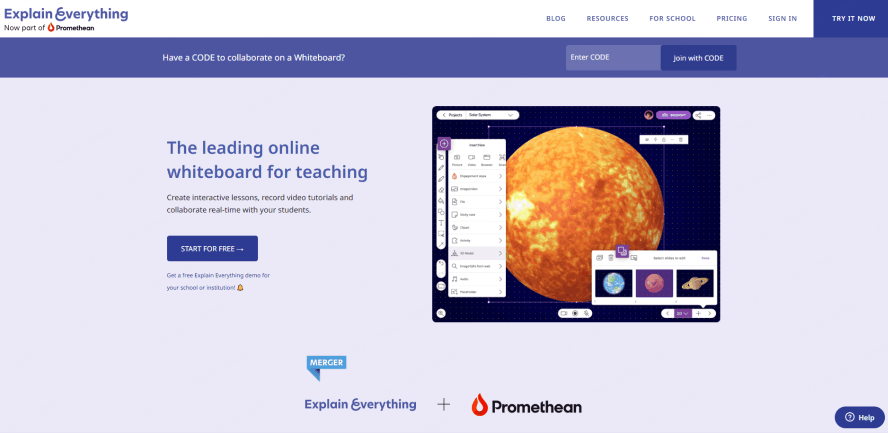
An interactive online whiteboard designed exclusively for education, Explain Everything goes beyond basic whiteboarding to focus on multimedia recording and interactive teaching tools. It’s built to solve the pain points of online instruction—keeping students engaged and creating reusable, high-quality lesson content—making it a favorite among teachers and educational content creators worldwide.
Key Features
- Recordable Explainer Videos: Record your screen, voice, and whiteboard annotations simultaneously to create instructional videos.
- Interactive Teaching Materials: Insert images, animations, videos, and PDF files to build engaging lesson content.
- Teaching-Focused Templates: Access a library of educational templates, mind maps, lesson frames, and animations to increase classroom engagement.
Pricing
The basic free plan has limited features; a subscription to a Professional or higher plan is needed for full functionality.
Educational institutions can apply for discounted team packages.
Ease of Use
Strong animation and interaction effects with comprehensive features, but the initial learning period can be steeper.
Interface is tailored for teaching workflows, which may require adaptation for non-educational use cases.
Ideal For
Teachers, Tutors, and Trainers.
Online Education Platforms.
Educational Content Creators.
Conclusion
The online whiteboard software market offers diverse strengths. Whether you prioritize professional features, seamless real-time collaboration, or simple usability, a suitable tool exists. We recommend evaluating your specific needs, budget, and primary use cases to find the platform that delivers the most value. We hope this guide helps you make an informed choice and enhances your team's visual collaboration experience.





