





A business flowchart is a vital tool for organizations to map out and optimize internal processes. Using a set of standardized visual symbols, it clearly illustrates the sequence of steps, task ownership, and information flow, helping businesses boost efficiency and reduce costs. This comprehensive guide ill explain what a business flowchart is, its fundamental symbols, definitions, and practical benefits, equipping you with the core knowledge of process visualization.
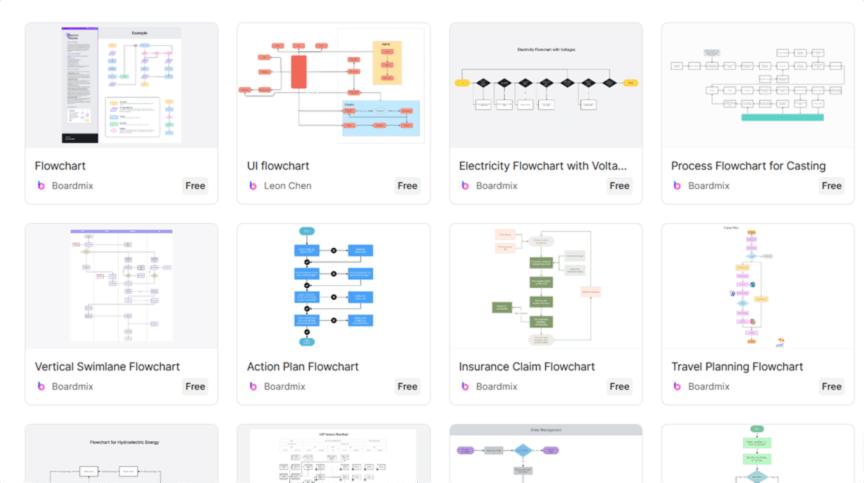
What is a Business Flowchart?
A business flowchart is a graphical representation tool used to describe business activities, events, decision points, and their sequential relationships. It transforms abstract business logic into an easy-to-understand visual path. In short, it makes complex processes clear at a glance, enabling stakeholders from different roles to quickly understand and engage.
Key characteristics:
Intuitive & easy to grasp: Uses graphics instead of lengthy text, helping team members from various backgrounds comprehend processes rapidly.
Clear structure: Each step, decision node, and handoff point has a distinct visual marker, creating a well-organized, hierarchical view.
Explicit logic: The flow direction and branching paths are immediately apparent, making it easier to identify bottlenecks or optimization opportunities.
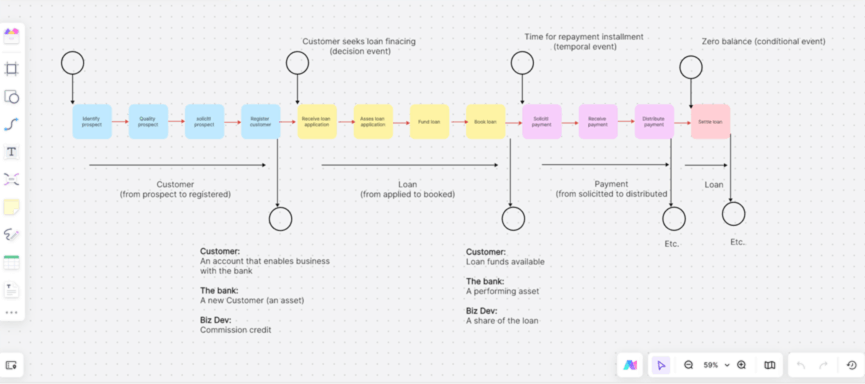
Key Business Flowchart Symbols & Definitions
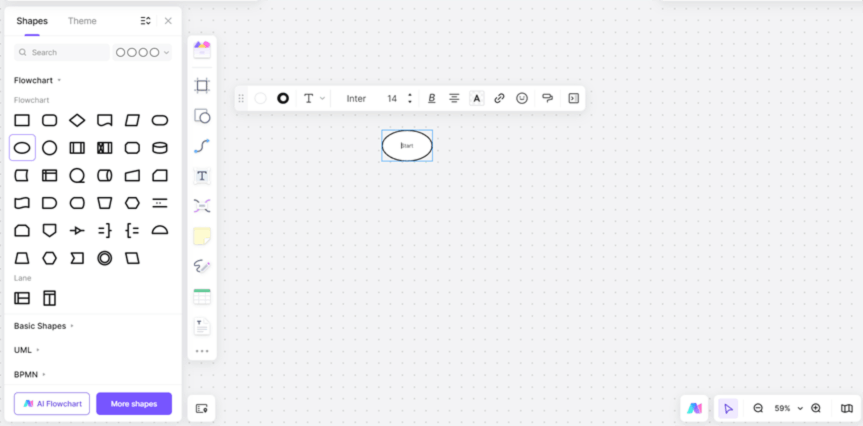
(1) Start/End Terminator (Oval)
Defines the process scope by indicating the precise beginning and conclusion points.
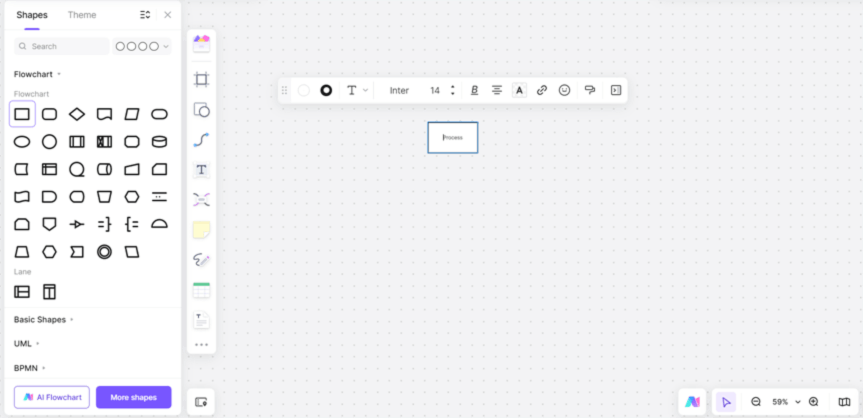
(2) Process/Operation (Rectangle)
Represents a specific action, task, or operation performed within the workflow.
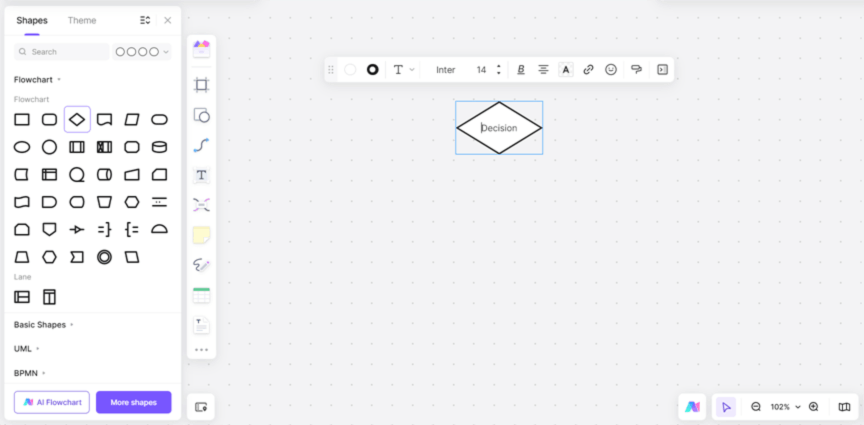
(3) Decision Point (Diamond)
Signals a conditional branch in the flow, typically requiring a Yes/No or True/False answer (e.g., "Is approval granted?").
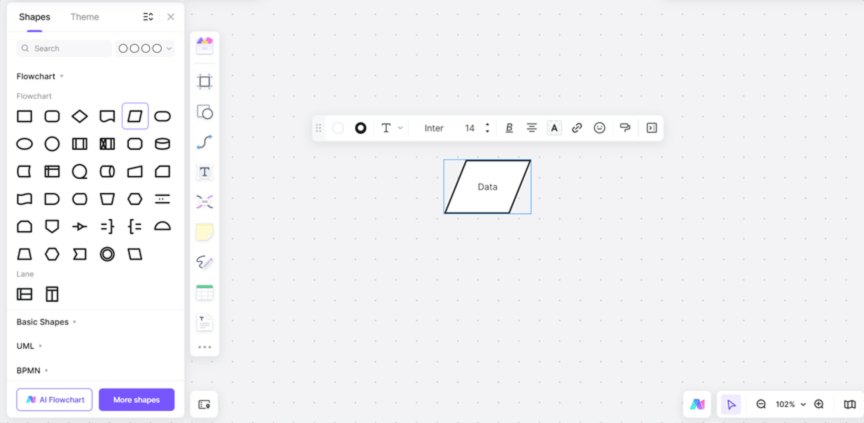
(4) Data Input/Output (Parallelogram)
Indicates information entering the process (input) or being produced by it (output), such as reports or data files.
(5) Connector & Flow Direction (Arrow)
Links all symbols together to show the sequence of operations and the logical direction of the process.
The Value & Practical Applications of Business Flowcharts
As both a management tool and a collaboration bridge, business flowcharts play an indispensable role in enhancing operational efficiency and driving organizational improvement. When paired with a smart visual collaboration platform like Boardmix, they enable not only faster diagramming but also greater value in process optimization, knowledge retention, and team alignment.
(1) Enhance Communication & Cross-Departmental Collaboration
A flowchart provides an instant, shared understanding of process flow and key milestones, eliminating miscommunication and redundant meetings. For example, Sales and Logistics teams can use an "Order Fulfillment Flowchart" to immediately see steps from order placement to shipping and quality check, streamlining handoffs.
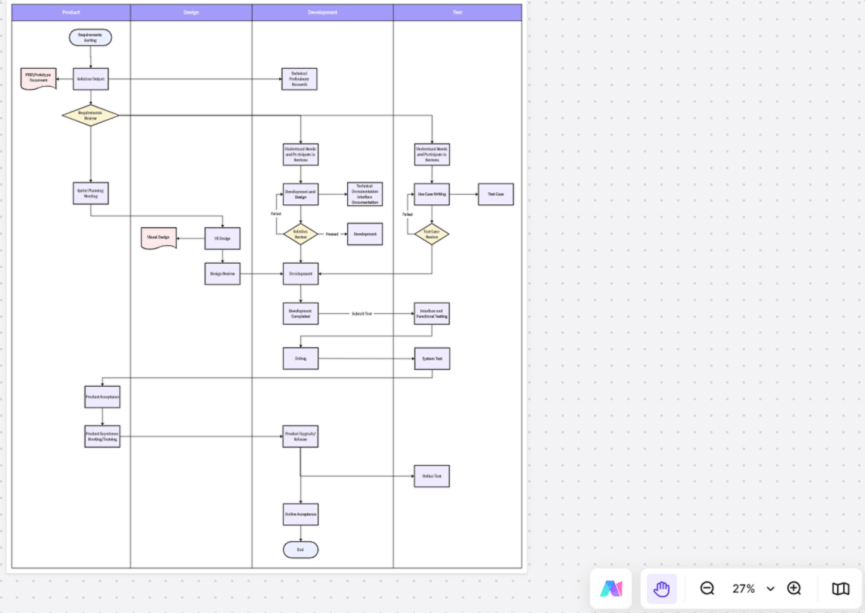
(2) Optimize Processes: Identify Bottlenecks & Drive Improvement
Mapping a process visually makes it easier for managers to spot inefficiencies, redundancies, and gaps. For instance, analyzing an "Expense Reimbursement Flowchart" might reveal excessive approval layers causing delays. Optimizing it to a digital, parallel approval process can significantly shorten the cycle time.
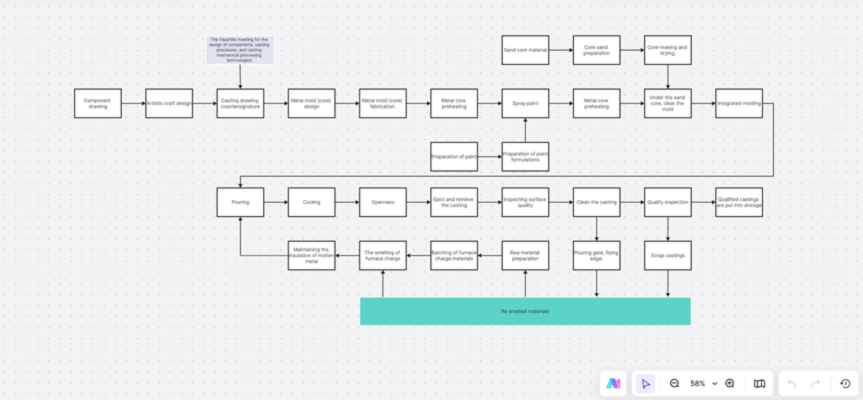
(3) Standardize Operations: Ensure Consistency & Execution
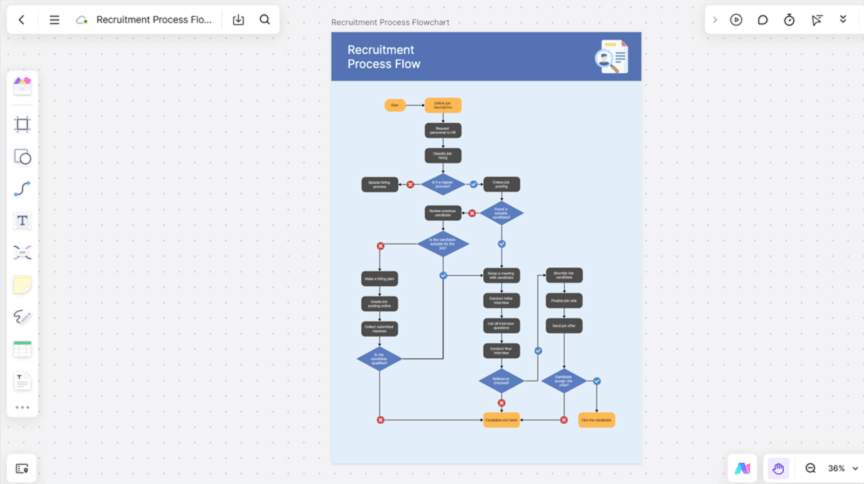
Flowcharts visually define each step's action, responsible party, and conditions, making procedures visible, verifiable, and repeatable. This fosters standardization. Example: HR can embed an "Employee Onboarding Flowchart" in a shared Boardmix board, allowing new hires to follow the steps independently, reducing training overhead.
(4) Accelerate Training & Enable Process Governance
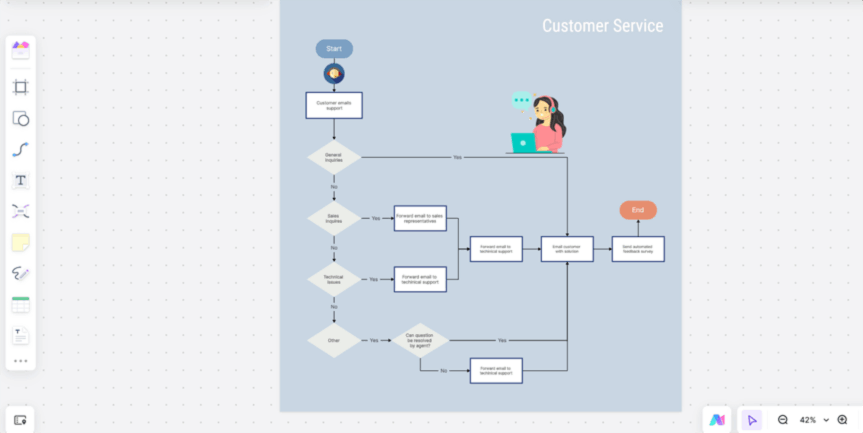
For new employees or staff in transitional roles, quickly grasping workflows is key to productivity. Visual process maps eliminate the need for repetitive verbal explanations. Example: A customer support team can use a Boardmix flowchart template to standardize "Customer Complaint Resolution" procedures, enabling new agents to handle 70% of common issues within two days.
How to Create a Business Flowchart Efficiently with Boardmix?
Choosing the right tool is crucial. We highly recommend Boardmix, a powerful online whiteboard. It offers robust diagramming capabilities with an intuitive interface, requires minimal learning, and supports real-time multi-user collaboration, sharing, and exporting.
Follow these steps to create your flowchart:
(1) Select a Template or Start from a Blank Board
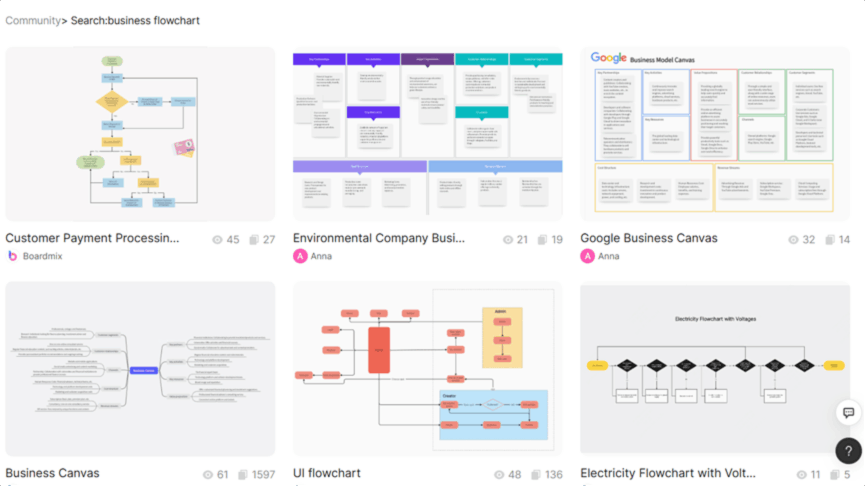
After logging into Boardmix, you can either choose a pre-designed Business Flowchart template from the community template gallery for a quick start, or click "New Board" to build from scratch, ideal for fully customized needs.
(2) Drag-and-Drop Symbols to Build Your Structure
Use the left-side toolbar in Boardmix, which contains all essential flowchart shapes. Simply drag them onto the canvas to construct your process framework.
(3) Use Smart Connectors to Define Flow Direction
Boardmix features intelligent connectors: drag between shapes to generate flow arrows automatically, shapes snap together for clean alignment ensuring logical clarity, and you can choose from straight, elbow (90-degree), or curved connectors for a tidy layout.
(4) Add Descriptions, Comments, and Links
Enrich each process node with context: add text labels to describe the task and responsibility for each step, include comments & annotations to gather feedback or add notes for your team, and insert hyperlinks to link directly to relevant policy docs, knowledge base articles, or system screens.
(5) Collaborate in Real-Time and Host Remote Sessions
Invite team members to edit the board simultaneously. Use @mentions in comments to tag colleagues and collect input directly on the diagram, boosting collaborative efficiency.
(6) Export & Share for Implementation
Once your flowchart is complete, Boardmix offers flexible sharing: export as PDF/PNG which is perfect for printing, reports, or presentations, or generate a shareable link to provide view-only or edit access with a single link.
Conclusion
A business flowchart is more than just a diagram; it's a powerful catalyst for management optimization and efficiency gains. Understanding its symbols, definitions, and applications is key to clarifying complex workflows and providing strong support for digital transformation and operational excellence. Start creating your first business flowchart with Boardmix today, and make your process management more efficient and transparent!





