A concept testing workshop helps a product team learn whether a proposed direction is understandable and worth testing further. Use the workshop to choose what to test next, then pair it with observed use when the question depends on behavior. Start by deciding what you need to learn, then make every participant answer the same questions before the group discusses solutions. For a broader discovery session, see the remote product discovery workshop guide.

1. Set one learning goal
Write a falsifiable learning goal, not a feature pitch. “People will understand how to invite a teammate” is easier to test than “Everyone will love the new workspace.” Add the audience, the scenario, and the decision that follows if the evidence is mixed.
- Hypothesis: what do we expect people to understand or do?
- Context: which user, task, or moment are we testing?
- Decision: what will we keep, change, or test next?
2. Choose a comparable activity
Use the same prompt and time limit for each participant or group. A short explanation, a silent first reaction, and a follow-up question produce more comparable evidence than an open conversation that changes for every person. If you show several concepts, rotate their order when order effects could influence the response.
Three practical activities
- First-glance read: ask what the concept is for and what the next step would be.
- Task sketch: ask participants to mark the steps they expect to take.
- Forced trade-off: ask which of two directions better fits the stated scenario and why.
3. Write neutral questions
Questions should invite an observation, not agreement. Replace “Would you use this helpful feature?” with “What would you do next?” and “What, if anything, is unclear?” Ask for a concrete reason when someone chooses an option, and keep praise or defence out of the facilitator’s response.
| Weak prompt | Neutral replacement | What it reveals |
|---|---|---|
| Do you like this? | What stands out first? | Initial interpretation |
| Would this save time? | Where would this fit in your current task? | Context and fit |
| Is the button clear? | What would you expect after selecting it? | Expected outcome |
4. Run the workshop in rounds
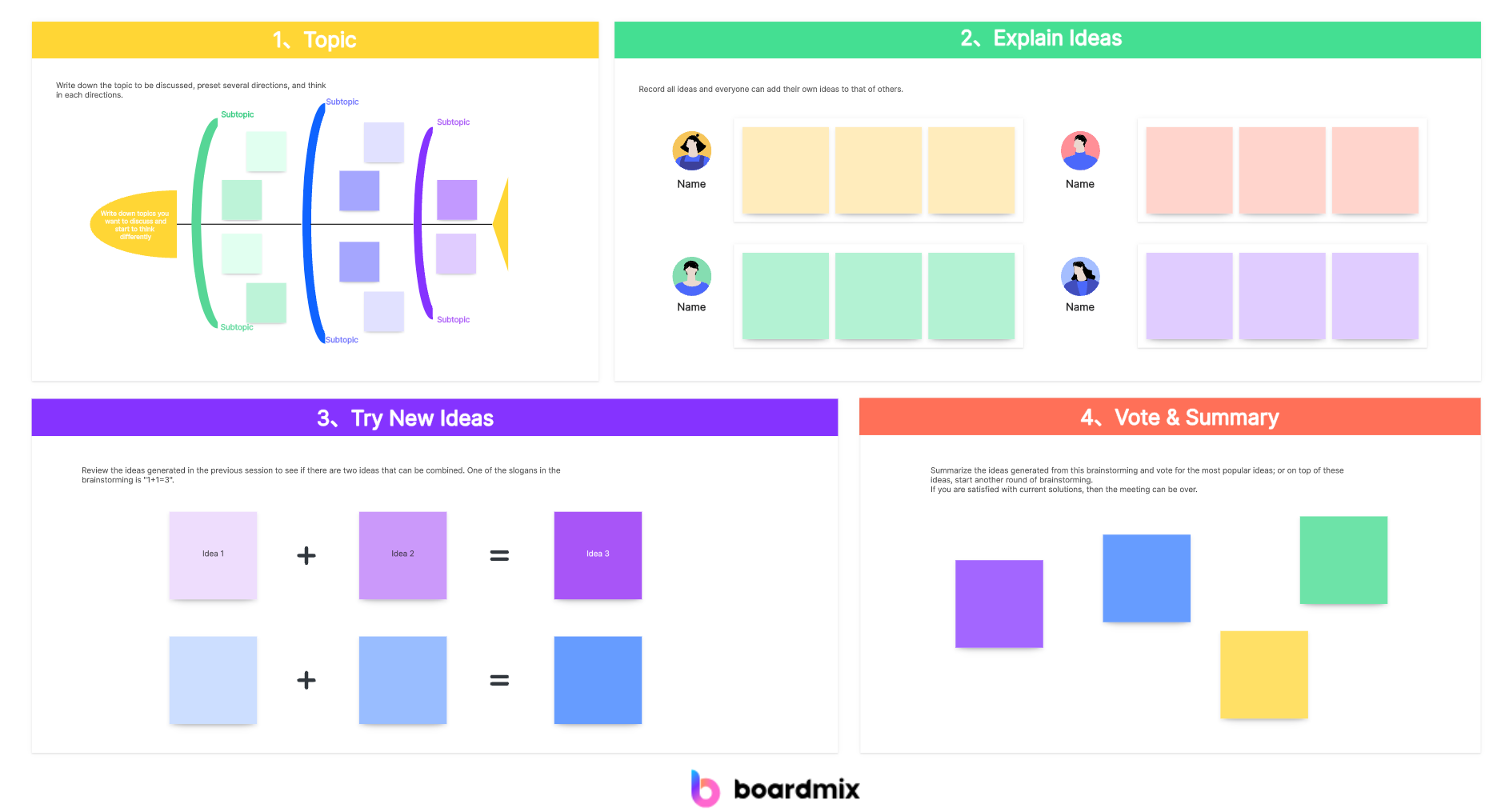
Begin with a silent read or sketch so the loudest voice does not set the frame. Collect first reactions, ask clarifying questions, then compare patterns. Separate “I saw” from “I think” on the board. Capture the exact observation and treat a single reaction as a prompt for another check.
When feedback conflicts, preserve both notes and carry the open question into the next test.
5. Turn feedback into a decision
At the end, summarize what the group learned, what remains uncertain, and what action is proportionate to the evidence. The decision might be to revise the copy, test the concept with another cohort, compare two alternatives, or stop investing. Name an owner and a review date so the result does not disappear into meeting notes.
| Evidence | Interpretation | Decision | Owner |
|---|---|---|---|
| Most participants understood the entry point. | Concept direction is legible. | Keep direction; revise status copy. | Product design |
| Several expected a different next step. | Flow is not yet predictable. | Prototype two cues and retest. | Product manager |

6. Lay out the Boardmix workshop board
Use five zones from left to right: learning goal, questions, participant evidence, patterns, and decision. Put the instructions in a small frame at the top and keep the decision zone empty until the evidence is reviewed. Use one card per response, short labels, and a legend for colors. The structure supports synchronous discussion and leaves a readable record for the whole team.
After the session
Export the decision and unresolved questions to the team’s normal work tracker. Keep the board as the context: it shows the prompt, the evidence, and the reasoning behind the next test. When the concept changes, keep the previous version labeled so the reasoning remains visible.