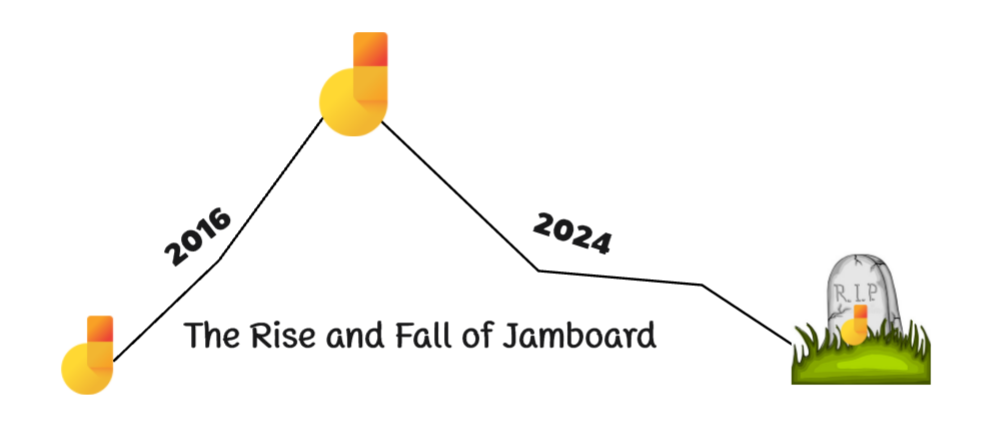


Google Jamboard is no longer available. The application ended on December 31, 2024, after entering view-only mode in October. Google announced the transition in its Workspace whiteboarding update.
The Jamboard Shutdown Timeline
From October 1, 2024, users could no longer create or edit jams. The application closed at the end of December 2024. The dedicated Jamboard device had a separate end-of-support schedule; a working screen does not mean that the former Jamboard cloud service remains available.
Why Google Changed Its Whiteboarding Approach
Google said it would work with partner whiteboard tools while focusing on collaboration in Docs, Sheets, and Slides. Its announcement named FigJam, Lucidspark, and Miro. This stated product direction is more useful than speculation about Jamboard’s market share or the reasons individual teams stopped using it.
What to Do with Saved Jamboard Work
Start in Google Drive: Google says jams were converted to PDFs in 2025 and are available there. Also check copies saved by your team or school. If you cannot find a file, ask the organization’s administrator about access and retained copies. The former Jamboard application can no longer create or edit jams.
Use a saved export as a reference in your next workspace. Recreate sticky notes, diagrams, or other objects that need editing. An image import does not restore the original jam’s permissions, comments, or version history.
Choosing a Supported Whiteboard
Choose around the activity rather than trying to duplicate every historical feature. A class needs accessible student accounts and a clear way to submit work. A workshop needs workable participant permissions and a saved result. A project team may need diagrams and comments that remain editable over time.
Google’s named alternatives provide starting points. Boardmix is another option for teams that want shared boards, mind maps, and diagrams. Compare the current plan limits and test the sharing workflow before moving a group’s work.
For specific options, see the Jamboard alternatives guide. For a meeting, prepare a board, share its link, and use your conferencing application to present it.