





AI image generation has exploded in popularity, becoming a favorite form of digital creativity. But as a beginner, you might be asking: Can it actually produce clear, high-quality images? How do I get the specific style I want? How long does a prompt need to be? And can I really use it for practical projects like PPT covers, e-commerce product images, or social media graphics?
The good news is that AI image generators are designed to lower the barrier to art creation, turning your text descriptions into visuals. This guide will cut through the confusion and provide a clear, step-by-step path for beginners to start creating stunning AI art quickly.
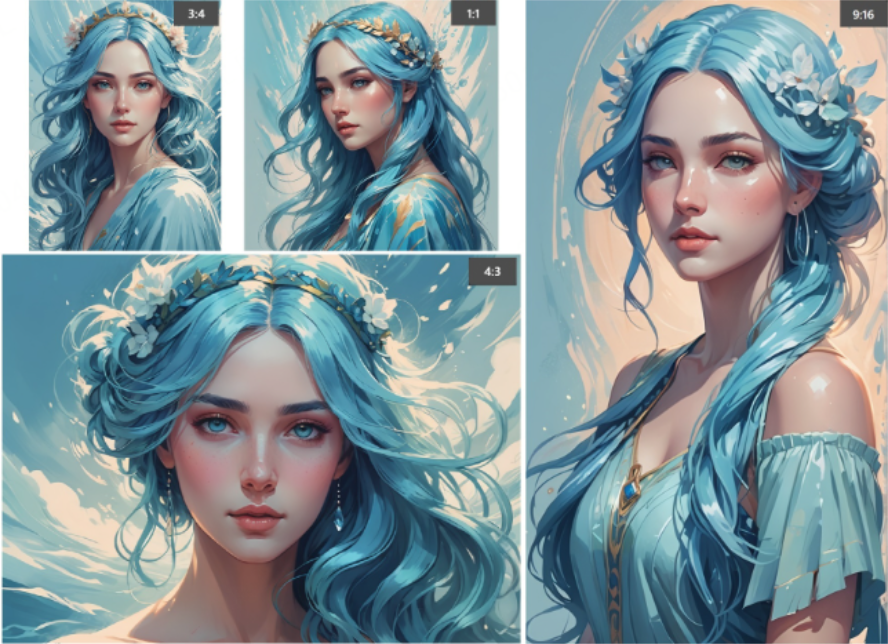
The Basic AI Image Generation Workflow
Getting started with AI image generation is straightforward and can be summarized in three key steps:
Step 1: Choose Your AI Image Tool
Selecting the right tool is the most critical first step. While popular platforms like Midjourney, DALL·E 3, and Leonardo AI are well-known, Boardmix presents a more user-friendly alternative, especially for those valuing an intuitive interface. Its core features include:
- Text-to-Image: Generate images by typing a descriptive text prompt.
- Sketch-to-Image: Upload a line drawing or sketch, and AI will colorize and stylize it.
- Poster Design: Quickly create high-quality marketing posters and visuals.
Step 2: Craft Your Prompt
The prompt is the core of AI image generation. This is where you describe your desired scene in the input box. For example:
- A cozy cabin in a morning forest, with sunlight filtering through the leaves.
- An anime-style school scene, with bright and vibrant colors.
For more refined results, add keywords related to composition, lighting, and camera angle. Terms like macro shot, panoramic view, or soft lighting guide the AI to produce more professional-looking images. Tools like Boardmix often feature a prompt optimizer that can automatically expand your sentence and improve output quality.
Step 3: Generate & Refine Your Image
After clicking "Generate," the AI will produce an image within seconds. If the first result isn't perfect, you can iterate: adjust your description to be more specific, try a different style model, and regenerate until you are satisfied with the outcome. Try generating image with AI!
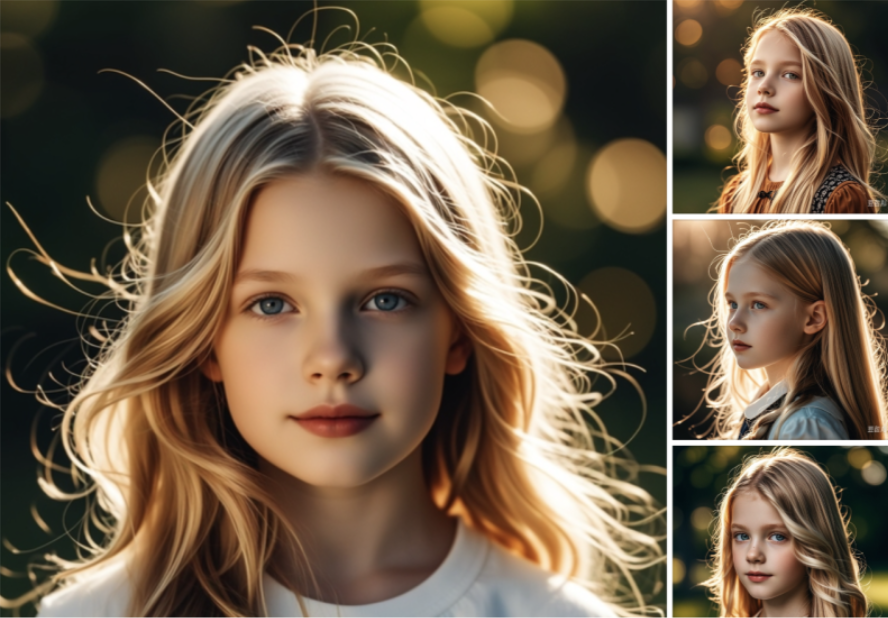
Common AI Art Styles and Examples
The charm of AI image generation lies in its vast range of stunning styles. Below are some popular styles with generation examples:
Chibi / Anime Style
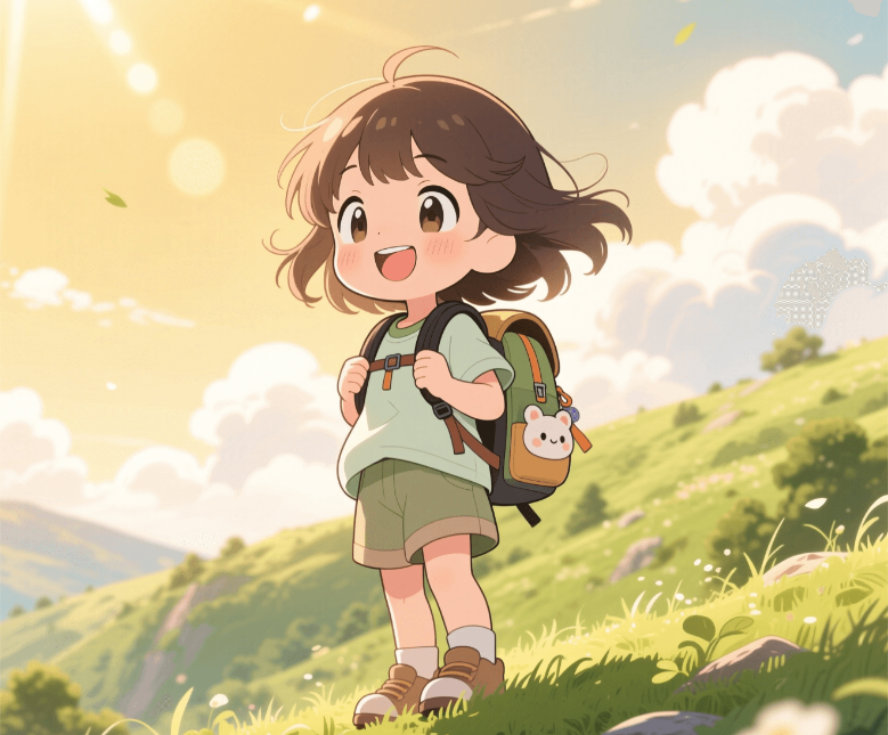
Characteristics: Exaggerated proportions, expressive features, highly popular on social platforms.
Ideal for: Emotes/stickers, original character (OC) design, game concept art.
Example Prompt: "Chibi anime girl with a small, cute backpack, wearing fresh and casual travel clothes. A sunny afternoon, standing on a vibrant green hillside with a gentle breeze blowing through her hair and a bright smile. The background features warm golden sunlight and soft clouds. Overall bright and healing style, Japanese anime aesthetic, exquisitely detailed with soft, warm colors."
Traditional Ink Wash Style
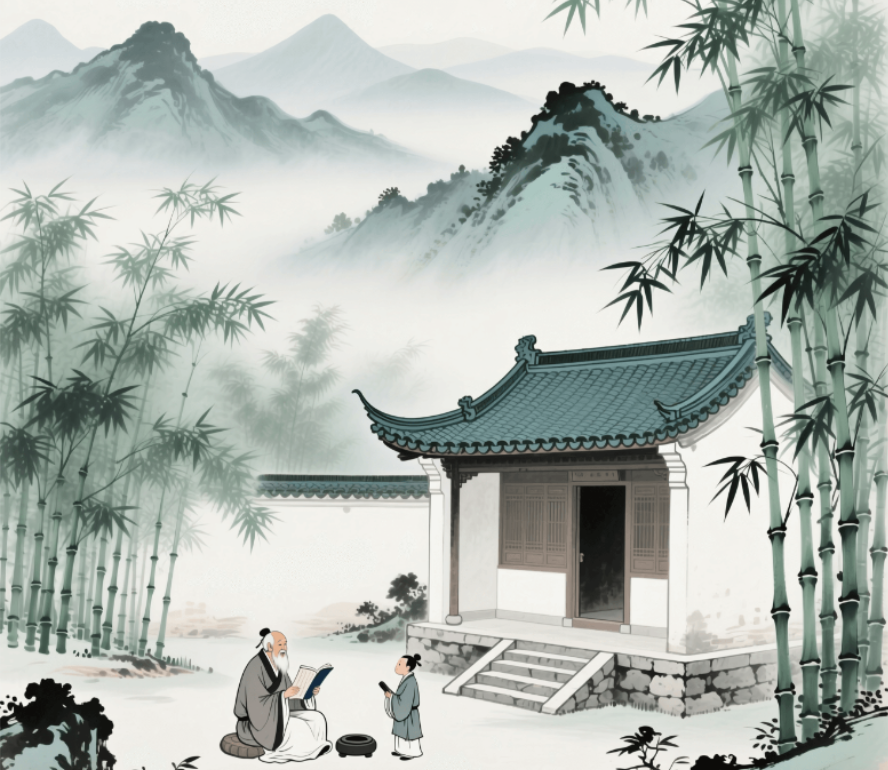
Characteristics: Natural brushstrokes, intentional blank space for artistic conception, and a profound Eastern charm.
Ideal for: Chinese-style posters, poetry illustrations, and cultural-themed creations.
Example Prompt: "Ink wash style, distant blue-green mountains, a scholarly academy hidden in bamboo forest. Light ink-washed mountain layers fading into mist; nearby emerald bamboo sways with dappled light. An ancient academy with upturned eaves, gray tiles, and white walls appears through bamboo. Stone steps wind to its entrance. Inside, an elder sits reading quietly with a page boy holding an inkstone nearby. Tranquil atmosphere with masterful brushwork, capturing the ethereal Zen quality of Eastern landscape painting."
Oil Painting / Impressionism Style
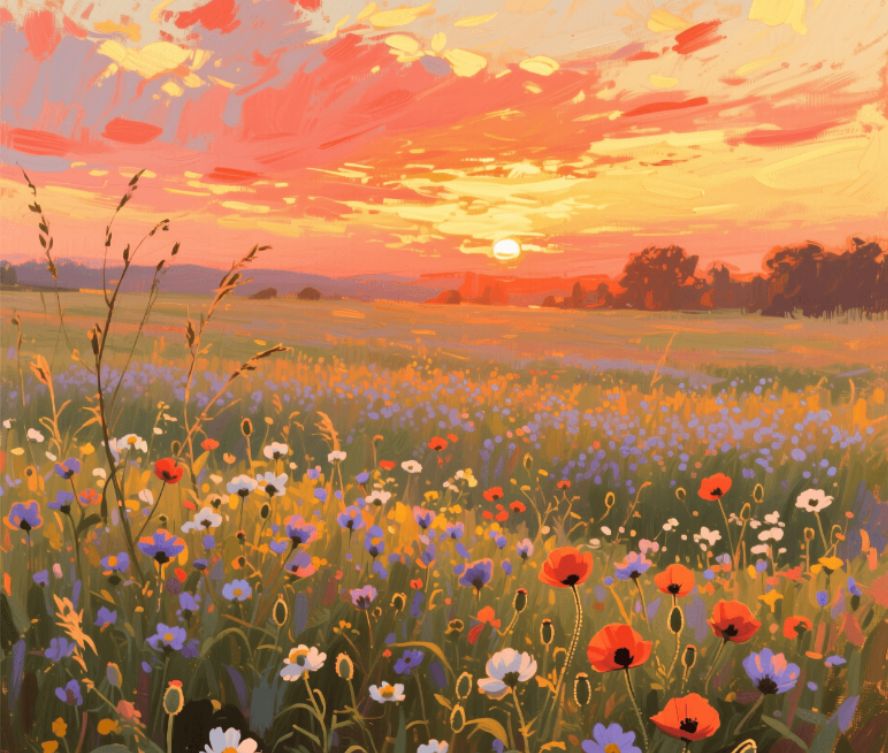
Characteristics: Bold brushstrokes, intense colors, strong atmospheric feeling.
Ideal for: Art prints, literary posters, and decorative background images.
Example Prompt: "Impressionist style oil painting of a flower field at sunset. Warm-toned with soft orange-red and golden-yellow sky. Layers of wildflowers sway in gentle breeze with dappled light. Delicate yet dynamic brushstrokes create warmth and poetry, evoking twilight's lingering warmth and nature's breath."
Cyberpunk / Mechpunk Style
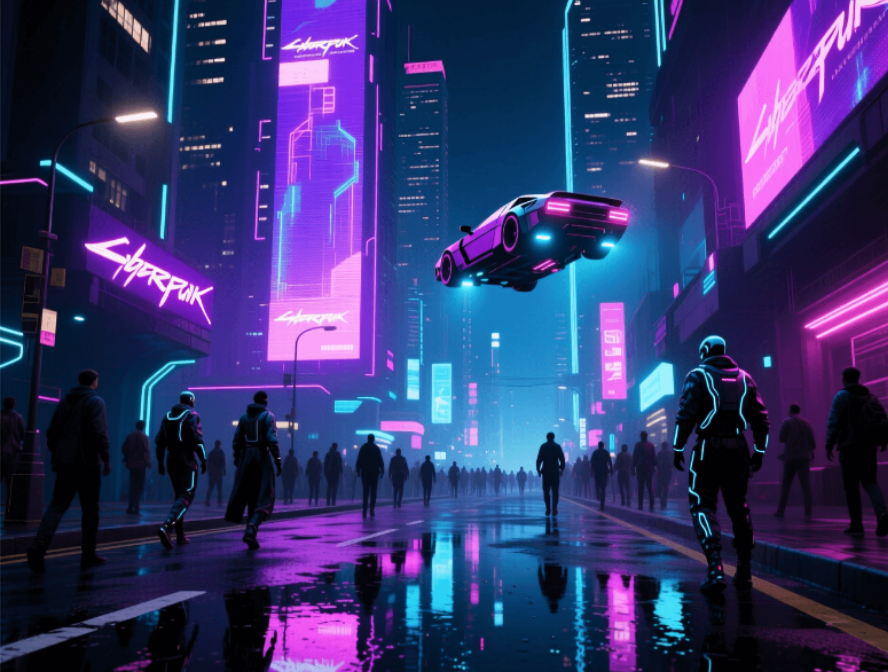
Characteristics: Intense lighting, high color contrast, futuristic aesthetic.
Ideal for: Technology themes, game design, and film concept art.
Example Prompt: "Cyberpunk style, neon-lit city street, reflective ground at night, futuristic skyscrapers, flickering holographic billboards. Purple, blue, and pink neon lights reflect on the wet asphalt, creating a dreamlike interplay of light and shadow. Flying cars hover in the air, while a crowd dressed in techwear moves through the scene. Detailed, high resolution, cinematic lighting, cyberpunk aesthetic, with a strong contrast between dark tones and bright colors, creating a mysterious and dynamic atmosphere."
Flat Illustration Style
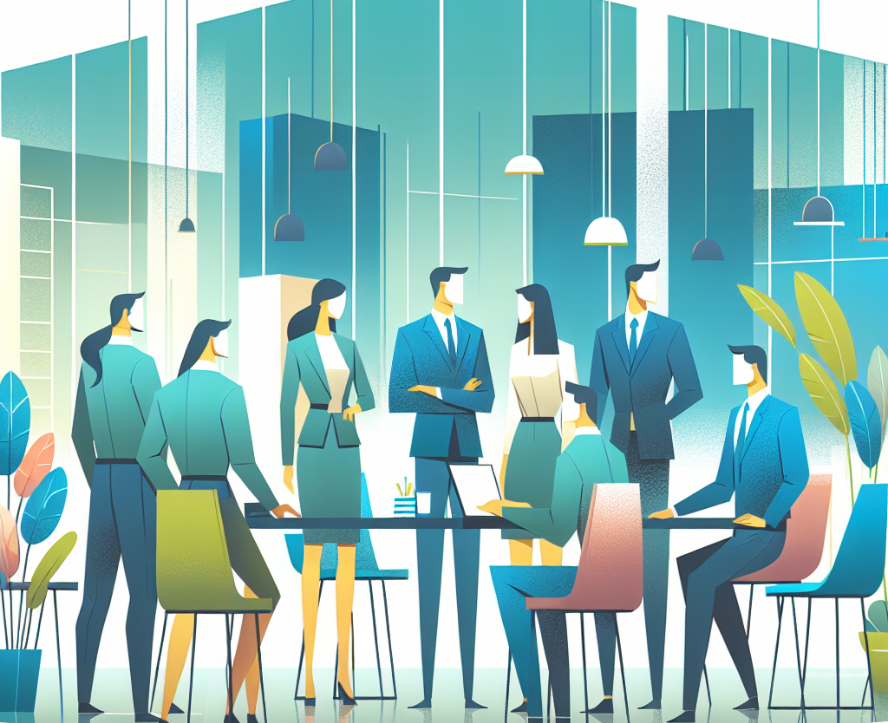
Characteristics: Clean, minimalist shapes without complex textures or gradients, using bold and vibrant color blocks.
Ideal for: Commercial posters, website banners, and infographics.
Example Prompt: Flat illustration style, office team collaboration scene, bright and lively colors, modern and clean aesthetic, simple geometric shapes, no shadows or gradients, professional and friendly atmosphere.
Photorealistic Style
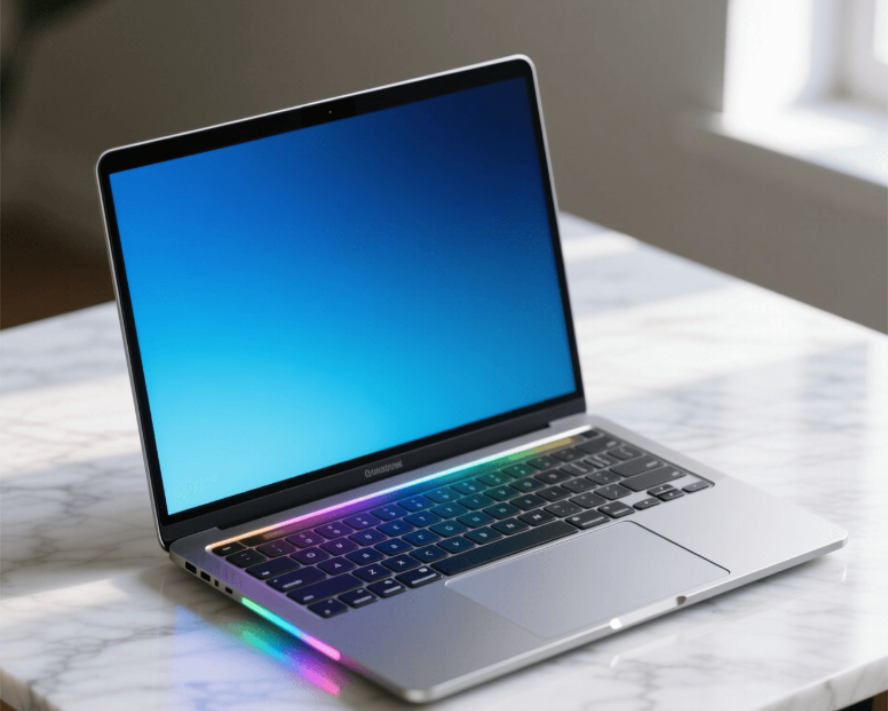
Characteristics: Highly detailed textures, authentic lighting and shadows, creating an image that is virtually indistinguishable from a real photograph.
Ideal for: Product photography, architectural visualization, and portrait photography.
Example Prompt: A modern laptop with a minimalist design and a silver metal casing featuring a subtle matte texture. The screen is lit, displaying a blue gradient background with a white text interface. The keyboard area has a soft backlight. It is placed on a light gray marble desktop, illuminated by natural light, creating a professional yet warm work atmosphere. Ultra-high definition details, 8K resolution, photographic-grade lighting and shadow effects.
Top AI Image Generation Tools Recommendations
Want to know how to create AI images more efficiently? Choosing the right tool is key! Here are several highly-rated and user-friendly AI image generation software options:
Boardmix
- An all-in-one AI creation platform supporting AI painting, AI poster design, AI background removal, sketch-to-image, and more.
- Offers multiple style models to choose from, produces high-definition images with fast generation speed.
- Accessible online directly via a web browser—no installation required.
- Well-suited for social media content creators, designers, students, and brand marketers.
Other Popular AI Image Generation Platforms
- Midjourney: A professional-grade AI art creation platform accessed through Discord. Known for stunning atmospheric and environmental effects, but has a slightly steeper learning curve and requires precise prompting for best results.
- Bing Image Creator (powered by DALL·E 3): Ideal for casual users, offering fast generation speeds. Currently performs best with English prompts, as its adaptation for Chinese prompts is slightly less robust.
- Stable Diffusion / Playground AI: Leans towards illustration and game design styles. Offers free usage tiers, but some advanced features require a paid subscription.
Beginner FAQs & Troubleshooting
Why are my AI images so random?
Usually caused by vague prompts. Less information means more randomness. Solutions:
- Add specific details: "medium shot," "backlit," "HD close-up," "soft lighting," "panoramic composition"
- Use style references: "in the style of [artist/photographer]"
- Specify camera settings: "85mm lens, f/1.8 aperture"
How can I make AI images look more professional?
Use Boardmix's prompt optimization feature. Start with a basic description, and AI will expand it into complete, quality-enhancing prompts.
Can I use AI-generated images commercially?
Most AI-generated images qualify as original content without copyright restrictions. Platforms like Boardmix specifically allow commercial use for marketing, content creation, and business applications.
What if generation is slow or produces errors?
- Reduce the number of images requested
- Rephrase your description
- Try a different style model
- Check your internet connection
Conclusion
Whether you need quick e-commerce images, PPT covers, or illustration inspiration, AI image generation is more accessible than you think. Boardmix's AI image generator offers English support, multiple style choices, and prompt optimization—perfect for beginners.
Try it yourself: Enter a simple description or even upload a sketch to see instant results.
Click here to experience Boardmix AI Image Generation and discover how your next perfect cover image might be just one prompt away!





