





Generating Mermaid flowcharts online is becoming a favorite among developers and teams. Forget the complex operations of tools like Visio—turn a snippet of code into a professional diagram instantly! But what about the high barrier of manually writing syntax and inefficient team collaboration? This guide details a zero-code solution for online Mermaid flowchart generation. By combining real-time collaboration tools with AI-powered error correction, you can solve your Mermaid diagramming challenges in 3 minutes and unlock your productivity immediately!
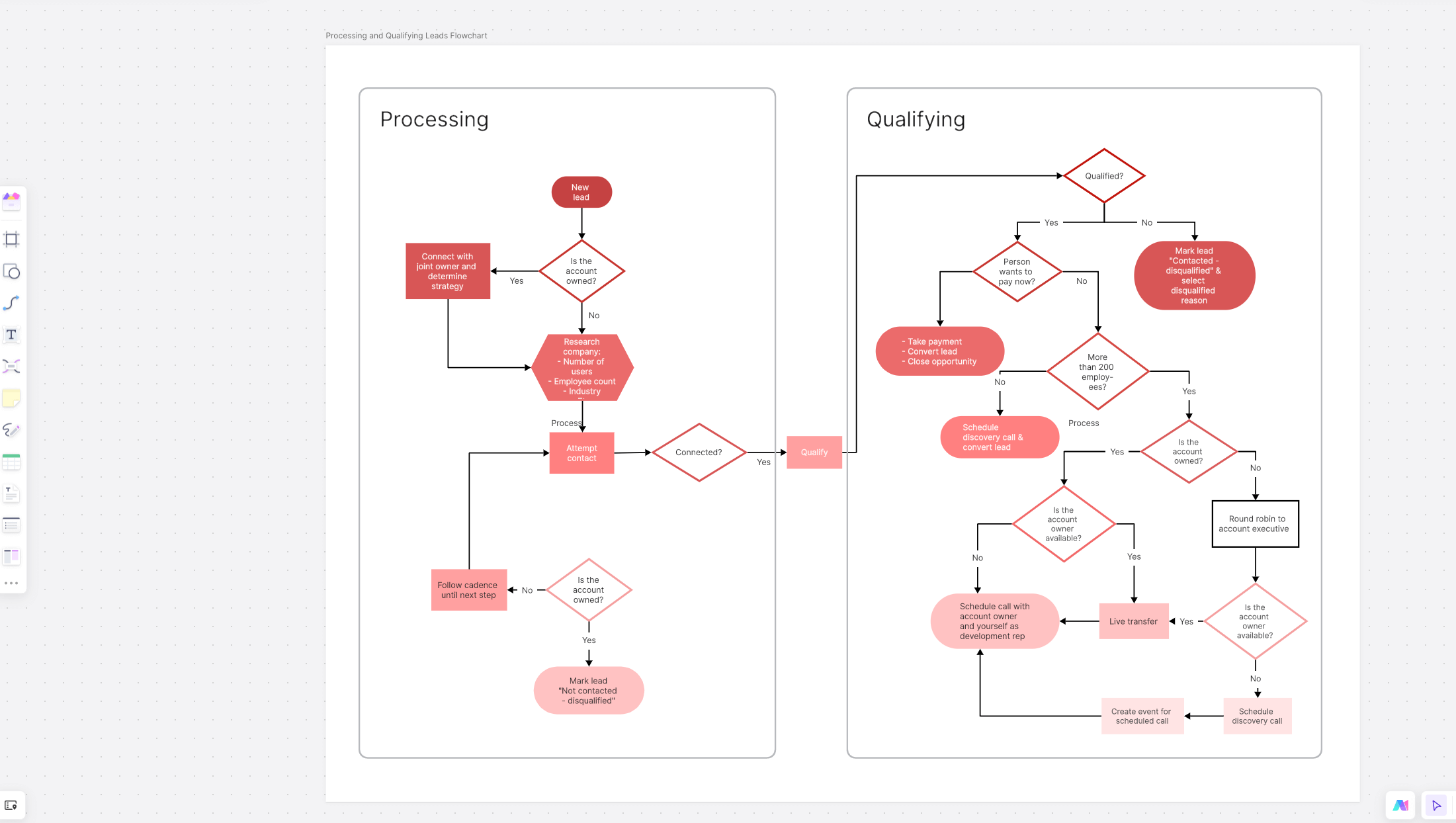
What is a Mermaid Flowchart?
Mermaid is a text-based diagram description language. It allows you to use Markdown-like syntax to "draw" flowcharts by writing code. It's not a drawing tool; it's a diagram written in text. For common elements like branch decisions or logical jumps, you simply write a text block starting with graph TD or graph LR, and the system automatically renders it into a clean, intuitive, standardized flowchart—no tedious manual formatting required.
Even better, Mermaid is highly efficient and "friendly," especially for frequent diagram creators like programmers, product managers, and technical writers. You can embed it in documentation, reference it in code repositories, display it in blog posts, and even collaborate on it simultaneously on platforms like Notion or Confluence. For diagram content that requires frequent updates and rapid iteration, Mermaid is more than just a tool; it's a flexible and maintainable way of working.
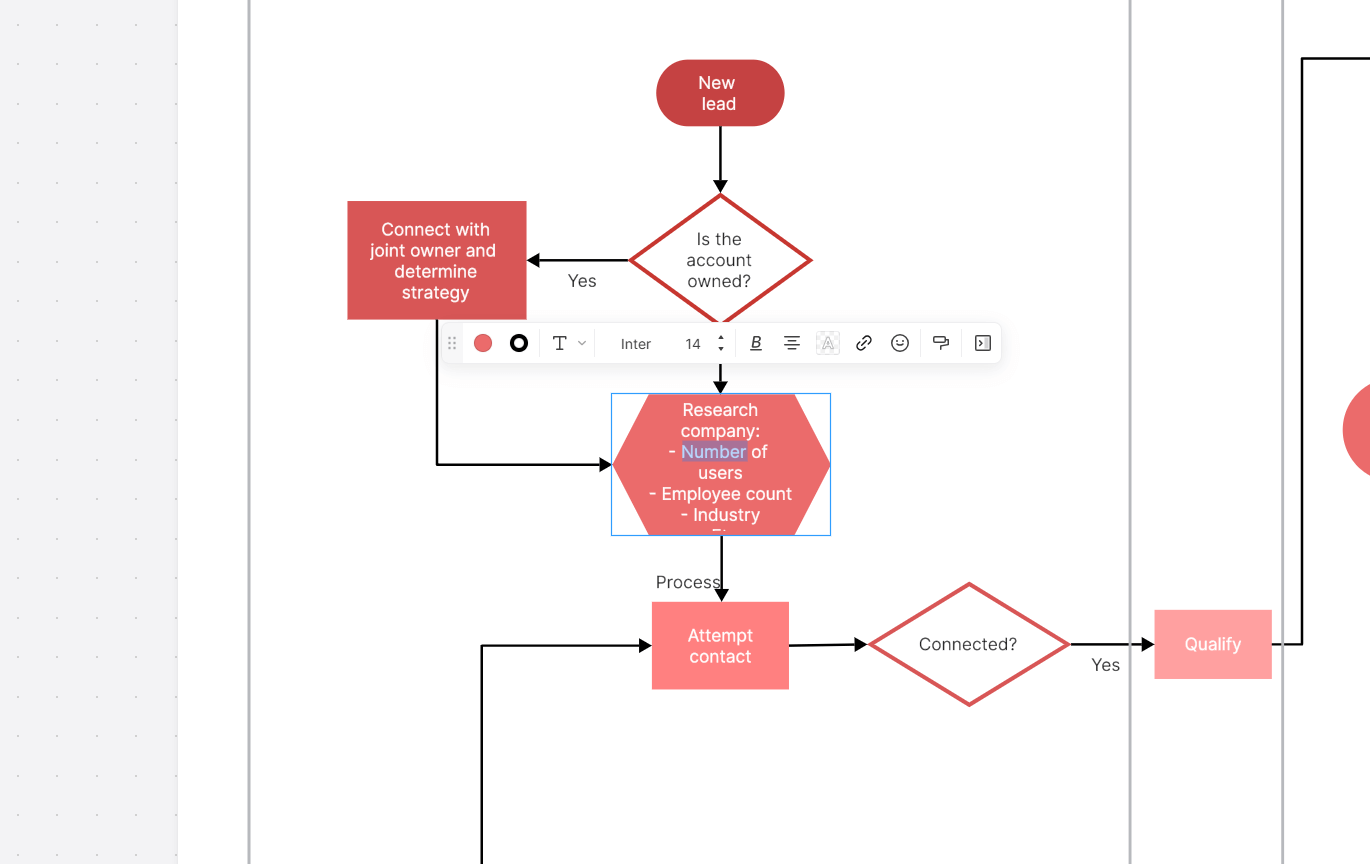
What Are the Core Advantages of Mermaid Flowcharts?
Mermaid flowcharts are both practical and powerful. Here are their key advantages:
- Text-Based & Highly Efficient: Create diagrams with text—no manual dragging of icons or aligning shapes. It's intuitive for developers and PMs and easy to embed in documentation.
- Embeddable Across Platforms: Diagrams can be placed directly into Markdown, Notion, Google Docs, and more. No need to export and import files repeatedly; view and edit anywhere.
- Automatic Layout & Easy Styling: The layout is automatically handled. Easily customize colors and lines. To update the diagram, you only need to change the text, making maintenance simple.
- Supports Multiple Diagram Types: Beyond flowcharts, Mermaid can create Gantt charts, sequence diagrams, class diagrams, and more. One tool meets various diagramming needs.
How to Generate a Mermaid Flowchart?
A Mermaid flowchart is generated by writing concise text code. The core idea is "text as diagram." You don't drag and drop shapes; you describe the flow's structure using defined syntax, and Mermaid automatically renders it into a visual flowchart.
Follow these basic steps:
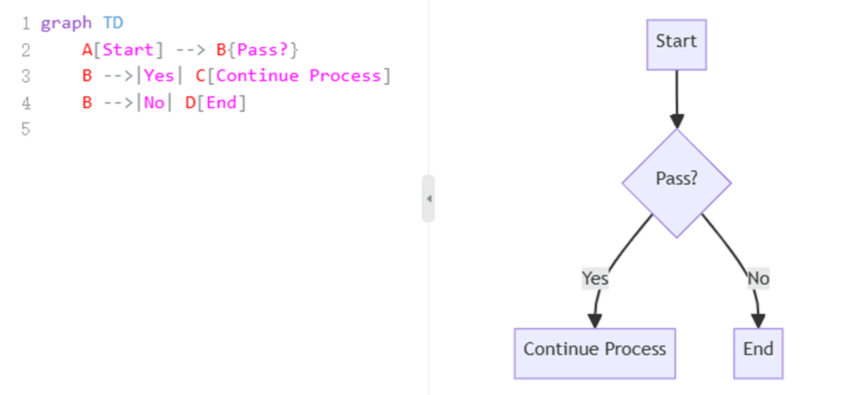
Step 1: Write the Mermaid Code
For a basic flowchart, the Mermaid code looks like this:
Step 2: Choose a Rendering Tool (Where to Generate the Diagram)
Online: Use the official Mermaid Live Editor or other web-based tools.
Local: Use Markdown editors like Typora or Obsidian that support embedded Mermaid rendering.
Step 3: Preview & Export the Diagram
In a Mermaid-compatible editor or platform, the code is automatically parsed into a diagram. You can then export the flowchart as a PNG or SVG file, or embed it directly into your document.
Recommended Online Mermaid Flowchart Generators
Based on hands-on testing for compatibility, collaboration features, and tool integration, here are top recommendations from a developer's perspective for different scenarios.
(1) Boardmix

Boardmix stands out as a powerful online whiteboard that seamlessly blends the flexibility of code editing with the convenience of AI visualization. Its AI can not only parse Mermaid code but also generate professional diagram code from prompts, visually presenting the resulting flowchart on an infinite canvas for free editing and adjustment.
Furthermore, Boardmix excels in real-time collaboration. Multiple users can edit and comment simultaneously. It features version history, permission management, and integrates flowcharts, mind maps, and other assets on a single canvas—ideal for cross-departmental projects. It supports multi-format export (PDF, SVG, etc.), is Markdown compatible, and boosts efficiency for both team collaboration and documentation.
(2) Mermaid Live Editor
This online tool, developed by the Mermaid project, is intuitive and straightforward. You input Mermaid code, and the flowchart (or other chart types) instantly displays on the right, updating in real-time as you edit. Export to PNG, SVG, or PDF with one click. Its clean interface and library of ready-to-use examples make it perfect for quickly testing ideas or creating simple diagrams.
(3) Lucidchart
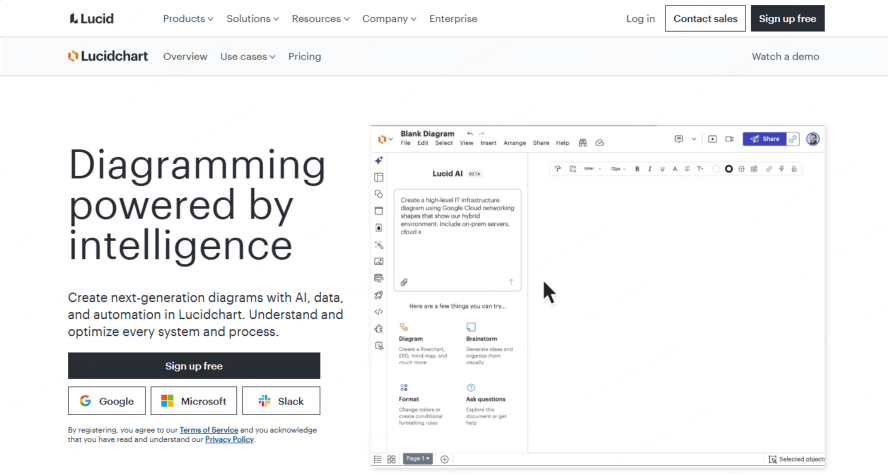
A powerful, professional diagramming tool with integrated Mermaid syntax support. Write code to generate flowcharts, class diagrams, Gantt charts, and more. Lucidchart is feature-rich, enabling real-time collaboration, cloud storage, and detailed style customization. It's excellent for team-based diagramming or when polished, presentation-ready charts are needed. You can also import Mermaid code into existing diagrams for editing, offering both flexibility and professionalism.
(4) Mermaid Chart
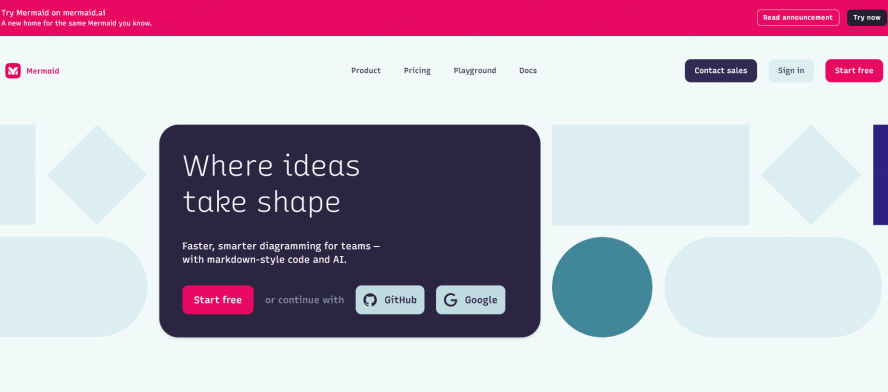
Another online editor from the official team, specializing in creating visually appealing diagrams with Mermaid code. It offers unique features like hand-drawn sketch styles and architecture diagram templates. Access over 200,000 icons and customize styles. Easily embed finished diagrams into docs or share via link. Ideal for creating beautiful diagrams or complex system architecture visuals. The free tier is robust for most everyday needs.
Selection Advice:
- Choose Boardmix for a free trial, AI-assisted code generation, or cross-functional visual real-time collaboration.
- Use Mermaid Live Editor for quickly testing ideas or creating simple diagrams with an intuitive interface.
- Opt for Lucidchart for polished, team-based diagramming projects with advanced styling needs.
- Select Mermaid Chart for complex system/architecture diagrams, sketch styles, and its vast icon library—the free version is sufficient for daily use.
Common Issues with Mermaid Flowchart Generation
Are problems like "blurry exports, collaboration conflicts, data security" hindering your efficiency with online Mermaid flowchart generation? The solutions below will help you work seamlessly.
(1) Exported flowchart appears blurry. What to do?
Solution: Choose to export in SVG (Scalable Vector Graphics) format. SVG is based on mathematical coordinates and remains crisp at any zoom level, making it suitable for print-quality documents or large-screen presentations.
(2) How to avoid content conflicts during team collaboration?
Solution: In a Boardmix real-time collaboration session, each member's cursor position is visible live. When one user is editing a specific section of the diagram, that area is locked for others, preventing conflicts and ensuring a smooth collaborative workflow.
(3) How to ensure the security of sensitive corporate data?
Solution: Boardmix offers private cloud deployment, keeping all flowchart data stored on your local servers. Coupled with a comprehensive security framework featuring detailed operation audit logs, it provides full protection for sensitive enterprise data. Click here to inquire about private deployment solutions.
Summary
From agile development to remote team scenarios, the combination of Mermaid flowcharts and Boardmix is redefining the efficiency of technical diagram generation. Whether through zero-code drag-and-drop creation or leveraging private deployment for data security, Boardmix stands out with its advantages in technical efficiency and collaborative security, making it a top choice for both businesses and individuals for online Mermaid flowchart generation.
Ready to boost your team's diagramming workflow? Explore Boardmix's collaborative features and AI tools with a free trial today.





