





Mind maps are a great way to brainstorm ideas, structure information, and visualize concepts. But when it’s time to present those ideas, a PowerPoint (PPT) is often the better format. Why? Because slides provide a clear, structured way to communicate key points to an audience.
But manually converting a mind map into a presentation can be time-consuming. Copying content, formatting slides, and arranging the flow can take hours. In this article, we'll introduce how to use Boardmix AI to turn mind maps into polished PowerPoint presentations with just a few clicks —— It's fast, automated and free. Keep reading!
How to Use Boardmix AI for Mind Map to PPT AI Conversion
Let’s walk through an example of converting a pet industry analysis report mind map into a PowerPoint presentation.
Step 1: Create a Mind Map with Boardmix AI
- Open Boardmix AI Assistant for Mind Map.
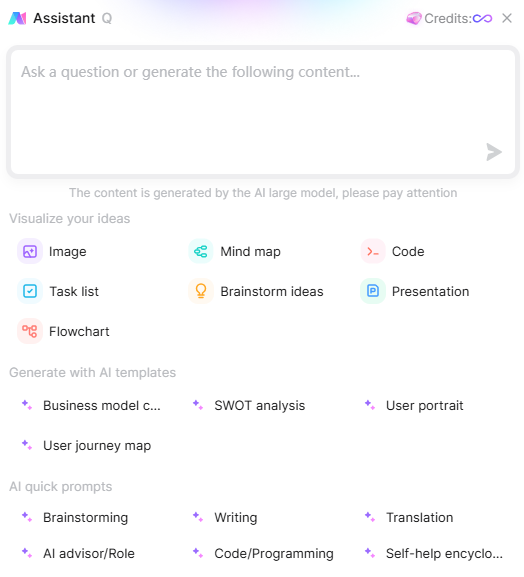
- Enter your topic (Pet Industry Analysis Report), and Boardmix AI will generate a complete mind map.
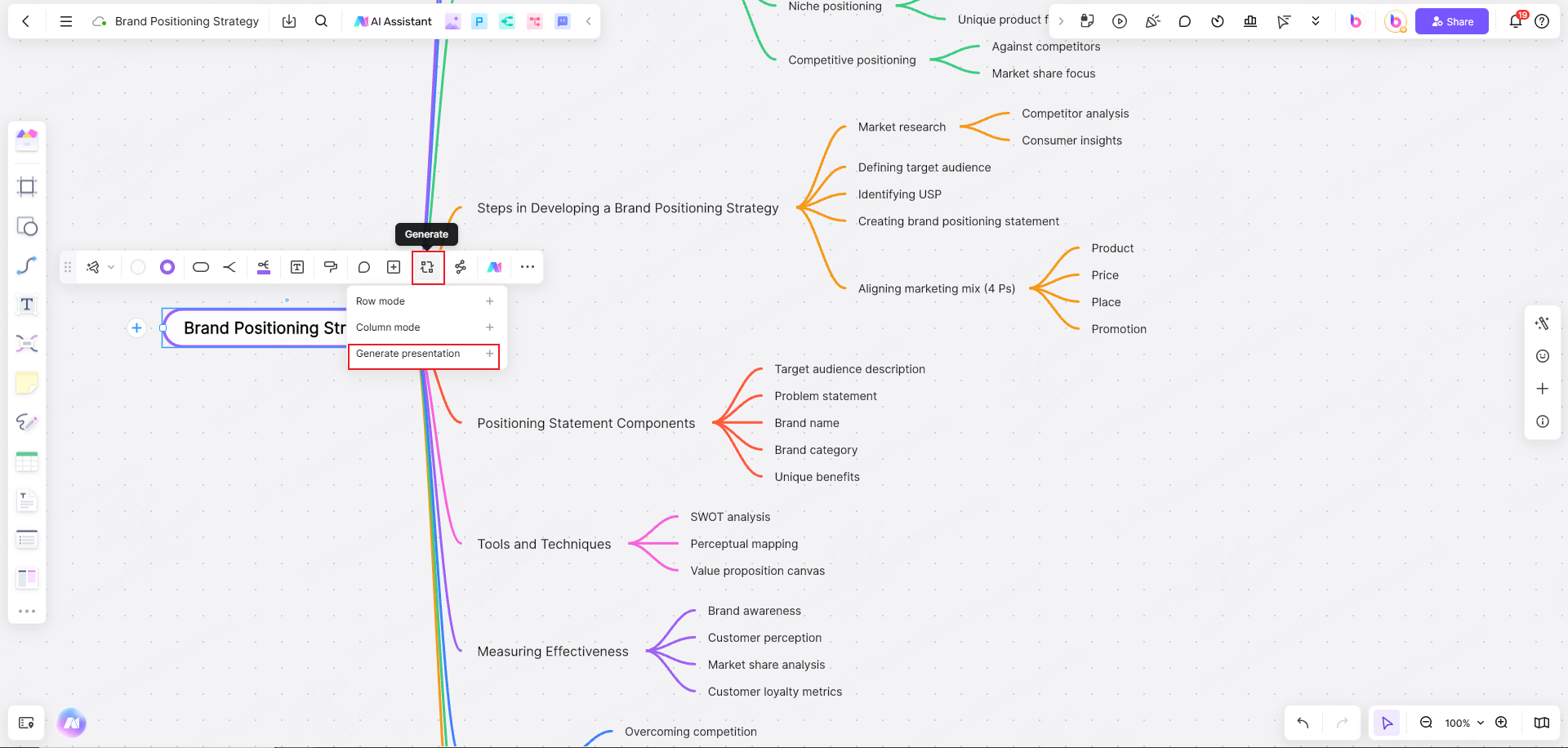

- Edit and refine the mind map if needed.
Step 2: Understanding How Boardmix Converts Mind Maps to PPT
- The Center Topic becomes the PPT title.
- Second-level topics serve as section dividers.
- Third-level topics act as slide subtitles.
- If the mind map has less than four levels, section dividers become slide titles.
- If it has four or more levels, third-level topics serve as slide titles.
Step 3: Generate the PowerPoint Presentation
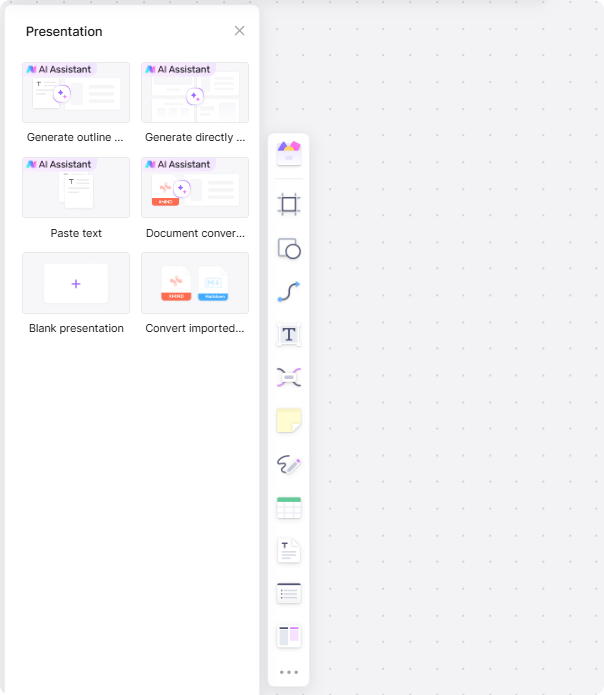
- Click on the Center Topic.
- Select Generate→ Generate Presentation.
Step 4: Choose a PPT Style
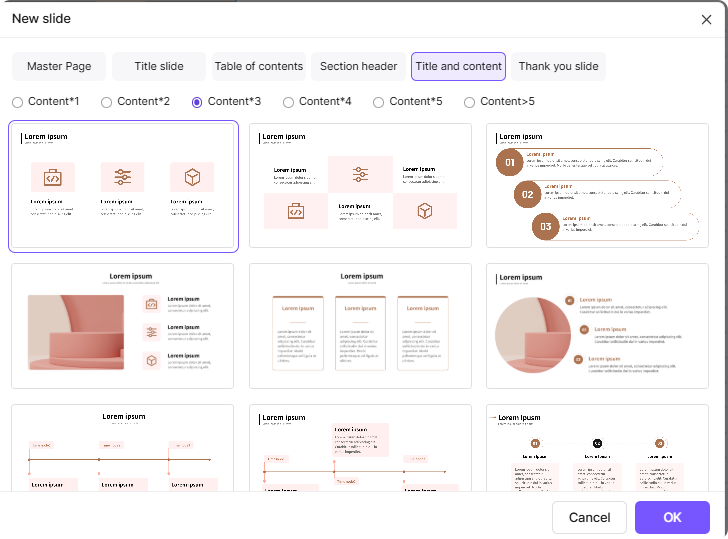
- Pick a layout and theme that best fits your content.
- Click Start to begin the conversion process.
Step 5: Edit and Customize Your PPT
- Adjust layout, background, fonts, and colors.
- Add comments, additional details, or images as needed.
Step 6: Present Your PPT on Boardmix
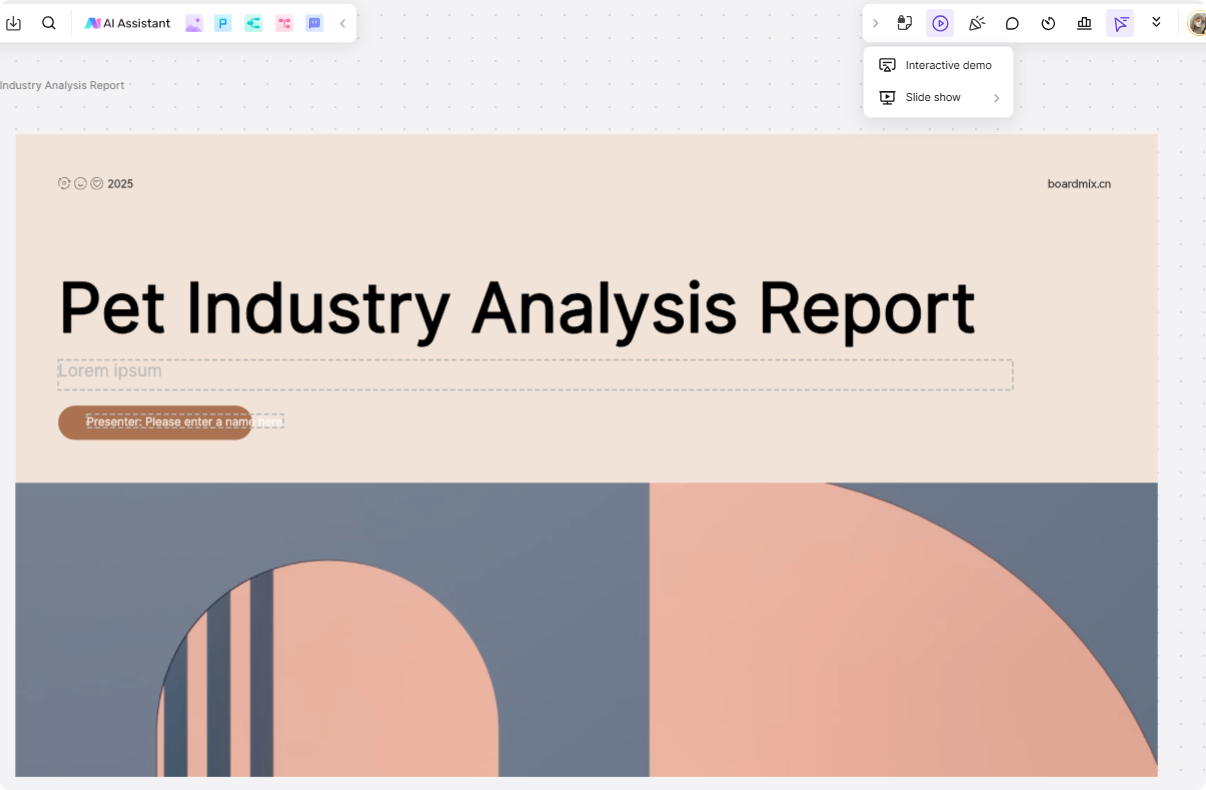
- Click the Playbutton in the top-right corner.
- Choose between Interactive Demo(audience follows your view) or Slide Show (audience views independently).
Step 7: Share or Export Your Presentation
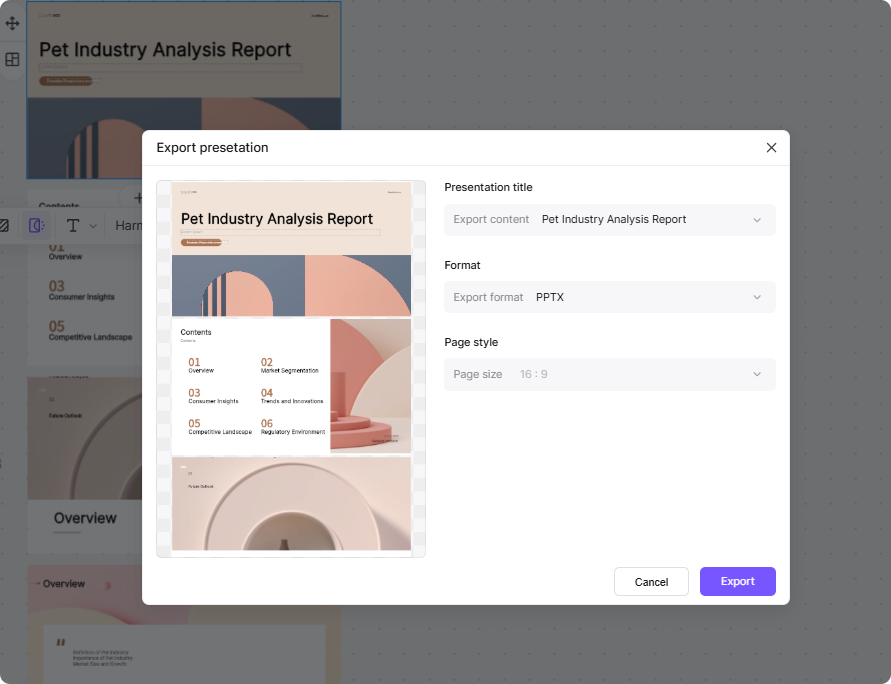
- Online Sharing: Click Shareto generate a link.
- Export Options: Save as PNG, JPG, SVG, PDF, or PPTXfor offline use.
Why Use Boardmix AI for Mind Map to PPT AI Conversion?
Turning a mind map into a PowerPoint shouldn’t be a tedious task, but the traditional way often is. Copying text, manually adjusting slide layouts, and figuring out the best structure can take hours. And if your mind map is detailed, things get even trickier.
Now, what if you could skip all that? With Boardmix AI, you can convert your mind map into a well-organized PPT with just one click. The AI automatically arranges your content, selects a clean layout, and ensures everything looks polished—no design skills needed. Instead of spending time formatting slides, you can focus on refining your ideas and delivering a great presentation.
Key Benefits of Using Boardmix AI
So, why choose Boardmix for your mind map to PPT conversion? Simple—it’s fast, effortless, and delivers professional results. Here’s what makes it stand out:
- AI-Powered Slide Layouts– No more manual formatting. The AI structures your content into clear, engaging slides instantly.
- Easy Customization– Adjust layouts, change colors, pick fonts, and fine-tune designs effortlessly to match your style.
- Seamless Collaboration– Work with your team in real-time, leave comments, and refine slides together.
- Flexible Export Options– Download your presentation as PPTX or PDF, or share an online link for instant access.
With Boardmix AI, you’re not just saving time—you’re transforming the way you create presentations.
More AI-Powered Features in Boardmix
Boardmix isn’t just about converting mind maps to PowerPoint—it’s a full-featured AI collaboration platform designed to streamline your workflow. Whether you're brainstorming, organizing ideas, or creating presentations, Boardmix AI has the tools to make your work faster and smarter.
Here’s what else Boardmix AI can do:
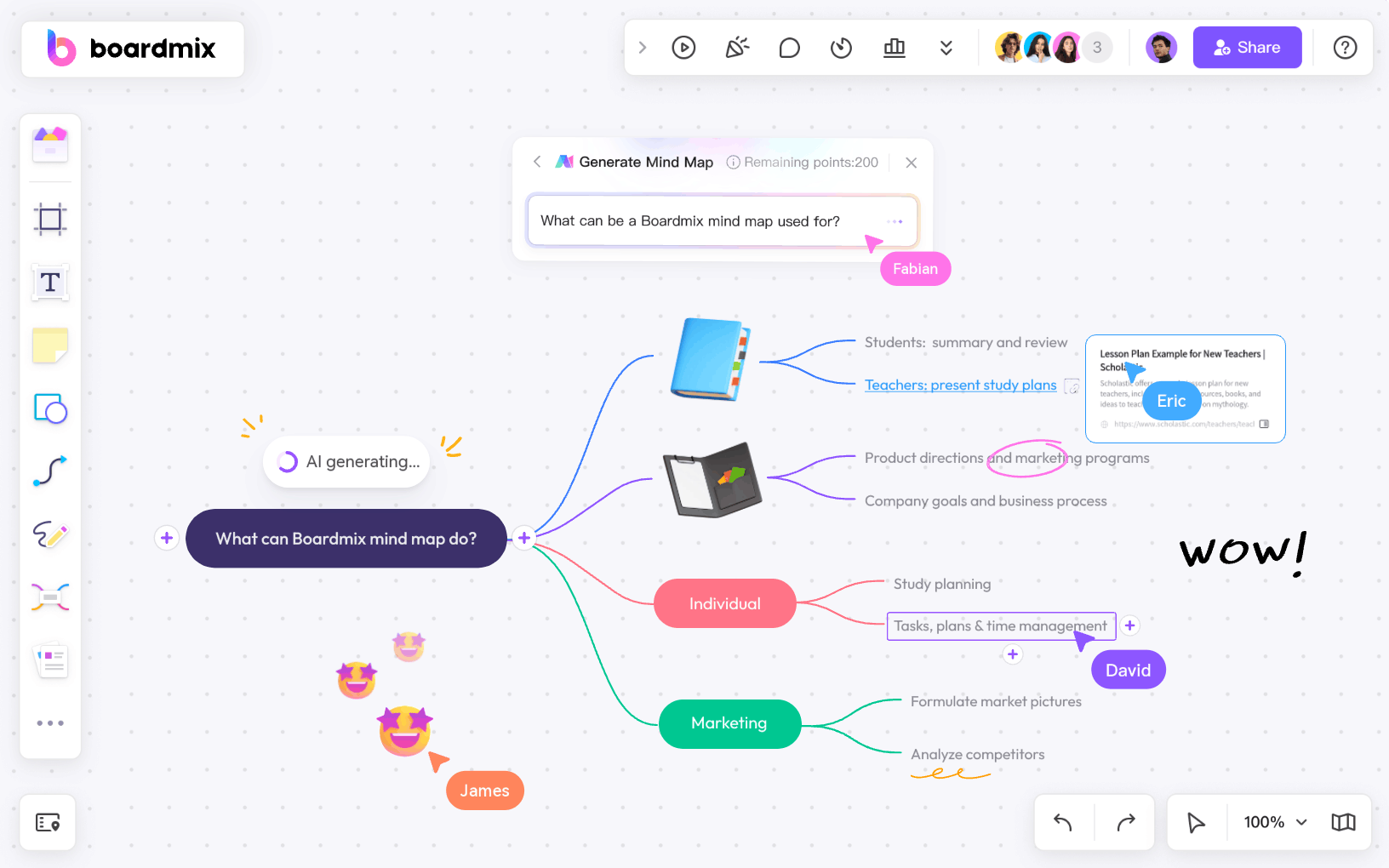
- AI-Powered Mind Mapping– Instantly generate structured mind maps from simple text input, helping you organize thoughts with ease.
- AI Code Assistance– Need to write or debug code? Boardmix AI can generate, refine, and explain code snippets, making it a great tool for developers.
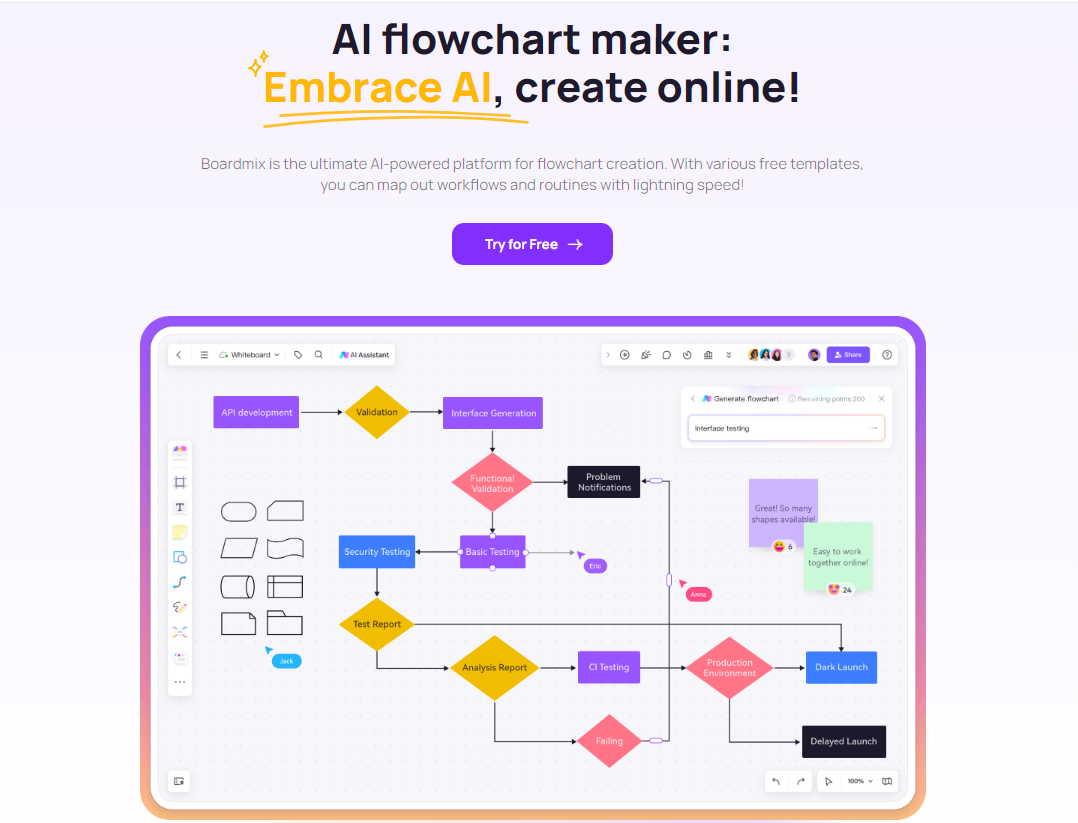
- AI Flowcharts & Diagrams– Quickly create flowcharts, process maps, and other visual diagrams with AI-assisted formatting.
- AI-Generated Images– Bring ideas to life with AI-generated visuals that fit seamlessly into your whiteboard projects.
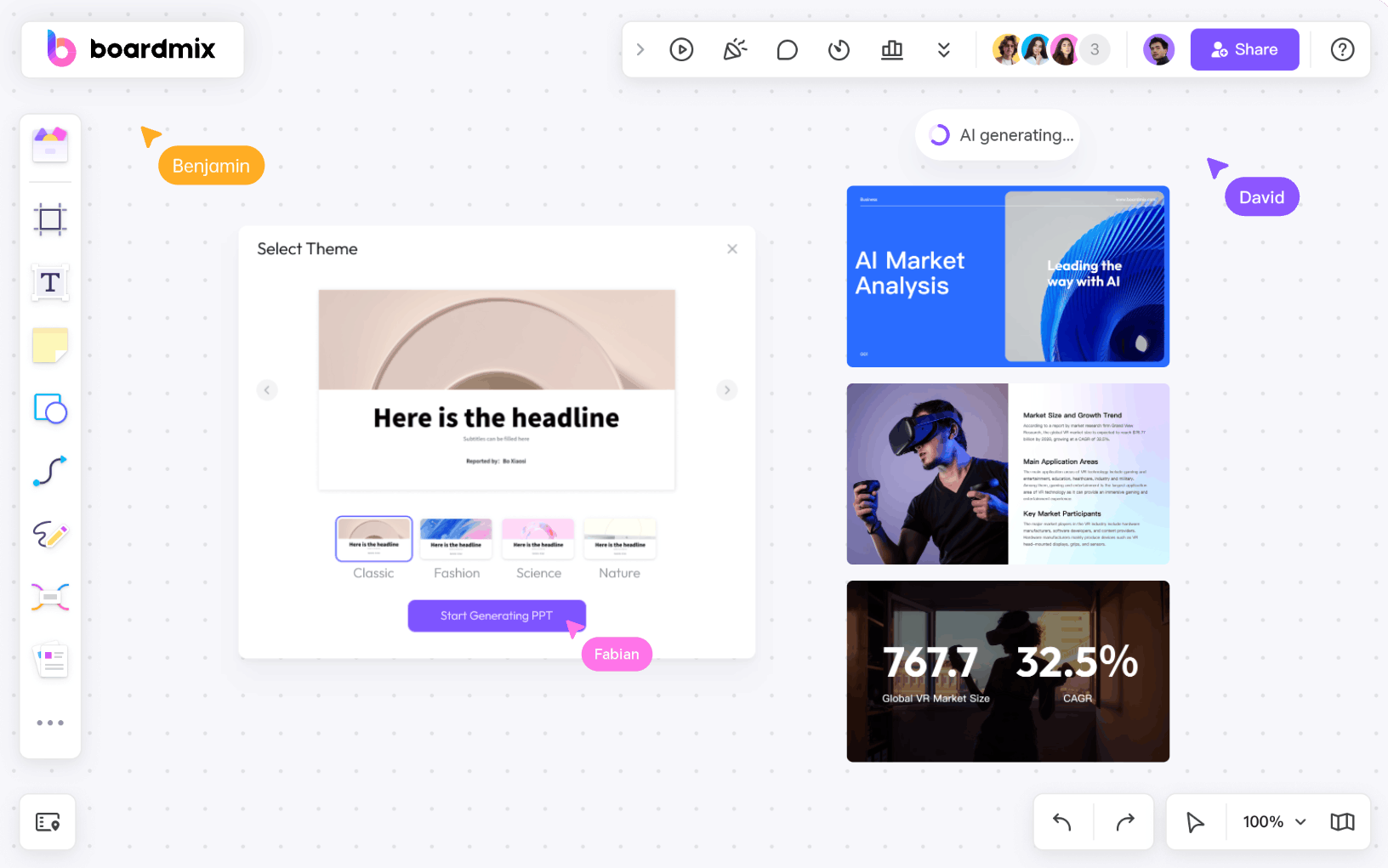
- AI-Powered Presentations– Convert raw ideas or documents into ready-to-use slides with a single click.
- Smart AI Chat– Get instant answers, brainstorming ideas, or text summaries with the built-in AI assistant.
With these features, Boardmix AI isn’t just a tool—it’s your intelligent workspace for seamless idea generation, organization, and collaboration.
The Bottom Line
Converting mind maps into PowerPoint slides doesn’t have to be a manual, time-consuming process. With Boardmix AI, you get a fast, intelligent, and seamless solution that transforms your ideas into engaging presentations effortlessly.
No matter if you’re preparing a business pitch, academic presentation, or project briefing, Boardmix AI saves you time and effort. Try Boardmix today and experience the easiest way to convert mind maps to PPT!





