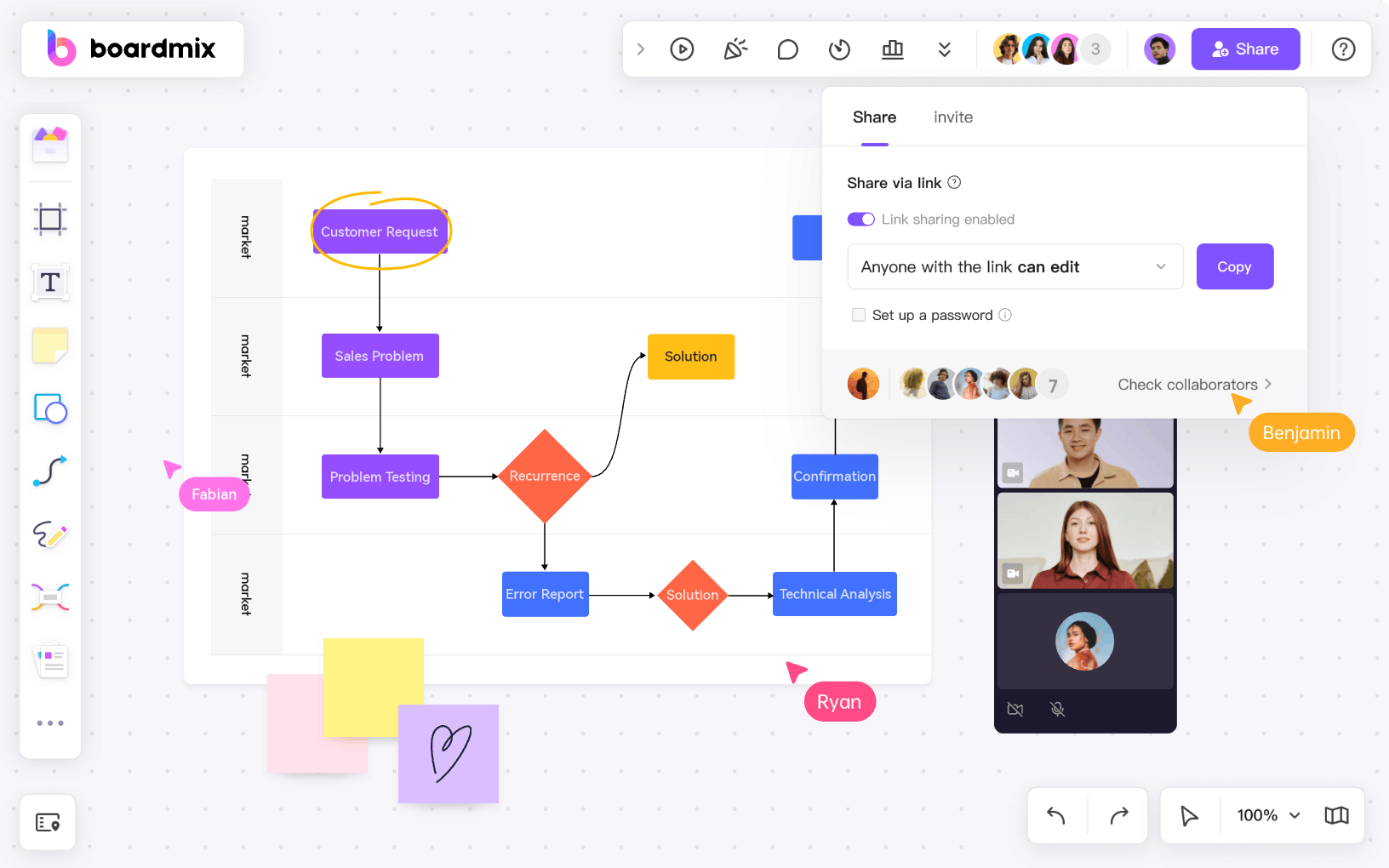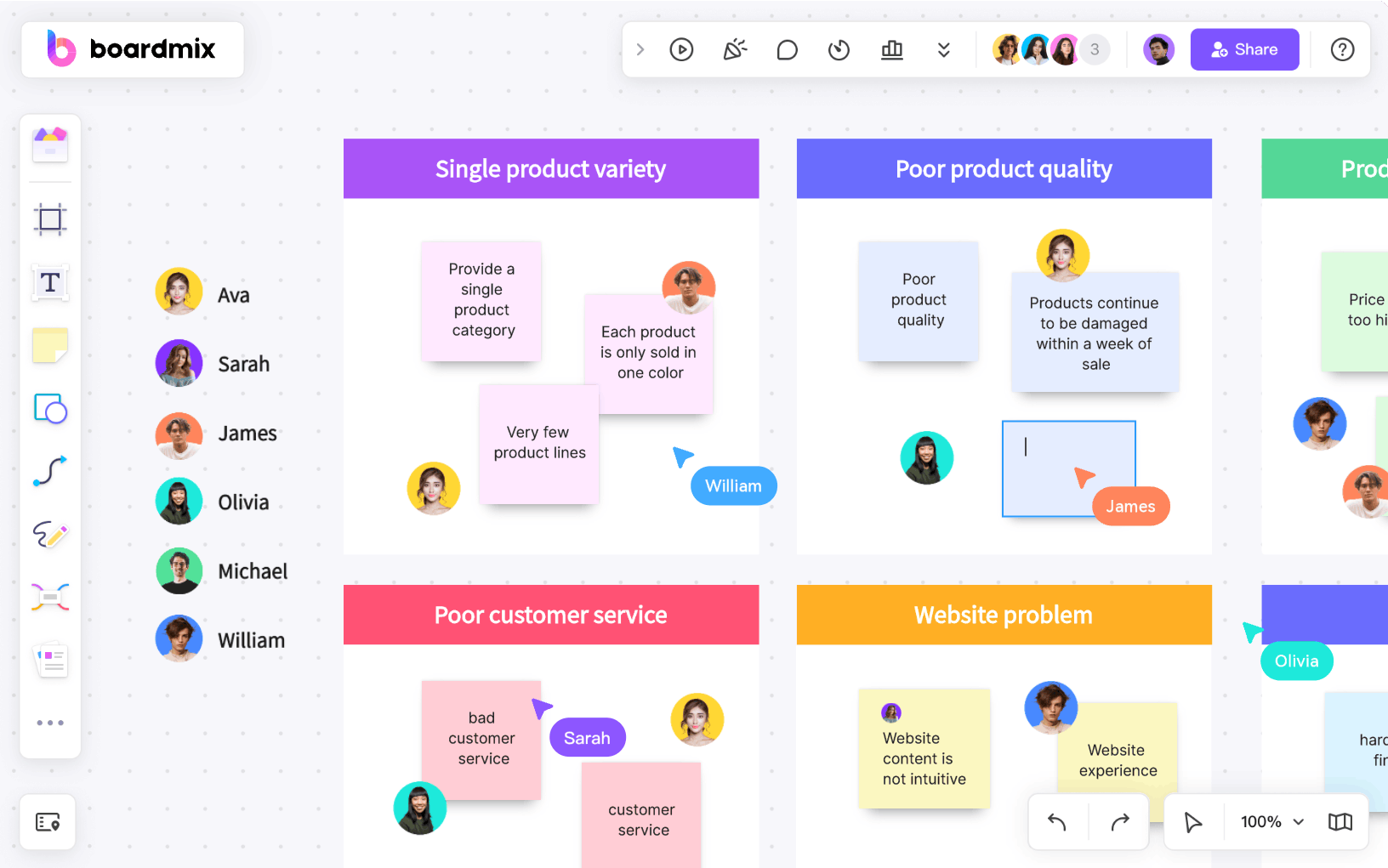
The right online flowchart maker depends on what your team is mapping and how people will review it. Boardmix and Miro suit whiteboard-led workshops; Lucidchart, Visio, and Visual Paradigm Online provide deeper diagramming contexts; Cacoo emphasizes collaborative browser diagramming; and EdrawMax spans many diagram types across desktop and web workflows.
This comparison focuses on browser access, flowchart construction, collaboration, sharing, and the amount of diagramming structure available. It does not rank tools by volatile prices or claim that one product is best for every team.
How We Compared Online Flowchart Makers
A useful tool test starts with the work, not the feature count. Create the same small process in each shortlisted product and evaluate these criteria:
- Diagramming basics: standard shapes, connectors, labels, alignment, and reusable templates.
- Editing speed: how quickly a contributor can add, reconnect, and rearrange steps.
- Collaboration: simultaneous editing, comments, permissions, and revision or activity history.
- Scale and structure: whether the canvas remains readable as branches, swimlanes, or technical notation grow.
- Sharing and export: guest access, live links, embedding, and required file formats.
- Ecosystem fit: identity controls, integrations, and compatibility with the team's existing documents and systems.
Plan availability changes, so verify any critical feature in the current official documentation and in a trial workspace before procurement.
Online Flowchart Maker Comparison
| Tool | Best fit | Collaboration context | Watch for |
|---|---|---|---|
| Boardmix | Whiteboard-led process workshops and shared visual planning | Co-editing and review on a broader shared canvas | Validate needs for dedicated scheduling or formal modeling |
| Lucidchart | Structured business diagramming and data-connected visuals | Real-time feedback, comments, and revision workflows | Advanced capabilities vary by plan |
| Miro | Collaborative workshops that include a flowchart | Real-time and asynchronous whiteboard work | A broad canvas may be more than a simple diagram needs |
| Microsoft Visio | Organizations already using Microsoft's diagramming ecosystem | Web and Microsoft 365 sharing workflows | Licensing and desktop/web feature differences |
| Cacoo | Browser-based team diagramming with built-in discussion | Multi-user editing, comments, chat, and sharing | Test formal notation and governance needs |
| EdrawMax | People creating many kinds of diagrams across desktop and web | Sharing workflow depends on the edition used | Confirm browser collaboration and import/export requirements |
| Visual Paradigm Online | Technical and business diagrams beyond basic flowcharts | Real-time editing, comments, and a shared workspace | Breadth may add complexity for occasional users |
1. Boardmix
Boardmix is an online whiteboard that can be used to build flowcharts alongside sticky notes, documents, mind maps, and other visual planning material. It is a practical fit for browser-based workshops in which participants discover a process and then turn the agreed steps into a diagram on the same canvas.
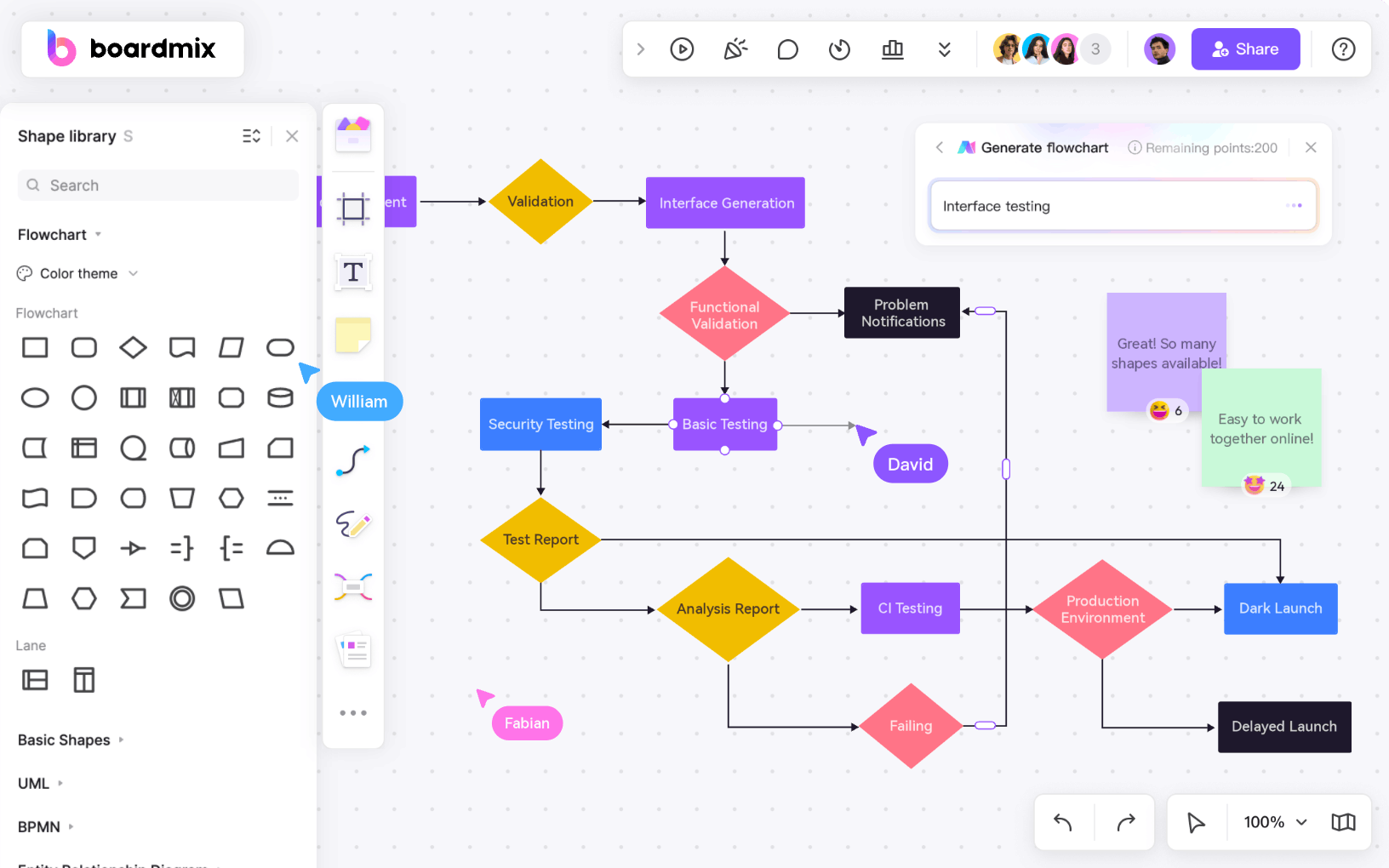

Use the Boardmix online flowchart workspace to arrange shapes and connectors manually or start from a template. When a generated first draft is useful, the Boardmix AI flowchart tool can provide a starting structure that still needs human review. The broader canvas is helpful when participants need evidence, annotations, and discussion around the diagram. Organizations requiring automated process simulation or strict modeling governance should test those needs separately.
2. Lucidchart
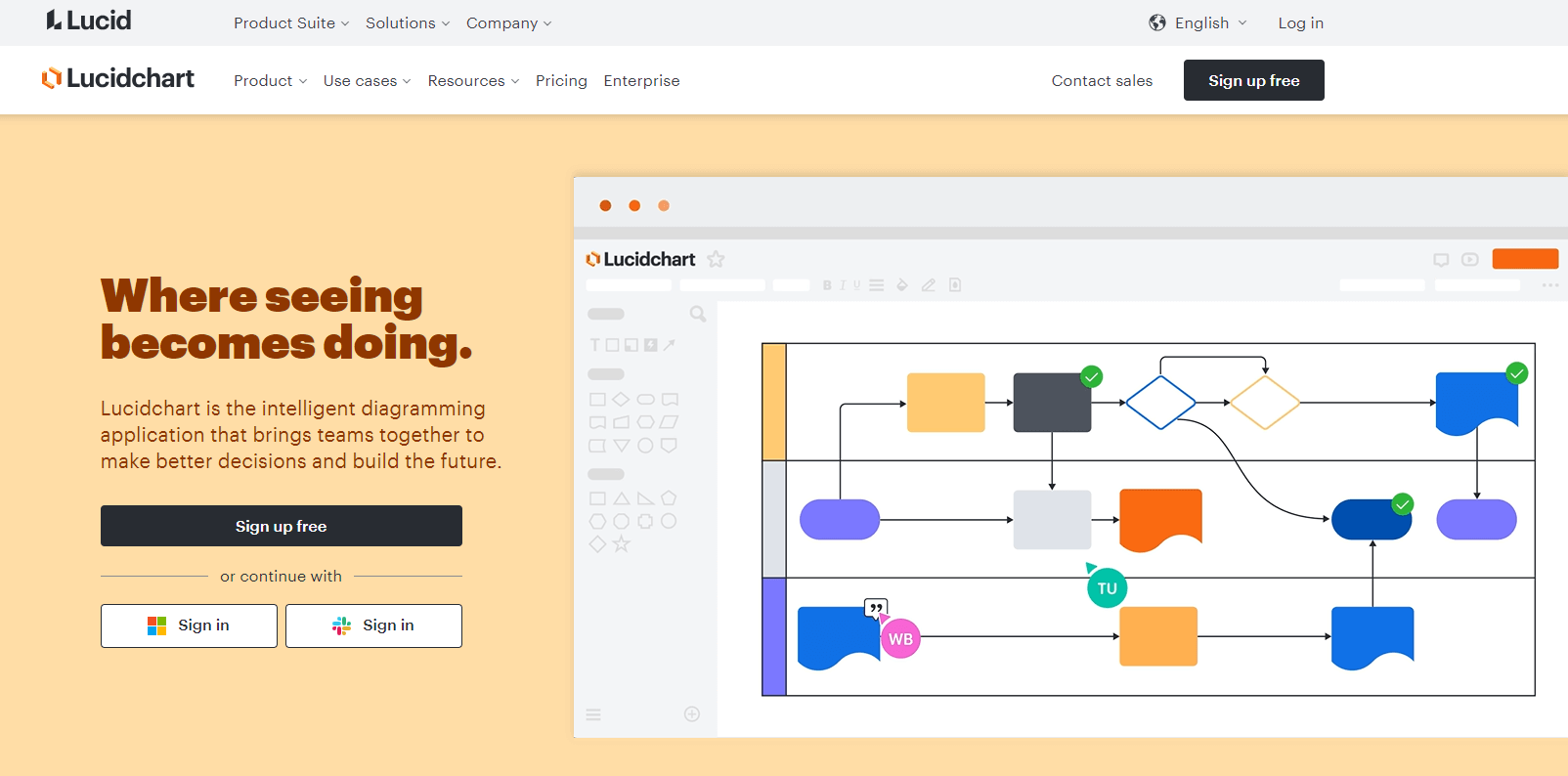
Lucidchart is a browser-based diagramming product for flowcharts and other structured visuals. Its official flowchart maker page describes templates, shape libraries, real-time collaboration, comments and mentions, revision history, data linking, and integrations. That combination fits teams that need diagrams to connect with operational data or a broader business-tool ecosystem.
Test the exact plan you intend to use. Data linking, advanced shape libraries, history, integrations, and administration may have different availability, and a large or highly connected document should be assessed with a representative dataset rather than a tiny demo.
3. Miro
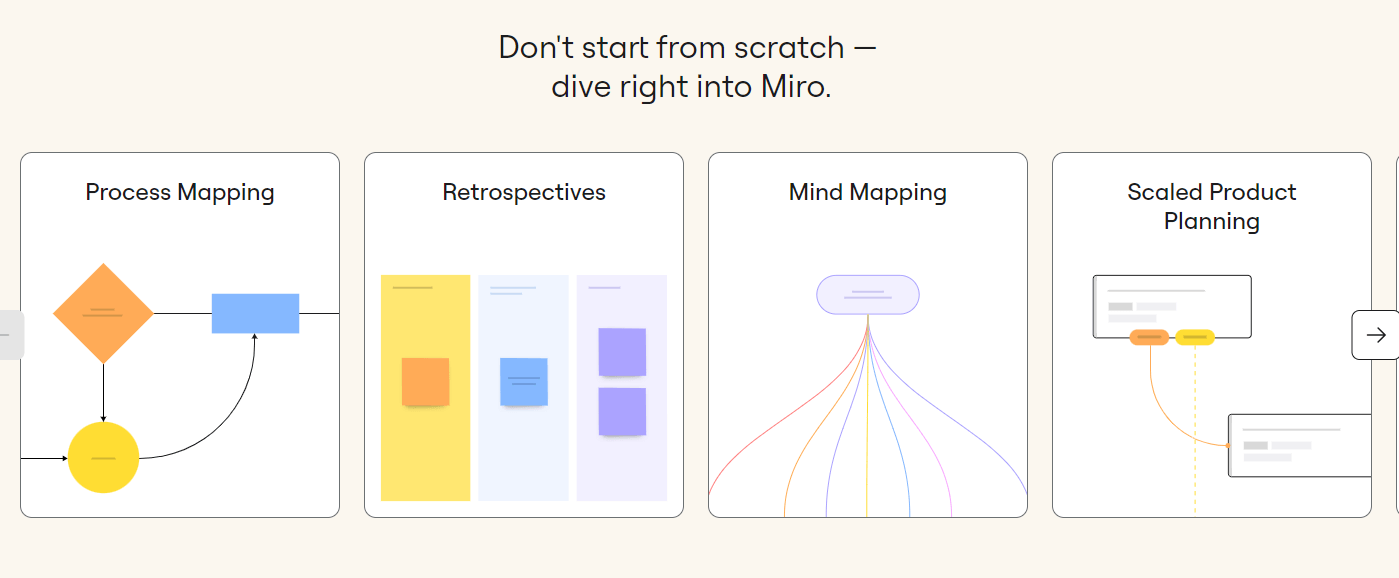
Miro is a collaborative whiteboard that supports flowcharts as part of a broader visual workspace. The Miro online flowchart page documents basic shapes, connectors, templates, shared links, real-time and asynchronous collaboration, and image or PDF download.
Choose it when a flowchart grows out of brainstorming, facilitation, or cross-functional planning. If the deliverable must follow a specialized notation or formal repository process, test whether the diagramming mode and governance controls meet that standard rather than assuming every whiteboard workflow does.
4. Microsoft Visio
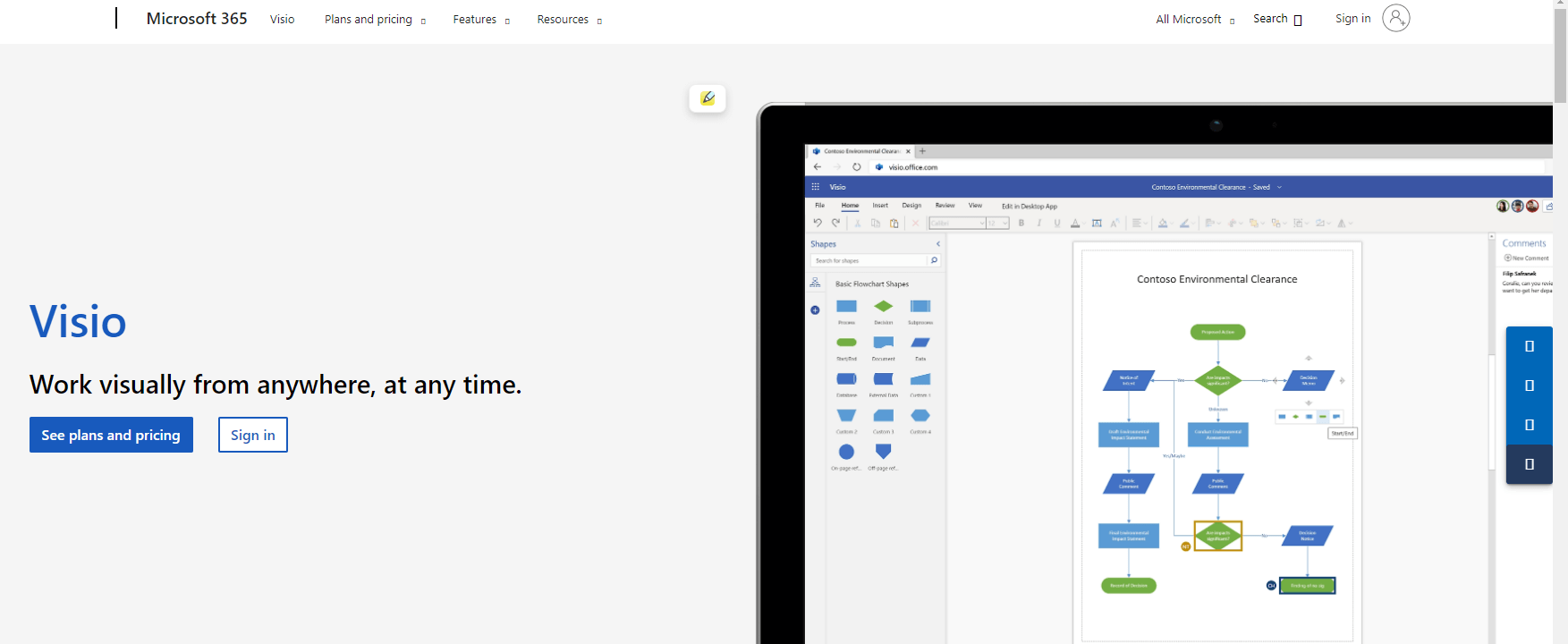
Microsoft Visio is the most natural candidate here for organizations already invested in Microsoft 365 and established diagramming practices. The official Visio overview highlights premade templates, starter diagrams, stencils, flowcharts, and web access.
Visio can be a strong fit for controlled business or technical documentation, but verify which work happens in Visio for the web and which requires a desktop plan. Also test guest review, version handling, required stencils, data connection, and export workflows under the licenses your team actually has.
5. Cacoo

Cacoo is a browser-based diagramming and visual collaboration product. The Cacoo flowchart maker page describes flowchart templates, multi-user editing, comments, chat, activity notifications, presentation, shared links, embedding, and export options.
It is worth testing when distributed contributors need to build and discuss diagrams in one place. Replace old claims about unsupported PDF export or fixed team limits with a live plan check: current official materials describe PDF among export options, while account limits can change.
6. EdrawMax
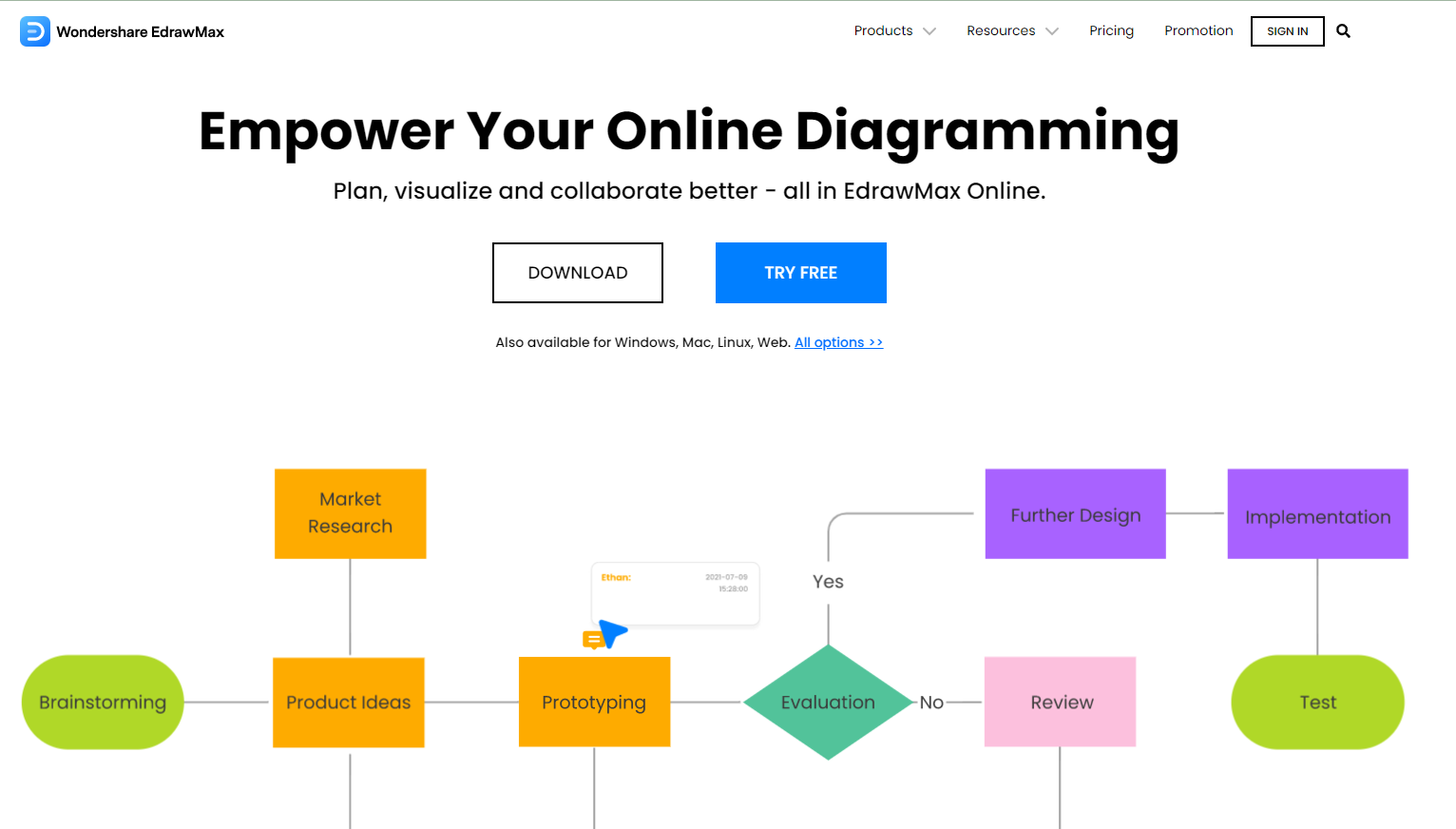
EdrawMax is an all-purpose diagramming product that covers flowcharts and many other visual formats. The official Edraw flowchart page describes built-in flowchart symbols, templates, and Windows, macOS, and Linux downloads, while the product also offers web-based workflows.
This breadth can suit a contributor who creates many diagram types, especially when desktop use matters. For a collaboration-first team, test the exact web edition, guest permissions, concurrent editing, import fidelity, and export formats rather than transferring assumptions from the desktop app.
7. Visual Paradigm Online
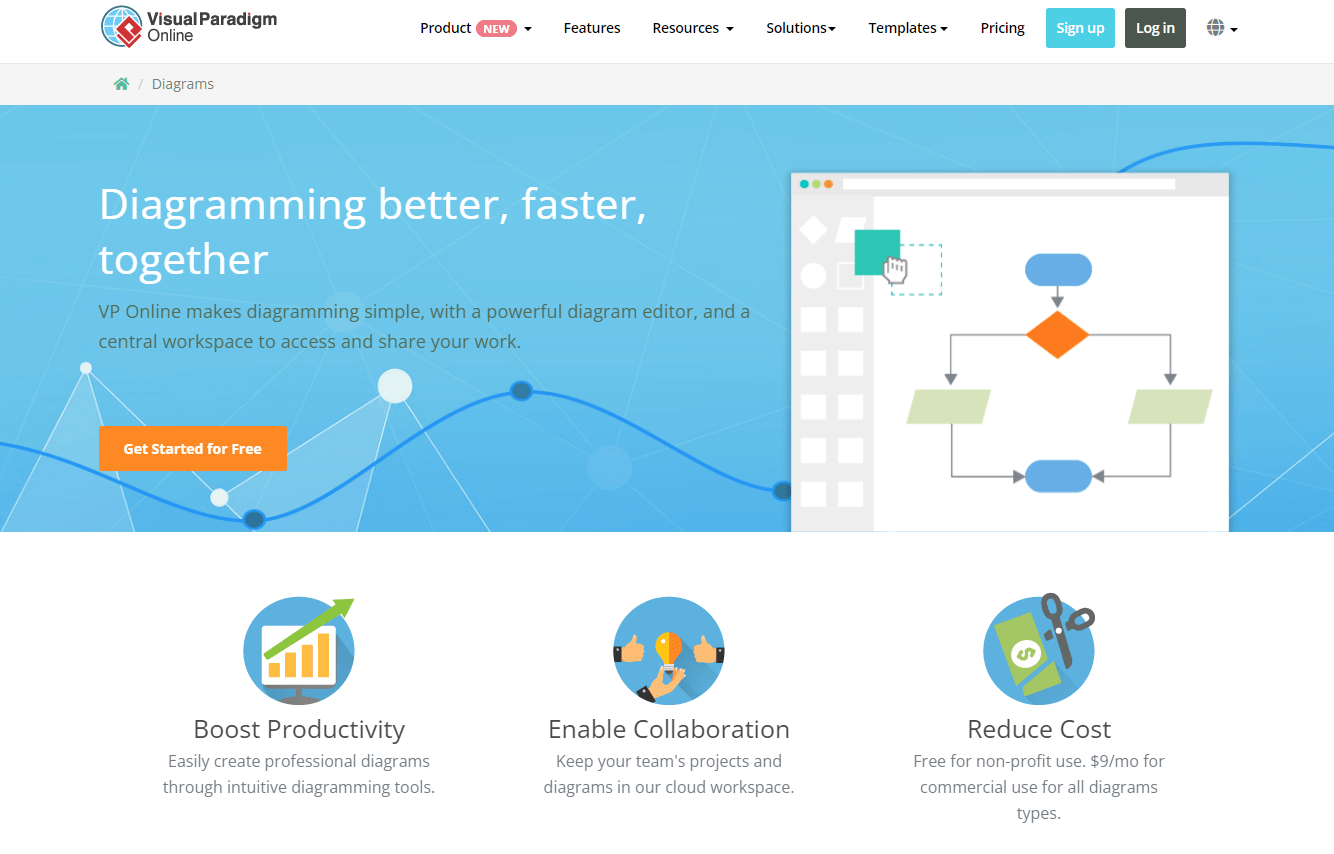
Visual Paradigm Online supports flowcharts within a larger technical and business diagramming environment. Its official online flowchart page describes templates, drag-and-drop editing, alignment guides, Office integration, Visio compatibility, image export, and real-time collaboration with comments.
It is a candidate when a team may move beyond basic flowcharts into UML, BPMN, ERD, or architecture work. That breadth can also create a steeper evaluation task, so give occasional contributors a usability test and confirm which notation, collaboration, and export capabilities are included in the intended plan.
Which Online Flowchart Maker Should You Choose?
Choose Boardmix or Miro when the diagram is part of a collaborative whiteboard workshop. Choose Lucidchart when structured browser diagramming, data connections, and a business-tool ecosystem matter. Choose Visio when Microsoft compatibility and established enterprise diagramming practices dominate. Choose Cacoo for collaborative browser diagramming with built-in discussion, EdrawMax for broad multi-diagram work across desktop and web, and Visual Paradigm Online when technical notation may extend beyond simple process flow.
Run a short proof of concept with one real process. Ask a process owner to draw it, a reviewer to challenge a decision branch, and a guest to open the shared result. Check connector behavior, permissions, export quality, mobile or browser access, and the time required to make a revision. For content examples rather than tool selection, use these flowchart examples for beginners; for a repeatable method, follow the step-by-step flowchart creation guide.