





Struggling to structure your thesis or research paper? AI-powered mind map generators are becoming a lifesaver for students, especially when dealing with information overload and tight deadlines. A great mind mapping tool doesn't just organize your thoughts—it helps you identify key points and drastically cuts down revision time.
This guide introduces five top-rated mind map generators for thesis writing loved by students worldwide, designed to help you tackle your writing projects with confidence. Whether you are working on an undergraduate dissertation, a master’s thesis, or a doctoral research paper, these tools cater to different linguistic needs, technical skill levels, and academic requirements, ensuring that you can transform messy notes and scattered ideas into a coherent, logically sound framework that aligns with academic writing standards.
Boardmix

Looking for a mind map generator that excels with Chinese and English content? Boardmix is your top choice. This powerful, AI-native online whiteboard features superior semantic understanding. Simply paste your paper abstract, literature notes, or a draft outline, and its AI assistant instantly creates a clean, logically structured mind map. No manual formatting or drawing required. It's perfect for organizing literature, brainstorming paper ideas, and building a solid framework.
How to Use It:
- After reading key literature (journal articles, book chapters, or conference papers relevant to your research topic), copy the abstracts or your handwritten notes that summarize the core arguments, methodologies, and findings of each source. This step ensures that you feed high-quality, relevant content to the AI, which directly impacts the accuracy of the generated mind map.
- Next, paste the text into Boardmix's AI assistant panel—a dedicated section on the platform’s interface labeled “AI Mind Map Generator” that is easy to locate even for first-time users. Before generating the map, you can customize basic settings such as the map structure (tree, radial, or fishbone) and the depth of subtopics (how many layers of details you want the AI to generate).
- Finally, let the AI generate a logical map to quickly visualize research topics, methodologies, and conclusions, giving you immediate clarity for writing. You can then edit the map directly on the platform—adding new nodes, merging redundant ones, or reordering branches—to align it with your specific thesis structure.
Key Features:
- Excellent Chinese & English NLP: Accurately parses logical structures from content in both languages, including academic jargon and discipline-specific terminology (e.g., qualitative vs. quantitative research terms in social sciences). This feature is particularly valuable for bilingual students or those working on cross-cultural research projects.
- One-Click AI Generation: Saves time and requires no design skills—even users with no prior experience with mind mapping software can create professional-looking maps in seconds, eliminating the learning curve associated with traditional tools.
- Real-Time Collaboration: Perfect for group projects, co-writing, and preparing thesis defenses together. Multiple users can edit the same mind map simultaneously, with each user’s changes visible in real time, and the platform supports comments and annotations to facilitate discussion among team members or between students and supervisors.
- Flexible Export: Export as Image (PNG/JPG), PDF, or Markdown for easy inclusion in your paper or appendices. The PDF export option preserves the map’s formatting, making it suitable for submission as part of your thesis appendix, while the Markdown format is ideal for integrating the map into digital notes or online research portfolios.
MindGenius Online

If you need to systemize English sources and build a structured outline, MindGenius Online is an excellent Western-made tool that is tailored to the conventions of English academic writing. It can generate mind maps from pasted English text (including full research paper sections, literature reviews, or even rough brainstorming notes) and offers a variety of pre-built academic templates (e.g., essay structures with introduction-thesis-body-conclusion, research methodologies frameworks, SWOT analysis for evaluating research limitations, and literature review matrices). This helps you swiftly build a paper framework and distill core arguments and logical relationships from your content, ensuring that your thesis follows a coherent flow that meets the expectations of English-speaking academic institutions.
How to Use It:
- Start by compiling all your English-language sources—this could include excerpts from peer-reviewed journals, lecture slides, or your own research notes—and paste the relevant content into the MindGenius Online text input box.
- The platform will prompt you to select a template that matches your academic task (e.g., “Thesis Outline” or “Literature Review Map”) before generating the mind map.
- Once the map is created, you can adjust the hierarchy to emphasize key sections (e.g., making the research question the central node and branching out to methodology and expected results) and add notes to each node to clarify details like citation sources or data collection methods. This process greatly facilitates outline creation and ideation, as it turns linear text into a visual map that makes gaps in your research or inconsistent arguments immediately visible.
Key Features:
- Strong English Structure Recognition: Great for organizing English literature and project outlines, as it is trained on millions of English academic texts and can identify the unique structural patterns of different disciplines (e.g., experimental design in STEM vs. thematic analysis in humanities).
- Task & Timeline Management: Useful for planning and progressing through thesis writing stages—you can attach deadlines to each node (e.g., “Complete literature review by October 15” or “Draft methodology section by November 1”) and track your progress directly on the mind map, turning it into a project management tool as well.
- Versatile Export: Export to PDF, PPT, etc., perfect for presentations or defense submissions. The PPT export option formats the mind map into slide-friendly layouts, making it easy to use in thesis defense presentations or class discussions.
Mindgrasp
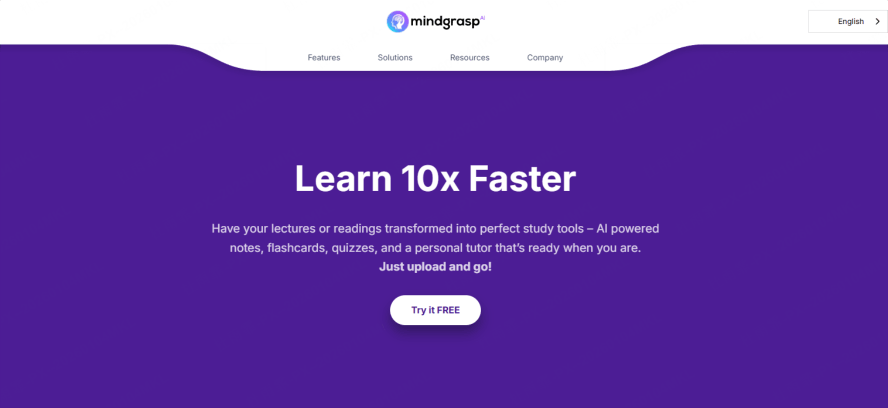
Mindgrasp is an AI study assistant built exclusively for students, specializing in generating mind maps from lengthy academic documents that would take hours to summarize manually. Unlike other tools that rely on pasted text snippets, Mindgrasp is designed to process full documents, using advanced machine learning to “read” and interpret the content as a human researcher would. Upload a PDF (research paper, textbook chapter, dissertation proposal, or even a collection of lecture notes), and it generates a concise summary, structured notes organized by key themes, and an exportable mind map or Markdown file—all in a matter of minutes, saving hours of manual work that would otherwise be spent on highlighting, note-taking, and organizing information.
How to Use It:
- Use it during the research reading phase, which is often the most time-consuming part of thesis writing. First, gather all the PDF documents relevant to your research topic—this could include foundational studies, recent publications, or theoretical frameworks.
- Upload these files to Mindgrasp’s secure platform (which complies with academic data privacy standards, so you don’t have to worry about sensitive research being shared).
- The tool will then process each document, extract key information such as research questions, methodologies, key findings, and limitations, and organize this information into a hierarchical mind map where the central node is your research topic, and branches represent subtopics like literature review, methodology, and results.
- This mind map aids comprehension by making the connections between different studies explicit, and it serves as a ready-made writing outline that you can reference when drafting your thesis, ensuring that you don’t overlook important sources or arguments.
Key Features:
- PDF Upload: Processes papers, textbooks, and articles of any length (up to 200 pages per document), supporting scanned PDFs and text-based PDFs alike, which is crucial for accessing older or non-digitized academic sources.
- Smart Analysis: Automatically extracts key information and logical outlines, distinguishing between primary arguments and supporting evidence, and flagging contradictions or gaps in the literature that you may need to address in your thesis.
- One-Click Mind Map Export: Ideal for study notes and topic preparation—exported maps can be saved to your device or synced with cloud storage tools like Google Drive or Dropbox for easy access.
- Free Trial: Offers a fully-featured, ad-free trial with no credit card required, allowing you to test the tool with up to 5 PDF documents before committing to a subscription, making it accessible for students on a budget.
Xmind AI
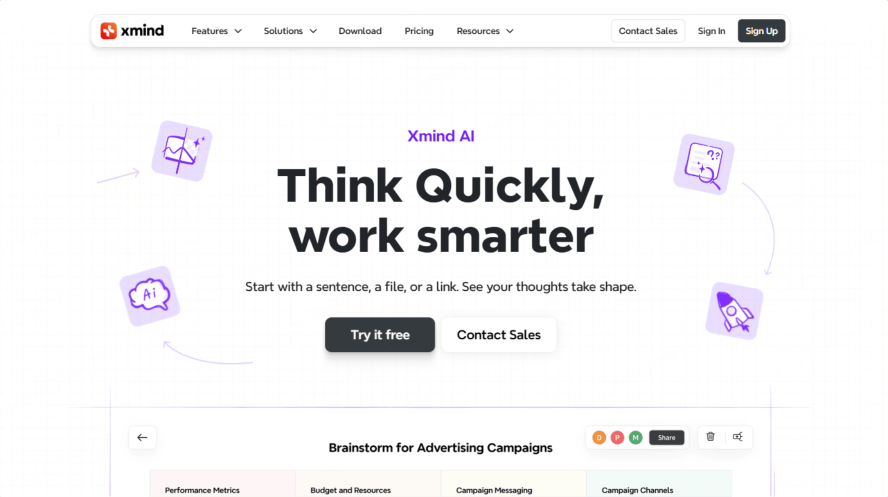
Xmind AI is particularly strong for organizing materials for English papers or overseas courses, building on the legacy of Xmind—a popular traditional mind map tool—by integrating AI capabilities that streamline the outline-building process for international students. It offers diverse templates (timeline for tracking research progress, tree chart for hierarchical outlines, fishbone for root-cause analysis in research limitations) tailored to different academic needs, ensuring that you can choose the format that best fits your thesis structure.
How to Use It:
- Start by copying sections of your English-language research materials—this could be a literature review draft, a methodology description, or a set of interview transcripts—and paste them into Xmind AI’s text input field.
- The tool will ask you to select a template based on your goal (e.g., “Thesis Structure” or “Research Presentation”) and then generate a mind map that aligns with the template’s structure. For example, if you select the “timeline” template, the map will organize your research process chronologically (from literature review to data analysis to final draft), while the “fishbone” template will help you identify potential limitations of your methodology (e.g., sample bias, time constraints).
- The generated maps can directly inform your paper's structure—you can use the main nodes as section headings in your thesis—or be used in defense slides by exporting the map to PPT format and adding brief explanations to each node.
Key Features:
- Automatic Structured Maps: Excellent for building English thesis outlines, as the AI is trained to follow the structural conventions of English academic writing (e.g., clear thesis statements, topic sentences for each paragraph, and logical transitions between sections).
- Rich Template Library: Caters to various presentation and analysis needs—templates include not just mind maps but also flowcharts for research design, Gantt charts for project timelines, and matrix charts for comparing different studies, making it a all-in-one tool for thesis planning.
- PDF/PPT Export: Maps are ready for presentations or report inclusion, with customizable formatting options (font size, color coding, branch style) to make your maps visually appealing and easy to follow during defenses or class presentations.
- English-First Interface: User-friendly for international students and learners—all menus, instructions, and tooltips are in clear, simple English, with no confusing jargon, and the platform supports keyboard shortcuts commonly used in English-speaking countries (e.g., Ctrl+S for save, Ctrl+Z for undo).
Text2MindMap AI
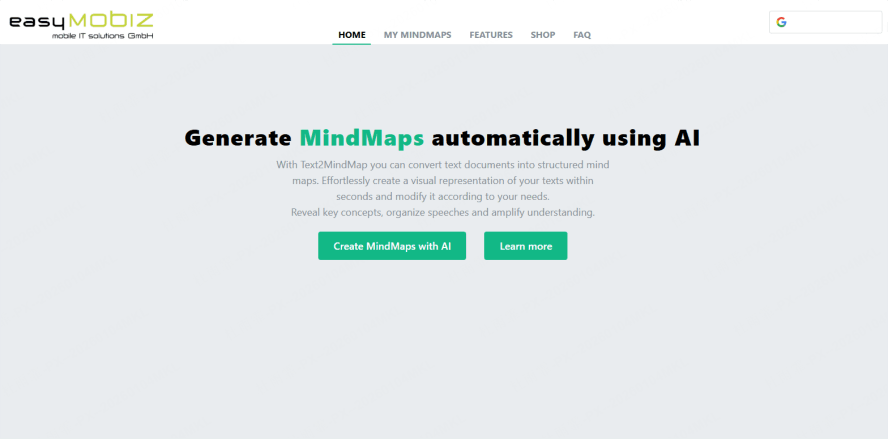
Text2MindMap AI is a lightweight, web-based mind map generator that prioritizes simplicity and speed, making it ideal for students who need a no-fuss tool to organize their thoughts without learning complex features. Unlike heavier desktop tools that require installation and regular updates, Text2MindMap AI runs entirely in your web browser (Chrome, Firefox, Safari, or Edge) and requires no account creation for basic use. It easily identifies topics and hierarchical logic from natural language (conversational notes, rough drafts, or even voice-to-text transcripts) or structured text (bullet points, numbered lists), converting it into a visual map that is easy to edit and share. With minimal effort—just paste your draft outline, lecture notes, or writing plan—it quickly generates a map, ideal for pre-writing structure (before you start drafting your thesis) or speech brainstorming (for thesis defense presentations).
How to Use It:
- To use it, simply open the Text2MindMap AI website in your browser—no downloads or sign-ups required for basic functionality.
- Copy your text (this could be a rough list of ideas like “Thesis Topic: Climate Change Impacts on Coastal Communities; Research Questions: 1. What are the economic impacts? 2. How do communities adapt?; Methodology: Interviews, Data Analysis”) and paste it into the text box on the homepage.
- The tool will automatically parse the text, identify the main topic (Climate Change Impacts on Coastal Communities) as the central node, and create branches for each subtopic (Research Questions, Methodology). You can then drag and drop nodes to reorder them, add new subtopics (e.g., “Literature Review”) by typing directly into the map, or delete irrelevant branches.
- Once you are satisfied with the map, you can save it as a PNG or PDF file to your device or share it via a link with your supervisor or peers for feedback.
Key Features:
- Natural Language Input: Recognizes and creates structure from plain text, even if the text is unorganized or contains grammatical errors—this is particularly useful for early-stage brainstorming when your ideas are still scattered.
- Simplicity & Speed: Perfect for writers and creators to quickly organize thoughts—the map is generated in less than 10 seconds, and the interface has only essential buttons (save, export, edit), so you don’t waste time navigating complex menus.
- Lightweight & Web-Based: No installation needed; use it directly online, and it works on all devices (laptops, tablets, smartphones), making it convenient for students who work on multiple devices or need to access their maps on the go.
- Great for English Learners: Helps international students structure English content by breaking down complex ideas into simple, visual nodes, which makes it easier to identify grammatical or logical errors in their writing plans before they start drafting.
Conclusion
These intelligent mind map generators will help you quickly outline your paper and maintain clarity through every step of research and writing—from the initial literature review phase to the final thesis defense preparation. Each tool has its unique strengths: Boardmix excels at multilingual support and collaboration, MindGenius Online is tailored to English academic structures, Mindgrasp streamlines PDF document processing, Xmind AI offers diverse templates for presentations, and Text2MindMap AI is perfect for quick, on-the-go organization. For a versatile tool with superior multilingual understanding that adapts to both Chinese and English academic writing, we highly recommend trying Boardmix.
Beyond its powerful AI mind mapping capabilities, it offers additional features like AI Q&A (which can answer questions about your research topic based on the mind map) and AI writing assistance (which helps you draft thesis sections based on the structured map) to help you produce high-quality papers that meet academic standards and achieve academic success.
Ready to transform your writing process? Sign up for Boardmix and explore its AI tools for free! The free plan includes up to 5 AI mind map generations per month, real-time collaboration with up to 3 users, and basic export options—more than enough to test the tool and see how it can streamline your thesis writing process. Whether you are a undergraduate student working on your first research paper or a doctoral candidate finalizing your dissertation, these AI mind map generators will reduce stress, save time, and ensure that your thesis is well-structured, logically sound, and aligned with academic best practices.





