





For teams looking tools to boost collaboration and efficiency, real-time whiteboard can be an innovative platform. It provides a dynamic workspace where teams can brainstorm ideas, map out workflows, and track progress—all in one place. In this article, we'll introduce 10 use case of using a real-time whiteboard in project management. Let's dive in and see how to use real-time whiteboard to boost teamwork efficiency.
What is a Real-time Whiteboard in Project Management?
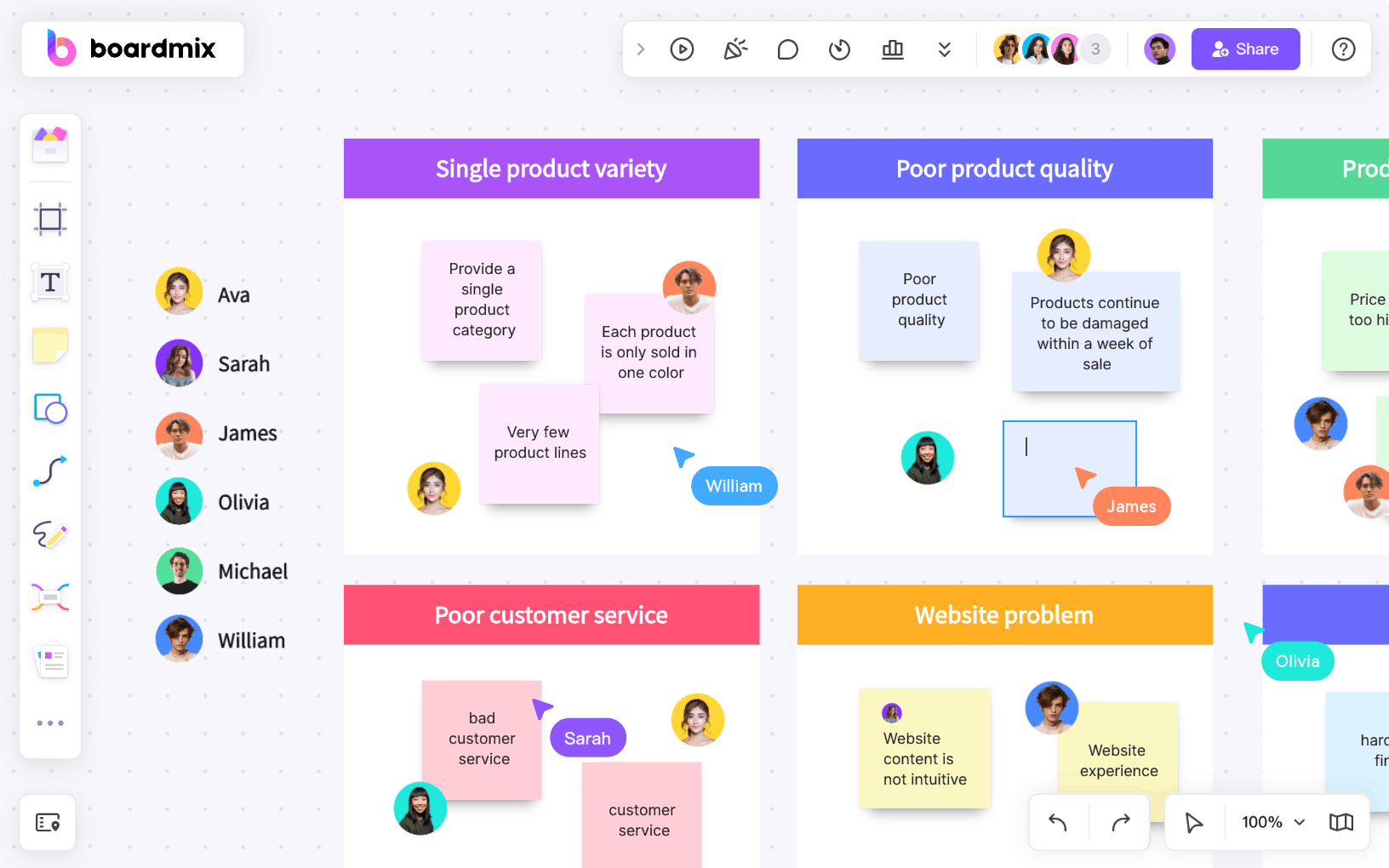

In project management, real-time whiteboard is a tool that supports online collaboration among multiple people at the same time. Team members can draw, edit and view content on the virtual whiteboard in real time. It is often used in scenarios such as brainstorming, task planning, and flowchart drawing.
Main features of a real-time whiteboard
✨Real-time collaboration: multiple people edit at the same time and synchronize instantly.
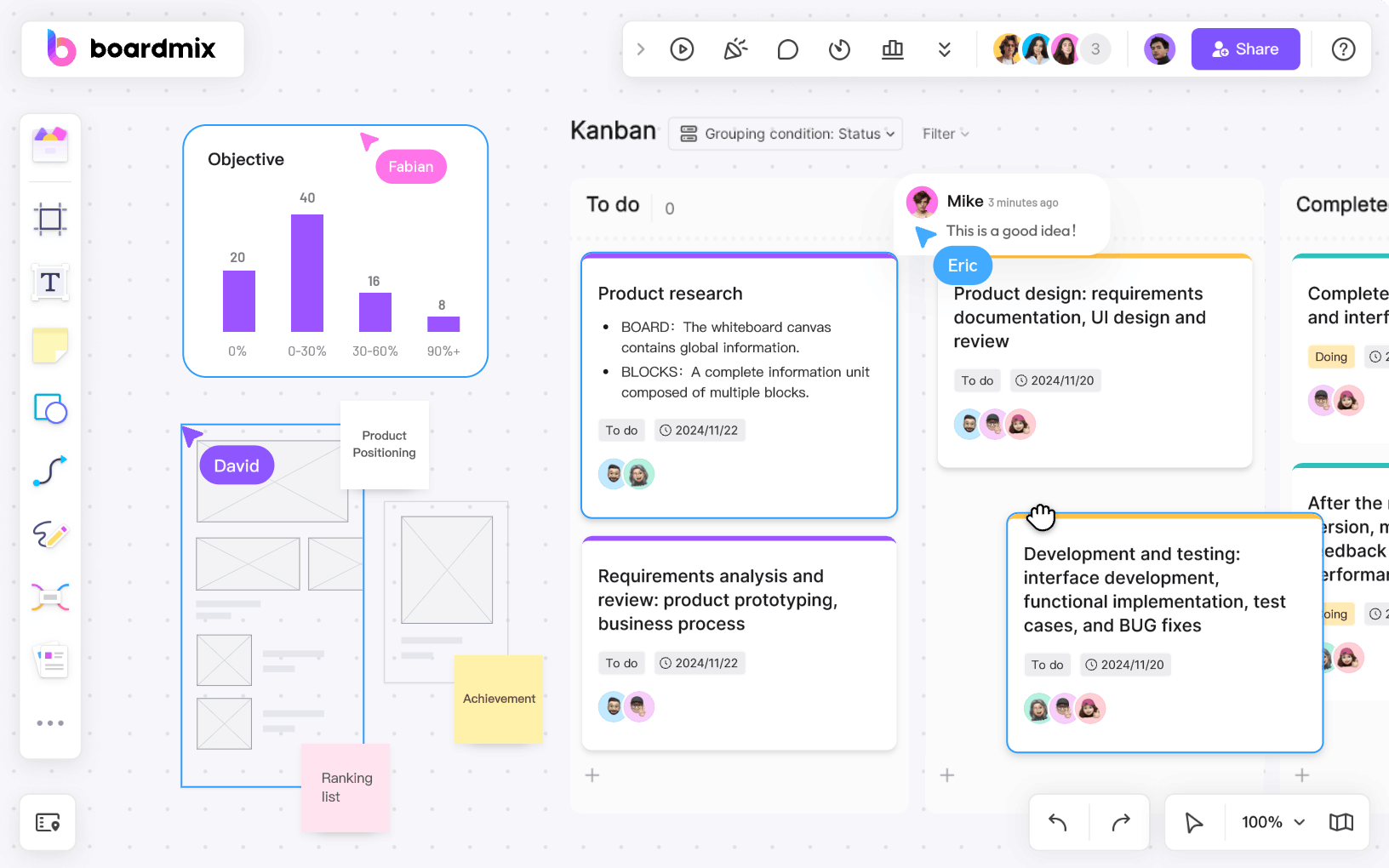
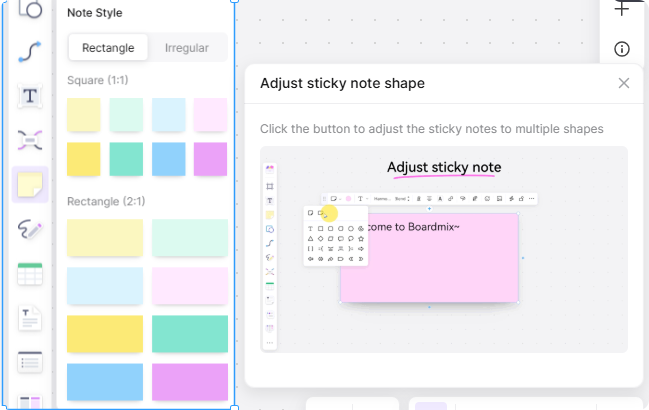
✨Diversified tools: support multiple tools such as text, graphics, sticky notes, and drawings.
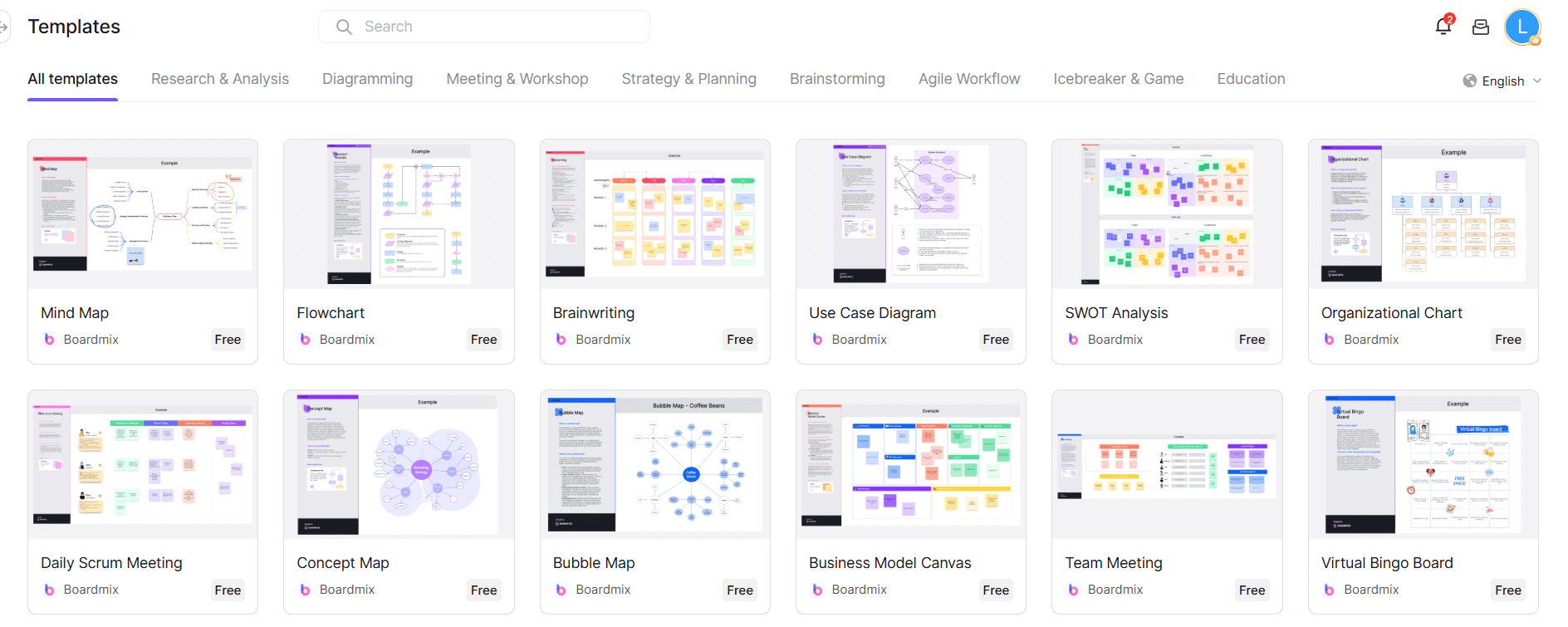
✨Template library: provides templates such as project management and flowcharts to simplify operations.
✨File sharing: supports uploading and sharing documents, pictures and other files.
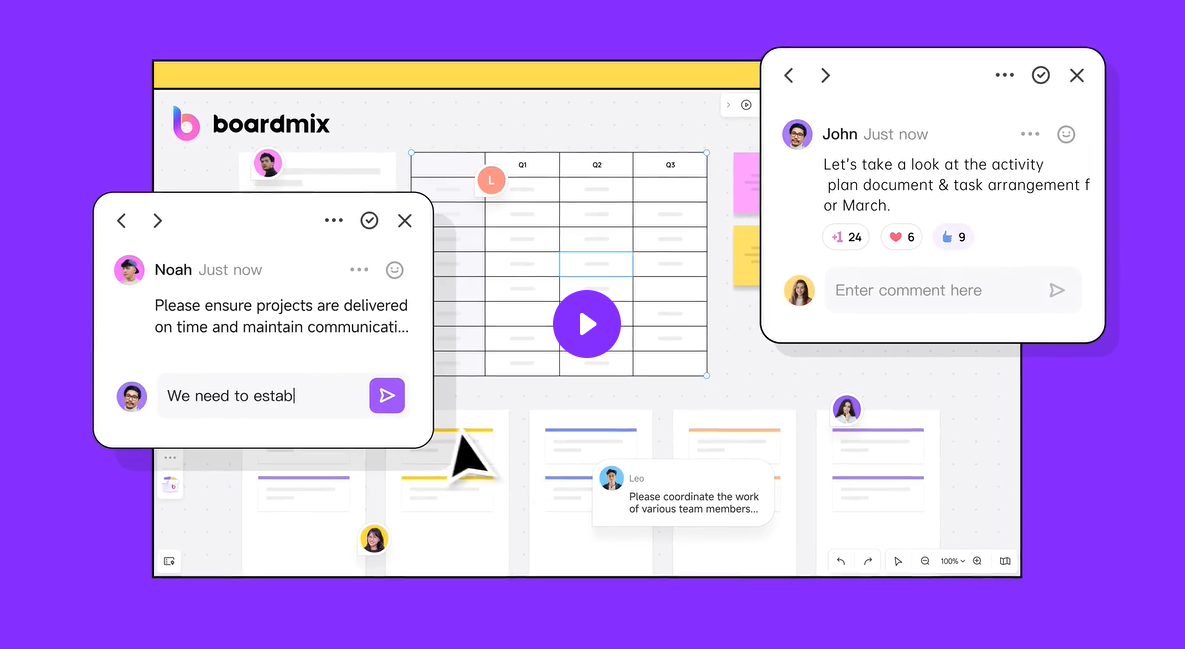
✨Comments and annotations: allows comments and annotations to be added for feedback.
✨History: saves editing history for easy backtracking and recovery.
Boardmix is an online real-time whiteboard for project management with diversed tools and AI ability. Let's explore these usage examples of real-time whiteboard in project management.
1. Project Planning and Brainstorming in Real-time Whiteboard
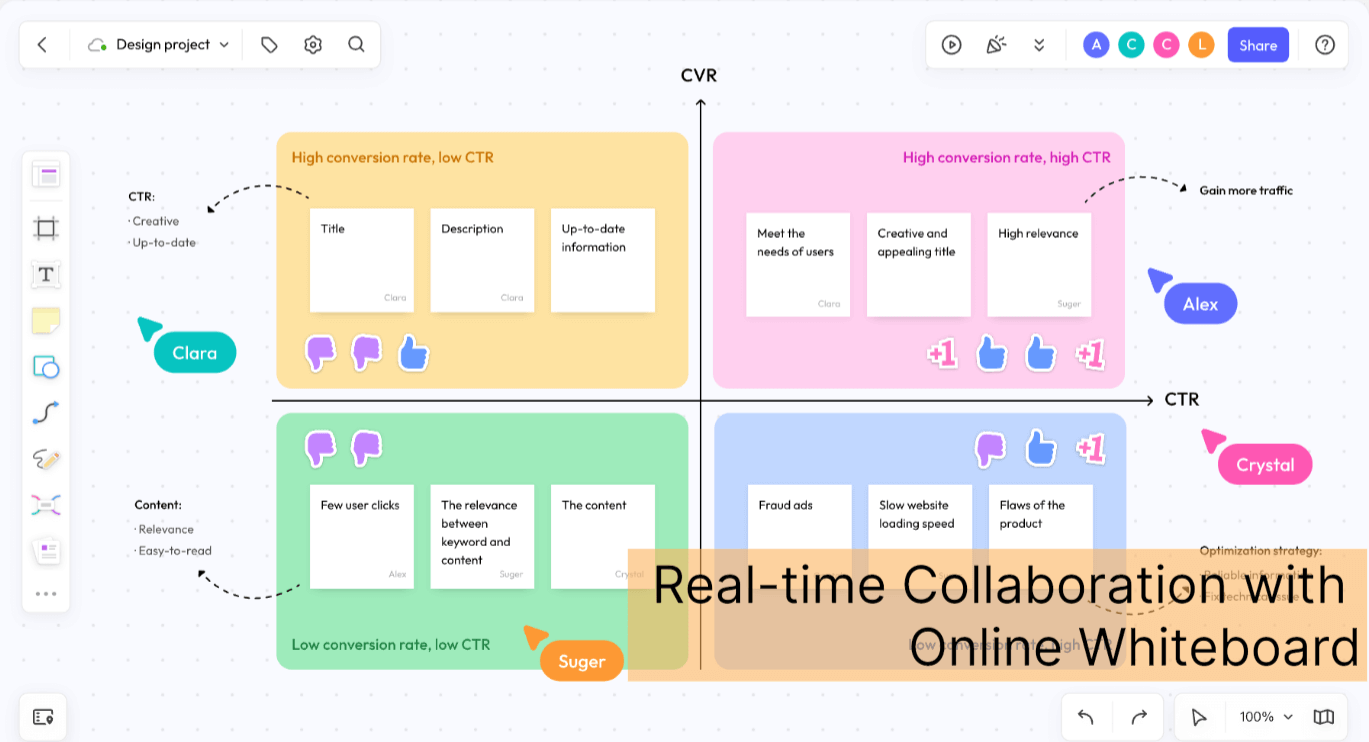
Kicking off a project the right way is crucial, and that starts with effective planning. Using a real-time whiteboard for project management, and it can make this process smoother by allowing teams to brainstorm ideas, break tasks into manageable pieces, and establish key milestones in a visually organized way.
Use Case: Set Milestone Tracking in Action
One of the most effective ways to keep a project on track is by setting milestones—key checkpoints that indicate major progress points. With a real-time whiteboard, teams can create a visual timeline with clearly defined milestones, assign responsibilities, and update statuses as the project moves forward.
How It Works:
- Use sticky notes to quickly jot down ideas and categorize them into different sections.
- Draw connections between tasks to form a logical workflow.
- Set clear milestones to track progress and ensure accountability.
2. Manage Agile Projects in Real-time Whiteboard
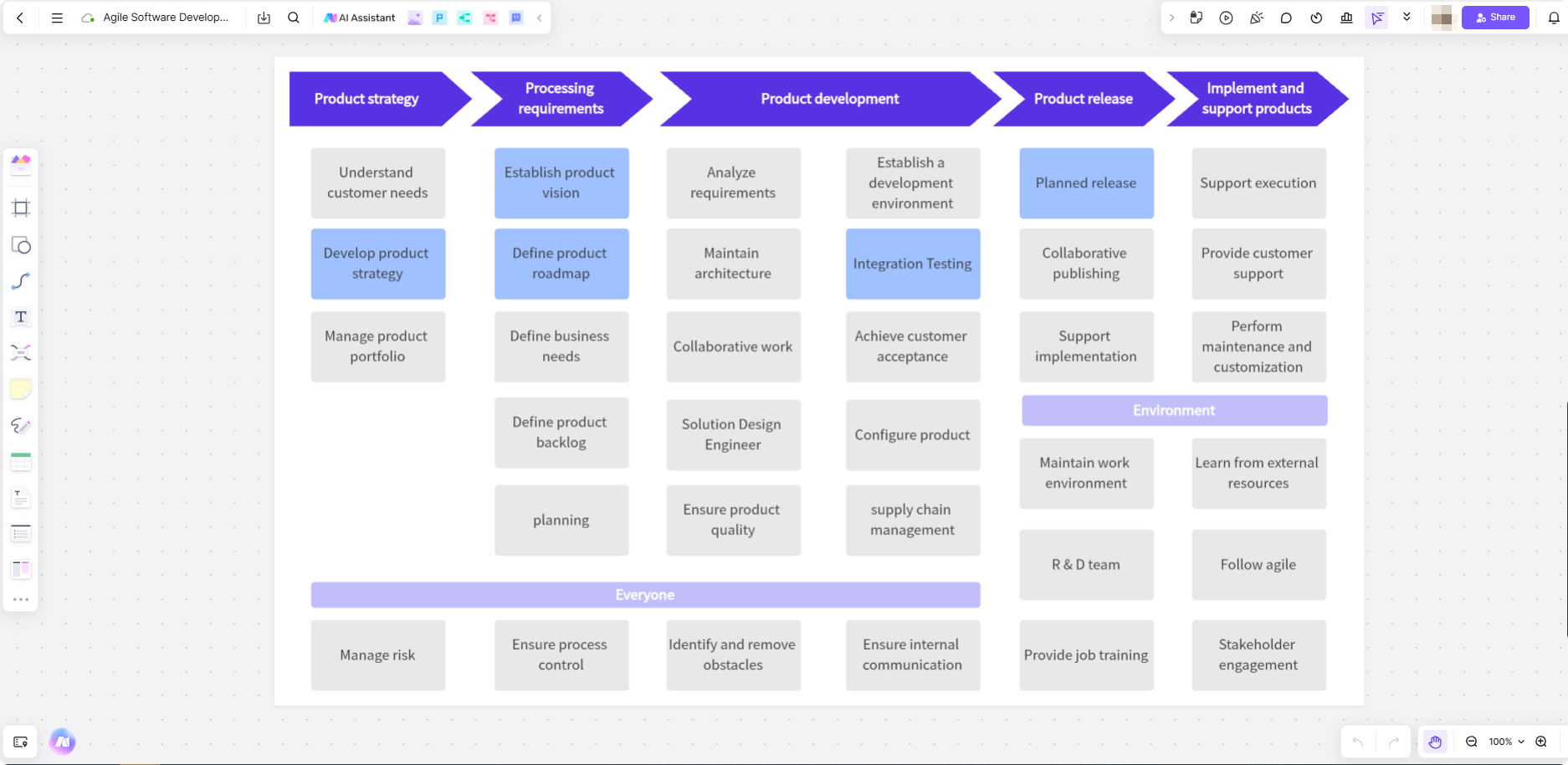
Agile teams thrive on flexibility and transparency, and a real-time whiteboard is the perfect tool to keep everything visible and organized. From sprint planning to daily stand-ups, it helps teams stay aligned, adapt quickly, and maintain a smooth workflow.
Use Case: Visual Sprint Planning
Sprint planning is the backbone of Agile project management, ensuring teams focus on the right tasks within a set timeframe. A real-time whiteboard for project management makes this process more interactive by allowing teams to visually map out sprints, allocate tasks, and track progress in real time.
How It Works:
- Set up a Kanban boardto organize tasks into columns like “To Do,” “In Progress,” and “Done.”
- Use drag-and-drop task cardsto update statuses instantly and reflect progress.
- Enable real-time discussionsso team members can provide updates, flag blockers, and adjust workloads as needed.
3. Visualize Workflows and Processes in Real-time Whiteboard
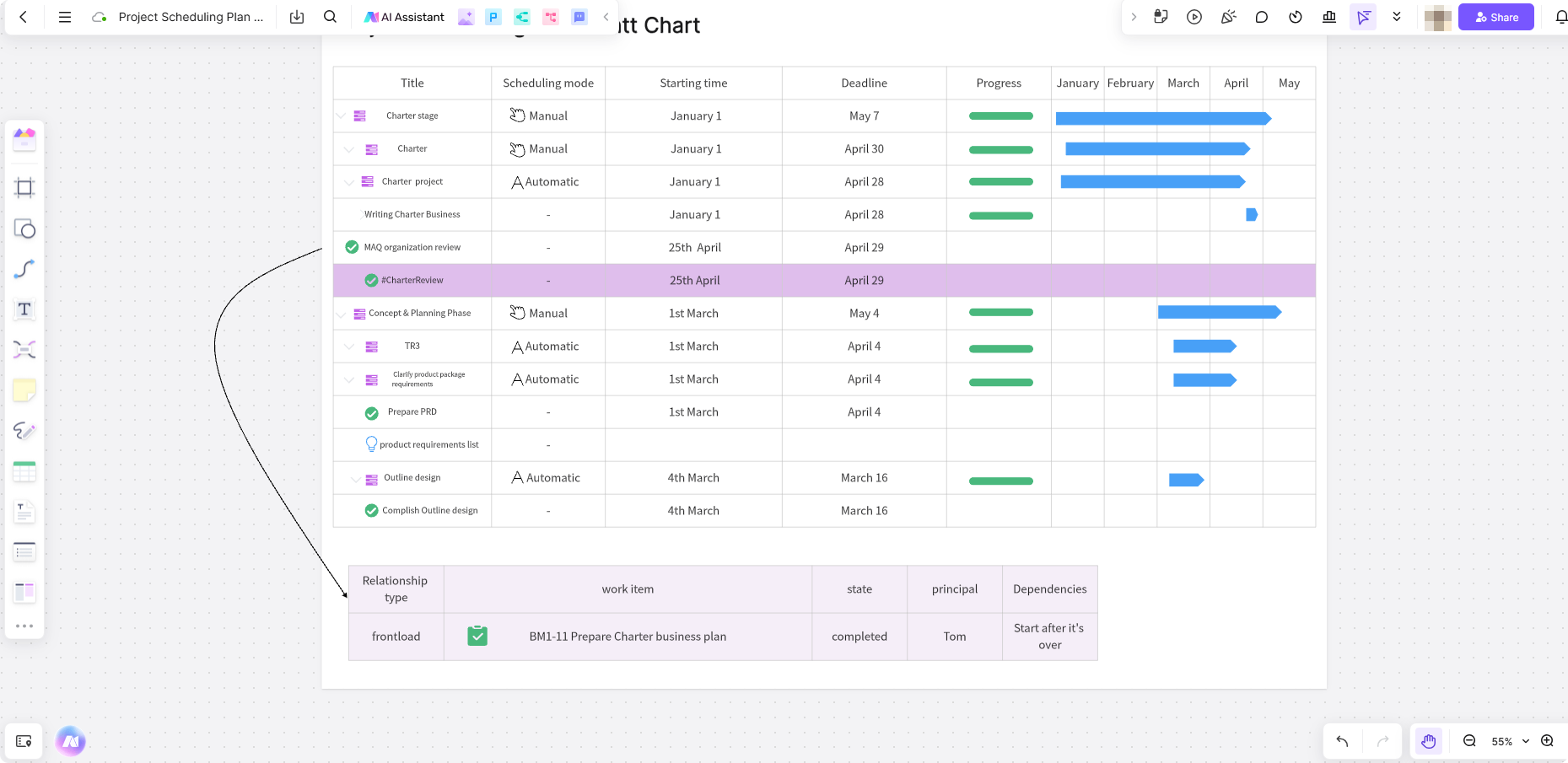
Clear workflows keep projects running smoothly, ensuring that every step is well-defined and easy to follow. A real-time whiteboard helps teams map out processes visually, making it easier to identify inefficiencies, streamline tasks, and improve overall efficiency.
Use Case: Streamlining Approval Processes
Many teams struggle with slow, unclear approval processes that cause delays. If you use a real-time whiteboard in project management, you can simplify this process. It provides a visual representation of each approval step, from submission to final sign-off. This ensures transparency and keeps everyone informed.
How It Works:
- Create a flowchartto outline each step of the approval process, including decision points.
- Use arrows and labelsto clarify dependencies and responsibilities.
- Track real-time updatesso stakeholders can see where a request is in the pipeline and what actions are needed next.
4. Design Wireframes and Prototypes in Real-time Whiteboard
When building a website or an app, getting early feedback is key. A real-time whiteboard makes it easy to sketch out ideas, share wireframes, and refine designs collaboratively—long before development begins.
Use Case: Rapid Wireframing for UI/UX Design
Instead of waiting for high-fidelity mockups, designers and stakeholders can quickly draft wireframes on a shared whiteboard, gather instant feedback, and make changes on the spot.
How It Works:
- Drag and drop UI componentsto create simple wireframes.
- Leave comments and annotationsfor team feedback.
- Iterate designs instantlywithout switching between multiple tools.
5. Identify and Manage Project Risks in Real-time Whiteboard
Every project has risks, but spotting them early can make all the difference. You can use a real-time whiteboard for project management, and it can help teams visualize potential issues, assess impact, and develop a solid risk management plan.
Use Case: Proactively Managing Project Risks
Instead of reacting to problems when they arise, teams can map out possible risks in advance and plan mitigation strategies to keep things on track.
How It Works:
- Build a risk matrixto categorize risks by severity and likelihood.
- Assign ownersto each risk to ensure accountability.
- Update risk statusesin real time as projects evolve.
6. Run Effective Meetings and Keep Notes Organized
Meetings should be productive, not a waste of time. A real-time whiteboard ensures discussions stay focused, decisions are documented, and follow-ups are crystal clear.
Use Case: Action-Oriented Team Meetings
Teams can keep all meeting notes, agendas, and action items in one place, ensuring that no critical details get lost.
How It Works:
- Use a meeting agenda templateto structure discussions.
- Track action itemsand assign them to specific team members.
- Use live voting or pollsto make quick decisions.
7. Make Team Building Fun and Engaging in Real-time Whiteboard
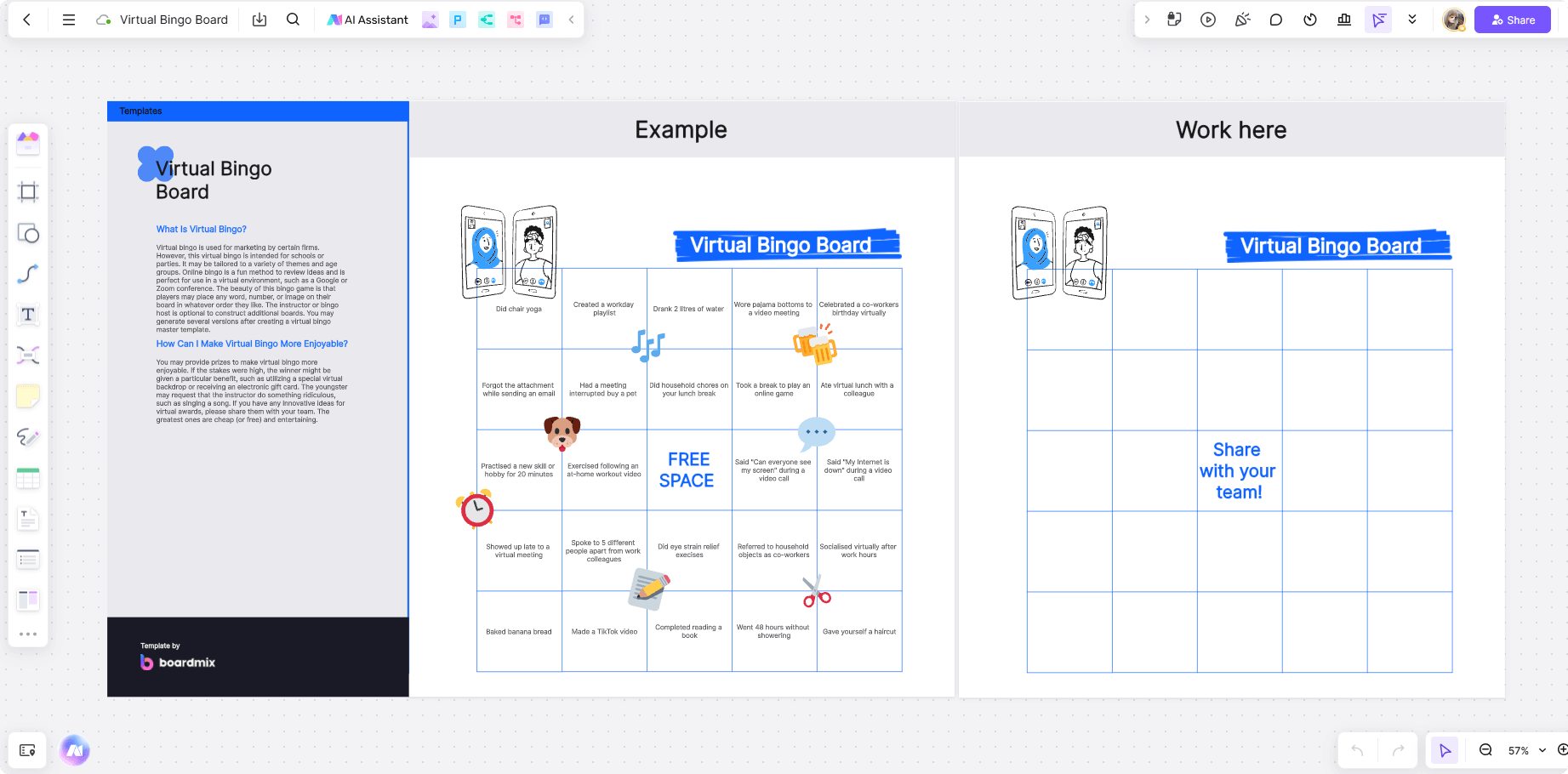
Strong teams don’t just happen—they’re built. You can use a real-time whiteboard to add a fun and interactive element to team-building activities, making collaboration more natural and engaging.
Use Case: Virtual Icebreaker Games
Kick off meetings or project kickoffs with fun team-building exercises that break the ice and strengthen relationships.
How It Works:
- Use interactive templateslike word clouds or mind maps to spark discussions.
- Play team-based gameslike “Two Truths and a Lie” directly on the board.
- Encourage participationwith collaborative brainstorming exercises.
8. Create Engaging Client Presentations in Real-time Whiteboard
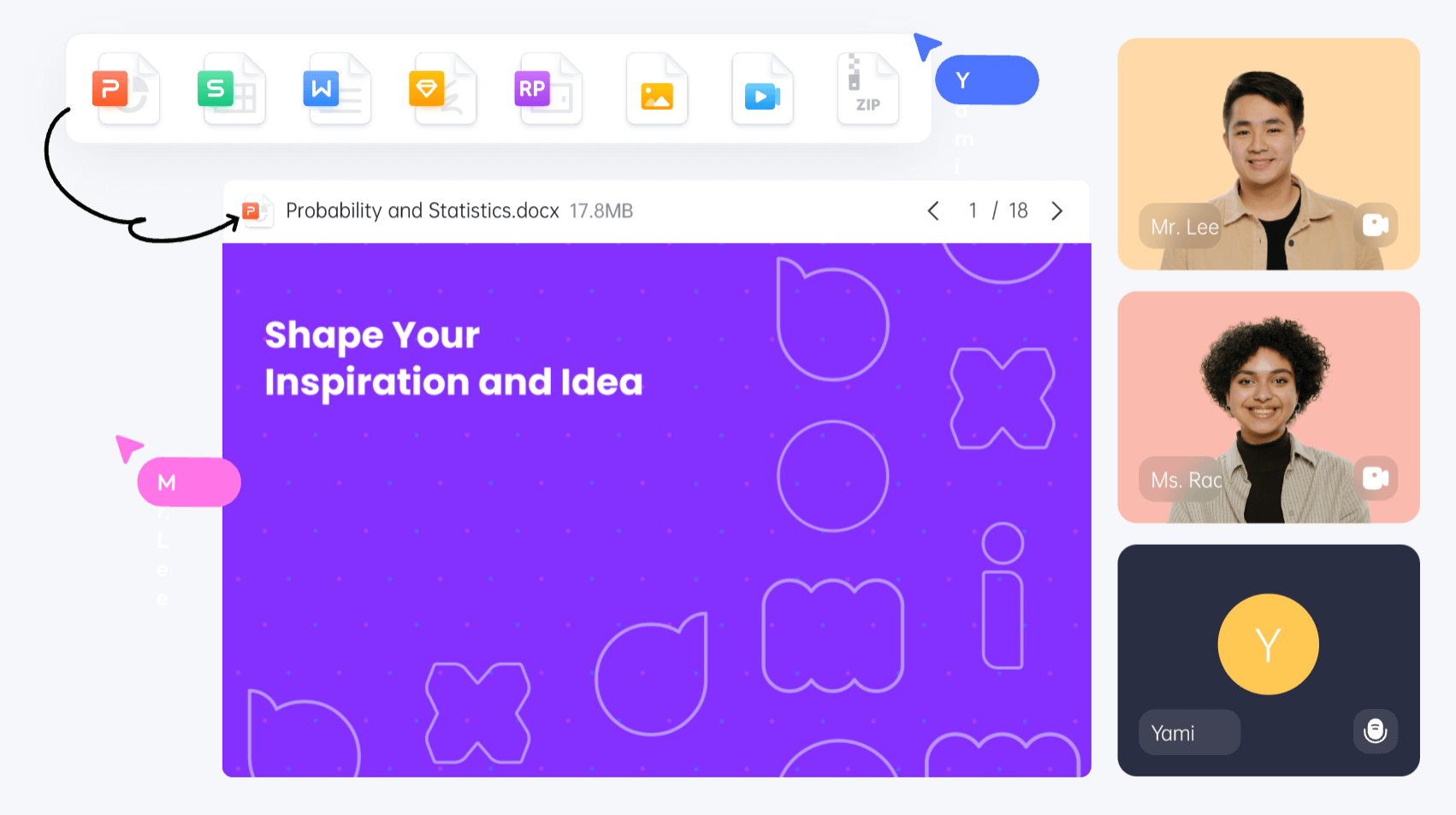
Want to winning over clients? It requires more than just static slides. You can use the real-time whiteboard to build interactive, visually appealing presentations that make an impact, such as the building a presentation with AI in Boardmix, an online real-time whiteboard for project management.
Use Case: Make Interactive Client Proposals Presentstion
Instead of sending a static proposal, teams can co-create live presentations, incorporating client feedback in real time.
How It Works:
- Design presentation slideswith visuals, charts, and diagrams.
- Invite clients to collaborateand provide live input.
- Make instant updatesbased on discussions.
9. Keep Knowledge Centralized and Accessible in Real-time Whiteboard
When key project knowledge is scattered, teams waste time searching for information. A real-time whiteboard keeps everything organized and easily accessible.
Use Case: Creating a Shared Knowledge Hub
Teams can store important documents, project plans, and brainstorming sessions in one centralized space for quick reference.
How It Works:
- Upload documentsdirectly onto the whiteboard.
- Use version controlto track changes over time.
- Organize content visuallywith folders and categories.
10. Enable Seamless Remote Collaboration in Real-time Whiteboard
With remote work becoming the norm, teams need better ways to stay connected and work together effectively. The real-time whiteboard brings distributed teams onto the same page—no matter where they are.
Use Case: Make Real-Time Video Calls for Remote Team
Teams can collaborate just as effectively as if they were in the same office by using a shared digital workspace and making real-time video calls.
How It Works:
- Integrate with video callsfor seamless discussions.
- Co-edit documentsand brainstorm ideas in real time.
- Use task boards and timelinesto keep remote teams aligned.
Final Thoughts
The real-time whiteboard in project management keeps teams connected and projects on track. From visualizing workflows to running interactive meetings, the real-time whiteboard transforms the way teams plan, collaborate, and execute. Curious about how powerful it is? Explore Boardmix, an online real-time whiteboard for project management. You can streamline processes, enhance communication, and drive project success like never before.





