A remote workshop agenda works best when participants can see the route, the activity they are in, and the decision the activity should support. On a whiteboard, the agenda becomes a working map: a welcome frame, activity zones, visible timeboxes, a parking area and a decision record.
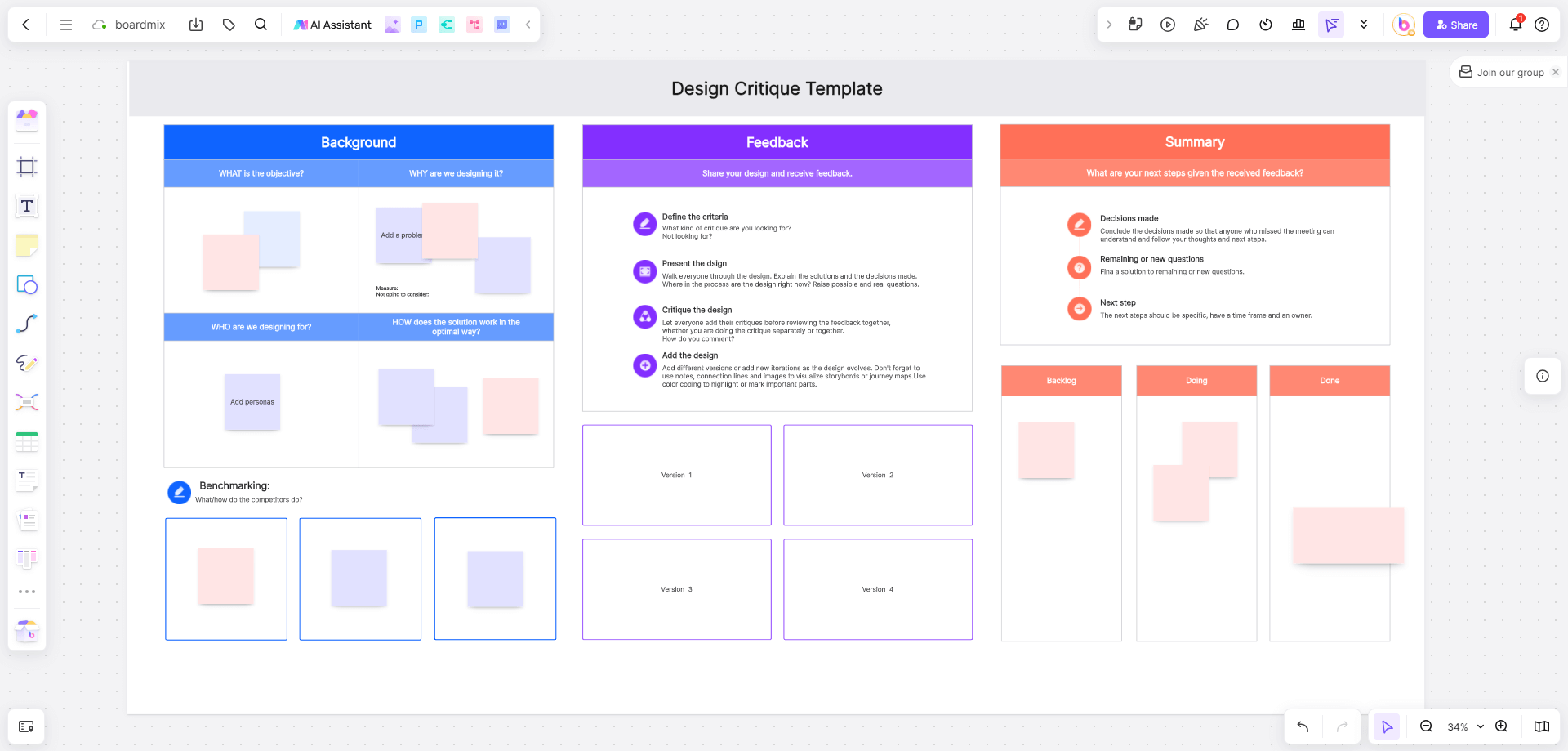
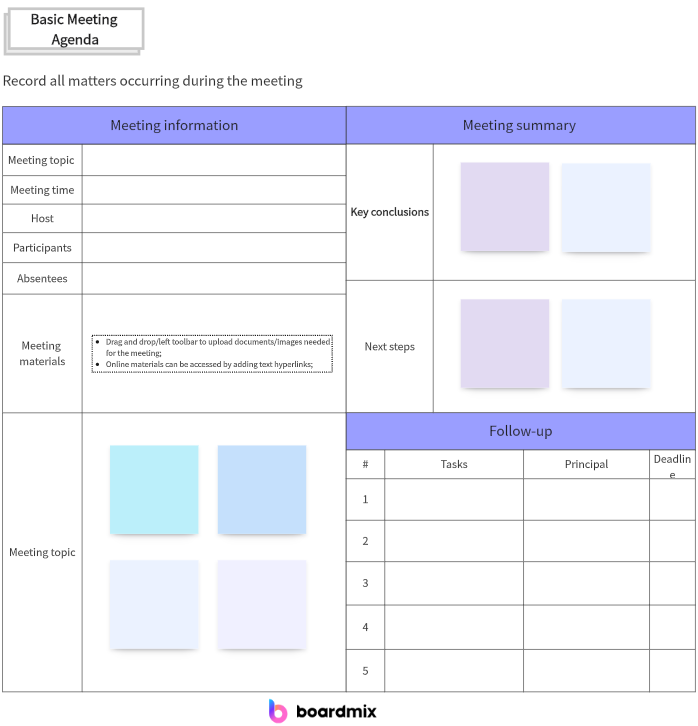
Use the Boardmix team meeting template as a starting frame, then adapt it to the workshop’s question and participants. A shared canvas keeps instructions and contributions together, while the facilitator still decides how the session is paced.

Start with one workshop question
Put the question directly under the title. “Which onboarding moment should we improve first?” is easier to act on than “Discuss onboarding.” Add the decision or artifact the group should leave with, such as a ranked set of opportunities, a draft workflow or a list of owners for follow-up.
List who needs to contribute and what they should bring. Keep the participant note short: a role, a relevant context and any access or preparation requirement. Do not imply that every participant has the same authority to decide; name when the group is advising and when a decision owner will choose.
Lay out a 60-minute route
A practical agenda gives each block a purpose and an output. The durations below are a planning example, not a performance benchmark:
| Block | Purpose | Output |
|---|---|---|
| Welcome and context | Align on the question and decision boundary | Shared question and constraints |
| Silent input | Give everyone time to add observations | Individual notes on the board |
| Group and name | Find related observations and differences | Named themes or options |
| Discuss and prioritize | Test the themes against the question | Shortlist with reasons |
| Decision and next steps | Record what happens after the workshop | Decision note and follow-ups |
Place each block in a frame or clearly labelled area. Participants should not have to search the board to know where to work. If the session changes route, update the visible agenda instead of relying on a spoken correction that late joiners may miss.
Design activity zones that explain themselves
Give every activity a short instruction, an example contribution and a place to put the result. For silent input, specify the sentence starter and one idea per note. For grouping, explain whether participants should merge duplicates, preserve differences or do both in separate areas.
Keep the example visibly separate from participant input. A sample note is not evidence. Use a small legend for labels such as observation, assumption, option and decision, and write the meaning in words as well as color.
Protect participation and focus
Use silent writing before discussion when a few voices tend to frame the topic too early. Keep a parking area for valuable questions that do not fit the current decision. The parking area should include a follow-up owner or a reason to defer; otherwise it becomes a second backlog with no path.
For a distributed group, place accessibility and privacy notes where they are needed. State how to ask for clarification, where sensitive examples should not be posted, and how the group will handle a participant who loses connection. Keep these instructions concise and visible.
Capture a decision, not only a vote count
At the end of prioritization, record the option selected, the evidence or criteria used, and what remains uncertain. A vote can show preference, but it does not explain a trade-off. If the group is advising, label the decision owner and the point at which the final choice will be made.
Use comments for questions attached to a specific note and ordinary text for the final record. Keep the decision near the shortlist that informed it. This lets someone who was absent follow the reasoning without replaying the entire session.
Close the session and follow up
- Read the decision or current recommendation aloud.
- Ask participants to identify one unresolved assumption.
- Confirm the next action, owner and context needed to begin.
- Move out-of-scope notes to the parking area with a follow-up path.
- Leave the agenda and decision record available to the people who need them.
Boardmix supports the ordinary canvas building blocks used here—frames or areas, text, notes, shapes, connectors, sharing and comments. The facilitator remains responsible for timing, consent and the final decision.
When the route is ready, open a Boardmix board and adapt the frames to your workshop. A visible question, concrete prompts and a concise decision record make remote collaboration easier to join and easier to continue.