A sprint-planning whiteboard turns a goal and a list of stories into a plan the whole team can inspect. The useful artifact is not a decorative board: it shows the sprint outcome, the work that fits, the owner for each slice, and the risks that need attention before the sprint starts.
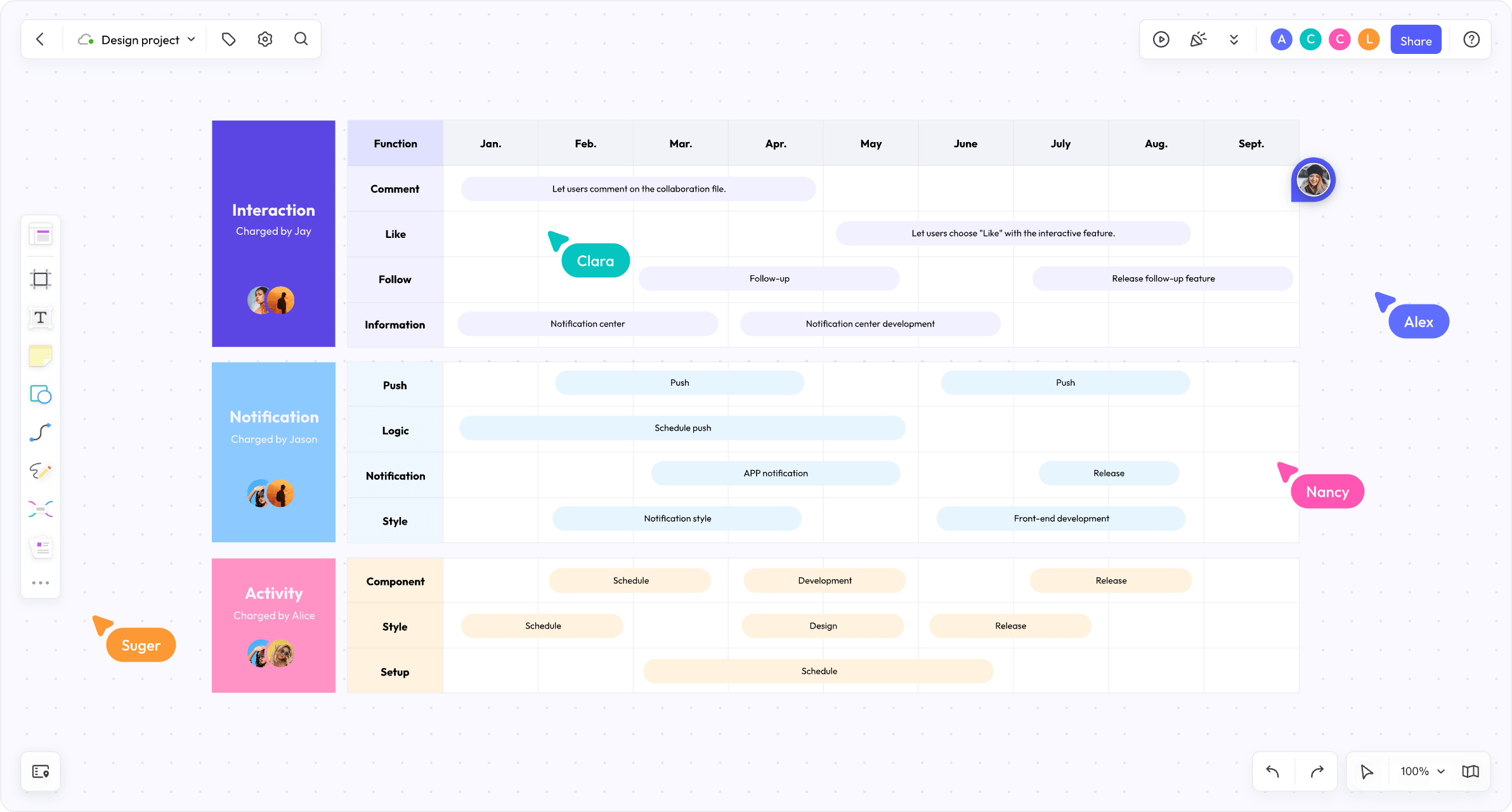
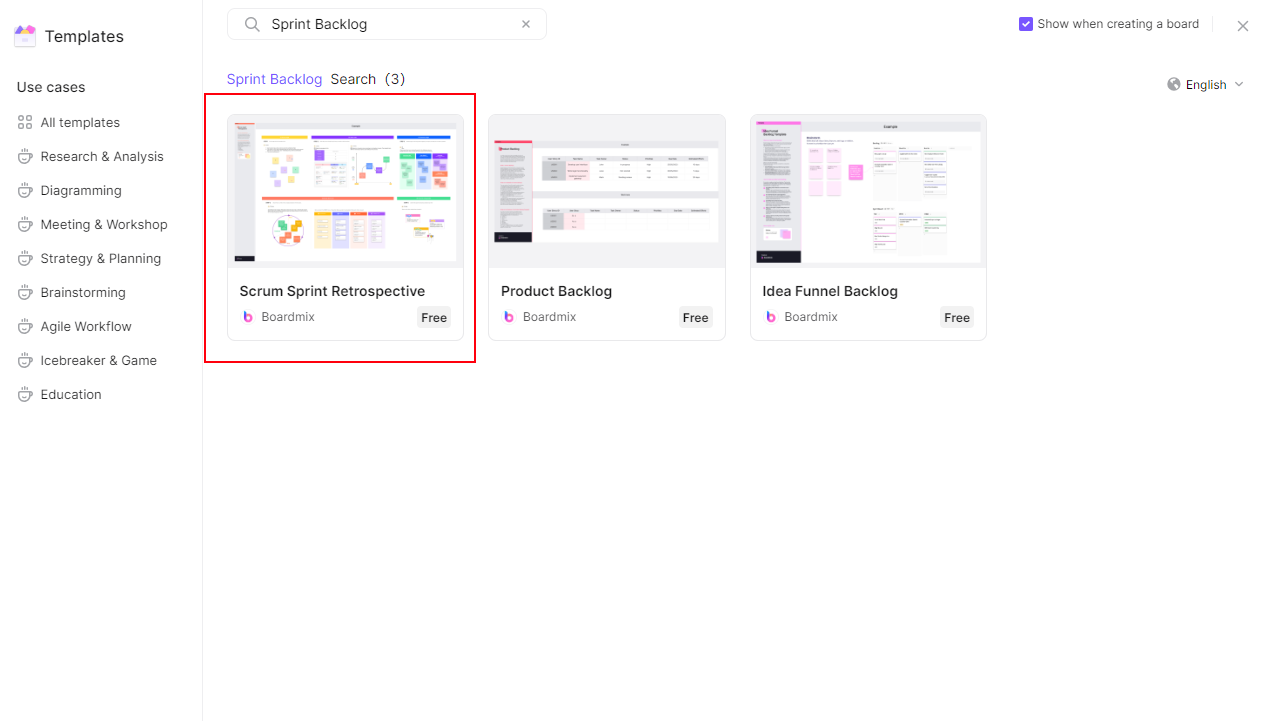
Use the Boardmix product backlog template for the story source, then shape a sprint-planning view around it. Keep the plan on a shared canvas so product, design and engineering can review the same assumptions before work is committed.
Define the sprint outcome before the cards
Write one outcome in plain language at the top of the board. “Improve first-project setup so a new user can create a board without help” gives the team a decision filter. “Finish everything in the backlog” does not. Add a short list of acceptance signals, but do not turn them into unsupported performance promises.
Place the outcome beside the constraints that can change the plan: a release date, a dependency on another team, a research session or a known maintenance window. Mark each constraint as confirmed, assumed or still open. This keeps a late discovery from looking like a forgotten task.
| Board area | Example entry |
|---|---|
| Sprint outcome | Make first-project setup understandable without a live handoff. |
| Evidence | Review the latest setup observations and support questions. |
| Constraints | Copy review is needed before the release candidate. |
| Open decision | Which setup step belongs in this sprint? |
Make capacity visible without pretending it is a guarantee
Create a lane for each delivery group or workstream, then add a small capacity note for the planning conversation. Capacity is a planning input, not a promise. Record the reason for a reduction—leave, support rotation, onboarding or another commitment—so the team can revisit it when the context changes.
Keep uncommitted work in a separate “candidate” area. A candidate card can be valuable without belonging in the sprint. The visual separation makes scope negotiation explicit instead of hiding it in a private spreadsheet.
Slice stories into reviewable work
Start with the smallest slice that exercises the user-facing path. A story such as “improve onboarding” is too broad for a planning card. Split it into a visible change, a testable behavior and any supporting work. Avoid slicing by department alone: “write copy,” “build UI” and “test UI” may be useful subtasks, but they do not show whether the user can complete the intended action.
Use a card format that exposes the information needed in the meeting:
| Field | What to record |
|---|---|
| Outcome | The user-visible change this slice should create. |
| Evidence | Research, defect, request or constraint behind the card. |
| Acceptance notes | Observable conditions for review; avoid vague “works well.” |
| Owner | The person coordinating the next step, not a claim that one person does all work. |
| Dependency | A separate team, decision or asset that can hold the slice. |
Plan risks and dependencies beside the work
Draw a short connector from a story to a risk or dependency when the relationship matters. Keep “needs API decision,” “waiting for content” and “unclear acceptance” as distinct labels. A risk is not a task until someone has chosen a response; add a follow-up card only when the team agrees on that response.
For an interrupted planning session, leave a “return here” marker with the unresolved question and the people who need to answer it. This is more useful than moving uncertain cards into a hidden area.
Run the planning conversation in a reliable order
- Read the outcome and constraints aloud; correct the board before discussing scope.
- Review the candidate cards and ask what evidence makes each one relevant.
- Place the smallest coherent slices into workstream lanes.
- Surface dependencies and decide whether to resolve, reduce or defer each one.
- Read the proposed set back as a story of the sprint, not as a count of cards.
- Mark open questions and the person who will bring the next evidence.
Use comments for questions that should remain attached to a card. Use text or sticky notes for the current plan, and connectors when a dependency needs to be seen. Boardmix provides the ordinary shared-canvas primitives for this arrangement; the team still decides what is committed.
Leave a plan the team can review later
At the end, keep a compact “committed,” “candidate” and “unresolved” view. Add the date of the planning conversation and the next review point as ordinary text. Do not erase the reasoning that explains why a candidate was deferred: that context prevents the same debate from restarting without new evidence.
Invite the people affected by a dependency to comment on the relevant card rather than copying the plan into separate messages. If a decision changes, record what changed and why. A shared board is valuable when it remains understandable to someone who missed the meeting.
When the structure is clear, open a Boardmix board and adapt the backlog into your team’s planning view. The template is a starting layout; the outcome, evidence and trade-offs should come from your team.