





Digital teaching whiteboards are becoming essential in modern classrooms, revolutionizing both online and in-person lessons with interactive experiences. Unlike traditional chalkboards, these tools allow teachers to insert images, videos, and annotate in real-time, facilitating instant communication. This guide reviews 6 top digital whiteboard software options for teachers, comparing features, ease of use, and pricing to help you find the perfect fit.
Boardmix
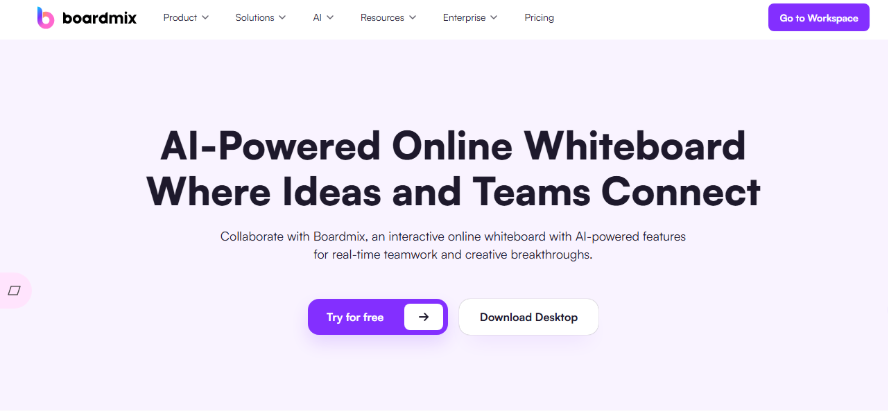
Boardmix is one of the most popular digital whiteboard platforms among educators, widely adopted in K-12 schools and higher education. It's designed not only for daily instruction but also excels in homework review, collaborative research, and group discussions. With an intuitive interface and practical features, teachers can get started immediately, making it an ideal, dynamic tool for any teaching scenario.
Key Features
- Supports multiple teaching aids like mind maps, flowcharts, fishbone diagrams, and timelines to structure knowledge and enhance lesson logic.
- Enables real-time collaboration with sticky notes, image uploads, drawing tools, and voice comments for lively interactions.
- Allows teachers to create and manage separate board sections for group work and project-based learning.
- Offers seamless cross-device access on Windows, Mac, iPad, and mobile for flexibility in and out of the classroom.
- Provides a vast library of templates and graphic assets to significantly boost prep efficiency.
Ideal For
Hybrid teaching models that blend in-person and remote learning, detailed assignment explanations with visual aids, student group collaboration on research projects or creative tasks, and brainstorming sessions for critical thinking activities. It is also highly effective for special education settings, where the customizable interface and multi-sensory tools can be adapted to meet individual learning needs.
Pricing
Core features, including unlimited whiteboard space, basic collaboration tools, and access to the template library, are completely free to use for individual educators. Advanced functionality such as team management, premium templates, and priority support is available through flexible, cost-effective subscription plans starting at $4.99 per month for individual teachers, with discounted school-wide licenses available for educational institutions.
Jamboard
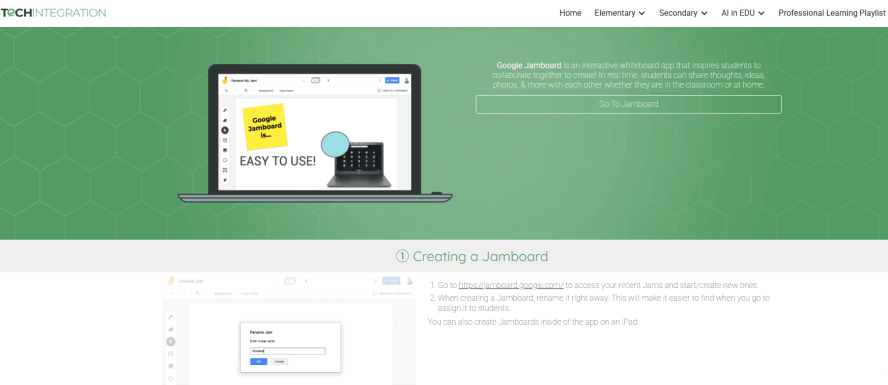
Jamboard by Google is a streamlined digital whiteboard tool built for educational environments. While it may not have the most advanced features, it offers exceptionally smooth basic collaboration and visual brainstorming. It's the top choice for seamless integration within the Google for Education ecosystem.
Key Features
- Supports multi-user simultaneous editing, perfect for student group projects.
- Deeply integrated with Google Meet and Google Classroom for a unified teaching workflow.
- Simple, intuitive interface with interactive elements like stickers, sticky notes, and handwriting.
- Cloud-based, requiring no downloads—accessible via web browser and mobile app.
Ideal For
International curricula that rely on Google Workspace tools, remote group discussions for language learning or collaborative writing, ESL/foreign language classes where visual aids and interactive elements enhance comprehension, and elementary school classrooms where simplicity is key.
Pricing
Jamboard is completely free to use for anyone with a Google account, including personal Gmail accounts and Google for Education accounts. There are no hidden fees, premium tiers, or usage limits—making it an affordable choice for schools with tight budgets or individual teachers looking for a no-cost solution.
ClassIn
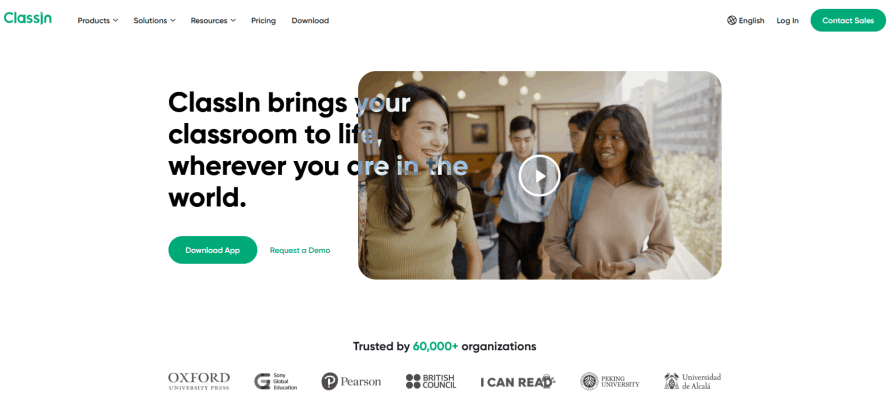
ClassIn's digital whiteboard is deeply integrated into its comprehensive online classroom system. It's a preferred choice for many tutoring institutions and online course instructors, especially where high-frequency interaction and structured classroom management are required.
Key Features
- Tight integration with ClassIn's teaching tools, including hand-raising, quick polls, and breakout rooms.
- The whiteboard supports mixed media, geometric shapes, and annotation tools for clear knowledge presentation.
- Allows simultaneous use of webcam and whiteboard for "talk-and-draw" instruction.
- Whiteboard sessions can be saved and replayed for student review.
Ideal For
Structured online classes with set schedules and curricula, live lecture broadcasting for large student groups, interactive Q&A sessions where real-time annotation enhances understanding, and tutoring sessions that require one-on-one attention with visual explanation.
Pricing
ClassIn’s whiteboard is only available as part of a paid ClassIn teacher account. Pricing starts at $19.99 per month for individual teachers, with annual subscriptions offering a 20% discount. School-wide licenses are available for institutions, with pricing based on the number of users and required features.
Explain Everything
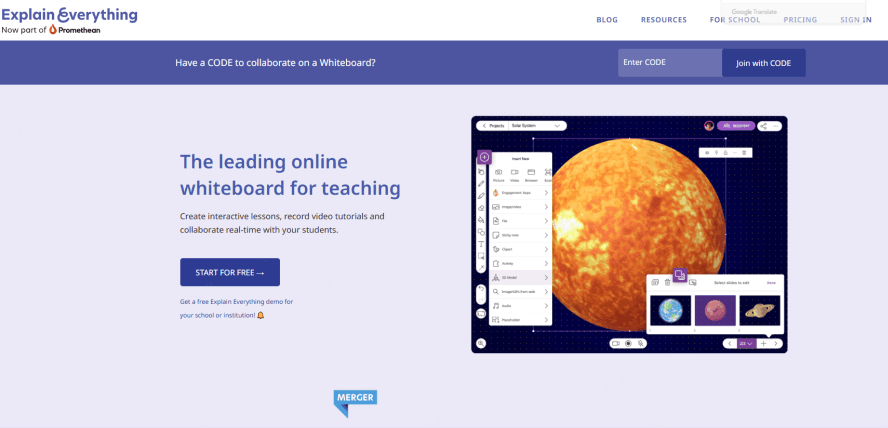
Explain Everything is a powerful content creation tool that goes beyond a simple whiteboard. It serves as a full recording studio for teachers, making it ideal for university lecturers and professional trainers creating instructional content.
Key Features
- Records whiteboard activity seamlessly, perfect for creating micro-lectures and explainer videos.
- Supports import of PPT, PDF, audio, and video files for rich lesson material.
- Combines real-time handwriting, animation tools, and multi-track audio recording.
- Exports in multiple formats for easy sharing on platforms like YouTube or learning management systems.
Ideal For
Recording instructional videos for flipped classrooms, creating micro-lessons for asynchronous learning, developing professional training materials for staff development, and producing content for online course platforms like Udemy or Coursera.
Pricing
Explain Everything offers a 14-day free trial with full access to all features. After the trial, full access requires a paid subscription: $6.99 per month for individual educators or $99.99 per year (a 30% savings). Educational institution licenses are available at a discounted rate for multiple users.
Microsoft Whiteboard
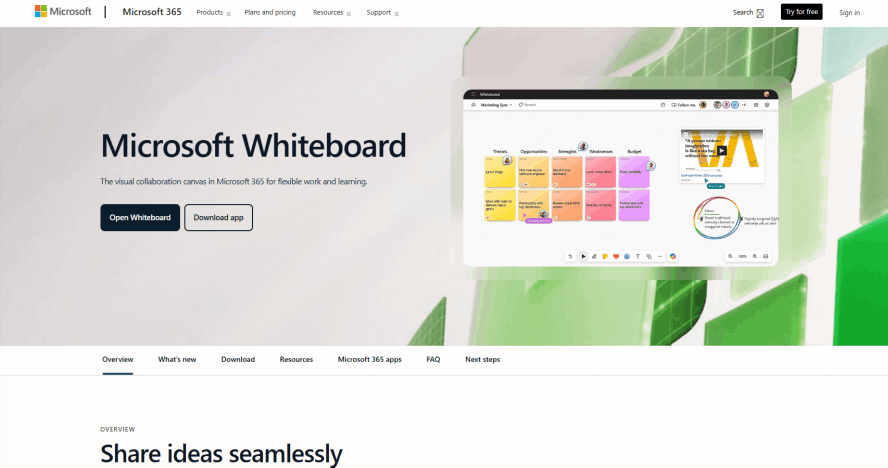
For educators already within the Microsoft ecosystem, this whiteboard offers a frictionless experience. It's straightforward, stable, and reliable, well-suited for in-person or hybrid teaching setups.
Key Features
- Integrates tightly with Office 365 and apps like OneNote and Teams.
- Optimized for stylus and touch-screen input, great for Surface devices.
- Excellent for drawing diagrams, sketches, and flowcharts as digital chalkboard replacements.
- Supports multi-user collaboration for co-planning lessons or shared note-taking.
Ideal For
In-classroom projection using interactive whiteboards or Surface Hub devices, hybrid teaching scenarios that blend in-person and remote learning, teacher planning meetings where collaborative lesson design is key, and high school/college classrooms using Microsoft tools exclusively.
Pricing
Microsoft Whiteboard is available for free as part of all Microsoft 365 subscriptions (Personal, Family, Business, Education). Educators with a Microsoft 365 Education license (free for eligible schools) get full access to all features at no additional cost.
Ziteboard
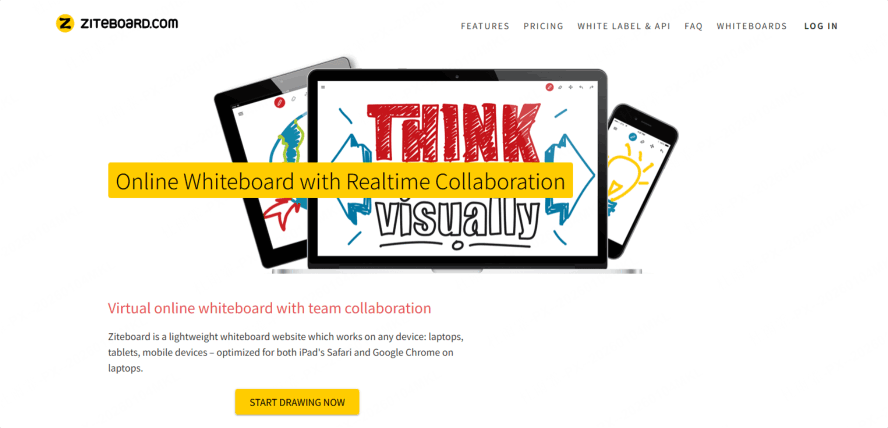
Ziteboard is a lightweight, no-frills online whiteboard. It focuses on core functionality, making it a stable and practical choice, especially for STEM subjects, diagrammatic reasoning, and remote one-on-one tutoring.
Key Features
- Offers an infinite canvas and real-time collaboration for explaining concept maps and processes.
- Features a hand-drawn aesthetic that helps visualize ideas naturally.
- Allows embedding of PDFs and web links to connect learning resources.
- Simple and fast-loading, works directly in any cross-platform browser.
Ideal For
Distance learning sessions with limited bandwidth, explaining math/science diagrams and equations in real time, basic whiteboard interactions for younger students, and one-on-one remote tutoring where simplicity and reliability are prioritized.
Pricing
A free basic version is available, offering unlimited canvas space, basic collaboration tools, and PDF embedding. Advanced features like integrated audio/video conferencing, HD export, and custom branding require a paid subscription starting at $8 per month for individual educators, with volume discounts for schools.
Conclusion
Every educator has a unique teaching style, and the ideal digital whiteboard varies accordingly. If you seek a user-friendly, feature-rich whiteboard with excellent local language support and versatile templates for diverse classroom needs—Boardmix comes highly recommended. Whether you're a K-12 teacher, a university lecturer, or an online course creator, Boardmix can help you establish an effective and engaging teaching rhythm.
Ready to enhance your classroom interaction? Explore Boardmix's free features today and discover how it can transform your teaching workflow.





