





When it comes to creating flowcharts, organizational charts, or system diagrams, many professionals turn to Microsoft Visio. It's a powerful tool commonly used for project management, IT design, and more. However, Visio can be expensive and has a steeper learning curve, which isn't ideal for all users. So, what exactly is Visio software, and are there any capable free alternatives? This guide will explain Visio and introduce you to 8 practical free online whiteboard and diagramming tools that might better suit your needs for real-time collaboration and visual thinking.
What is Microsoft Visio?
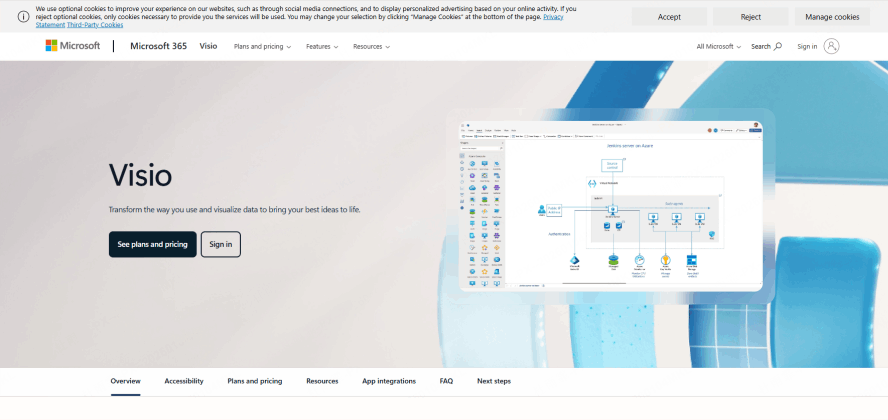
Microsoft Visio is a professional diagramming application developed by Microsoft as part of its Office 365 commercial suite, designed to create a wide range of high-quality visual documents for business and technical use cases. Unlike basic drawing tools, Visio is built to handle complex, data-driven diagrams that require precision and standardization across industries.
Visio supports the creation of diverse diagram types, including flowcharts and process maps for business workflow optimization, organizational charts for company structure visualization, network diagrams for IT infrastructure planning, and floor plans and engineering diagrams for architectural and manufacturing design.
It offers an extensive library of built-in industry-specific shapes, stencils, and pre-designed templates—from ITIL framework stencils to lean manufacturing flowcharts. Users can drag and drop these elements to build clear, logical, and visually structured diagrams efficiently, with the ability to link diagrams to external data sources like Excel spreadsheets for dynamic updates.
Visio is widely adopted across industries like IT system design, project management, business process modeling, and product development. It remains a key tool for professionals who need to visualize complex information and ensure compliance with industry standards, though its enterprise-focused design limits accessibility for casual users or small teams.
Why Look for a Visio Alternative?
Despite its strengths as a professional diagramming tool, Visio has some notable drawbacks that push many users to seek alternative solutions—especially individuals, startups, and small to medium-sized businesses (SMBs) with limited budgets or remote collaboration needs.
- Cost: As part of the Microsoft Office commercial suite, Visio requires a significant investment. The standalone version costs around $299 for a perpetual license, while the subscription-based Visio Plan 1 starts at $5 per user/month and Visio Plan 2 at $15 per user/month—costs that can be prohibitive for individuals, startups, or small businesses with tight budgets.
- Complexity: Its feature-rich interface can be overwhelming for beginners, resulting in a steeper learning curve. Even basic tasks like creating a simple flowchart require navigating multiple menus and toolbars, which can slow down productivity for users who only need to create diagrams occasionally.
- Limited Collaboration: Visio lacks robust, real-time co-editing features that are essential in today's remote and hybrid work environments. While it allows for file sharing and comment tracking, multiple users cannot edit a diagram simultaneously, and collaboration is limited to sequential feedback rather than live teamwork.
Consequently, many users are seeking free Visio alternatives that are more affordable, easier to use, and built for modern team collaboration—without sacrificing the core diagramming functionality needed for professional work.
Top 8 Free Visio Alternative Software
Here are 8 excellent free tools that can serve as your go-to online diagram software, each tailored to different use cases—from simple collaborative flowcharts to complex technical diagrams and code-based UML modeling.
Boardmix

Boardmix is an all-in-one online whiteboard that combines professional diagramming capabilities, real-time collaboration, a vast template library, and flexible visual expression—making it a comprehensive Visio alternative for both technical and non-technical users. It matches Visio's core diagramming functionalities while being far more accessible: no installation is needed, and its intuitive interface eliminates the steep learning curve associated with Visio.
Why We Recommend It
Boardmix is entirely browser-based (no download or local installation required), with a rich library of pre-built templates for flowcharts, org charts, UML diagrams, and network maps—all optimized for quick customization. Its powerful real-time collaboration features allow up to 200 users to edit a diagram simultaneously, with live comments, version history, and @mentions to streamline team feedback.
Best For
Creating flowcharts, UML diagrams (class, sequence, use case), mind mapping, org charts, wireframing for product design, and project planning timelines. It is equally suitable for business teams, IT professionals, students, and educators.
Key Highlights
Completely free to use for core features, including unlimited diagrams, 5GB cloud storage, and full English language support (plus 20+ other languages for global teams). The clean, intuitive interface requires no training to master, making it ideal for students, professionals, and teams needing seamless collaboration across remote locations.
Draw.io (Diagrams.net)
Draw.io (now rebranded as Diagrams.net) is a powerful, open-source diagramming tool and one of the most popular free Visio alternatives available. It is designed for technical users who need precision and control over their diagrams, with a straightforward interface that prioritizes functionality over flashy design.
Why We Recommend It
Draw.io is 100% free and open-source, with no hidden costs or premium tiers. It works both online (via browser) and offline (as a desktop app), and users do not need to create an account to start creating diagrams—making it a convenient choice for quick, ad-hoc diagramming tasks.
Best For
Technical diagrams like flowcharts, UML diagrams (all types), network topology maps, ER (Entity-Relationship) diagrams for database design, and electrical schematics. It is a favorite among software developers, IT administrators, and engineers.
Key Highlights
Integrates seamlessly with cloud storage platforms like Google Drive, OneDrive, and Dropbox for easy file saving and sharing. It supports cross-platform browser access (Chrome, Firefox, Safari) and saves data locally on the user's device by default, enhancing security for sensitive technical diagrams.
Lucidchart
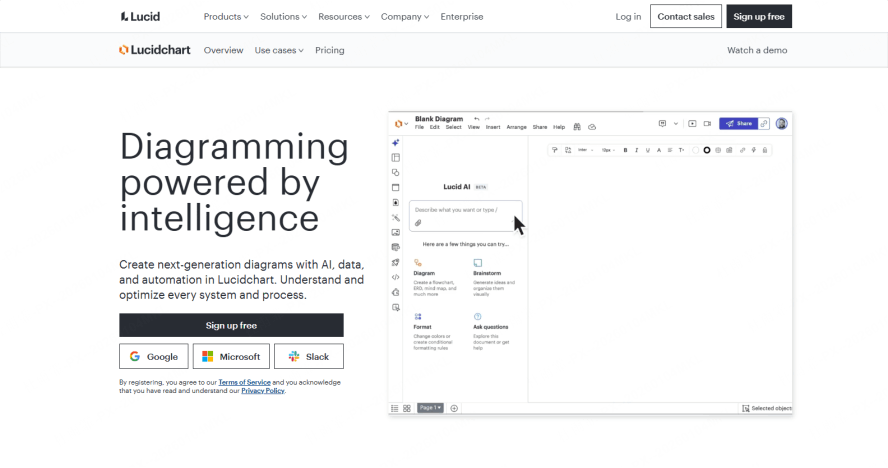
Lucidchart is a feature-rich online diagram tool known for its modern, user-friendly interface and superior team collaboration capabilities—positioned as a cloud-based alternative to Visio for businesses of all sizes. It balances technical diagramming precision with intuitive design, making it suitable for both technical and non-technical users.
Why We Recommend It
Lucidchart features a sleek, modern UI with real-time co-editing, threaded comments, and built-in feedback tools that make remote team collaboration seamless. It also offers a wide range of pre-built templates and shape libraries aligned with industry standards (e.g., BPMN for business processes).
Best For
Creating business flowcharts, engineering diagrams, IT system designs, product architecture charts, and sales funnel visualizations. It is ideal for marketing teams, product managers, and business analysts who need to communicate complex ideas to stakeholders.
Key Highlights
Offers strong collaborative features (real-time editing, permission controls) and cloud access from any device. The free tier is available for individual users but has limitations on the number of objects per diagram (60) and access to advanced templates—making it better suited for casual use rather than large-scale projects.
yEd Graph Editor
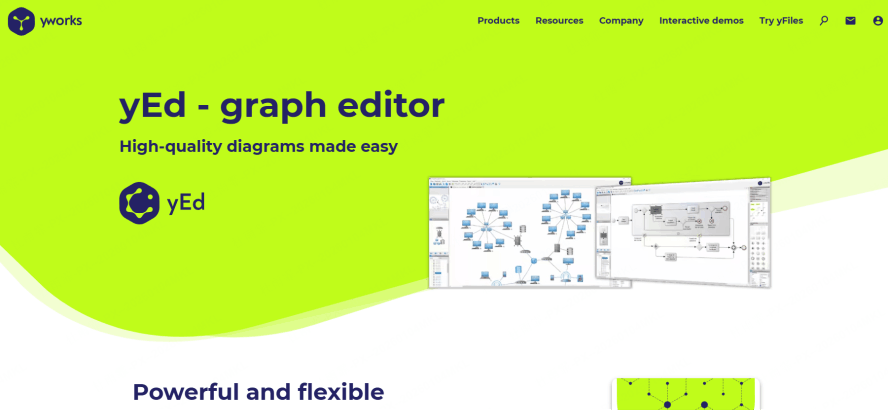
yEd Graph Editor is a robust, desktop-based diagramming application designed specifically for professionals who work with large, complex graph structures that require advanced layout capabilities. Unlike browser-based tools, it runs locally on the user's device, making it ideal for handling large datasets without internet dependency.
Why We Recommend It
yEd excels at automatic layout algorithms (hierarchical, circular, force-directed) that organize intricate diagrams with minimal manual effort. It can handle thousands of nodes and edges without performance issues, a key advantage over web-based tools that struggle with large diagrams.
Best For
Creating hierarchical charts, network diagrams (social, computer, or biological), clustering charts, and social network analysis visualizations. It is popular among researchers, data analysts, and engineers working with complex relational data.
Key Highlights
Available for Windows, macOS, and Linux operating systems, ensuring cross-platform compatibility. It is stable and powerful for deep visualization work, though its UI is less modern than cloud-based alternatives and may require a short learning period to master advanced layout features.
Gliffy
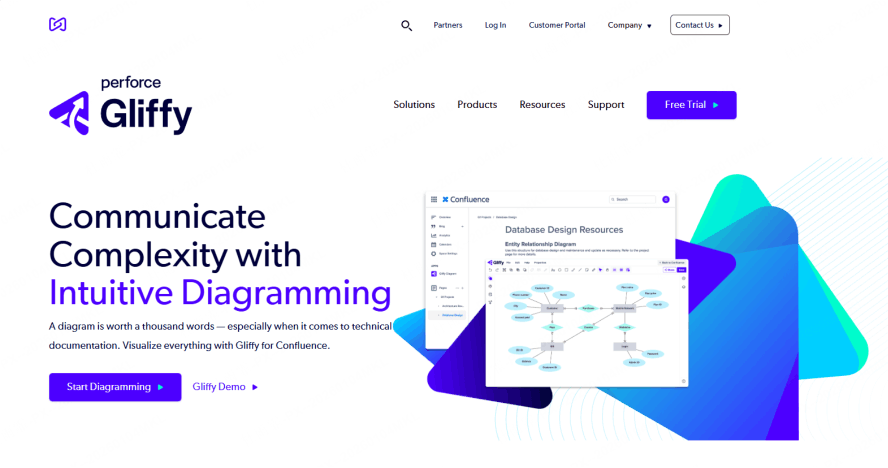
Gliffy is a web-based diagramming tool that balances ease of use with team collaboration, designed to integrate seamlessly into existing workplace workflows—making it a popular Visio alternative for teams using Atlassian products like Confluence and JIRA.
Why We Recommend It
Gliffy features a simple, intuitive drag-and-drop interface that allows users to create professional diagrams without technical training. Its deep integration with Confluence and JIRA means diagrams can be embedded directly into project documentation or issue trackers, streamlining workflow management.
Best For
Creating flowcharts, network diagrams, UML diagrams (basic types), and simple org charts for project management and team communication. It is ideal for software development teams, project managers, and IT support teams using Atlassian tools.
Key Highlights
Offers an online editor with real-time collaboration (co-editing, comments) for small teams. The free version has significant limitations, including a maximum of 5 diagrams per user, low-resolution exports, and limited storage—making it suitable only for basic, short-term use cases.
LibreOffice Draw
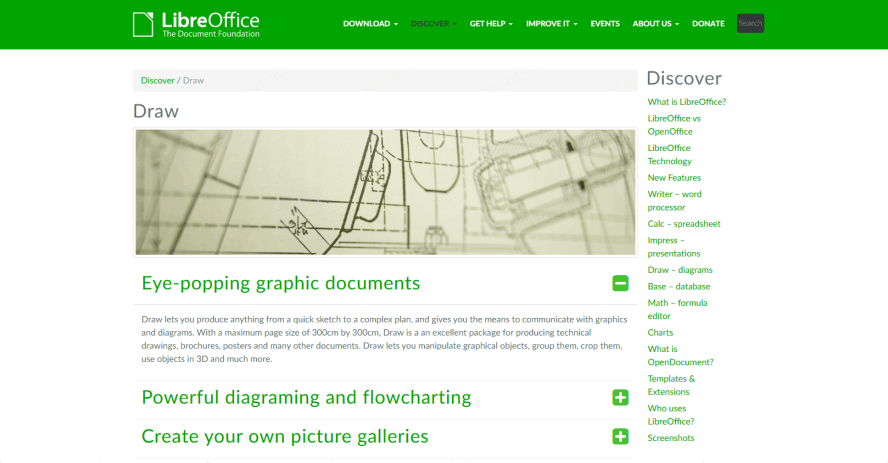
LibreOffice Draw is the fully free, open-source vector graphics and diagramming component within the LibreOffice productivity suite—a desktop-based alternative to Visio for users who prioritize offline access and data privacy.
Why We Recommend It
LibreOffice Draw is completely free and open-source, with no subscription fees or hidden costs. It supports multi-page documents (useful for large diagram sets) and numerous file formats, including Visio (.vsdx) files—allowing users to edit existing Visio diagrams without purchasing the Microsoft tool.
Best For
Creating flowcharts, organization charts, technical drawings (simple engineering diagrams), and even basic poster or infographic design. It is a versatile tool for students, small business owners, and anyone who needs offline diagramming capabilities.
Key Highlights
Runs locally on Windows, macOS, and Linux devices, with no internet connection required—ideal for users with high privacy concerns or limited internet access. It also supports export to PDF, PNG, SVG, and other common formats for easy sharing.
PlantUML
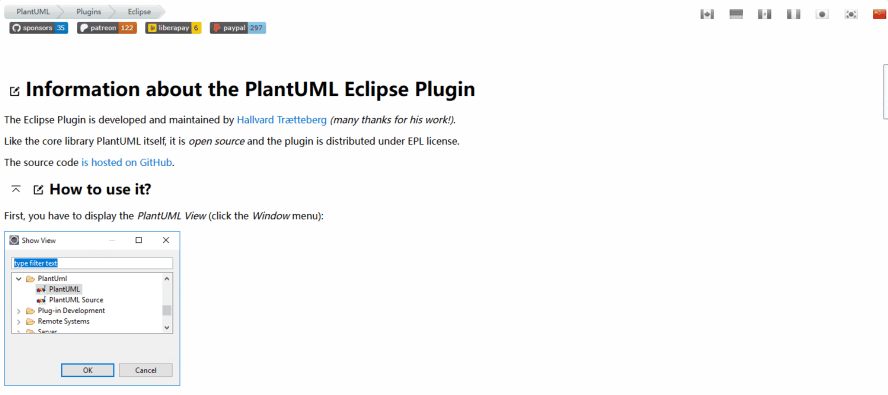
PlantUML is a unique, code-based open-source tool that generates professional diagrams from plain text descriptions—catering specifically to developers, system architects, and technical writers who prefer text-based workflows over drag-and-drop interfaces.
Why We Recommend It
PlantUML is free and open-source, with a simple, human-readable text syntax that makes it easy to learn and use. Text-based diagramming is perfect for version control (e.g., Git), allowing teams to track changes to diagrams alongside code and integrate diagram creation into CI/CD pipelines.
Best For
Creating all types of UML diagrams (class, sequence, use case, activity, component, etc.), as well as network diagrams, Gantt charts, and mind maps—all from text commands. It is essential for developers and architects documenting software systems.
Key Highlights
Integrates seamlessly with popular code editors like VS Code, IntelliJ IDEA, and Sublime Text, as well as Markdown and LaTeX for documentation. It can be used locally (via desktop app) or via online servers, with no limits on the complexity or number of diagrams created.
Google Drawings
Google Drawings is a lightweight, web-based drawing tool within the Google Workspace suite (formerly G Suite)—a convenient, no-cost alternative to Visio for simple diagramming tasks that benefit from Google's ecosystem integration.
Why We Recommend It
Google Drawings is 100% free for all Google account holders, requires no installation (runs in any browser), and auto-saves all work to Google Drive—eliminating the risk of lost progress. It supports real-time collaboration and commenting, making it ideal for quick team brainstorming sessions.
Best For
Creating simple flowcharts, org charts, mind maps, and basic shape-based diagrams for educational purposes, office meetings, or small business projects. It is not designed for complex technical diagrams but excels at quick, informal visual communication.
Key Highlights
Integrates perfectly with other Google apps like Docs, Sheets, and Slides—diagrams can be embedded directly into documents or presentations with automatic syncing. It is excellent for quick, collaborative diagramming in educational settings (K-12 and higher ed) or small office environments with basic diagram needs.
Conclusion
The free Visio alternatives listed above cover a wide range of needs—from real-time online collaboration (Boardmix, Lucidchart) and technical UML modeling (Draw.io, PlantUML) to offline desktop diagramming (LibreOffice Draw, yEd) and simple Google Workspace integration (Google Drawings). Each tool addresses specific pain points of Visio, whether it's cost, complexity, or limited collaboration.
If you prioritize an easy-to-use, free tool with a strong focus on real-time collaboration and a rich template library for both technical and non-technical diagrams, Boardmix is an excellent first choice. It combines the precision of Visio with the flexibility of a modern online whiteboard, supporting all essential diagram types (flowcharts, UML, org charts) while enabling seamless teamwork across remote teams—making it a top contender among modern diagramming solutions. Try Boardmix today!
Ultimately, the best Visio alternative depends on your specific needs: technical users may prefer Draw.io or PlantUML, business teams may opt for Lucidchart or Boardmix, and casual users will benefit from Google Drawings or LibreOffice Draw. All these tools deliver professional-quality diagramming without the cost or complexity of Microsoft Visio.





