




draw.io, also known as diagrams.net, provides diagramming tools for flowcharts, organizational charts, mind maps, and technical diagrams. An alternative may be useful when you need a different collaboration workflow, template library, or connection to existing tools.
The four options below serve different purposes. Compare the diagrams you create, how colleagues will review them, and the formats you need to import or export.

4 draw.io Alternatives Compared
Boardmix

Boardmix combines diagrams, notes, and team discussion on a shared canvas. It is useful when a flowchart needs to sit beside research, planning notes, or feedback. Start from a template, edit shapes and connections, and share the board with your team.
- Collaboration: Work together on a board with comments and sharing permissions. Compare the board, object, storage, and AI allowances in the current plans.
- Diagramming: Create mind maps, flowcharts, organizational charts, and other visual structures on the same canvas.
- Templates: Adapt a starting layout rather than arranging every shape from scratch. Keep only the elements your process needs.
EdrawMax
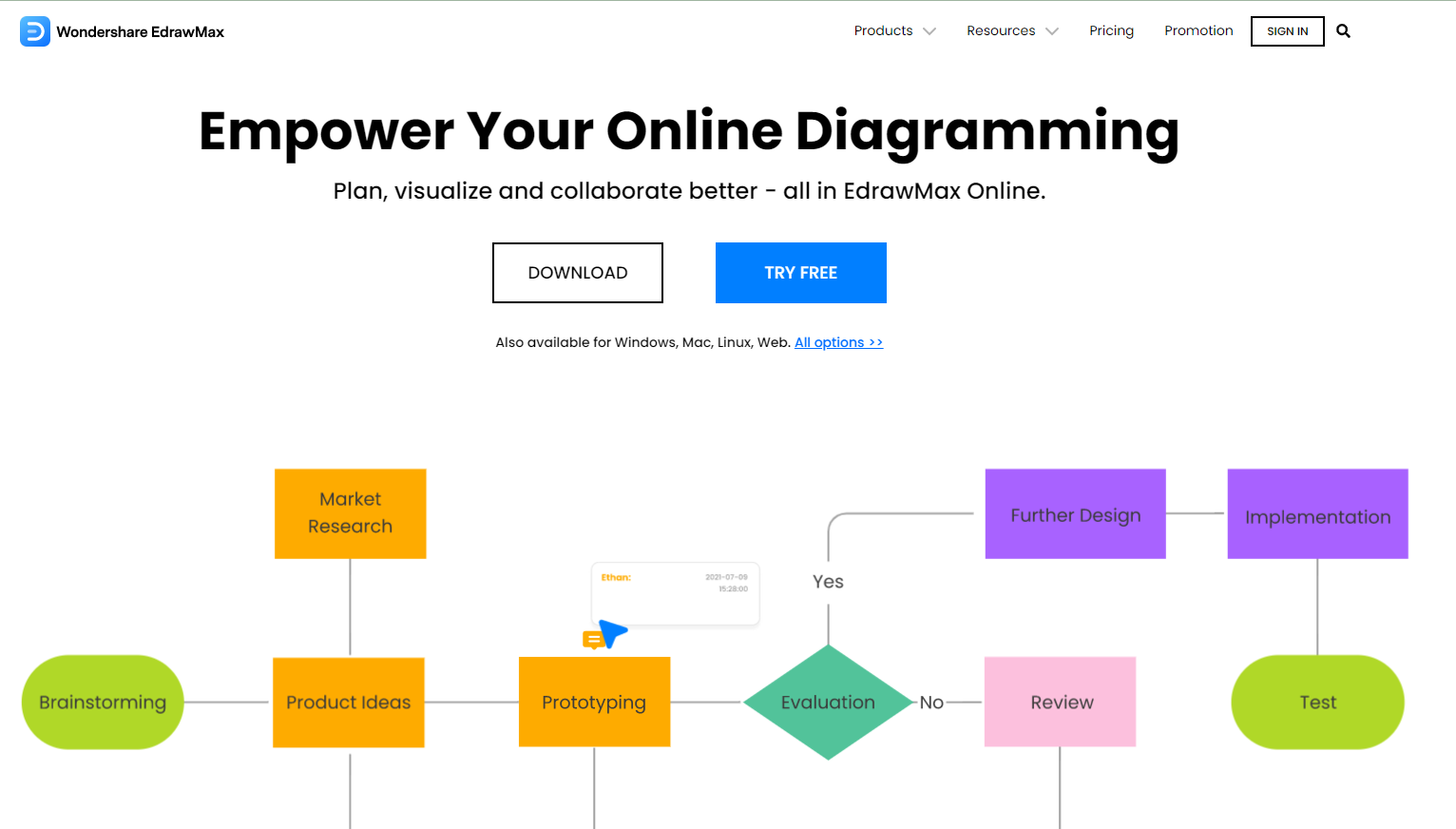
EdrawMax offers a broad collection of diagram types, symbols, and templates. Consider it when you need a dedicated diagramming application and specialized visual libraries. The available features and license terms depend on the edition.
Lucidchart

Lucidchart is a web-based diagramming tool for flowcharts, organizational charts, UML, and other structured visuals. Its plans differ in document allowances and collaboration features; see the official plan comparison for current pricing and billing terms.
Microsoft Visio

Microsoft Visio supports business and technical diagrams. Microsoft offers different web and desktop capabilities, so choose the edition according to the diagrams, file formats, and working environment you need.
Conclusion
Choose Boardmix for a shared canvas combining diagrams and discussion, EdrawMax for its range of diagram types, Lucidchart for a web-based diagram workflow, or Visio when its Microsoft ecosystem and edition fit your requirements. Open one of your typical diagrams in the shortlisted tools and compare the editing, sharing, and export steps that matter to your team.

![[2024] Top User Story Mapping Tools](https://cms.boardmix.com/images/articles/user-story-mapping-tool.png)


