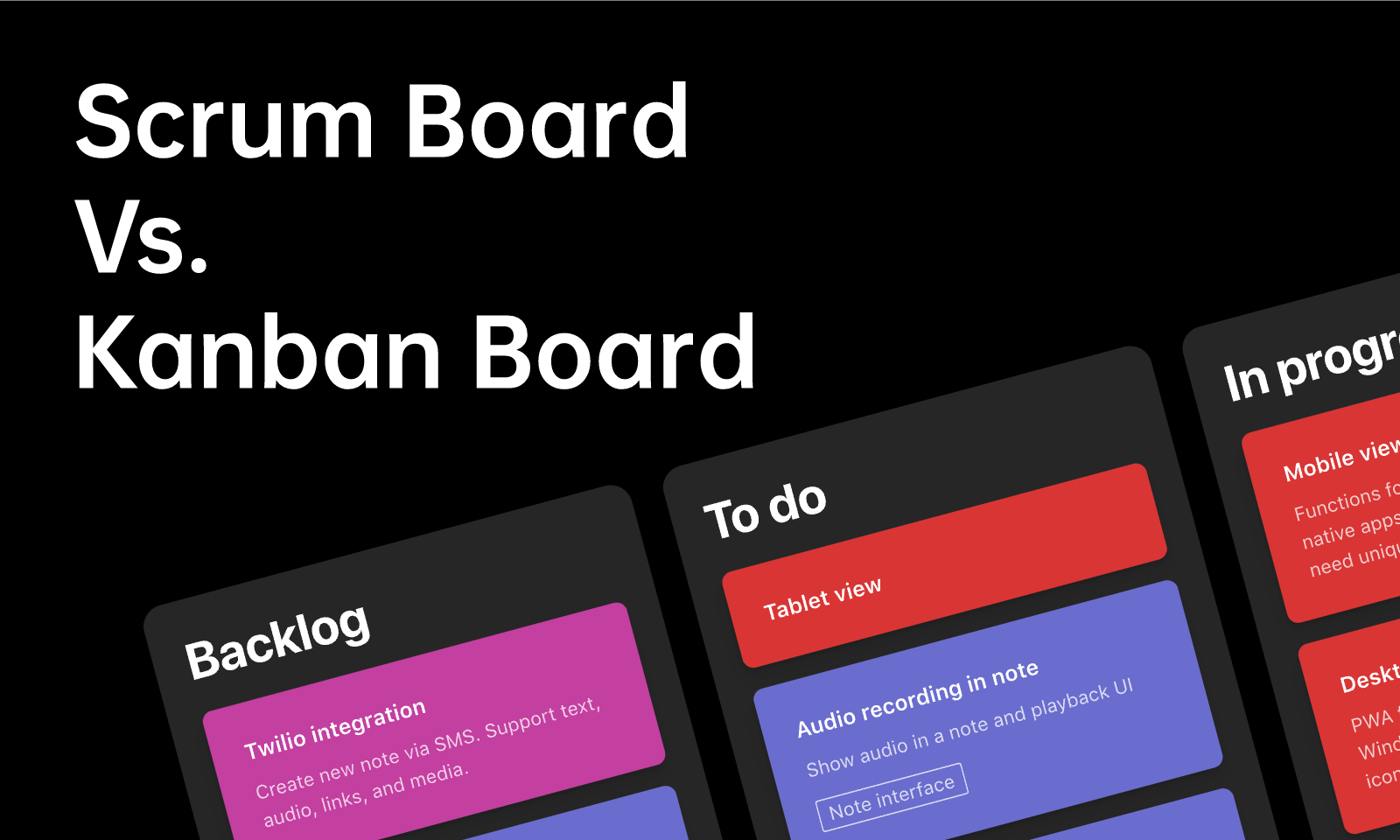
A Scrum board visualizes work toward a Sprint Goal. A Kanban board visualizes a workflow and helps a team manage how work moves through it. Both can use cards and columns, but the useful comparison is how the team plans, limits, and adapts its work.
Choose based on the work you need to manage: a product goal pursued through Sprints, a continuing stream of requests, or a combination. Neither board makes a team faster simply because of its name.
What Are They
What Is a Scrum Board
Scrum organizes complex work into Sprints of one month or less. A Scrum board is a common way to display the Sprint Backlog and progress toward the Sprint Goal; the Scrum Guide does not prescribe a particular board layout.
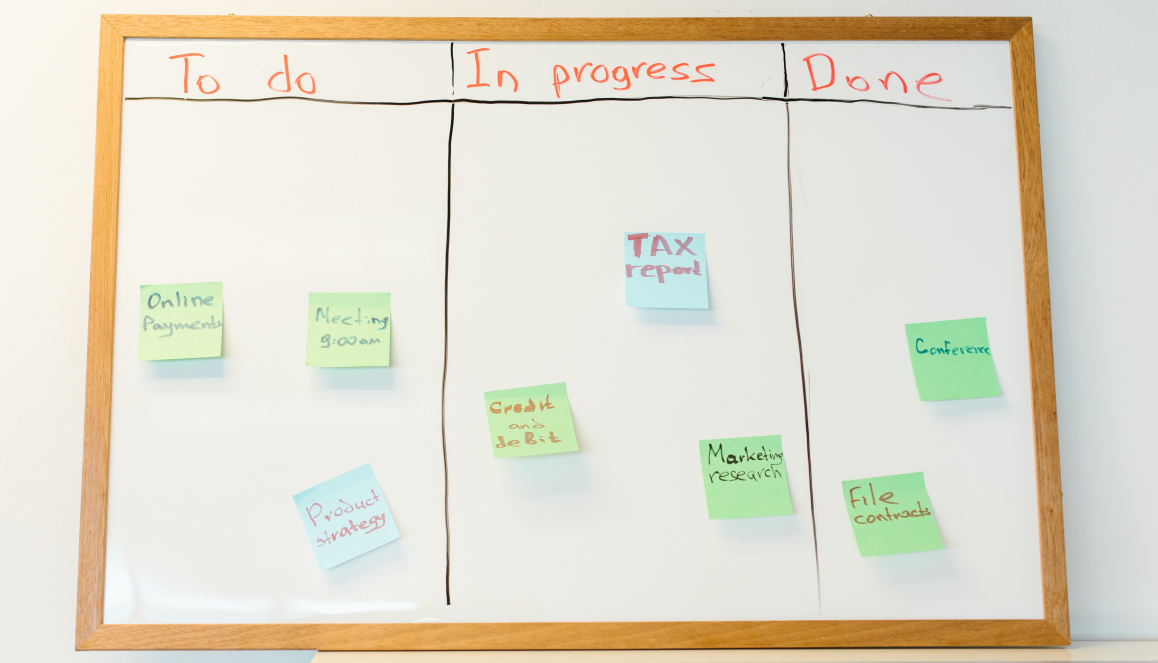
Cards may show selected backlog items and the tasks needed to deliver them. Developers update the plan as they learn, so the board should reflect current work and impediments rather than an unchanging list of assignments.
What Is a Kanban Board
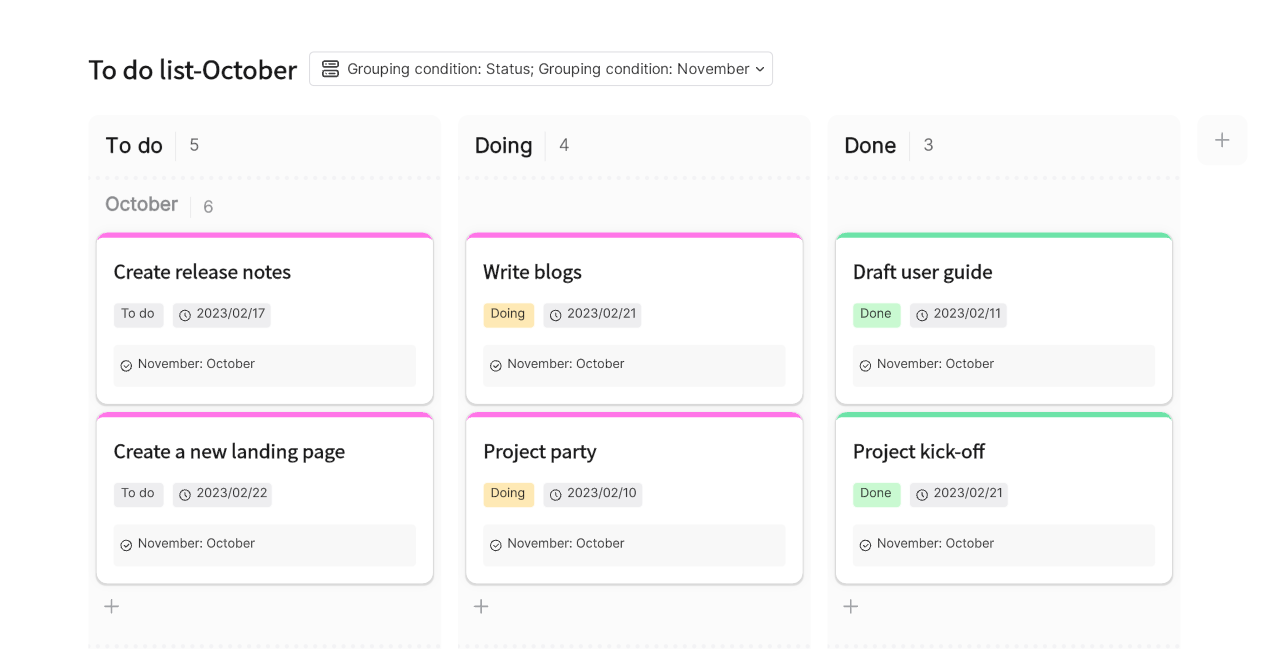
A Kanban board represents the steps in a team’s workflow. Cards show work items, and explicit policies explain how items enter, move through, and leave each stage. Teams use work-in-progress controls to avoid starting more work than they can handle.

When capacity becomes available, the team pulls suitable work into the next stage. A useful board makes queues, blocked items, and unfinished work visible. It does not require abandoning deadlines or individual responsibility.
Scrum Board Vs. Kanban Board
Compare the boards along three dimensions: the planning cycle, control of work in progress, and the rules for adapting work.
1. Similarities
The visual elements overlap because both boards help people understand the state of work.
- Cards can represent work items, with enough detail to support a useful team discussion.
- Columns show workflow states chosen for the team’s work; they need not be limited to To Do, In Progress, and Done.
- Both can make dependencies, blockers, and deadlines visible.
- Breaking large items into smaller, useful pieces can make progress easier to inspect.
- Both support shared visibility, but people still need clear policies and responsibilities.
The board is a shared view of the work. Its usefulness depends on whether the cards and policies reflect what the team is actually doing.
2. Differences
These differences concern the working approach, not the speed of the software or the freedom of individual team members.
- Planning cadence: Scrum uses a Sprint Goal and a timeboxed Sprint. Kanban manages flow through a defined workflow and can use review or replenishment cadences suited to the work.
- Work in progress: Kanban makes work-in-progress control explicit. A Scrum Team can also apply Kanban practices within its Sprint.
- Adaptation: Scrum Developers adapt their plan while protecting the Sprint Goal. A Kanban team follows its policies for selecting and moving work. Neither approach requires a manager to assign every task.
Pros and Cons of Each
Consider what the board helps the team see, and what still needs to be defined outside the board.
Scrum Board
Kanban Board
How to Choose Between Scrum Board and Kanban Board
Start with the delivery pattern. For example, a product team can plan a useful outcome for a Sprint, while a support team may need to manage requests arriving throughout the week.
If your team uses Scrum, design the board around the Sprint Goal and Sprint Backlog. If it manages a continuous flow, define when work starts, what Done means, and how much work can be in progress.
Team size alone does not determine the choice. Consider the dependencies, arrival rate of new work, and ability to deliver a finished outcome. A larger team may need clearer boundaries and coordination rather than simply a different board.
Scrum and Kanban practices can be combined. The Kanban Guide for Scrum Teams explains how flow practices can complement Scrum.
Set Up a Shared Board in Boardmix
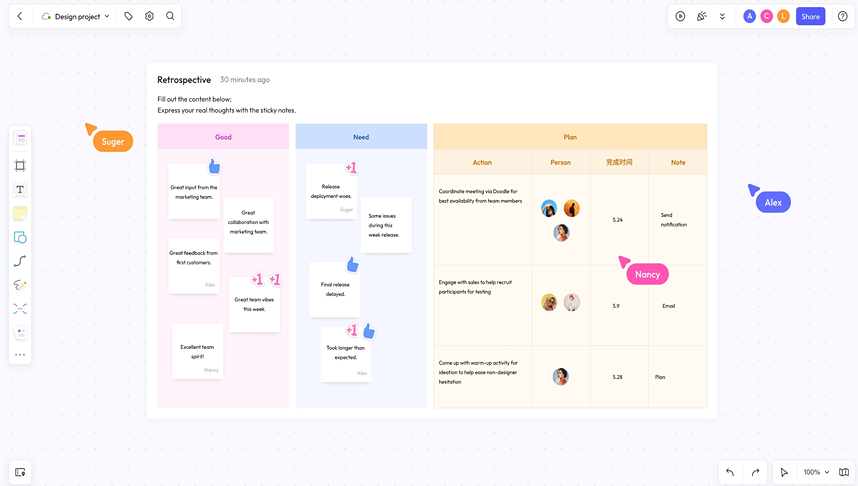
Use Boardmix to arrange workflow columns, work-item cards, a goal, and supporting notes on one canvas. Start from a template or create a layout that fits the team’s working agreements.
Keep card labels concise and make blocked items easy to spot. Invite teammates with the permissions needed for the session, and use comments to keep questions beside the relevant work.
Choose the Board Around the Work
Use a Scrum board to support a Sprint Goal, a Kanban board to manage flow, or a combination when it suits your team. Review whether the board makes unfinished work and obstacles easier to discuss, then adjust the layout and policies as the work changes.