Compare 12 free online whiteboard tools by editable-board limits, collaboration, privacy, and export options. For quick sketches, start with Excalidraw or tldraw; for team planning, compare the Boardmix online whiteboard with Miro and Lucidspark. The list below explains what each free option includes and where paid plans become relevant.
Boardmix publishes this guide and appears in the list.
Need to compare paid workspaces, administration, or specialist workflows as well? Use the broader whiteboard software comparison. This guide focuses on what a free plan lets you finish.
What is an Online Whiteboard Tool?
An online whiteboard is a digital canvas for text, drawings, shapes, sticky notes, and diagrams. Some tools support simultaneous editing; others emphasize individual sketching or recorded explanations. Start with the task you need to complete, then check collaboration, storage, permissions, and export limits.
What Does a Free Whiteboard Plan Include?
- Editable boards and objects: An expandable canvas does not mean unlimited editable boards, storage, or AI usage.
- Sharing: Check whether visitors can edit, whether accounts are required, and whether a board is visible to everyone in the workspace.
- Export: Verify the format and resolution you need. A picture is not an editable diagram file.
- Duration: A permanent free tier and a temporary paid-plan trial are different offers.
- Recovery: Save a sample, reopen it, and test an export before relying on the tool for a class or workshop.
Google Jamboard has been discontinued; see Google's Jamboard end-of-life information. AWW App joined Miro and its standalone service ended; see Miro's AWW transition notice (Spanish).
Start with the result you need
- A sketch you can keep editing: Excalidraw offers an editable file you can save locally; tldraw adds account-based cloud organization. Decide who will keep the file before ending the call.
- A recurring team board: Boardmix, Miro, Lucidspark, FigJam, and Mural offer persistent workspaces with different limits. Count the people who must edit and the projects that must stay editable.
- A short lesson recording: Explain Everything can fit a three-minute explanation. A full tutoring session exceeds its Free collaboration allowance.
Free-plan limits that can change your choice
| Tool | Free allowance or saving model | The decision that matters |
|---|---|---|
| Boardmix | 3 editable boards; 100 objects each; 5 editors per file | Size both the canvas and the group; standard-definition export may not fit a print handout. |
| Canva Whiteboards | Free whiteboards with collaborative editing | Use free assets throughout if the final visual must cost nothing. |
| Lucidspark | Limited editable documents; unlimited objects within a document | Free dot voting differs from paid full voting and timer controls; account-free guests require Team or Enterprise. |
| Ziteboard | 3 owned public boards; limited traffic and imports | Private work and registration-free participants need paid options. |
| Conceptboard | 3 active boards; 100 objects each; 10 MB per upload | Check a review file's size before building the session around it. |
| Miro | 3 editable boards in a shared team workspace | Free has no private team boards or anonymous visitor editing. |
| Excalidraw | Browser-local saving; editable .excalidraw file; PNG/SVG export | Keep an editable backup; the free editor is not a managed cloud team archive. |
| FigJam | 3 FigJam files in the Starter team's folder; unlimited drafts | Draft space and an organized team file collection solve different needs. |
| Explain Everything | 3 one-slide projects; 3-minute videos | Free collaboration is one-to-one for up to 15 minutes. |
| Mural | 3 editable murals; facilitation tools included | Visitors can view on Free; editing visitors require Team+. |
| tldraw | Free hosted editor; sign in to organize cloud files | Guests can use editing or viewing links; SDK licensing is a separate decision. |
| Stormboard | 5 open Storms; up to 5 users per Storm | Basic reporting and exports are included; advanced reporting has paid conditions. |
The product sections below link to each provider’s plan details. A tool with fewer boards can still fit a short exercise; a tool with a larger canvas may fail your privacy or guest-editing requirement.
12 Free Online Whiteboard Tools and Their Limits
1. Boardmix: Whiteboards and Diagrams in One Workspace
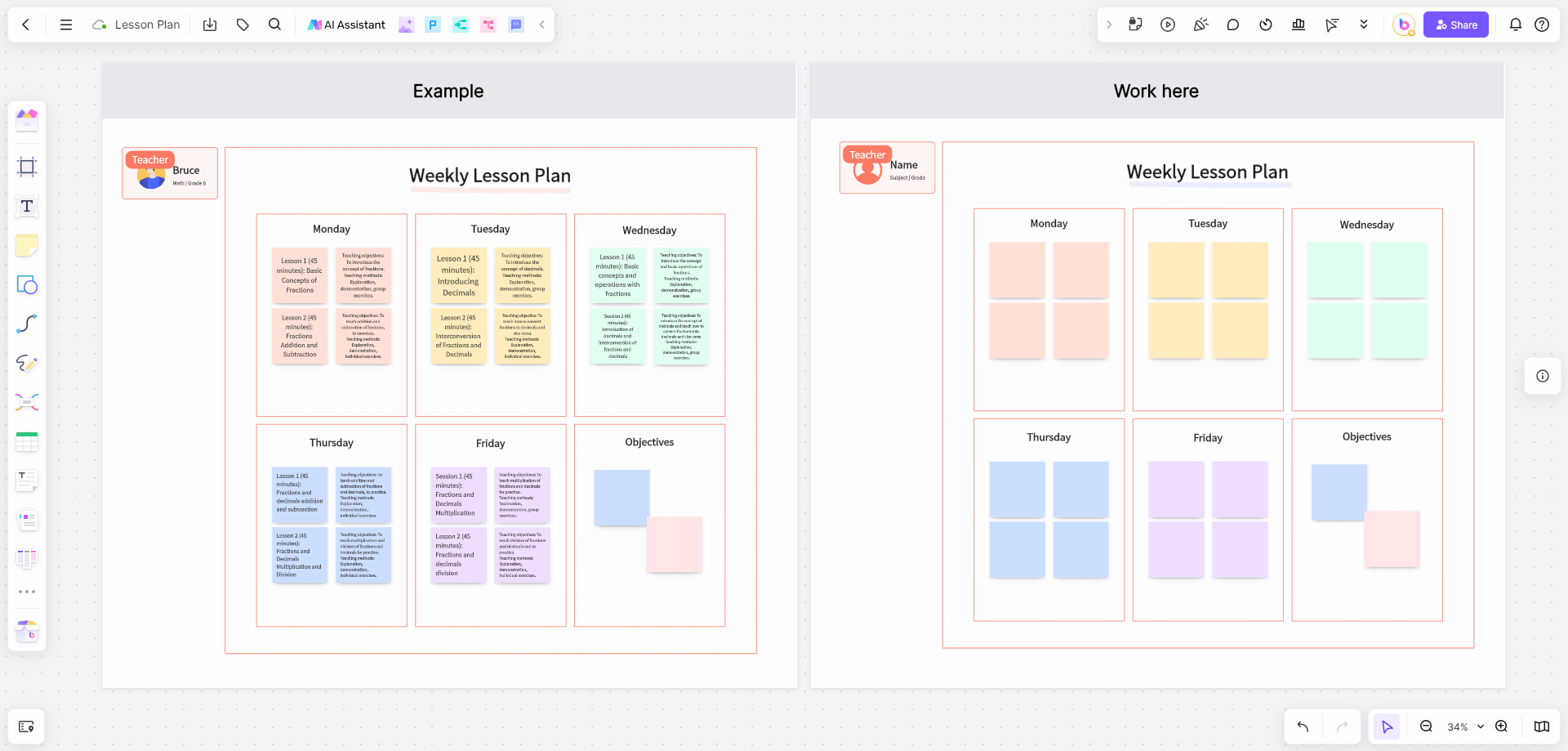
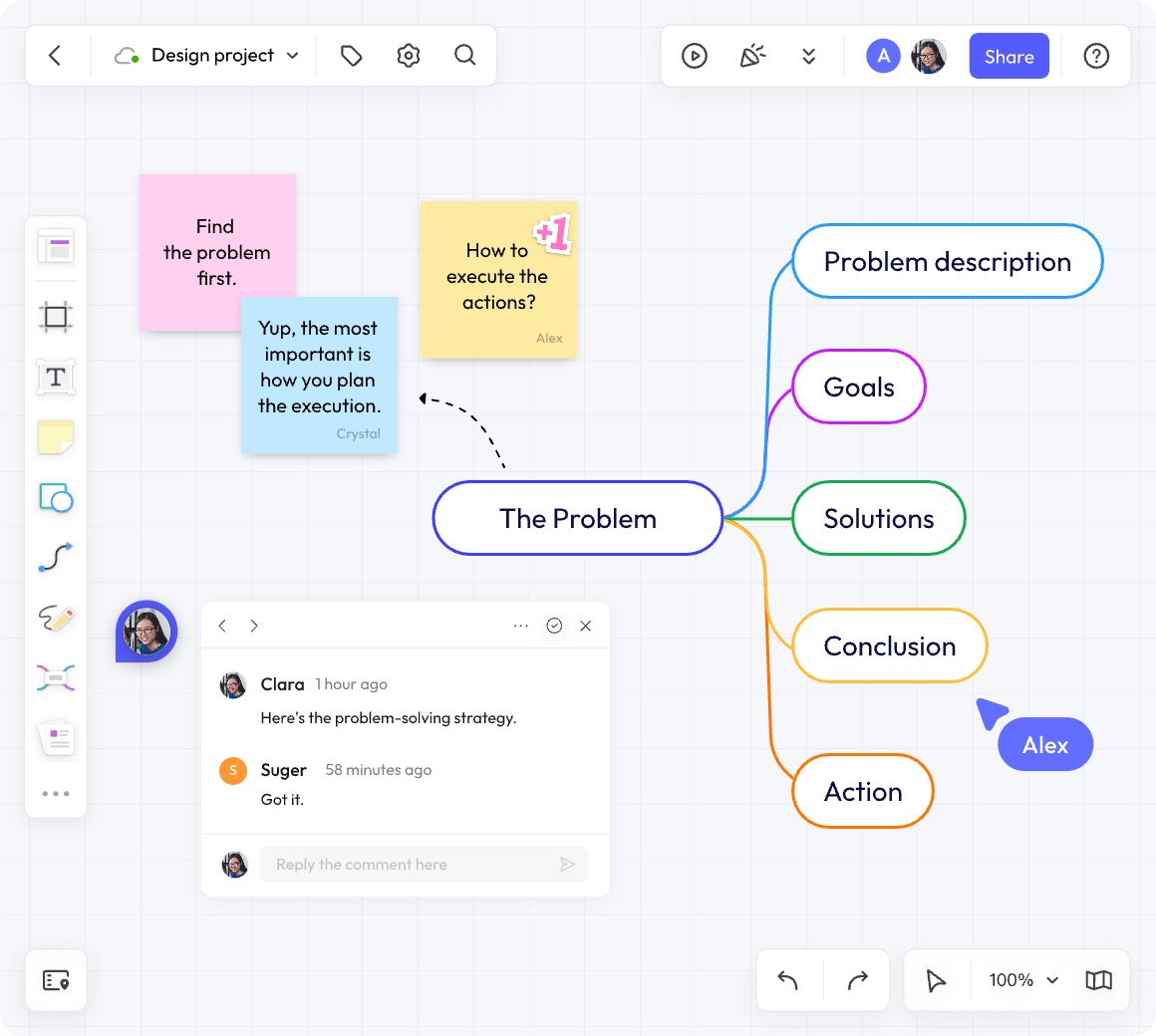
Boardmix’s collaborative whiteboard combines a shared canvas with mind maps, flowcharts, sticky notes, and templates. Its Free plan currently includes 3 editable boards, 100 objects per board, up to 5 editors per file, 1 GB of storage, and standard-definition export. Starter offers unlimited boards, objects, and projects, but still has a storage allowance; AI access and credits have separate plan conditions. See the current Boardmix pricing and limits.
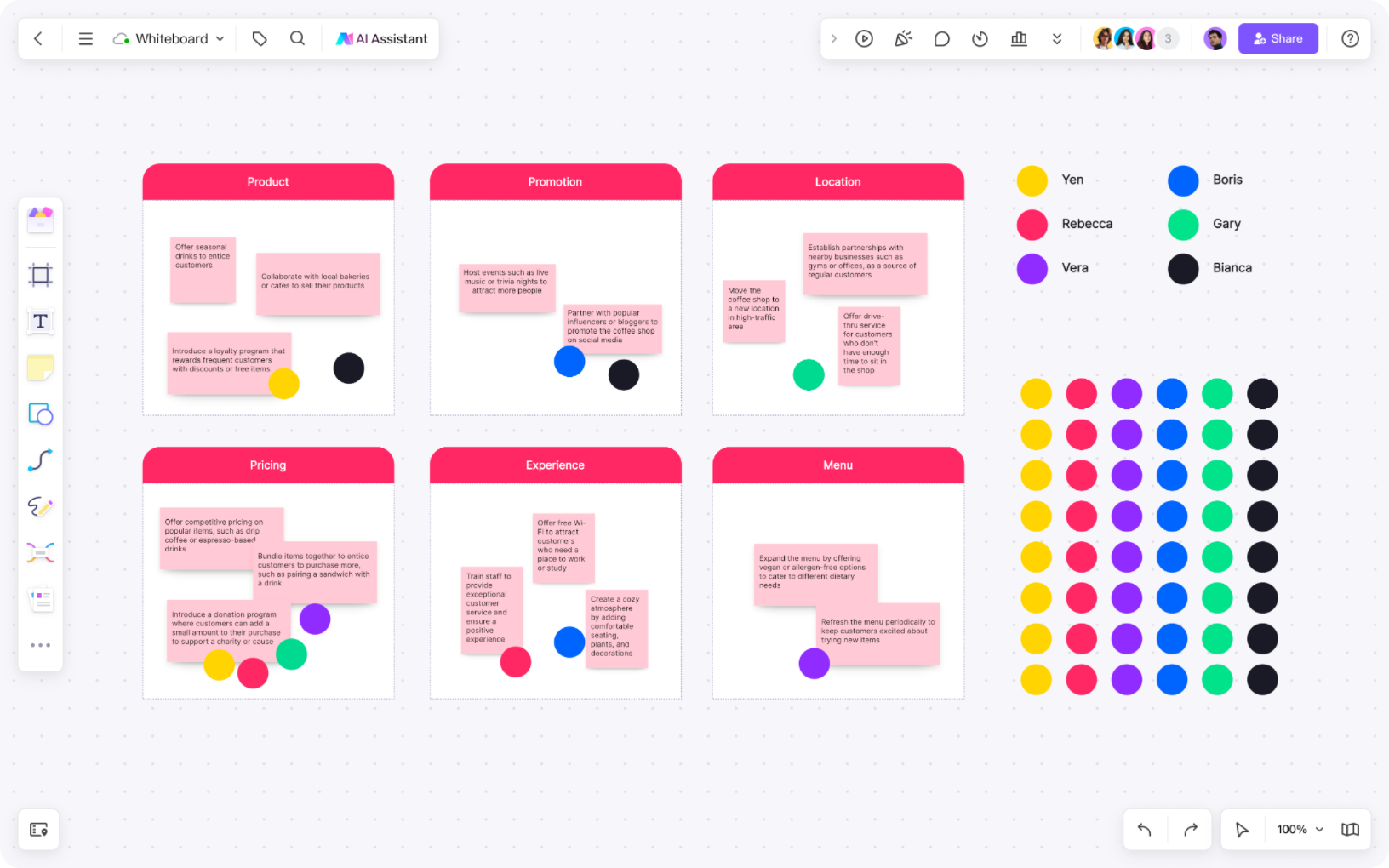
For a four-person project kickoff, create three areas: customer problem, proposed flow, and open decisions. Add one sticky note per observation, connect the agreed steps, and put an owner beside each open decision. This uses the same board for discussion and a diagram the team can revisit. Count the prepared shapes and notes as well as participants' additions: a 100-object ceiling can arrive before a board looks full.
2. Canva Whiteboards: Visual Planning with Design Assets
Canva Whiteboards provides a free canvas with collaborative planning tools, templates, shapes, and notes. It is a candidate for teams already creating visual material in Canva. For a campaign moodboard, collect reference images, add notes, and arrange the selected direction for a presentation. This favors visual composition over a tightly structured technical diagram. Check the entitlement of each asset or feature: a free whiteboard does not make every premium design element free.
3. Lucidspark: Group Ideation and Brainstorming
Lucidspark offers a Free plan for visual brainstorming, standard templates, and a limited number of editable documents. The official Lucid plan comparison allows unlimited objects per Lucidspark document but caps editable documents. Free users can use dot voting; full voting mode, running a timer, and account-free Guest Collaborators have Team/Enterprise conditions. A small internal idea sort can fit; a facilitated client workshop needs a different plan decision. Lucidspark and Lucidchart have different functions and limits; do not assume a subscription to one unlocks the other.
4. Ziteboard: A Lightweight Drawing Canvas
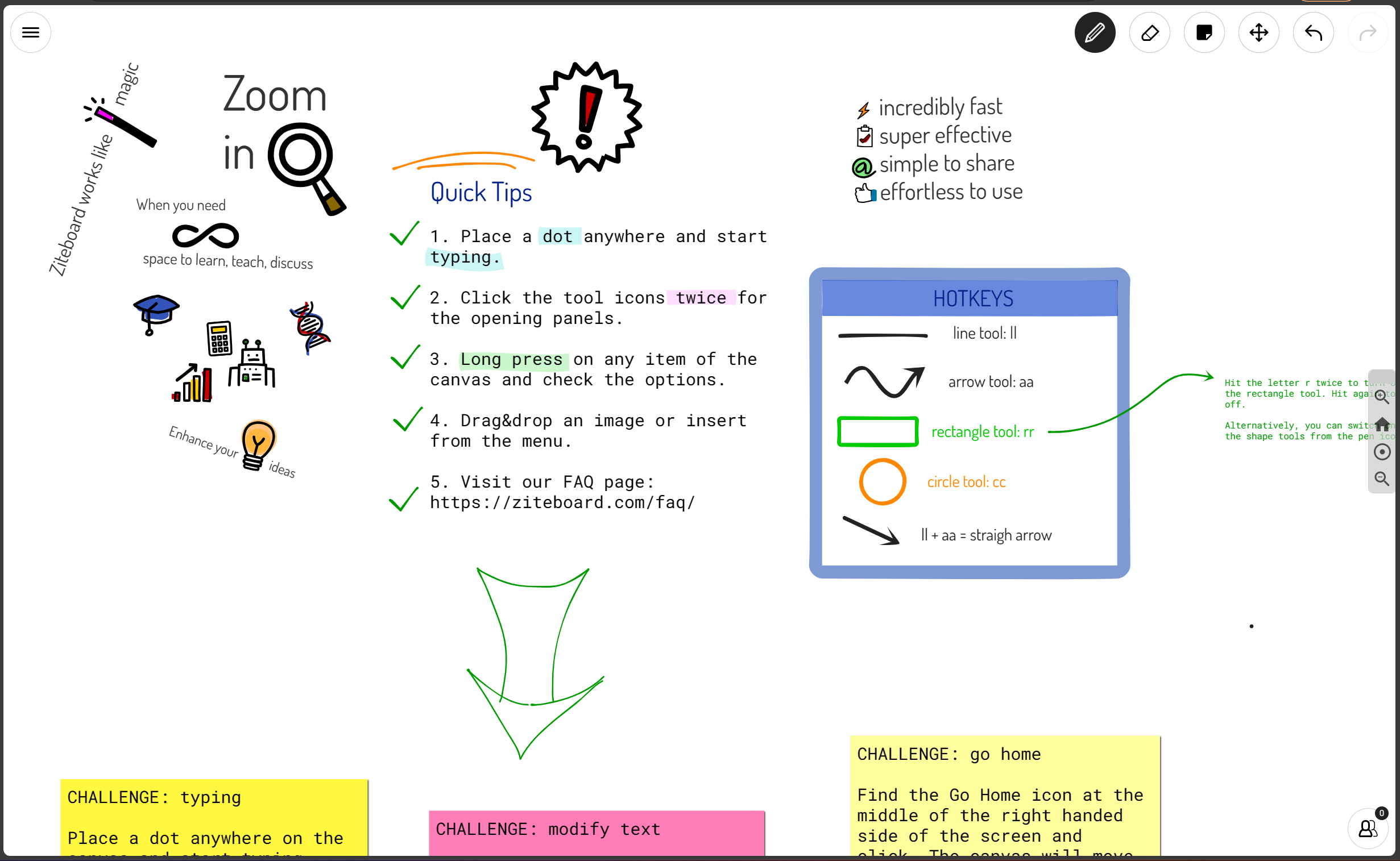
Ziteboard's free Starter plan includes 3 owned boards and real-time collaboration, with limited traffic and import options. Its free boards are public. For a public practice problem, draw the method beside the student's working and export the result as PNG, SVG, or PDF. Starter imports only the first page of a PDF and low-resolution images, so it does not fit annotating a whole workbook without preparing individual pages.
5. Conceptboard: Visual Discussion with Defined Free Limits
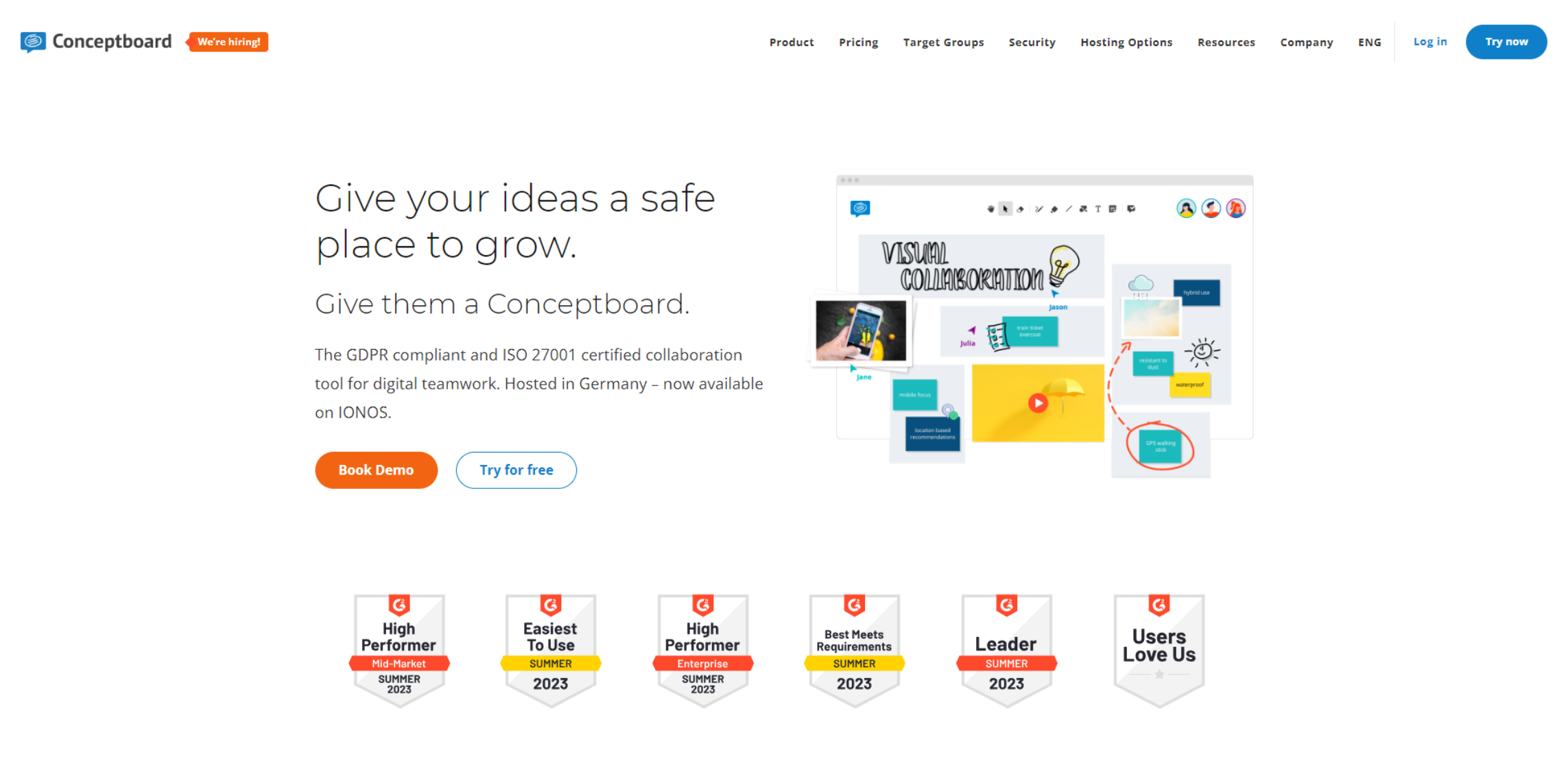
Conceptboard's official plan table lists a Free tier with 3 active boards and 100 objects per board. Free includes 250 MB storage and a 10 MB limit per upload. A review of one small image can fit; a large PDF or many rounds of annotations may exhaust the upload or object allowance. Account-free guest contributors appear in paid plans, so agree on reviewers' access before sharing a deadline.
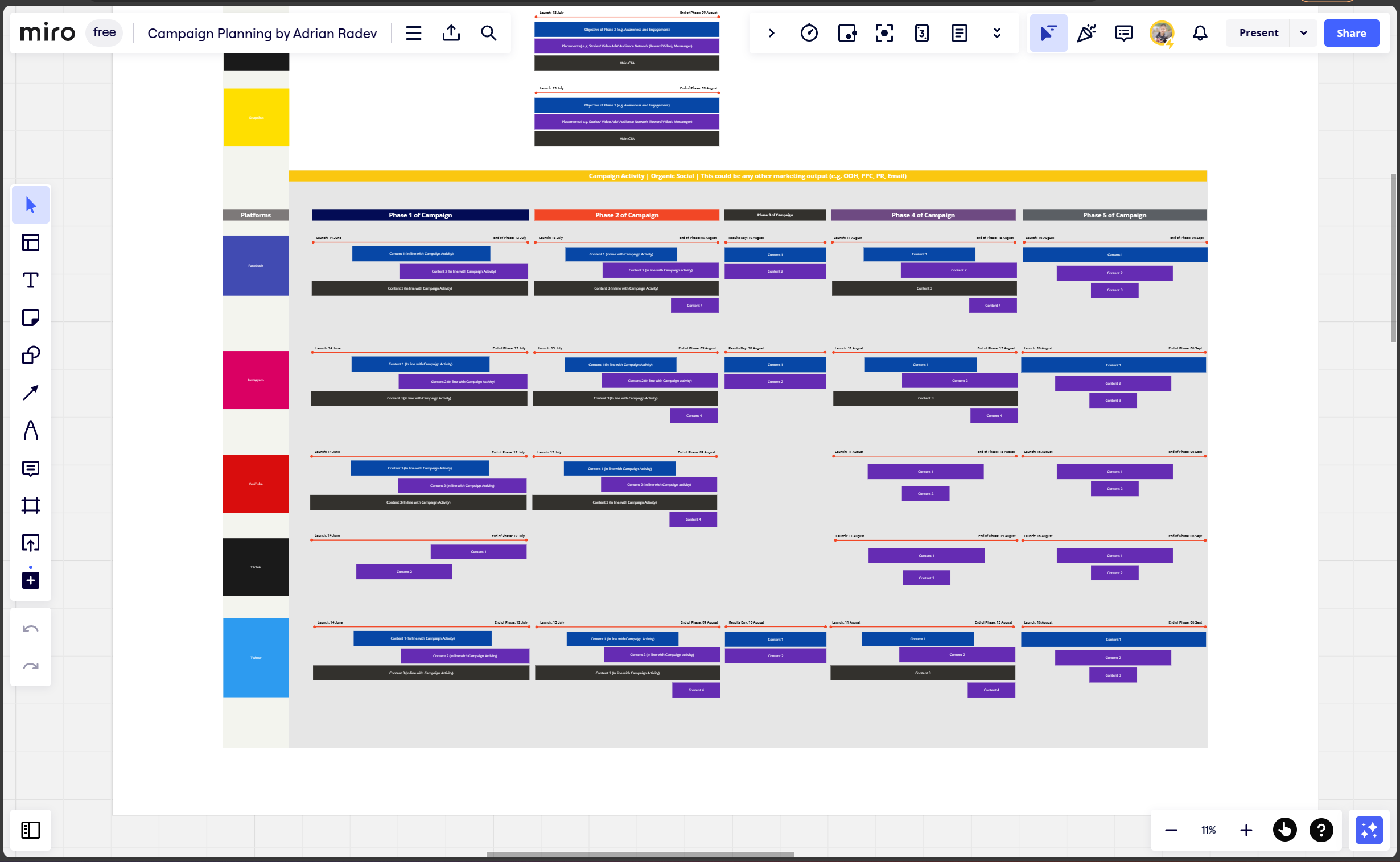
6. Miro: Team Whiteboarding and Templates
Miro's Free plan includes 3 editable boards. Free-plan boards are accessible to the team by default, and visitor or guest roles and private-board controls have plan restrictions. For an internal retrospective, let members add observations to one board, group related notes, and record the chosen action. Free can fit that shared-team workflow. It is a poor match if the facilitator needs a private preparation board or a client must edit without joining the team; Starter adds private boards, visitor editing, timer, and voting.
7. Excalidraw: Hand-Drawn-Style Sketches and Diagrams
The free Excalidraw editor supports sketch-style diagrams. Its official project documentation describes real-time collaboration, browser-local saving, and PNG/SVG export. For a two-person architecture discussion, sketch a browser, API, and database, label each connection, then save both a PNG for the ticket and an .excalidraw file for the next revision. Browser-local saving should not be treated as a managed team archive. Excalidraw+ is a separate offering.
8. FigJam: Whiteboarding Alongside Figma
FigJam supports collaborative visual work alongside Figma. Figma's Starter plan includes 3 FigJam files in the team's folder, with unlimited drafts. Use a team file for a recurring design critique: place the flow beside open questions and record the agreed change. If each sprint needs its own organized file, the team-file limit becomes more relevant than the available canvas area. A FigJam allowance does not unlock every Figma product or paid seat.
9. Explain Everything: Whiteboarding and Recorded Explanations
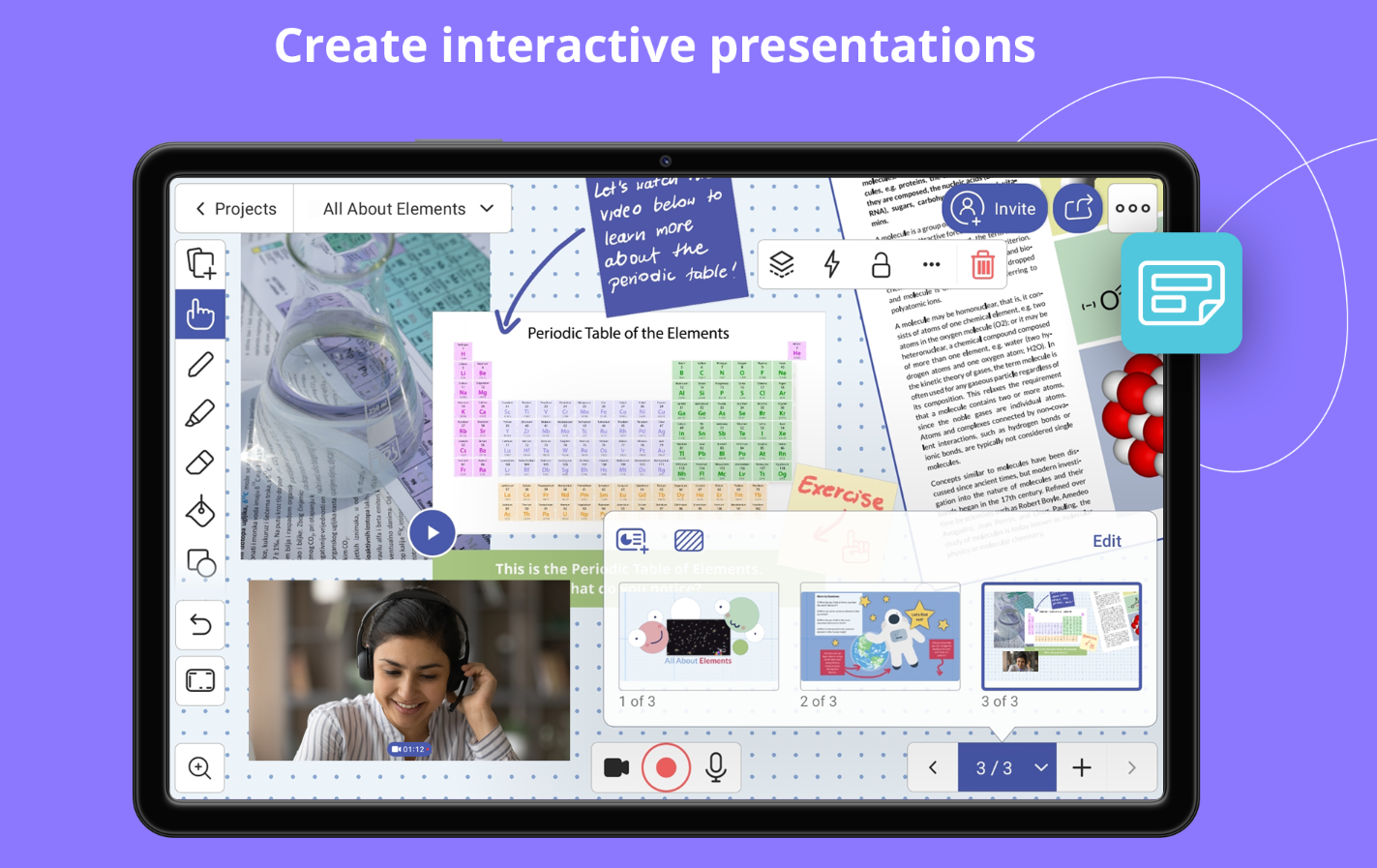
Explain Everything's Free plan includes up to 3 projects, one slide per project, and short recordings. Free allows one collaborator for up to 15 minutes and videos of up to 3 minutes. It fits a short worked example a student can replay. A 45-minute live lesson with several learners does not fit those limits, even if the underlying drawing tools are available.
10. Mural: Visual Team Workshops
Mural's Free plan supports 3 editable murals at a time. Its plan table distinguishes workspace members from visitors and places visitor editing and private-room features in paid plans. Mural includes timer, voting, and other facilitation tools on Free. That makes it a useful candidate for a structured workshop with workspace members; a client joining only as a visitor cannot contribute edits on that tier. Member count and visitor editing are separate questions.
11. tldraw: A Free Browser Whiteboard
tldraw provides a free browser whiteboard. Its official file-sharing overview describes cloud files for signed-in users and editing or viewing links for guests who do not need accounts. Use it for a shared sketch you want to organize and revisit across devices; choose the link's role before inviting a reviewer. The hosted editor and the developer SDK are different offerings, so free editor access does not imply unrestricted SDK licensing.
12. Stormboard: Structured Ideas and Discussions
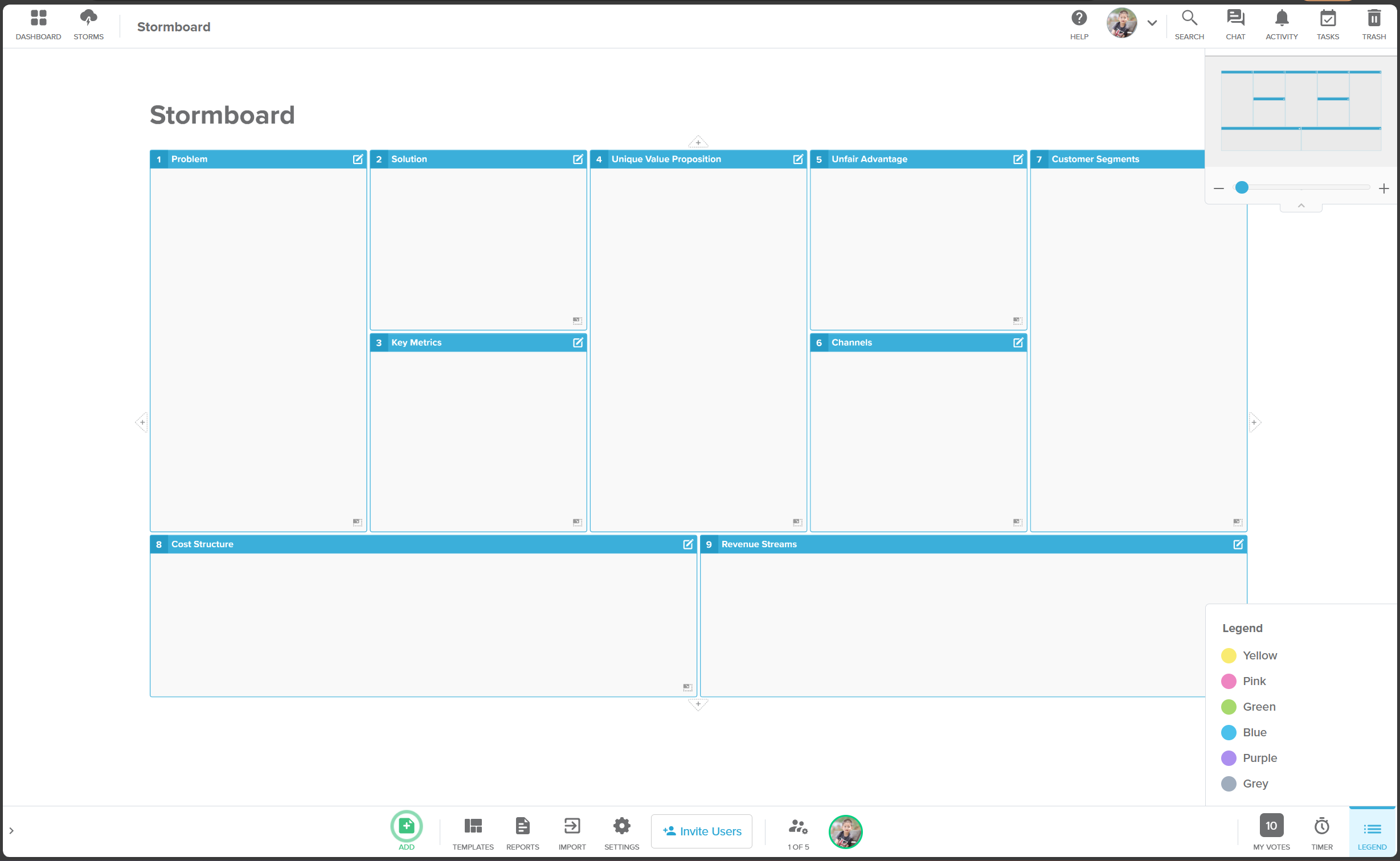
Stormboard's Personal plan is free and does not require a credit card. The Personal-plan guide specifies 5 open Storms, 5 users per Storm, templates, and basic reporting and exports. For a five-person issue triage, keep one Storm per active workstream and record discussion beside each idea. A sixth contributor or a required advanced report changes the plan choice; the Business trial is a separate offer.
Which Free Online Whiteboard Should You Choose?
Example: a six-person retrospective with no budget
All six people need to edit, the board must remain available next month, and the facilitator wants timed idea generation and a vote. Boardmix Free and Stormboard Personal fall out at the participant limit. Miro Free can handle a shared-team board, but its timer and voting controls are paid. Mural Free is the more relevant first candidate if all six can join as workspace members; its view-only visitor role will not work. If people will not create accounts, compare Canva or tldraw and run the timing and voting process manually if the required controls are absent.
Example: a confidential sketch for one client
A public Ziteboard board does not meet the confidentiality requirement. Excalidraw can fit a brief shared sketch if you take responsibility for the editable backup. tldraw is relevant when the owner wants cloud organization and a controlled editing link. For confidential material, the owner must first use sharing approved by their organization; an editing or viewing link alone does not establish confidentiality. Send the client the agreed final image as well as deciding who retains the editable version.
In two finalists, use the material you actually plan to share: a sample image, ten notes, and a small diagram. Have the intended guest add a note, reopen the board after signing out, and inspect an export at its intended size. A tool passes only if the whole task fits the free allowance; a working blank canvas is not enough.
To start with Boardmix, create a whiteboard or explore templates, and use the plan limits above to size your first project.