





Struggling to find the best note-taking app? Whether you need a lightweight tool for quick notes, a powerful app with advanced features, or specialized software for specific tasks, the right choice depends on your needs. This guide breaks down different types of digital notebooks to help you find your perfect match.
Collaborative & Multi-Functional Note-Taking Apps
These advanced apps go beyond basic note-taking, offering features like real-time collaboration and visual creation. They provide flexible solutions for users with complex workflows.
Boardmix
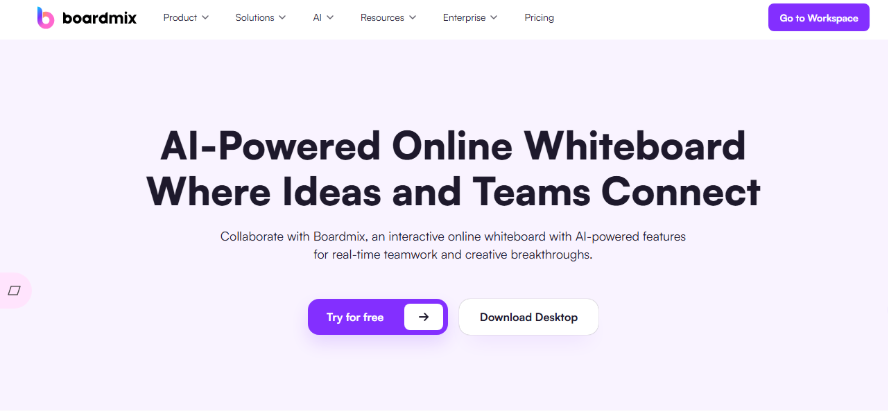
The All-in-One Collaborative Whiteboard
Boardmix is a powerful online whiteboard that seamlessly blends note-taking with visual collaboration. It solves the common team pain points of scattered information and ideas that never get executed, offering a dynamic alternative to traditional text-based notes.
Key Features:
Real-Time Co-editing: Team members can edit notes simultaneously. Changes sync instantly, and the comment feature allows for immediate feedback, eliminating communication delays.
Whiteboard + Text Fusion: Break free from plain text. Embed handwritten annotations, flowcharts, mind maps, sticky notes, cards, calendars, and more into your notes. Combine written records with visual expression to turn abstract ideas into actionable plans.
Cross-Platform Sync: Access your notes anywhere. This practical app syncs across web, desktop (Windows/macOS), and mobile (iOS/Android), ensuring your content is always up-to-date whether you're in a meeting or on the go.
Ideal For:
Individuals who prefer visual note-taking, and teams that brainstorm while documenting. Perfect for project teams to map out processes in real-time during meetings, or for cross-departmental teams to annotate and align on requirements together.
Pricing:
The free plan supports multi-user collaboration, core tools, and AI features, ideal for small teams. Paid plans include Team and Enterprise tiers. The Enterprise plan offers enhanced storage, advanced admin controls, and is a cost-effective solution for medium to large organizations. Try Boardmix for free!
Notion
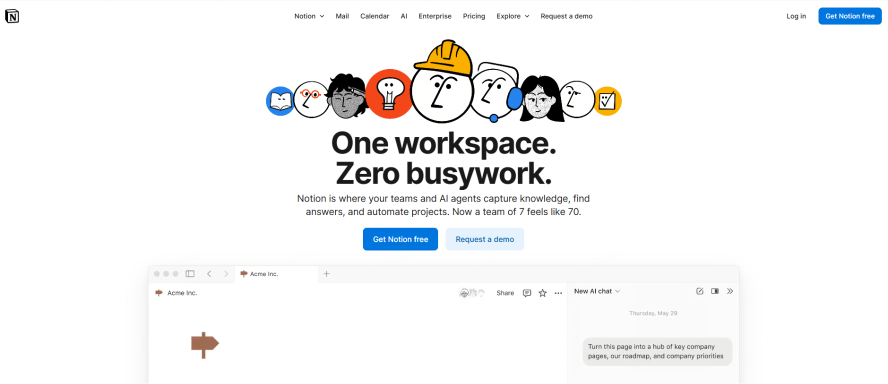
The Modular Workspace
Hailed as an all-in-one productivity powerhouse, Notion’s standout feature is its modular "blocks" that let you build custom workflows. It can function as a simple notepad or scale into a complex project management system.
Key Features:
Integrated Views: Combine databases as Tables, Boards, Calendars, or Lists to manage client info, track tasks, and mark deadlines—all within one flexible workspace.
Live Collaboration: Team members can edit pages together in real-time. Use @mentions to assign tasks and reduce email clutter and version chaos.
Template Gallery: Hit the ground running with 300+ free, customizable templates for various use cases, saving hours of setup time.
Ideal For:
Professionals involved in cross-functional projects and learners who need structured note-taking systems.
Pricing:
The free plan allows for 5 guests and unlimited pages for small teams. The Personal Pro plan unlocks unlimited file uploads and guests for broader collaboration.
Evernote
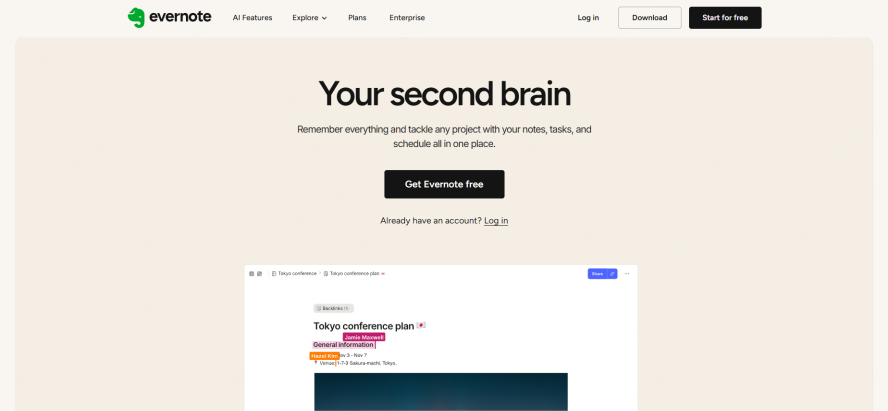
The Digital Filing Cabinet
A veteran in the note-taking space, Evernote excels at centralizing information. Its core strength is reliable content capture and retrieval, making it a solid choice for managing everyday information, though its design leans towards traditional note-taking.
Key Features:
Web Clipper: Save articles, PDFs, and images from the web directly into your notes with a browser extension—perfect for research.
Document Annotation: Add text comments and highlights to attached PDFs and images for basic document review.
OCR Text Search: Search for text within images and scanned documents (accuracy depends on image quality).
Ideal For:
Professionals with fundamental information management needs. Useful for roles in marketing or strategy to collect and categorize industry reports and competitive analysis.
Pricing:
The free plan has a monthly upload limit (60MB), suitable for light use. The Professional plan offers more storage and full functionality, with mid-range pricing in the market.
Specialized Note-Taking Apps for Vertical Use Cases
These apps are tailored for specific scenarios like education or knowledge management, offering features that address particular user needs.
OneNote
The Free-Form Digital Notebook
More than a generic app, OneNote is deeply adapted for vertical use cases like education and design. It addresses core needs with its freeform canvas, contextual tools, and deep Office integration.
Key Features:
Unlimited Canvas: Teachers can organize lesson plans by "session - topic," placing outlines on the left and case studies on the right, fitting the layered nature of curriculum planning.
Math Assistant: Students and researchers can handwrite or type equations to convert them into polished text, solving formatting issues common in standard text editors.
Seamless Office Integration: Designers can embed sketches that link to Word briefs; teachers can export class notes to Excel for grade analysis, streamlining cross-tool workflows.
Ideal For:
Teachers organizing flexible lesson plans with handwritten notes. Designers managing multiple design iterations on a spacious canvas. Students building subject/topic knowledge trees with embedded equations.
Pricing:
Core features are free, sufficient for teaching and studying. Advanced features may require a Microsoft 365 subscription.
Obsidian
The Knowledge Base Builder
Obsidian stands out for its networked thought approach. It’s a powerful tool for deep thinking, helping you connect fragmented ideas into a personal knowledge system using backlinks and a local-first philosophy.
Key Features:
Note Linking: Create a web of knowledge by typing [[ to link notes. The auto-generated graph view reveals connections between your ideas.
Plugin Ecosystem: Extend functionality with 500+ community plugins. Add mind maps, Kanban boards, and customize your workflow far beyond a basic note-taking app.
Local-First & Secure: Notes are stored as Markdown files on your device, minimizing cloud dependency and offering greater control and privacy for sensitive information.
Ideal For:
Researchers connecting literature notes, freelancers building custom workflows with plugins, and anyone who needs to structure complex information.
Pricing:
The core app with linking, local storage, and community plugins is free. Paid services like Sync and Publish are available for additional convenience.
Lightweight & Minimalist Note-Taking Apps
These apps prioritize speed and simplicity, stripping away distractions for quick capture and a clean writing experience.
Google Keep
The Speedy Capture Tool
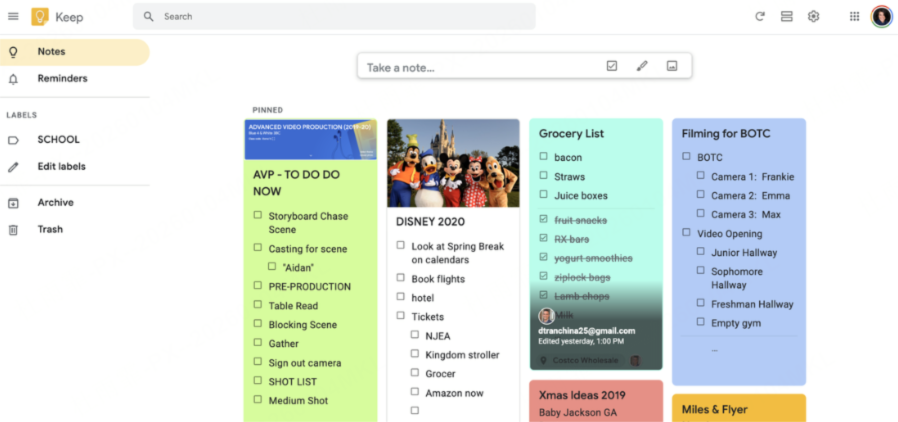
With over 1 billion users, Google Keep is famed for its simplicity. It’s the perfect solution for capturing fleeting thoughts instantly and accessing them across all devices.
Key Features:
Voice Notes: Speak to create a text note during a meeting or commute—the epitome of quick capture.
Color & Labels: Organize notes by color-coding (e.g., "To-Do," "Ideas") for visual scanning and quick retrieval.
Instant Cross-Device Sync: Notes taken on your phone appear instantly on your desktop or tablet, making accessibility seamless.
Ideal For:
Students jotting down lecture points in seconds, or professionals creating quick to-do lists and reminders.
Pricing:
Completely free for personal use with generous limits, making it an accessible entry-point.
Simplenote
The Pure Text Editor
True to its name, Simplenote wins users over with a minimalist, distraction-free design. It focuses solely on the essence of writing, perfect for those who value simplicity.
Key Features:
Markdown Support: Use Markdown for basic formatting (headers, lists, bold) — ideal for writers and developers.
Note History: Automatically saves version history. Restore any previous version within 30 days, preventing loss from accidental edits or deletions.
Offline Editing: Write without an internet connection. Notes sync automatically once you're back online, reliable for travel or areas with poor connectivity.
Ideal For:
Writers seeking a clean space for drafts, or developers noting down code snippets in plain text.
Pricing:
Simplenote is completely free, with no ads or restrictions on core features.
Which Note-Taking App is Best For You?
The best note-taking app depends on your primary need:
For quick, simple notes, choose a lightweight tool like Google Keep or Simplenote.
For specific scenarios like teaching or research, a specialized app like OneNote or Obsidian fits best.
If you need to blend note-taking, real-time collaboration, and visual creativity, the top recommendation is Boardmix.
Boardmix breaks the limits of plain text, allowing teams to document, visualize, and interact simultaneously. It elegantly solves problems of scattered notes and unrealized ideas. If you're searching for a powerful, versatile note-taking solution, give Boardmix a try.





