An AI whiteboard can help a team turn an open question into ideas it can discuss. Start with a specific problem, ask for several approaches, and place the useful suggestions beside your own notes. In Boardmix, the shared canvas gives participants a place to develop those ideas together.
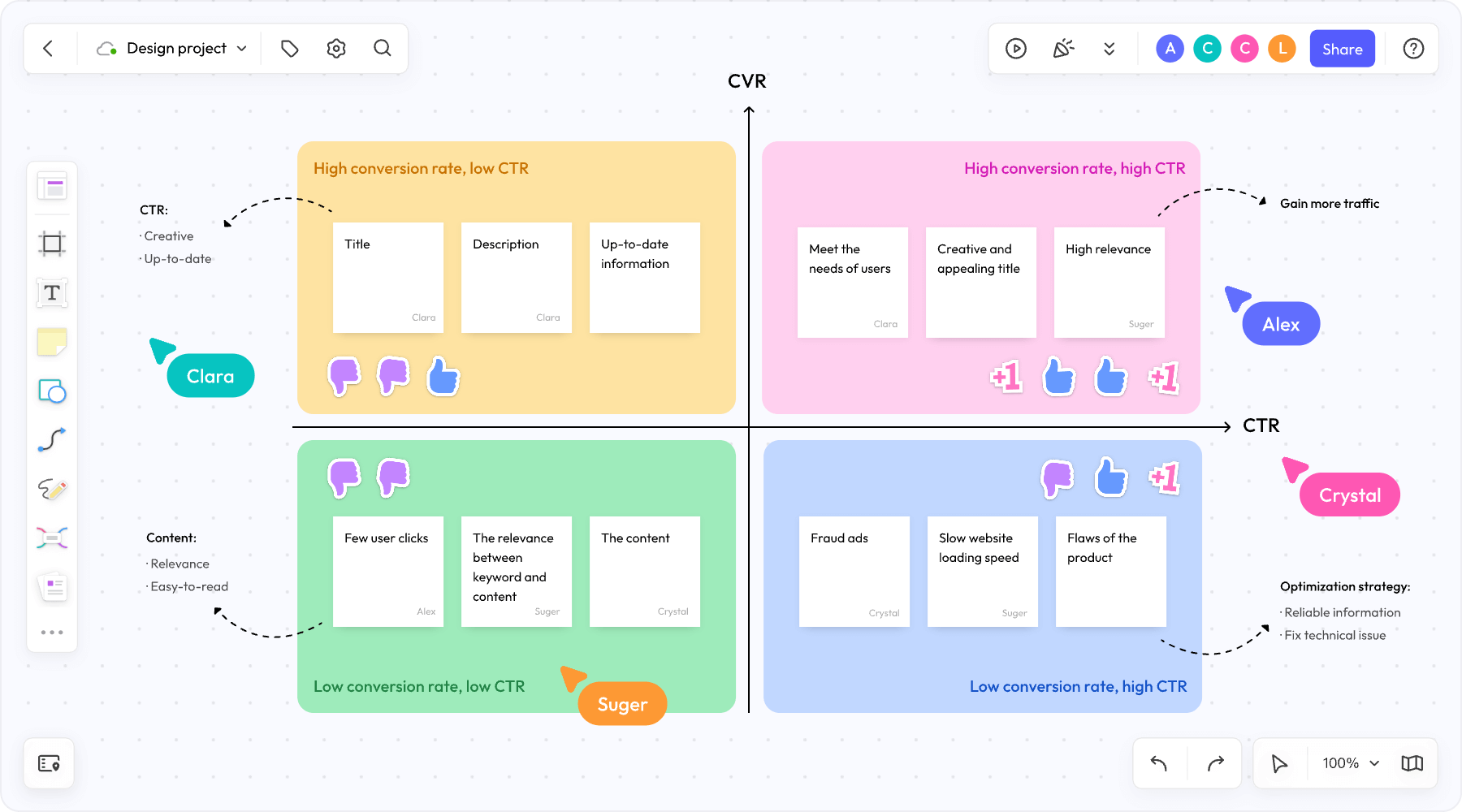
What AI Adds to a Brainstorming Session
AI is useful when the team needs a starting point or a different angle. It can propose questions, draft alternatives, or suggest a structure for a discussion. The team still decides which ideas are relevant and what evidence is needed before acting on them.
For example, “Suggest ideas for a campaign” gives little direction. A more useful prompt describes the audience, objective, available channels, budget constraints, and ideas already considered. Ask for a brief rationale beside each suggestion so the team has something concrete to debate.
How to Brainstorm with Boardmix AI
1. Define the question on the board
Write one question at the top of the canvas and add the constraints beneath it. A product team might ask, “How could we help new users understand the first step in our onboarding flow?” Keep supporting research, screenshots, and customer comments nearby.
2. Collect ideas before discussing them
Give participants space to write their own suggestions. Ask the AI assistant for additional approaches, then move the useful suggestions into the discussion. This helps the team compare human contributions and AI suggestions without letting the first answer dominate the session.
3. Group and develop the ideas
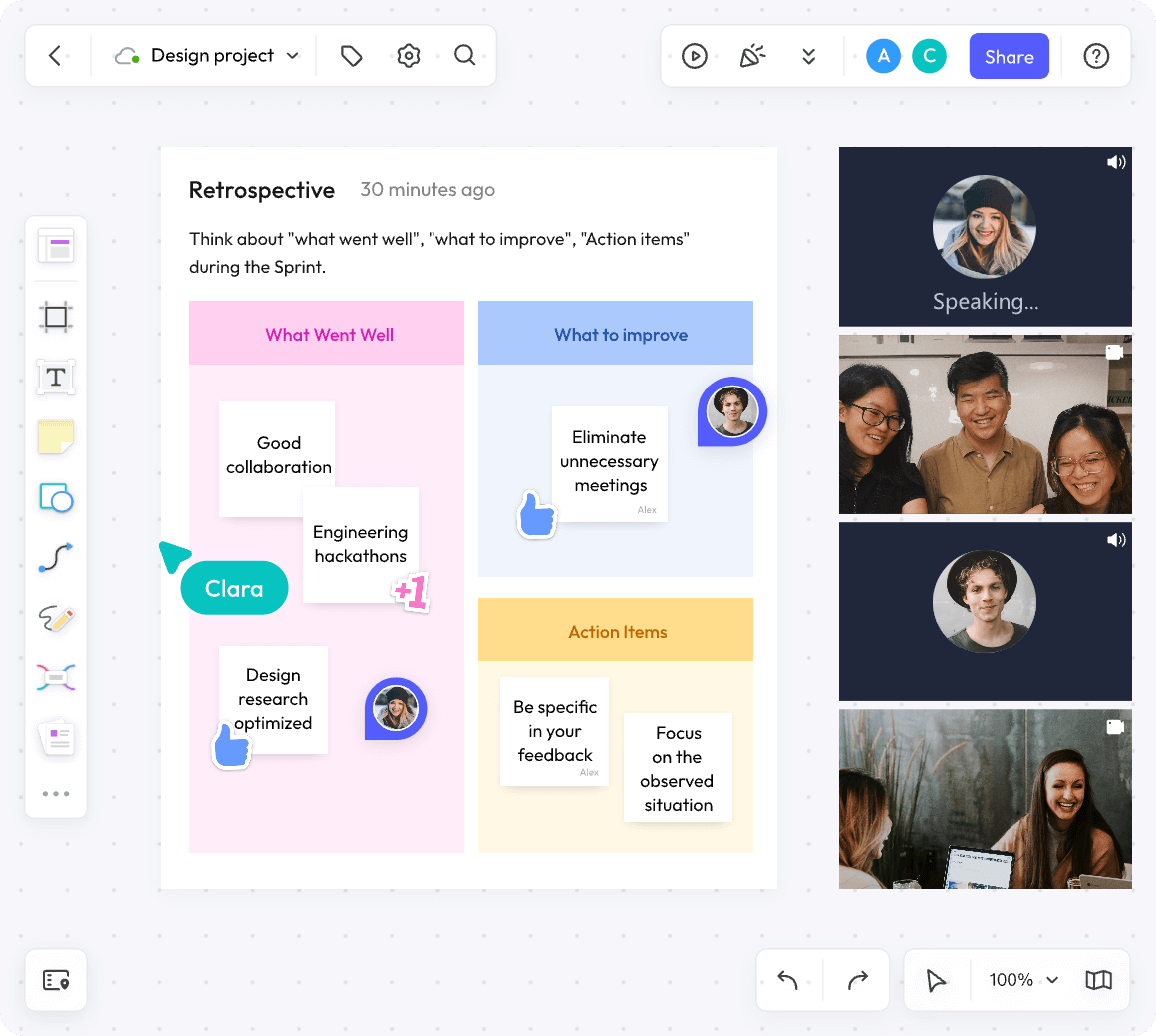
Use sticky notes, headings, or a mind map to group related ideas. You can ask the assistant to suggest themes for a list of notes, then edit the grouping on the canvas. Check for ideas that look similar but address different customer needs.
4. Choose the next experiment
Agree on criteria such as customer value, effort, and uncertainty. Discuss the options against those criteria and select an experiment the team can actually run. AI suggestions can support this discussion; they do not determine priorities automatically.
Keep the Discussion Focused
Use separate areas for new ideas, questions, and decisions. When a discussion repeats, point back to the relevant note and record what would resolve the disagreement. Ask for evidence where an idea depends on a factual claim.
For remote sessions, share the question and background in advance. Let participants contribute asynchronously if time zones make a live meeting difficult. Review access permissions so the intended participants can open and edit the board.
Example Workshop Scenarios
Product development
A product team could list problems from customer interviews, ask AI for alternative ways to address one problem, and organize the suggestions by user need. It could then choose a prototype to test and record the assumptions behind that choice.
Marketing planning
A marketing team could describe its audience and campaign objective, generate several message directions, and compare them beside existing customer research. The board can hold draft copy, channel ideas, and feedback in one place.
Distributed teamwork
A distributed team could collect suggestions before a meeting, group the notes into themes, and spend the live session resolving disagreements. Participants who cannot attend can add comments to the relevant ideas.
Prepare a Useful Brainstorming Board
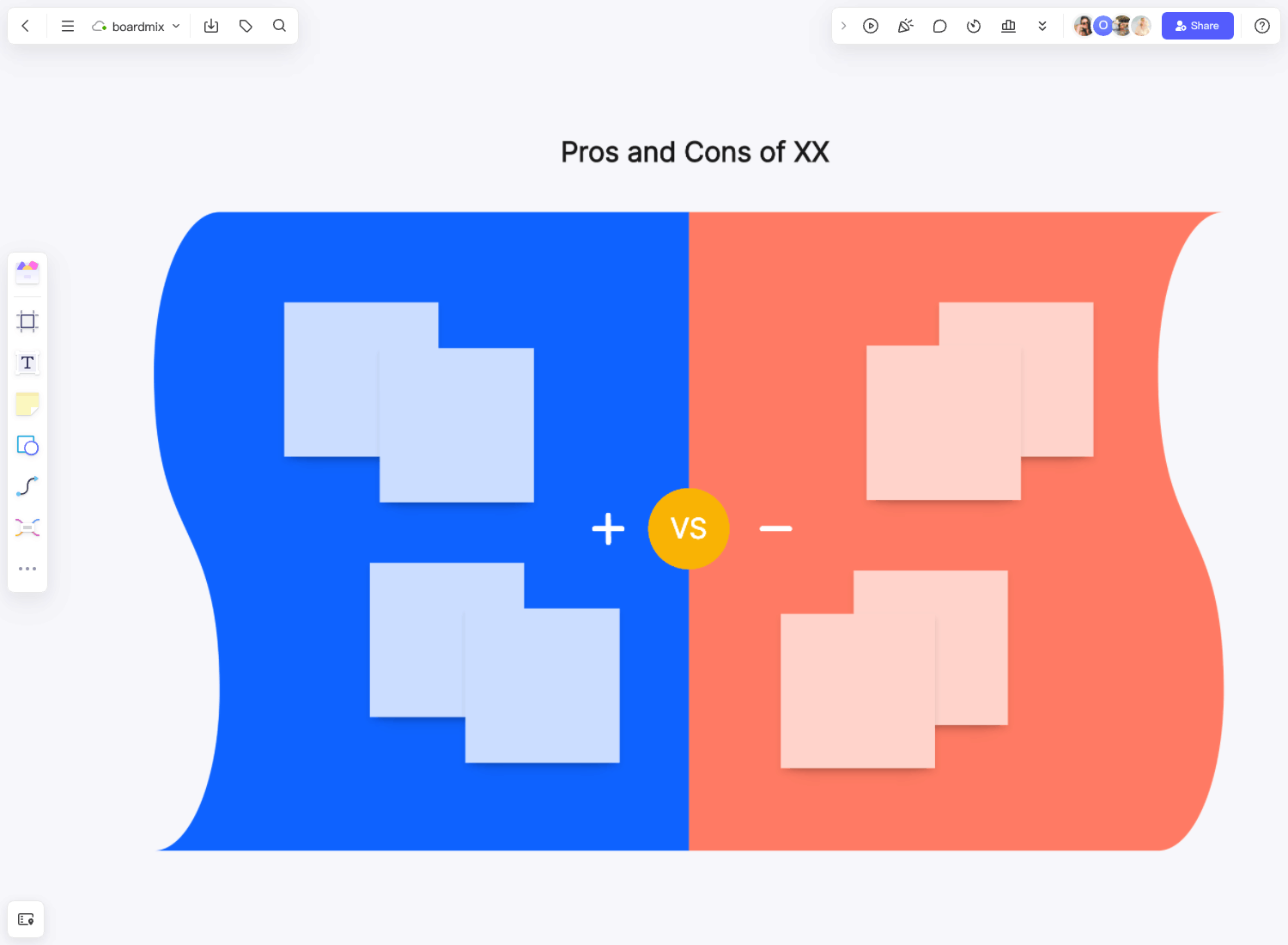
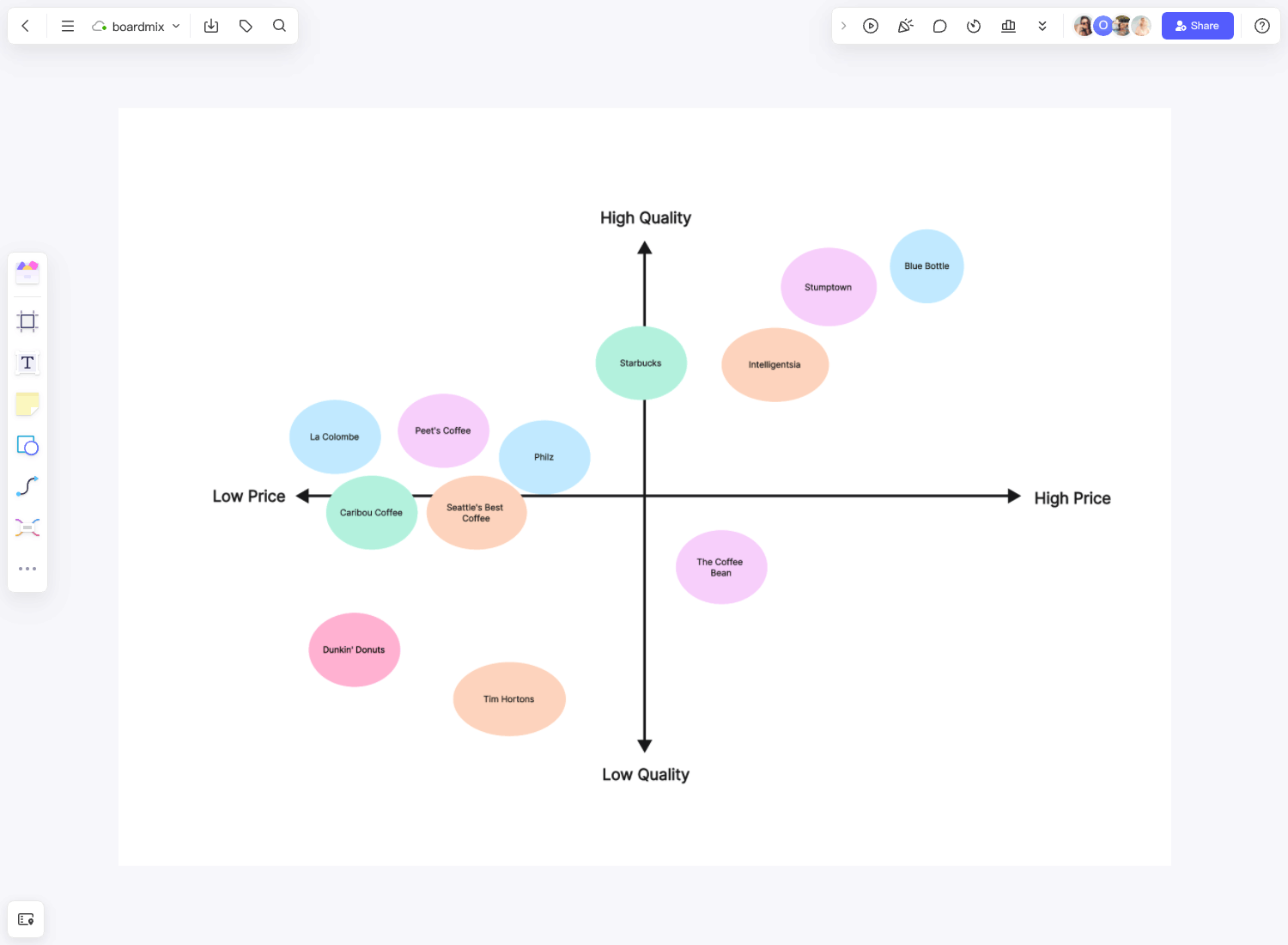
Choose a layout that fits the question. A mind map suits exploring related themes; a simple set of columns works well for comparing options. Use short labels, keep the original question visible, and leave space for ideas that do not fit the first structure.
Save the reasons behind important decisions beside the selected ideas. That context is useful when someone revisits the board later or asks why an alternative was set aside.
Start with One Real Question
Open a board, add a question your team needs to answer, and use AI to explore possible approaches. Keep the ideas that hold up in discussion and turn one of them into a practical next step. See the current plans for collaboration and AI credit allowances.