





Mermaid online editors have become essential tools for developers and teams seeking efficient diagramming solutions. The convenience of browser-based access, combined with real-time rendering and collaboration features, provides a streamlined workflow to transform code into clear visual charts.
What sets Mermaid apart from traditional diagramming tools like Visio is its code-first approach: instead of clicking and dragging elements to build a chart, users write simple text-based code that the editor instantly converts into professional diagrams. This not only speeds up the creation process but also ensures consistency across diagrams, as code can be reused, version-controlled, and integrated into existing development pipelines. Whether you’re a solo developer testing a quick flowchart, a remote team collaborating on a complex system architecture, or an enterprise team creating publication-ready diagrams for client reports, we will help you find the perfect tool for your team’s unique needs.
Boardmix
The Intelligent Mermaid Online Editor Switch Seamlessly Between Code & Graphics
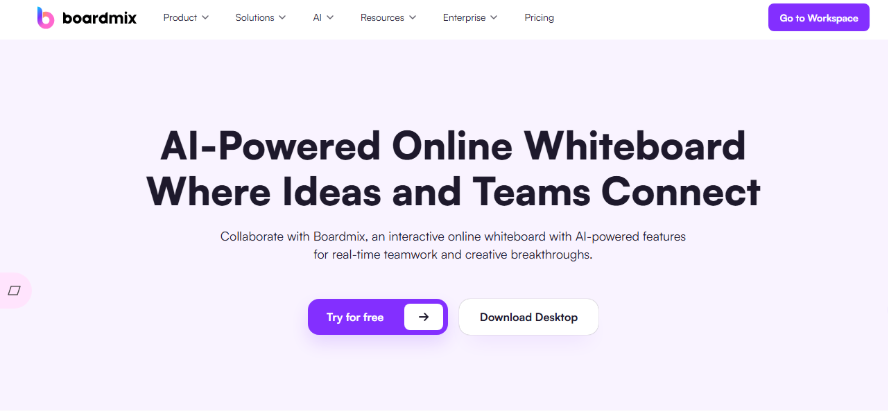
If you're looking for a full-featured, online whiteboard that fully supports Mermaid syntax, Boardmix is an outstanding choice. It not only allows for Mermaid code input and live preview but also integrates powerful features like AI generation, drag-and-drop editing, and multi-user collaboration, making flowchart creation more efficient and intuitive. Unlike many Mermaid editors that focus solely on code-based diagramming, Boardmix bridges the gap between technical and non-technical users by offering dual editing modes: developers can write and tweak Mermaid code directly, while designers or project managers can adjust the visual elements of the diagram without touching a single line of code. This flexibility makes it a go-to tool for cross-functional teams where not every member is familiar with Mermaid syntax but still needs to contribute to the diagramming process.
Why Choose Boardmix as Your Mermaid Editor?
Full Mermaid Syntax Support: Instantly renders various chart types including flowcharts, sequence diagrams, class diagrams, Gantt charts, pie charts, and state diagrams. Preview changes clearly as you code. Unlike some editors that only support a subset of Mermaid’s features, Boardmix keeps up with the latest syntax updates, ensuring that even newly added chart types like gitGraph or C4 diagrams render correctly. This comprehensive support means you won’t have to switch tools mid-project because a specific diagram type isn’t supported.
AI-Powered Code Generation: Simply describe a process in natural language (e.g., "user login workflow"), and Boardmix AI generates the corresponding Mermaid code and diagram. This lowers the learning curve and allows non-technical team members to contribute quickly. For example, a product manager can type "create a flowchart showing the customer onboarding process from sign-up to account verification" and Boardmix AI will generate clean, valid Mermaid code that the development team can refine further. This AI feature cuts down on the time spent writing repetitive code and reduces errors from manual syntax mistakes.
Bidirectional Visual/Code Sync: Edit via code or adjust elements directly on the canvas using drag-and-drop. Any modification automatically synchronizes the underlying Mermaid code, offering a true "what you see is what you get" (WYSIWYG) experience. This is a game-changer for iterative design: if a designer moves a box in the visual diagram to improve readability, the code updates instantly, so the developer doesn’t have to manually adjust the coordinates in the Mermaid script. Conversely, if a developer tweaks the code to add a new step, the visual diagram updates in real time, keeping both views in perfect sync.
Cloud Storage & Team Collaboration: All diagrams are saved automatically to the cloud. Supports real-time co-editing, comments, and viewing—ideal for remote teams, sprint planning, and requirements gathering. Boardmix’s collaboration features go beyond basic co-editing: team members can leave comments directly on specific parts of the diagram, tag colleagues for feedback, and even make voice notes to explain complex changes. The cloud storage ensures that no work is lost, even if a team member’s device crashes, and the ability to access diagrams from any device means team members can contribute on the go.
Flexible Export & Embedding: Export diagrams as high-resolution PNG, SVG, or PDF files. Generate shareable links or embed charts via iframe into websites, documentation (like Confluence), or presentation slides. The high-resolution exports are particularly valuable for enterprise use cases, where diagrams need to look crisp in printed reports or high-definition presentations. The embed feature also makes it easy to integrate diagrams into internal wikis or client-facing documents without having to download and re-upload files every time a change is made.
More Than Just a Mermaid Editor
Boardmix is a versatile online collaboration whiteboard with additional visualization features that extend far beyond Mermaid diagramming, making it a comprehensive tool for all your team’s visual communication needs.
Create mind maps, UML diagrams, wireframes, and more—all within the same platform, eliminating the need to switch between multiple tools for different types of visual assets. This all-in-one approach streamlines workflows, as teams can build a mind map to brainstorm project ideas, then create a Mermaid flowchart to map out the implementation process, all without leaving Boardmix.
Use freeform tools like sticky notes, drawing, and embedded multimedia to add context to your diagrams. For example, you can attach a video walkthrough to a complex system architecture diagram, or add sticky notes with action items next to specific steps in a workflow chart. These freeform tools make Boardmix more than just a diagramming tool—it’s a collaborative workspace where teams can build, discuss, and iterate on ideas together.
Access on any device: Web, desktop (Windows/macOS), and mobile apps ensure that team members can work on diagrams whether they’re at their desk, on a laptop, or even on a tablet while traveling. The mobile app is particularly useful for remote teams, as it allows members to review and comment on diagrams while on the go, ensuring that projects keep moving forward even when team members aren’t in the office.
Ready to try the smart way to diagram? Sign up for Free on Boardmix and experience how a unified visual collaboration platform can transform your team’s diagramming workflow.
Mermaid Live Editor
The Lightweight Sandbox for Instant Validation
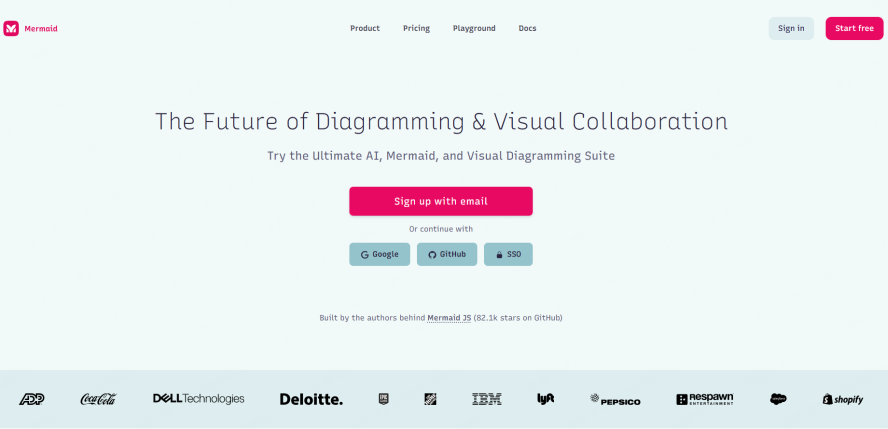
Mermaid Live Editor is a straightforward, no-frills online sandbox for Mermaid that caters to developers who need a quick, simple way to test their Mermaid code without any setup or configuration. It offers a zero-configuration environment perfect for quickly testing syntax snippets or creating one-off diagrams—no login required, making it ideal for ad-hoc diagramming tasks or troubleshooting small pieces of Mermaid code.
Key Considerations for Mermaid Live Editor:
Syntax Compatibility: Tracks the latest Mermaid syntax, so you can test out new features as soon as they’re released. However, it’s purely code-based with no visual editing capabilities, meaning you have to write and edit the code manually, and debugging complex logic requires manual code iteration. This makes it great for small, simple diagrams but cumbersome for larger, more complex ones, as there’s no way to visually adjust elements to improve readability.
Collaboration: Only supports sharing via a read-only link, which limits its usefulness for team projects. There are no multi-user editing or comment features, so if you need feedback on a diagram, you have to share the link and ask team members to review it externally, then manually incorporate their suggestions into the code.
Version Management: Warning: Data is lost upon closing the browser tab. You must manually copy and save your code externally if you want to keep it, as there’s no auto-save feature or cloud storage. There’s also no version history, so if you make a mistake and overwrite your code, there’s no way to revert to a previous version.
Pricing: Completely free, with no hidden costs or premium features. It’s best for temporary, personal use cases—like testing a quick flowchart to explain a concept in a meeting, or verifying that a snippet of Mermaid code works before integrating it into a larger project—but not suitable for ongoing team work or critical diagrams that need to be saved and revisited.
Mermaid Chart
The Enterprise-Grade Editor for Publication-Ready Diagrams
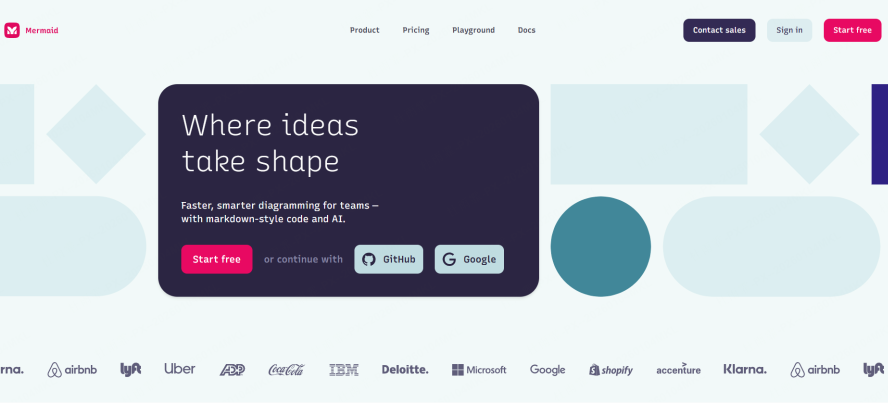
Mermaid Chart focuses on delivering professional, aesthetically polished charts that meet the high standards of enterprise and academic use cases. Its online editor can produce diagrams suitable for academic papers, technical books, and presentations requiring high visual fidelity, with customizable styling options that go beyond the basic formatting available in most Mermaid editors.
Key Considerations for Mermaid Chart:
Syntax Compatibility: Supports core Mermaid syntax and offers exclusive enterprise-level custom libraries (e.g., extended ER diagram symbols) that allow users to create highly specialized diagrams for niche industries like healthcare or finance. The customization options include adjusting font styles, color palettes, and line weights to match brand guidelines or publication requirements.
Collaboration: Allows co-editing for up to 5 users, which is sufficient for small teams but limiting for larger enterprises. It lacks real-time cursor tracking, which may cause delays in cross-timezone work, as team members can’t see where others are editing and may accidentally overwrite each other’s changes.
Version Management: Paid plans offer 30-day version history, which allows teams to revert to previous versions of a diagram if needed. The free tier, however, keeps only the 3 most recent versions, which is risky for projects that require tracking changes over time.
Pricing: Free version has limitations, including watermarked exports and restricted access to custom libraries. Enterprise custom plans require a quote, often at a higher price point than alternatives, making it a less cost-effective choice for small to mid-sized teams.
GitLab
The Code-Integrated Editor for DevOps Workflows

GitLab's native Mermaid support is deeply integrated into its repository management system, making it a natural choice for DevOps teams that live and breathe Git workflows. Diagram versions are tracked alongside code changes, making it easy to visualize the evolution of an architecture directly within Merge Requests, so developers can see how a system’s design changes as the codebase evolves.
Key Considerations for GitLab:
Syntax Compatibility: Updates may lag behind the official Mermaid release by 1-2 versions, which means that newly added Mermaid features may not work in GitLab right away. There are also occasional rendering issues with complex, newer syntax, such as advanced state diagrams or C4 model diagrams, which can be frustrating for teams that rely on the latest features.
Collaboration: Based on Git's Merge Request (MR) workflow—editing is asynchronous and requires code review, not real-time collaboration. This aligns with DevOps best practices but can slow down the diagramming process, as changes to a diagram need to be committed, reviewed, and merged just like code changes.
Version Management: Excellent, as it’s fully integrated with Git version control, allowing history tracking down to any commit. This means you can see exactly when a diagram was changed, who made the change, and what the change was—critical for compliance and audit purposes in enterprise environments.
Pricing: Core features are free for open-source projects and small teams. Advanced permissions and enterprise features like SSO integration or dedicated support require a paid subscription, which is standard for enterprise GitLab plans.
Notion Mermaid Blocks
Lightweight Diagramming Within Your Knowledge Base
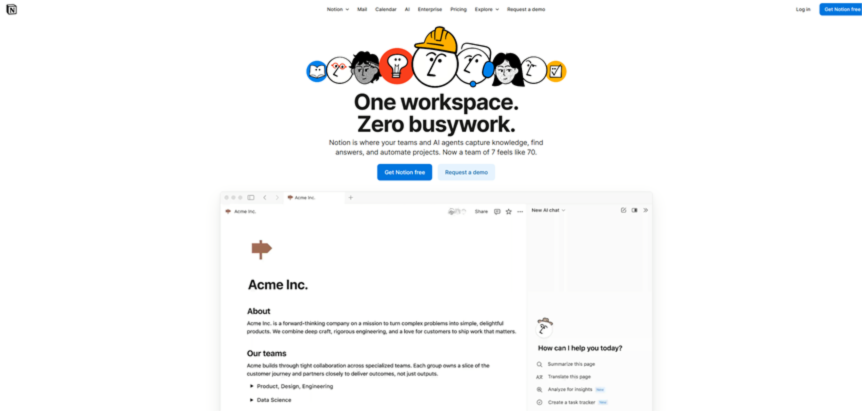
Notion supports Mermaid via dedicated "blocks" that can be embedded seamlessly into pages, making it a convenient choice for teams that already use Notion as their primary knowledge base and project management tool. It leverages Notion's existing collaboration ecosystem, including comments and task assignments, so diagrams can be integrated directly into meeting notes, project plans, or documentation without switching tools.
Key Considerations for Notion:
Syntax Compatibility: Limited to basic flowcharts and sequence diagrams—complex syntax like gitGraph, Gantt charts, or class diagrams may fail to render correctly or not render at all. This makes it suitable for simple diagrams but not for technical architecture diagrams or detailed project timelines.
Collaboration: Inherits Notion's real-time page editing and comment features, which are intuitive for teams familiar with Notion. However, there’s no dedicated Mermaid editing interface—you have to edit the code directly in the block, with no live preview or visual editing options, which can be clunky for non-technical users.
Version Management: Relies on Notion's page history, typically covering the last 30 days, which is sufficient for most small teams but lacks the granularity of Git-based version control. There’s also no way to track changes to just the Mermaid block—you have to review the entire page’s history to see diagram changes.
Pricing: Available in free and paid Notion plans, with no additional cost for Mermaid blocks. It’s best as an auxiliary tool for simple diagrams within existing Notion docs, rather than a primary Mermaid editor for complex or technical diagrams.
Diagrams.net (draw.io)
The Privacy-First, Hybrid Diagramming Tool
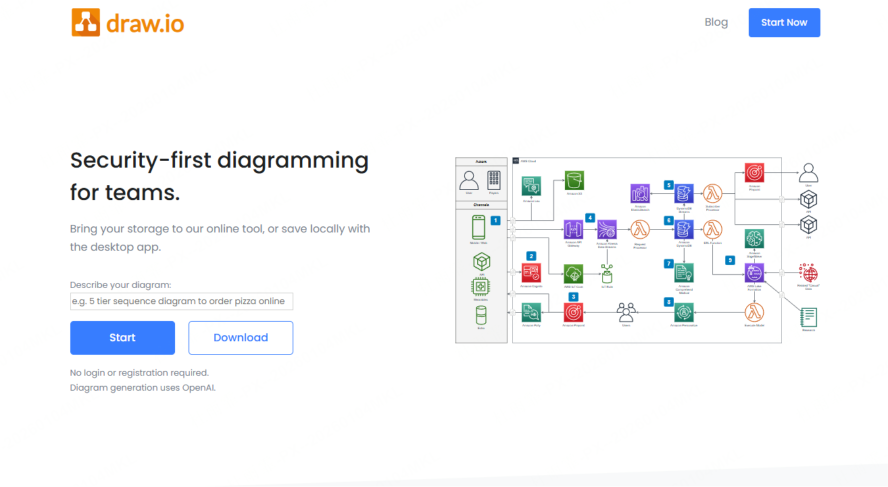
Diagrams.net is a free, open-source diagramming tool that supports importing and editing Mermaid code, making it a good choice for teams that prioritize data privacy and want to avoid vendor lock-in. It prioritizes data privacy, allowing local storage of diagrams (so no data is sent to third-party servers) and integrates with Google Drive/OneDrive for cloud collaboration when needed.
Key Considerations for Diagrams.net:
Syntax Compatibility: Not a native Mermaid editor—you have to import Mermaid code into Diagrams.net, which converts it into a visual diagram, and export back to Mermaid code if needed. Complex charts often need manual layout adjustments post-import, as the conversion isn’t always perfect, which can be time-consuming.
Collaboration: Enables real-time collaboration via cloud storage drives like Google Drive or OneDrive, but lacks co-editing features specific to Mermaid syntax. For example, there’s no way to see who is editing the Mermaid code portion of the diagram, only the visual elements.
Version Management: Version history depends on the connected cloud storage service (e.g., Google Drive offers 30 days of version history, while OneDrive offers 90 days). If you store diagrams locally, there’s no built-in version history, so you have to manually save different versions of the file.
Pricing: Completely free, with no ads or premium features, and an option for self-hosting for enterprise teams that want full control over their data. This makes it a great choice for budget-conscious teams or those with strict data privacy requirements.
Creately
The Template-Powered Editor for Real-Time Visual Collaboration
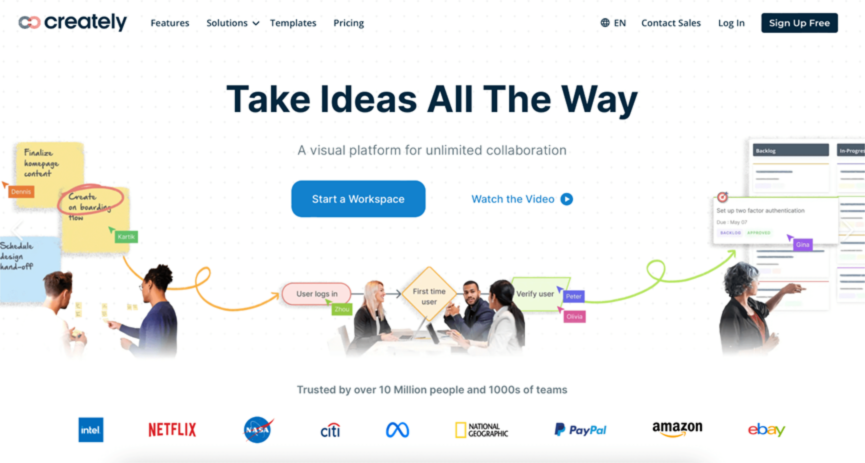
Creately offers an extensive template library coupled with real-time collaboration features, making it ideal for teams that want to speed up diagram creation by leveraging pre-built templates rather than starting from scratch. Teams can quickly prototype diagrams by dragging and dropping from pre-built templates for common use cases like agile sprint workflows, software architecture, or business process mapping.
Key Considerations for Creately:
Syntax Compatibility: Supports standard Mermaid syntax and offers a hybrid code/drag-and-drop mode, so users can choose to write code or edit visually. The template library is its biggest strength—templates are pre-formatted with correct Mermaid syntax, so even new users can create professional diagrams without learning the full syntax.
Collaboration: Strong real-time collaboration with multi-user editing, comments, and shared team workspaces. Creately also offers video chat integration, so teams can discuss diagrams while editing them, which is useful for remote teams that need to align on design decisions quickly.
Version Management: Automatically saves version history and allows export as JSON backup, so you can revert to previous versions or restore diagrams if needed. The version history is easy to navigate, with timestamps and user labels to show who made each change.
Pricing: The free plan is limited to 5 new documents per month, which is restrictive for active teams. Exported code can be verbose, with extra formatting that’s specific to Creately, potentially leading to vendor lock-in if you need to move diagrams to another editor later.
Conclusion
The landscape of Mermaid online editors is diverse, with each tool catering to different use cases, team sizes, and workflow requirements. For teams seeking a powerful blend of intelligent features and agile collaboration, Boardmix stands out as a leading choice. It provides full Mermaid syntax support, AI-aided generation that reduces the learning curve for non-technical users, robust real-time collaboration for dozens of users (far more than tools like Mermaid Chart), and reliable version control that ensures no work is lost. This makes it an ideal platform for both developers who prefer coding diagrams and teams that thrive on visual communication, as it bridges the gap between code-based and visual editing without compromising on functionality.
Other tools have their own niches: Mermaid Live Editor is perfect for quick, one-off tests; GitLab is unbeatable for DevOps teams integrated into Git workflows; Diagrams.net is the best choice for privacy-focused teams on a budget; and Notion is convenient for simple diagrams within existing knowledge bases. However, for most teams—especially those that need to collaborate across functions, create a mix of simple and complex diagrams, and integrate AI to speed up the process—Boardmix offers the most comprehensive solution.
Experience the flexibility of a true all-in-one visual collaboration platform that goes beyond just Mermaid diagramming to support all your team’s visual communication needs. Start creating with Boardmix today and see how it can streamline your diagram workflow, reduce manual work, and improve collaboration across your team.





