





Do you really need to install software to create flowcharts? Are there any online flowchart makers that are both easy to use and highly efficient? Absolutely. Today, many powerful flowchart tools work right in your browser, offering real-time saving and seamless real-time collaboration. A great online flowchart platform can double your productivity. This guide reviews the best flowchart software for 2026, helping you find free and powerful tools to start diagramming in minutes.
Boardmix
The AI-Powered All-in-One Flowchart Tool
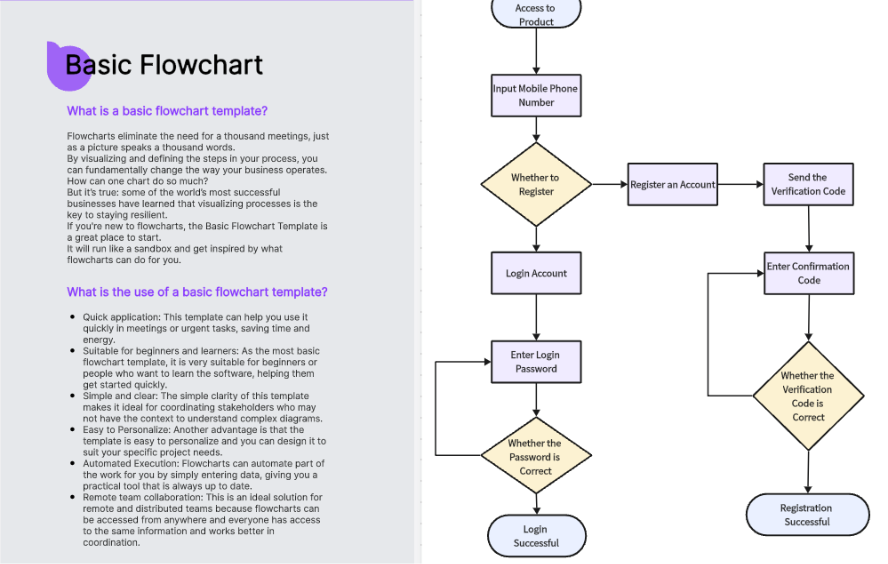
Boardmix is a versatile online whiteboard platform that combines mind mapping, flowchart creation, visual collaboration, and AI capabilities. It offers intuitive flowchart tools, full style customization, and AI-powered automatic diagram generation, making it one of the most efficient online flowchart makers available.
Key Features
- AI-Generated Flowcharts: Simply describe your process in text to automatically generate standardized flowcharts, including org charts, sequence diagrams, ER diagrams, and Gantt charts.
- Vast Template Library: Access a huge collection of templates for business process flows, project management charts, UML diagrams, swimlane diagrams, and more.
- Real-Time Collaboration: Multiple users can edit, comment, and communicate via voice chat on the same online flowchart simultaneously.
- Flexible Export: Export your diagrams with one click to PDF, PPT, PNG, and other formats.
Ideal Use Cases
Product managers mapping workflows, project presentations, teaching demonstrations, and enterprise team collaboration.
Pricing
Offers a generous free plan for everyday flowchart needs. Paid plans start at approximately $6/month (billed annually), offering more space and advanced features. AI credits can also be purchased separately.
Lucidchart
Enterprise-Grade Professional Flowchart Tool
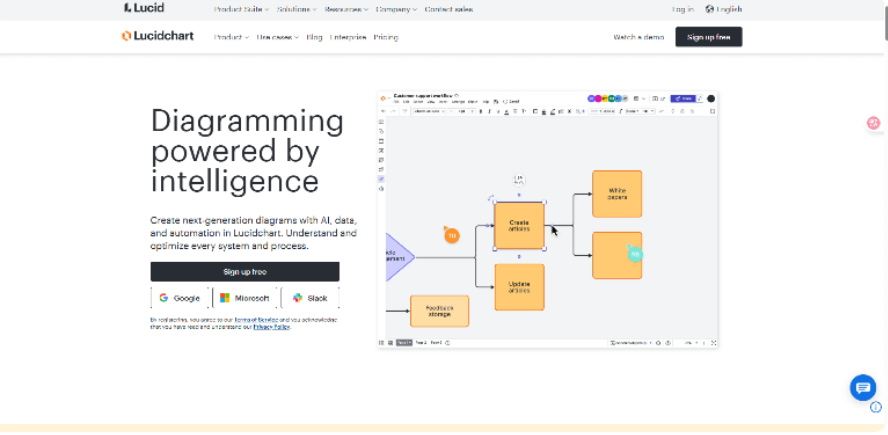
A leading professional online diagram tool, Lucidchart excels at visualizing everything from simple processes to complex system logic and is the preferred choice for many large enterprise teams.
Key Features
- Extensive Template Library: Thousands of pre-built templates spanning system architecture, organizational charts, process flows, and IT network diagrams.
- Smart Automation Features: Automatic alignment and intelligent connectors make relationships clear and boost productivity.
- Deep Third-Party Integration: Seamlessly connects with Slack, Confluence, Google Workspace and other workplace platforms.
Ideal Use Cases
Enterprise project management, technical architecture design, and cross-departmental collaboration.
Pricing
Offers a free basic plan. Paid individual plans start at around $7.95/user/month, unlocking advanced permission management and collaboration features.
Draw.io(Diagrams.net)
Completely Free Online Flowchart Tool
Draw.io is an open-source online flowchart tool. You can start using it immediately without any registration—it's completely free. This lightweight diagram tool balances simplicity with functionality, perfect for quickly creating various flowcharts.
Key Features
Broad Diagram Support: Create various chart types including ER diagrams, network topology maps, organizational charts, and UML diagrams.
- Flexible Storage Options: Save directly to Google Drive, OneDrive, or local device for easy access and editing.
- Intuitive Interface: Minimalist design enables immediate use with virtually no learning curve.
- Efficient Editing Tools: Features like drag-and-drop, automatic node alignment, and quick-connect lines streamline the diagramming process.
Ideal Use Cases
Student assignments, quick office diagrams, and project presentations.
Pricing
100% free with no restrictions on features or usage, ideal for individuals and small teams.
Whimsical
Streamlined and Visually Appealing Flowchart Tool
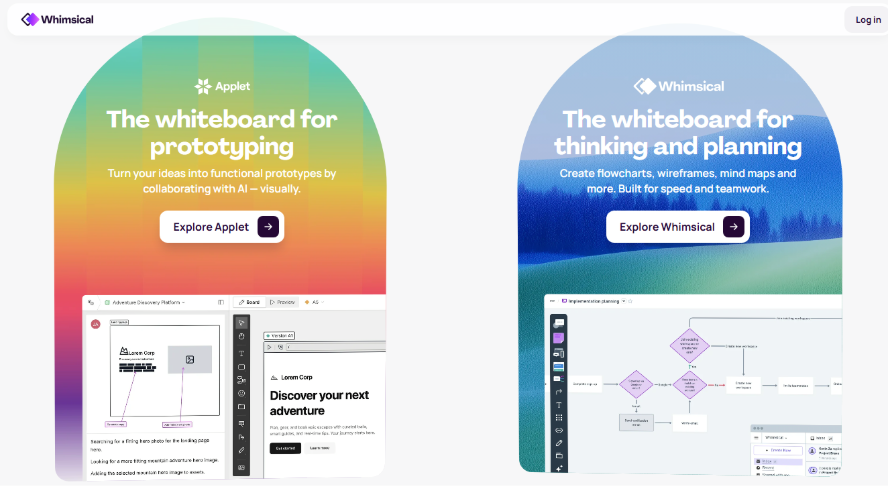
Whimsical is a sleek and efficient online flowchart platform. Loved by designers, product managers, and collaborative teams for its minimalist design and intuitive operation, it’s also great for wireframing and mind mapping.
Key Features
- One-Click Diagram Generation: Quickly create flowcharts, wireframes, or mind maps to visualize ideas in seconds.
- Smart Auto-Layout: Nodes and connections adjust automatically for clean, professional-looking diagrams.
- Real-Time Team Collaboration: Multiple users can edit and comment simultaneously.
- Polished and Lightweight Interface: Beautiful design with minimal learning curve.
Ideal Use Cases
Product planning, interaction design, and customer journey mapping.
Pricing
Free plan includes 100 projects. The Pro plan starts at about $10/user/month for more collaborators and advanced features.
Creately
From Flowcharts to Project Management – A Versatile Visual Platform
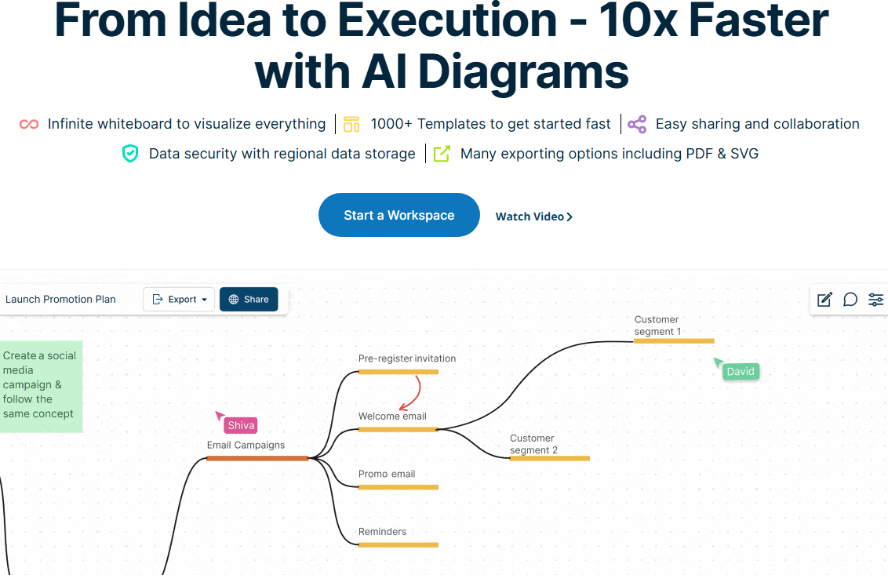
Creately is an integrated visual workspace that combines flowchart design, project tracking, and team collaboration in one platform.
Key Features
- Drag-and-Drop Editing: Easily create flowcharts, relationship diagrams, and KPI dashboards
- Real-Time Collaboration & Version Tracking: Enable multiple users to edit and manage flowchart content simultaneously.
- AI-Assisted Diagramming: Automatically generate business structure diagrams to improve efficiency.
- Extensive Template Library: Templates for enterprise management, business processes, strategy analysis, and more.
Ideal Use Cases
Business project reporting, strategic analysis, and business process management.
Pricing
A core free plan is available. Team plans start at around $5/user/month for more members, templates, and features.
Cacoo
Online Flowchart Tool Optimized for Remote Team Collaboration
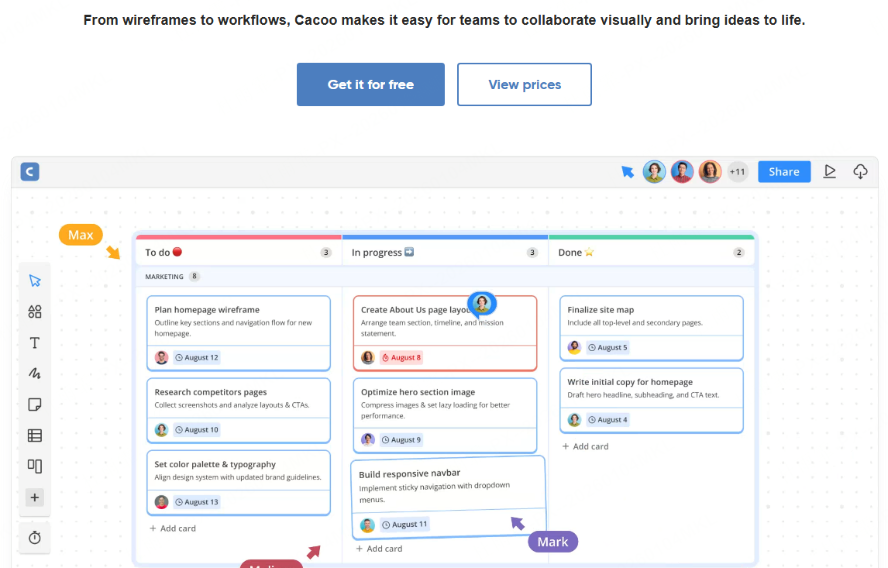
Cacoo is an online flowchart tool renowned for efficient real-time collaboration, optimized for remote teams. It supports simultaneous editing and offers rich templates, making it ideal for businesses, product teams, and IT departments.
Key Features
- Extensive Template Library: Hundreds of professional templates including UML diagrams, network topology maps, and ready-to-use flowchart templates for instant application.
- Real-Time Collaborative Editing: Enables multiple users to edit and comment simultaneously, significantly enhancing team productivity.
Ideal Use Cases
Remote meetings, product prototype reviews, and IT architecture visualization.
Pricing
Offers a free trial. Team plans start at approximately $6/user/month.
GoConqr
Flowchart Tool Designed for Education & Learning

GoConqr is an online diagram tool focused on education. It combines flowchart creation with mind mapping, course planning, and revision notes to make learning content visual and easier to understand and remember.
Key Features
- Education-Focused Templates: Access a library of templates for course flows, study plans, mind maps, and other learning-related diagrams.
- Drag-and-Drop Simplicity: Intuitive editor with clear node relationships and logical flow structure.
- Cloud-Based Portability: Save and access diagrams from any device, ideal for organizing and reviewing study materials.
- Integrated Learning Tools: Combine flowcharts with quizzes, flashcards, and notes to form a complete study workflow.
Ideal Use Cases
Teachers, students, and educational institutions.
Pricing
A free plan covers basic flowchart needs. Paid plans offer more templates, collaboration space, and advanced learning tools.
MockFlow
All-in-One Tool for Flowcharts, Structure Diagrams & Cloud Architecture
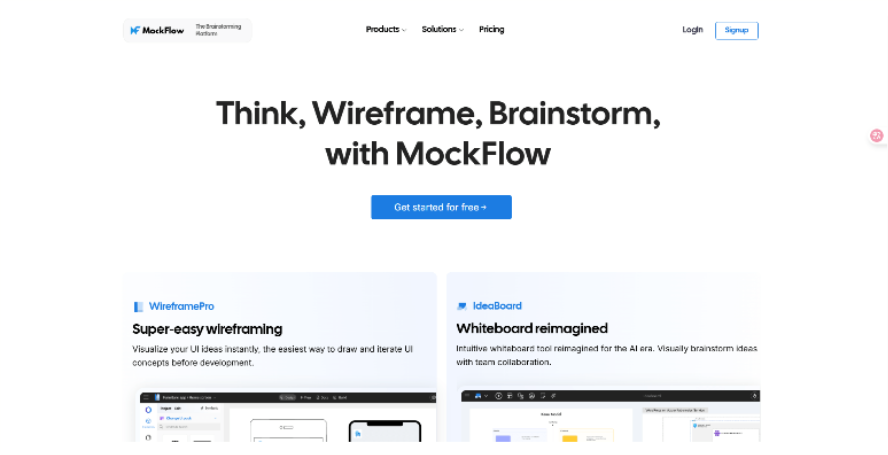
MockFlow is a versatile platform that integrates flowchart creation, structure diagramming, and cloud architecture design in a unified workspace.
Key Features
- Multi-Type Diagram Support: Create flowcharts, structure diagrams, cloud architecture maps, and more for diverse visualization needs
- Drag-and-Drop Editing with Smart Alignment: Easily build professional diagrams with automated layout assistance
- Built-in Template Library: Access ready-to-use templates for business processes, organizational structures, IT systems, and cloud infrastructure
- Real-Time Collaboration: Enable team members to co-edit and comment simultaneously
Ideal Use Cases
Product managers, technical teams, and architects for process mapping and system design.
Pricing
Offers a basic free plan for everyday flowchart and simple structure diagram needs.
Zen Flowchart
Minimalist Flowchart Tool with Zero Learning barrier
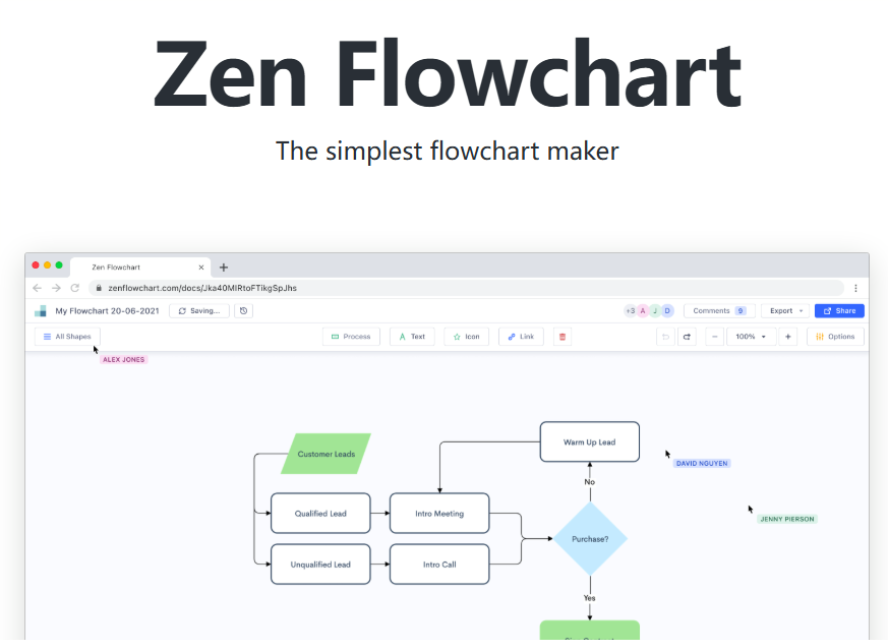
Zen Flowchart is an online diagramming tool known for its clean, intuitive interface and straightforward operation. Designed for ease of use, it enables users to create clear and effective flowcharts quickly, with no prior experience required.
Key Features
- Simple Drag-and-Drop Editing: Build flowcharts intuitively and efficiently.
- Automatic Alignment & Smart Connectors: Ensure logical layout and visual clarity with minimal effort.
- Essential Templates: Includes commonly used templates for business, project, and educational scenarios.
Ideal Use Cases
Beginners or anyone who needs to create a flowchart online rapidly.
Pricing
Offers a basic free plan for daily flowchart creation.
Visme
Where Flowcharts Meet Visual Impact

Visme is an all-in-one visual platform that seamlessly integrates flowchart creation with data visualization, allowing you to combine diagrams, charts, reports, and presentations in a unified workspace.
Key Features
- Rich Template Library: Access professionally designed templates for flowcharts and infographics to create polished visuals in minutes.
- Drag-and-Drop Simplicity: Intuitively customize every element, from nodes to design components.
- Dynamic Visual Effects: Bring flowcharts to life with animations, icons, and gradient color schemes.
- Multi-Format Export: Download or share your work as PDF, PNG, JPEG, or interactive HTML5.
Ideal Use Cases
Users who want to add visual impact and interactivity to their flowcharts.
Pricing
A basic free plan is available. Paid plans start at around $15/month for more templates, collaboration features, and export options.
Conclusion
Creating a flowchart is more than just drawing—it's about thinking and communicating. An excellent online flowchart maker makes team collaboration smoother and logic presentation clearer. If you want a smarter, more efficient diagramming experience, we highly recommend trying Boardmix. It's not just an online flowchart tool; it's an AI-powered online whiteboard that supports mind maps, project boards, and more. Let AI help generate your process structure, turning creative brainstorming and project planning into a seamless, one-step workflow.





