





The honeymoon phase of AI art is officially over. We’ve all been there: you spend an hour typing increasingly frantic prompts into a Discord bot, only to watch your "credits" dwindle to zero while the AI stubbornly refuses to put the character's hand in the right place. It’s a frustrating cycle of "slot machine" creativity that leaves professional artists feeling more like gamblers than creators. Today, the conversation is shifting. We aren't just looking for a generator; we are looking for free ai drawing softwares that offer genuine partnership between the human hand and the machine’s processing power.
The core frustration for most creators isn't a lack of ideas—it's a lack of agency. Professional-grade work requires more than just a lucky output; it requires a workflow that allows for iteration, layering, and precise modification. Whether you are building a graphic novel or designing assets for a game, you need tools that don't charge you $0.20 every time you want to "see what happens." You need an unlimited free ai image generator without credits that lives on your hardware or offers a truly open ecosystem. This article dives into the shift from "pure generation" to "interactive control," highlighting the tools that are actually worth your time.
From Generation to Interaction: The Need for Precise Control
In the early days of DALL-E and Midjourney, the world was amazed that a computer could "paint" anything at all. But as the dust settles, the limitations of text-to-image have become glaringly obvious. If you're an illustrator, you don't just want a "cyberpunk city"; you want a cyberpunk city with a specific vanishing point, a certain color palette in the foreground, and a character positioned exactly at the third-point intersection.
This is where the demand for free ai software for art has evolved. Users are now prioritizing features like:
- Sketch-to-Image (Img2Img): The ability to draw a messy blue blob and have the AI understand it’s a mountain lake.
- In-painting and Out-painting: Fixing a single eye or extending a canvas without altering the parts of the image you already love.
- ControlNet Integration: Using depth maps, edge detection, or pose estimation to "force" the AI to follow your structural rules.
The transition from being a "prompt engineer" to a "creative director" is essential. When you use the right online tools to draw flowchart logic for your creative projects, you realize that art isn't a single step—it’s a pipeline. For those managing complex visual narratives, having access to the best online flowchart tools alongside their drawing software ensures that the "interactive control" isn't just about the brushstroke, but about the entire project’s architecture.
The Quest for Unlimited Creativity: Zero Cost & Local Deployment
Let’s talk about the "Credit Wall." Most popular AI platforms operate on a SaaS (Software as a Service) model. While convenient, it creates a psychological barrier to experimentation. If every click costs money, you stop taking risks. This is why the search for an unlimited free ai image generator without credits has become a movement among digital hobbyists and pros alike.
The ultimate solution for many has been "Local Deployment." By running models like Stable Diffusion on your own graphics card (GPU), you effectively eliminate the marginal cost of art. You can generate 1,000 versions of a character's face to find the perfect expression, and it costs you nothing but a bit of electricity. Beyond the cost, there is the issue of privacy. For professional work, you often can’t afford to have your IP sitting on a company’s cloud server. Truly free AI software for art should give you the keys to the engine, allowing you to work offline, keep your data safe, and avoid the "censorship filters" that often plague commercial web-based tools.
The Top 6 Picks for Unlimited AI Art & Drawing
When compiling this list of free drawing software, we looked for tools that bridge the gap between traditional digital painting and cutting-edge AI.
Boardmix
Boardmix is the wildcard that completes the professional's toolkit. While most tools focus on the "pixel," Boardmix focuses on the "project." It integrates AI image generation directly into a collaborative space. Because it also functions as one of the best online flowchart tools, it allows you to map out your artistic vision and generate the assets in the same window.
- For a professional, an image is rarely the "end." It’s usually part of a deck, a game design document, or a marketing campaign. This is where Boardmix shines. It addresses the "Productivity Pain Point" by merging a high-end infinite canvas with robust AI capabilities.
- Many artists overlook the fact that planning a complex piece of art requires logic. Before you pick up a brush in free ai drawing softwares, you might need to organize your thoughts. Using online tools to draw flowchart structures within Boardmix helps you visualize character relationships, world-building lore, or even the prompt-chaining logic you plan to use in Stable Diffusion.
- Boardmix isn't just about drawing; it’s one of the most powerful online flowchart creation tools available today. Imagine this: you use a flowchart to map out a "Choose Your Own Adventure" story. Each node in the flowchart represents a scene. With Boardmix’s built-in AI, you can generate the visual for that scene directly next to the node. This synergy makes it much more than just another entry in a list of free drawing software; it becomes a command center for your entire creative career.
- Furthermore, Boardmix solves the "Silo" problem. Usually, you draw in one app, organize in another, and communicate in a third. By using online tools to draw flowchart logic and AI art simultaneously, you keep your momentum. It’s one of the few online flowchart creation tools that understands the needs of visual thinkers, offering a bridge between abstract ideas and concrete, high-resolution AI outputs.
Draw.io
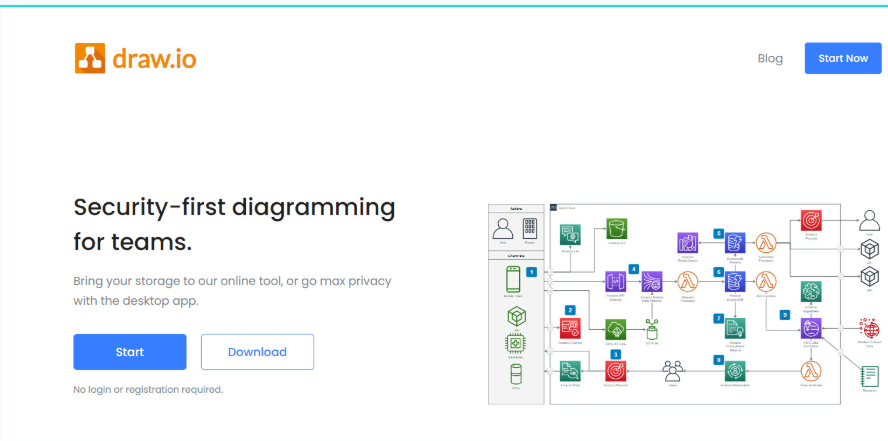
A veteran in the online diagramming world, Draw.io has earned its reputation as a completely free, open-source workhorse. For many, it remains the go-to tool for creating flowcharts and is a fantastic entry point into structured drawing.
Key Features
- Core Functionality: Expertly handles a wide range of structured charts, including flowcharts, org charts, network diagrams, and UML diagrams.
- Key Advantages: It’s 100% free with no hidden costs. There's no installation required—just open it in your browser and start drawing. It integrates seamlessly with Google Drive and OneDrive for easy cloud saving and sharing.
- Flexibility & Ease of Use: Features an intuitive, drag-and-drop interface with a minimal learning curve. For offline access, you can also download the desktop version.
Canva
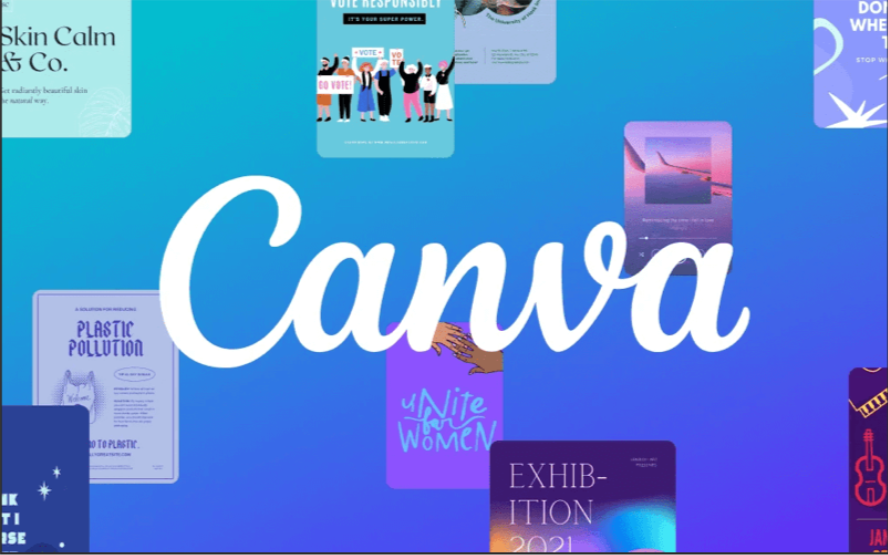
Canva leans more toward graphic design than technical drawing, with its greatest strength being its beginner-friendly, drag-and-drop interface. Even with zero design experience, you can quickly create visually appealing work.
Key Features
- Design Capabilities: Excellent for social media graphics, posters, resumes, presentations, and basic chart creation.
- Core Advantages: Extremely low learning curve, powered by a vast library of high-quality templates, photos, icons, and fonts.
- AI Integration: Offers AI-powered design suggestions, automatic layout adjustments, and text-to-image generation tools.
Krita
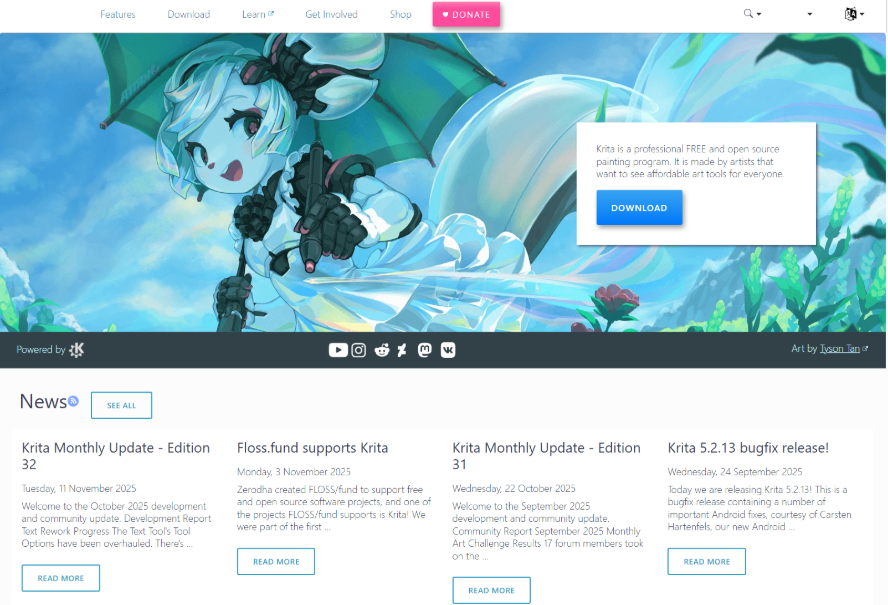
For digital painting enthusiasts, illustrators, and concept artists, Krita is a powerhouse open-source software dedicated to the art of creation.
Key Features
- Core Functionality: Built for digital painting, sketching, and illustration. It boasts an advanced brush engine with full stylus/tablet support, ideal for comics, textures, and concept art.
- Standout Benefits: Completely free and open-source, with a feature set that rivals the painting tools in Adobe Photoshop. Its development is driven by a vibrant artist community.
- Professional Tools: Supports full layer management, filter effects, animation assistants, and extensive customization, including third-party brush packs.
Inkscape
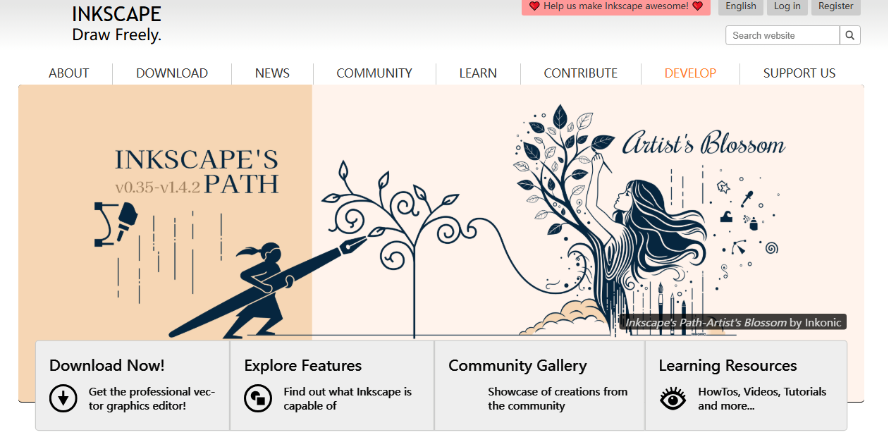
Inkscape is a robust, free, and open-source vector graphics editor, often considered the leading free alternative to Adobe Illustrator.
Key Features
- Core Functionality: Specializes in vector-based design, perfect for creating logos, icons, UI mockups, illustrations, and technical diagrams that require infinite scalability without quality loss.
- Key Advantages: Free with no limitations. Uses the open SVG format as its native file type, with excellent export support for PDF, EPS, and PNG, ensuring great cross-platform compatibility.
- Professional Toolset: Includes comprehensive path editing, shape tools, node editing, gradient meshes, and text manipulation—capabilities that compete directly with commercial software.
Sketchpad
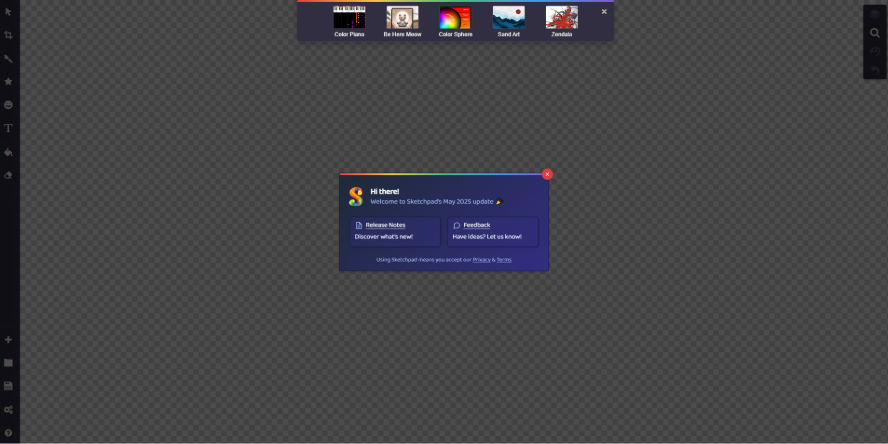
Sketchpad is a straightforward, no-frills online drawing application ideal for quick, lightweight sketching and diagramming tasks.
Key Features
- Core Functionality: Provides essential tools for freehand drawing, adding shapes, text, and basic annotations.
- Key Advantages: Requires no installation or account—just open the website in your browser and start creating. It's fast, simple, and perfect for on-the-go use.
- Practical Extras: Allows you to save work directly to your device and offers quick sharing options to social platforms or via link.
Conclusion
The "Best" free drawing software isn't necessarily the one with the most features—it's the one that removes the most barriers. Whether that’s the "Credit Wall," the "Complexity Wall," or the "Privacy Wall," the tools we've discussed are designed to give power back to the artist. From the local power of Stable Diffusion to the collaborative, workflow-oriented genius of Boardmix, the resources are now available for you to create without limits.
If you are ready to move beyond simple prompts and start building professional-grade creative pipelines, start by organizing your project. Use online tools to draw flowchart logic for your next big idea, and then let the AI help you bring those nodes to life. The future of art isn't about the machine replacing the artist; it's about the artist finally having a brush that can think. Explore these free ai software for art options today, and reclaim your creative freedom.





