





A reliable drawing tool has become essential for study, work, and daily creative tasks. Whether you need to draft a flowchart, brainstorm with a mind map, or create simple illustrations and posters, the right software can significantly boost your efficiency. With so many options available, how do you find tools that are truly practical, free, and suitable for long-term use? This article selects 6 well-regarded free drawing platforms to help you quickly identify the best fit for your needs.
Boardmix
When it comes to versatile and collaborative drawing tools from China, Boardmix stands out as a top contender. It goes beyond basic diagramming by seamlessly integrating real-time team collaboration and powerful AI features, making it a powerhouse for boosting productivity.
Why Boardmix is a game-changer:
- AI-Powered Diagramming: Simply describe your idea, and Boardmix's AI can automatically generate structured diagrams like mind maps, flowcharts, or fishbone diagrams. It even handles intelligent formatting, producing logical and professional-looking charts in seconds.
- AI Image Generation: Need custom illustrations? Input text prompts to generate a variety of stylized images and graphics. This solves the hassle of hunting for stock photos and ensures visual consistency—perfect for presentations, notes, or social media content.
- Rich Visual Toolset: From mind mapping and strategic planning to brainstorming sessions, it supports multiple visualization methods to fit learning, office, and creative workflows.
- Real-Time Multiplayer Collaboration: Invite your team into a shared canvas for simultaneous brainstorming, commenting, and editing. Everyone's contributions are visible in real time.
- Vast Template Library: Hit the ground running with a built-in library of professionally designed templates for diagrams and graphics, saving you time and effort.
Ideal For
Students, educators, professionals, and any team that needs a unified platform for diagramming, collaboration, and AI-generated content.
Draw.io
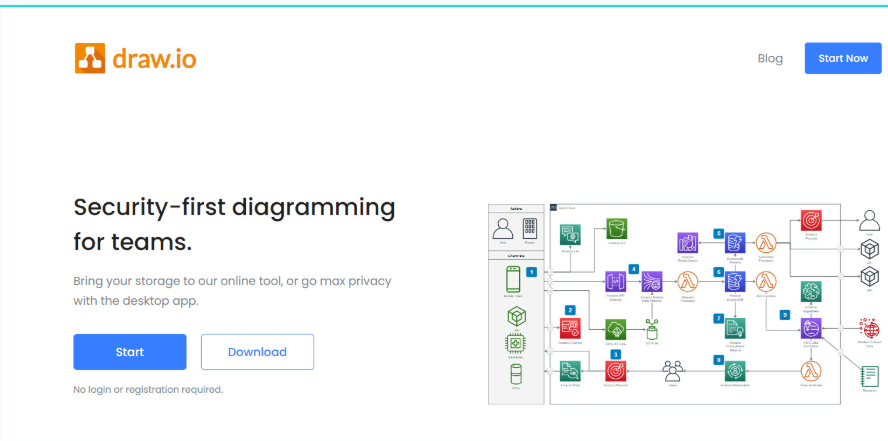
A veteran in the online diagramming world, Draw.io has earned its reputation as a completely free, open-source workhorse. For many, it remains the go-to tool for creating flowcharts and is a fantastic entry point into structured drawing.
Key Features
- Core Functionality: Expertly handles a wide range of structured charts, including flowcharts, org charts, network diagrams, and UML diagrams.
- Key Advantages: It’s 100% free with no hidden costs. There's no installation required—just open it in your browser and start drawing. It integrates seamlessly with Google Drive and OneDrive for easy cloud saving and sharing.
- Flexibility & Ease of Use: Features an intuitive, drag-and-drop interface with a minimal learning curve. For offline access, you can also download the desktop version.
Ideal For
Students, engineers, and business users who need a reliable, no-frills tool to quickly create flowcharts and diagrams directly in their browser.
Canva
Canva leans more toward graphic design than technical drawing, with its greatest strength being its beginner-friendly, drag-and-drop interface. Even with zero design experience, you can quickly create visually appealing work.
Key Features
- Design Capabilities: Excellent for social media graphics, posters, resumes, presentations, and basic chart creation.
- Core Advantages: Extremely low learning curve, powered by a vast library of high-quality templates, photos, icons, and fonts.
- AI Integration: Offers AI-powered design suggestions, automatic layout adjustments, and text-to-image generation tools.
Ideal For
Students, social media managers, bloggers, and anyone who needs to create polished visuals without mastering complex software like Adobe Photoshop.
Krita
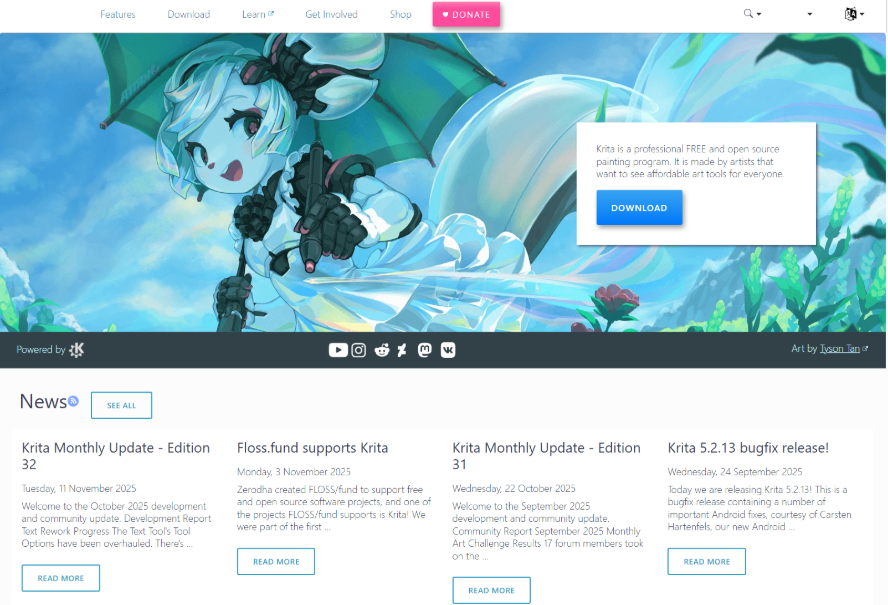
For digital painting enthusiasts, illustrators, and concept artists, Krita is a powerhouse open-source software dedicated to the art of creation.
Key Features
- Core Functionality: Built for digital painting, sketching, and illustration. It boasts an advanced brush engine with full stylus/tablet support, ideal for comics, textures, and concept art.
- Standout Benefits: Completely free and open-source, with a feature set that rivals the painting tools in Adobe Photoshop. Its development is driven by a vibrant artist community.
- Professional Tools: Supports full layer management, filter effects, animation assistants, and extensive customization, including third-party brush packs.
Ideal For
Hobbyist and professional illustrators, art students, and anyone serious about learning or practicing digital painting without financial barriers.
Inkscape
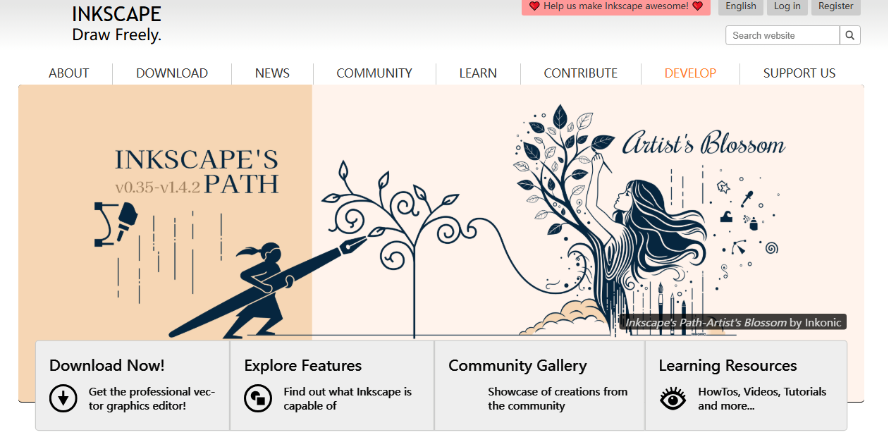
Inkscape is a robust, free, and open-source vector graphics editor, often considered the leading free alternative to Adobe Illustrator.
Key Features
- Core Functionality: Specializes in vector-based design, perfect for creating logos, icons, UI mockups, illustrations, and technical diagrams that require infinite scalability without quality loss.
- Key Advantages: Free with no limitations. Uses the open SVG format as its native file type, with excellent export support for PDF, EPS, and PNG, ensuring great cross-platform compatibility.
- Professional Toolset: Includes comprehensive path editing, shape tools, node editing, gradient meshes, and text manipulation—capabilities that compete directly with commercial software.
Ideal For
UI/UX designers, graphic designers, marketers, and professionals who need a reliable tool for vector-based logo, icon, and print design.
Sketchpad
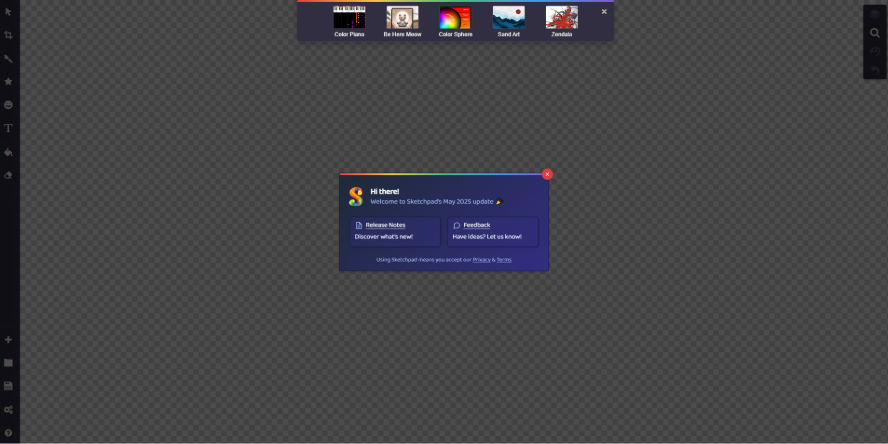
Sketchpad is a straightforward, no-frills online drawing application ideal for quick, lightweight sketching and diagramming tasks.
Key Features
- Core Functionality: Provides essential tools for freehand drawing, adding shapes, text, and basic annotations.
- Key Advantages: Requires no installation or account—just open the website in your browser and start creating. It's fast, simple, and perfect for on-the-go use.
- Practical Extras: Allows you to save work directly to your device and offers quick sharing options to social platforms or via link.
Ideal For
Students, office workers needing a quick visual explanation, or anyone who requires a simple, temporary drawing tool without the commitment of installing software.
Conclusion
Whether you're a designer, student, or professional, choosing the right drawing software can dramatically enhance your productivity. If you're looking for a powerful yet free platform to bring your ideas to life, Boardmix is the perfect solution. Boardmix is an all-in-one collaborative whiteboard that supports a wide range of diagram types, seamless real-time teamwork, and cloud-based editing. It effortlessly bridges the gap from initial brainstorming to final presentation.
Unlock your team's potential today. Try Boardmix for free and experience how fast creativity can flow.





