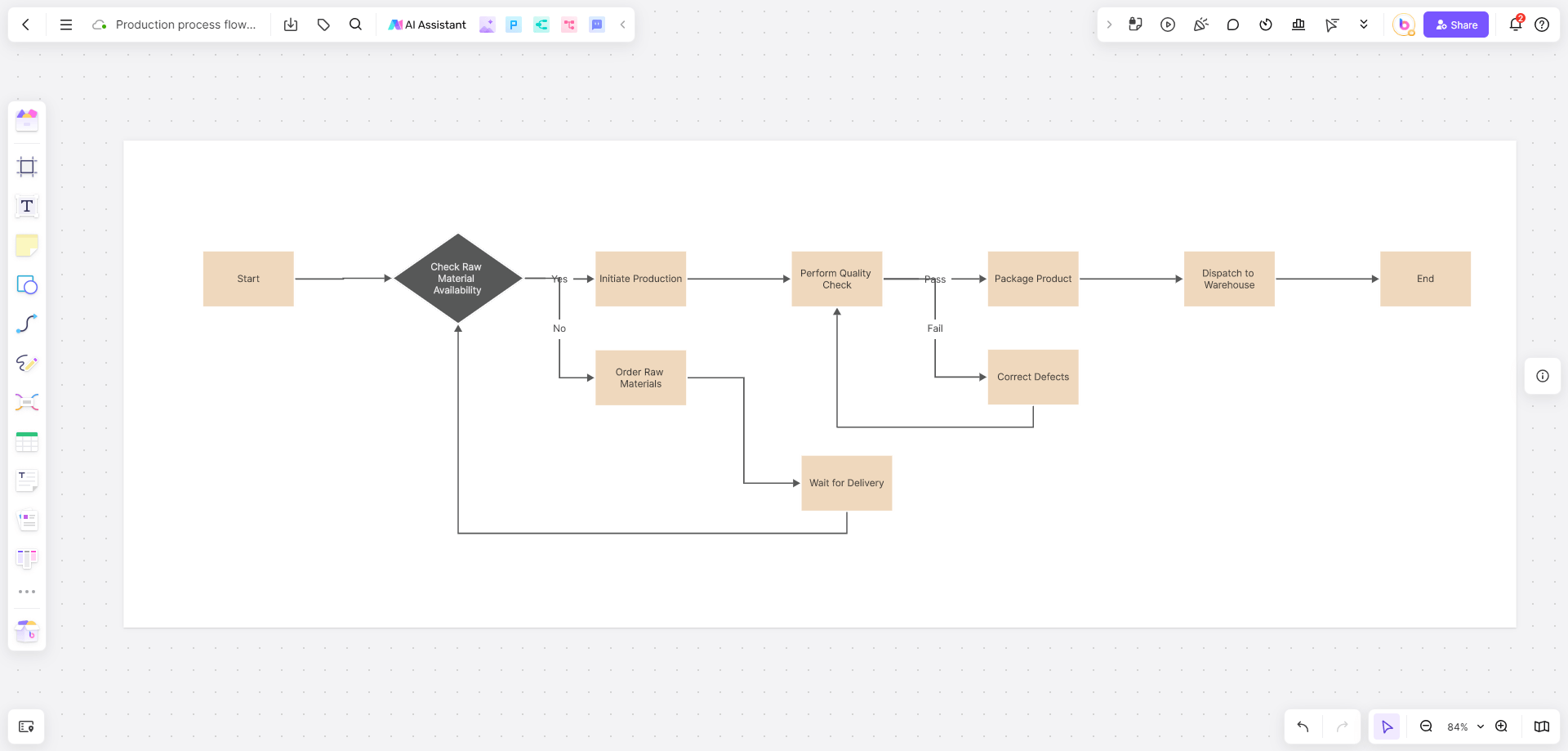
Choose drawing software around what you want to make. Digital painting needs brushes and layers; logos and illustrations often need editable vector paths; flowcharts need shapes, connectors, and readable labels. One tool does not have to cover every job.
Find a drawing tool that fits
See the free drawing software guide for drawing and image-creation options. For diagrams, explore the online diagram maker.
Understand what free access includes
Free drawing software and free access to an AI service are different things. An installed drawing application may let you paint and save files without a generation allowance. A hosted AI service can limit the number of generations, available models, or export options. Local AI generation also depends on compatible hardware and the model's licence.
Before committing work to a tool, check that you can save an editable file and export the format your project needs. A free starting point is useful only if the finished work can move into your next step.
Share work in context
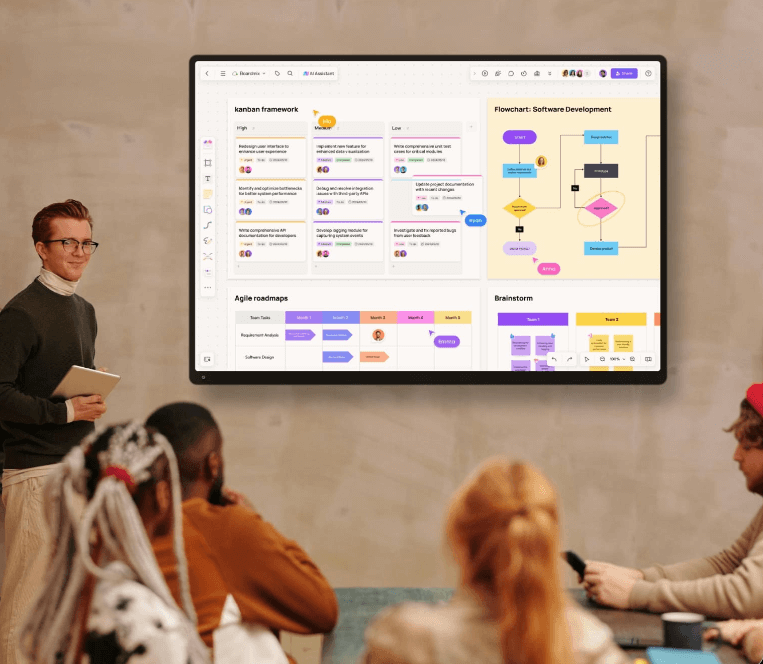
Bring sketches, references, and feedback together on a shared online whiteboard when other people need to review the idea. Use notes to identify the specific area to revise.